
If your Mac or MacBook keeps crashing and heating up, there could be several different problems. Some of them could be due to a software error, some of them could be due to a hardware error. It is generally known that, for example, newer MacBooky have a problem with overheating. On the other hand, newer ones also MacBookEveryone knows that in case of extreme overheating, they should reduce their performance to cool down. Let's take a look at 6 tips that can help you when your Mac or MacBook It constantly cuts, heats up and sometimes also turns off.
You might be interested in

Termination of some applications

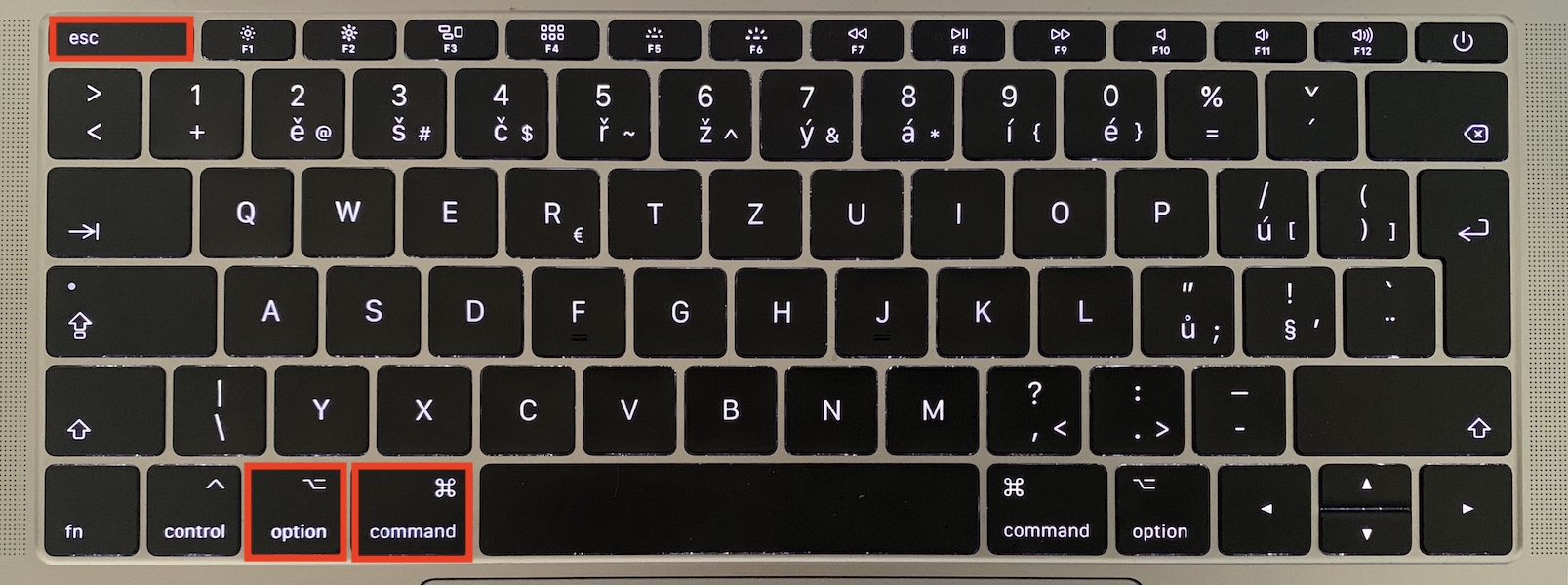

The first thing you can do on the software side is to close any running applications that you don't need. There are a few ways to do this. Just because you have some applications closed doesn't necessarily mean they aren't using up some of your Mac's performance. To completely shut them down, nestYou can click on the cross in the upper left corner of the window. An application that is “closed” in this way is still active and you must close it to completely shut it down. If the application is in Docku, so click on it right click and select an option End. Otherwise, you can open a similar task manager from Windows using a keyboard shortcut Option + Command + Escape. A window will open where you just have to do it mark the application for termination and press the button Force termination.
Deleting files from the desktop
It may seem like a trivial thing, but in the end, keeping your Mac's desktop tidy can help. If you're one of those people who has a million different icons on your desktop,onek, so try to at least tidy up your desktop decently. Either put all the files from your desktop into a single folder, or sort your files. Then the system won't have to work with multiple icon previews, and in the case of older Macs and MacBookYou will certainly relieve him significantly.
You might be interested in

Uninstalling software you don't need
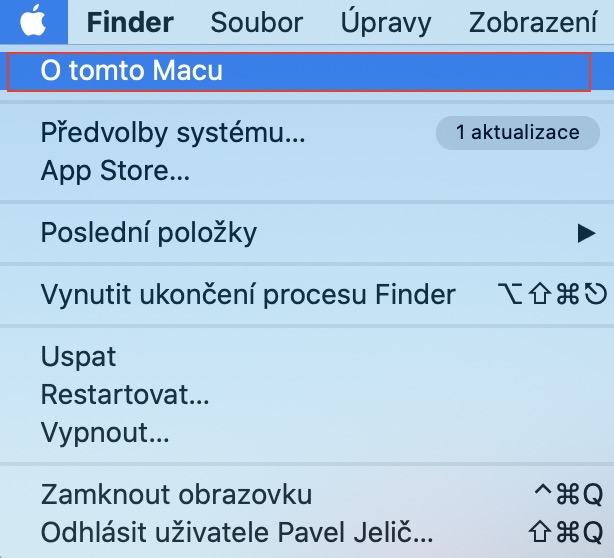
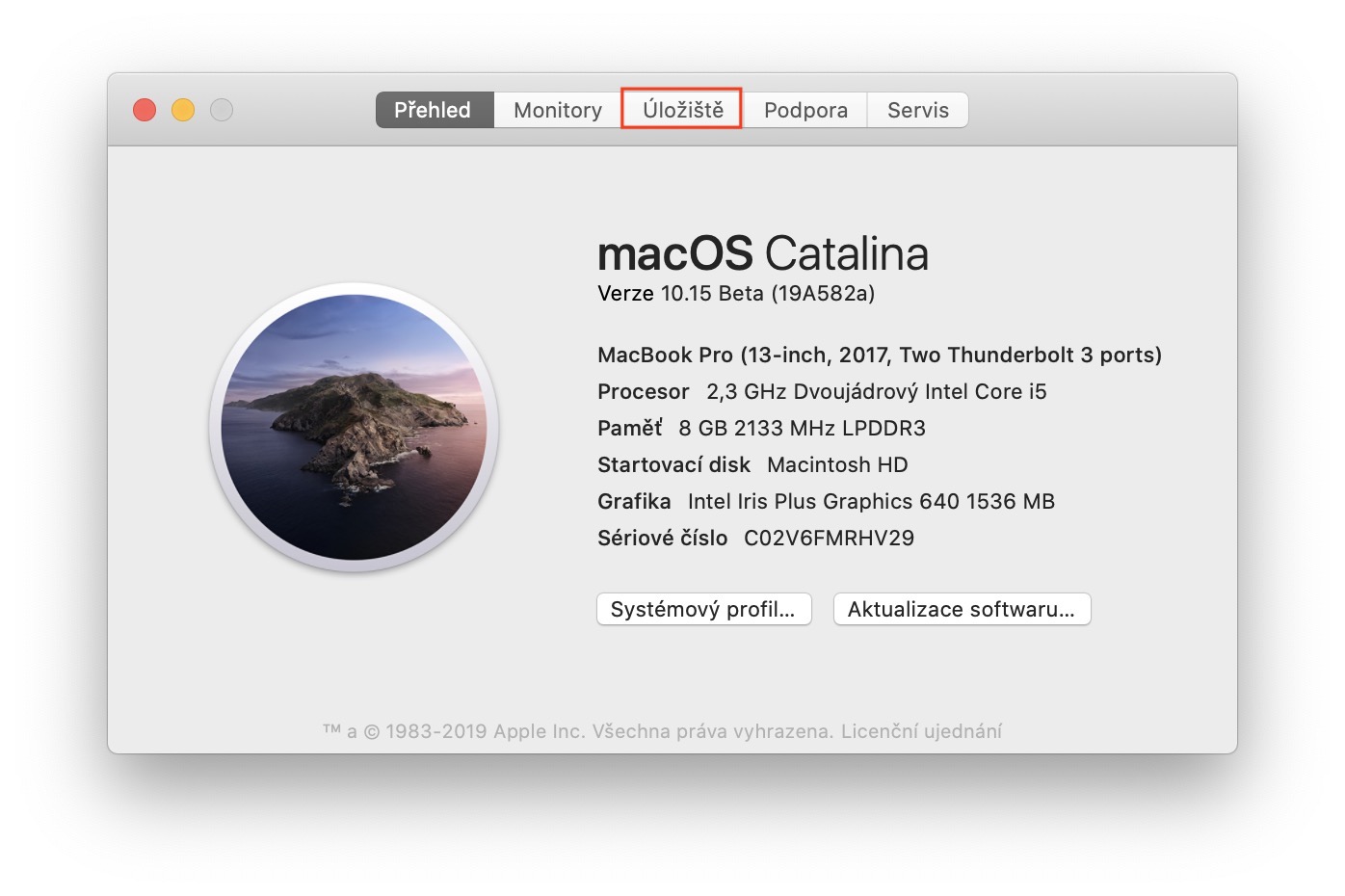
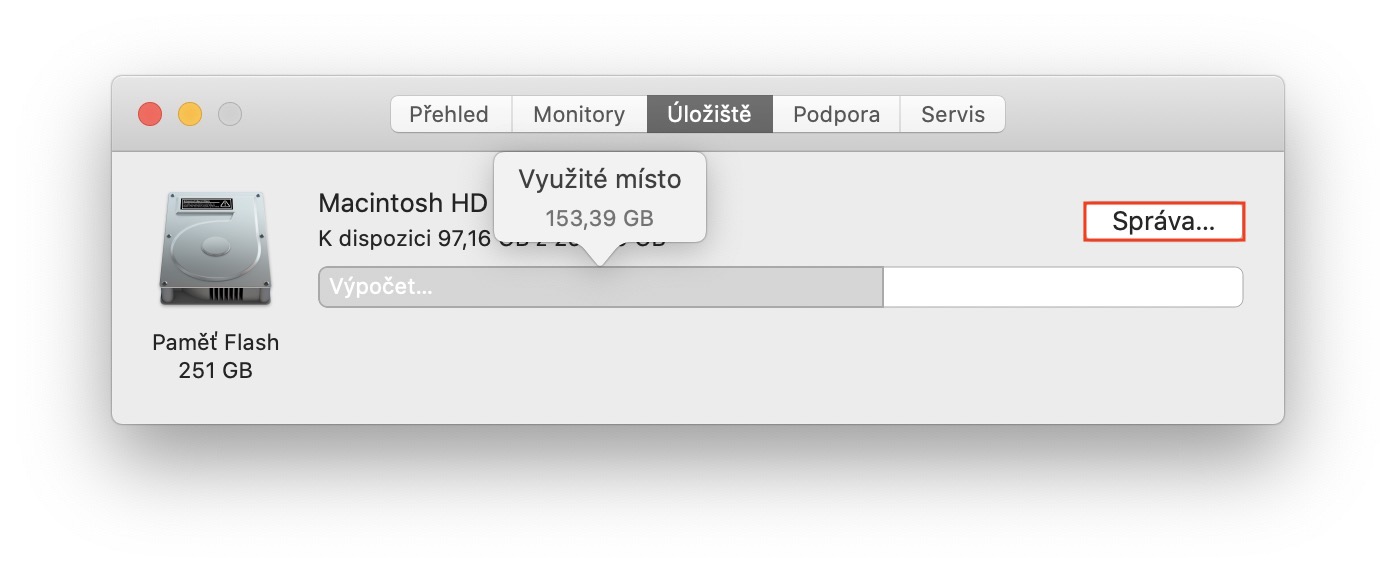
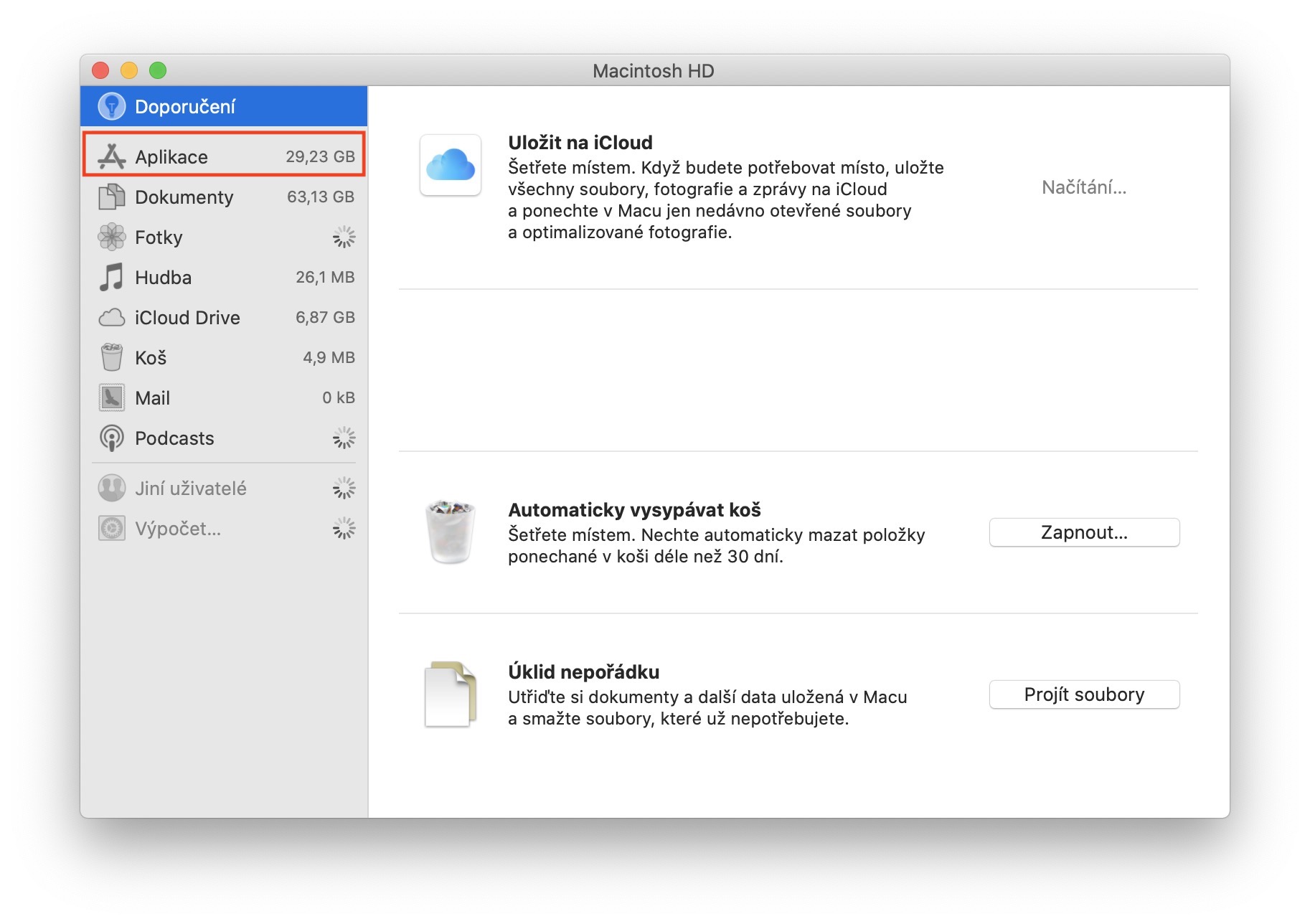
If you have any software in macOS that you don't use or need, simply remove it. You can use the built-in utility to do this, which you can open by pressing the icon in the upper left corner of the screen, from where you can select About This Mac . In the new window that appears, select Storage in the top menu, where you can click the Manage button… Here, move to the Applications section in the left menu and select the ones you want to remove. There are also various special utilities available that you can use to remove even hidden application files that you don't normally see. We wrote about one such utility here.
Operating system update
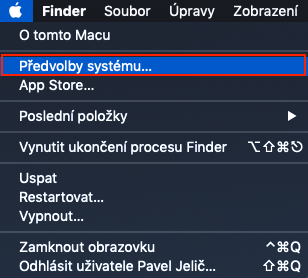
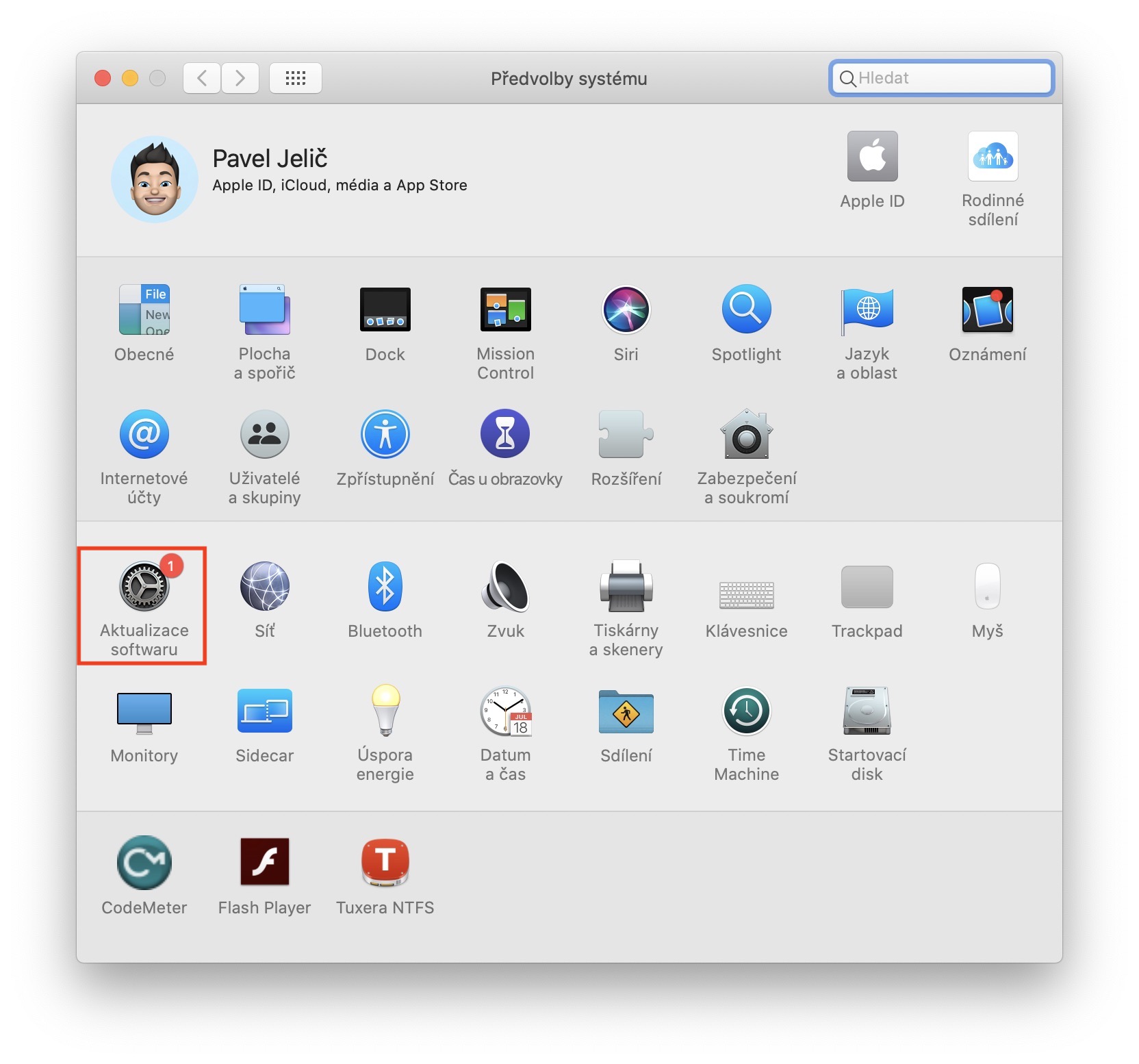
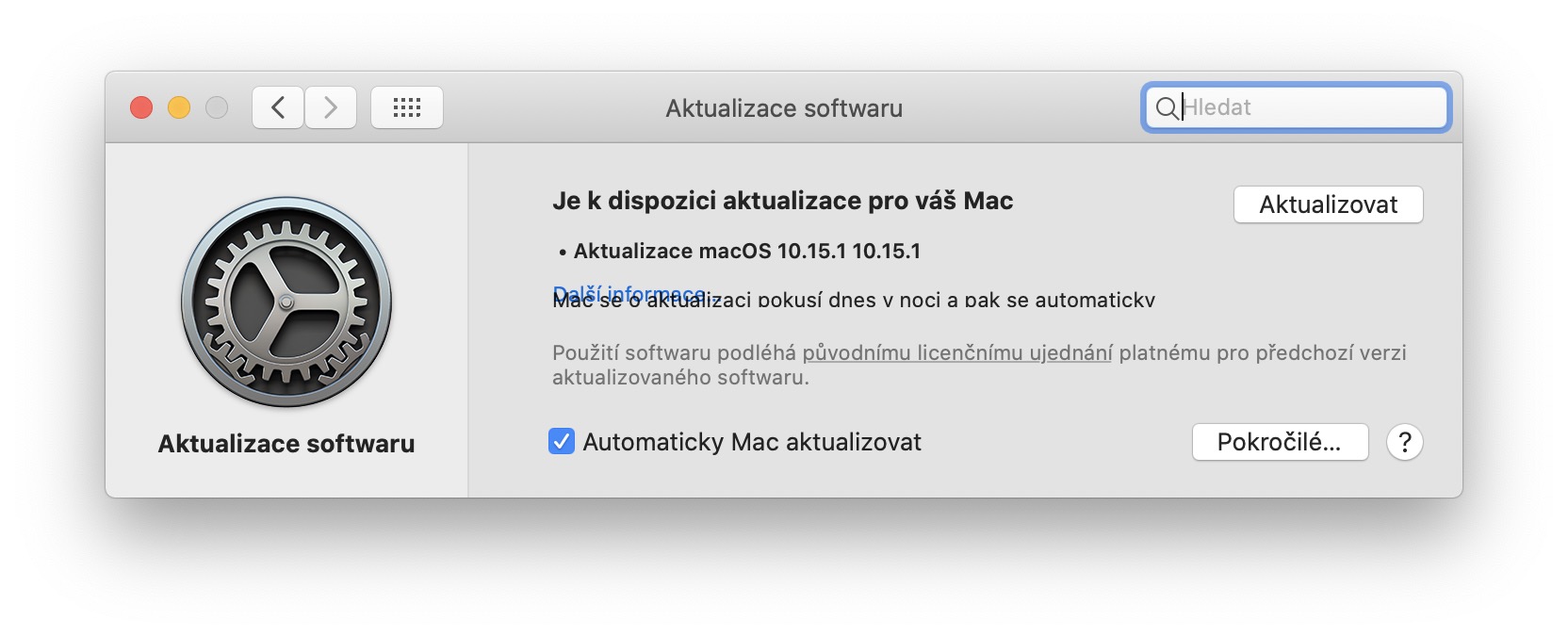
This year's operating systems Applu simply failed in terms of catching errors, there is no doubt about that. However, with successive updates Apple tries to improve all errors and other inconveniences. I can confirm that the latest version of macOS 10.15.1 Catalina already runs like clockwork in most cases. If you want to check for operating system updates, click on in the upper left corner icon, and then select an option System Preferences… Just move to the section here Software Update and wait until you see any update.
Cleaning up your Mac or MacBooku
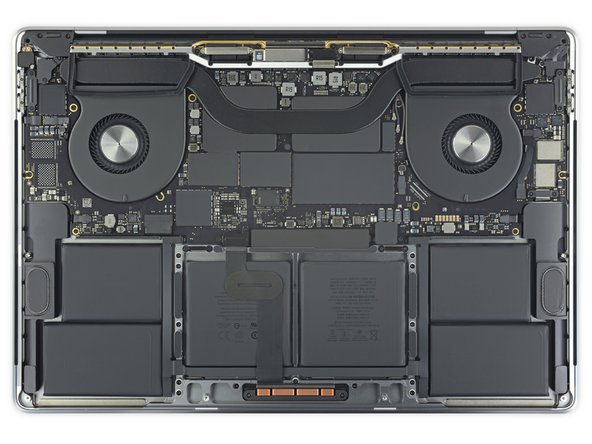
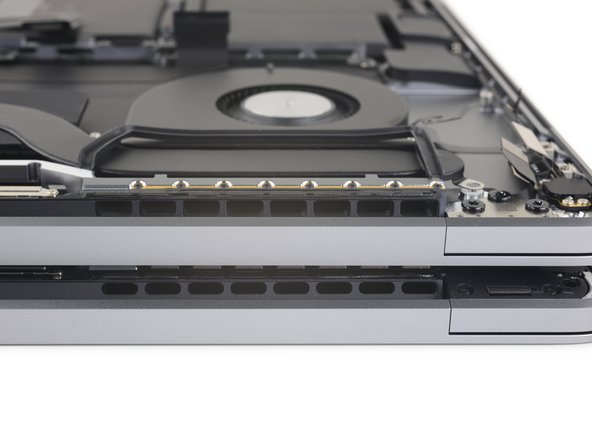
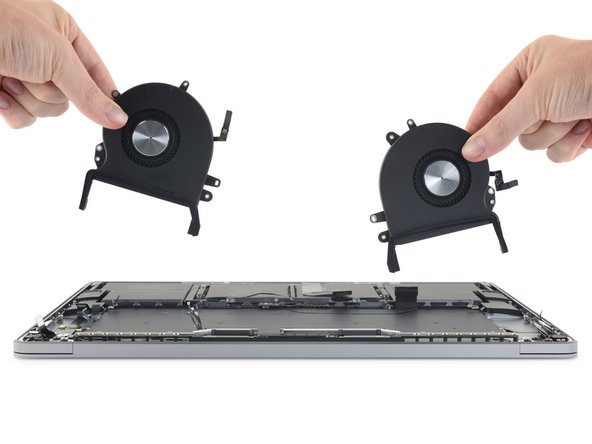
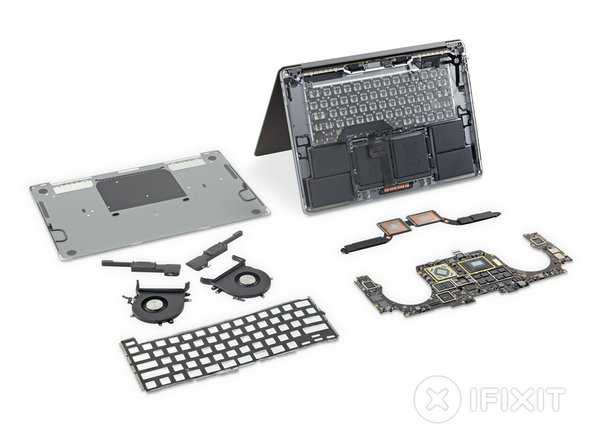
If the software tips above didn't help, let's move on to hardware. If you've had your Mac or MacBook have never cleaned it, now is the right time. Since there are fans inside Apple computers that are designed to remove warm air, dust will accumulate on them after a while. However, not everyone dares to disassemble their computer, so at least try to clean the vents, etc. If that doesn't help, consider having it cleaned by a specialized company.
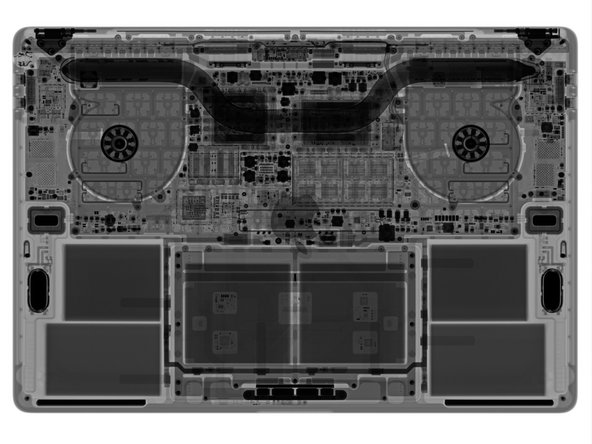
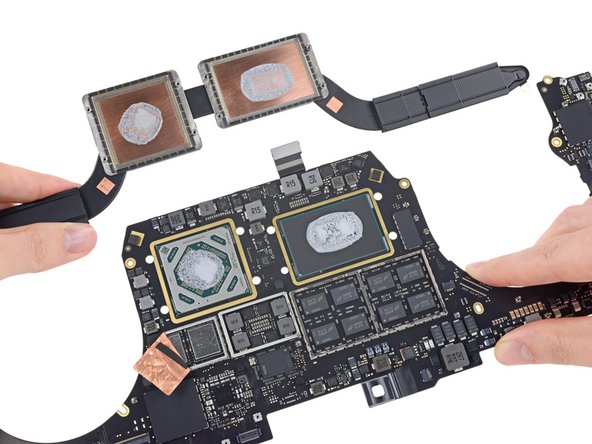
The “innards” that take care of cooling 16″ MacBooku Pro:
Gallery
Application of a new heat-conducting paste
From my own experience, I can confirm that in older people MacBookApplying new thermal paste can significantly improve performance and reduce overheating. Thermal paste fills the space between the heat sink and the processor. However, after a few years, its liquid form turns into a solid form, which loses its effectiveness. Replacing thermal paste is a MacBookIt's a fairly simple matter, but you still have to disassemble it slightly. If you dare, you can find plenty of videos on YouTube that will tell you how to do it. Otherwise, I again recommend visiting a specialized company.




























Nanny Apple is expensive nonsense and still getting hot