
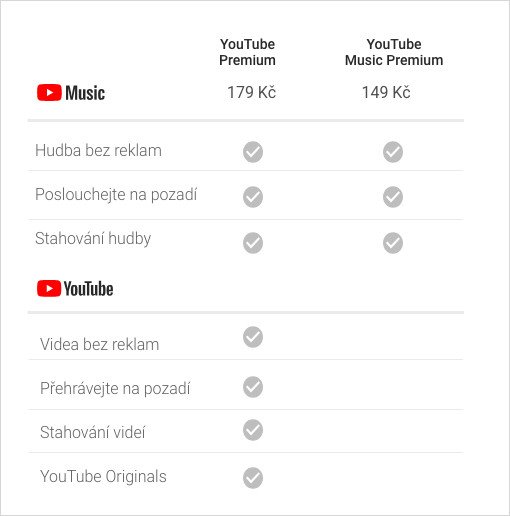
YouTube recently launched new services in the Czech Republic called YouTube Premium and YouTube Music. Several comparative articles of both these services have appeared in our magazine, in short, just like this. YouTube Premium is designed for YouTube in general and also includes YouTube MusicThe second new feature mentioned is a service that only serves to stream music – similar to Spotify, or Apple MusicYouTube Premium is, of course, more expensive than YouTube MusicIn this article, let's take a look at 5 tips for YouTube Premium on the YouTube app and 5 tips for YouTube Music in the YouTube app Music.
You might be interested in
YouTube Premium
Background playback settings
Gallery
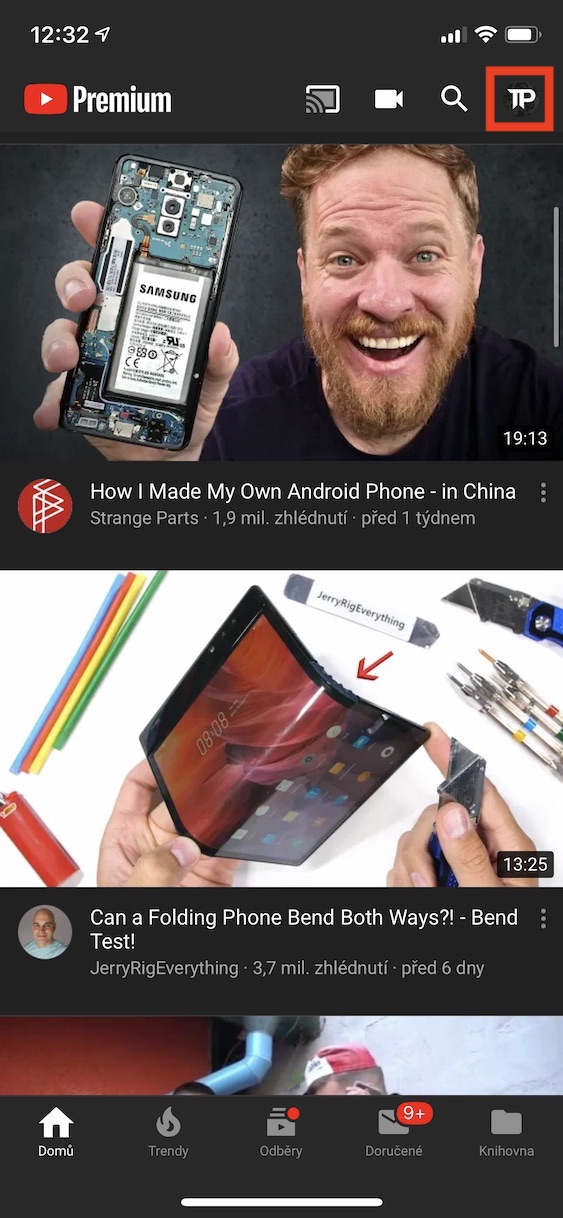
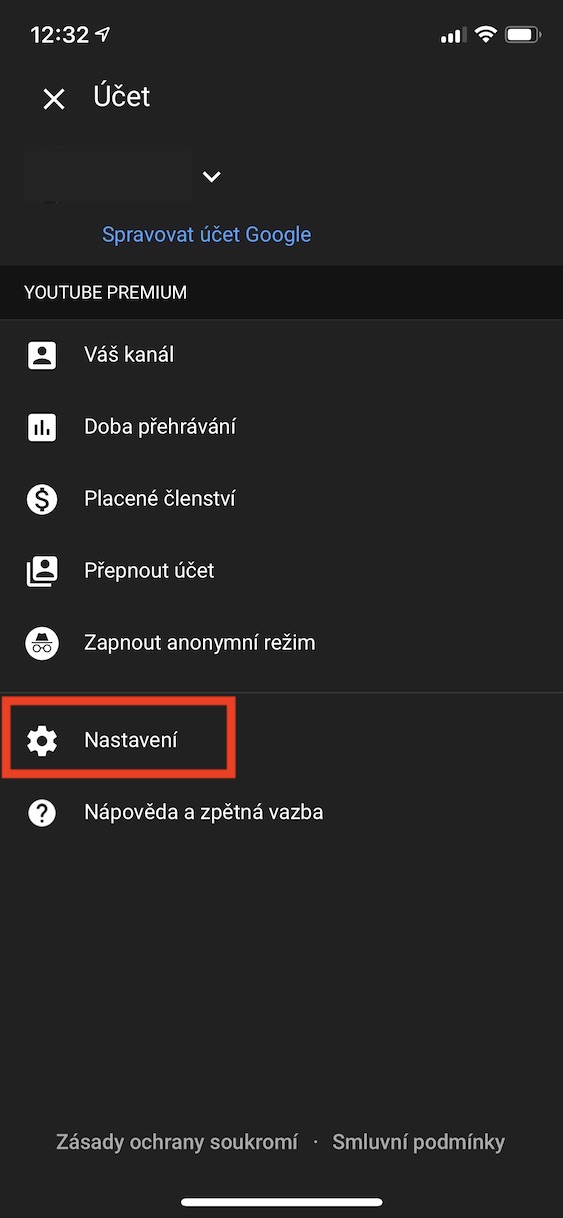
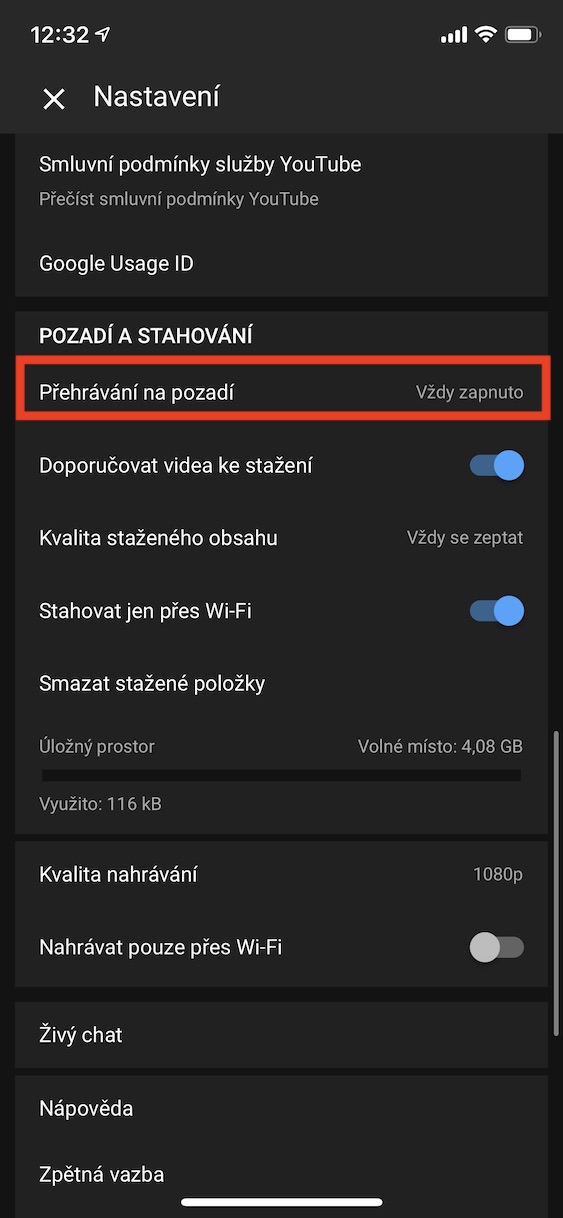
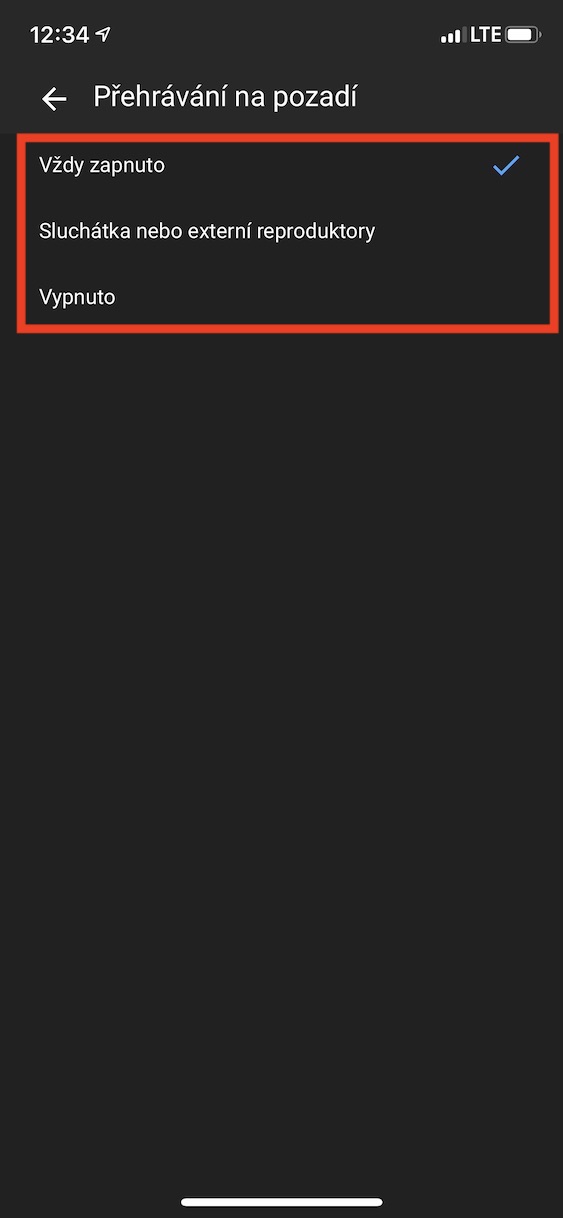
With YouTube Premium, you canoneYou can play both songs and videos in the background. This means that whenever you leave the YouTube app or whenever you lock your phone, playback will not stop. If you have YouTube Premium, you can set in the app under what circumstances background playback should be activated and when to deactivate it. Pro To set background playback, in the YouTube app, in the top right corner of the screen, click your profile icon. Once you've done that, click on the tab here Settings. Then scroll down to the section below Backgrounds and downloads, where you click the option Playing in the background. Once you do so, you can choose from three options - either always on, or only when headphones and speakers are connected, or off.
How to download a video for offline playback
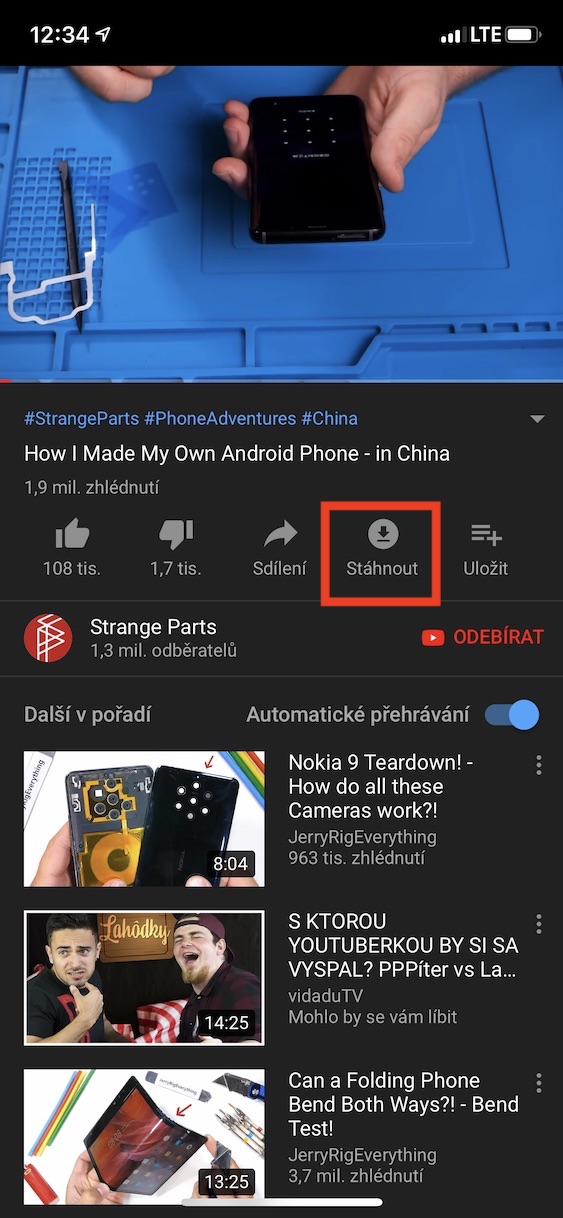
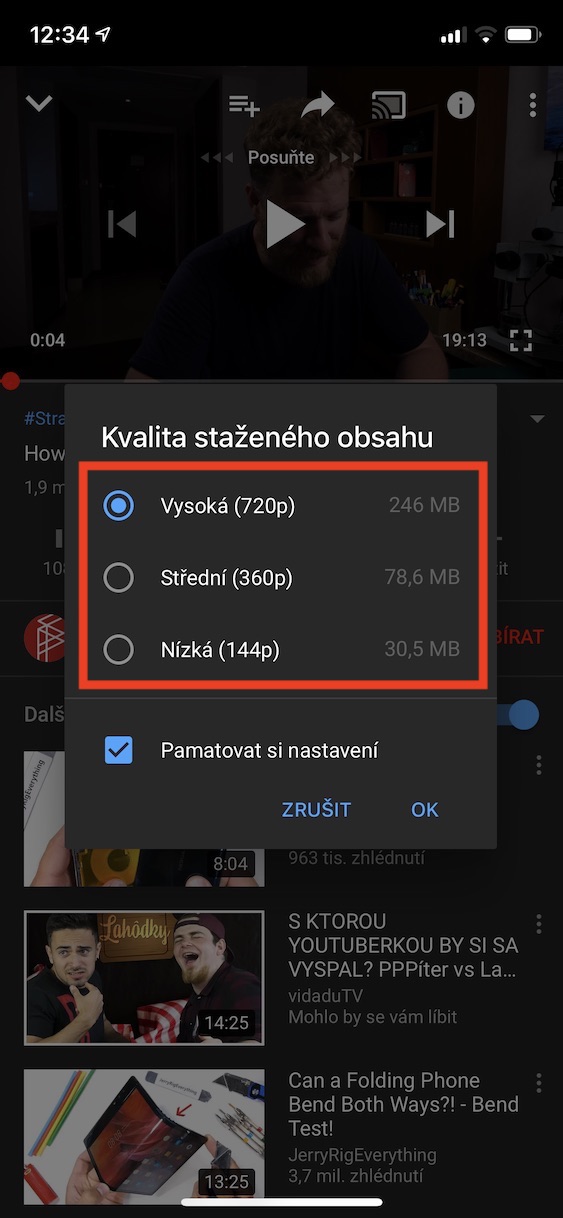
Another great feature in YouTube Premium is the ability to download all videos to your device's storage. For example, if you're going to travel somewhere where you won't have access to the internet, you can save videos to your device and then watch them offline at any time. Downloading a video is very easy, just click on the video and then click the Download button below it . A small window will then appear in which you can choose the quality in which the video will be downloaded. At the same time, you will be shown how much storage space the video will take up for each quality. You can also press the button below to remember the settings. Once you are satisfied with the settings, click OK.
Change download quality settings
Gallery
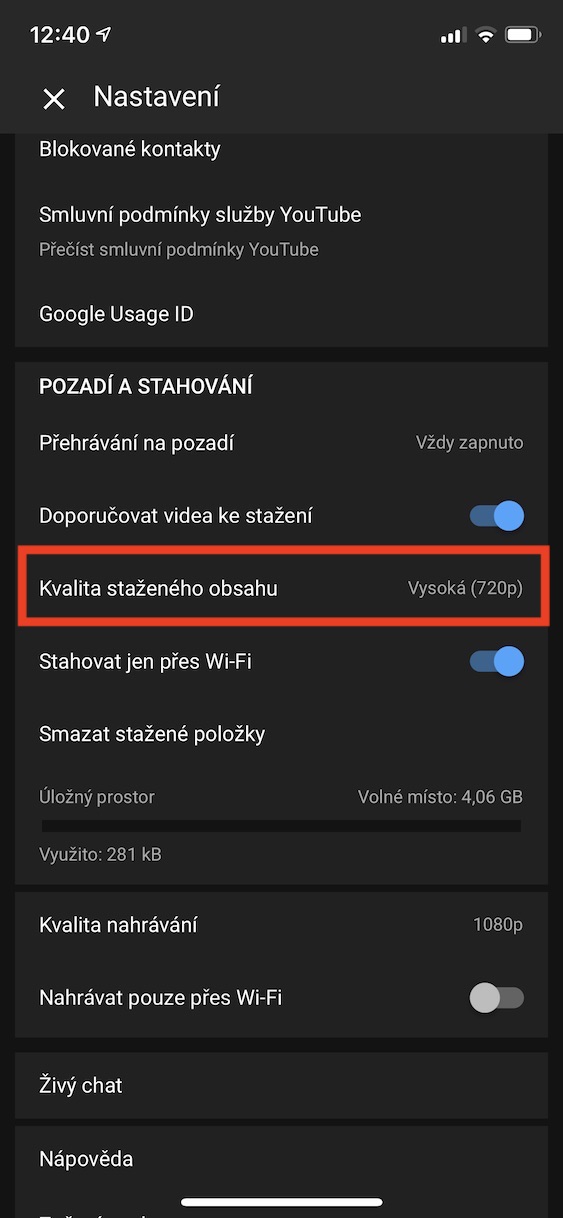
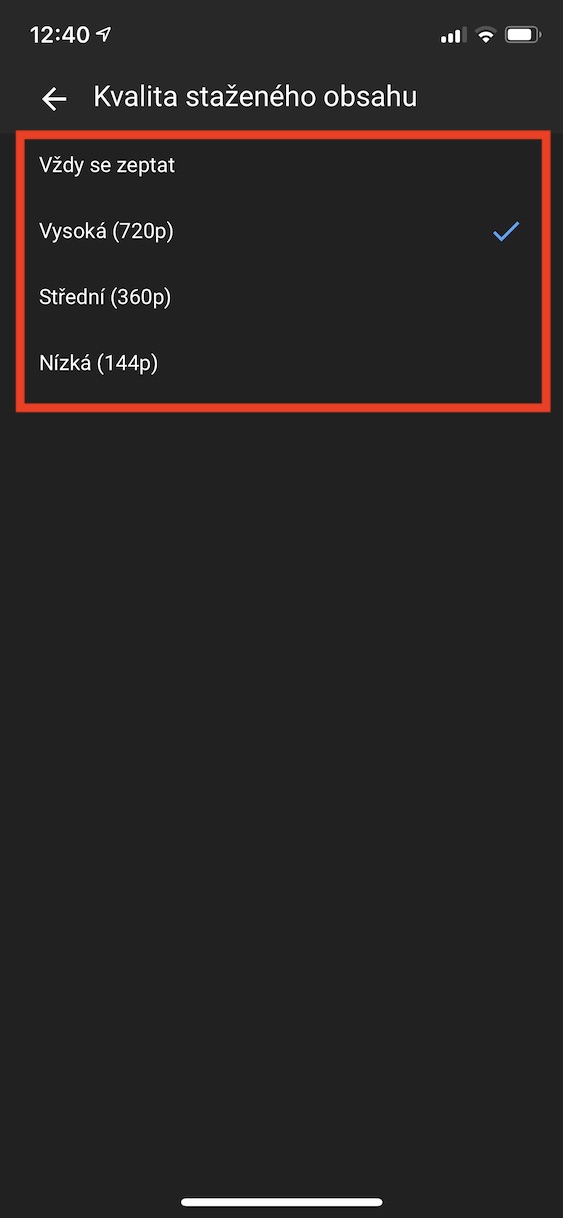
If you selected the option to remember the quality when you first downloaded the video and now want to change it, this tip will come in handy. Pro To change the quality settings for downloading videos, click in the upper right corner your profile icon. Then choose an option Settings and scroll down to the section below Backgrounds and downloads. Then click on the tab here Quality of downloaded contentHere you can choose the quality in which other videos will be downloaded, or you can always choose not to download them.chat to ask.
How to download videos even on mobile data
Gallery
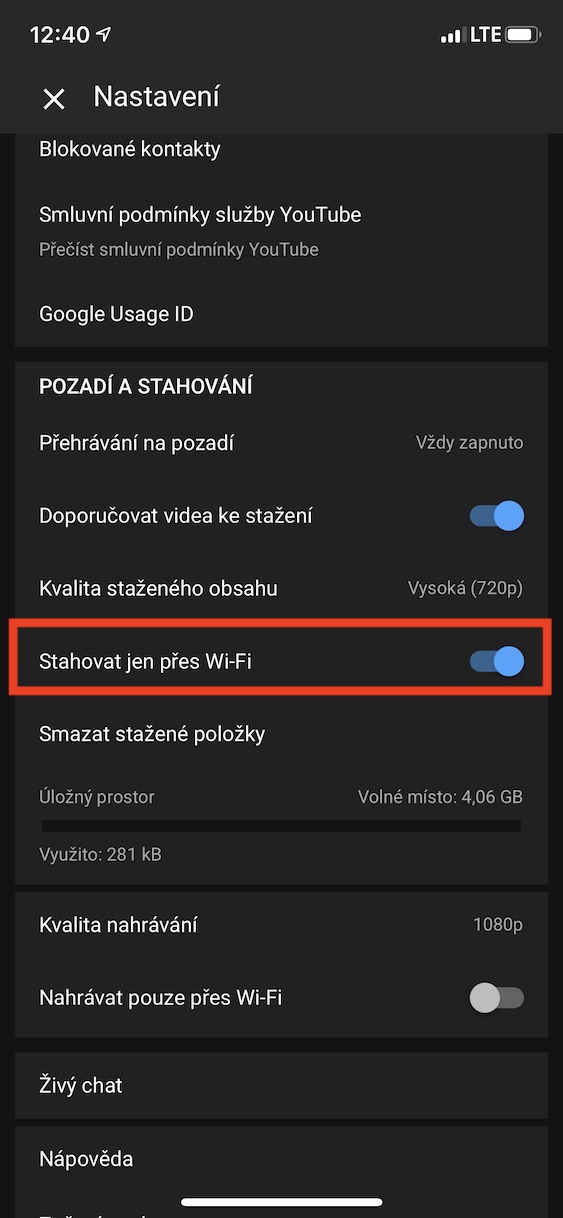
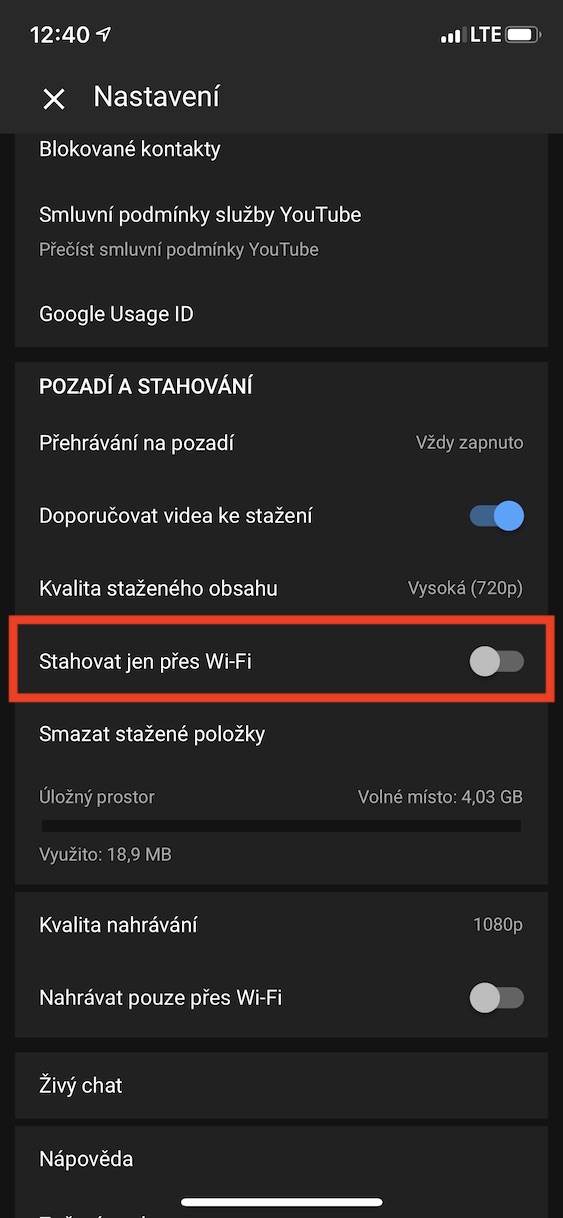
If you're one of the lucky ones and have a good plan with a few gigabytes of mobile data, you might find it useful to have the option to allow downloading even when not on Wi-Fi. To enable offline video downloads even when using mobile data, click on your profile icon in the upper right corner . Then click on Settings and scroll down to the Background & Downloads section . Here, simply use the toggle to disable the Download only on Wi-Fi option.
Delete downloaded videos from storage
Gallery
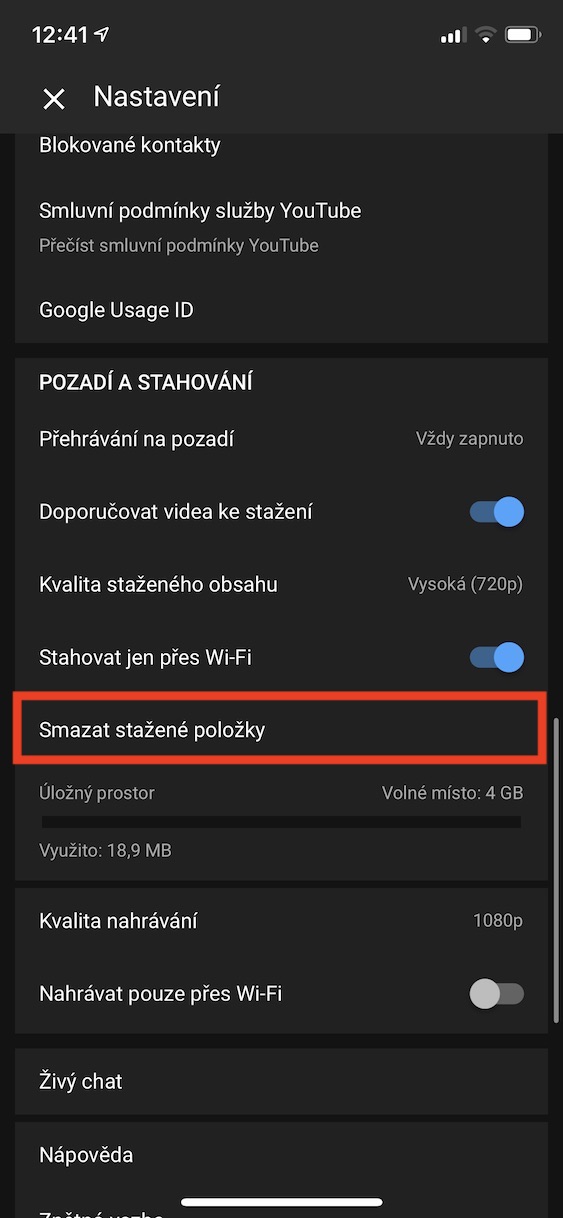
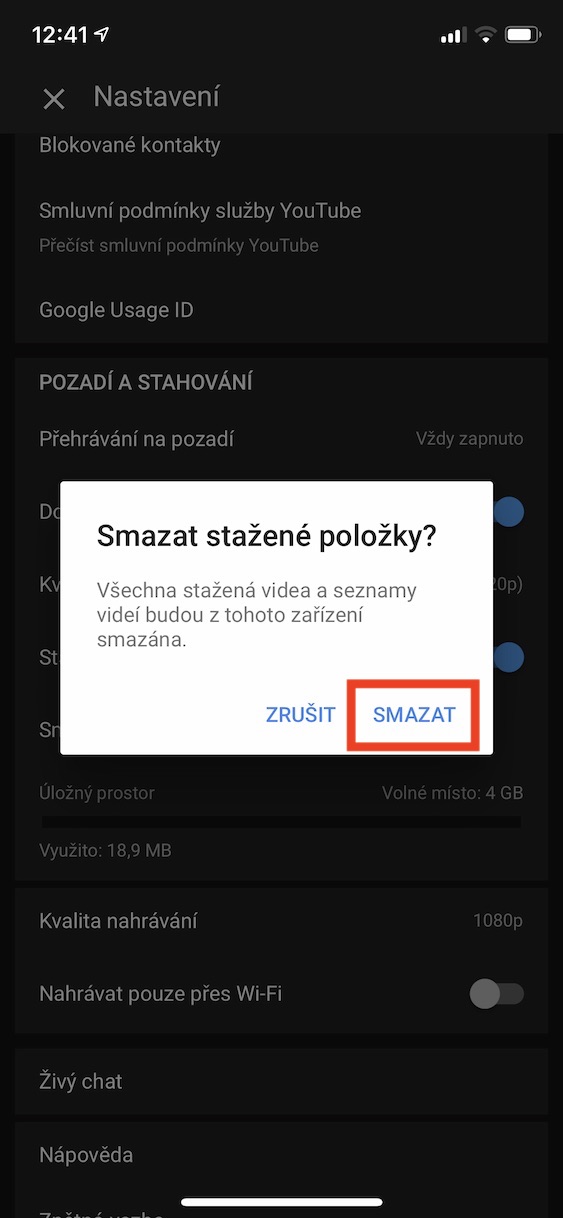
If you want to delete downloaded videos from your storage because they are taking up a lot of space, click on the profile icon in the upper right corner , then select Settings . Scroll down to the Background & Downloads section , where you can tap Delete Downloads . Then confirm this option by tapping the Delete button.
YouTube Music
Change the sound quality
Gallery
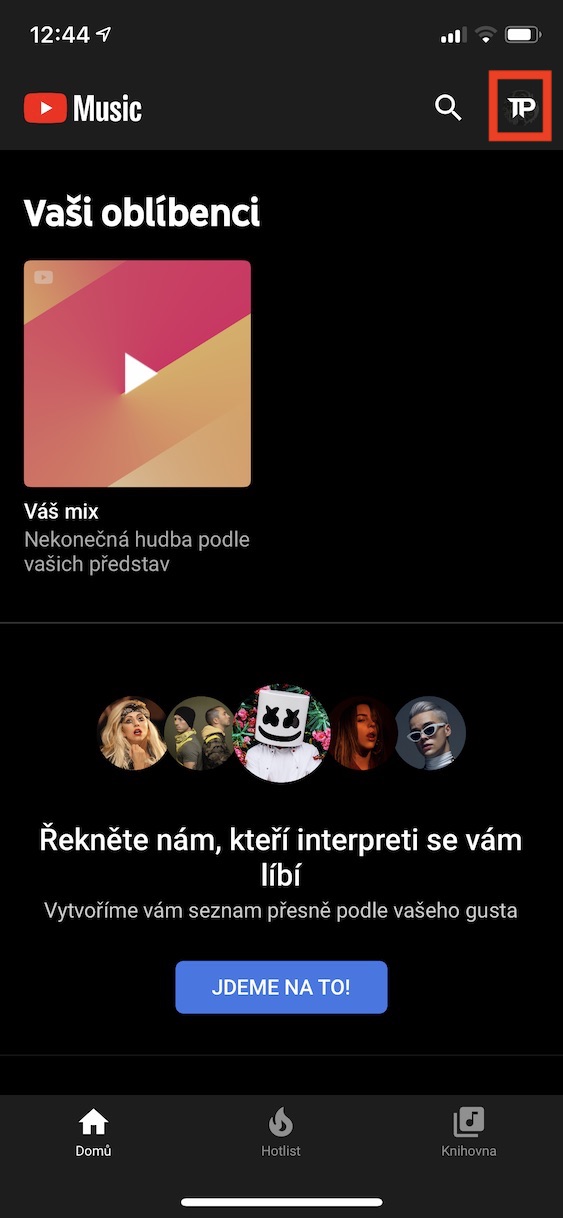
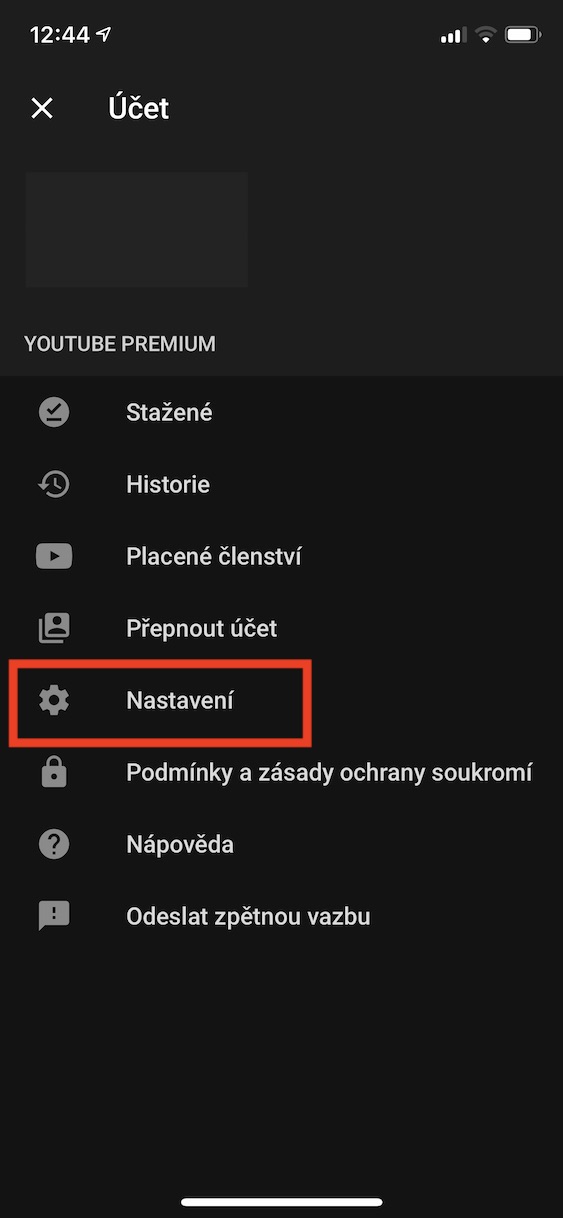
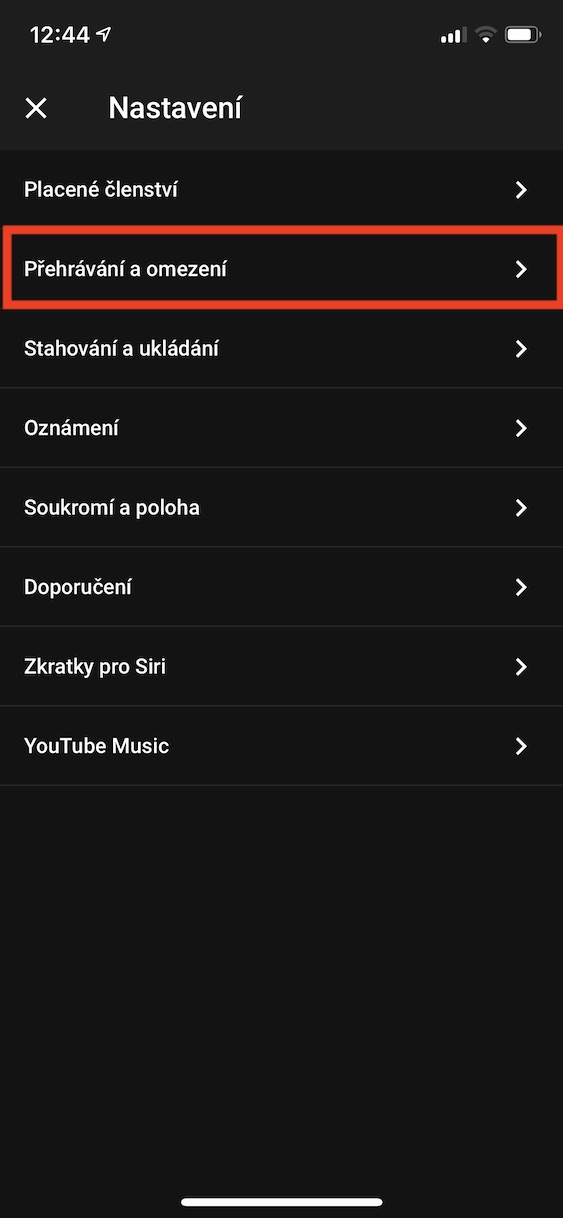
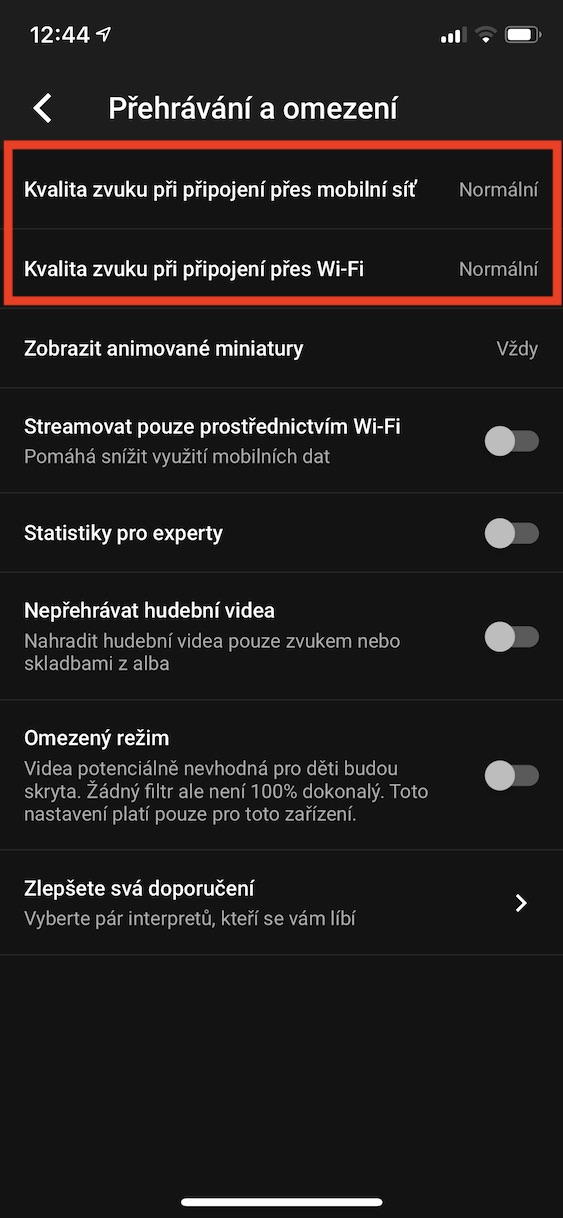
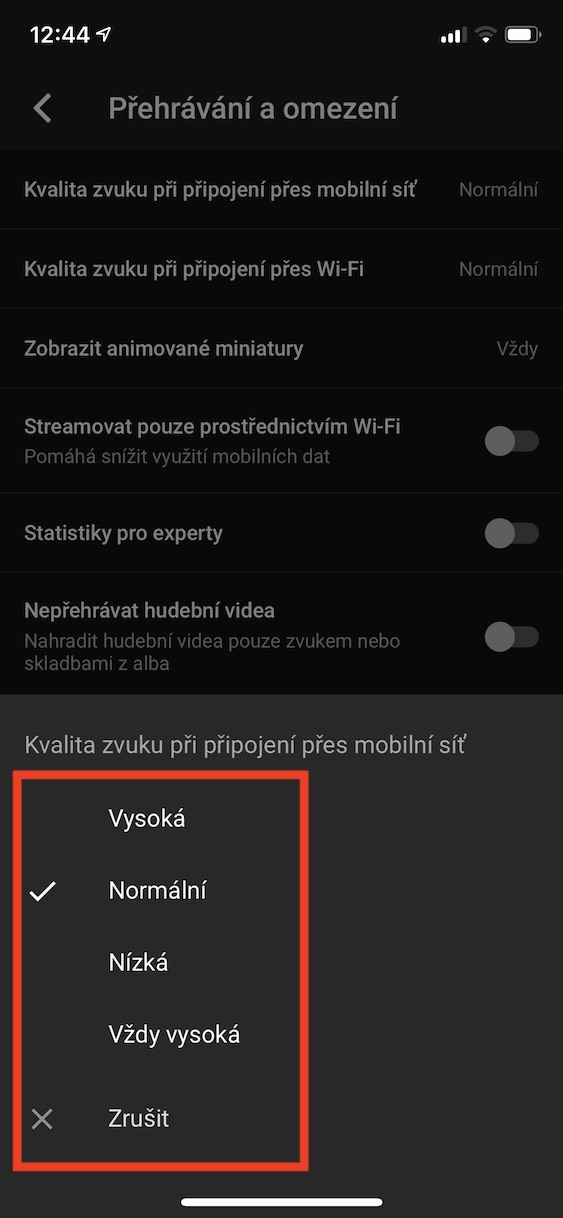
If you are looking for high-quality sound for your favorite songs, you will surely be pleased with the fact that you can listen to them on YouTube. Music you can set higher sound quality. Just click on the top right of the app your profile icon, and then click the tab Settings. Here then move to the section Playback and limitations. Just click here Sound quality when connected via mobile network or Sound quality when connected via Wi-Fi and set the quality you want. Of course, higher quality equals higher data transfer, so be careful about the quality when connecting via the mobile network.
Adult content filter
Gallery
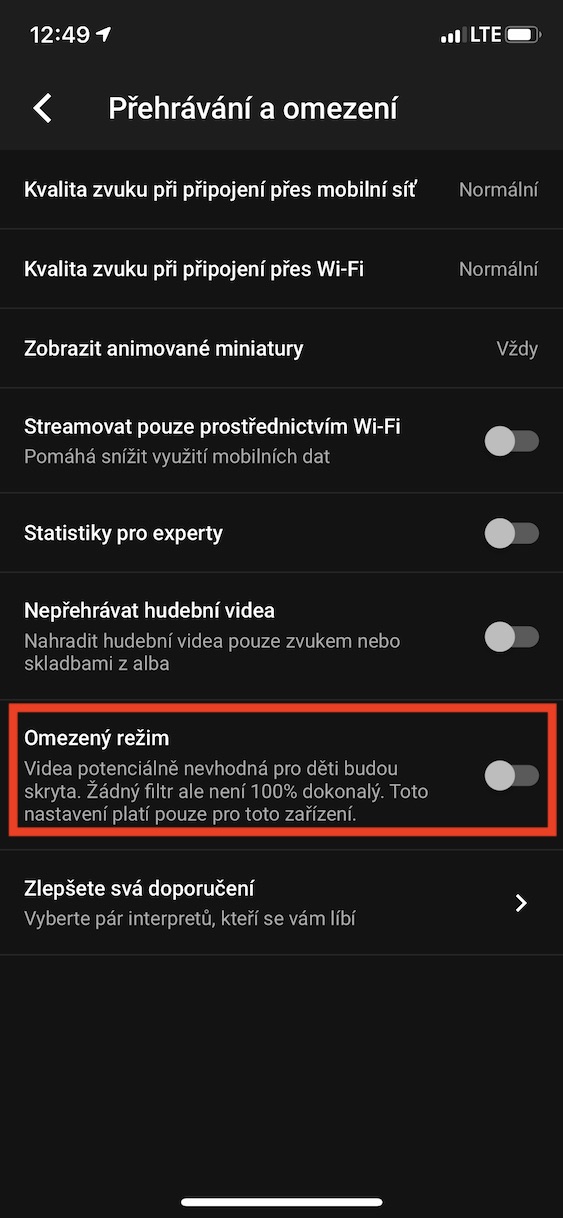
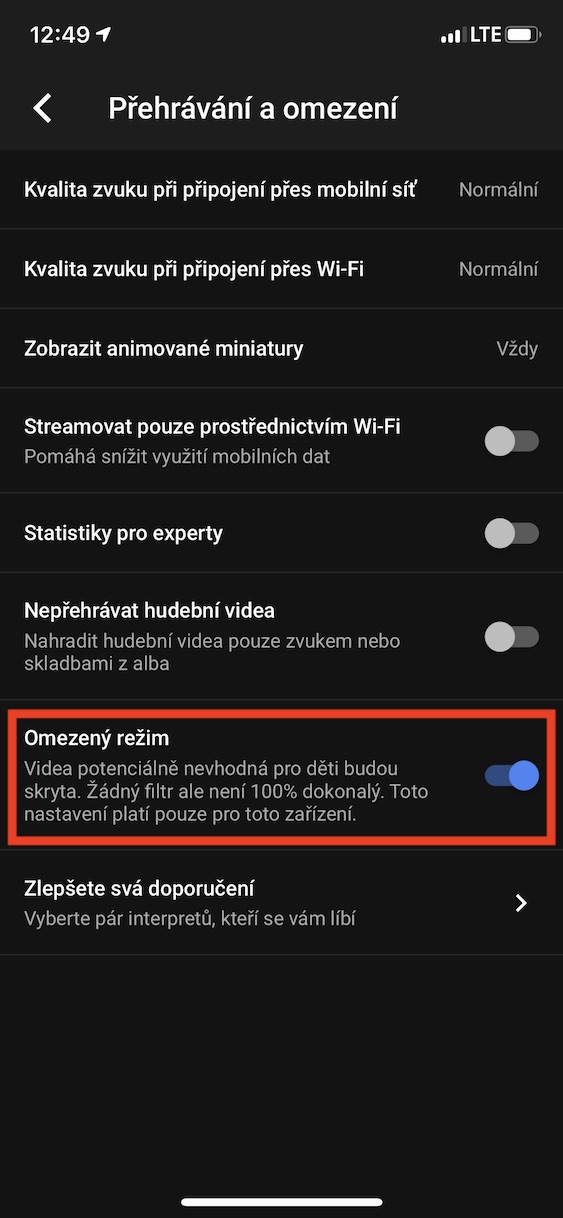
If you don't want your children to listen to inappropriate music, you can set an adult content filter. Pro settings, click in the upper right corner your profile icon and click the option Settings. Then move to the section Playback and limitations and use the switch to activate the option Limited mode. Note that there is no filter 100% and will not protect your children from all possible dangers.
Number of tracks for offline mix
Gallery
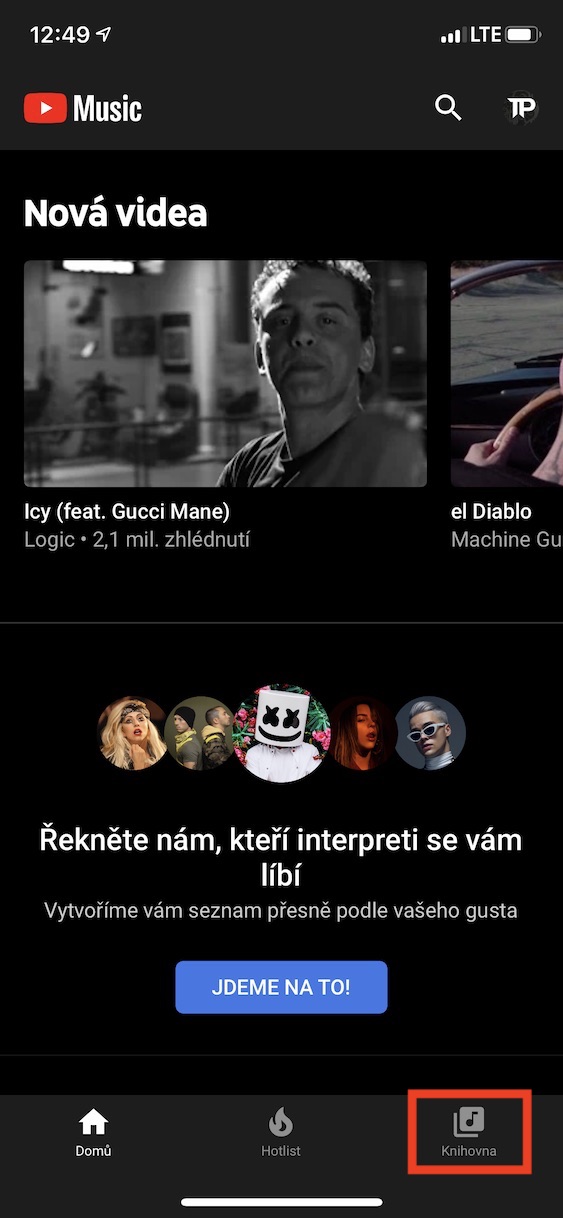
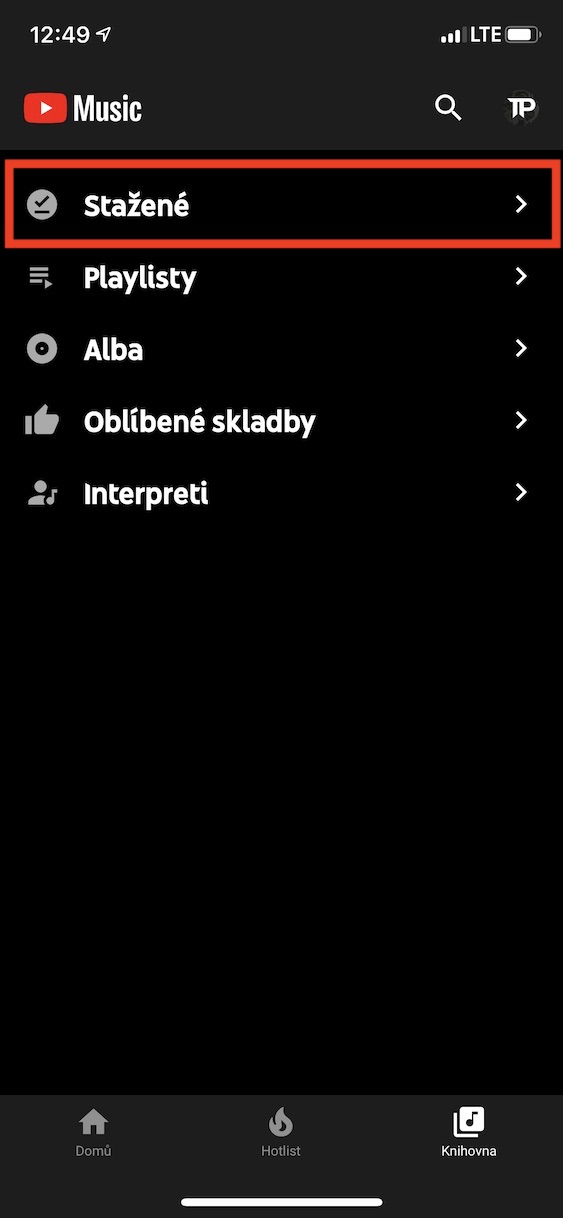
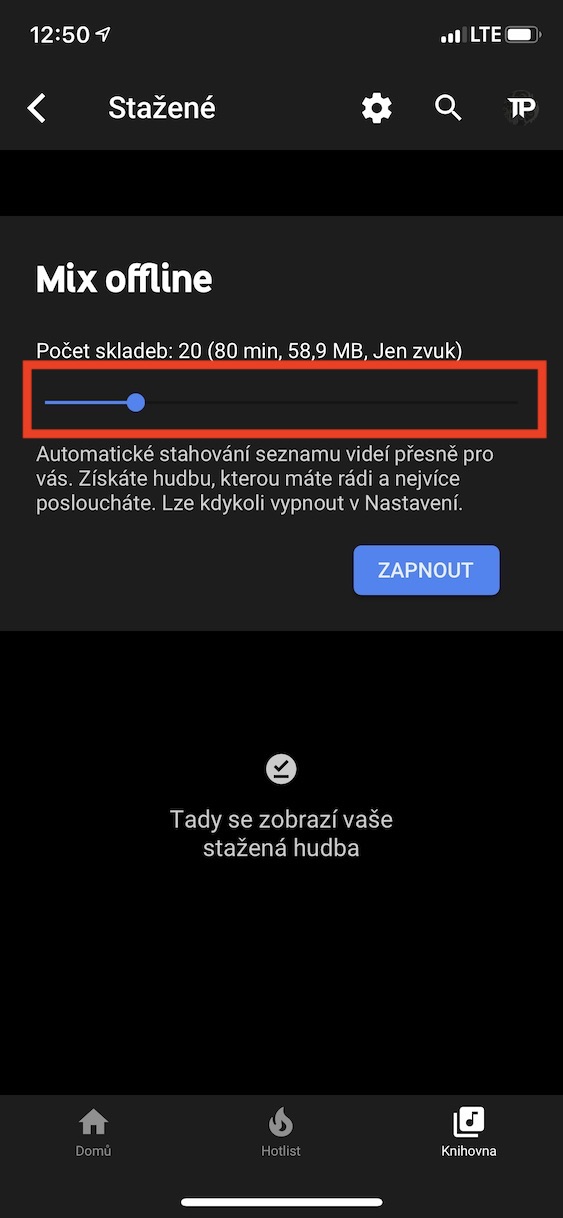
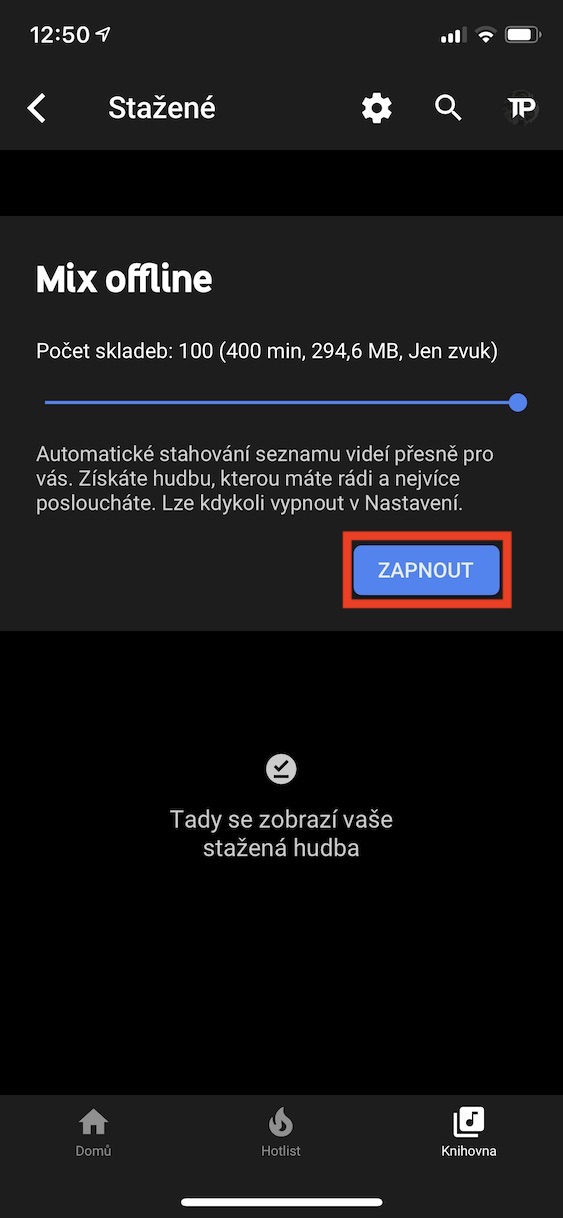
On YouTube Music There is a great service that can download a certain number of songs for offline listening, depending on what you are listening to. By default, this number is set to 20, but if you want to increase it, you can. Just move to the section in the bottom menu Library, where you click the option Downloaded. Here and then with help slider set up number of tracks, which you want to download for offline listening. Once you've done that, click on Turn on. You can then change this setting in Settings, where you click the option Download and save. Here you can change the number of tracks for the offline mix, or turn it off completely.
Audio and video downloads
Gallery
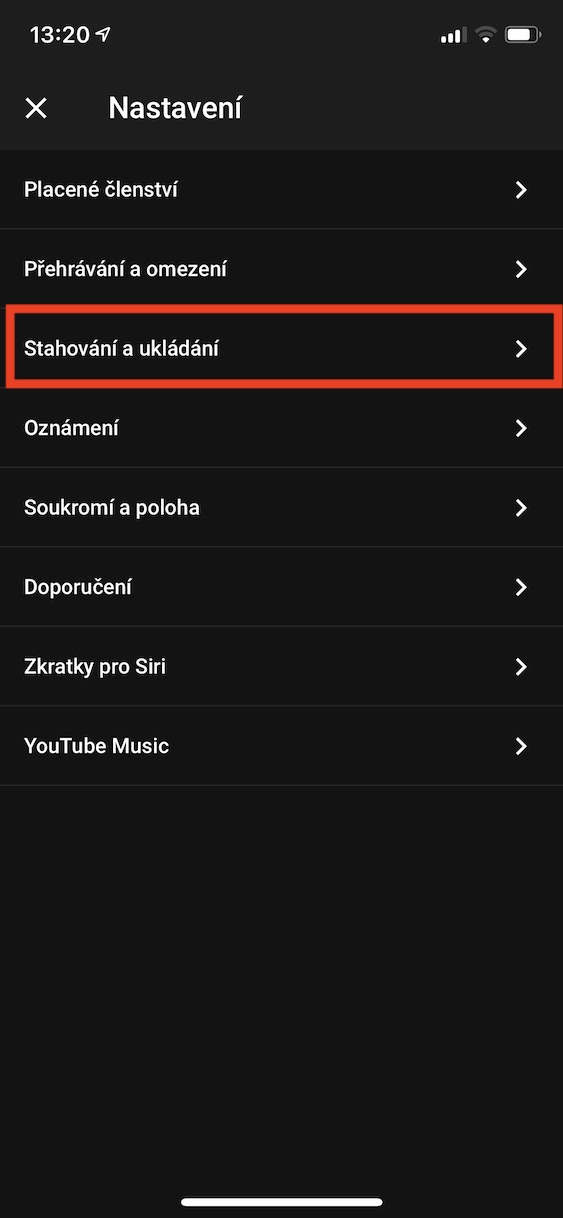
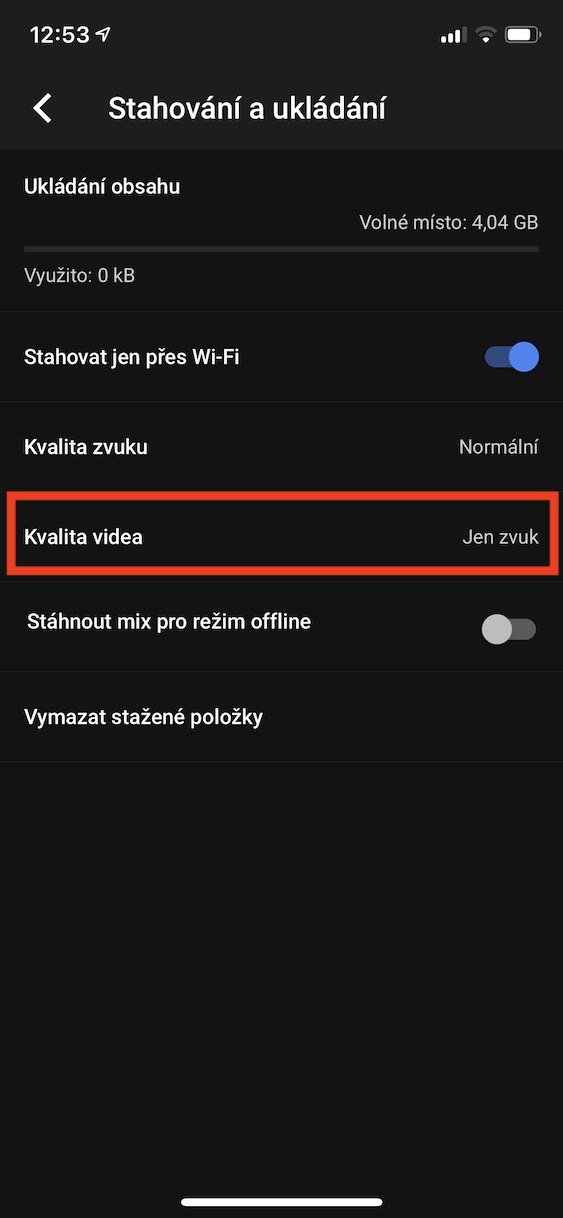
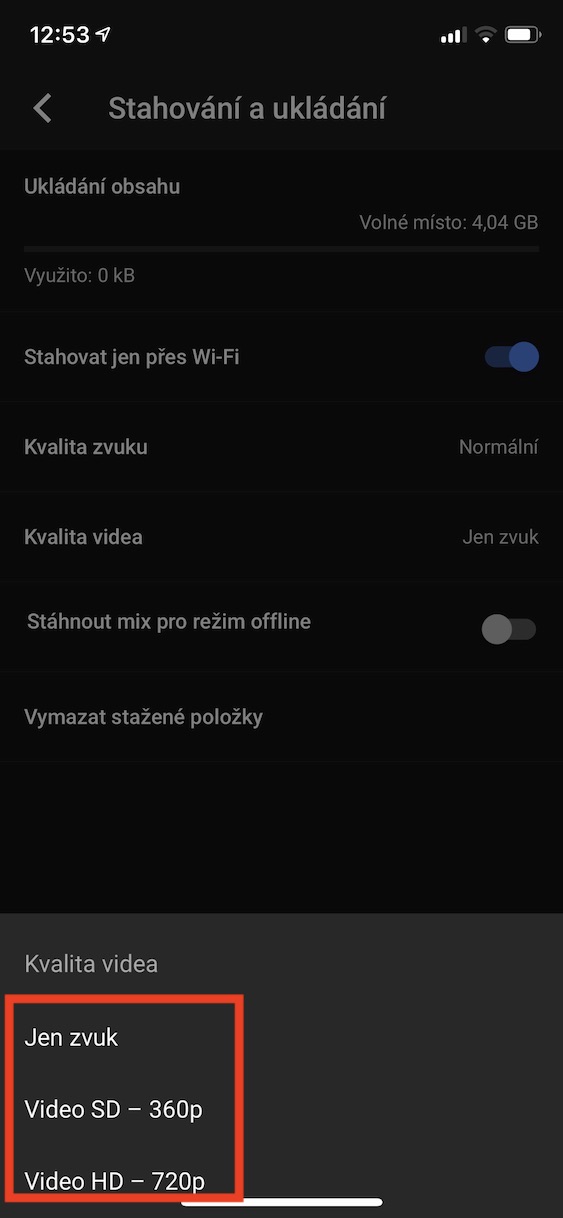
If you decide to save a song or album offline, only the audio will be saved. If you would like to download the videos that accompany the songs at the same time, click on the profile icon in the upper right corner of the application, and then go to Settings . Here, click on the tab called Downloading and saving and click on the Video quality option . Here, you just need to choose the download quality – either SD or HD.
Radio from the current track
Gallery
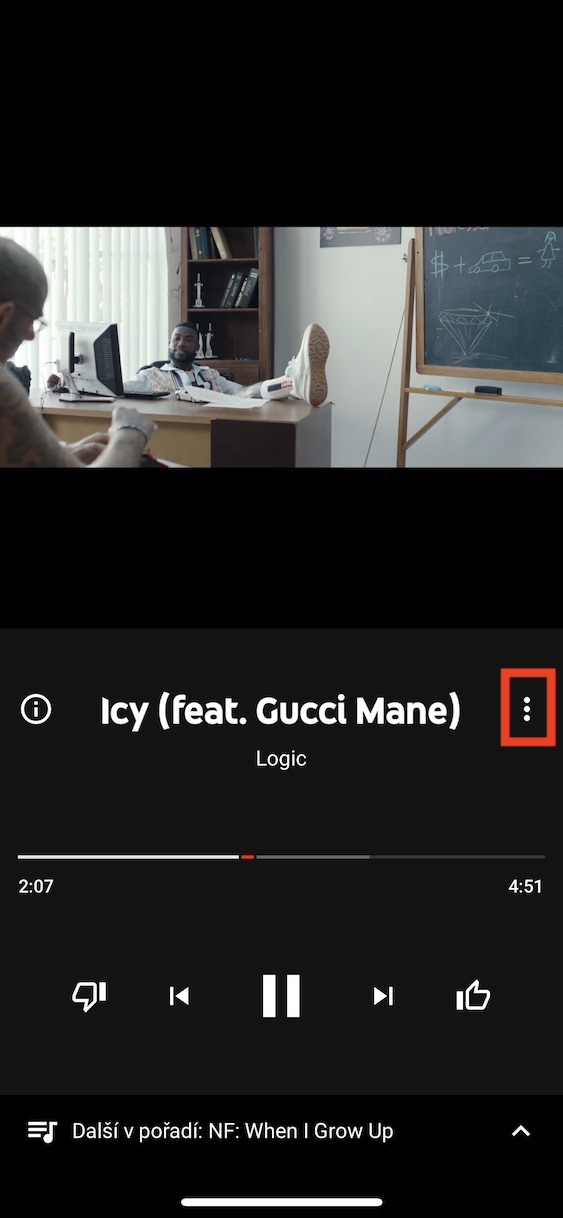
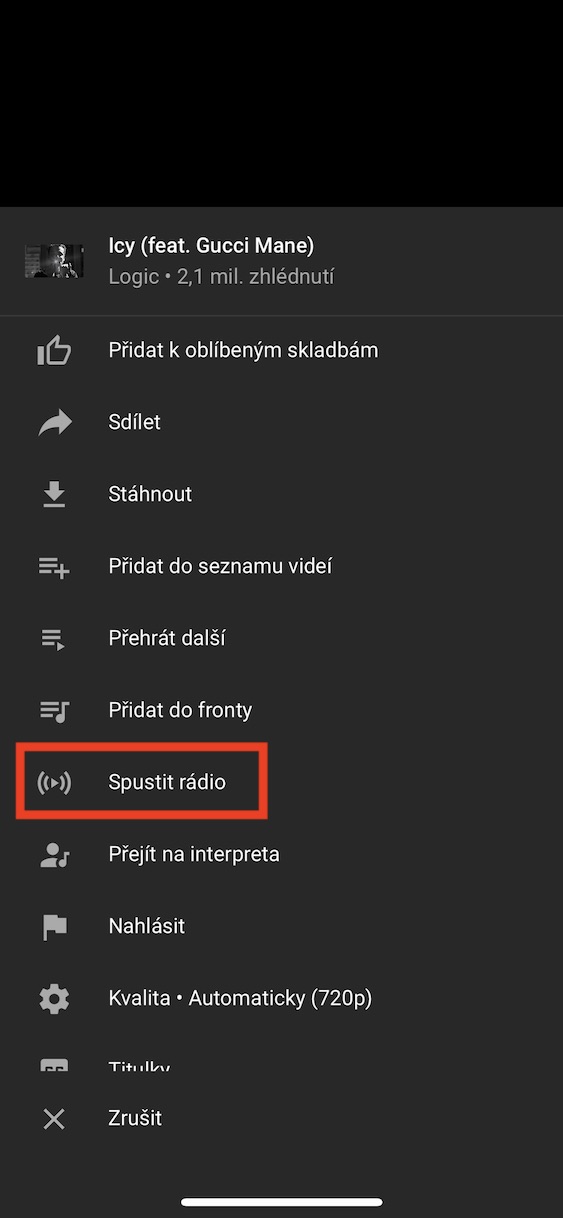
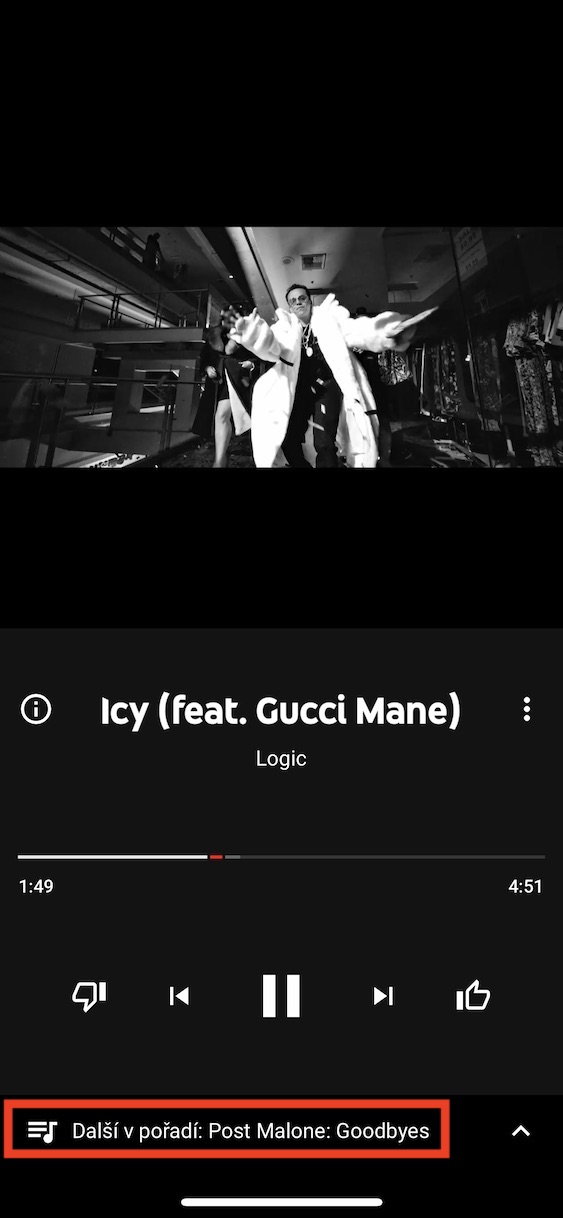
If you've reached the stage where you don't know what to listen to anymorechat, so-called song radio can help you. Click on one of your favorite songs three dots button and select an option from the menu that appears Start the radio. Once you click on this option, the next track will start playing immediately after the current track has finished playing songs of a similar genre, which you might like.




Prosim where can I find downloaded songs on my device? Mobile, android