
Until some revolutionary form of battery that can last several years appears in our Apple devices, we will have to constantly fight with battery life and try to extend it with various tricks. If you are wondering how you can save battery on Apple Watch, iPhone, iPad, AirPods, iPods or MacBookWell, you're in the right place today. We'll look at basic and, above all, proven tips that work.
You might be interested in

Apple Watch
Gallery
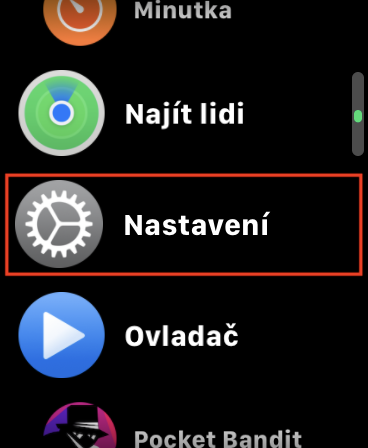
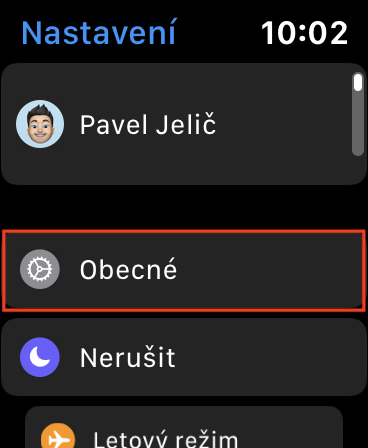
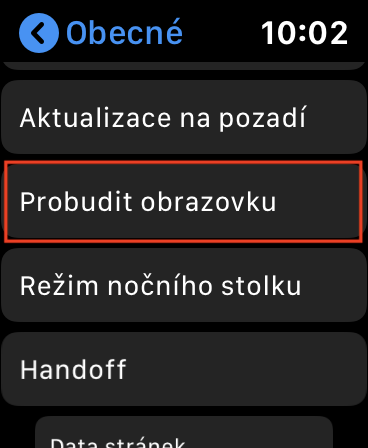
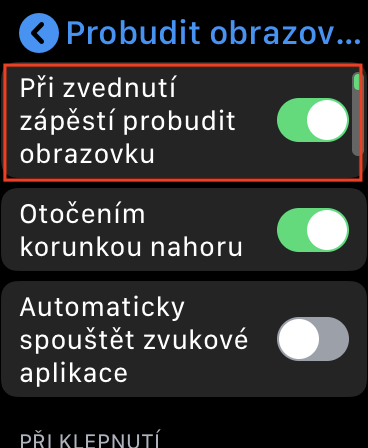
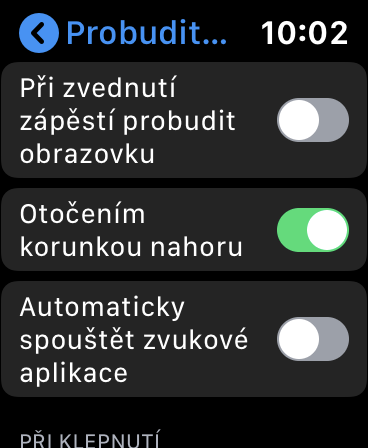
Battery life Apple Watch depends a lot on how often you use the watch during the day. If on Apple Watch if you use an application all the time, the battery life can be shortened to one hour. Maintain with frequent use Apple Watch keeping their battery in check is quite tricky, but there are a few ways you can take care of extending battery life. One of the main tweaks to extend battery life is disabling the Wake screen on wrist feature. If you have this function active, the watch display will light up every time your wrist is recognized - however, this function is not completely perfect and sometimes it lights up even when it is not needed. Function Wake up when you raise your wrist you can disable the screen on Apple Watch v Settings -> General -> Prowake up the screen.
iPad
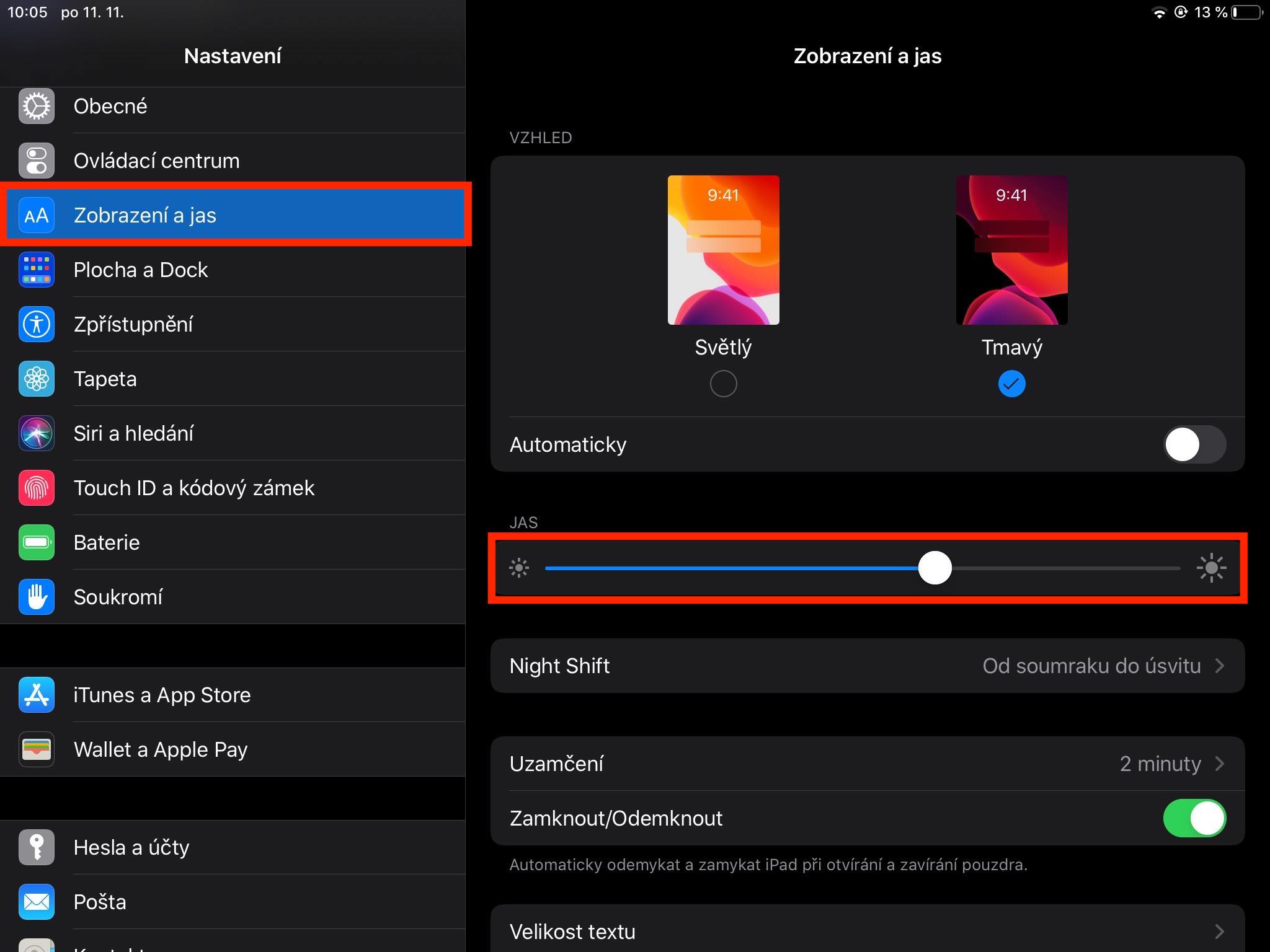
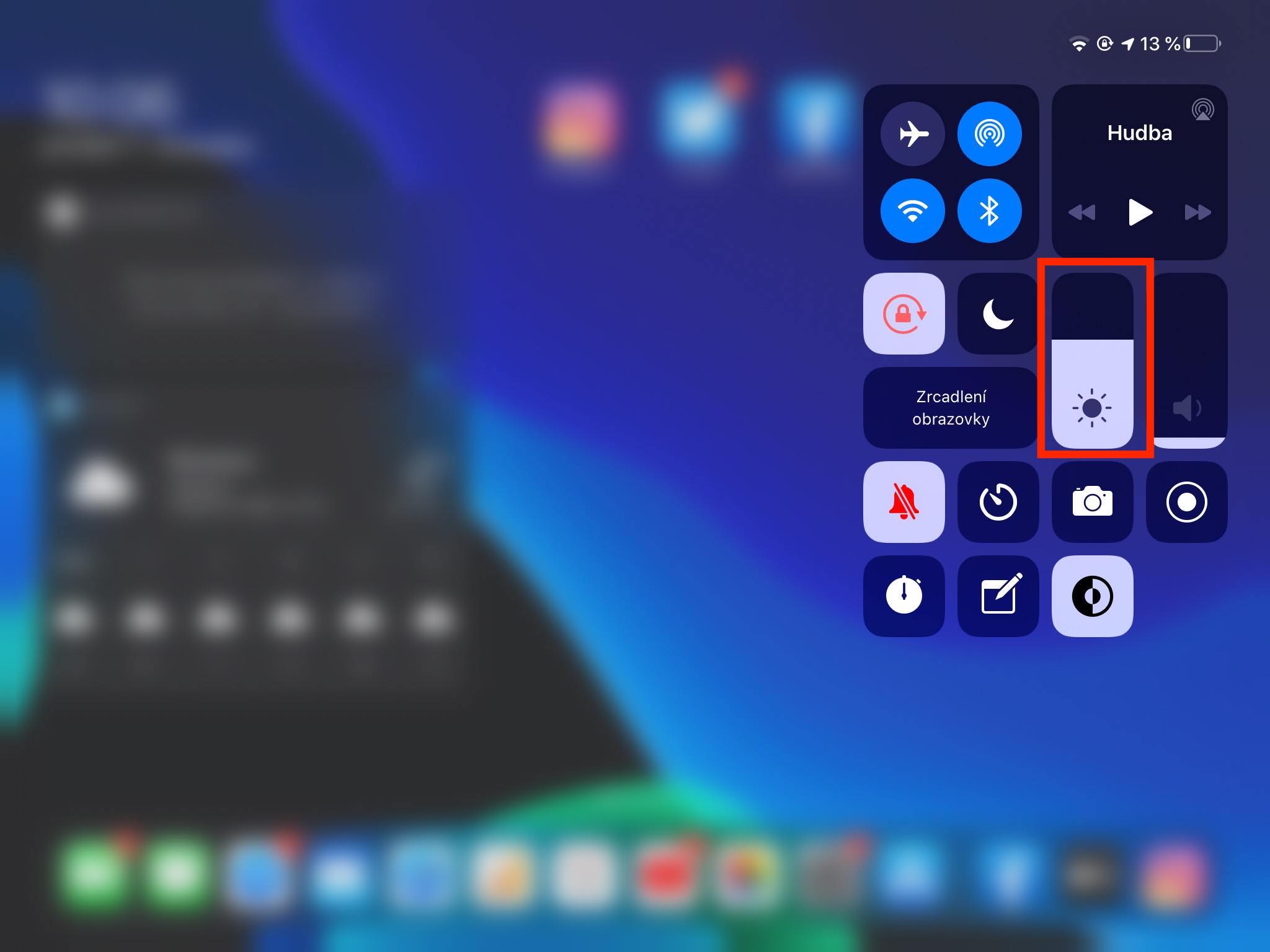
The power saving mode is also available on the iPad, just like on the iPhone. So you can also use the power saving mode on your Apple tablet. If you want to save even more battery, there is one simple trick. Since the iPad display is much larger than on the iPhone, the display brightness setting is much more important here. So if you get into a critical situation with your iPad in the form of a low battery charge, don't forget to reduce the brightness to minimum. You can do so in control center, or in Settings -> Display & Brightness.
iPhone
Gallery
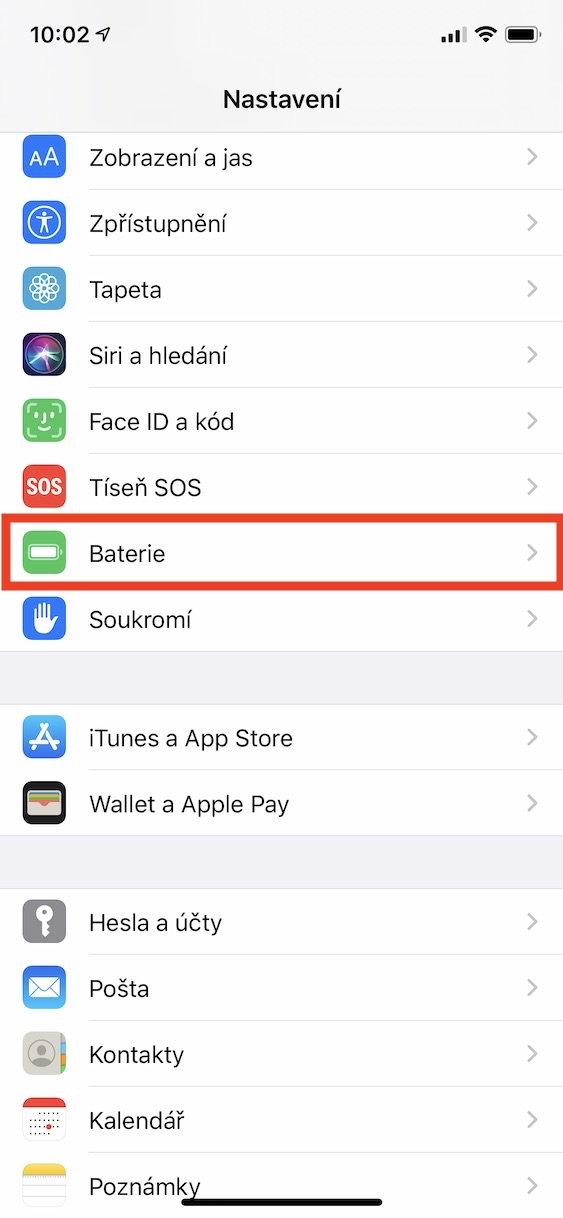
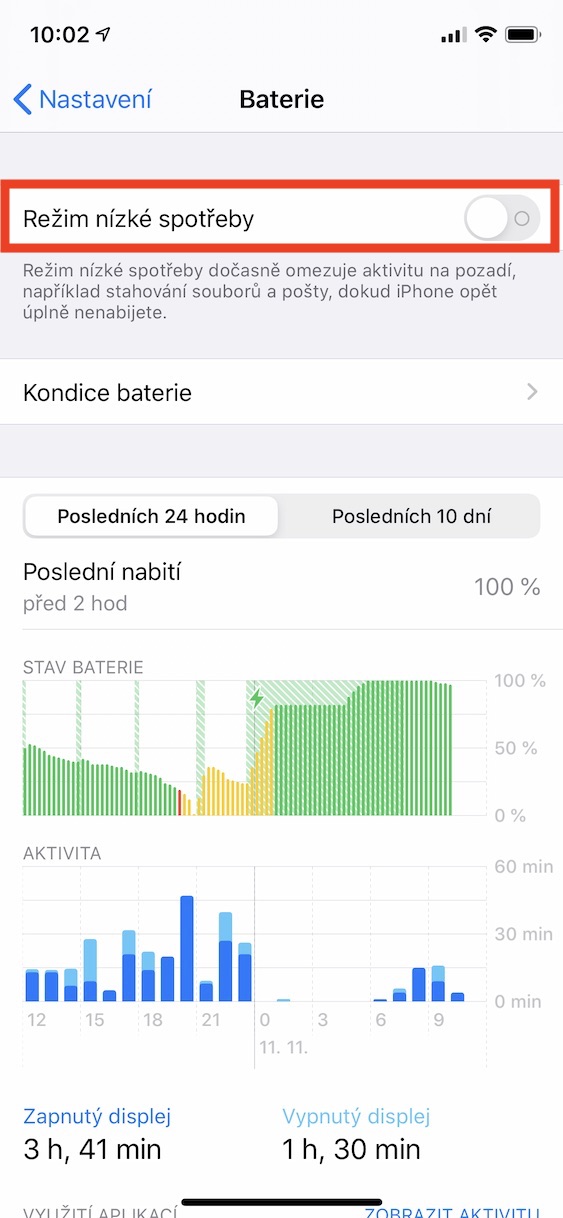
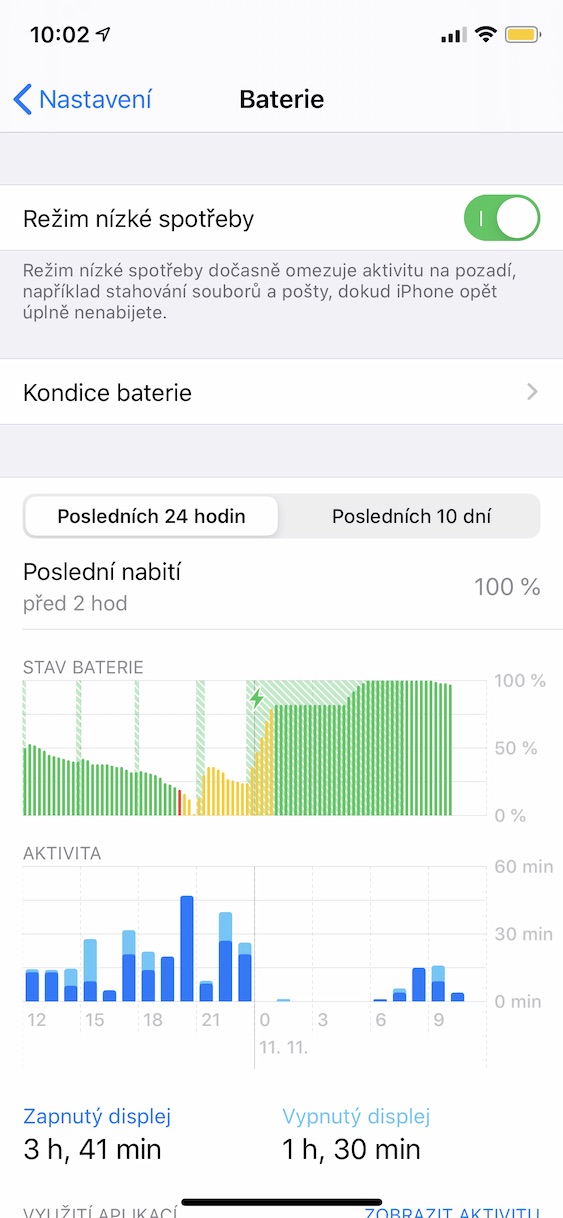
One of the best ways to save battery on your iPhone is to use power saving mode. Power saving mode in iOS It is definitely not a placebo that should convince you that your battery is being saved. When you activate the power saving mode, the performance of your iPhone's processor cores will be limited. Thanks to this, the iPhone's battery will not be used as much and in the end you will get a few percent more battery. You can turn on the power saving mode on your iPhone every time using a notification that appears every time your iPhone reaches charge 20% or 10%. You can also turn on power saving mode manually in Settings -> Battery.
AirPods
Gallery
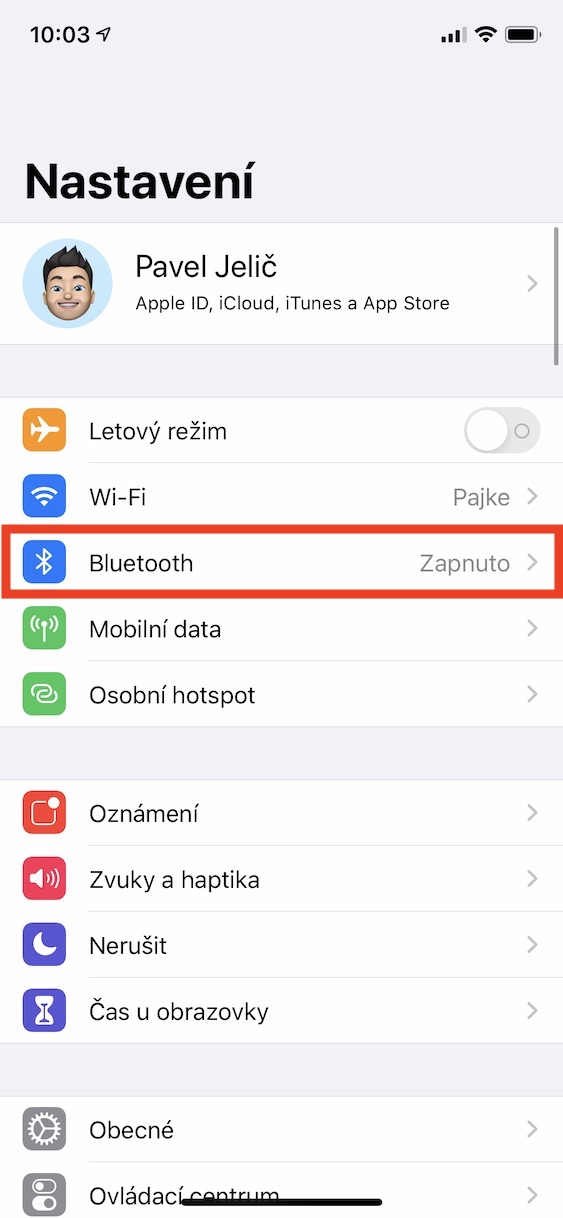
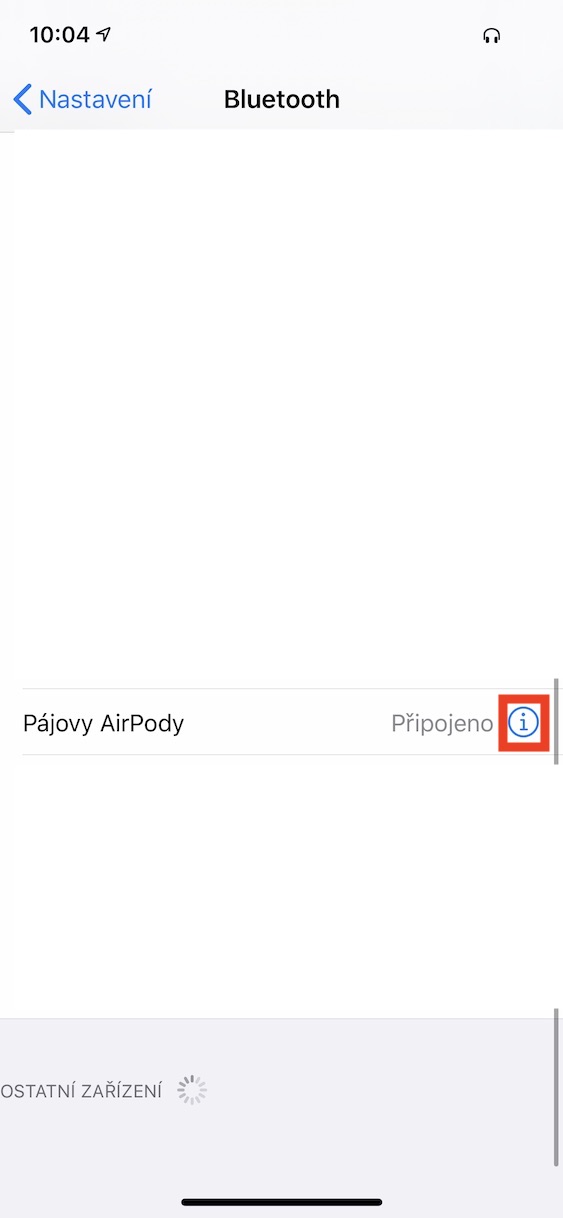
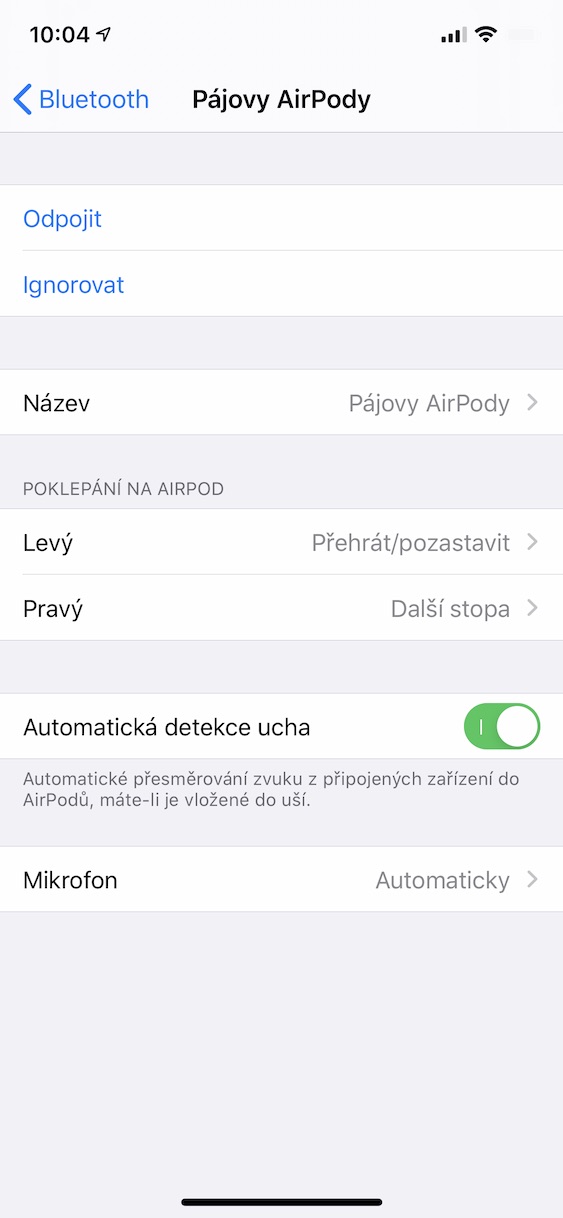
AirPods are among the most popular products that Apple has ever introduced. These wireless headphones from Applu has won the admiration of the whole world. AirHowever, Pods have one drawback – their batteries may not last as long as some of you might expect, especially after a while when the battery loses its charge. 100% capacity. On the question of battery saving, there is a u AirThe simple answer is to use as few smart features as possible. You can try disabling automatic ear detection, the Hey feature Siri and u AirPods Pro active noise cancellation feature. All settings AirYou can find Pods after connecting them to your iPhone in Settings -> Bluetooth and click here "i" icon at yours AirPods.
MacBook
Gallery
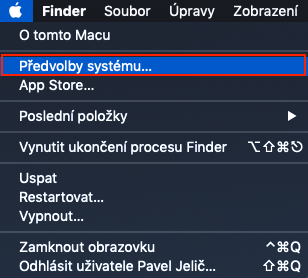
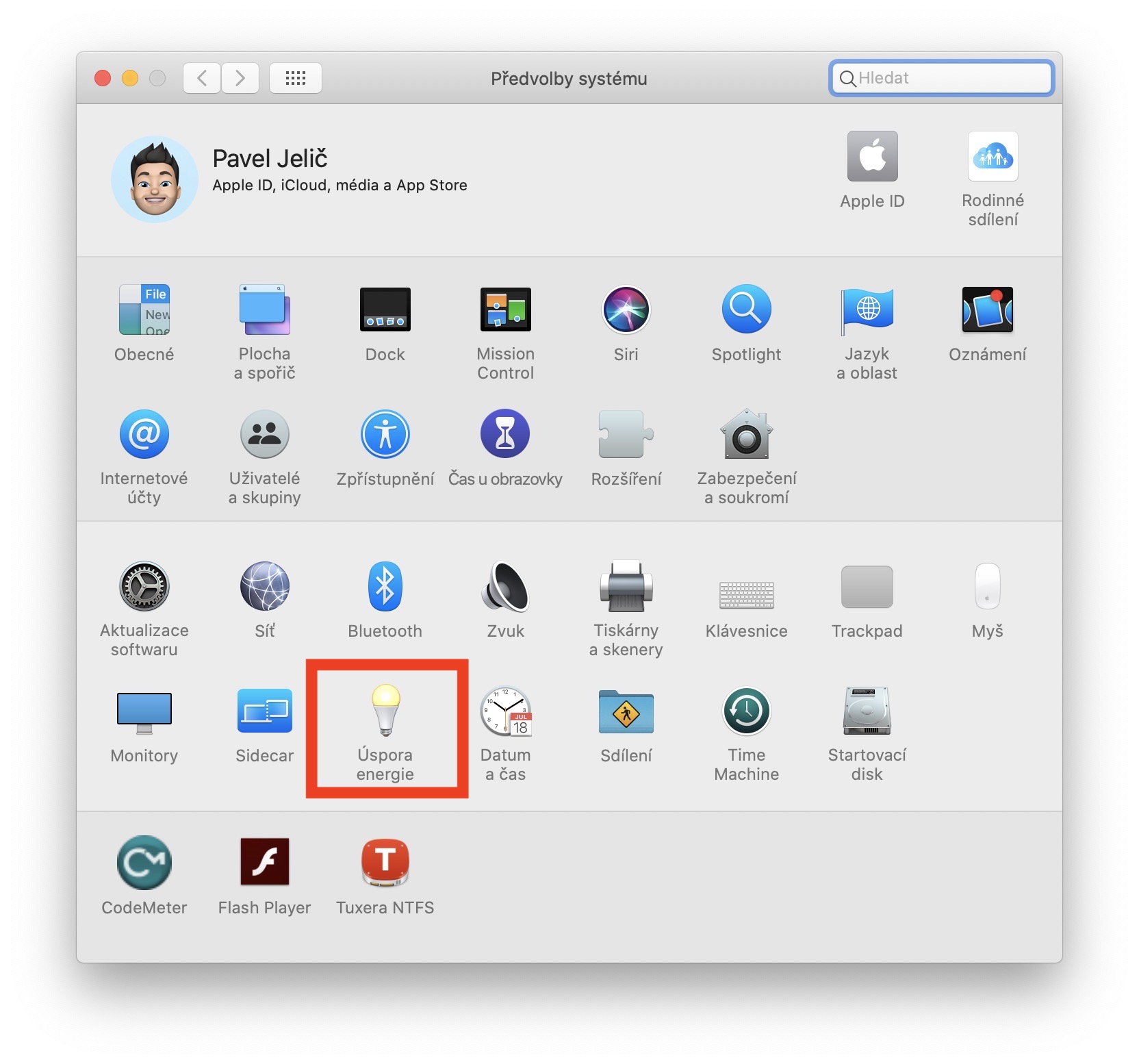
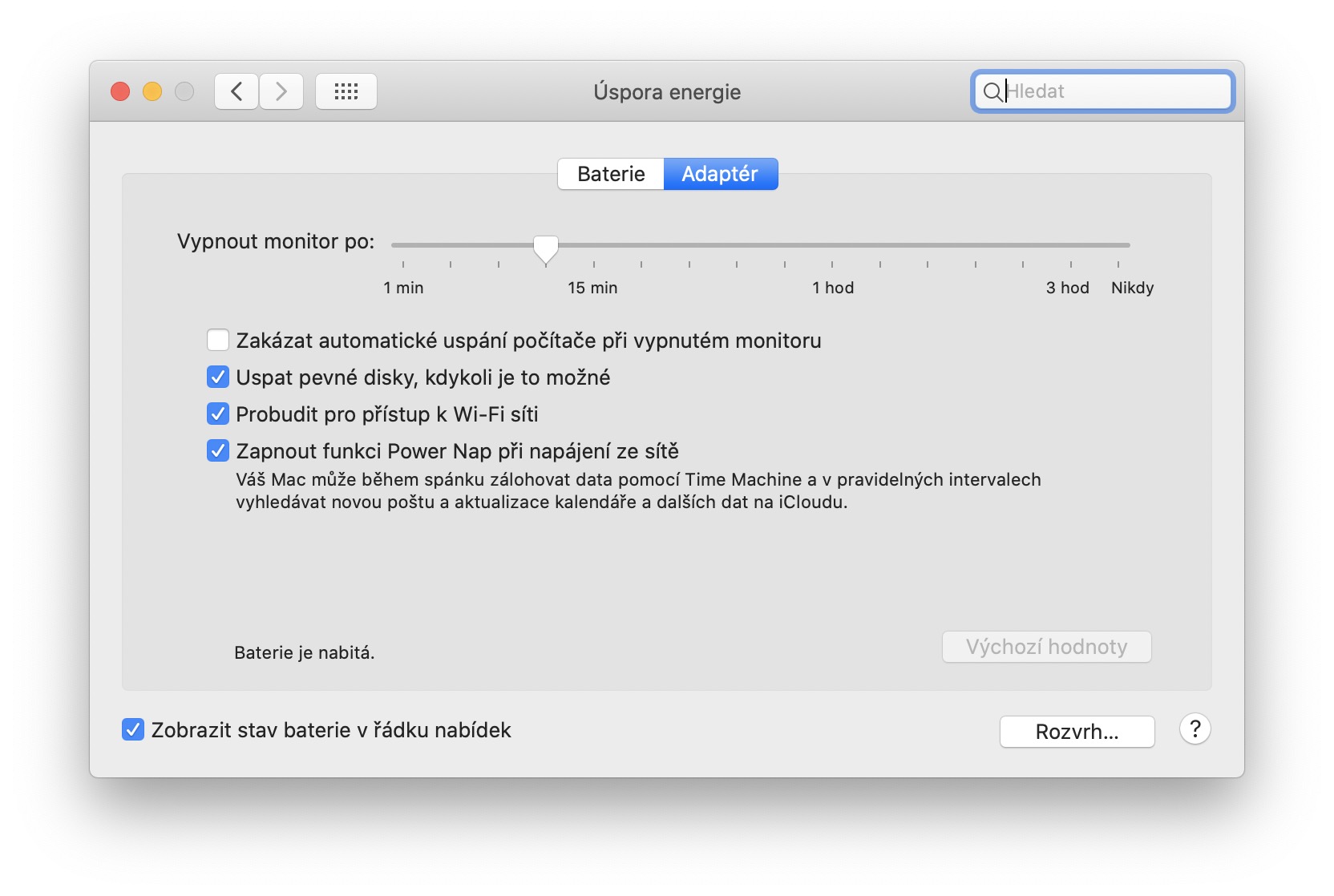
If you are currently on your MacBookIf you've never moved to the Energy Saving section, now's the time. In this preferences section, you can easily set up countless different features and preferences that can make your MacBook save battery. You can start by setting the interval after which the monitor turns off, then you can continue by activating the hard disk sleep function, etc. Go to the section Energy saving you can get to by clicking on logo in the upper left corner of the screen, and then selecting an option System Preferences.
iPod
If you're addicted to music, you probably own an iPod. Here too, you may find that the battery simply doesn't last as long as it should. In the case of an iPod, there are two main tips you can use to extend the battery life. The first tip is to turn off the equalizer , which can significantly affect battery life due to sound enhancement. The second way to save battery is to set the auto-lock interval to a shorter interval.



Well, that's the advice 🙄
Maybe some expert...
I know about 5 tricks to save battery on iPhone alone 😉
Dobsonia - here I am with them, share your advice and don't keep it to yourself!
Lower the display brightness to miniYou can also turn off automatic correction, although it is necessary to add the strap manually during the day, but it will help + turn off the position sensor so that the display does not light up after each tilt.
Another is to turn off automatic updates of apps in the background, including the system + prohibition of WiFi and mobile data for apps that I don't need, ideally uninstall the unnecessary ones.
He also takes a lot of " Siri " and weather which in turn uses both data and GPS.
Still active Bluetooth also eats but 😁,
If you have a smart watch or wireless in your ears.. then you can do it right away.
Others are vibrations when ringing or as a response when touching the display or when typing.
It can be cut, 🤔 but then neither the mobile nor the person need to have it anymore.
So it depends on each user.
Thanks. In each pr. some of them, and there are some of them, can be blamed for the reduction by having them switched on completely unnecessarily:
1 location services,
2 Wi-Fi,
3 automatic. update.
Of course, it's about the fact that their only interest is what's happening on the phone and then they roll under a car or a tram like in the recent pr. in Ostrava, if I'm not mistaken.
It's their struggle and their problem and I don't feel sorry for them, unfortunately!