
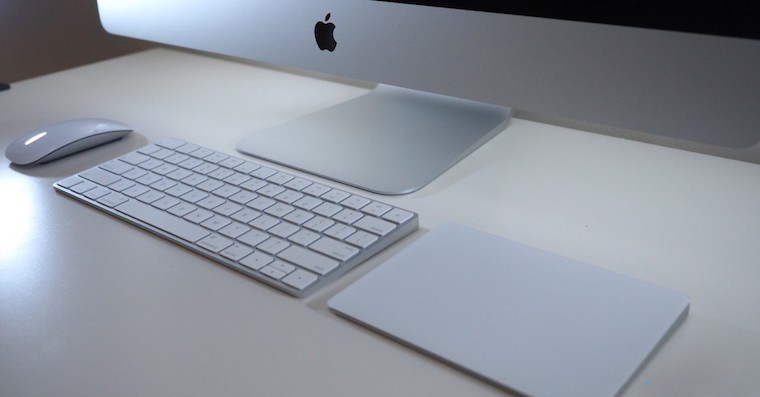
If you are one of those users who simply uses the front camera of your Mac or MacBookIf you have covered it with a patch or opaque adhesive tape, then be careful. You are certainly aware that this solution is not at all elegant and will ruin the unique design of Apple computers. However, I completely understand users who are afraid that the software blocking of the camera can be bypassed, so they prefer to reach for a physical solution. But what if I told you that I have a great solution that can tell your Apple computer that it does not have that front camera at all? If you want to learn how to do it, read this article to the end.
You might be interested in
How to completely disable the webcam on Mac
If you are worried that the process of completely disabling the front camera on your Mac or MacBookIf you think it will be somehow complicated, and that it will be carried out with complex commands via Terminal, then you are wrong. Just use a simple utility in which you will find only two buttons – one for activating the camera and the other for deactivating. An application that serves to (de)activate the front camera on your Mac or MacBookat, is called iSightConfigure. Originally, this application was only intended for older versions of the macOS operating system, but now I can say that it works flawlessly even on macOS 10.15 Catalina. Application iSightConfigure you can simply download using this link (in the upper right corner, click on download icon). After downloading, just click on the downloaded file double click, which expands it.
Gallery
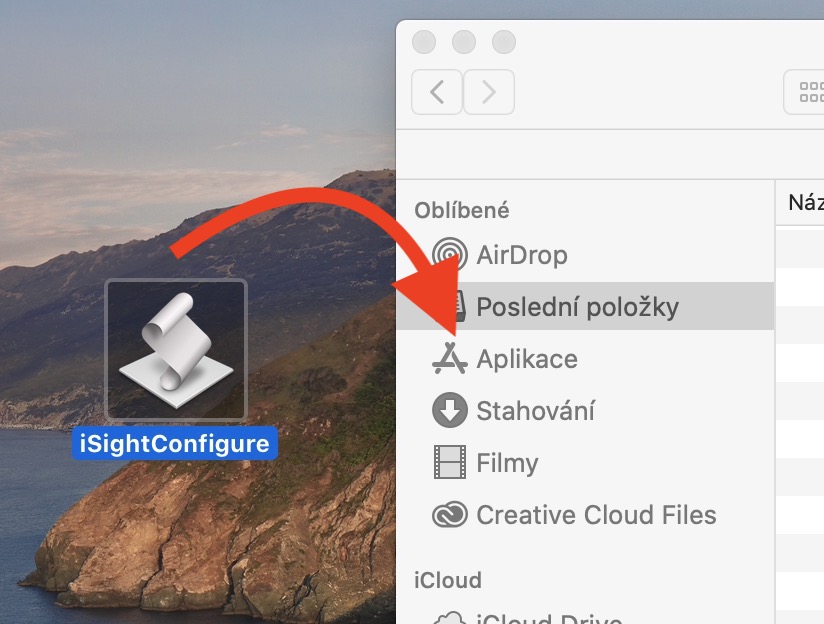
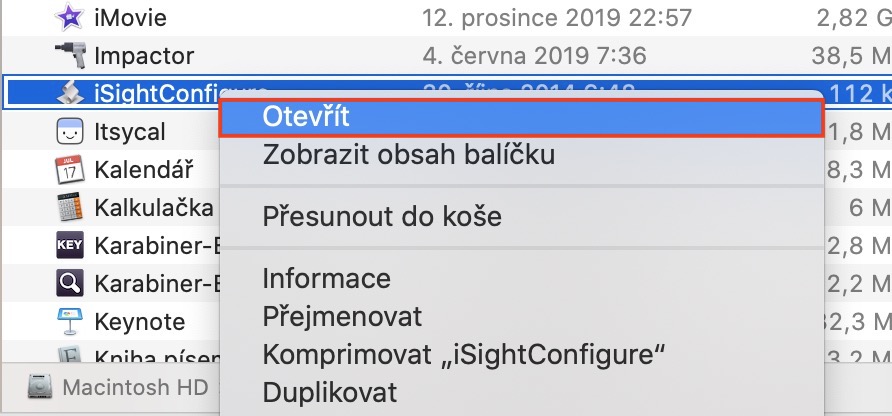

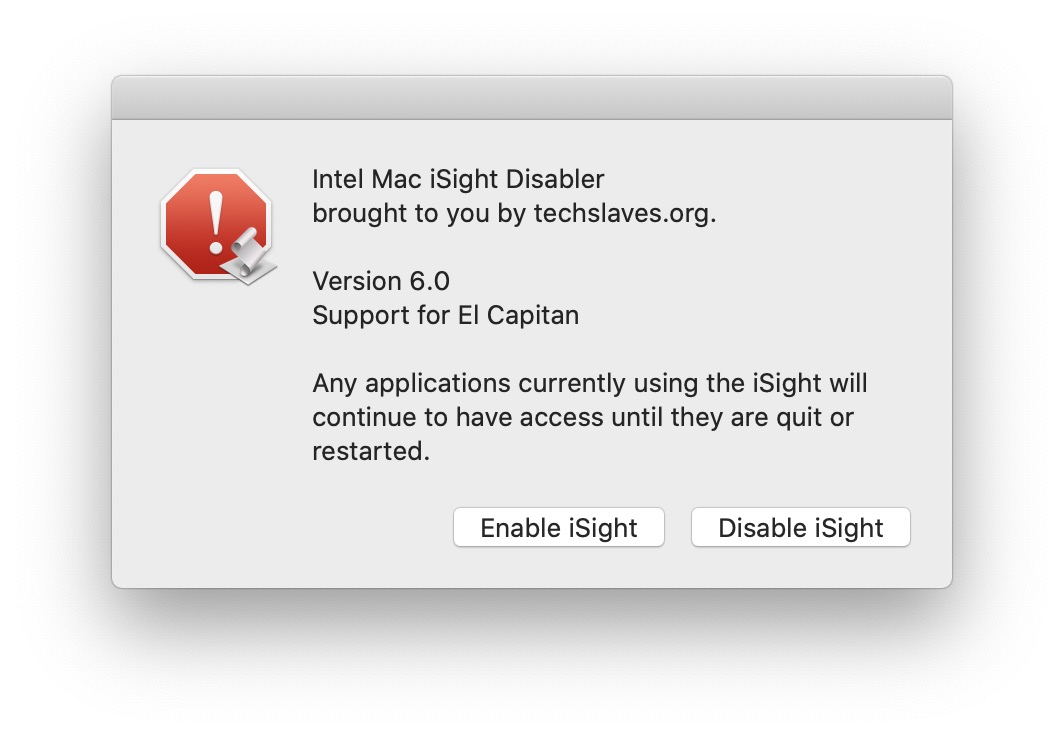

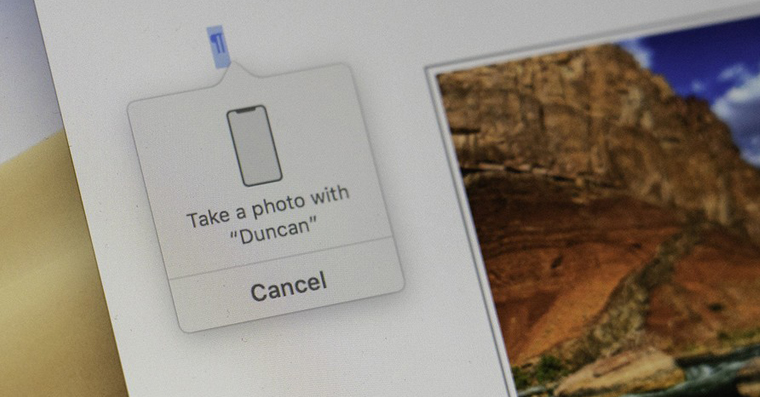
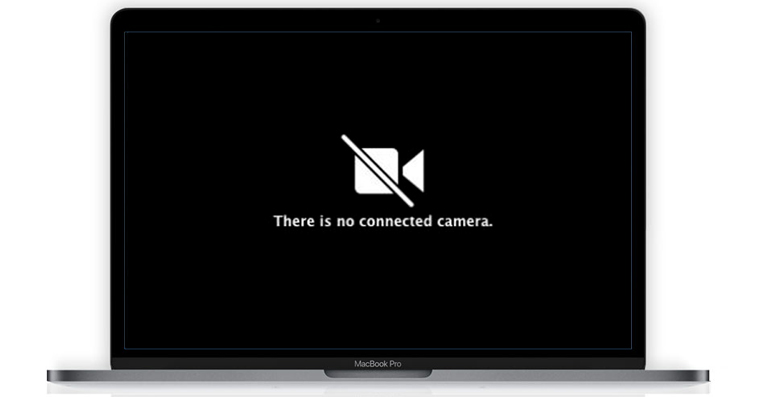
If you want to save the application and continue working with it, be sure to move it to a folder Application, so you don't delete it by mistake. Once you do so, the app run. However, it should be noted that you have to launch the iSightConfigure application by clicking on it right click (two fingers), then select an option from the menu Open and thenonec you click on the option Open. If you open the application in the classic way, it will be blocked from launching. After launching, a small window with two buttons will appear. Pro deactivation front camera tap on Disable iSight, for re activation then on Enable iSight. After each change, you must authorize yourself using passwords. You can then check the functionality of the application in, for example, FaceTime.















"You are surely aware that this solution is not at all elegant and you will hell with it, you will spoil the unique design that apple computers have. "
That was a good, rather unique design! Then 99% of other NBs have the same unique design.
I'm laughing at all the washed-up apple trees, poor people, us normals, then we're all for a laugh!
What is unique about the "design" of the Mac Book? After all, it still has large frames as if from prehistoric times, the keyboard, which has been pooped on me for half a year, and I only use MB at home and I NEVER eat at MB, but the other piece is already OK!
In addition, you can also cover the camera with black tape ;-) Quick and easy, I don't use the camera anyway, why?
MB is otherwise terribly backward:
– it does not have a matte display, the glossy one is not much, solved with a matte film
– not tipping
– large frames around the display
– bad keyboard, it breaks even if you don't sit on top of the PC and treat it with gloves
– the display is not touch-sensitive
– The SSD cannot be replaced
Seriously? If only he had Macbook touchscreen... You should probably check out the article why Macs don't have touchscreens. LsA
The best deactivation is the following procedure followed by a sticker over the lens :)
AND WHY?????? 🤦♂️🤦♂️🤦♂️
ProWhy on earth would I do that??? :DDD the funniest are those who suffer from paranoia that someone is watching them :D
We have just registered you in the register of target persons