All those internet accounts and passwords are already making most users dizzy. Nowadays, practically every website requires you to log in using a user account and password. What are we going to lie to ourselves, if you have a lot of accounts and you try to follow the unwritten rule of using a different password for each account, then it will be very difficult for you to remember all the combinations and passwords. And that's not even taking into account the passwords that the website itself recommends for you. Safari – none of us really remembers them. If you have forgotten any of your passwords and you have already entered them in the past, Safari entered, you can easily view it. In this tutorial, we'll show you how.
You might be interested in
How to on Mac Safari view all saved passwords
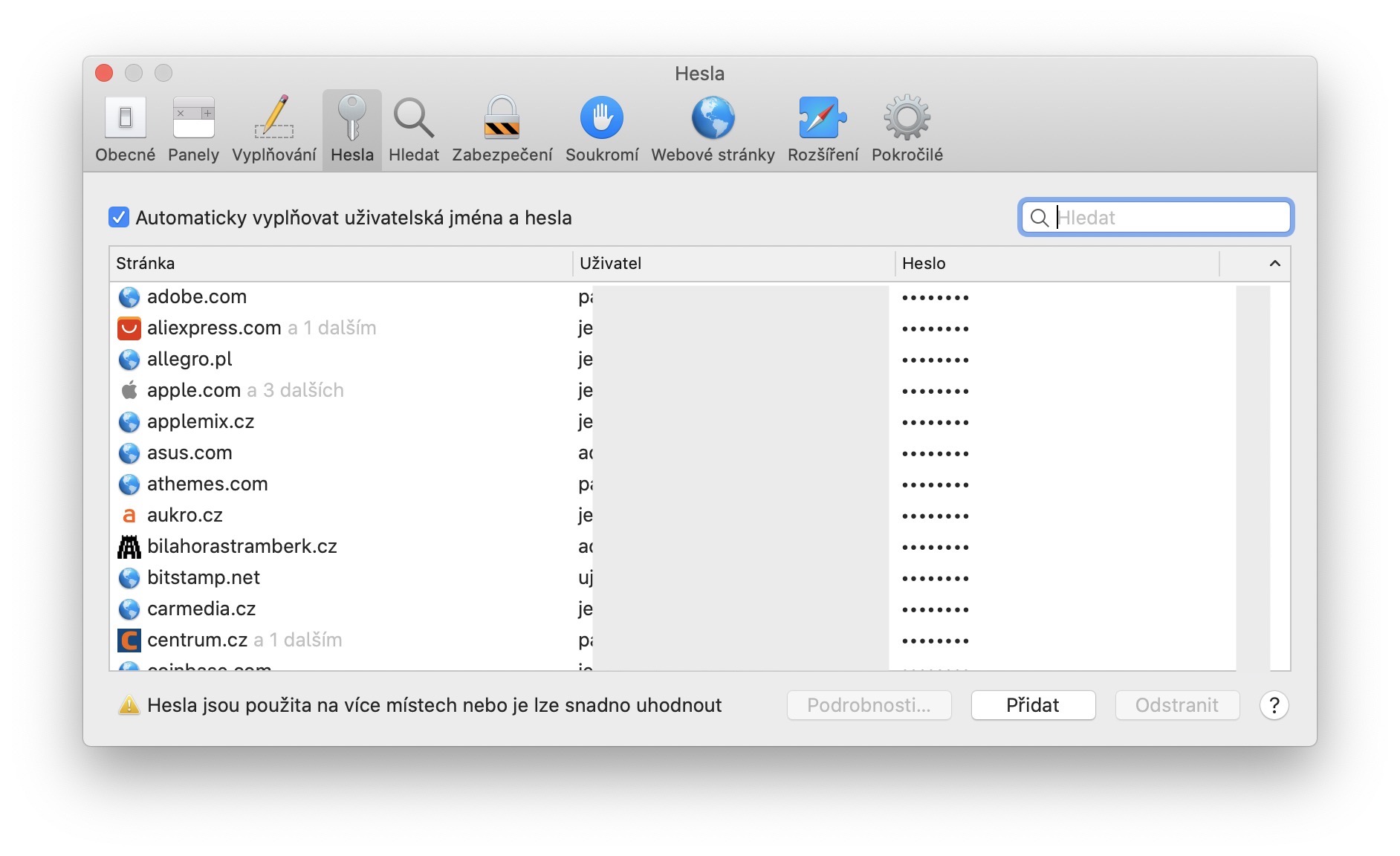
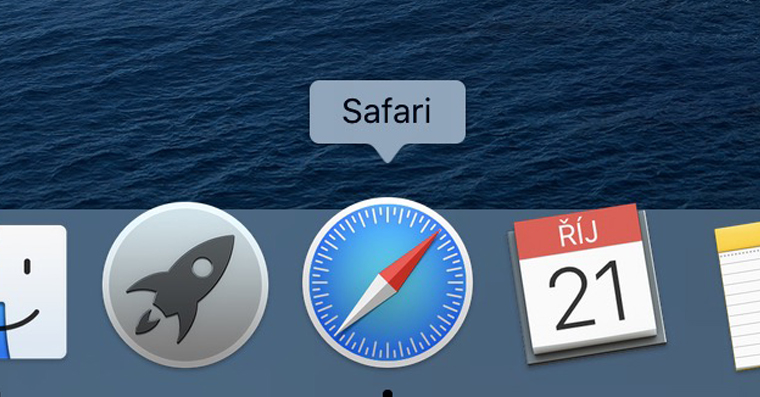
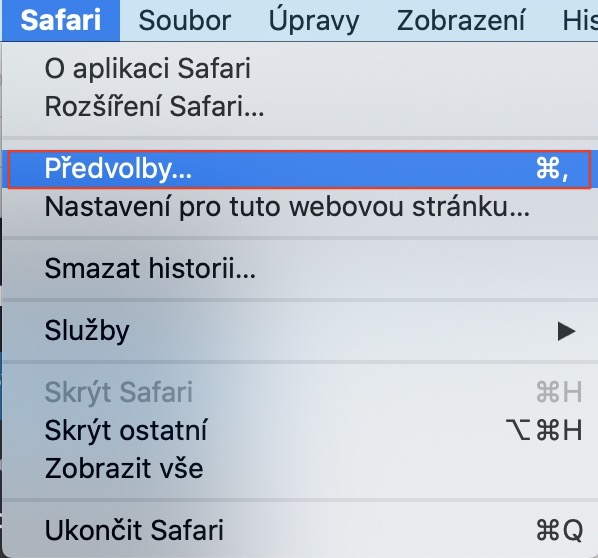
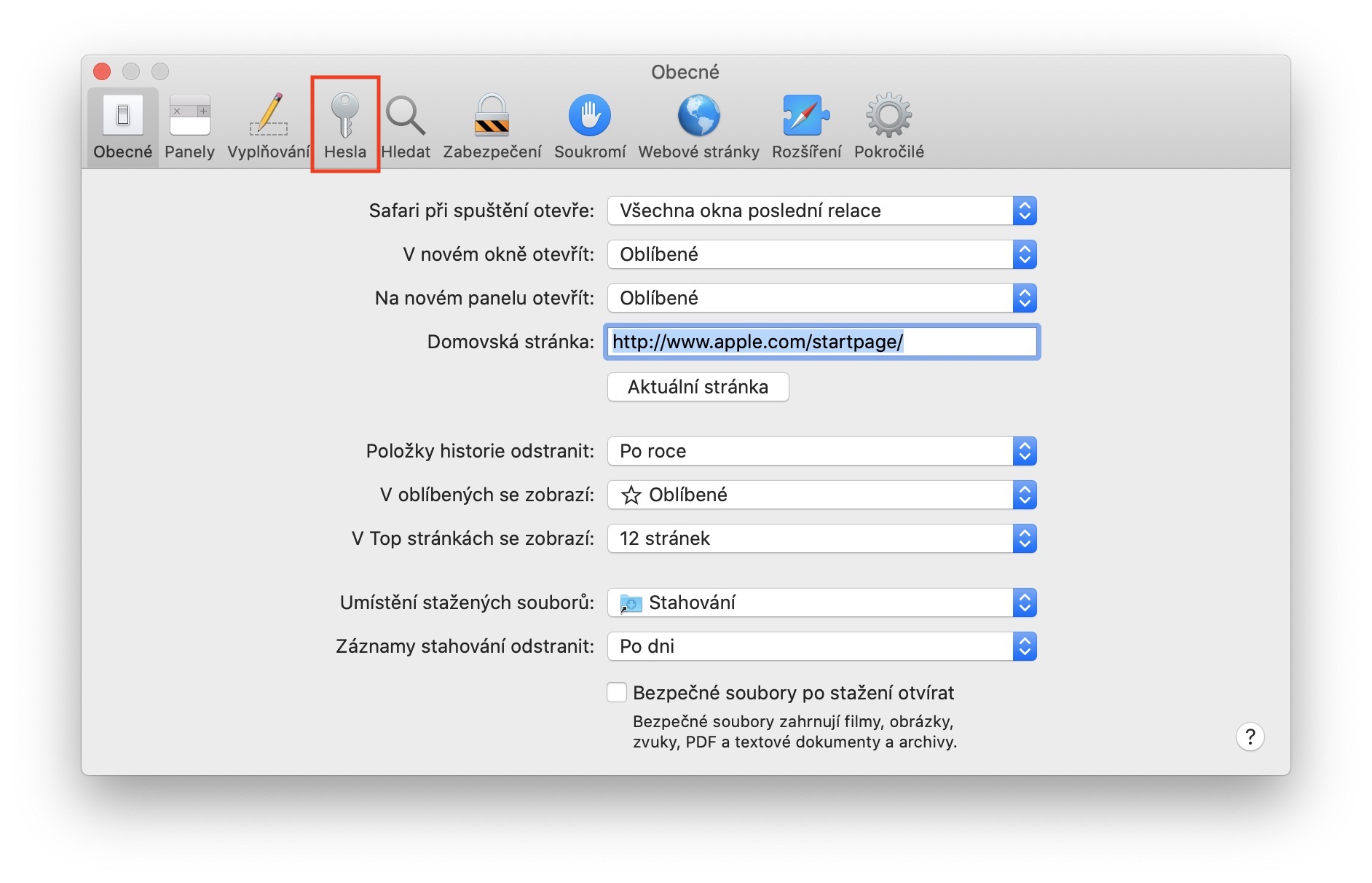
If you want to view all saved passwords, on your Mac or MacBooku move to active window application Safari. Once you've done that, tap on the left side of the top bar icon. Then select an option from the drop-down menu Preferences.. (or press the keyboard shortcut Command +). A new window will appear, in which you can move to the section in the top menu Passwords. Now you need to enter in the text field password to your user account. If you own Apple Watch and you have enabled unlocking with them on your Mac, so just press twice side buttonThis will display a list of all accounts you have logged into in the window. Safari they signed up.
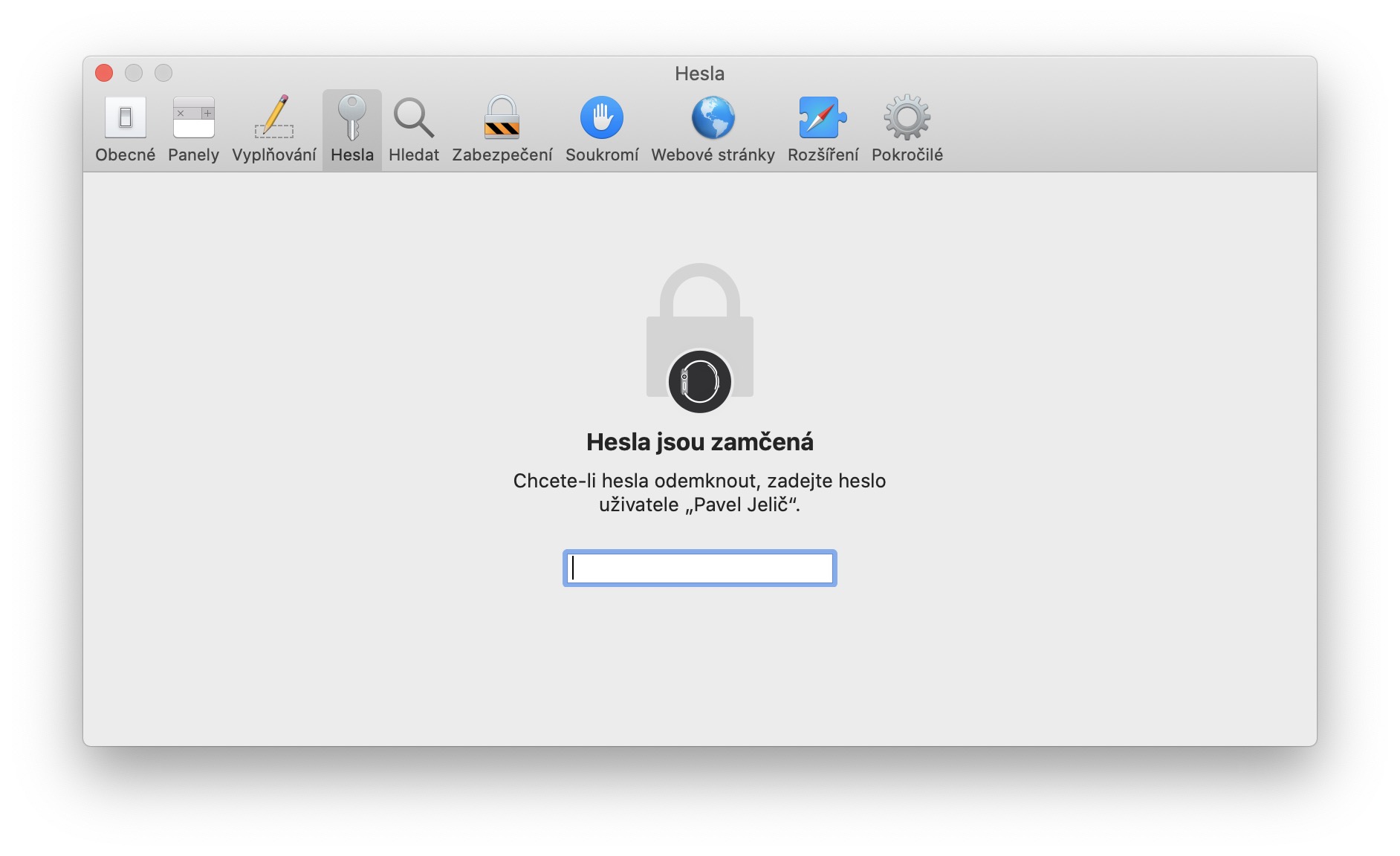
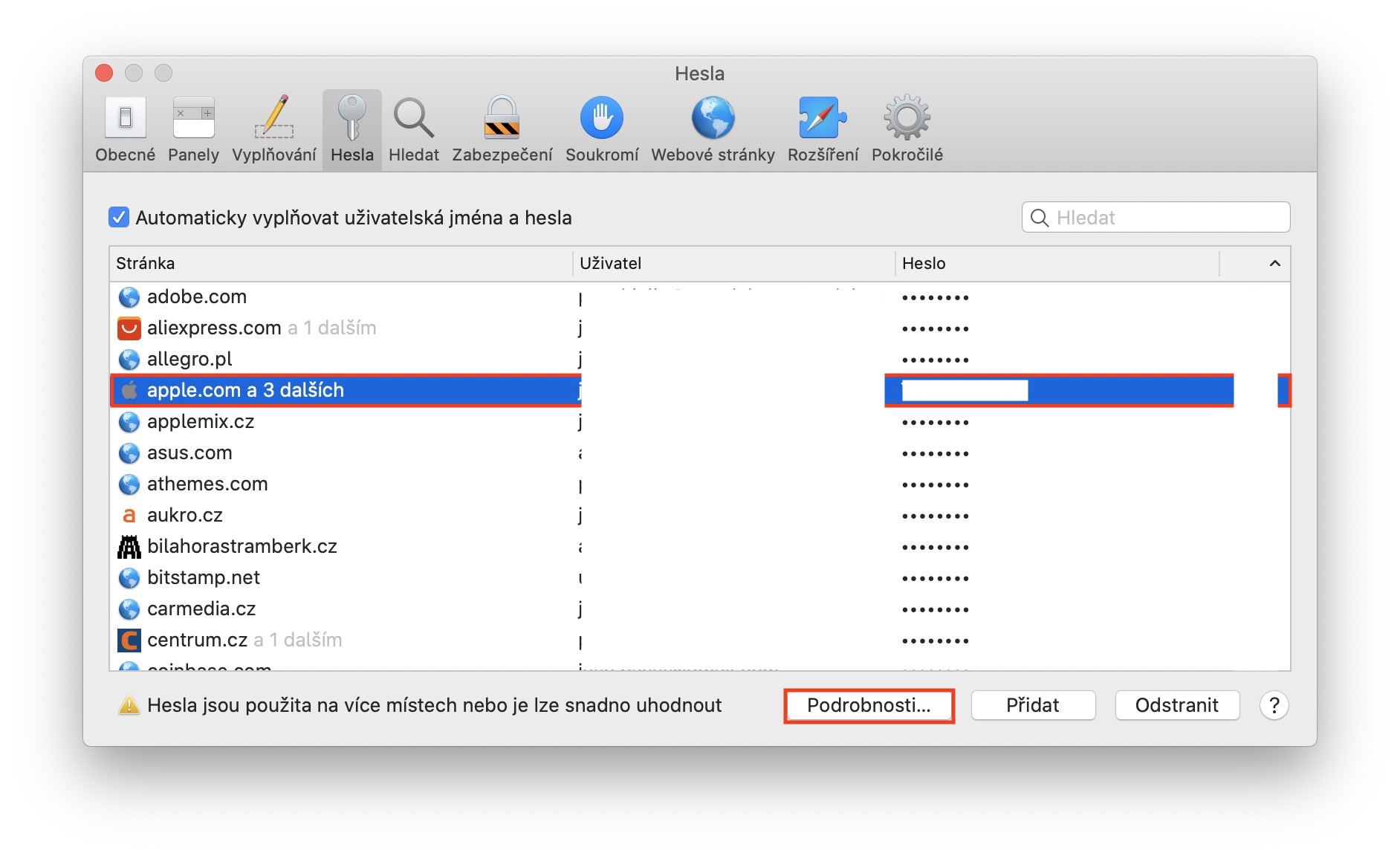
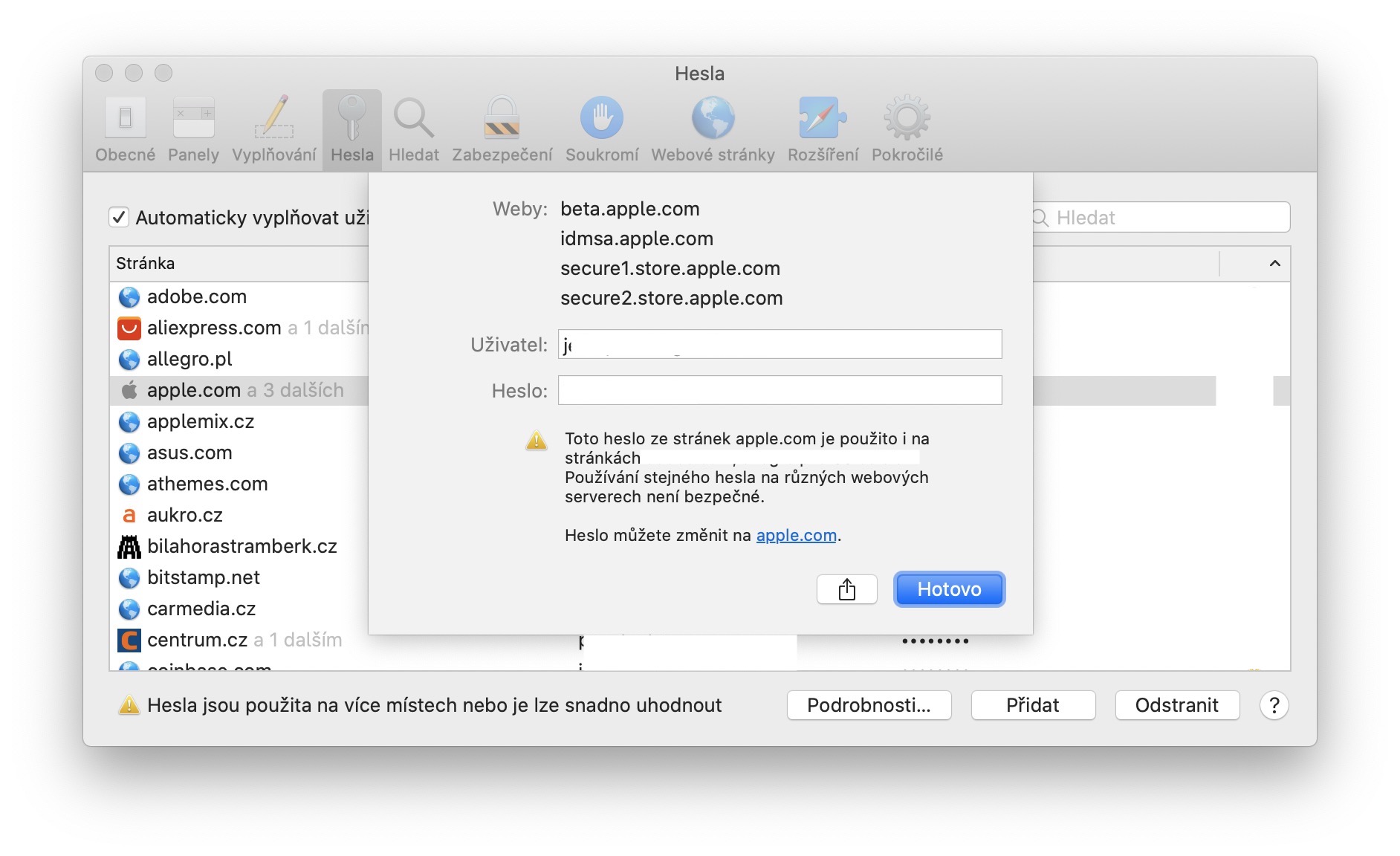
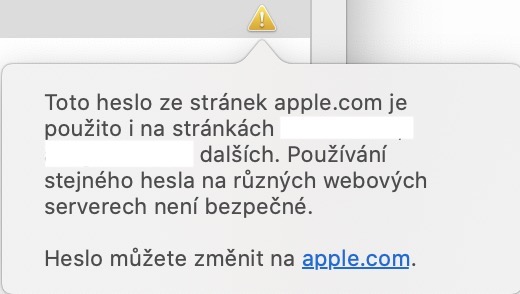
The first column always shows the page to which the username and password are assigned. The username always appears in its classic form, but the password is of course hidden. Its form is only displayed when you click on a specific line of the page. In addition, you can also view all the data by selecting a specific page and then clicking Details at the bottom of the window ... The last column is also interesting, in which exclamation marks may appear for some pages . This exclamation mark is used to notify you that you are using the same password on multiple pages and that you should therefore change it for your security. The password window is automatically locked after closing to prevent misuse.
Gallery