
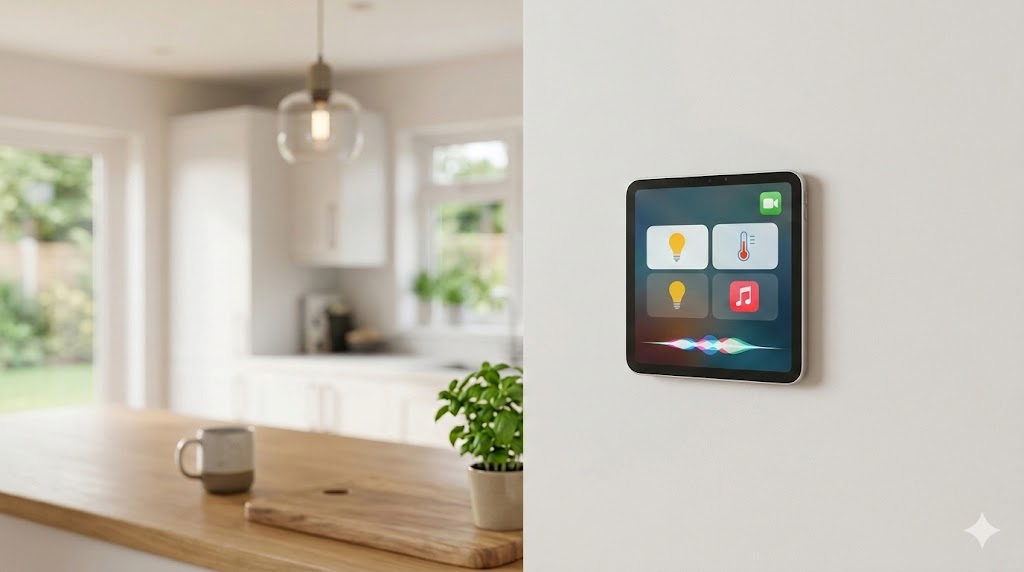
Operating system iOS 18 brings revolutionary changes to the way we control our smart homes. One of the most striking novelties is the possibility to dedicate an entire page of the Control Center exclusively to smart home elements. This means you have all your smart bulbs, thermostats, locks and other devices in one place, literally at your fingertips.
You might be interested in
Do you want to control your household at the touch of a finger? WITH iOS 18 it's easier than ever. The new Control Center allows you to manage all smart home devices in one place.
How to do it?
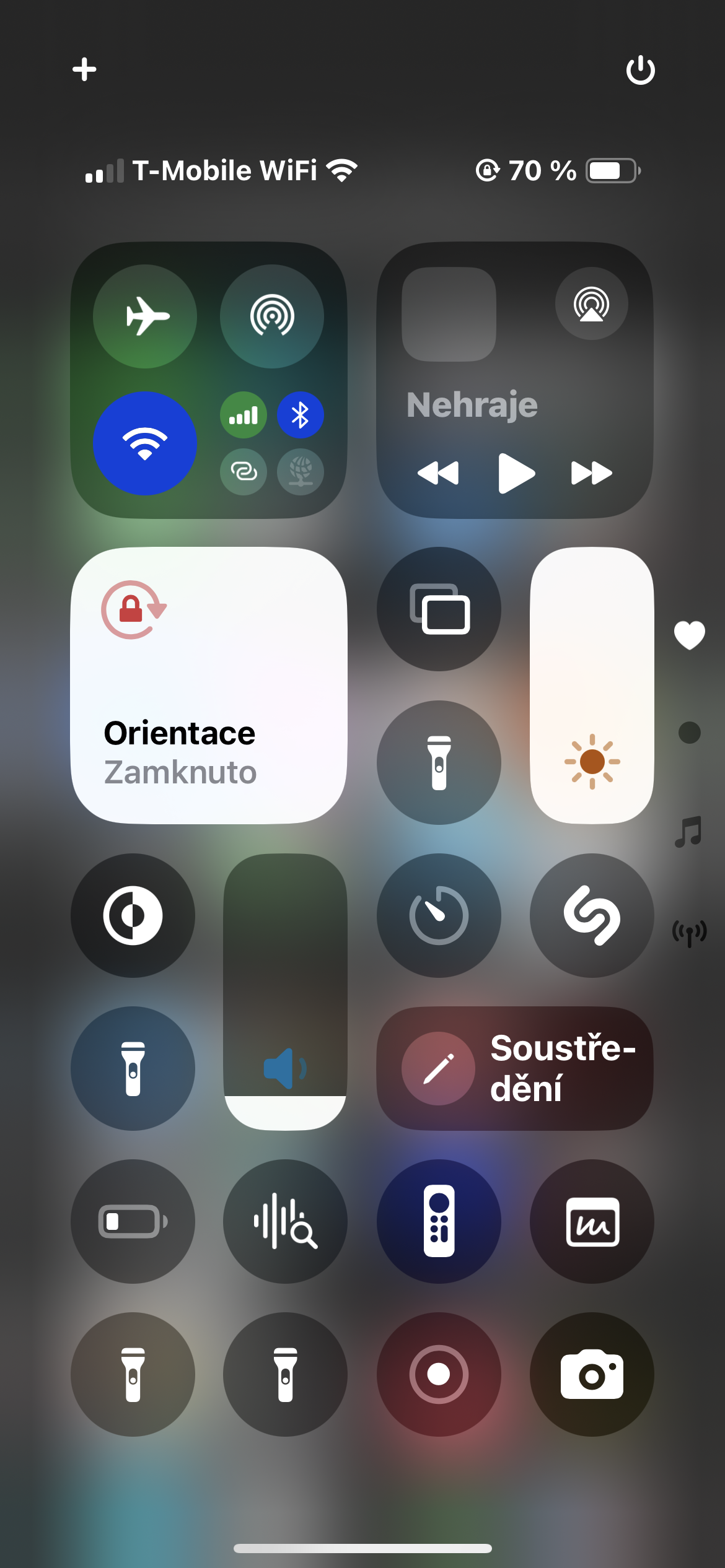
- Activating the Control Center: Just perform the usual gesture to display the Control Center, that is, swipe your finger from the upper right corner of the display towards the center.
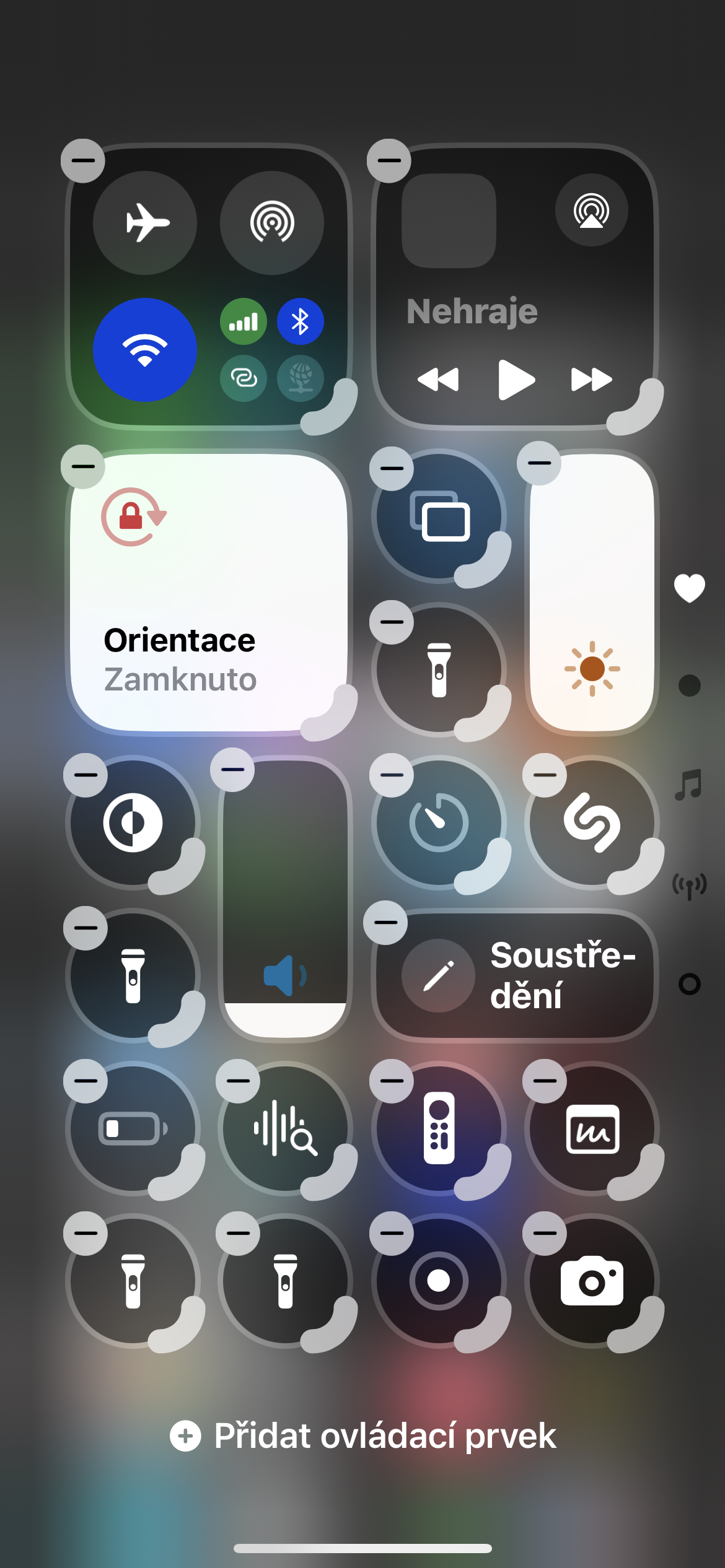
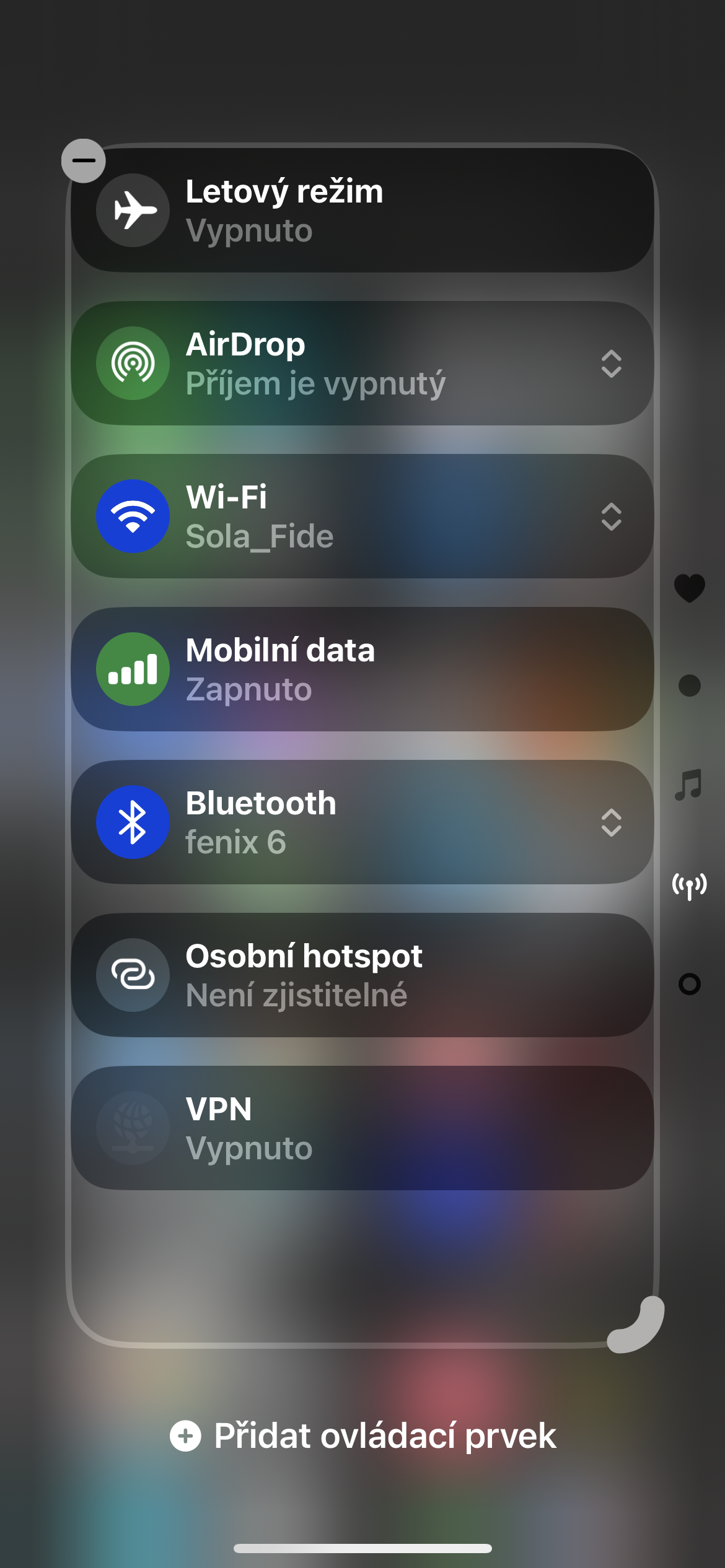
- Adding a smart home page: In the upper left corner of the Control Center, click the + button.
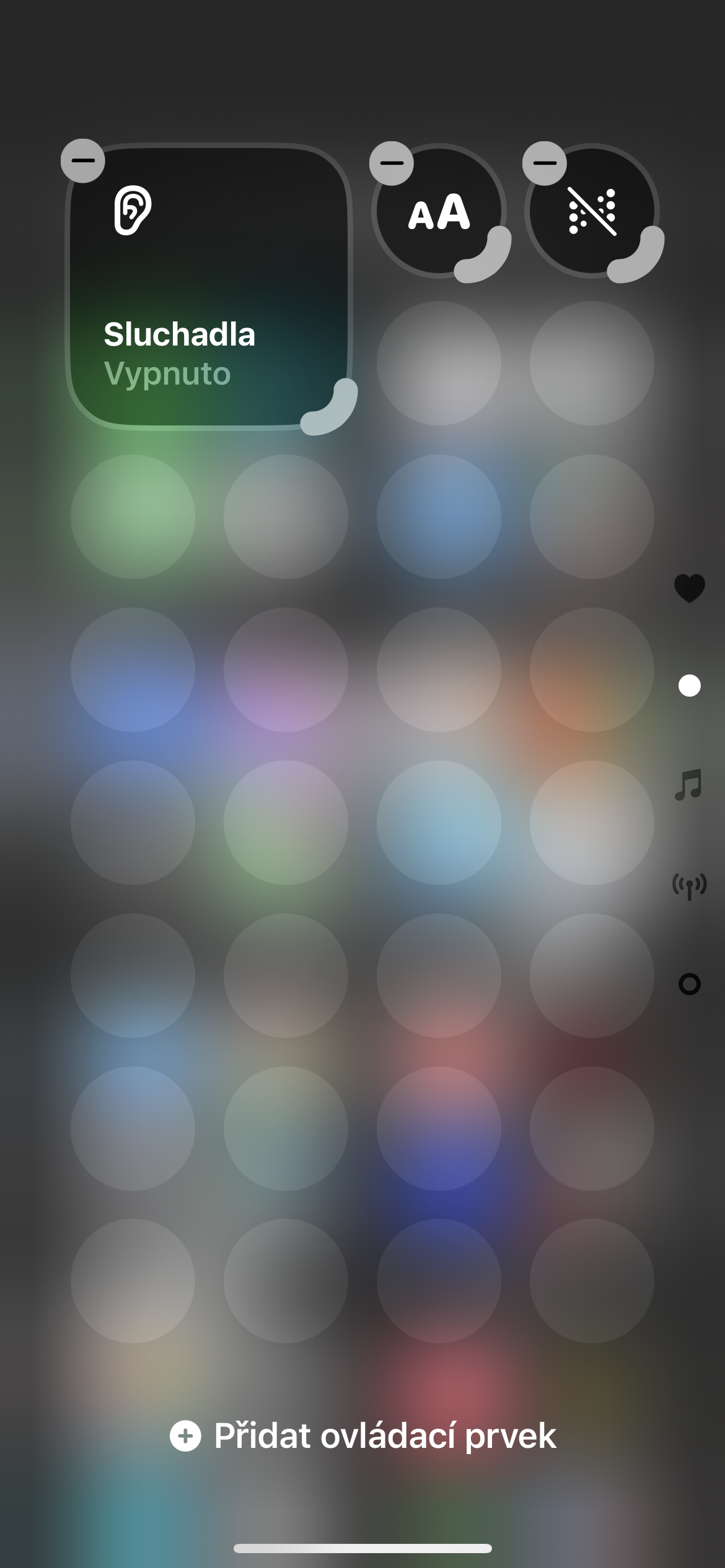
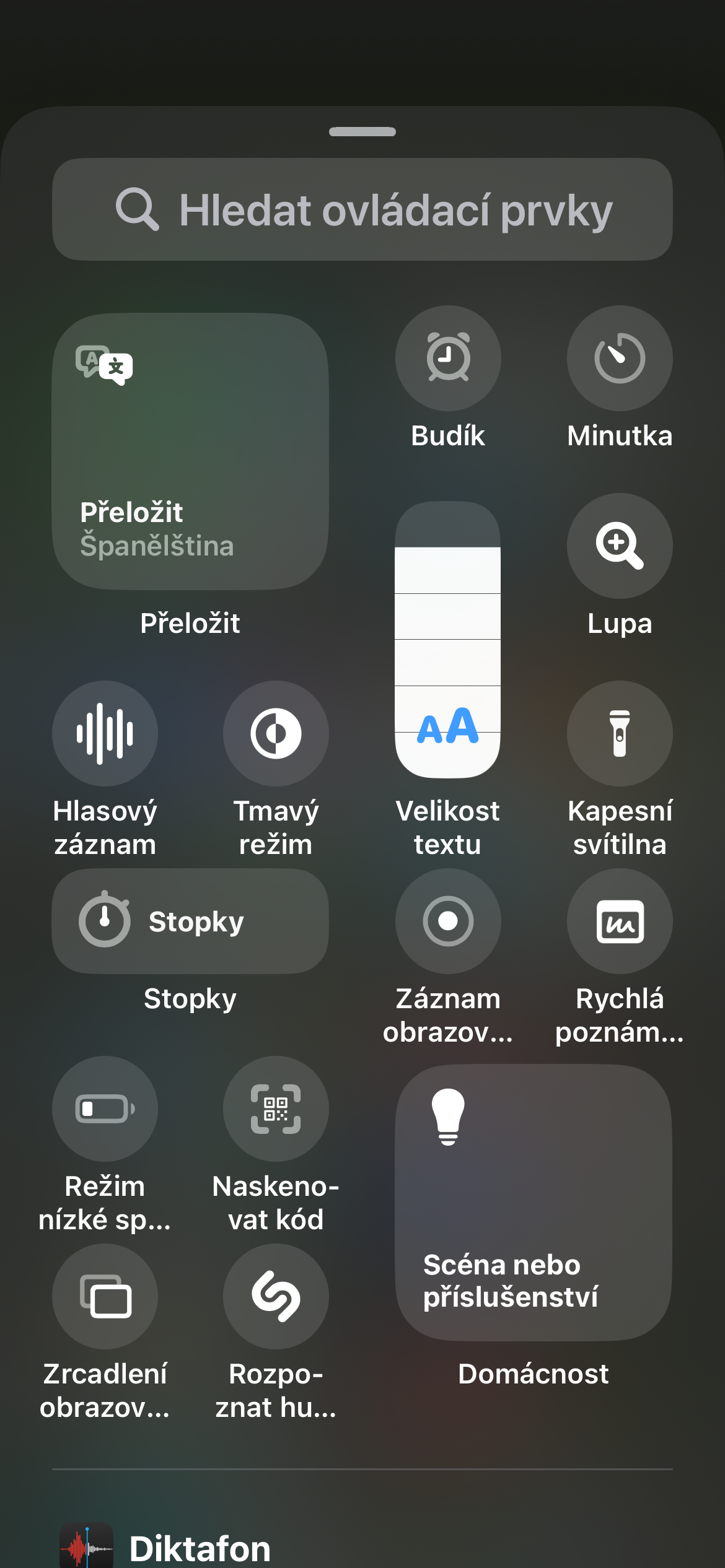
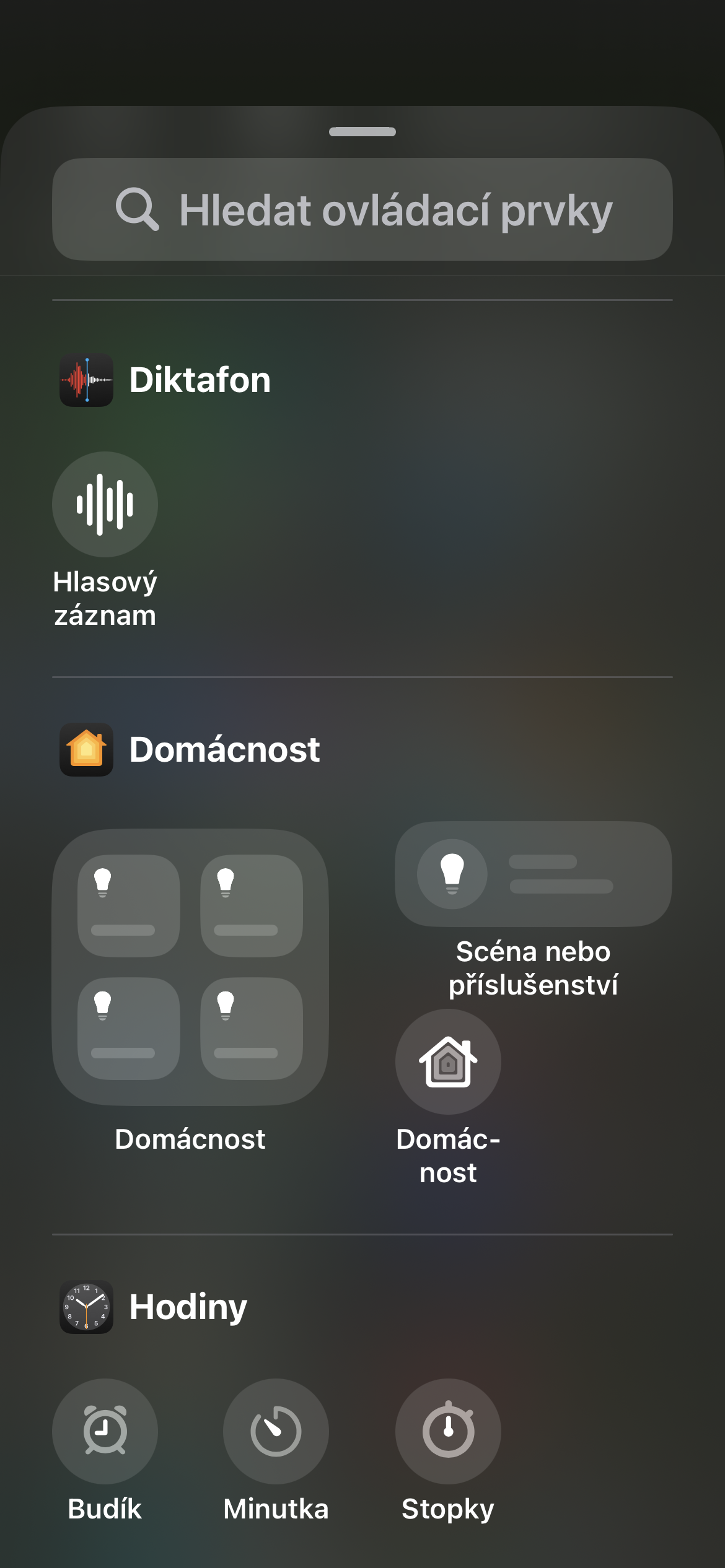
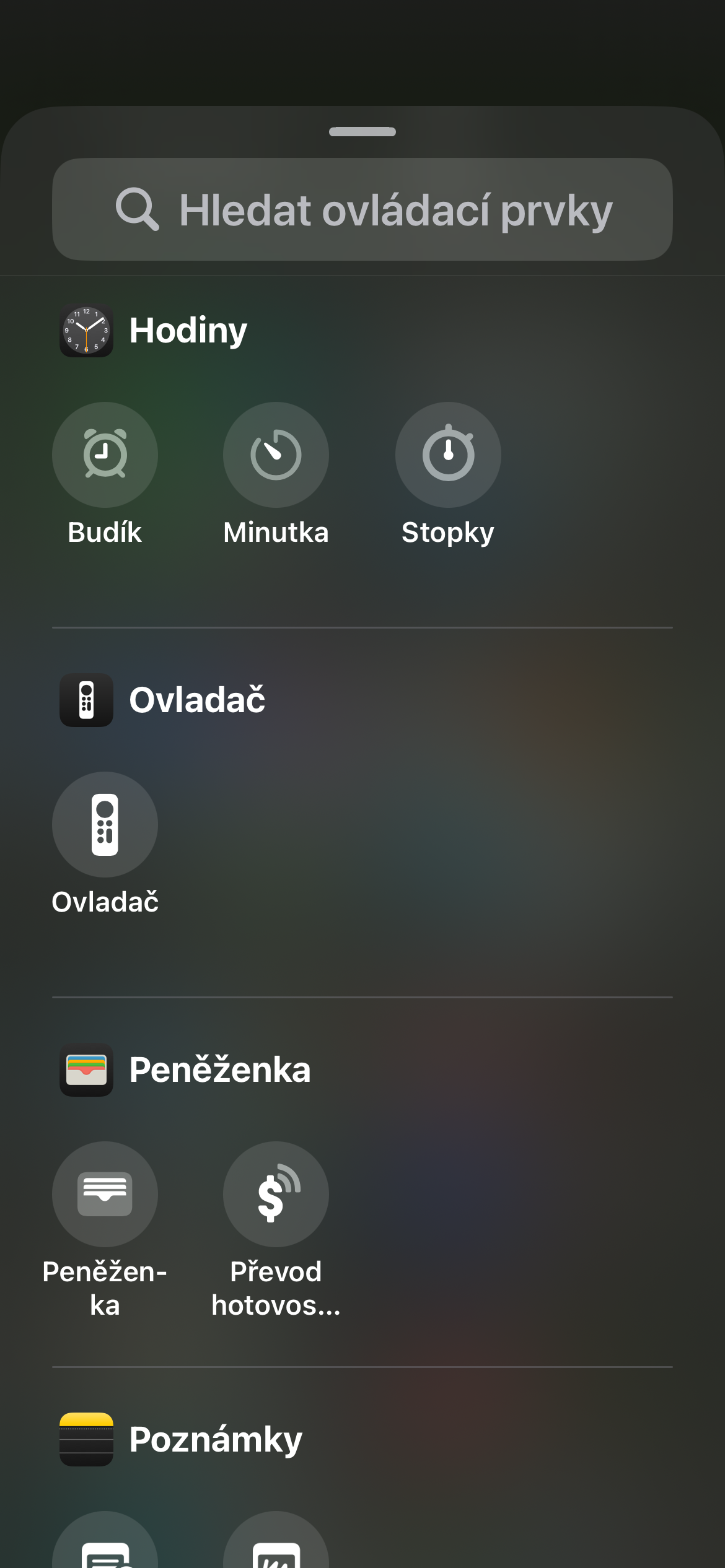
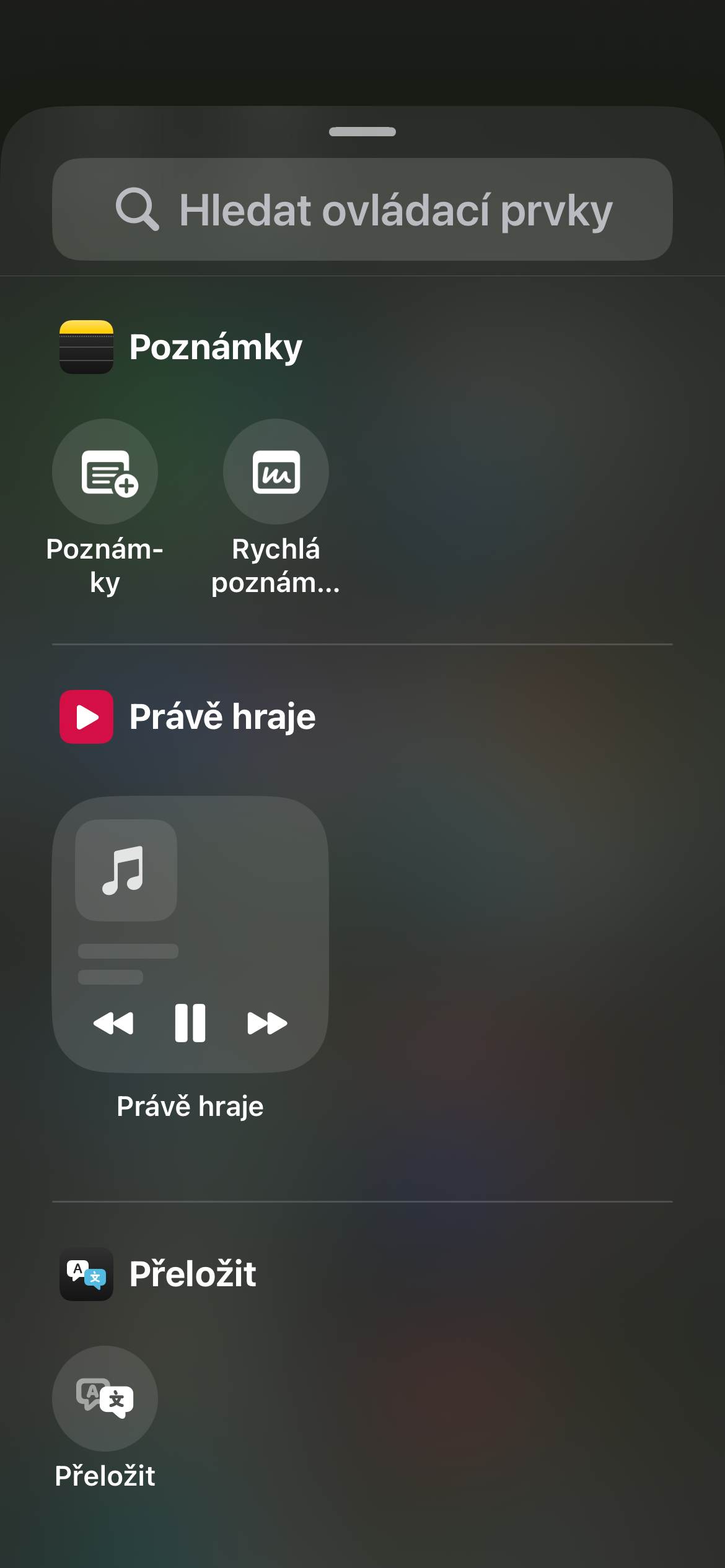
- Selection of elements: At the bottom of the screen, tap Add Control, then go to the Home section. Here, select all the smart home elements you want to have on this page.
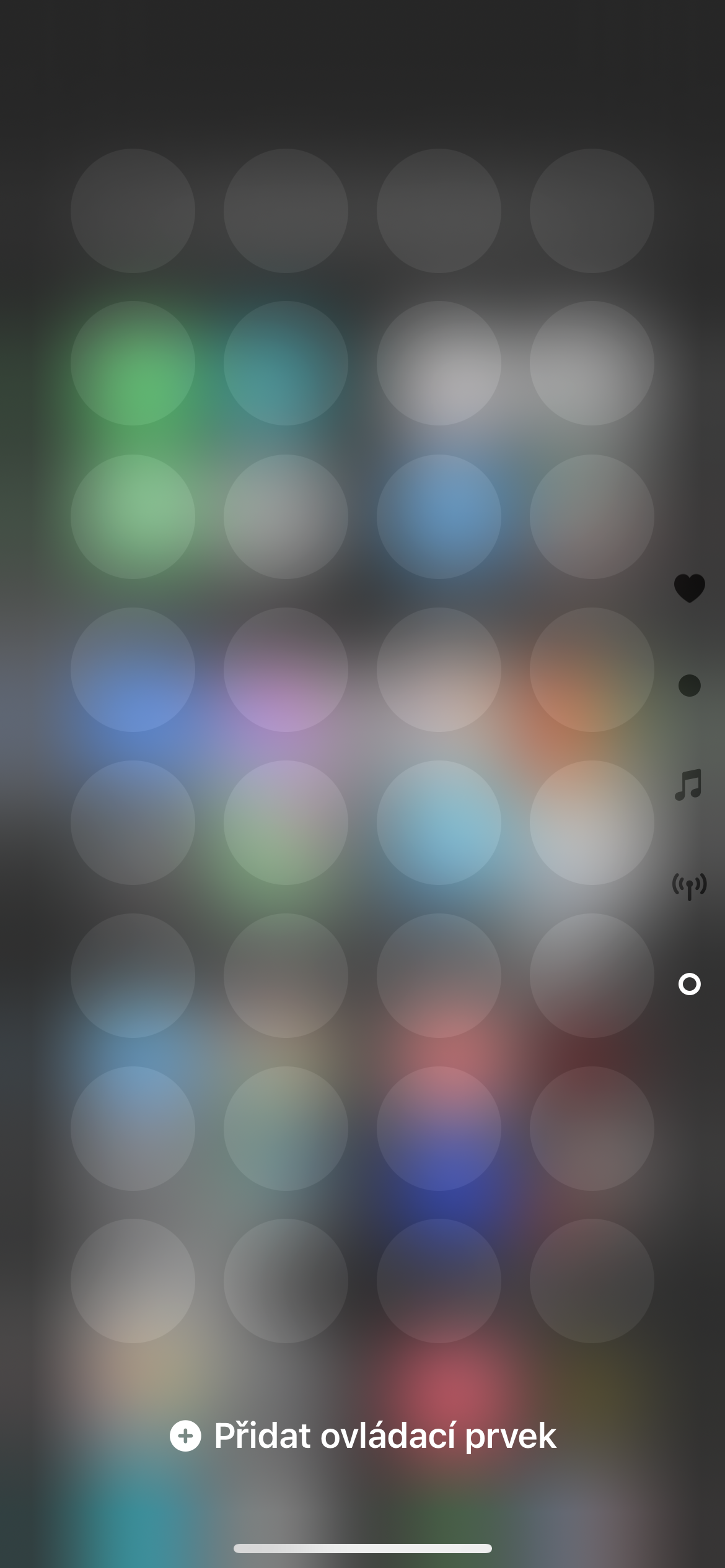
- Customization: Long press on tiles with individual elements to move them and change their order. If you drag the highlighted part at the bottom of the respective element, you can also enlarge it for easier control.
ProIs that great?
- Clarity: All your devices in one place.
- Speed: Instant control without opening the Home app.
- Customization: Create your Control Center exactly according to your needs.
- Intuitiveness: Simple and intuitive operation.
Gallery
What can you control?
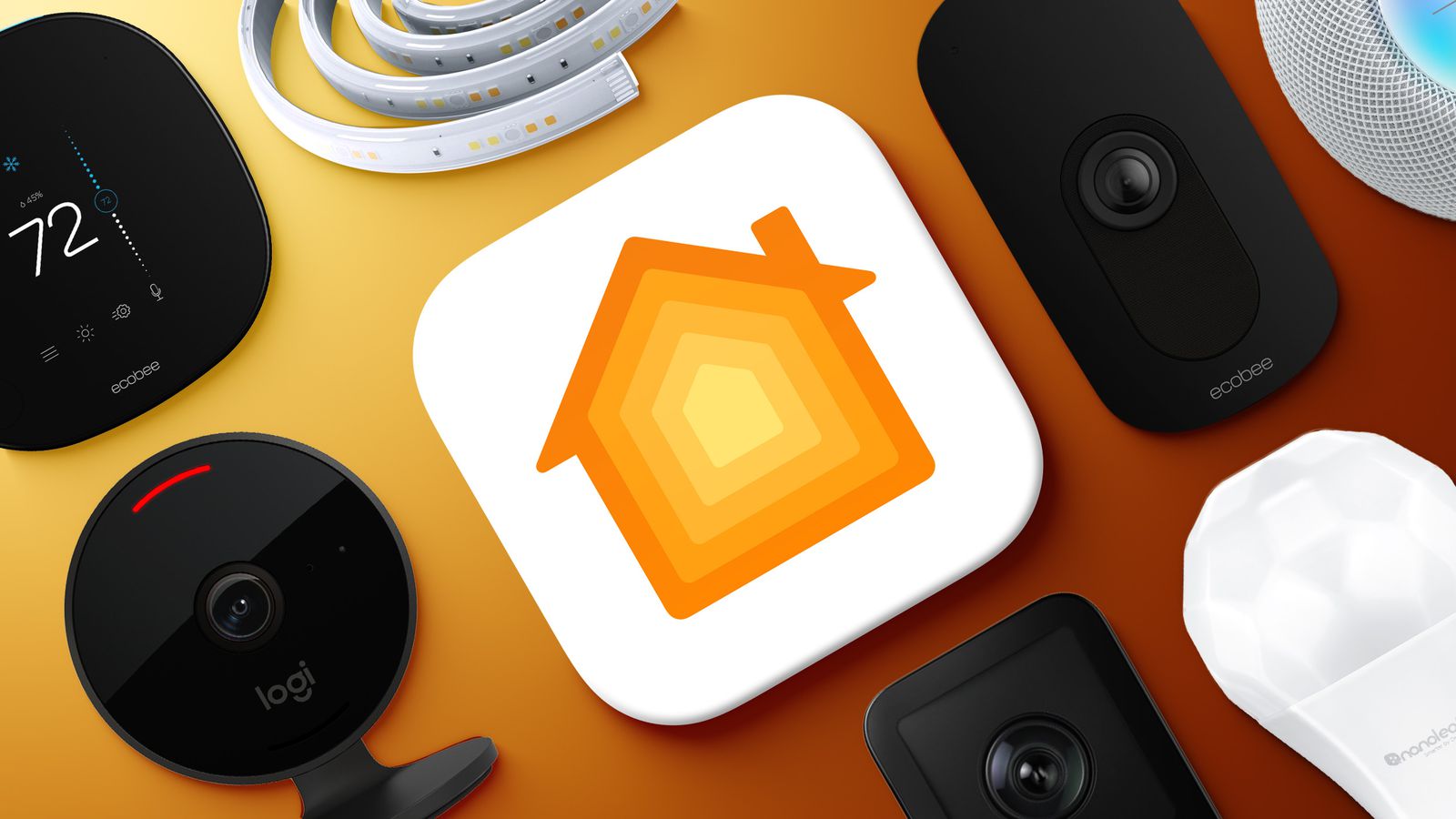
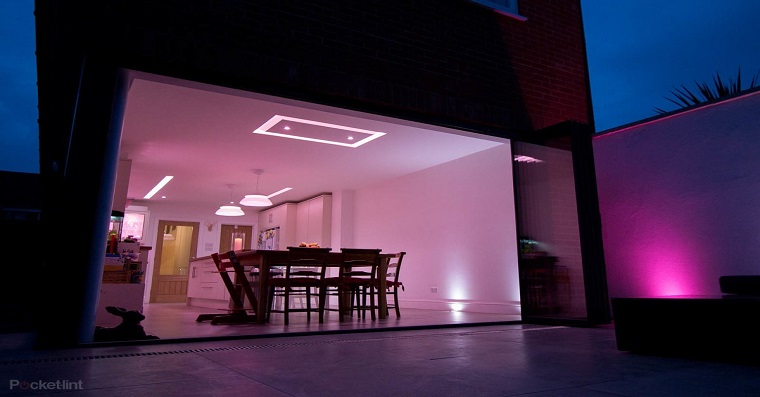
Virtually anything that is compatible with the platform HomeKit - from smart lighting up to kitchen equipment or perhaps safety features. This includes:
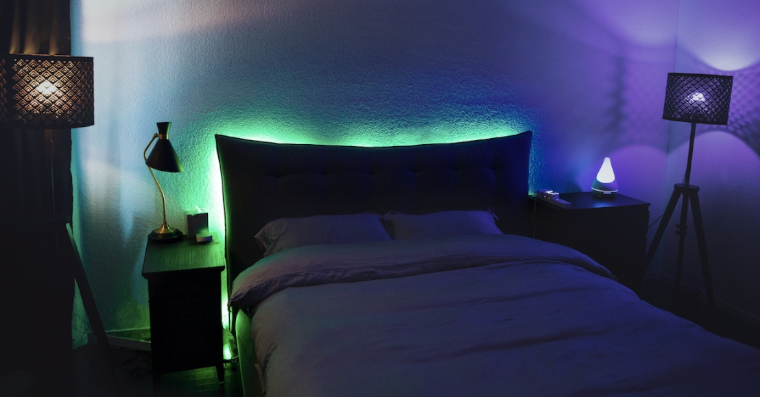
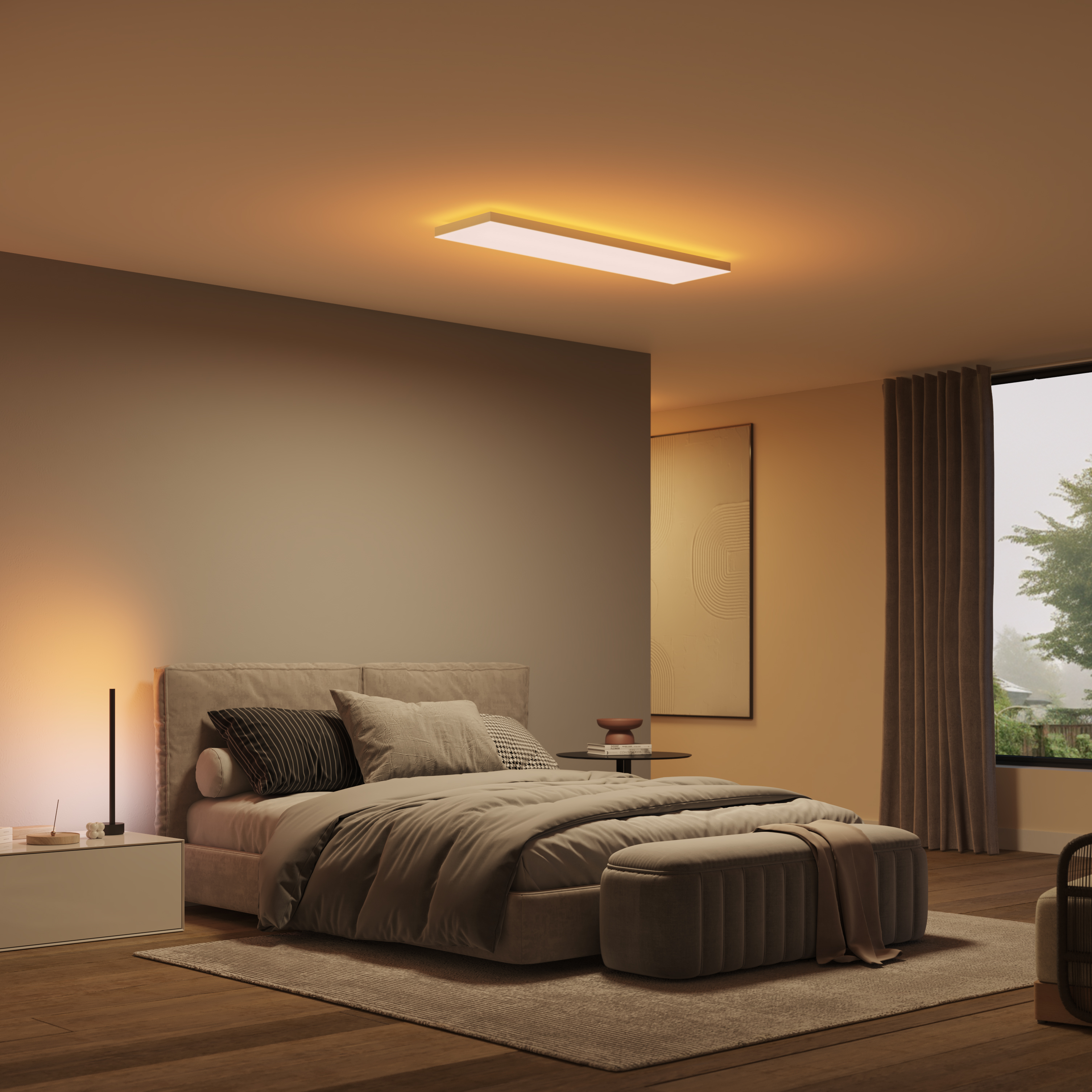
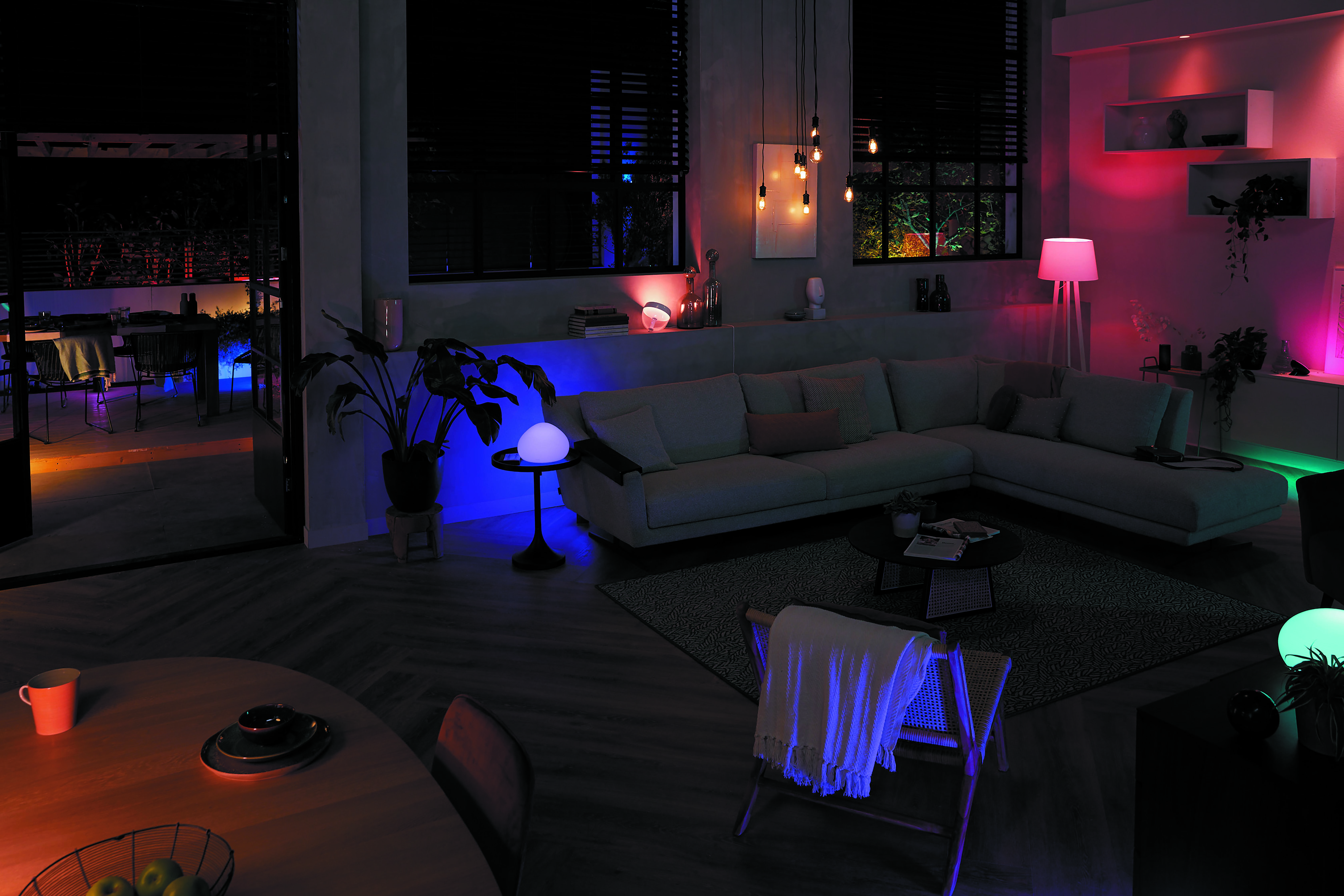
Lighting: Switching on and off lights, change in intensity and color.
Thermostats: Temperature regulation in individual rooms, control thermostat for floor heating or smart heads for radiators.
Locks: Locking and unlocking the doors.
Plugs: Switching appliances on and off.
Garage door: Opening and closing garage doors.
Gallery

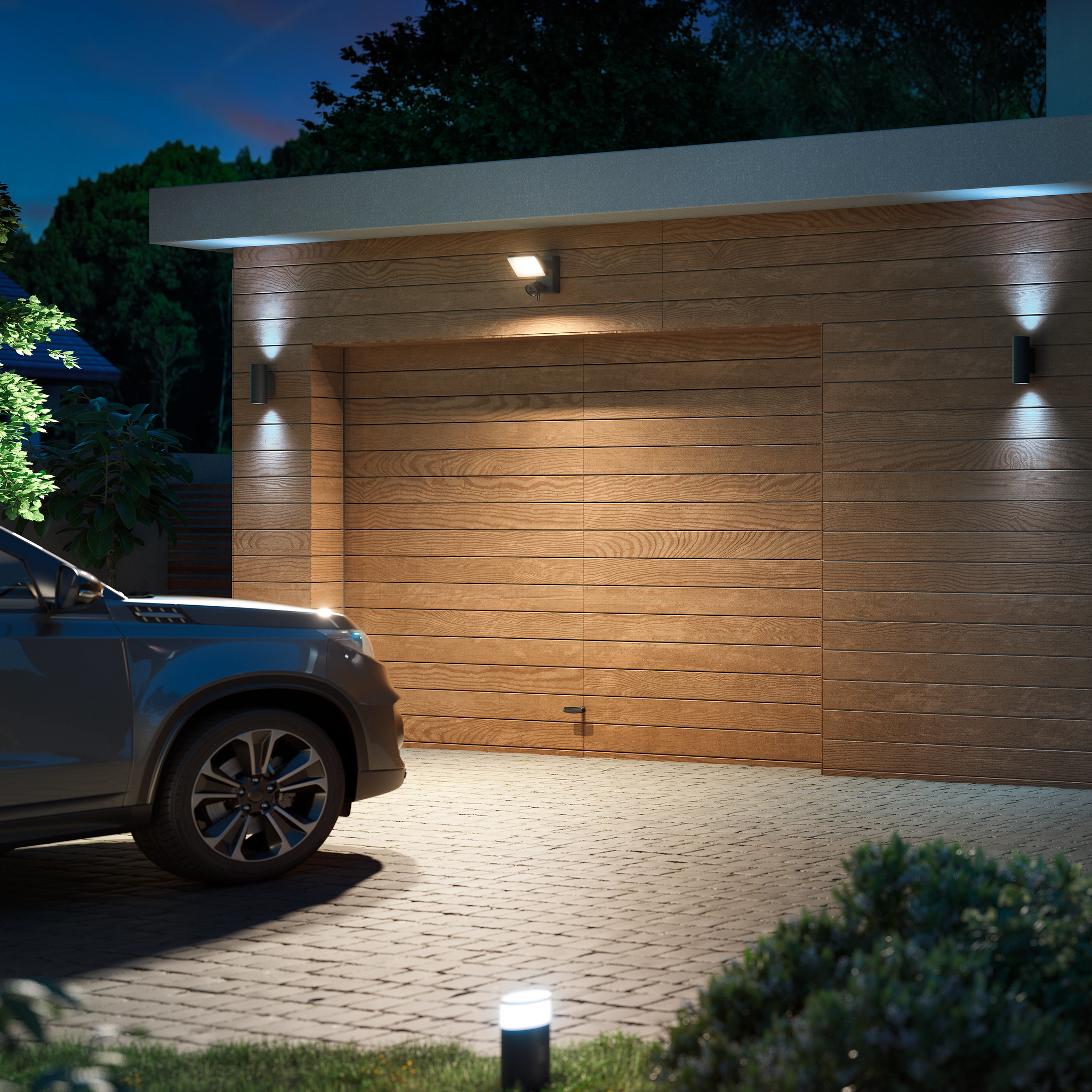
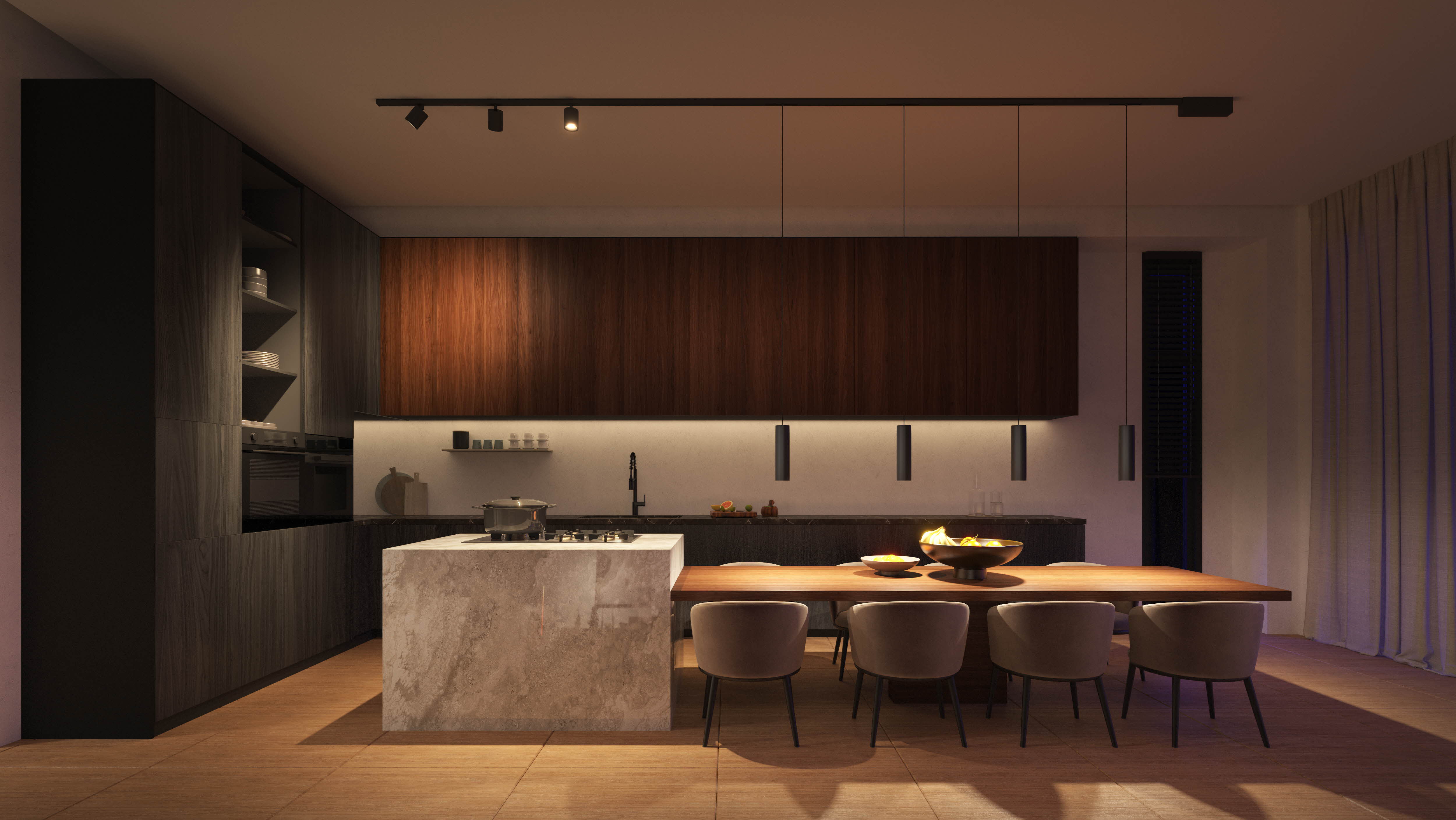
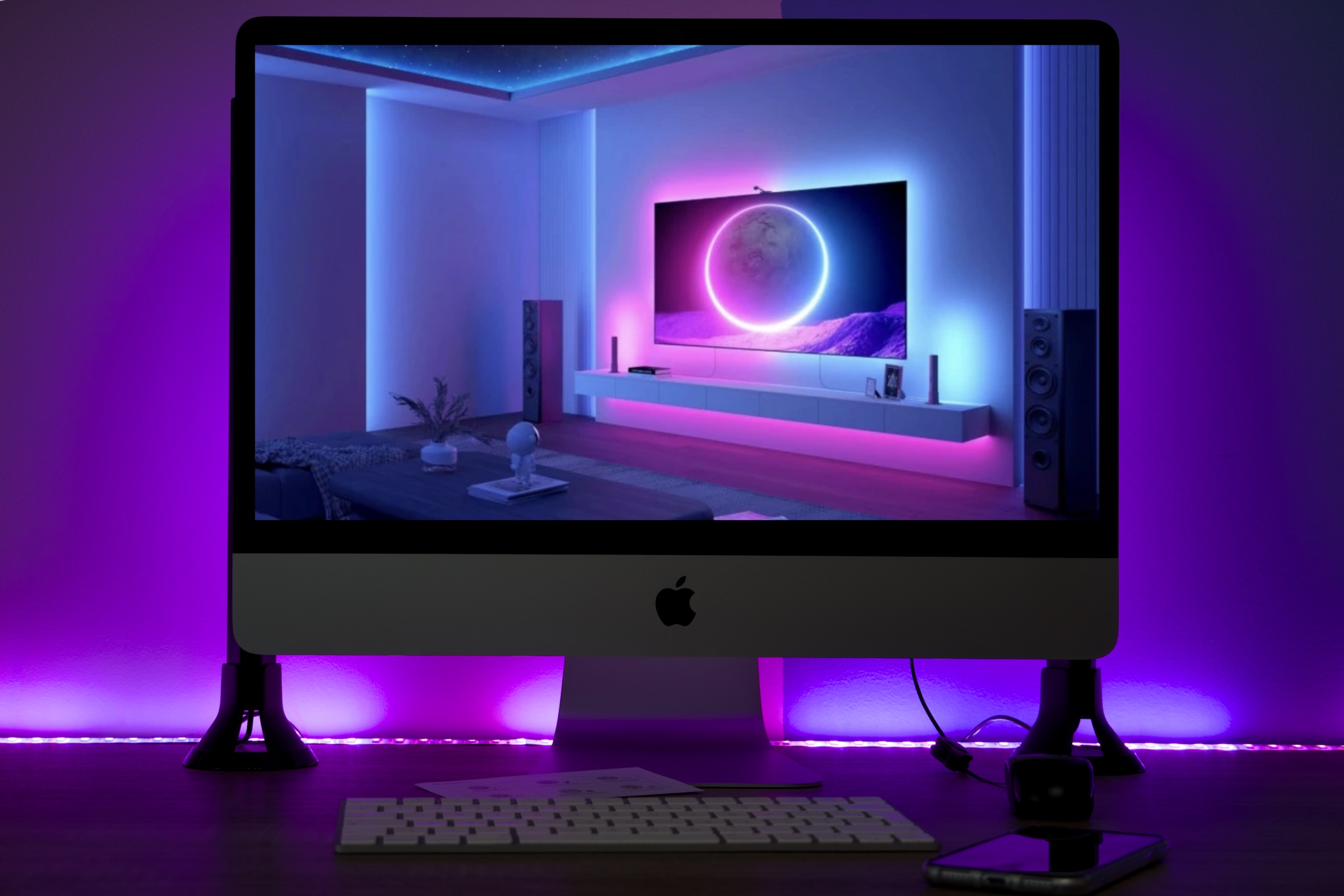
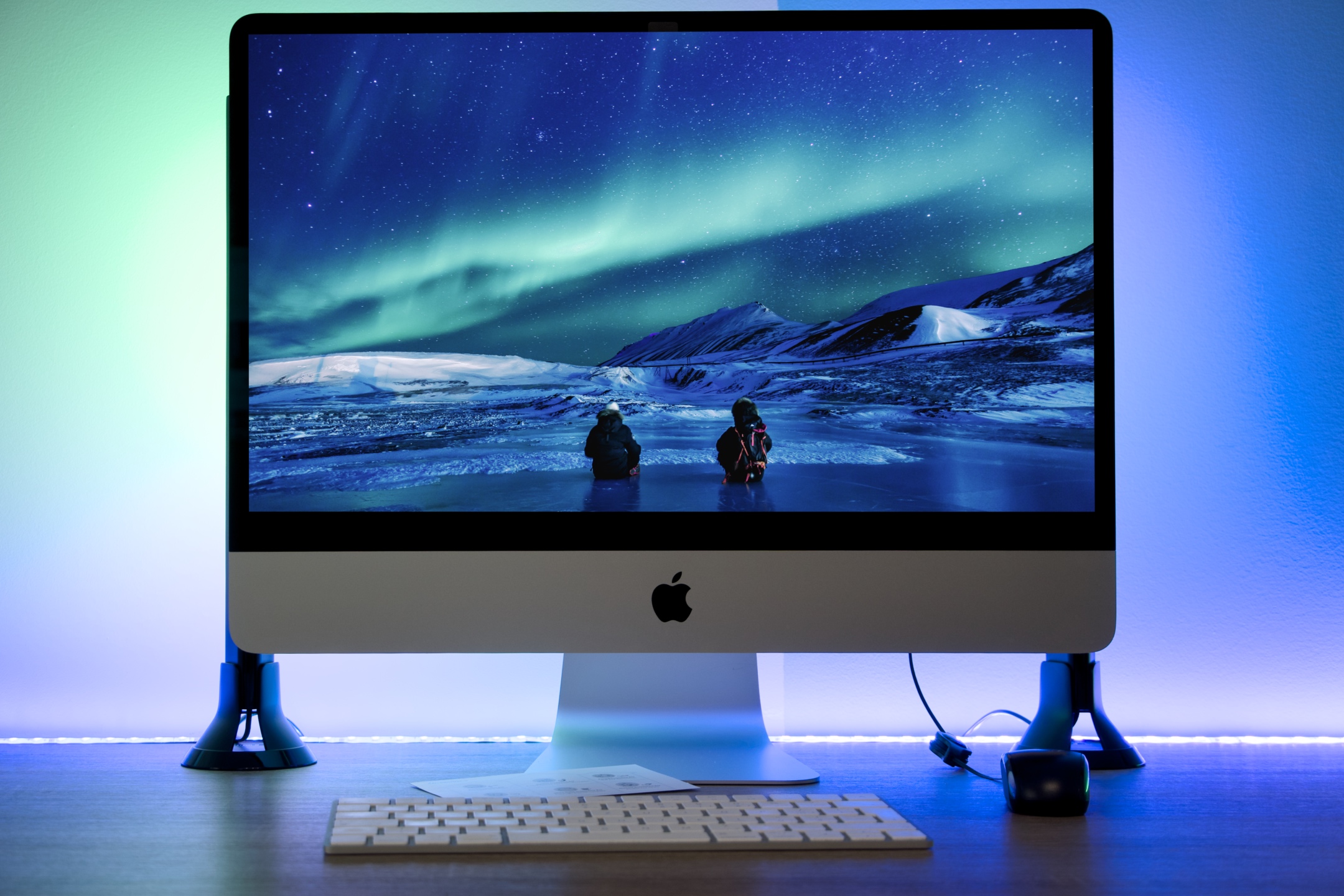
S iOS 18 control of the smart home becomes even simpler and more intuitive. Thanks to the new Control Center function, you have all your home appliances at your fingertips and can control them with a single gesture. Enjoy the convenience, security and personalization that a smart home offers you. Whether you want to turn off the lights, adjust the temperature or play your favorite music, p iOS 18 it's all just a matter of seconds.
S iOS 18 control of the smart home becomes even simpler and more intuitive. Thanks to the new Control Center feature, you have all your devices at your fingertips and can control them with a single gesture. Enjoy the convenience and automation that a smart home offers you.




Yeah, I like this. I set one whole "side" of the control center to the most frequently used elements. Larger, smaller icons... that's great from me.