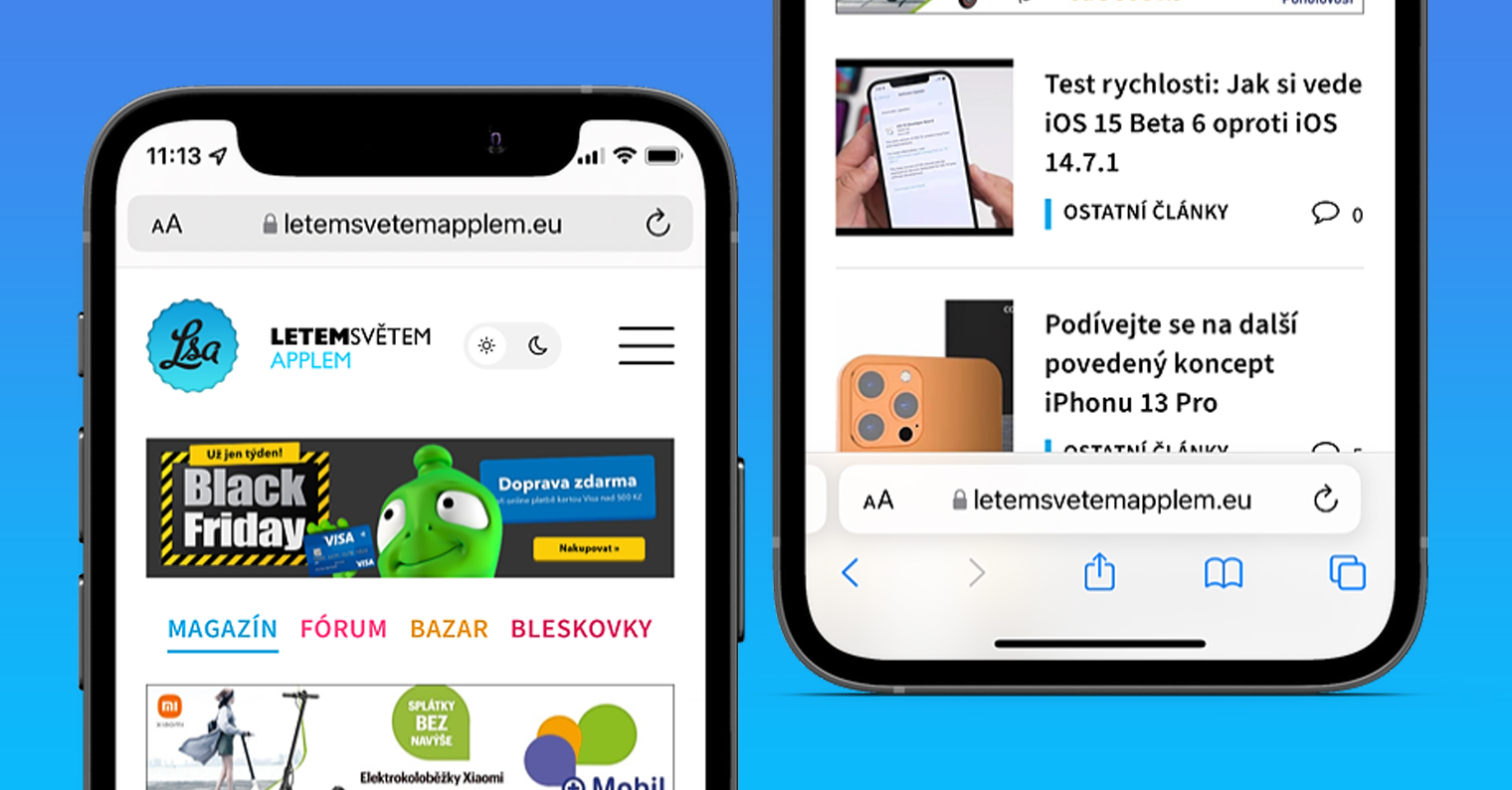
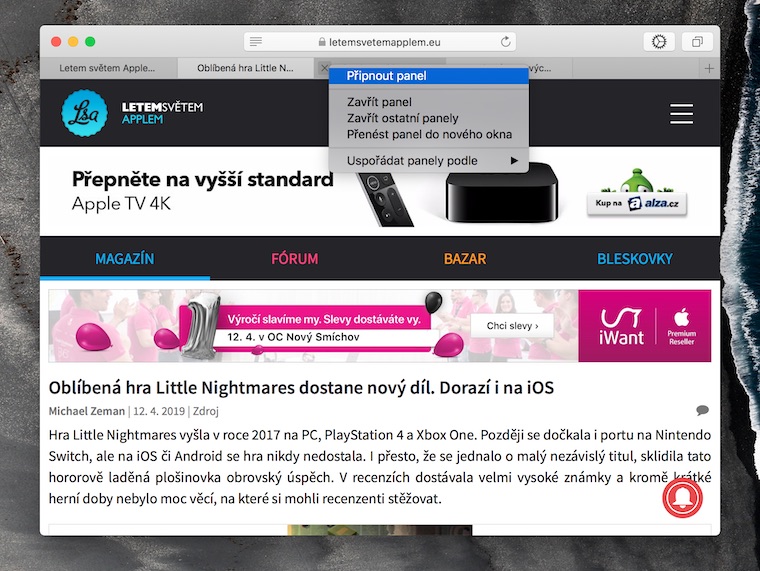
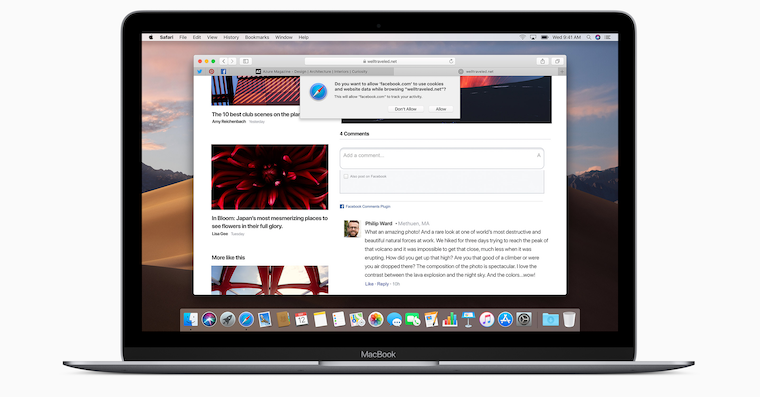
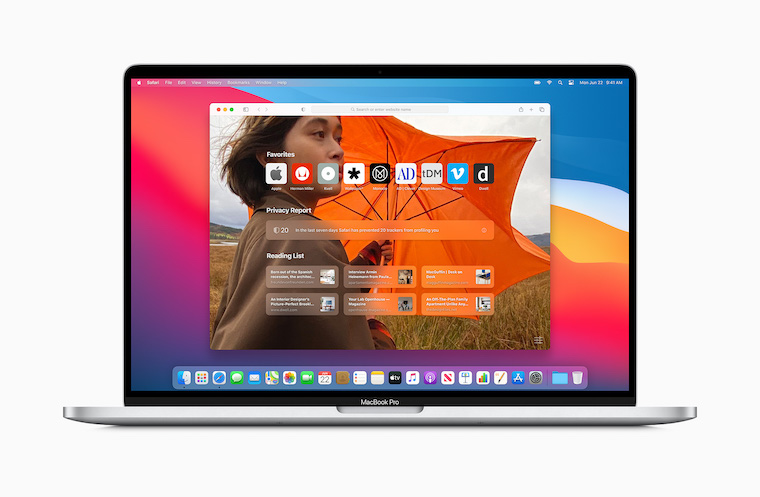
Are you looking for Safari buttons that you used almost blindly before? Compact layout in iOS 26 saves space on the screen, but it may not suit everyone for everyday viewing. Fortunately, it is not mandatory. In the iPhone settings, you can switch to the Bottom layout, or move the address bar to the top. The entire adjustment only takes a few moments.
You might be interested in
With the advent of Liquid Glass design Apple has also significantly changed the appearance of its browser. Compact varianta limits the number of visible controls to give more space to the page itself. This can be nice when reading a longer article, but if you frequently switch panels or share links, you may prefer a more familiar layout.
Where the layout Safari alter
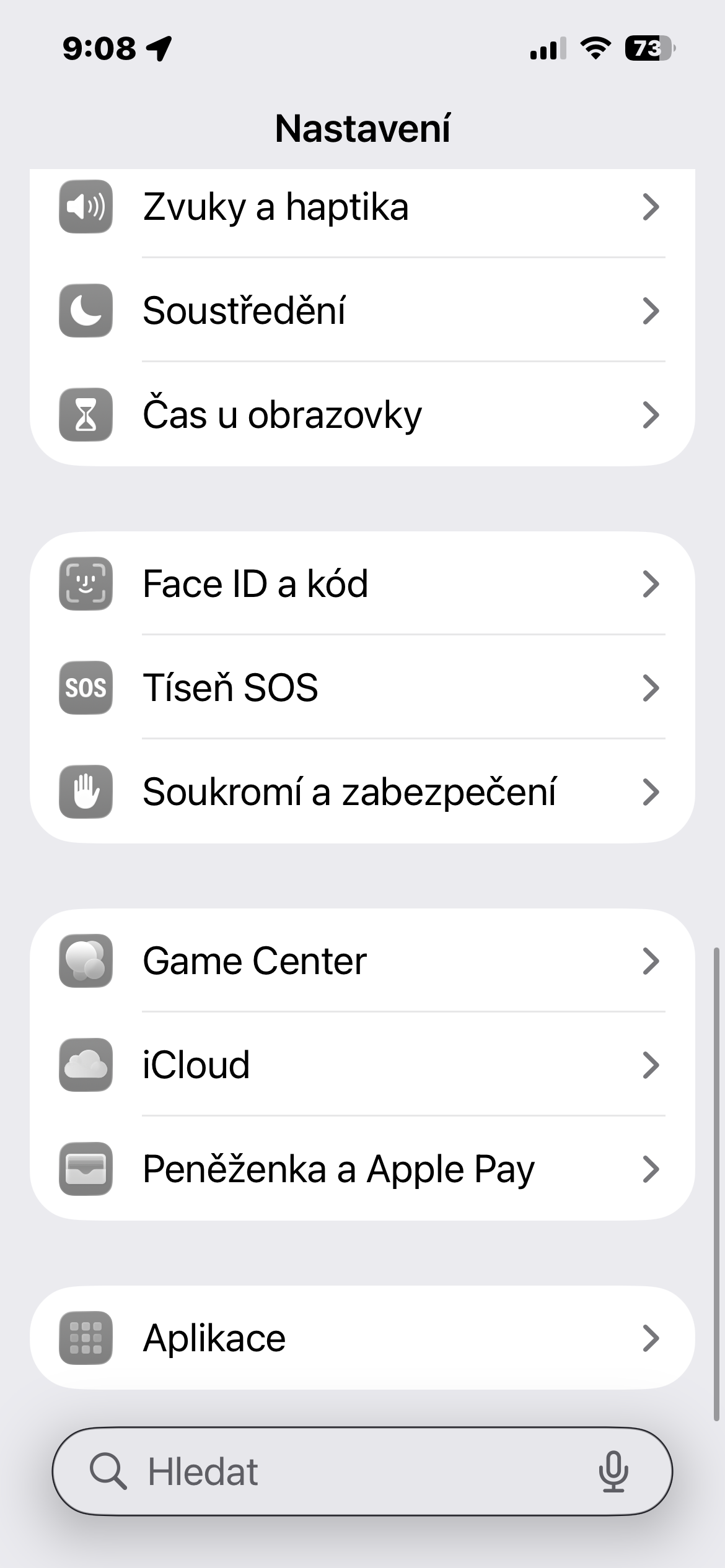
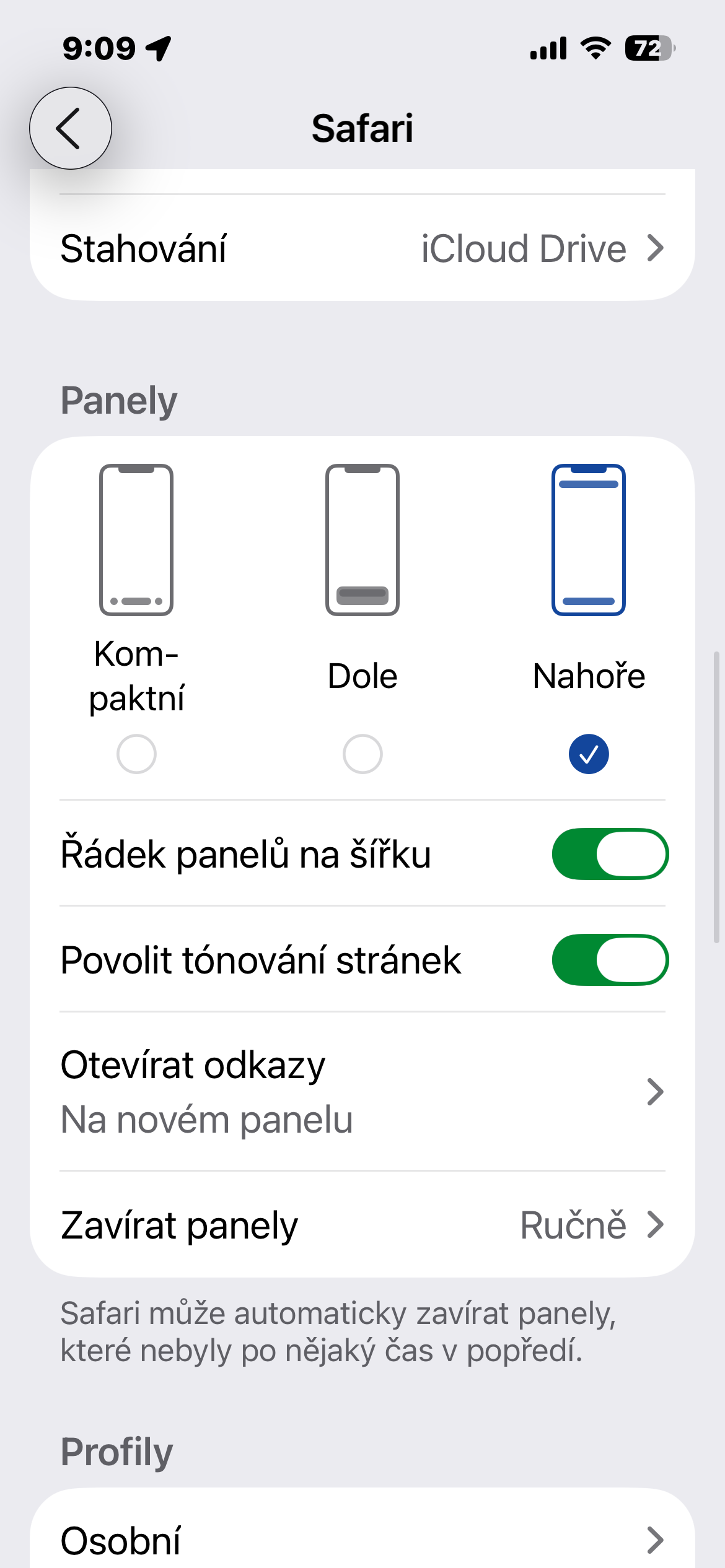
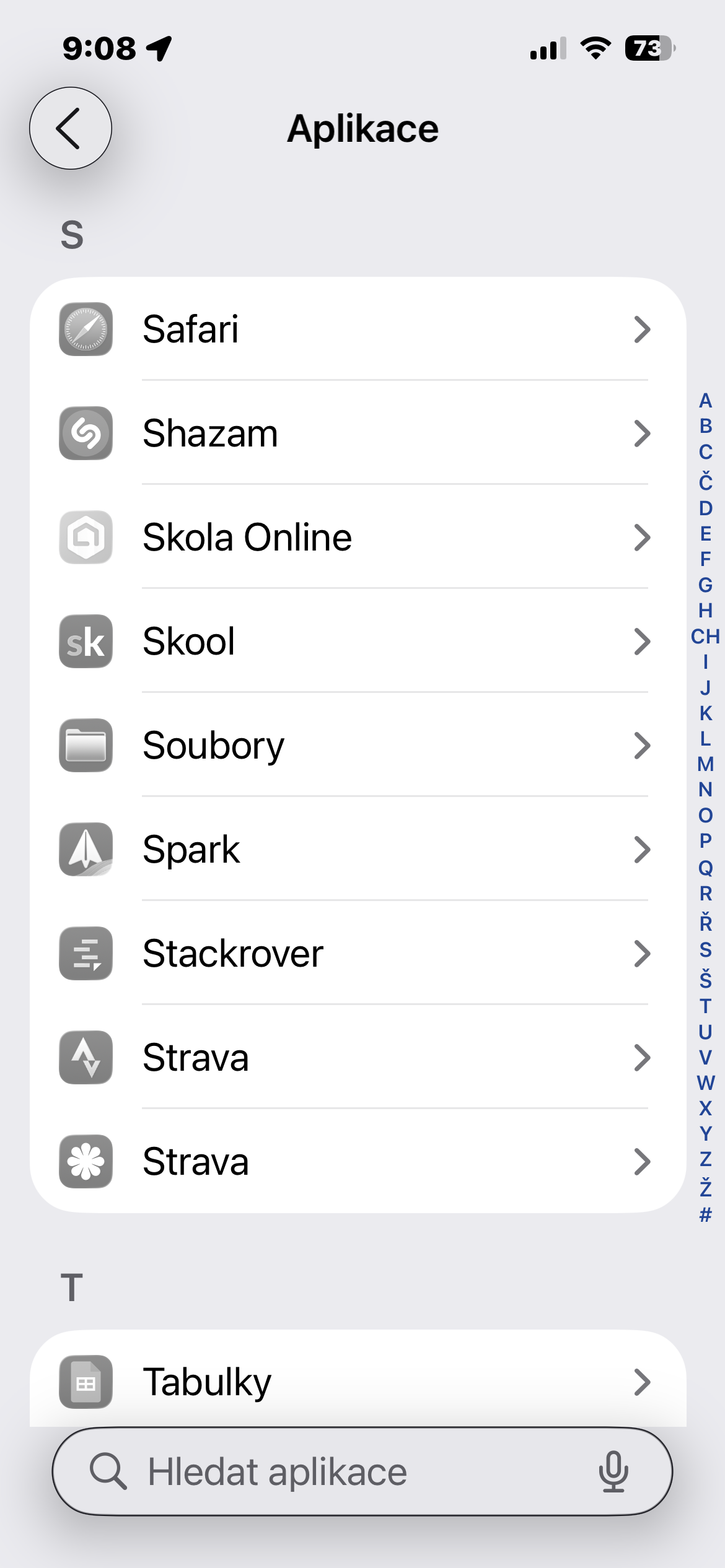
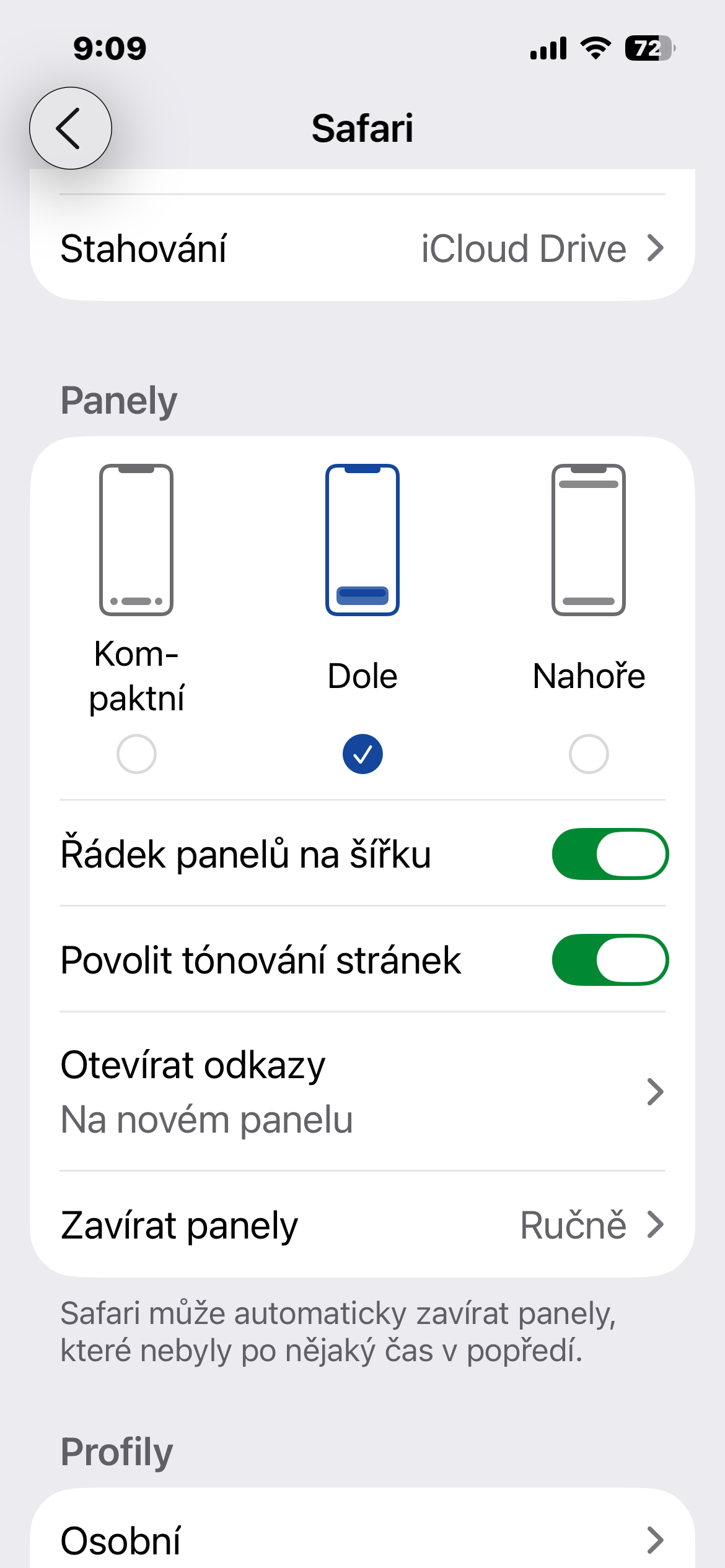
Open Settings, go to the Apps section, and select Safari. Then look for the Panels section, where three are available varianty: Compact, Bottom, and Top. Tap to select the one you want to use.
If you are primarily interested in returning to controls reminiscent of previous versions Safari, start with the Bottom option. The address bar will remain at the bottom of the screen, and the browser will offer a separate bar with additional controls. This arrangement is especially useful if you want to have common functions easily accessible when holding your phone with one hand.
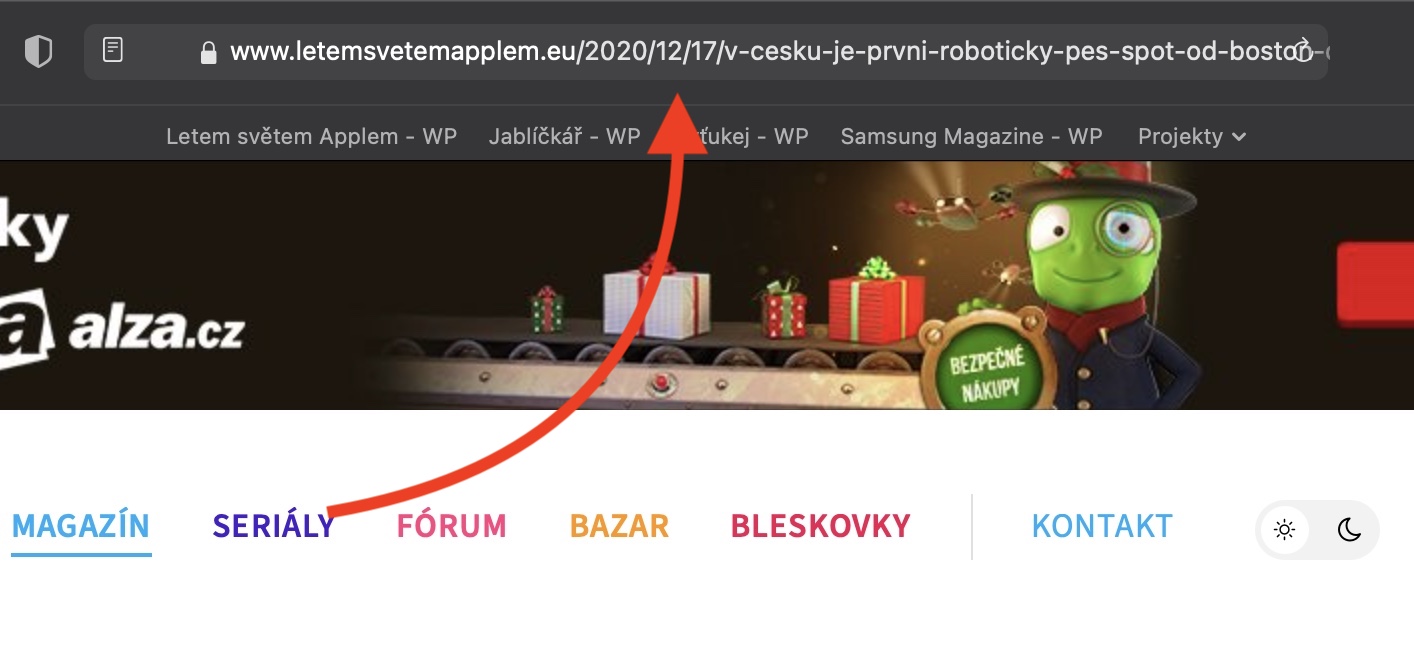
Varianta Top moves the address bar to the top of the screen. This is useful for users who are used to entering addresses and searching right there. However, the name does not mean that all browser controls are moved to the top.
You will see the change when you return to Safari. No need to restart iPhone or manually close the application. You can therefore compare the individual options directly on the same open page.
Gallery
A more familiar layout, not a return to the entire old look
This toggle will adjust the browser layout, but it will not revert the entire Safari to the form before iOS 26. The Liquid Glass visual style remains a part of the system, so if you're primarily concerned about the location of the address bar or hidden features, changing the layout may help. It won't disable the new design itself.
When choosing, it's worth trying out what you actually do in your browser: opening another panel, sharing a link, and entering a new address. These little things are the quickest way to find out which layout suits you. And if you later prefer more space for your website, you can always choose Compact again the same way.