
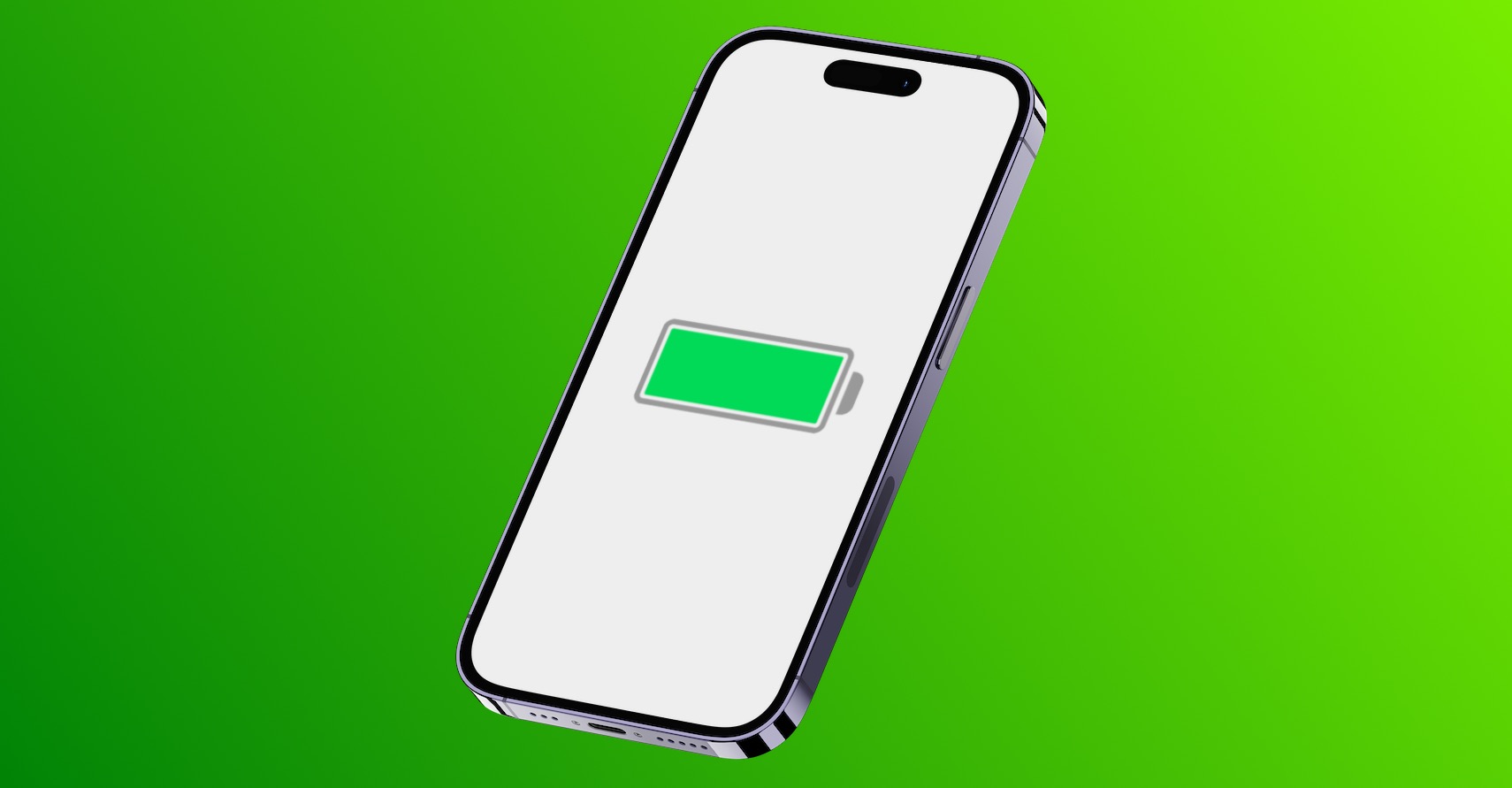
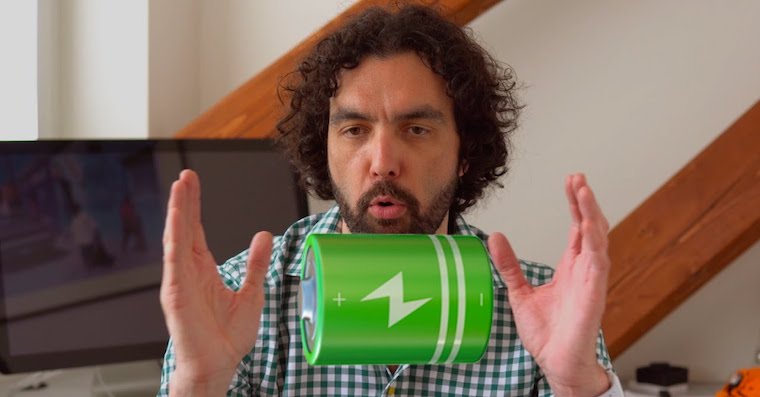
updates iOS 18 it brought many new features but also some problems. One of the most common is a significant reduction in battery life. If this has happened to you, here are some tips to try.
Be patient
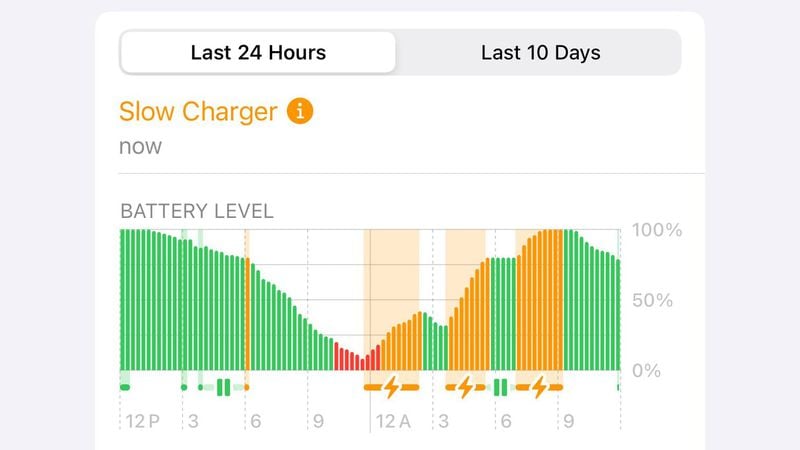
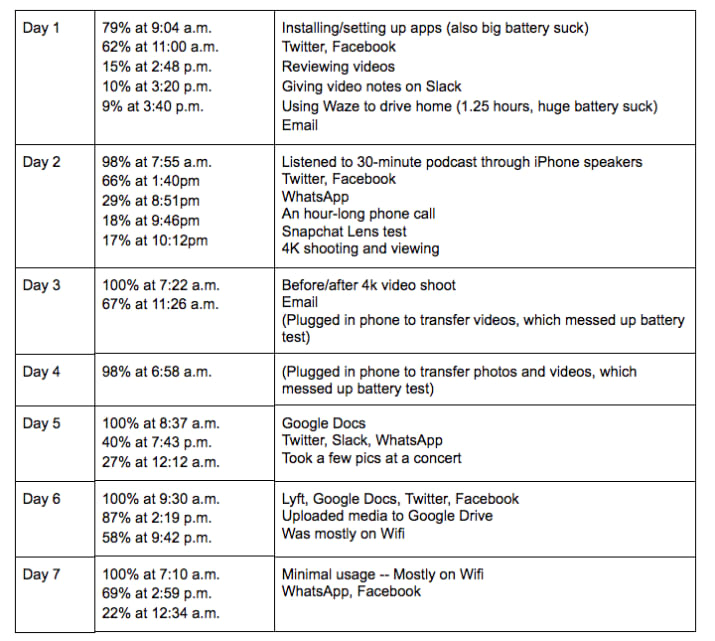
After installing a new update iOS It is normal to notice a decrease in battery life. This is because your iPhone is busy performing a number of background tasks that require more power. Battery life should return to normal once these tasks are completed. Just give your device some time to settle down. In the meantime, you'll simply have no choice but to plug in iPhone on the charger or powerbanku.
Gallery
Slow down consumption
While you wait for your iPhone completes its post-update tasks, here are a few tips that might help extend battery life:
Decrease screen brightness: Lowering the screen brightness can significantly reduce battery consumption.
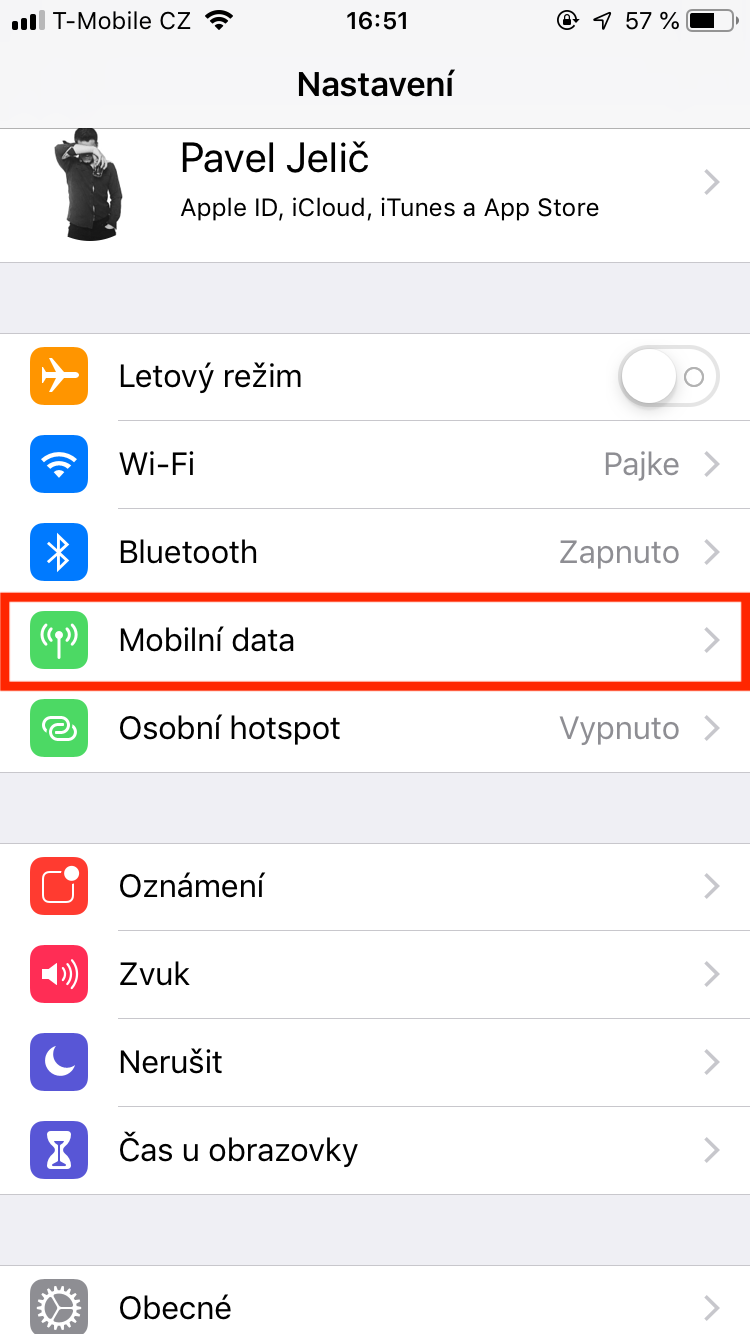
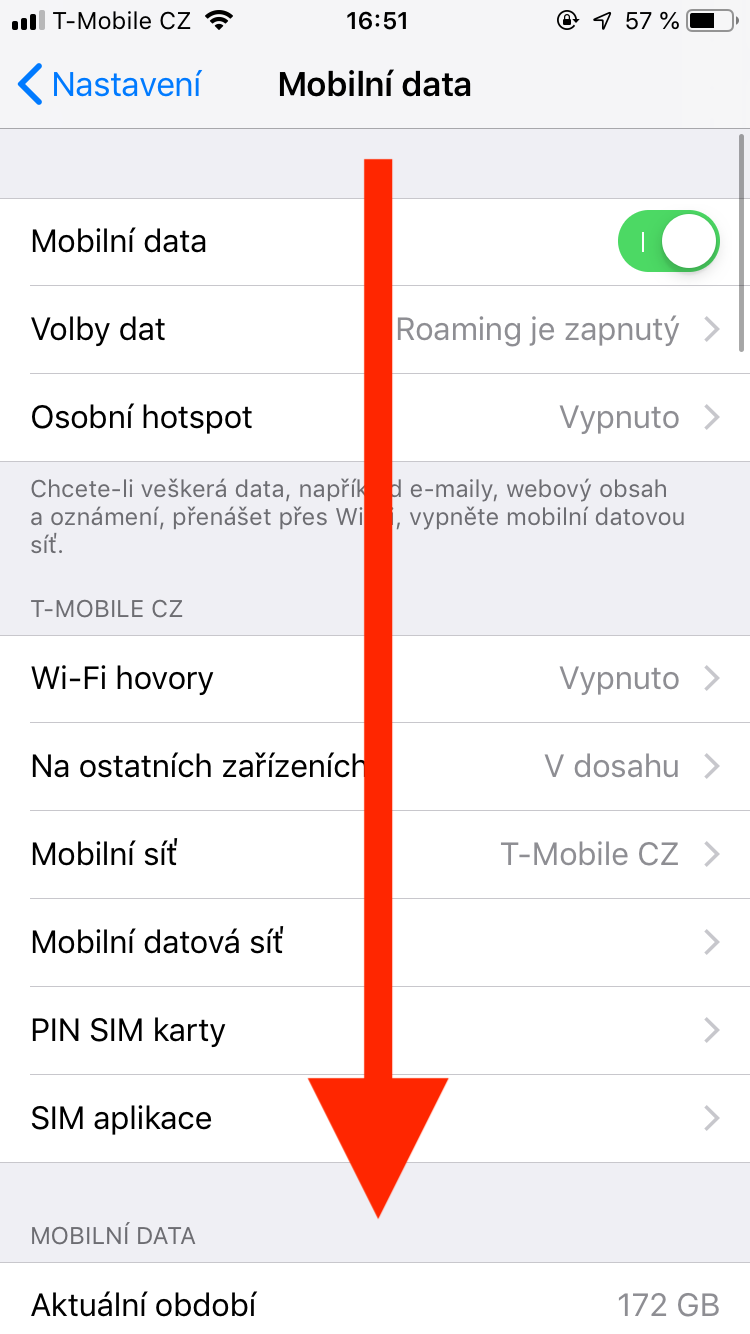
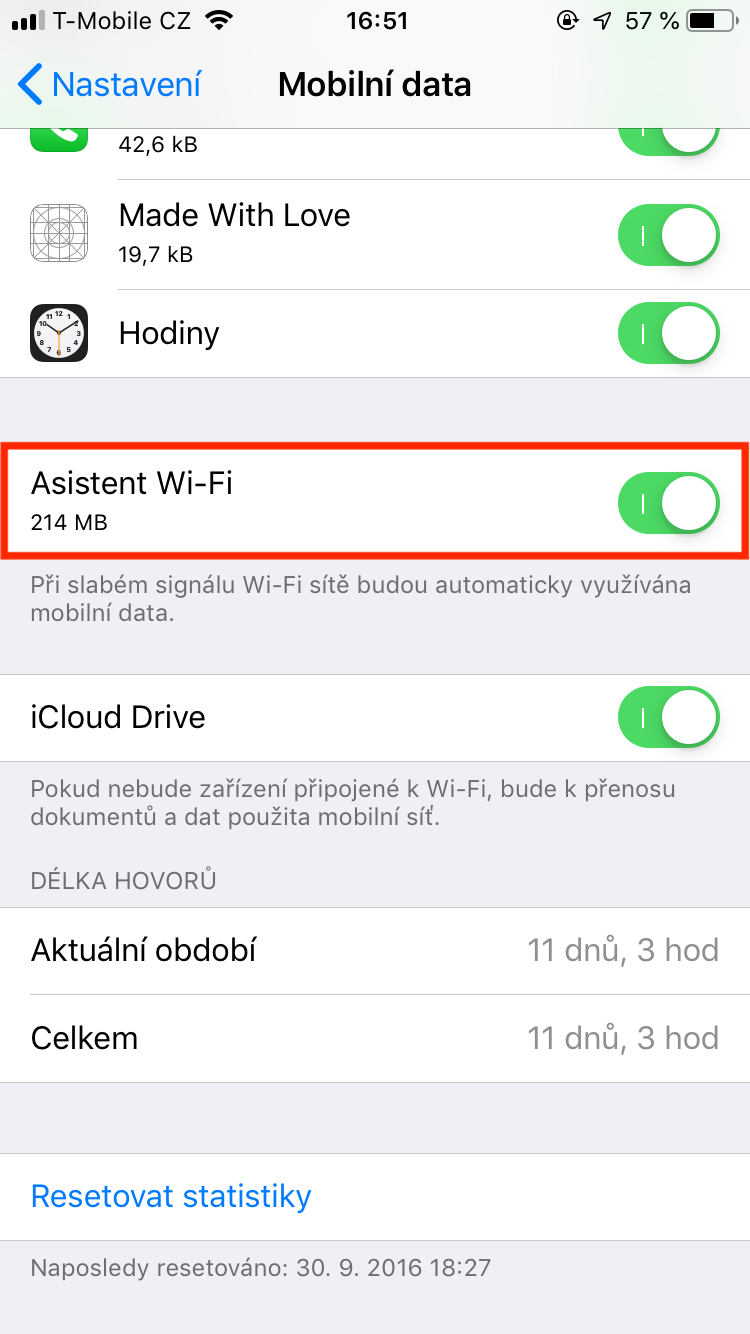
Disable Wi-Fi Assistant: Tato feature uses mobile data when your Wi-Fi connection is weak, which can drain your battery. To turn it off, go to Settings > Mobile data, then scroll down and turn off the feature.
Use dark mode: Activating dark mode can significantly affect battery life, especially on OLED displays.
Update your apps
Sometimes there may not be a problem with battery life or performance.onem caused by itself iOS, but rather applications that have not been updated to work with the latest version. When Apple will release a new version iOS, it's important to make sure all your apps are up to date before you start troubleshooting. To update your apps, open the app App Store and tap your profile picture in the corner. Head a little further down and update the apps that have this offer available.
You might be interested in
Consider replacing the battery
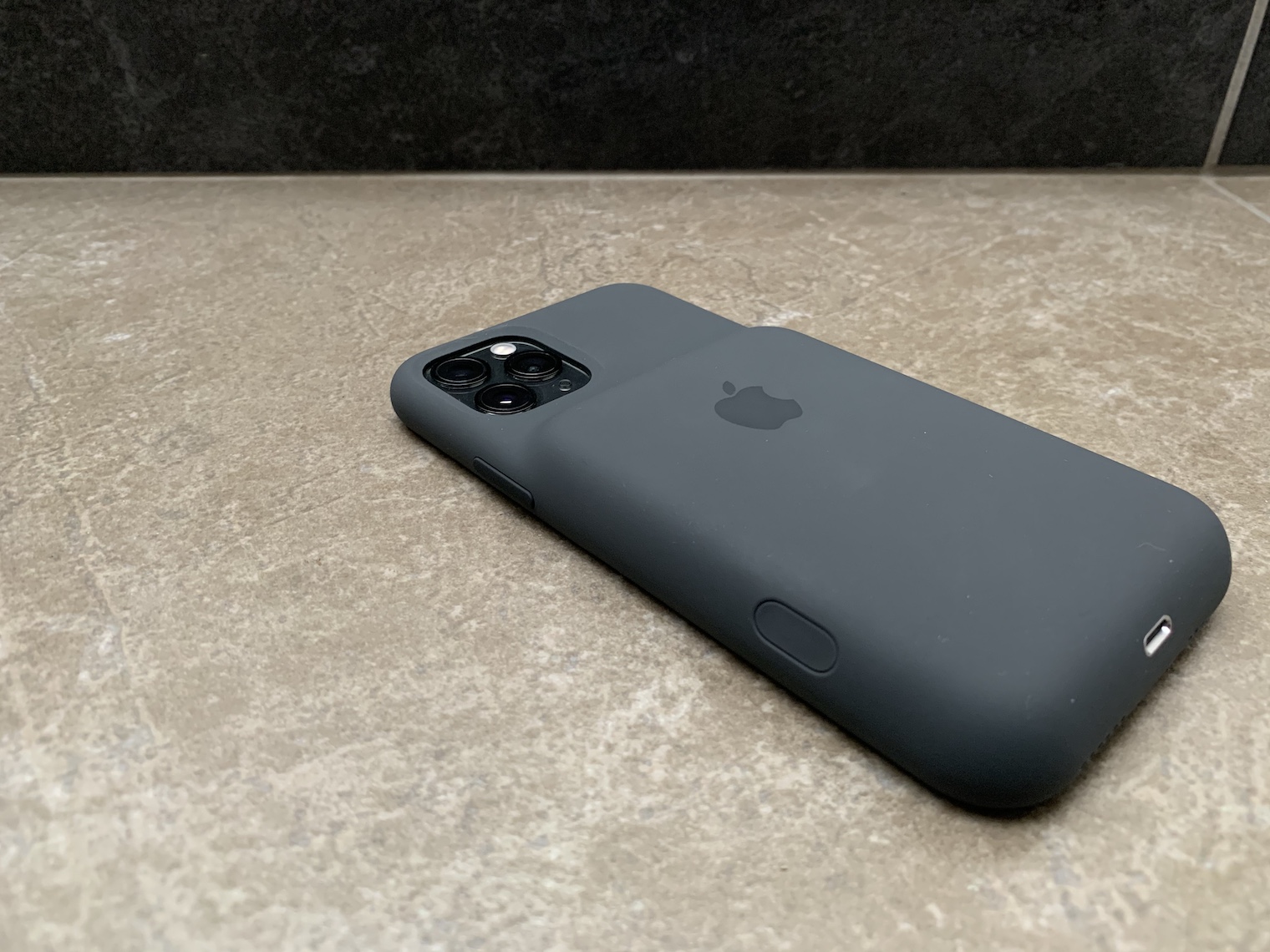
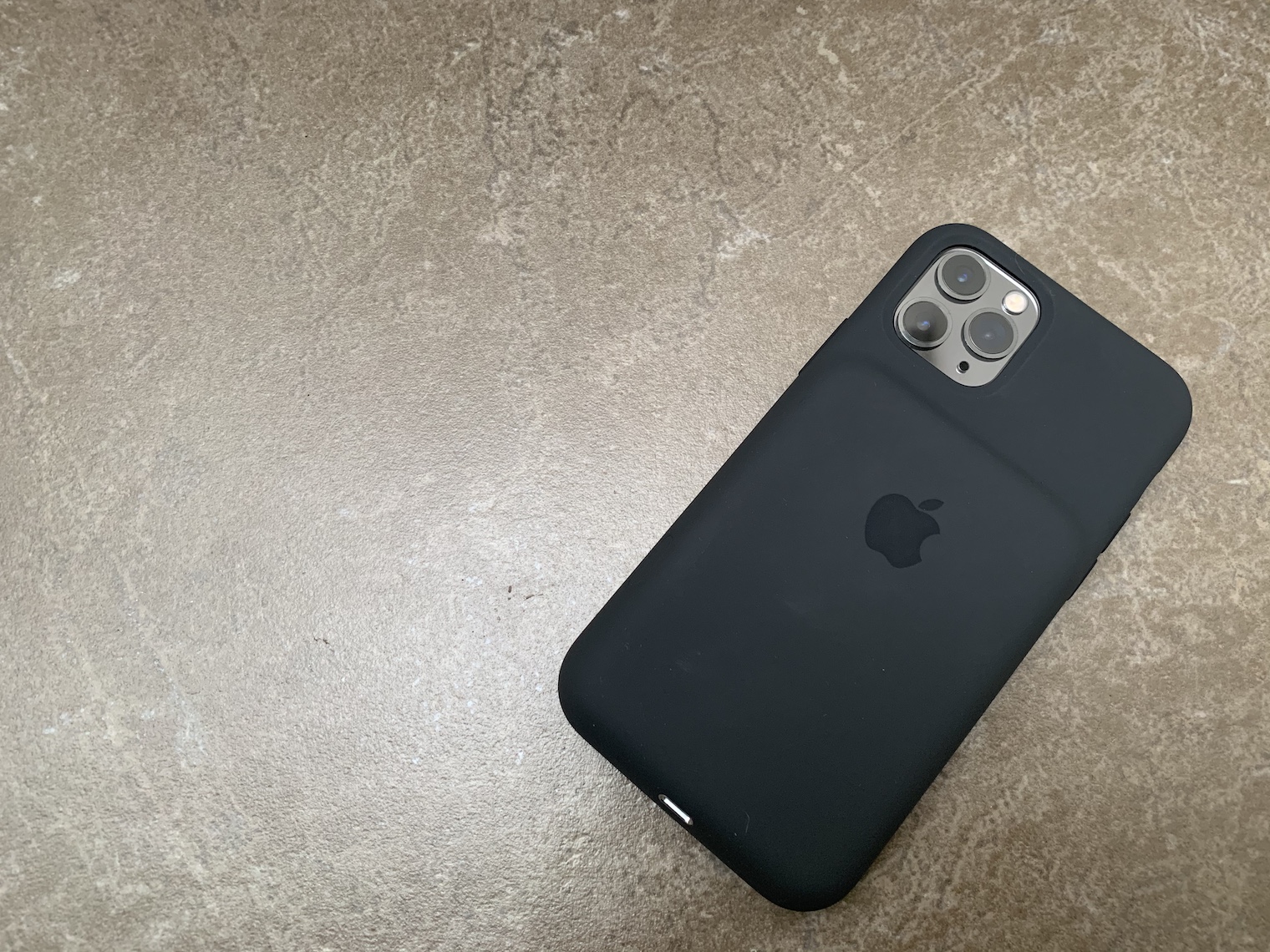
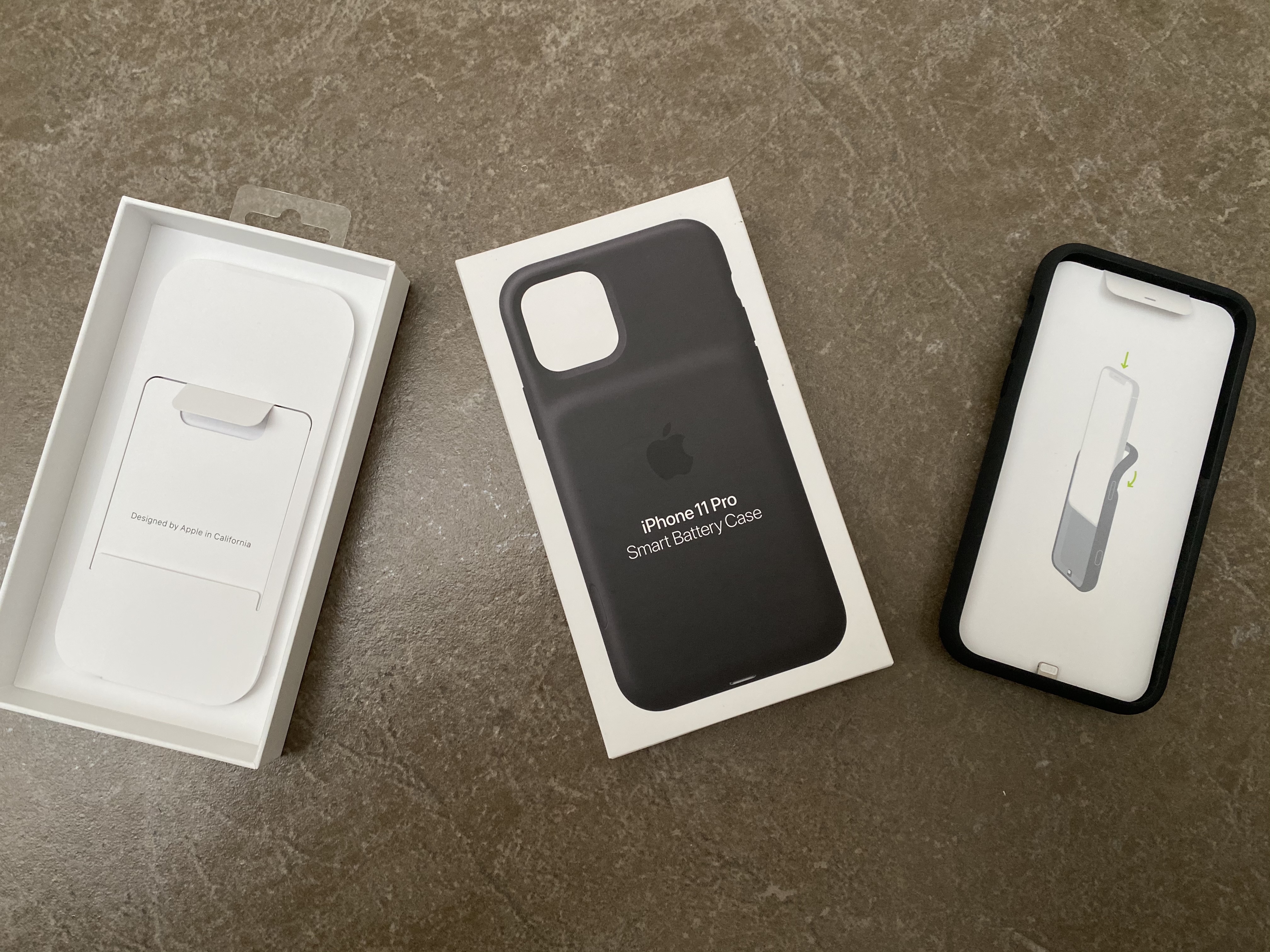
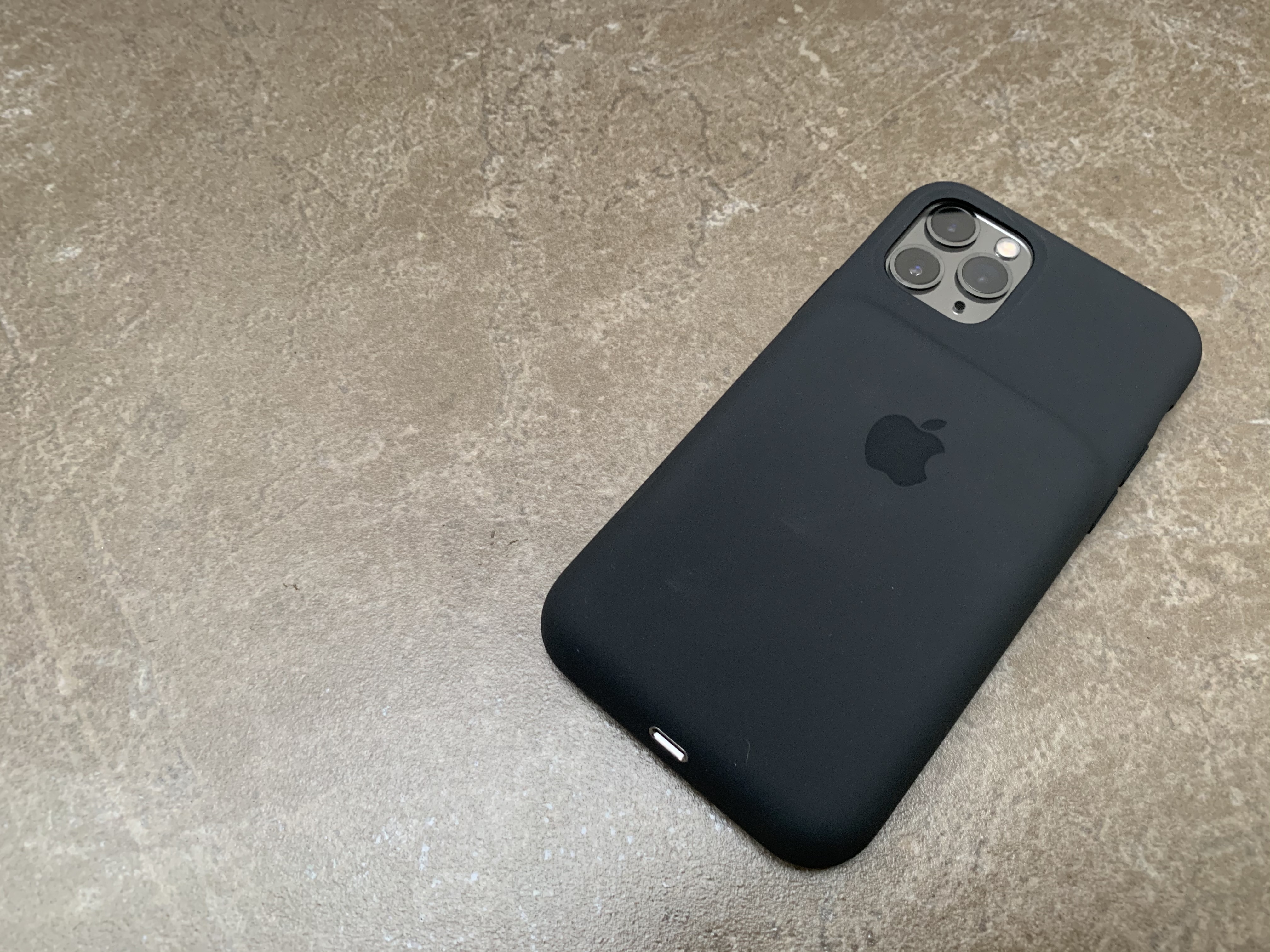
You have installed the latest update. iOS to the older iPhone? If your device is over three years old, it might be time to consider replacing the battery. Go to Settings > Battery > Battery health & charging to check maxbattery capacity. If the level is below 80%, it means your battery is worn out and may need to be replaced. Monitoring your battery health can help ensure that your iPhone It still works fine. Before you buy a new battery, an external battery case can give your iPhone some extra power.
Gallery
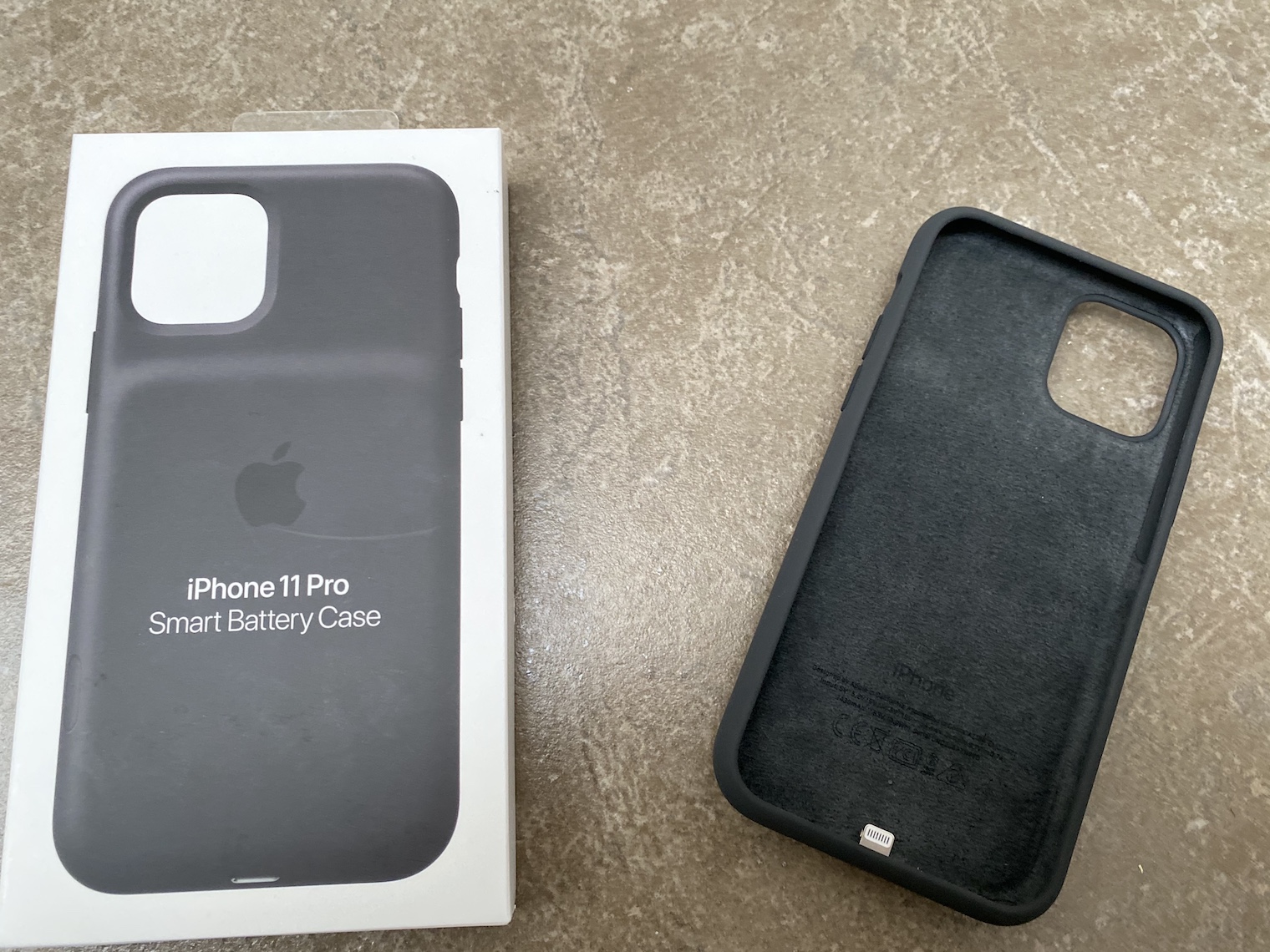
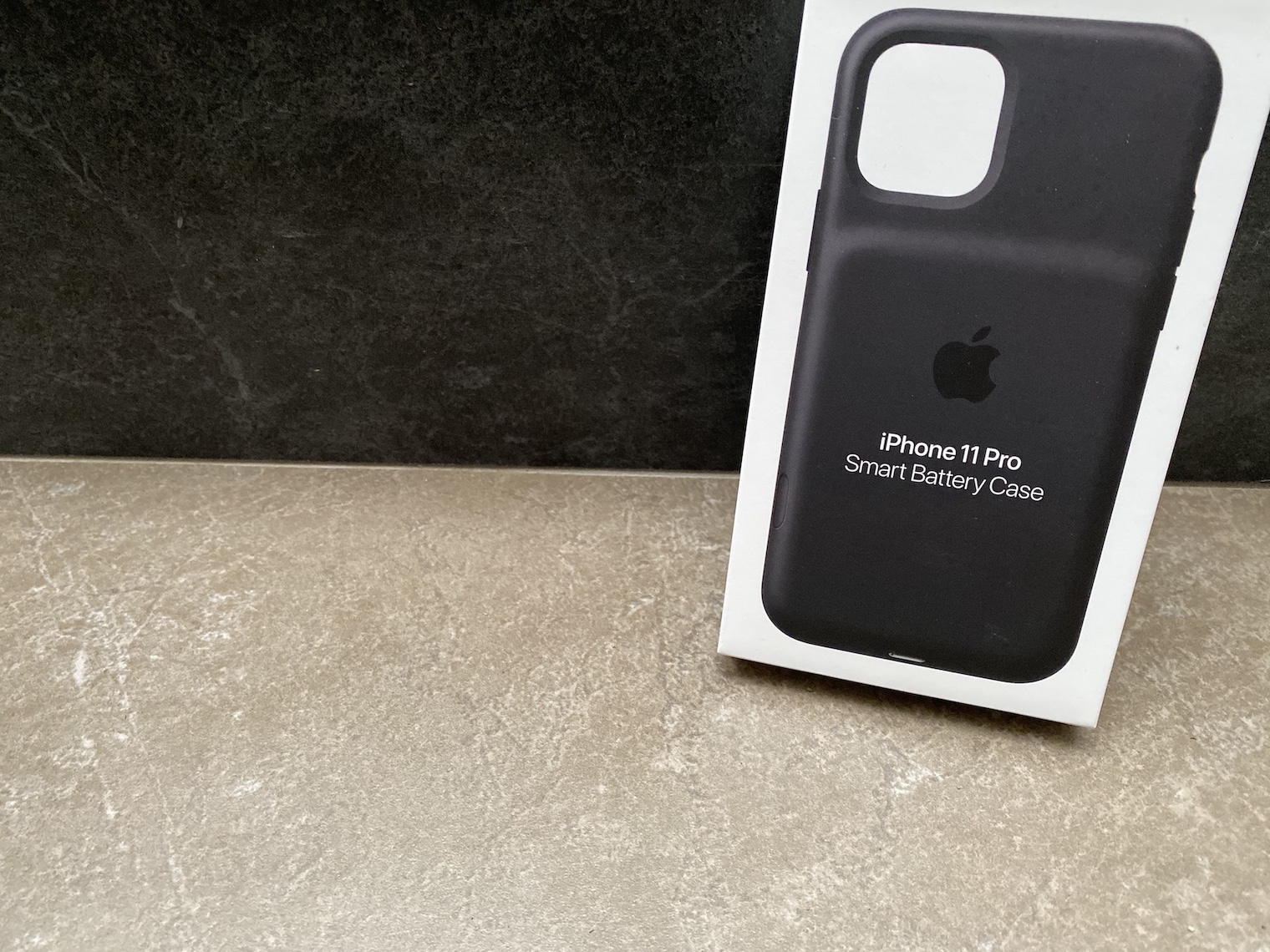
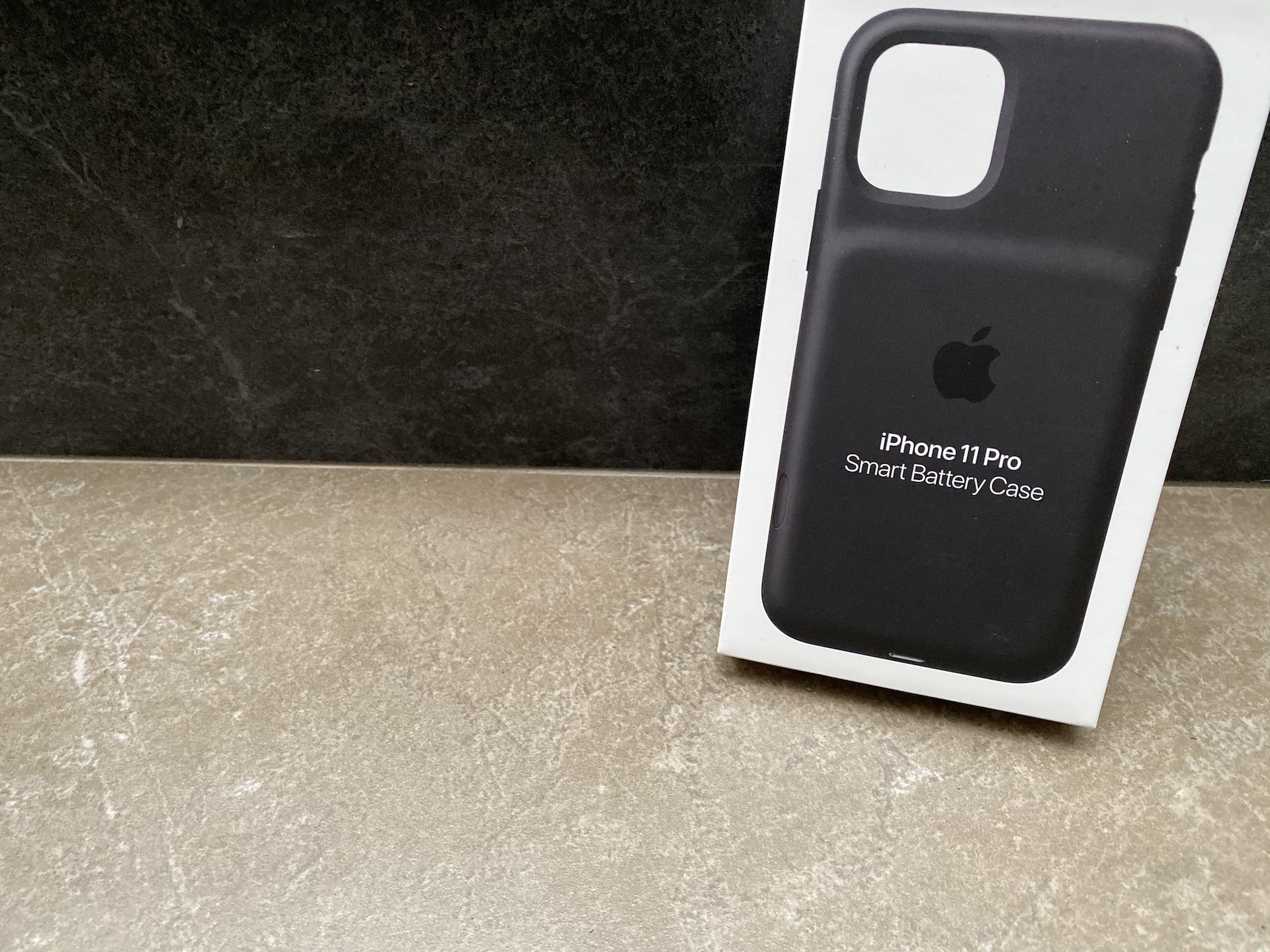
Wait for the next update iOS
Sometimes errors can drag on and all you can do is wait Apple a new update will fix the problem. Apple improves your response to solving these problems, but it requires a little patience. Despite the occasional mistake, it is important to maintain your iPhone updated. Each update usually includes important security fixes iOSthat help protect your device from vulnerabilities and potential attacks.
You might be interested in





This is advice from a secondary school
If this happens with every update, then sell it and buy an Android. At least you can choose what you want there. I'll probably sell the iP15 Pro and I'll wait for the Vivo x200 mini or ProWhat? Apple he convinces them every year that he is not interested in changing anything (for example, the battery and the duration of one charge), so I have no interest in supporting such a company. China is a bit further in some respects.
Correctly. You won't have such problems on Android, there the system will drain your energy constantly ;)
Quietly wait for the next update iOS , which will reduce your stamina again 😄
Correctly! You won't have such problems on Android, there the system will drain your energy constantly ;)
I have a friend. samsung galaxy z flip5 and it will last me two days and my iphone 15 Pro barely a day, so there was no nonsense here. And for the sake of longer endurance I wouldn't go to Maxe, because it's a brick in the hand. With Android you have a choice. With iPhone it decides for you apple
Or not?chat elderly iOS...that's the sixth option.
Just stay with ios 16 something, but it's too late. Who knew it would go up in the ass like this more and more