
Owners AirPods simply love their Apple wireless headphones. AirAmong other things, Pods also offer surprisingly high-quality sound - especially the newer generation. Who wouldn't want their AirDid the Pods play better or louder? In today's article, we'll talk about how to do that.
You might be interested in
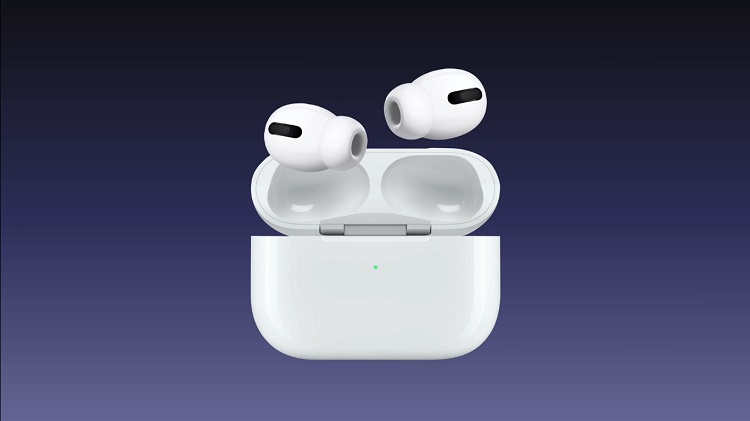
AirWe use Pods to listen to various things – music, podcasts, audiobooks, movies and other purposes. However, sometimes it may happen that AirIn short, despite all efforts, pods simply don't play loud enough - especially if they are models that lack active noise cancellation. Let's now take a look at how to AirWe need to improve the volume of the Pods a little more so that we can truly enjoy uninterrupted listening to our favorite content.
There are lots of different tips and tricks on how to maxto minimize utility AirPods, and new ones keep popping up. Among the most popular are tips that will guarantee you better listening from AirPods. How to arrange that our AirDid the pods play a little louder?
Turn off low power mode
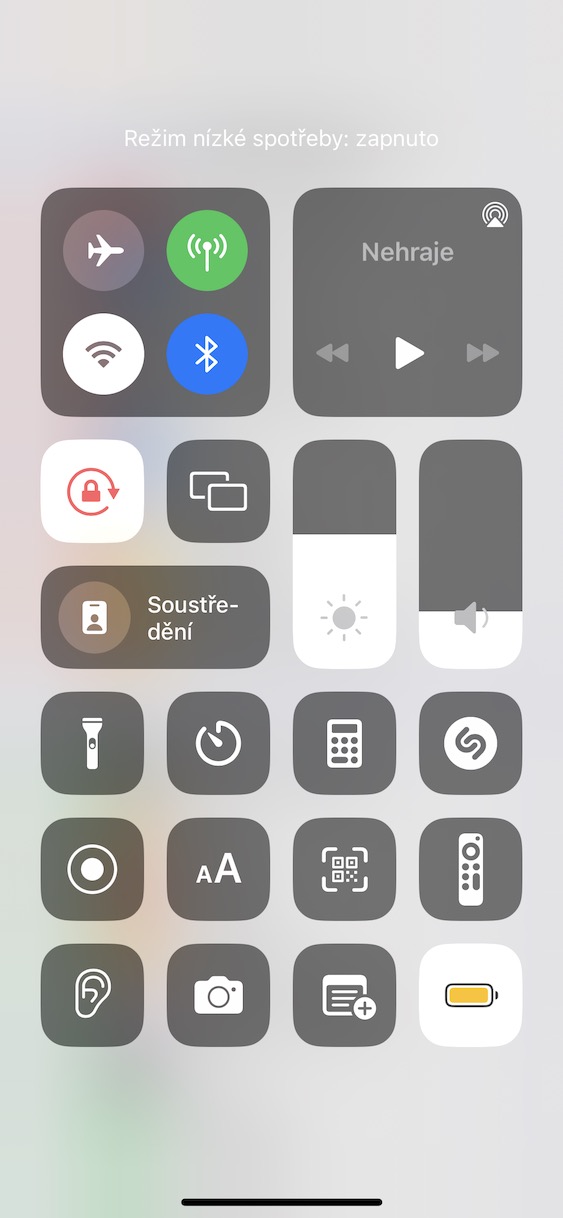
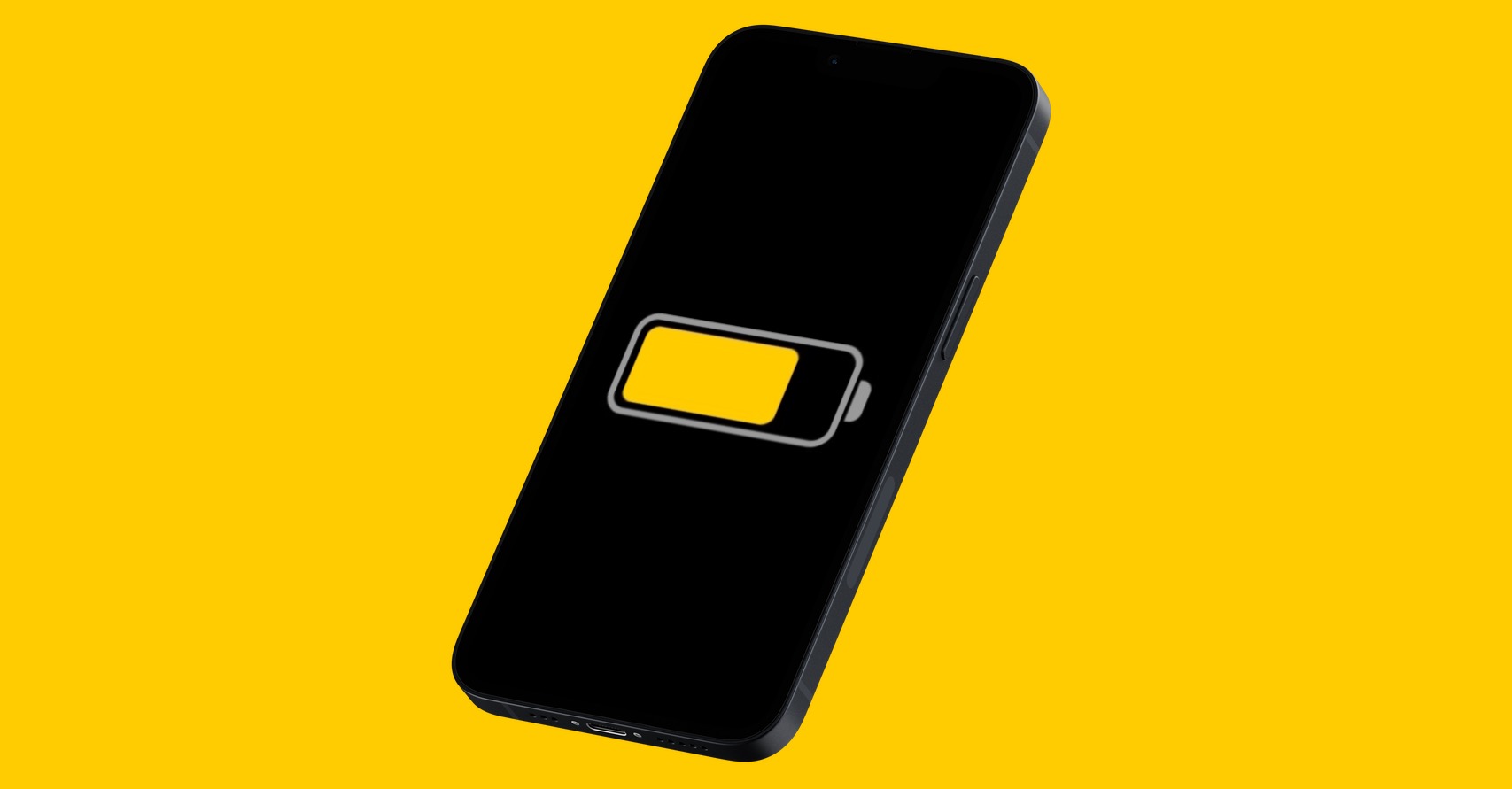
It may seem strange, but one of the factors that can affect the playback volume in AirThe floor is active low consumption modey. So try to turn it off by activating the Control Center and then clicking on the se tile with a yellow colored battery symbol.
Gallery

Proinvestigate volume limits
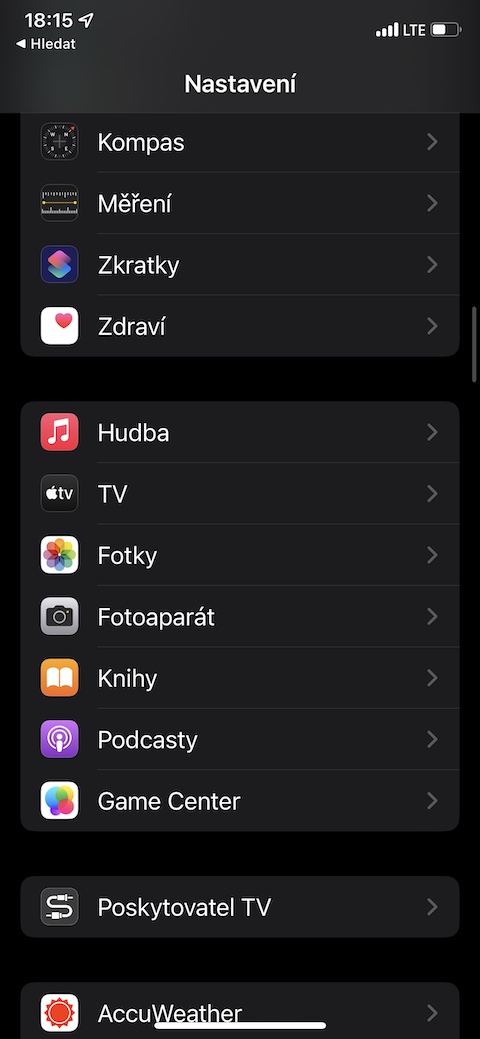
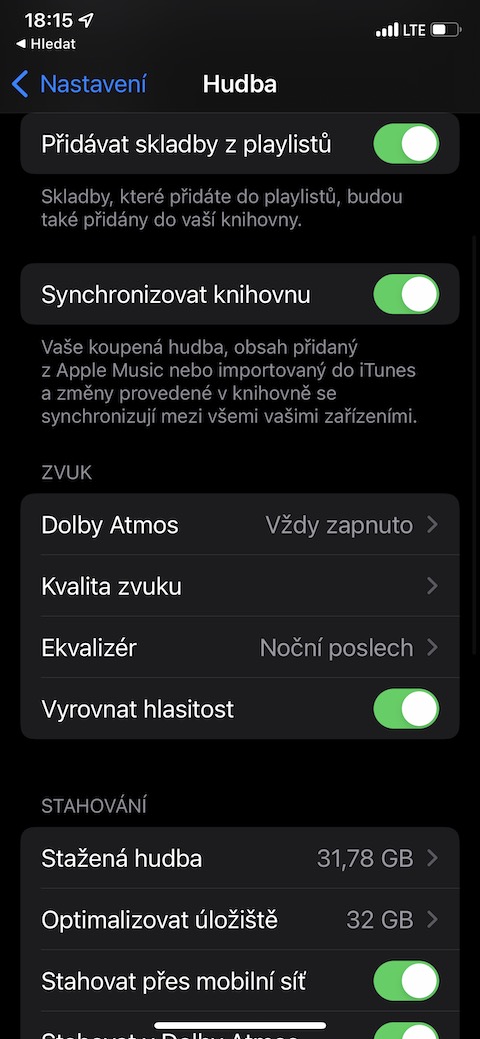
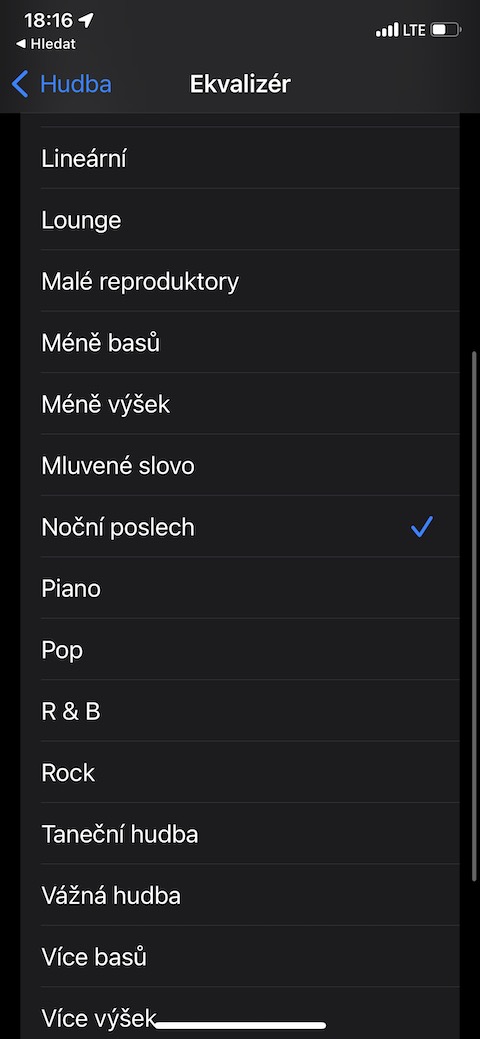
In Settings on your iPhone, you can find more options to adjust the sound of your AirPods. First, let's look at turning down the volume. Launch Settings -> Sounds & Haptics. Tap on Headphone Security and disable the item Mute loud noises. If you listen to music through a streaming service Apple Music, you can also in Settings -> Music -> Equalizer choose a more suitable scheme. Spotify listeners can play with the volume by tapping on settings icon -> Playback -> Volume level.
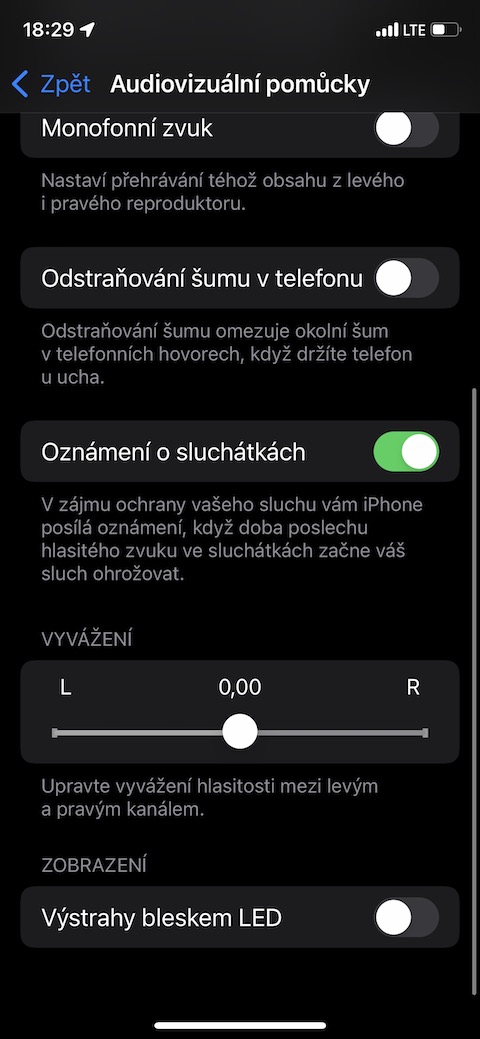
Check the balance
We've all experienced it: you're listening to your favorite song or diving into a podcast and suddenly realize something isn't playing. The sound seems to be in one AirThe pod is louder than the other one. Before you start panicking and thinking about buying a new pair, let's take a look at why this can happen and how you can possibly fix it.
- Check if the headphones are AirPods connected to iPhone.
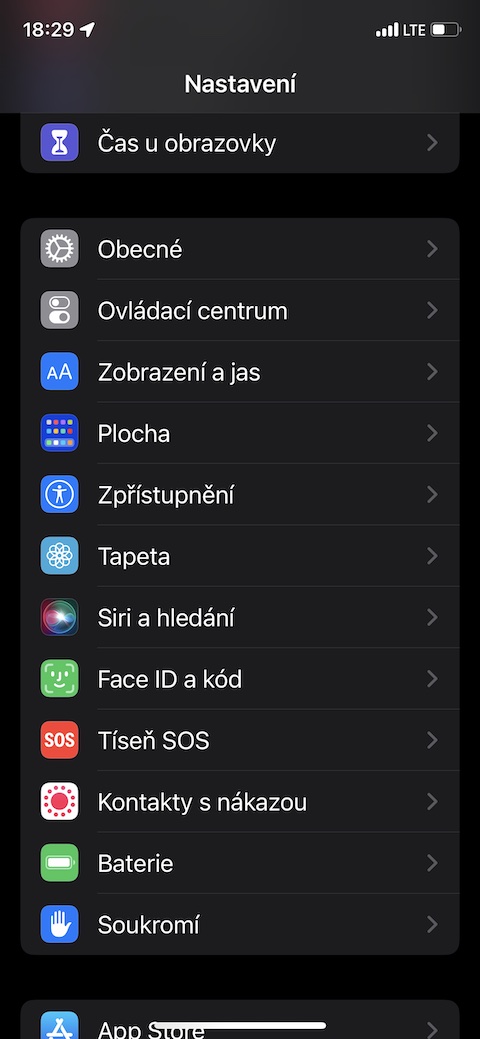
- Launch Settings on your iPhone.
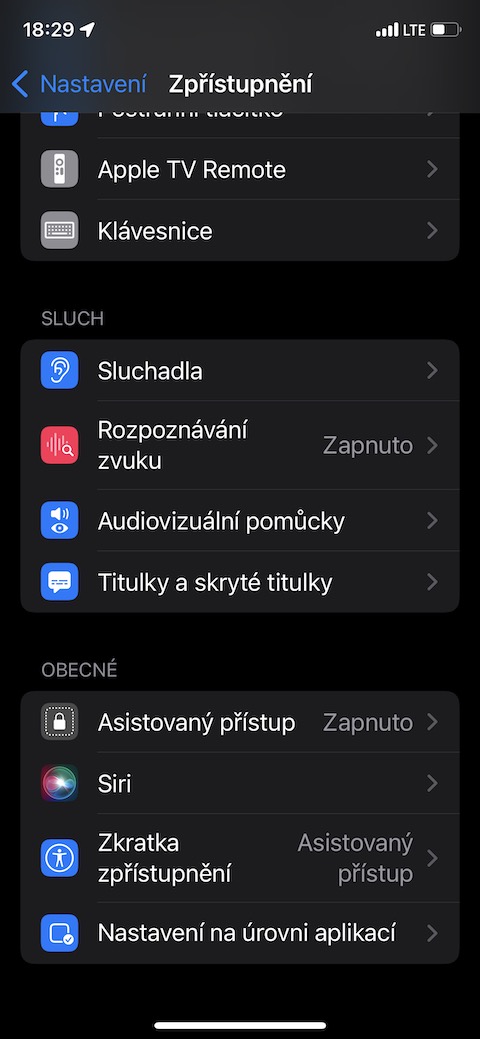
- Scroll down and tap Accessibility.
- Go down again until you reach the Hearing section.
- Click on the option Audiovisual aids.
- Scroll down until you see the Balance section.
- Make sure the slider is centered with the numbers 0,00.
Gallery
If you have tried all of the above options, and AirThe pods are still playing too quietly for your taste, try cleaning themIf even the cleansing doesn't work and AirThe pods are playing really suspiciously quietly, consider visiting an authorized service center.





Is the volume normalization still broken or is it fixed?