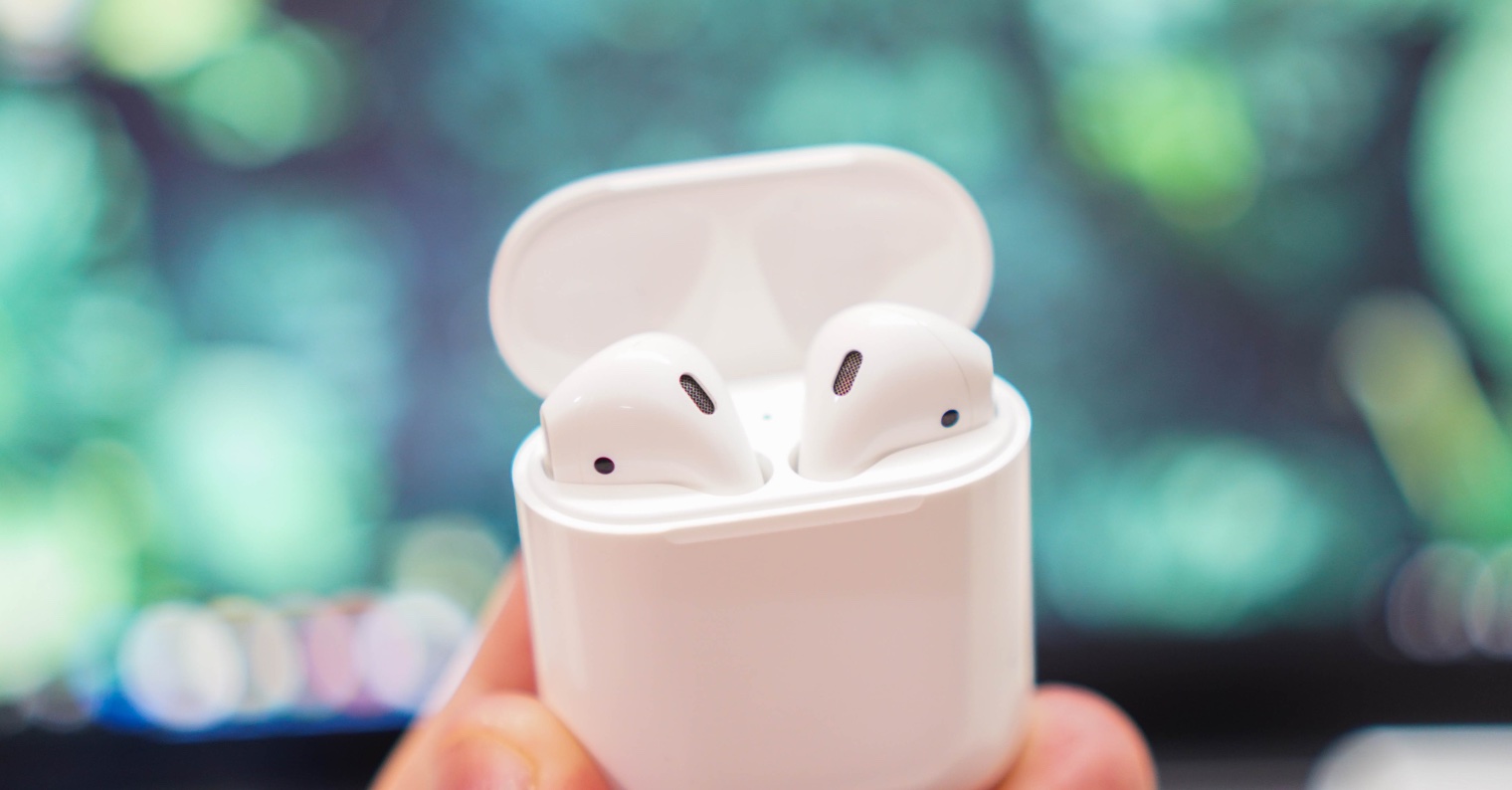
How to clean AirPods is a question that every owner of Apple wireless headphones will start asking themselves over time. Proper care of the AirPods will ensure that your headphones will always work reliably. I will clean AirYou should clean your headphones regularly, but if you don't have the time or inclination for regular care, pay attention to your headphones at least as part of your holiday or New Year's cleaning.
You might be interested in
How to clean AirPod
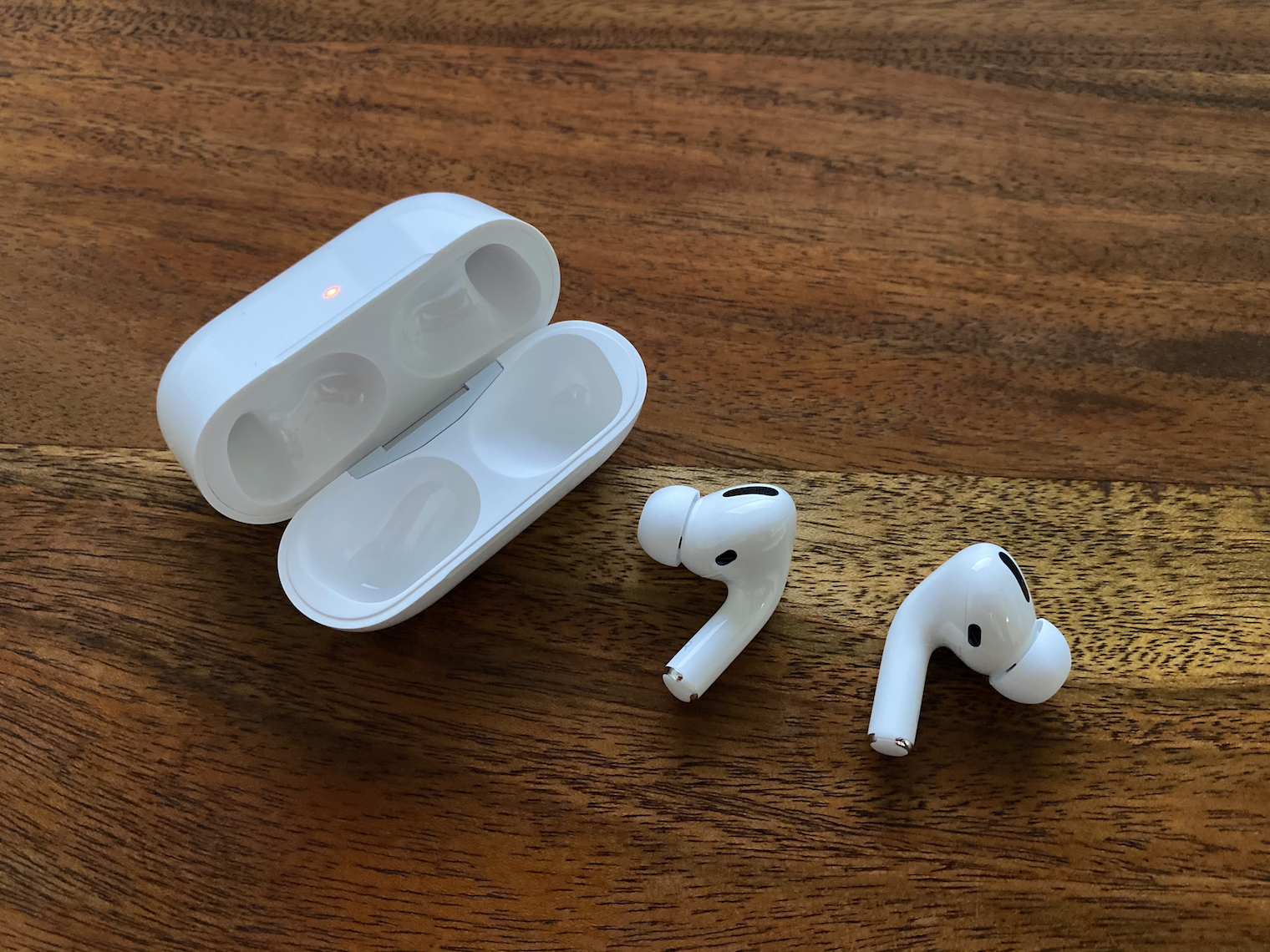
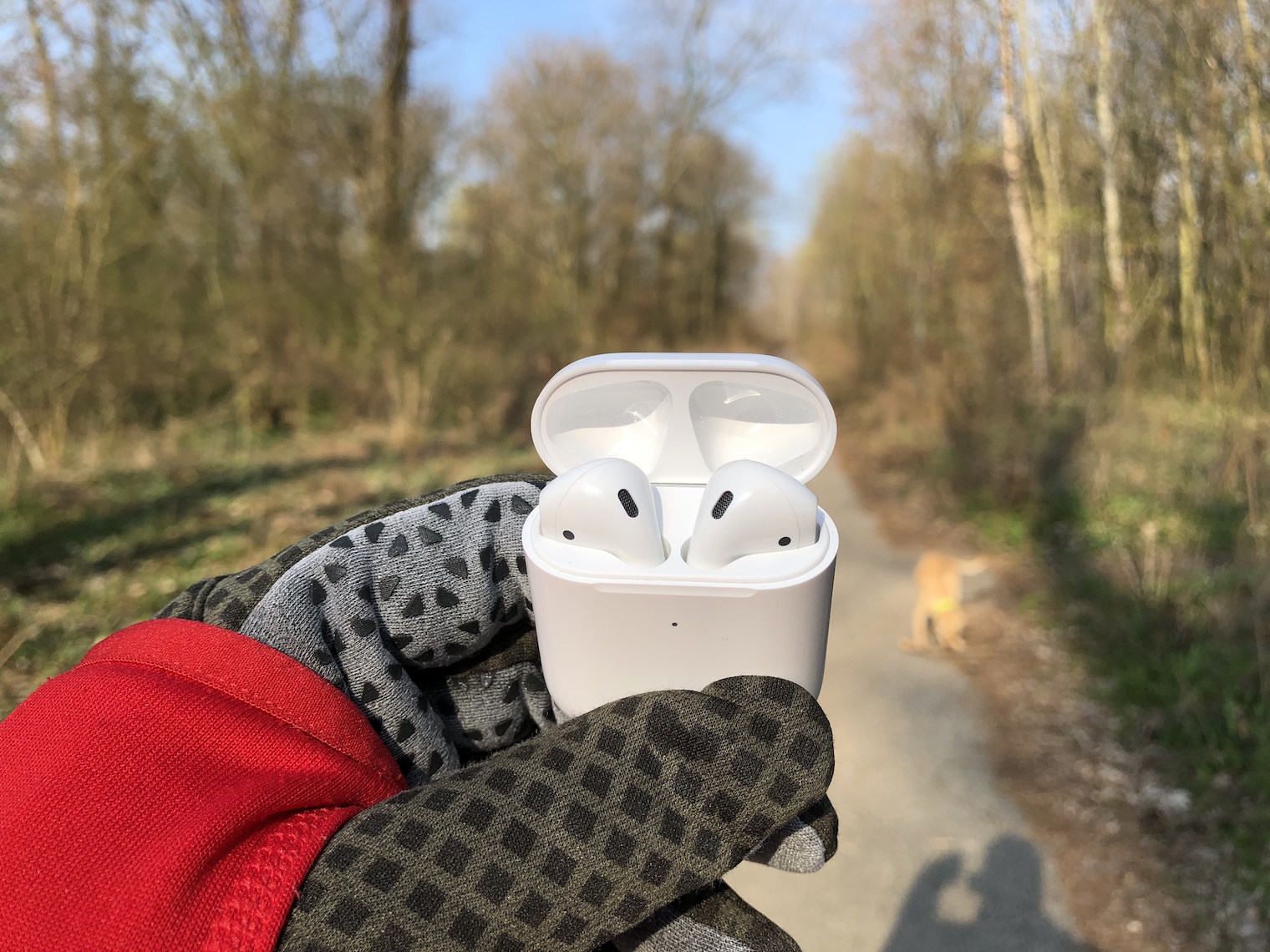
Like other electronic devices, your AirPods are, for obvious reasons, sensitive to water and humidity as such. ProWhen cleaning them, be very careful not to get even a drop of water or cleaning agent into them. If possible, use a AirA soft, lint-free, dry cloth. You can lightly dampen the cloth with a suitable cleaning agent, and after cleaning, wipe the headphones thoroughly with a dry cloth to be sure. You will definitely not damage anything by AirAfter cleaning, let the pods air dry for a few minutes to be sure, and only then return them to the charging case. Pro A soft, high-quality brush will be great for cleaning small creases, holes, or the inside of the charging case – but make sure it doesn't shed any bristles. You can also replace the brush with a higher-quality cotton swab or a fine single-bristled brush. Pro disinfection purposes AirYou can use the pods in accordance with the company's recommendations Apple use a 70% isopropyl alcohol solution.
Gallery

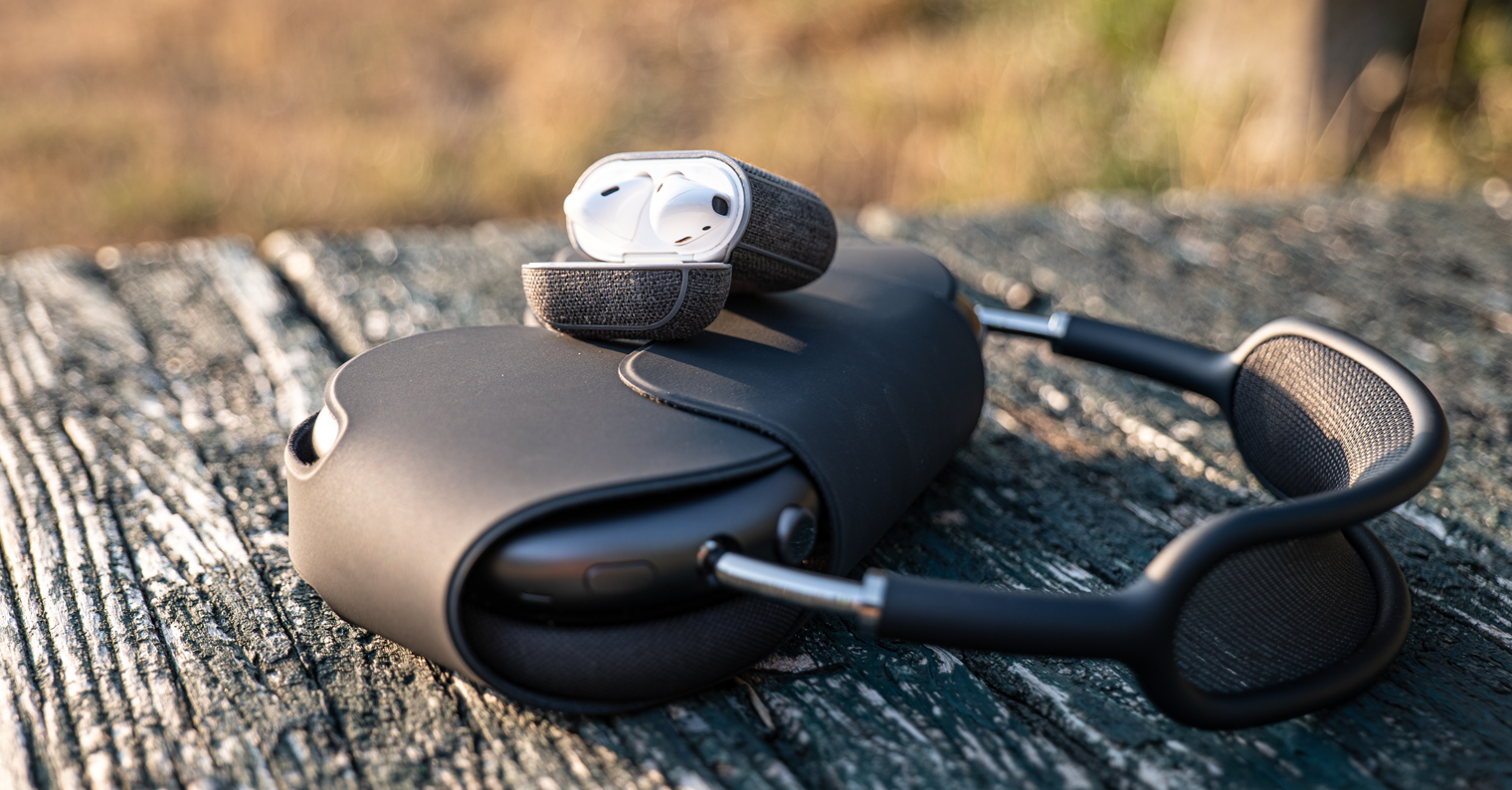
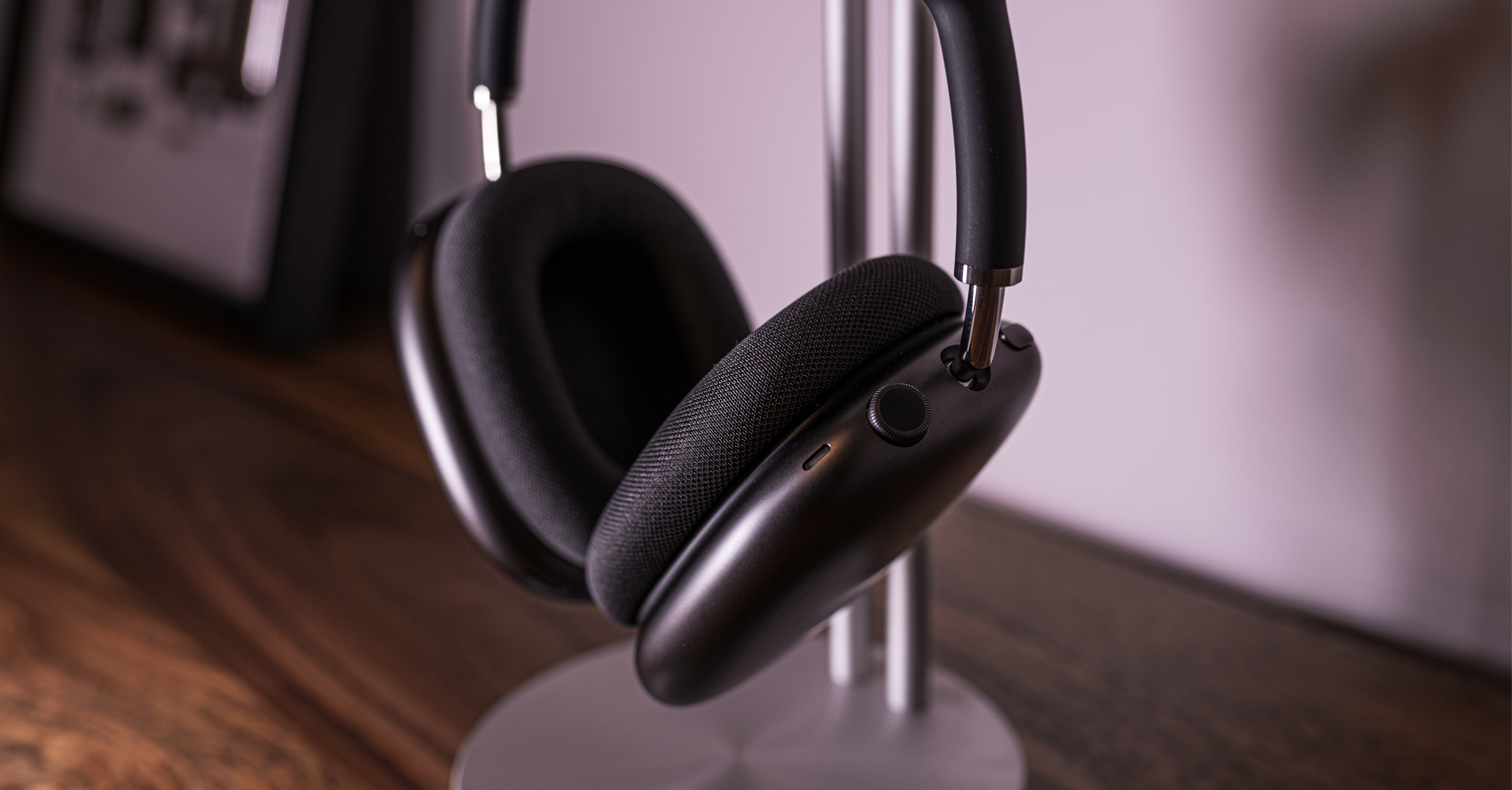
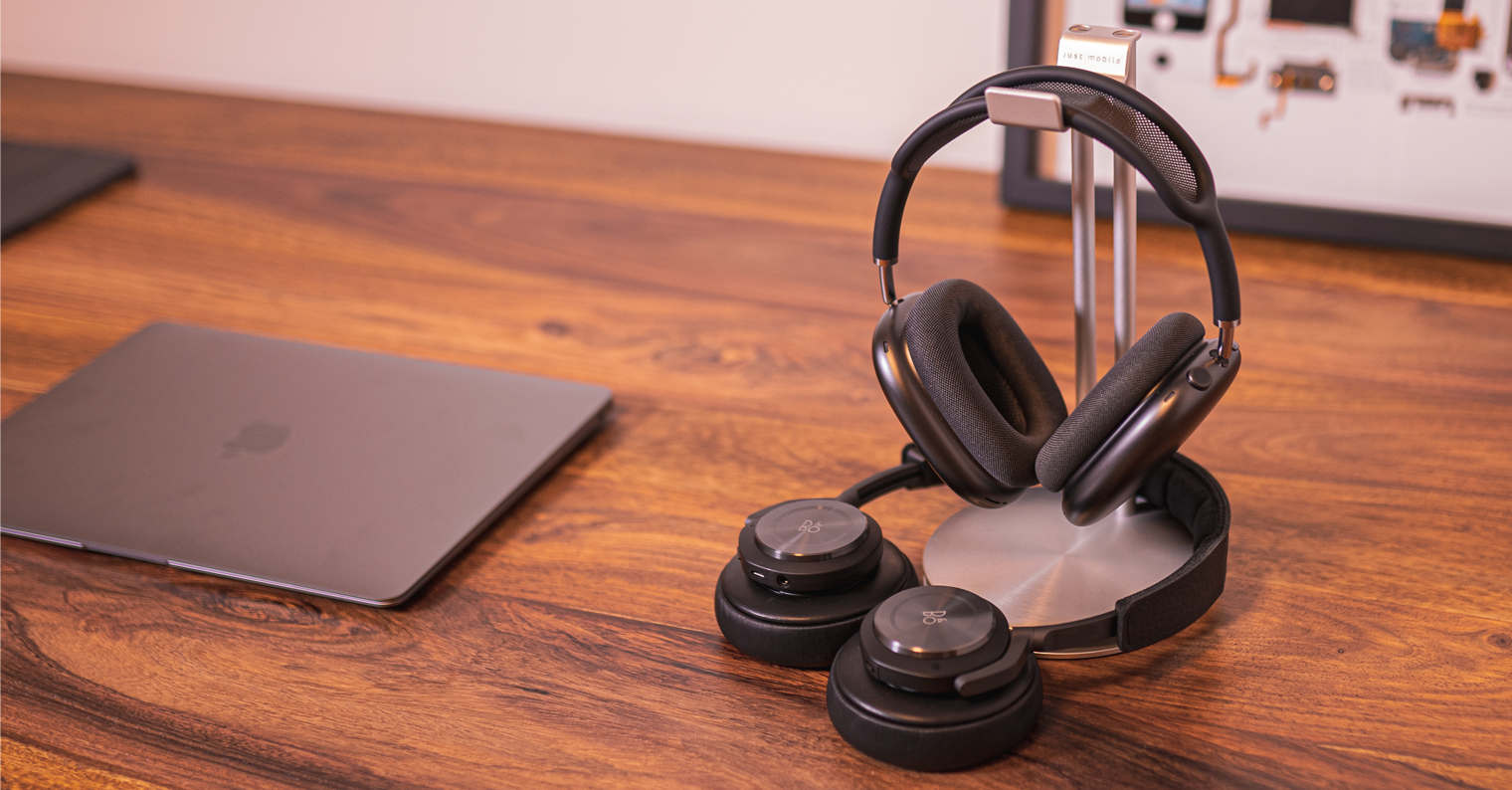
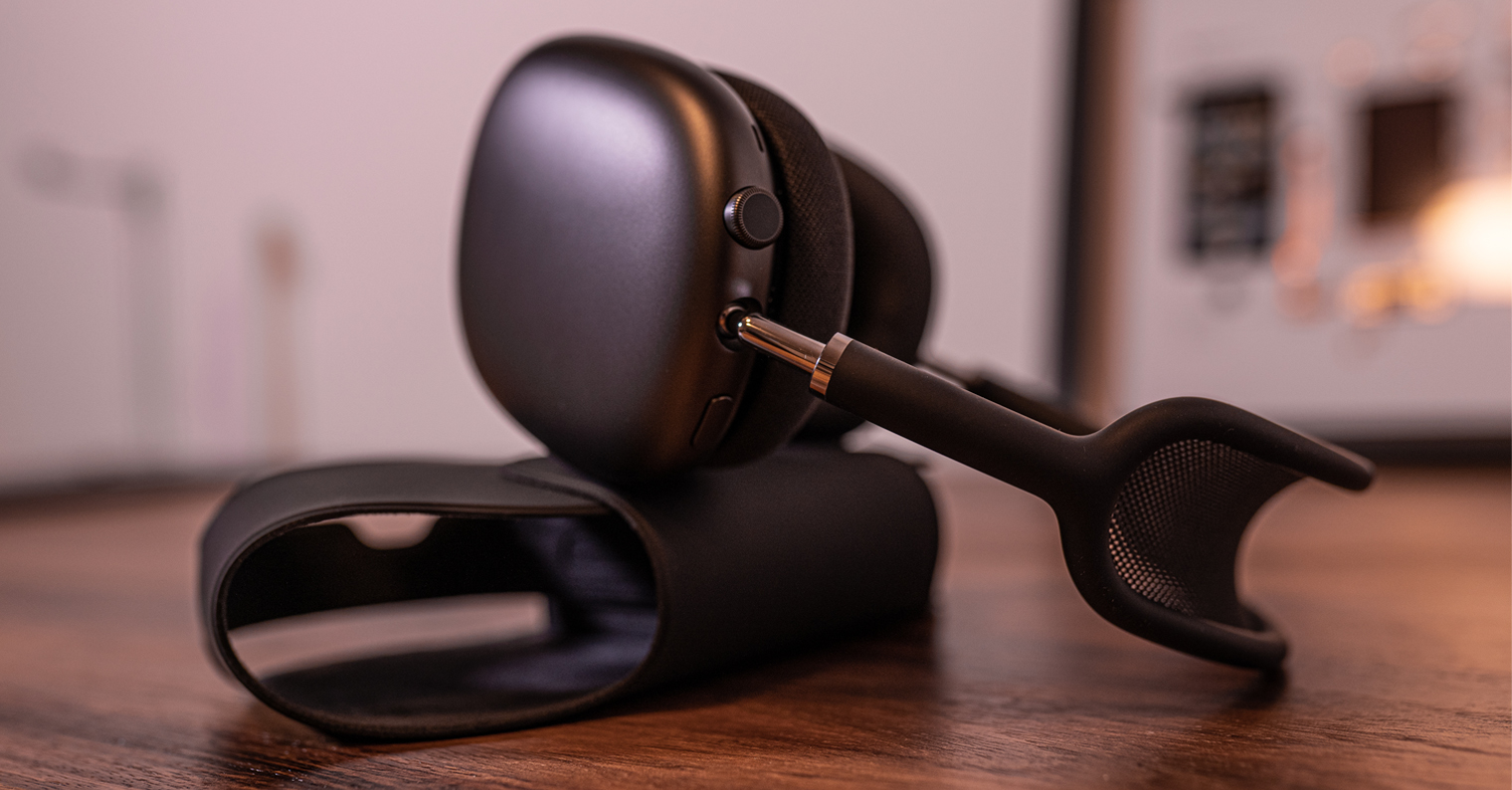
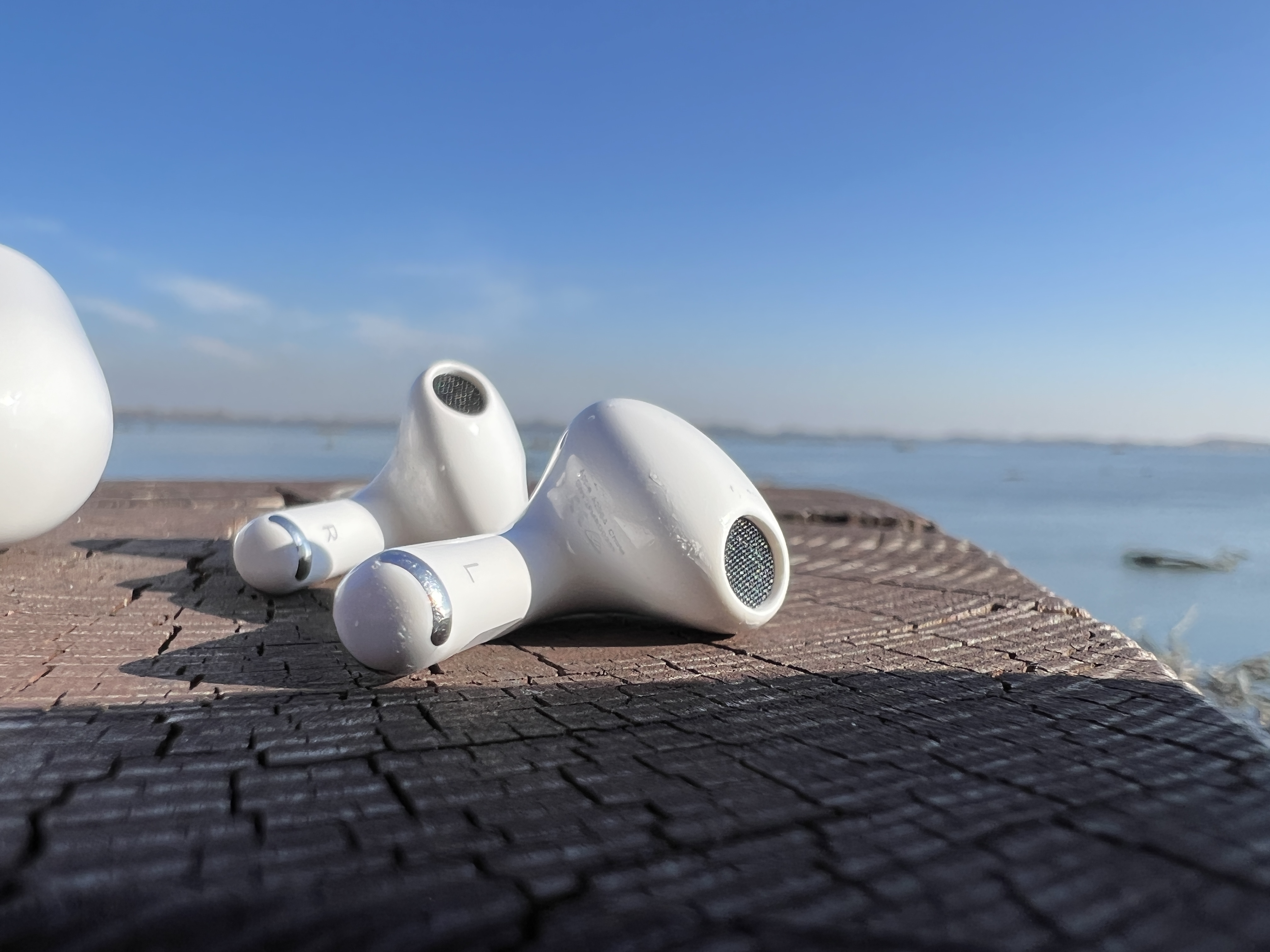
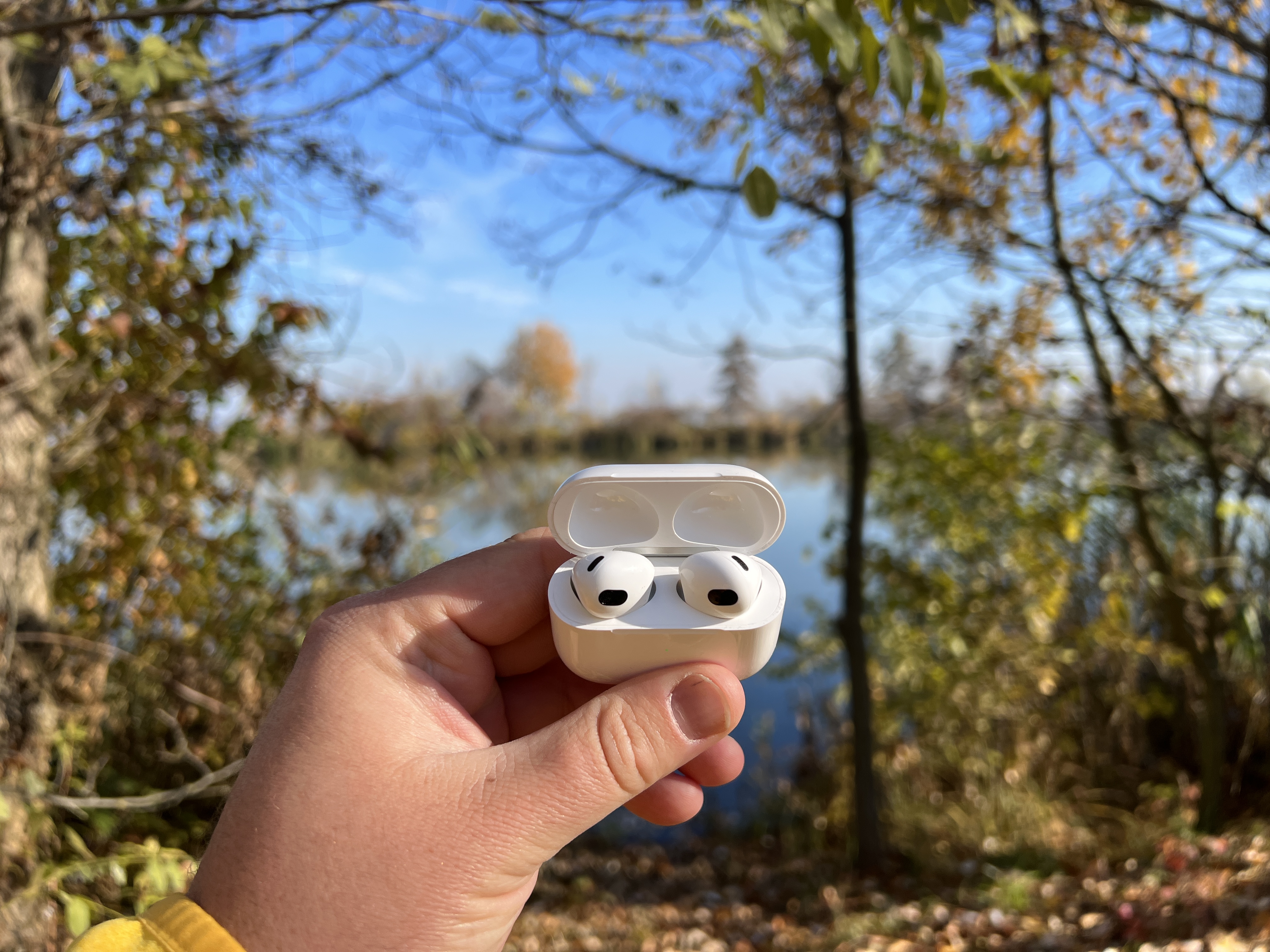
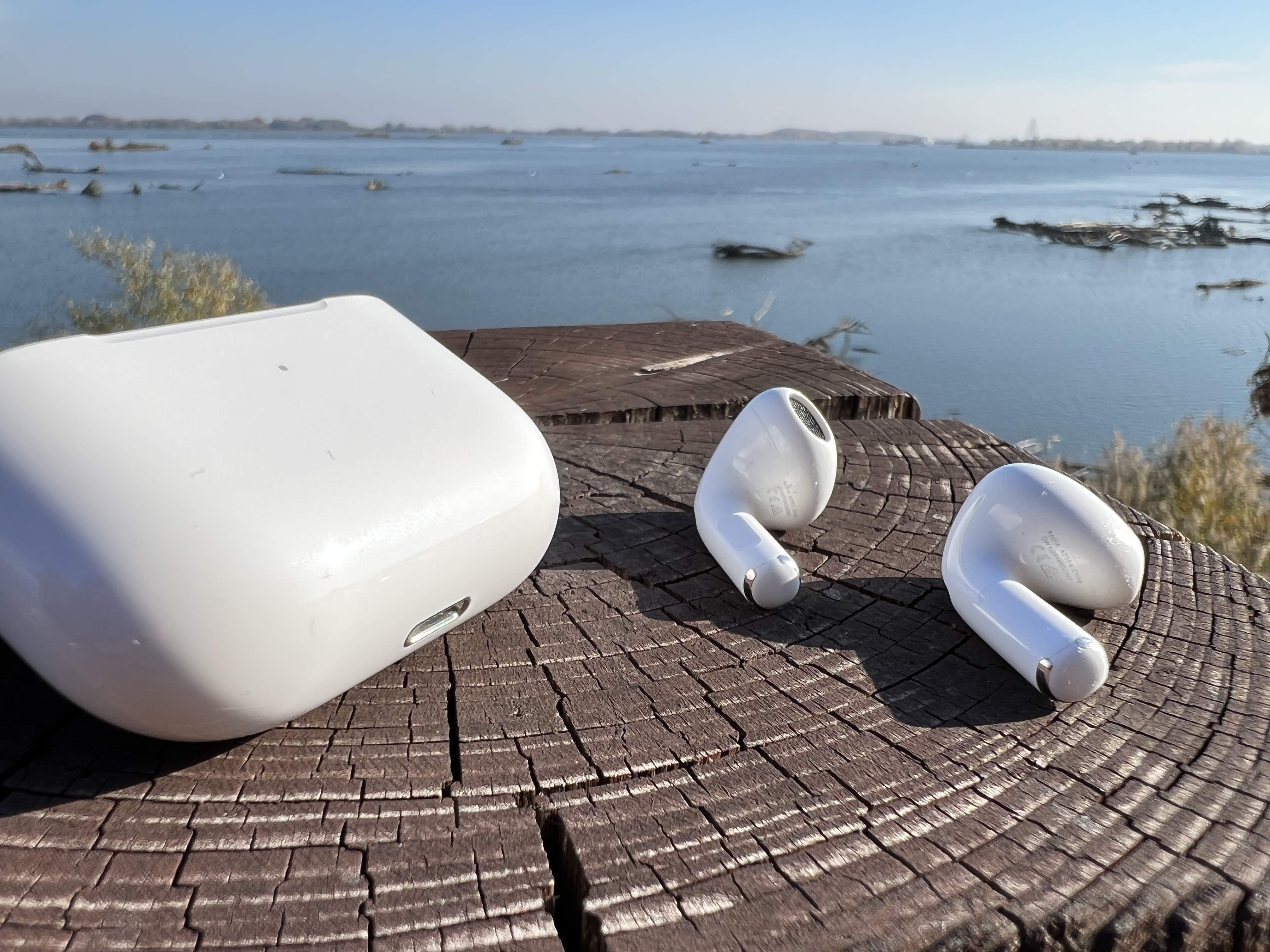
What to clean with AirPods and what to watch out for
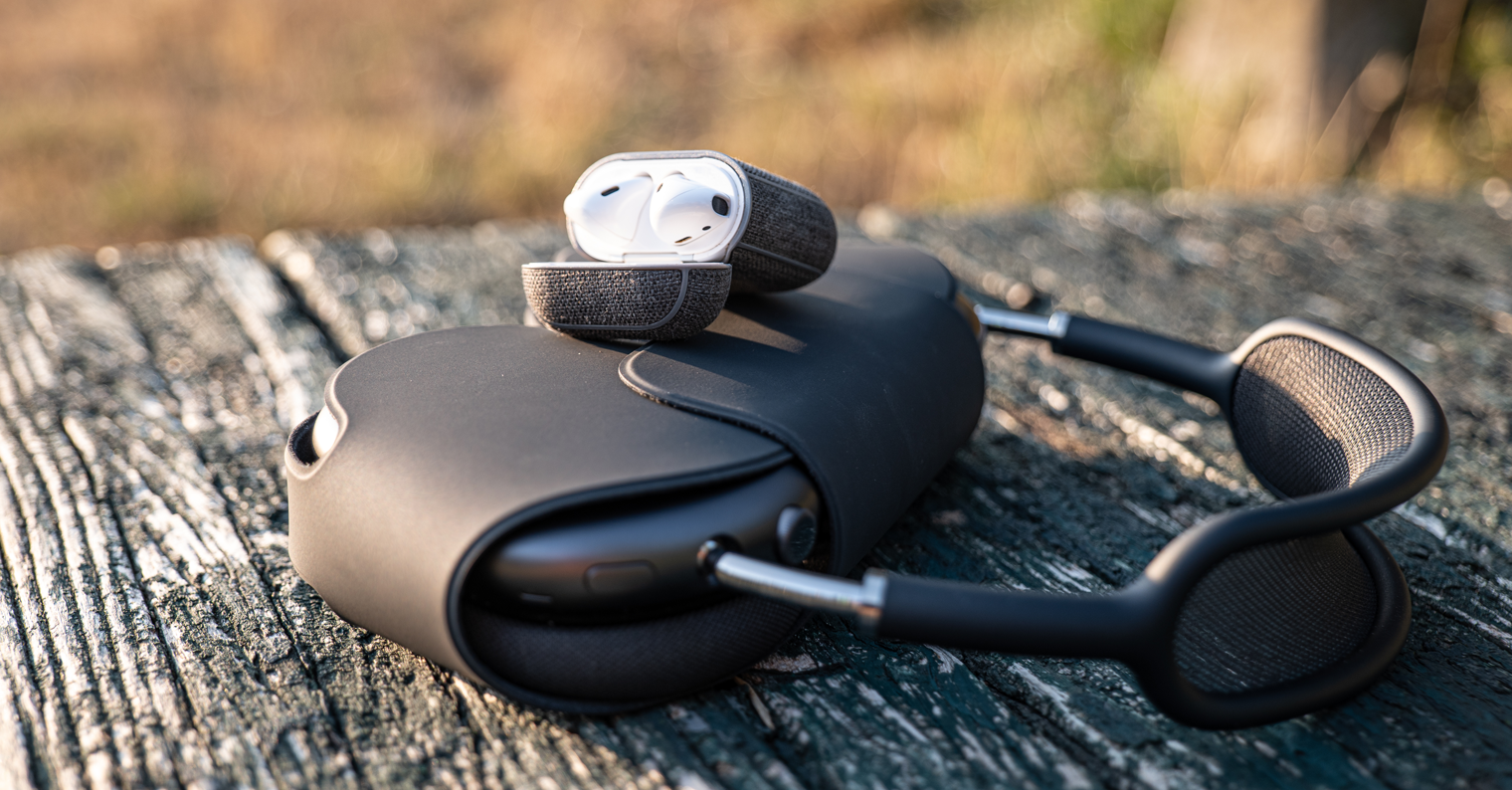
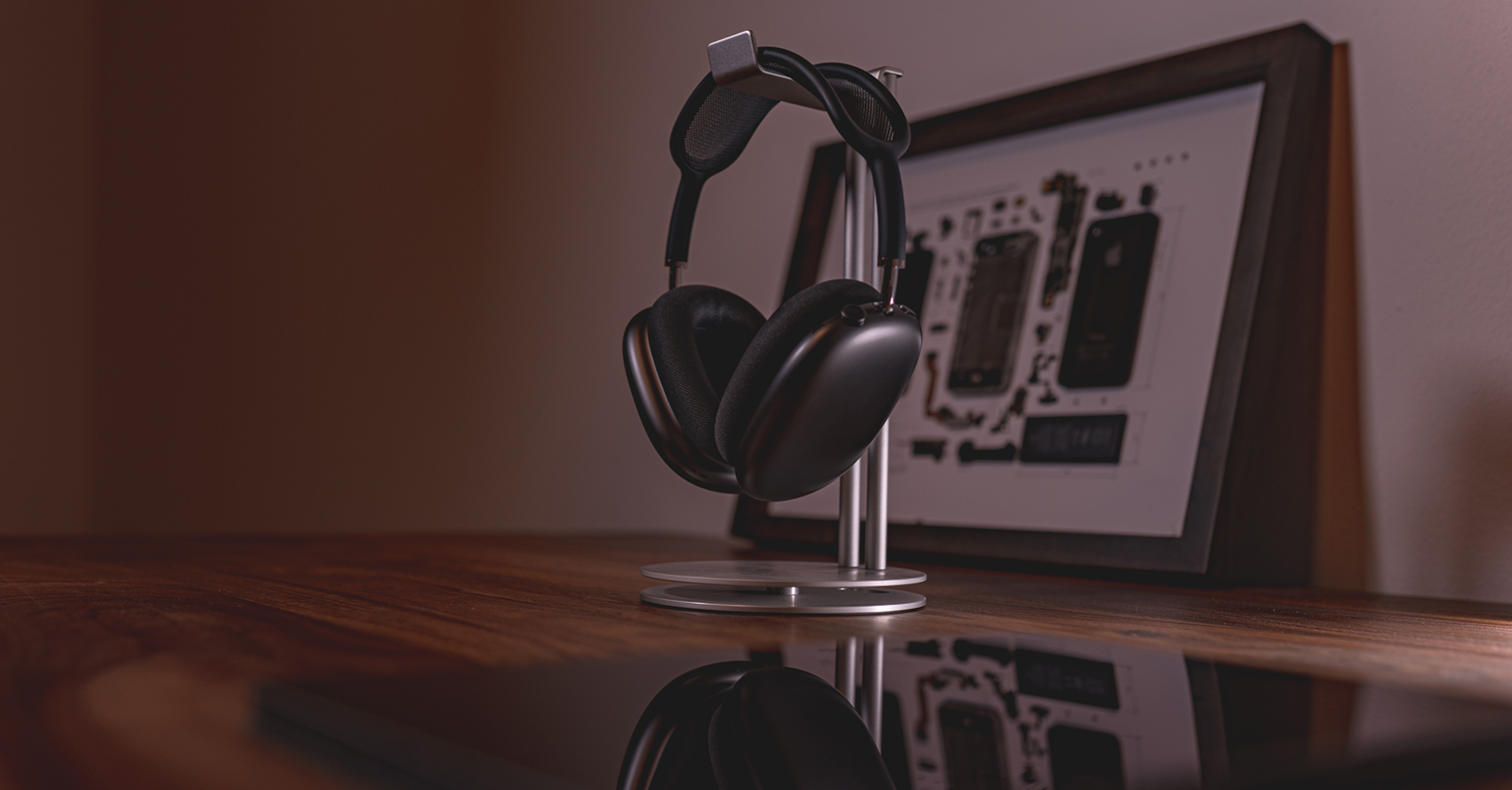
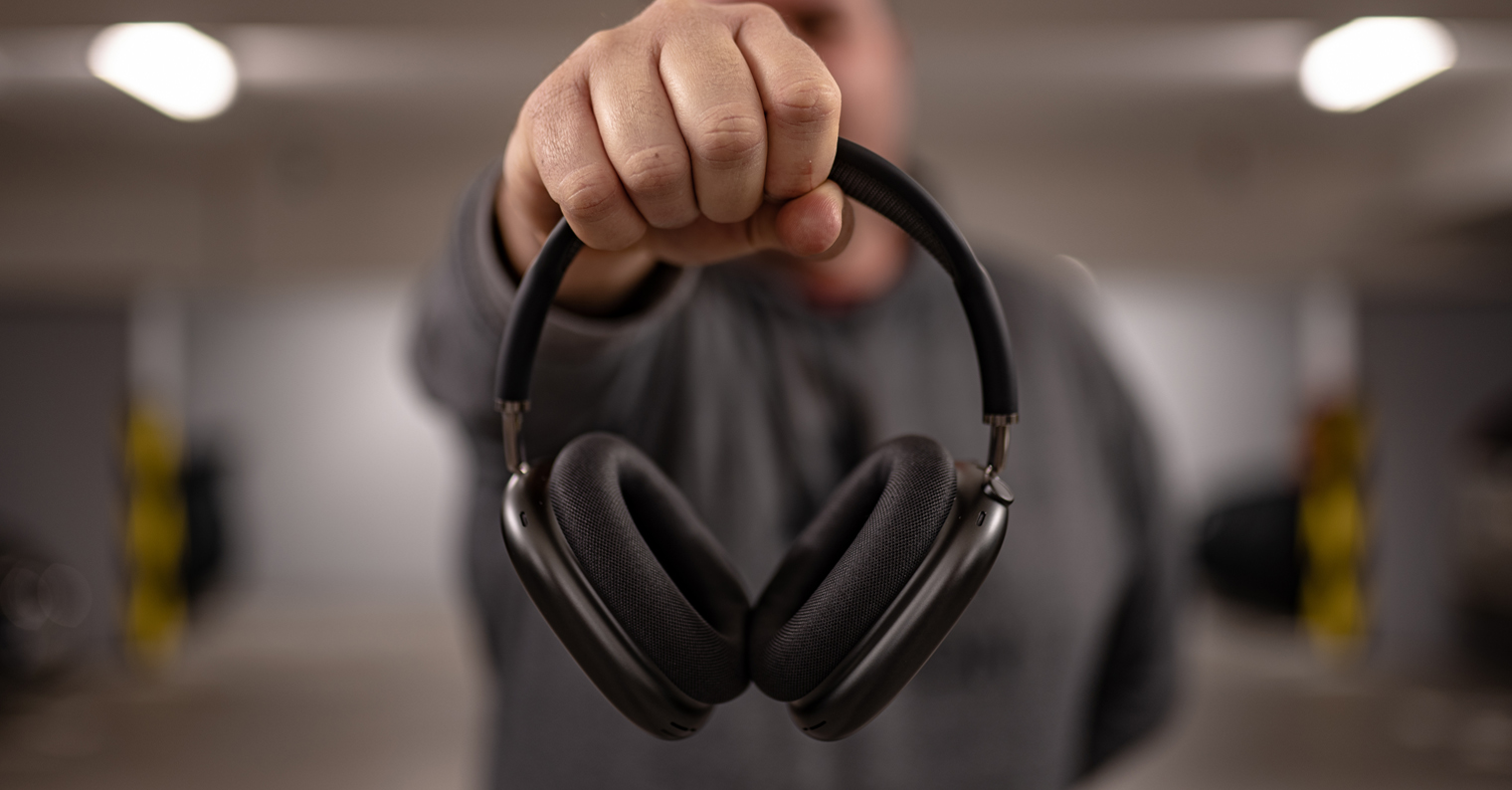
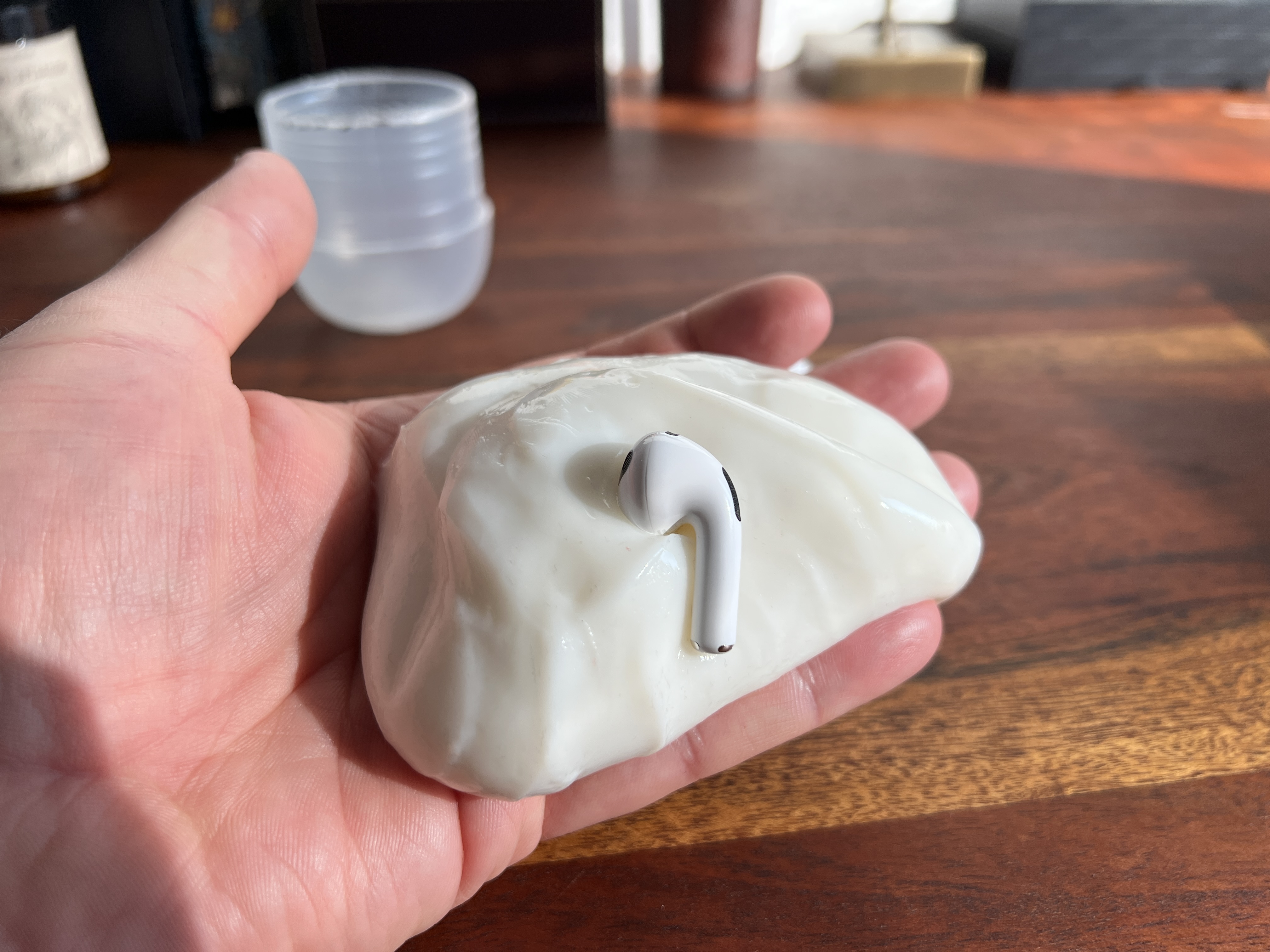
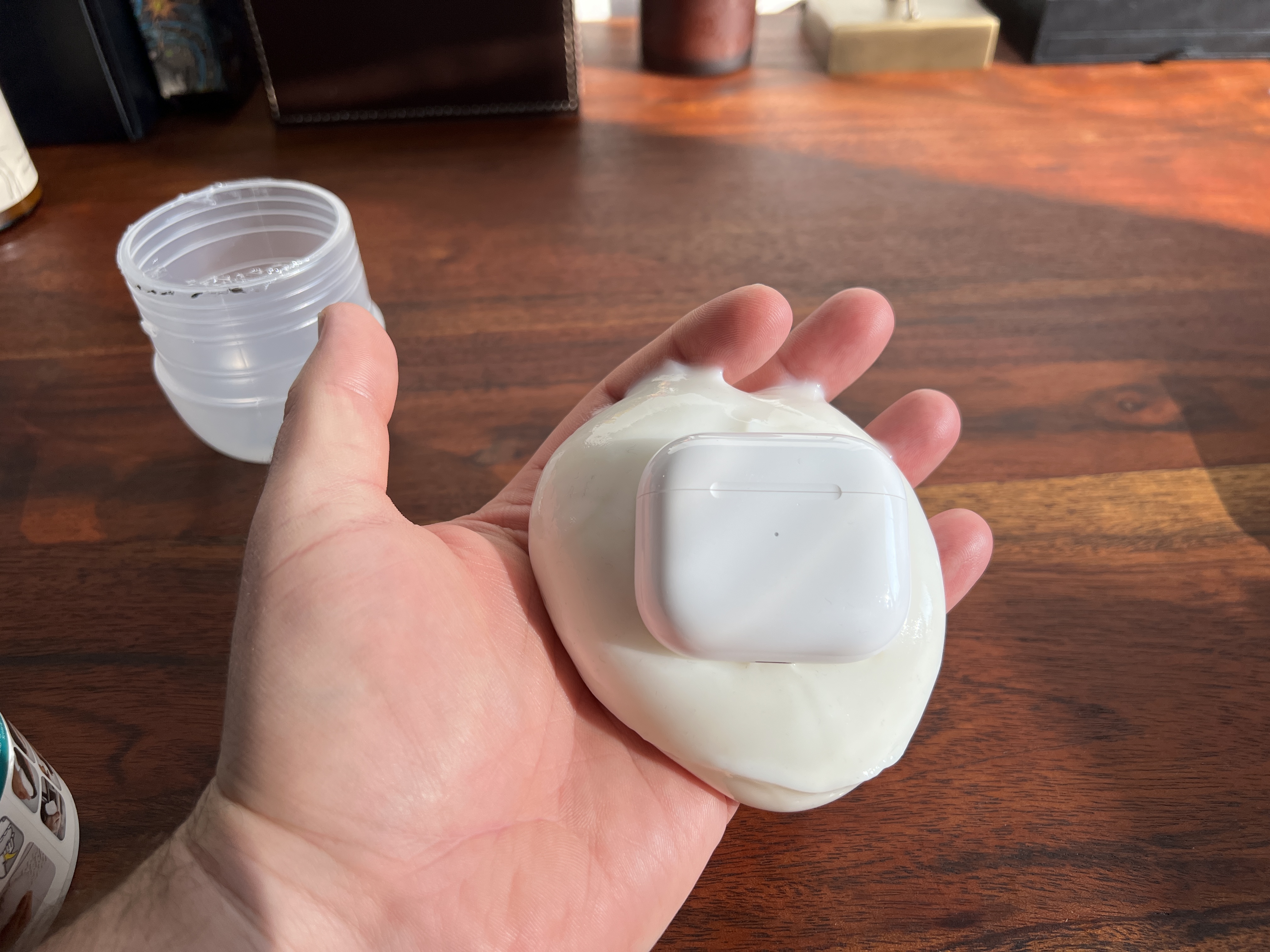
When cleaning AirAvoid using needles or toothpicks, which could get caught in the holes. A useful and handy cleaning aid AirThere are also various special materials, resembling plasticine or chewing gum, on the pods. Any dirt that might be on the surface can be easily and quickly stuck to this material. AirOn the floor or on their charging case. If you are one of the owners AirPods Pro, also pay attention to the silicone tips of your headphones. You can carefully remove these tips, rinse them with water, dry them thoroughly with a clean cloth, and then do notchat air dry to be sure. When putting them on, don't forget to put the earplugs on AirSnap the pods carefully, making sure you have rotated them into the correct position before snapping them in. If you own AirPods Max, use a suitable cloth slightly dampened with clean water to clean them. Use a dry cloth to wipe dry and let the headphones dry completely before putting them back on.
You might be interested in
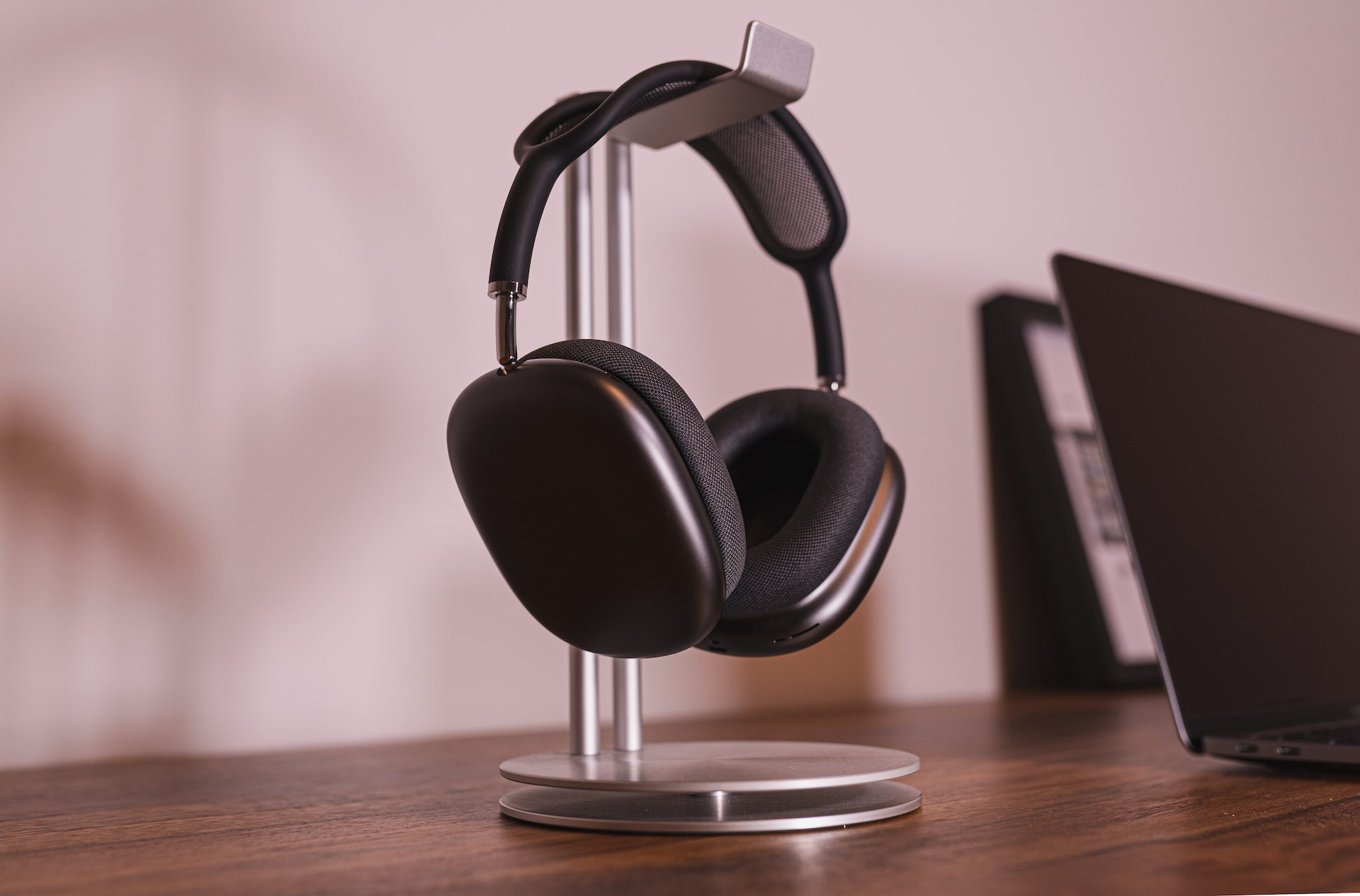
How to clean AirPods Max
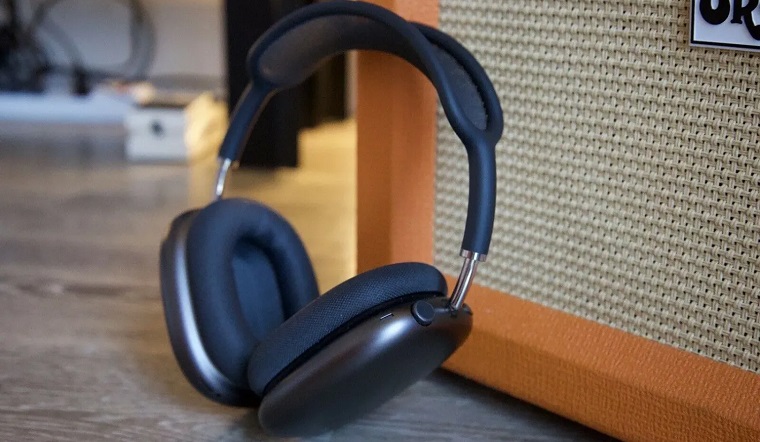
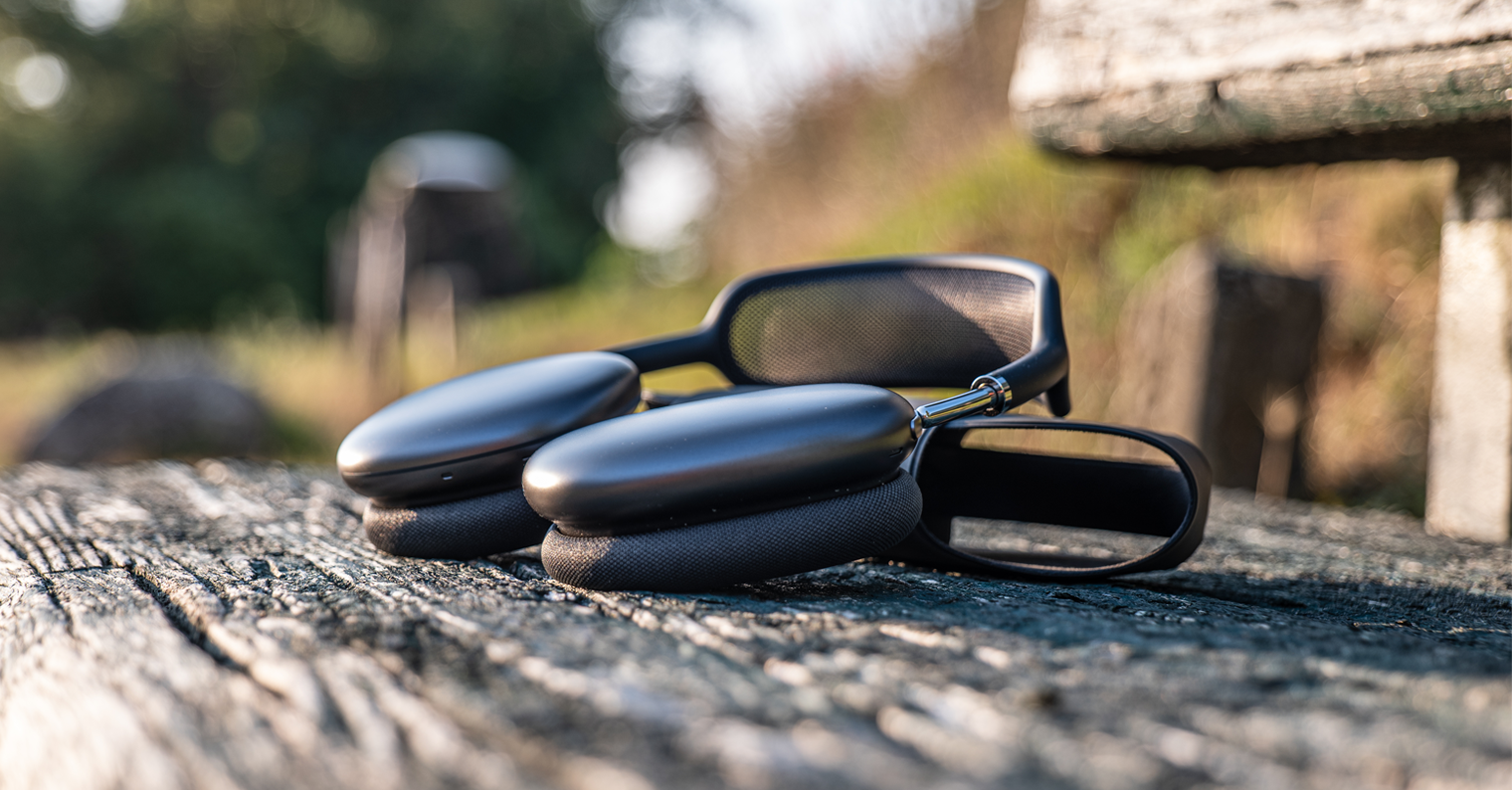
Before cleaning the earmuffs AirPods Max Mix a teaspoon of liquid detergent with a cup of water. Remove the earcups from the headphones, soak a suitable cloth in the solution, wring it out thoroughly, and carefully wipe the earcups and headband. When cleaning the headband, hold the headphones upside down to prevent liquid from entering the headphones. After cleaning, use a cloth dampened with clean water, finish cleaning with a dry cloth, and allow the headphones to air dry completely.