
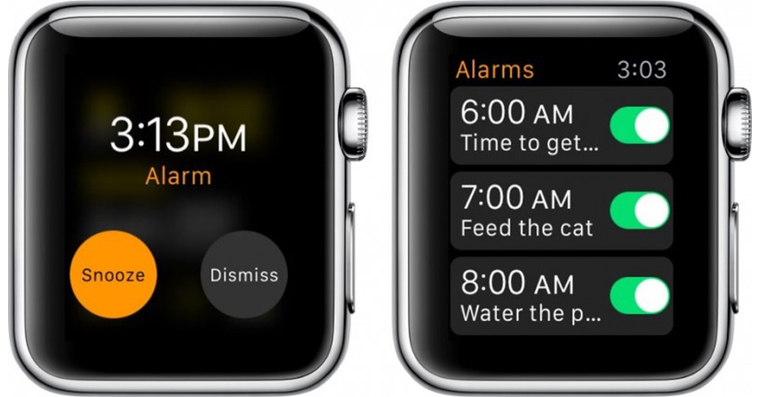
Most of us use the alarm clock on our iPhone to wake up early in the morning. And it's no wonder, because setting it up takes just a few seconds. Or if you want to take care of your sleep hygiene and ideally also own a Apple Watch, you can set up Sleep, where you can choose a sleep goal, bedtime and wake-up times, and other options, and then you can think about your sleepchat display various graphs and information, so you can see how you are doing. It is worth mentioning that you can directly adjust the volume when waking up through Sleep, but you simply won't find this option with classic alarm clocks.
You might be interested in
As iPhone change alarm volume
Apple would definitely do best if you could simply choose your own volume for each classic alarm clock. Unfortunately, he made it a bit more complicated for us. At the outset, it is necessary to mention that the volume cannot be set separately for each alarm clock. So you can only change the volume of all alarms at once, except for Sleep. First, you need to activate the function, thanks to which you will be able to change the volume of the alarm clock, then you can start changing it. All you have to do is follow these steps:
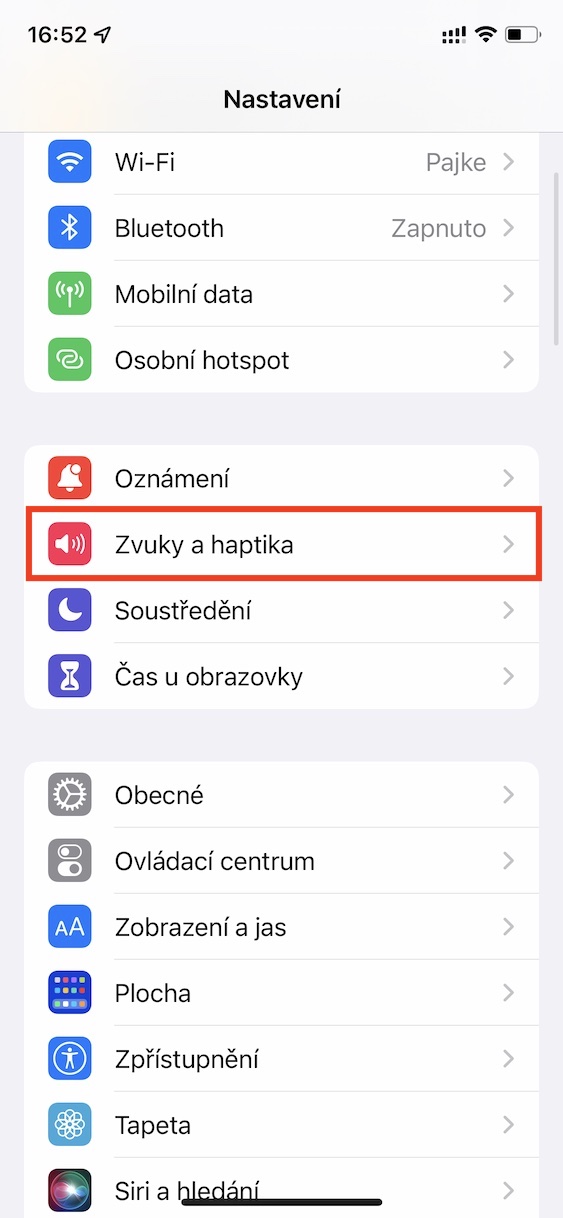
- First, you need to go to the native app on your iPhone Settings.
- Once you've done that, go to the section titled Sounds and haptics.
- Subsequently here in the category Ringtones and alerts switch activate possibility Change with buttons.
- Next, move to the native app on your apple phone Clock.
- Then, in the bottom menu, move to the section named Alarm clock.
- nakonec is enough for you to set the volume of the alarms using the volume buttons.
Gallery
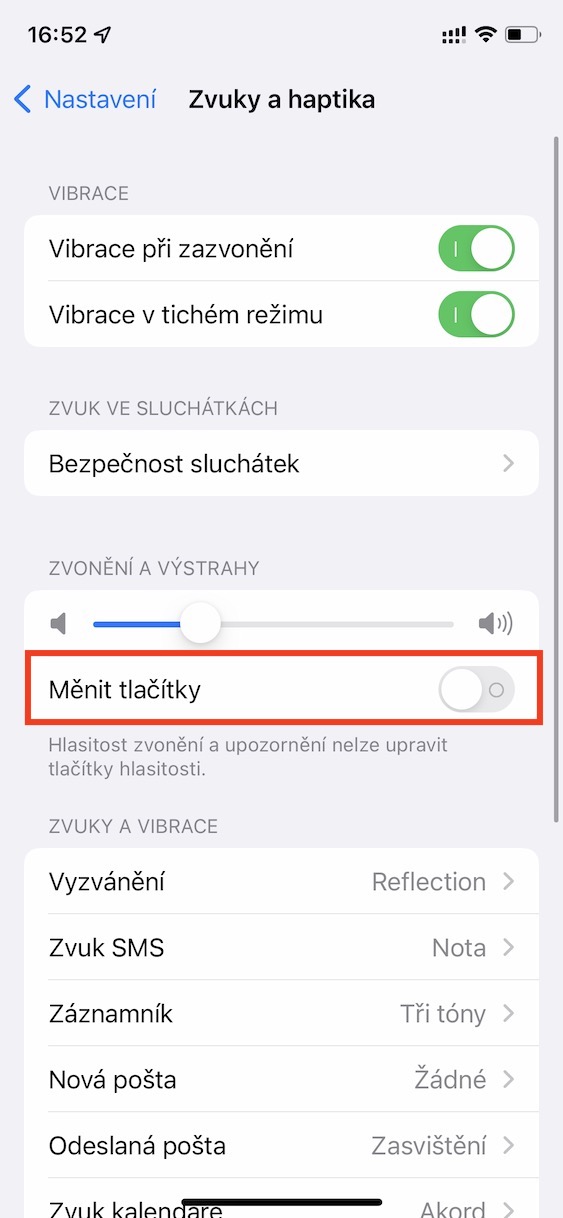
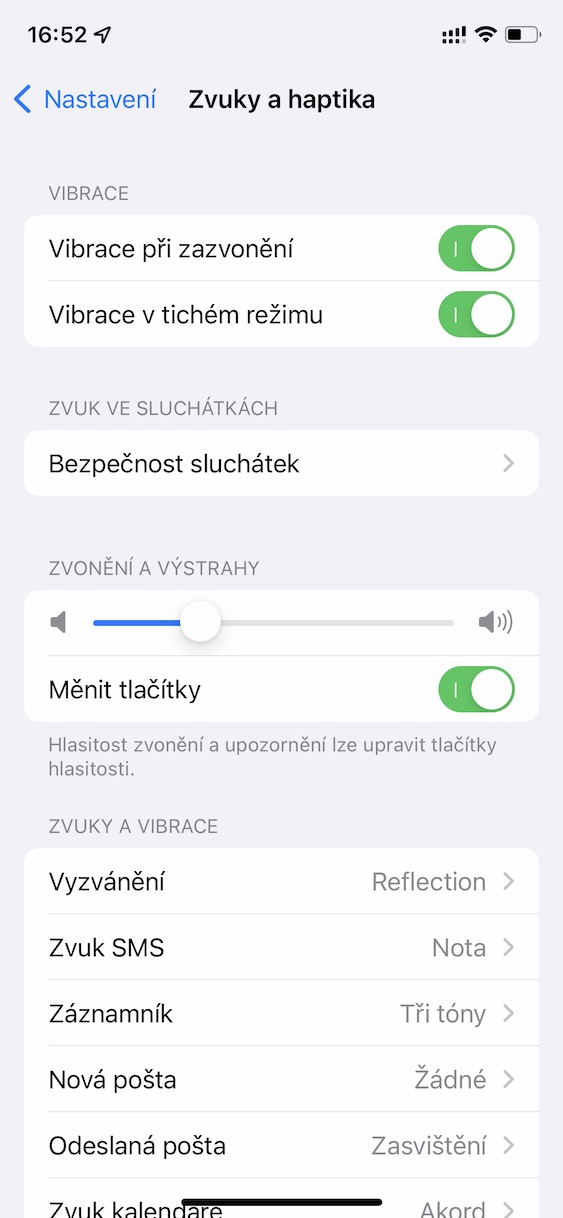
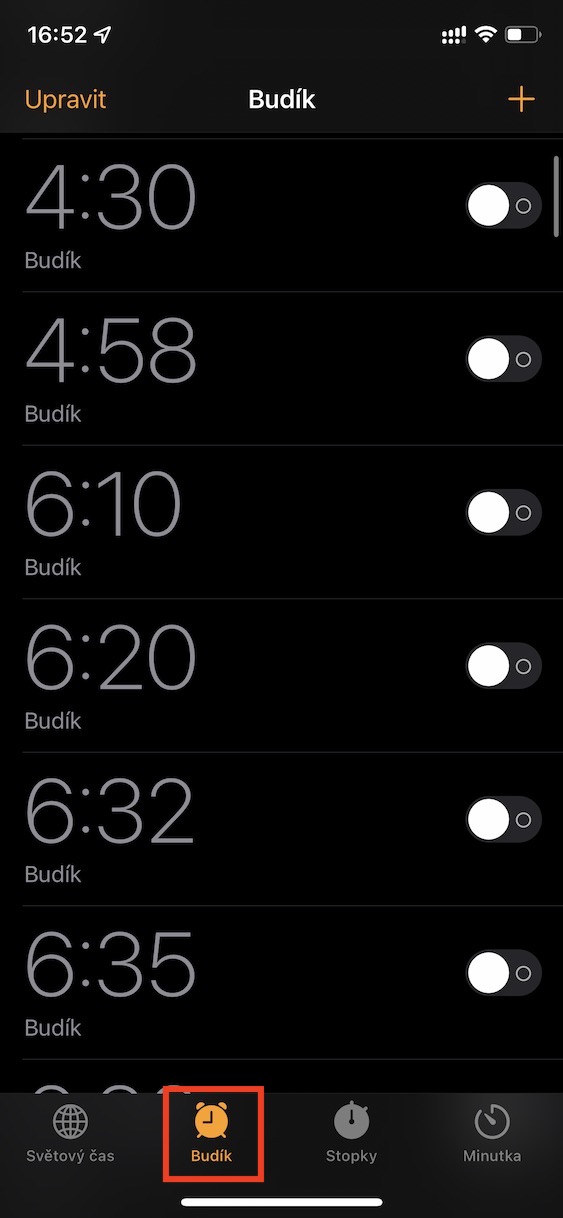
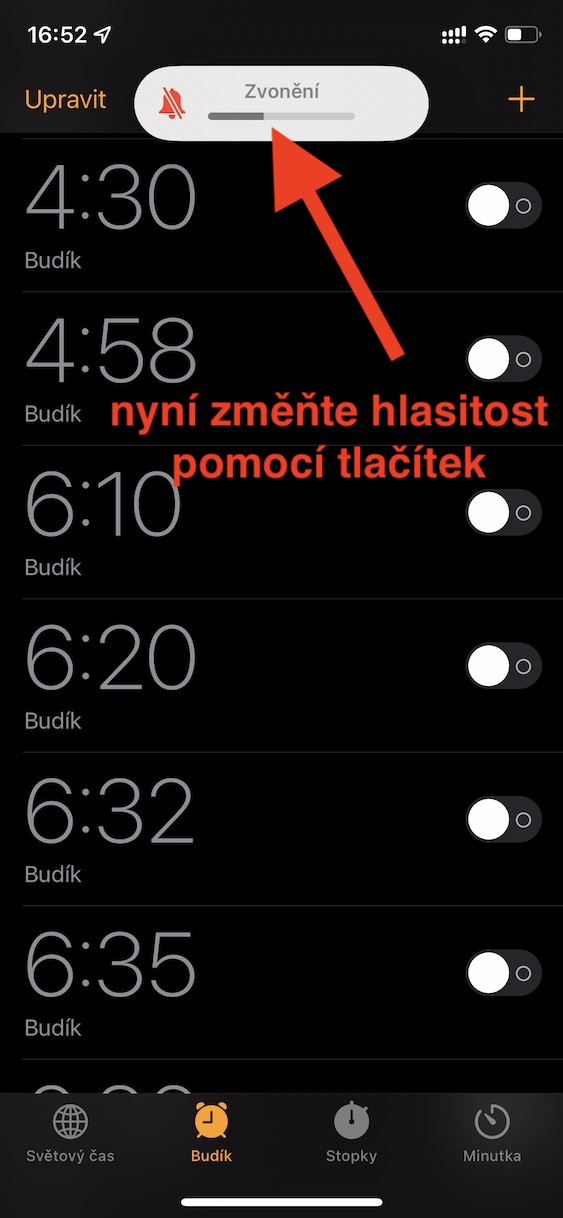
Using the above procedure, it is possible to change the alarm volume on your iPhone. In order to change the volume, you must have enabled the Change with buttons function mentioned above.onechali active. However, it is necessary to mention that if you change the alarm volume in this way, the exact same volume will also be applied to the ringtone or notifications. So if you use iPhone in classic mode and it is important for you to have a higher volume, you will need to increase it again every morning. Anyway, if you don't want to deal with this, I recommend using the alarm via Sleep, where you can directly set the alarm volume.






Unfortunately, this is not an alarm volume setting, but the entire notification.
They should have this in Apple fill in. To be able to choose the volume of the alarm separately from the sounds. Personally, it bothers me and it came in handy
The volume for the alarm clock can be changed in the alarm clock settings, choose the melody and the volume. Peter
Agree, the fact that the alarm clock doesn't work is especially annoying... Especially since we have a new emoji...
Mentality or DEmentality of the Americans? :D :D :D