
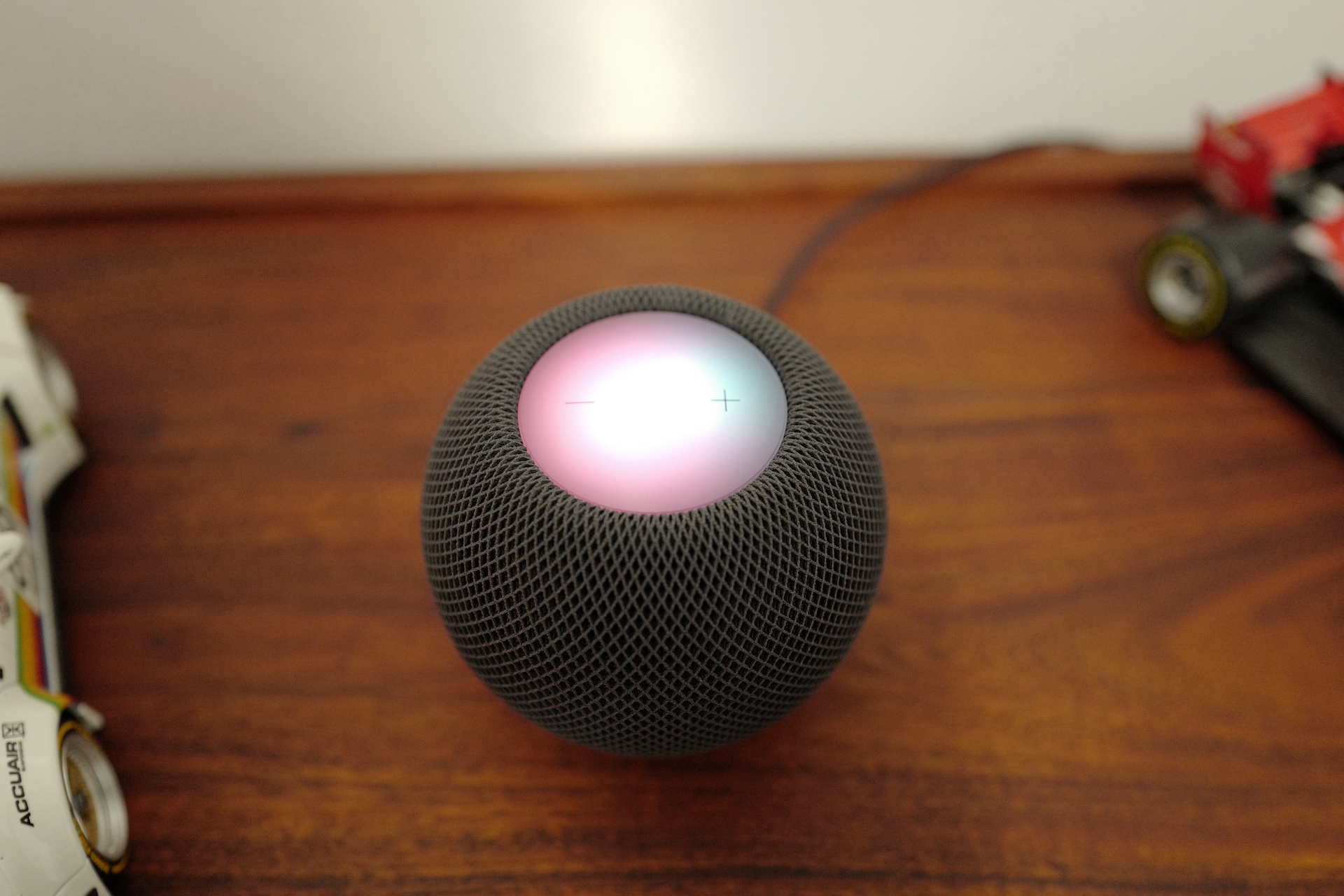
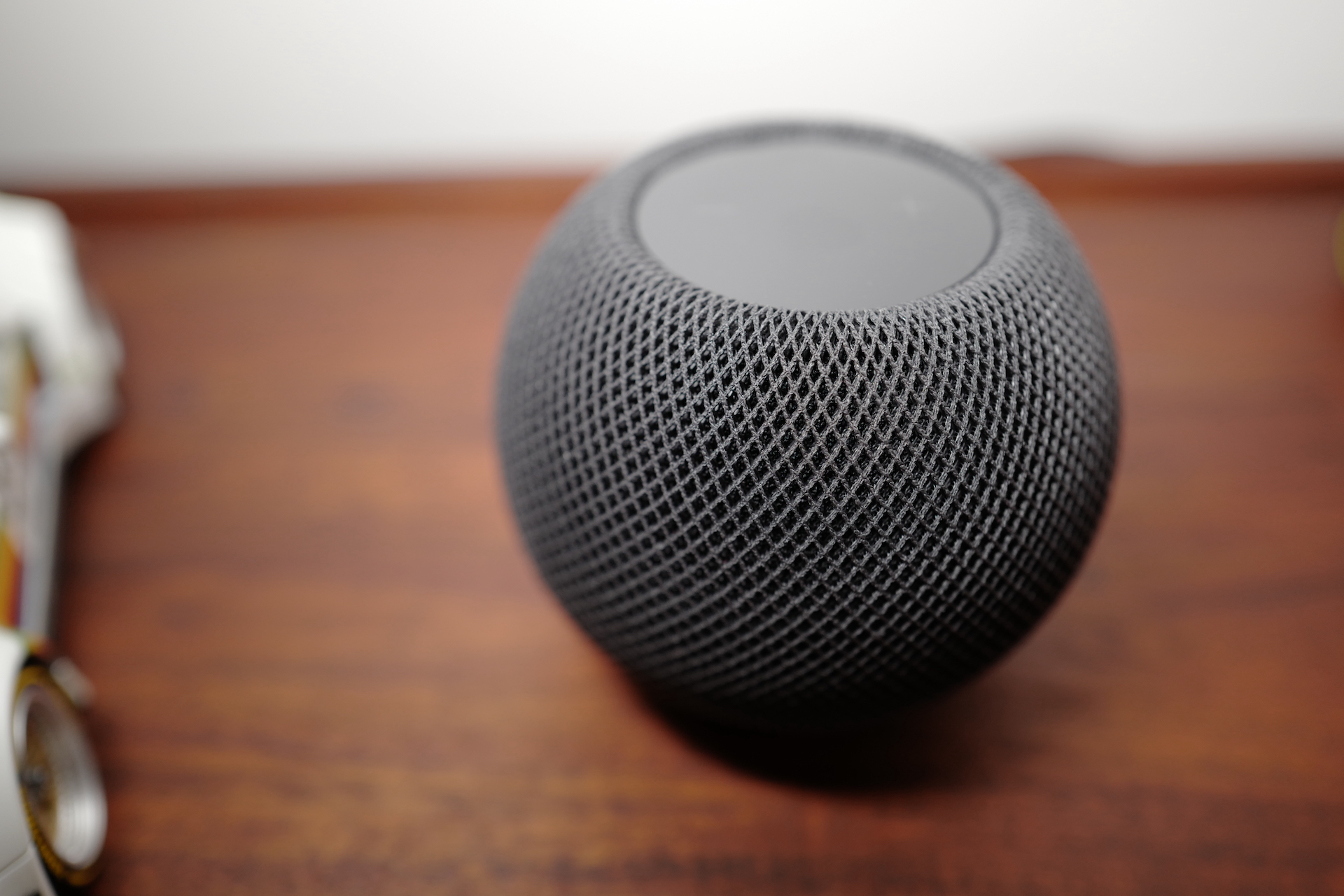
Original HomePod has been with us for over three years, a little brother in the form of HomeOn the floor mini then only a few months. Until recently, this new HomeUnder mini a scarce commodity and many traded it for gold. Fortunately, it is now HomeUnder mini more or less in stock and you can buy it. If you have recently HomeYou've probably already bought a Pod, so you've probably wondered whether it's possible to use it without it.chat wake you up, or set an alarm on it for any other reason. If so, the answer is simple – you can, and it's not complicated. In this article, you'll find out how.
You might be interested in

As HomeI can set the alarm.
In case you would like to HomeAccording to HomeOn the floor mini If you want to set an alarm, there are two ways. You can either do it manually using one of your Apple devices, or you can ask SiriWe will describe both of these methods below, starting with manual setup:
- First it is necessary that you on your iOS or iPadOS devices moved to native apps Household.
- Once you do so, move to specific households and rooms, where your HomeBelow is located.
- Then on your particular HomeHold your finger down, which will bring up another screen after a while.
- On this screen, you only need to swipe a little below, where the category is located Alarm clocks.
- Pro creation new alarm clock click the button New a set the parameters, including the option to play a tone or media.
- Of course, you can then use all the created alarms tap to manage possibly you can switch on and off.
Gallery
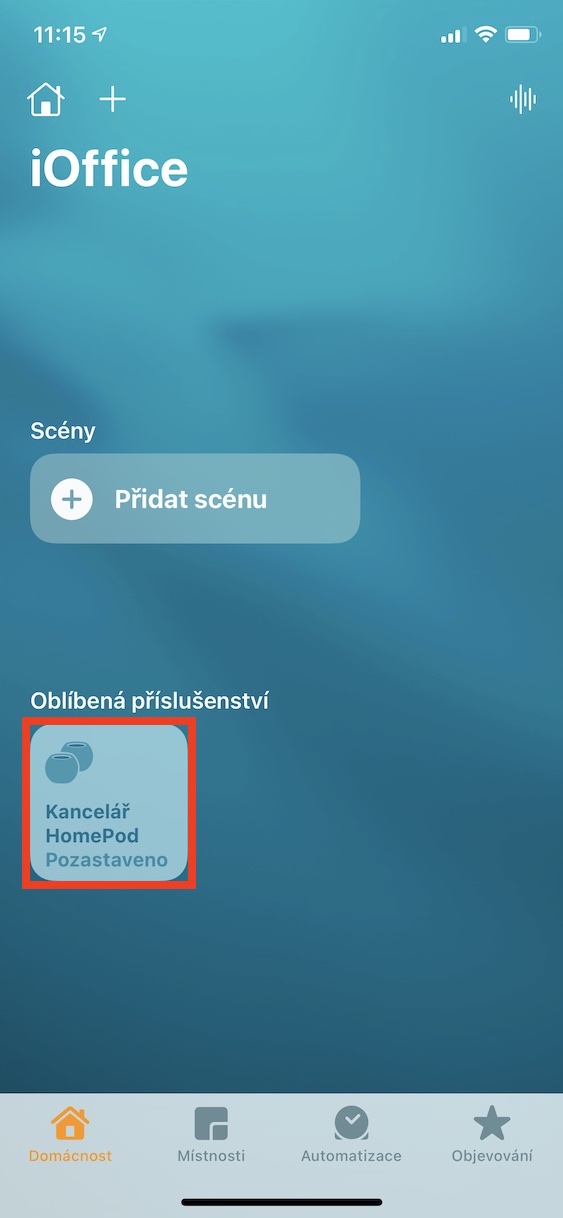
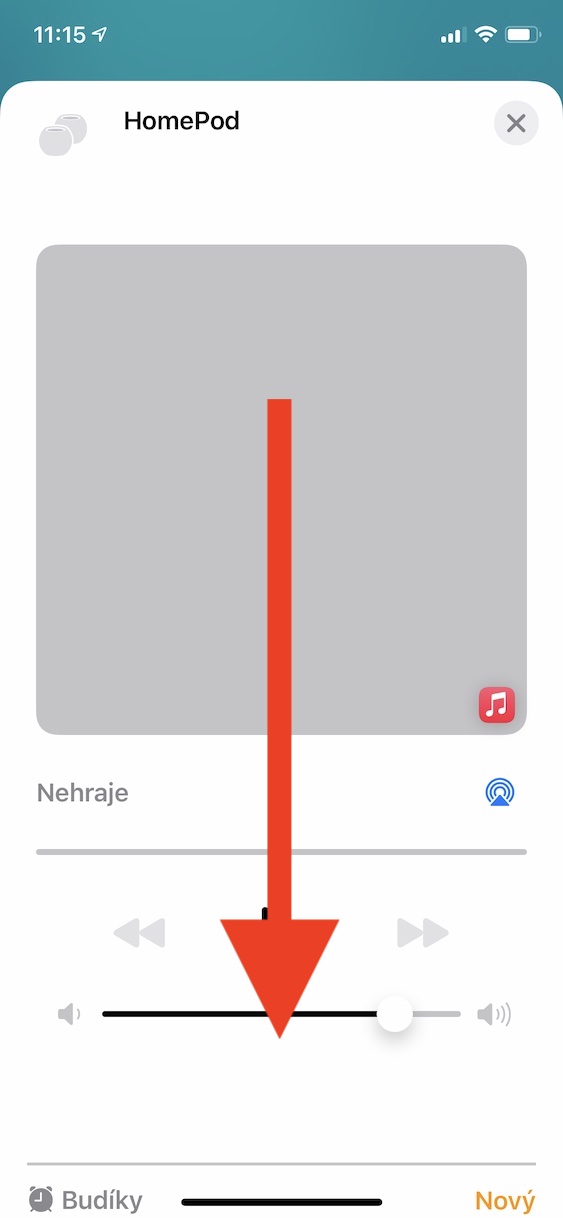
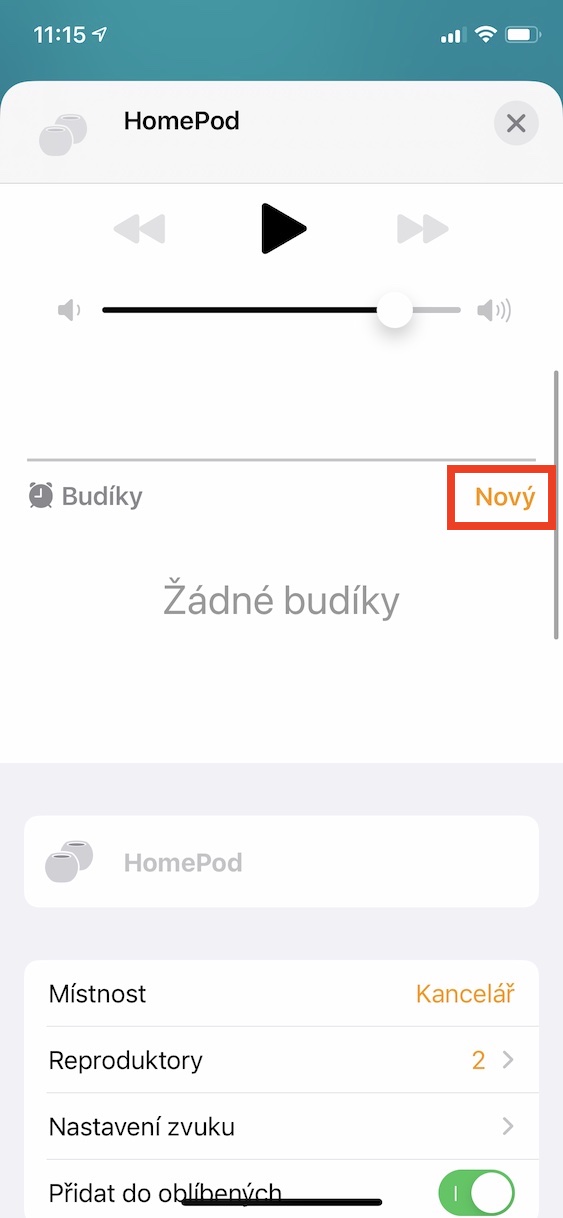
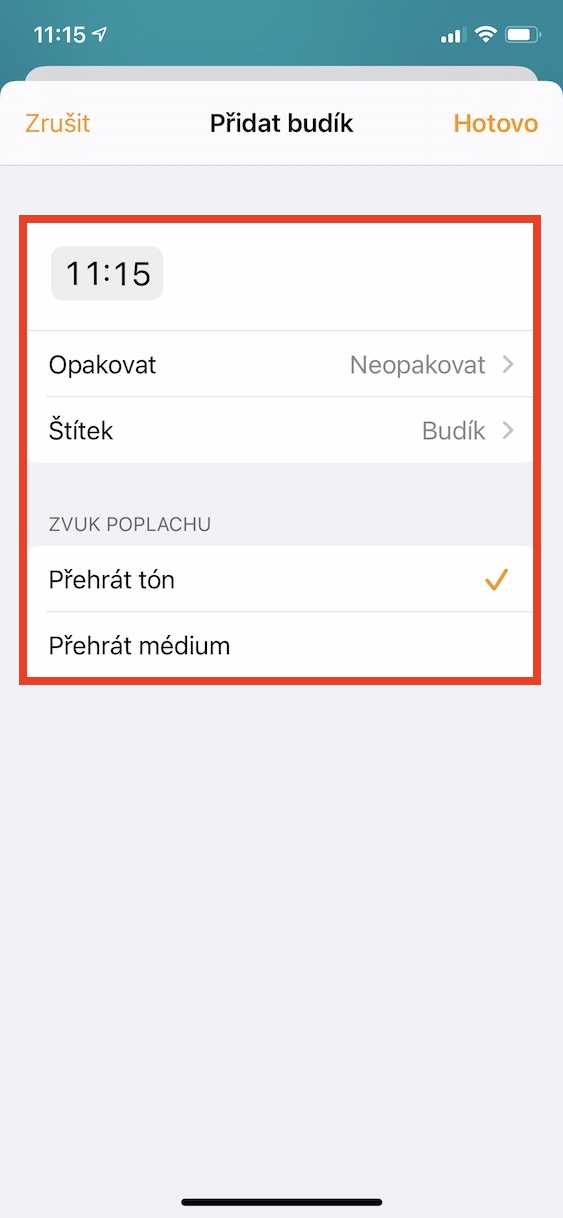
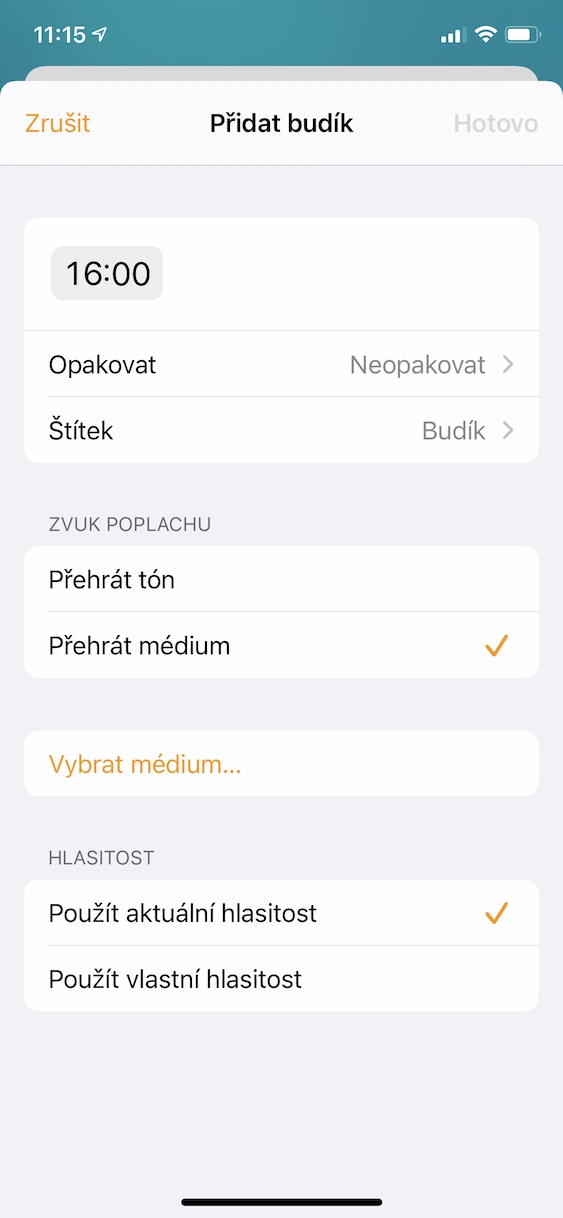
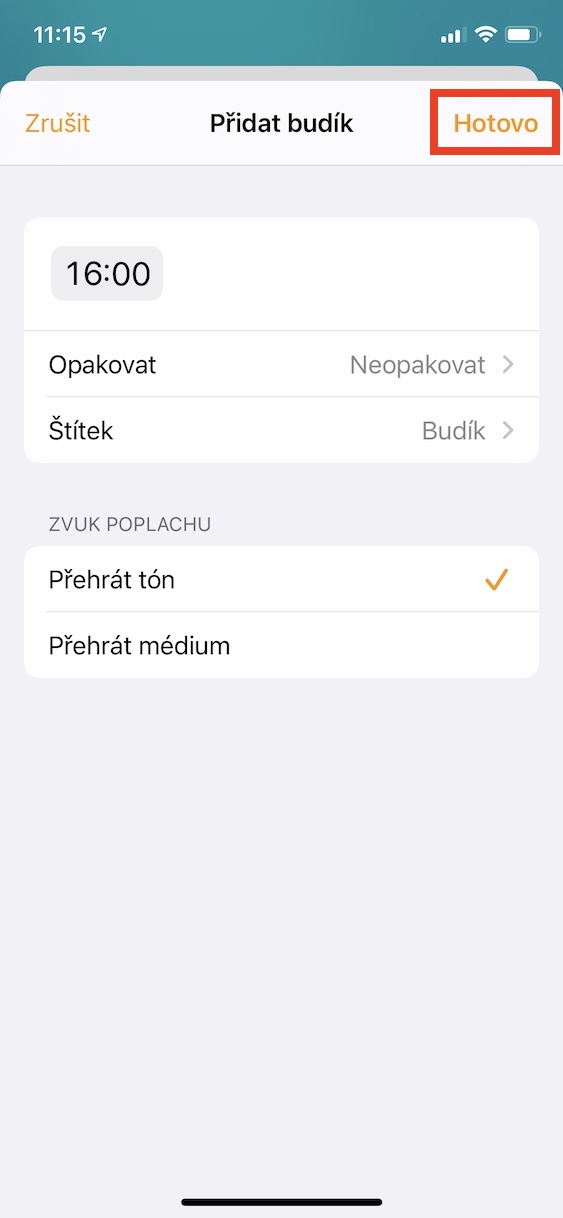
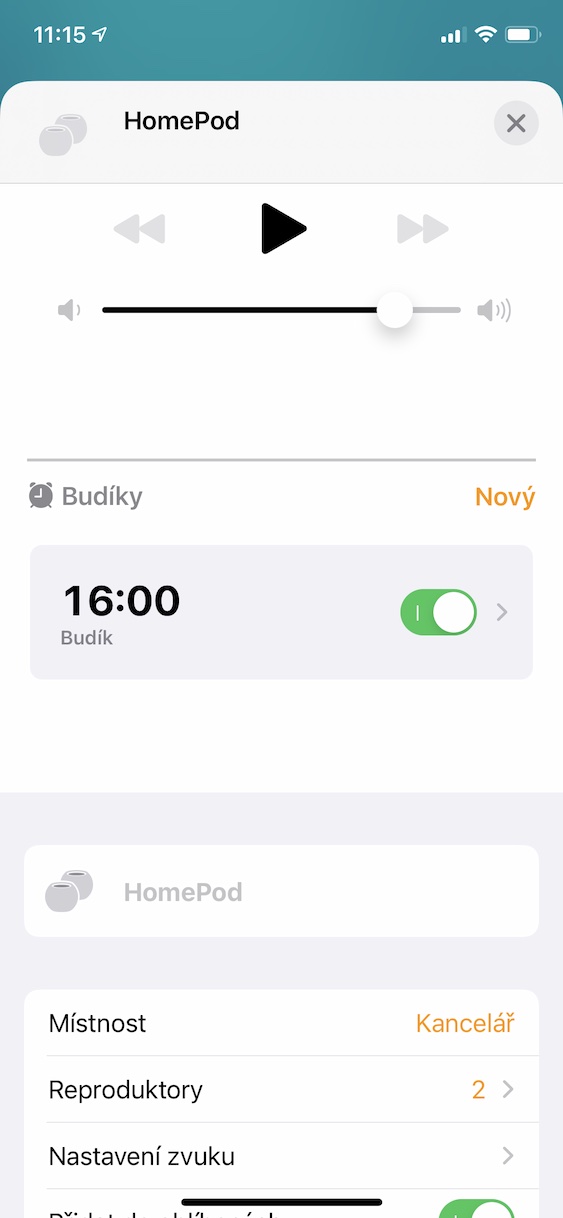
The above method can therefore be used to manually set HomeI'll set the alarm. But personally, I happened to be in the Household at HomeDidn't see the Alarm clock category - the first alarm had to be set using Siri, only then was it possible to manually set the alarm. Pro setting the alarm on HomeUnder (mini) using Siri just say "Hey Siri, set an alarm for 6 AM.” Of course, you have to choose your own time. The time itself must be stated in the twelve-hour format, along with AM (morning) or PM (afternoon). Pro deleting a specific alarm foroneyou are a sentence "Hey Siri, delete the 6 AM alarm. ", or you can delete all alarms if you say "Hey Siri, delete all alarms. "





And does setting your alarm to wake you up with music work? We've never been able to set it up, even though this option is in the settings.