How to change the length of the snooze interval on iPhone? The iPhone's snooze time is fixed at nine minutes. Apple he never officially revealed what it was. Some argue that Apple in this way, it pays homage to the good old mechanical clocks, where setting an alarm snooze time longer than 9 minutes was physically impossible. Another oft-cited theory says that our body goes into deep sleep in 10 minutes and therefore society Apple for the convenience of users, it does not allow to adjust the wake-up time.
You might be interested in
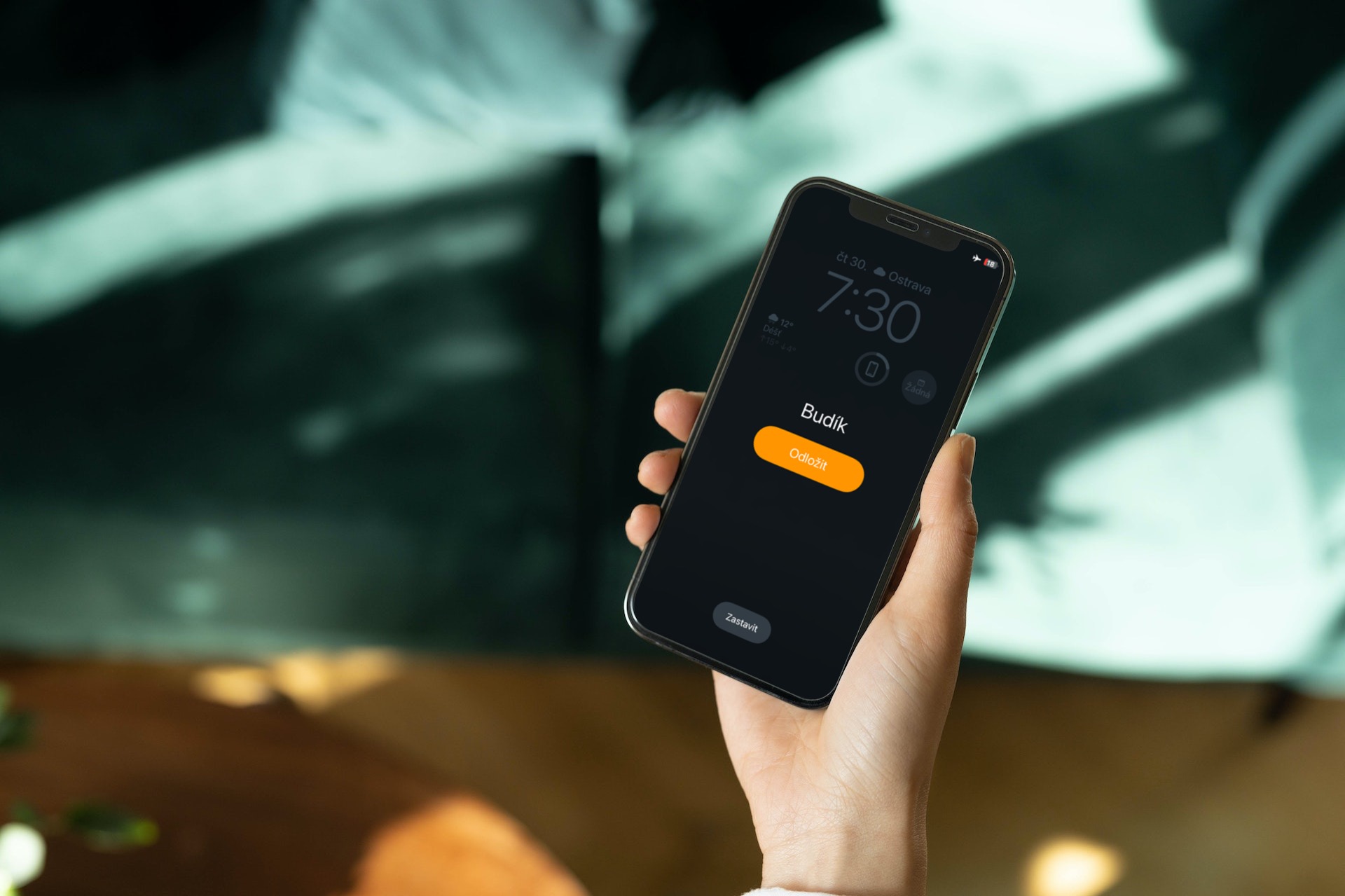
Whatever the reason, it's still an annoying restriction for many. Fortunately, there are a few solutions you can use to make your own nap time. It's a bit of a hassle, but if you don't feel like it, App If you're looking for an app that allows you to individually set the snooze duration, you'll have to accept this. variaIf you turn off the snooze feature and set another alarm after your preferred number of minutes, which can be greater or less than nine minutes, you will be able to create your own snooze alarm.
How to change the length of the snooze alarm on iPhone
Unfortunately, as we mentioned before, there is no straightforward solution for increasing or decreasing the length of a nap on the iPhone. An alternative way is to set a second alarm.
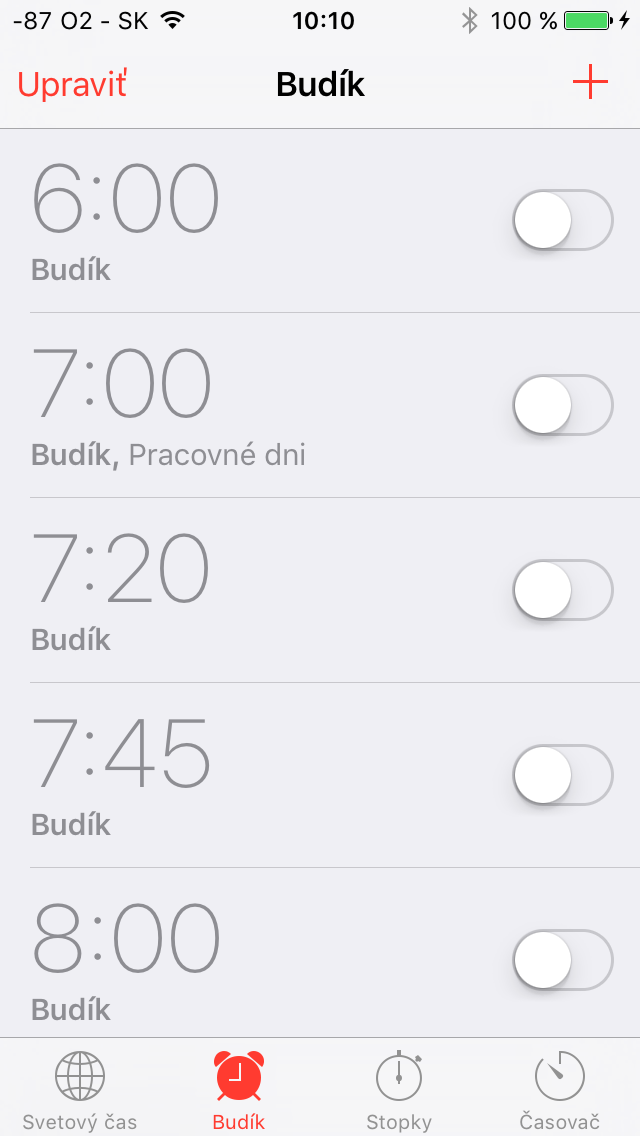
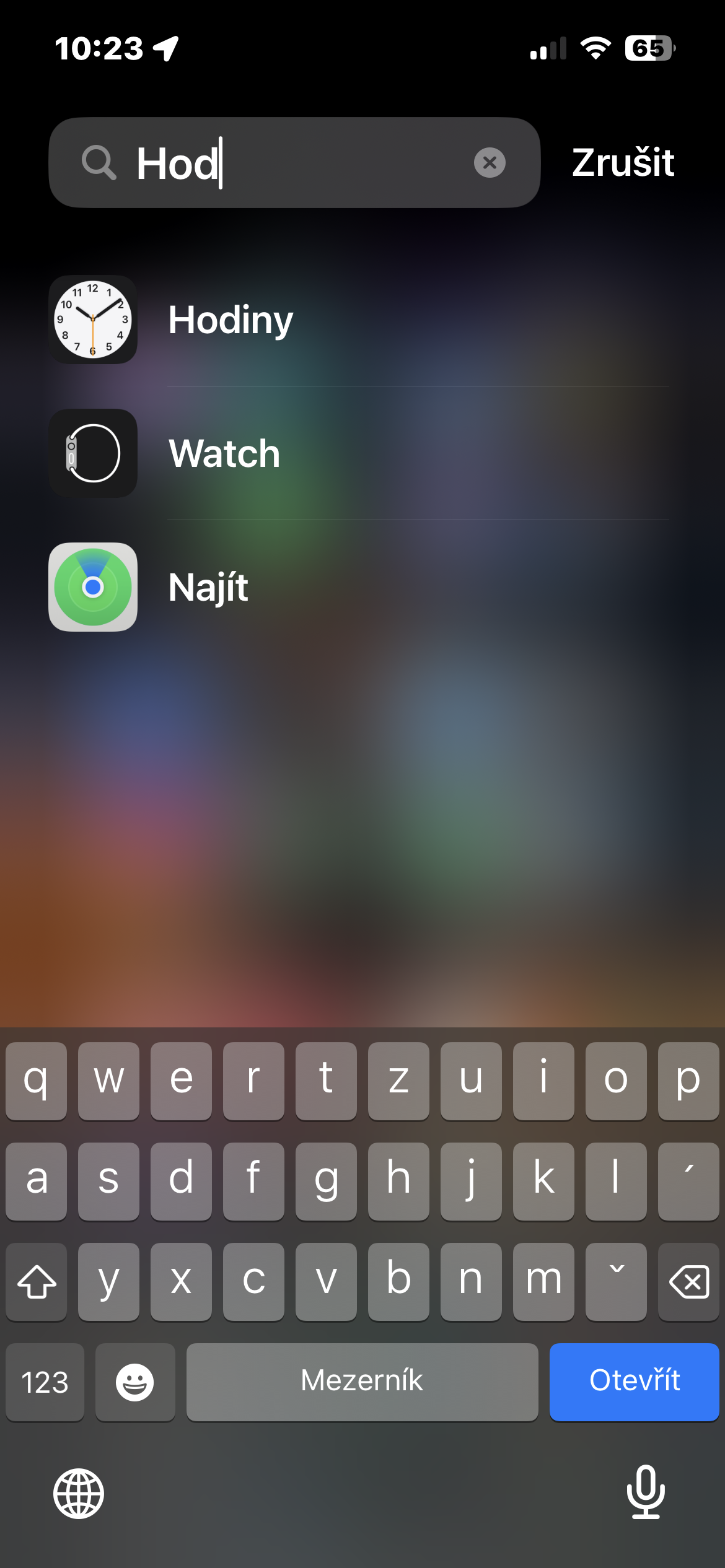
- Launch the native Clock on your iPhone.
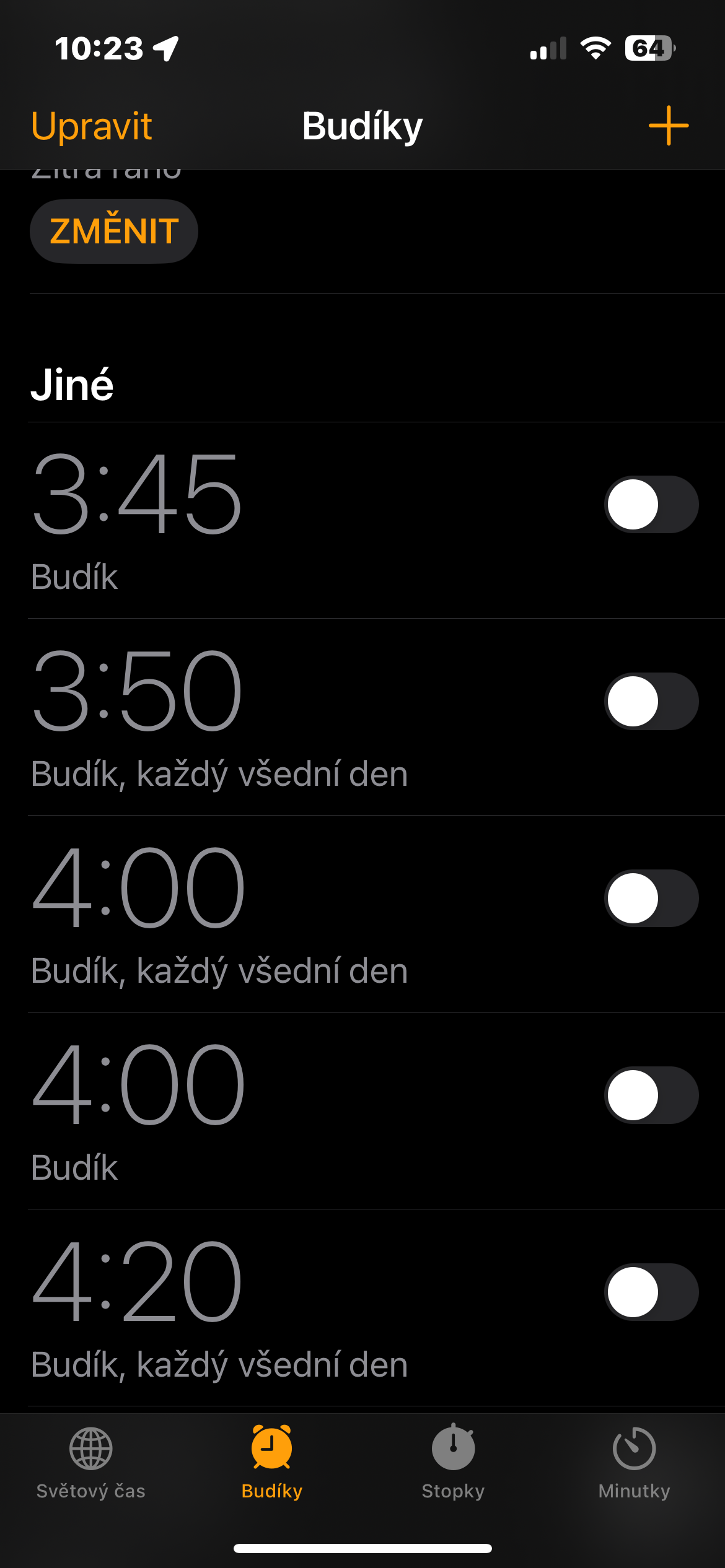
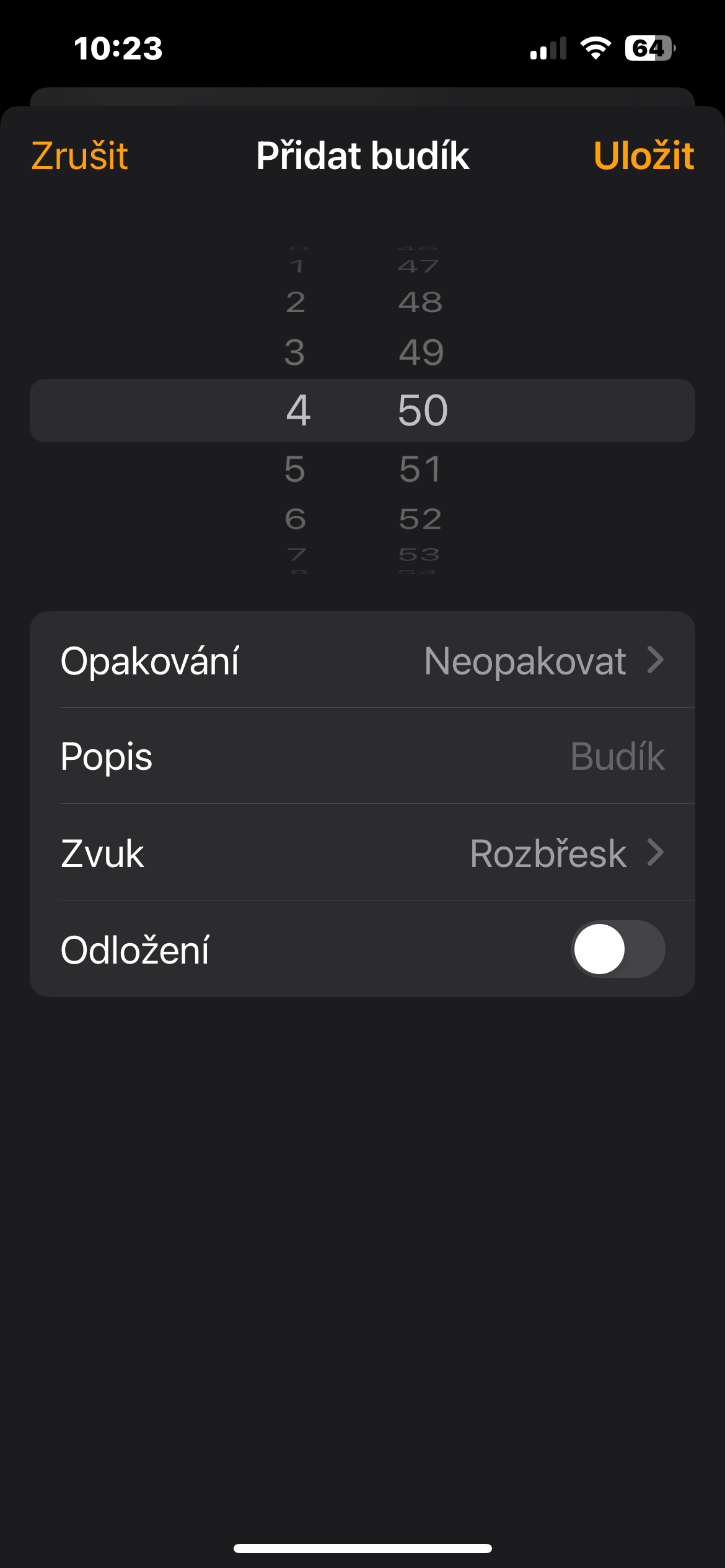
- Then tap the button "+" in the upper right corner and set the first alarm. If you already have an alarm set that you want to snooze, tap the alarm tile to continue. This will bring up a pop-up window on the screen.
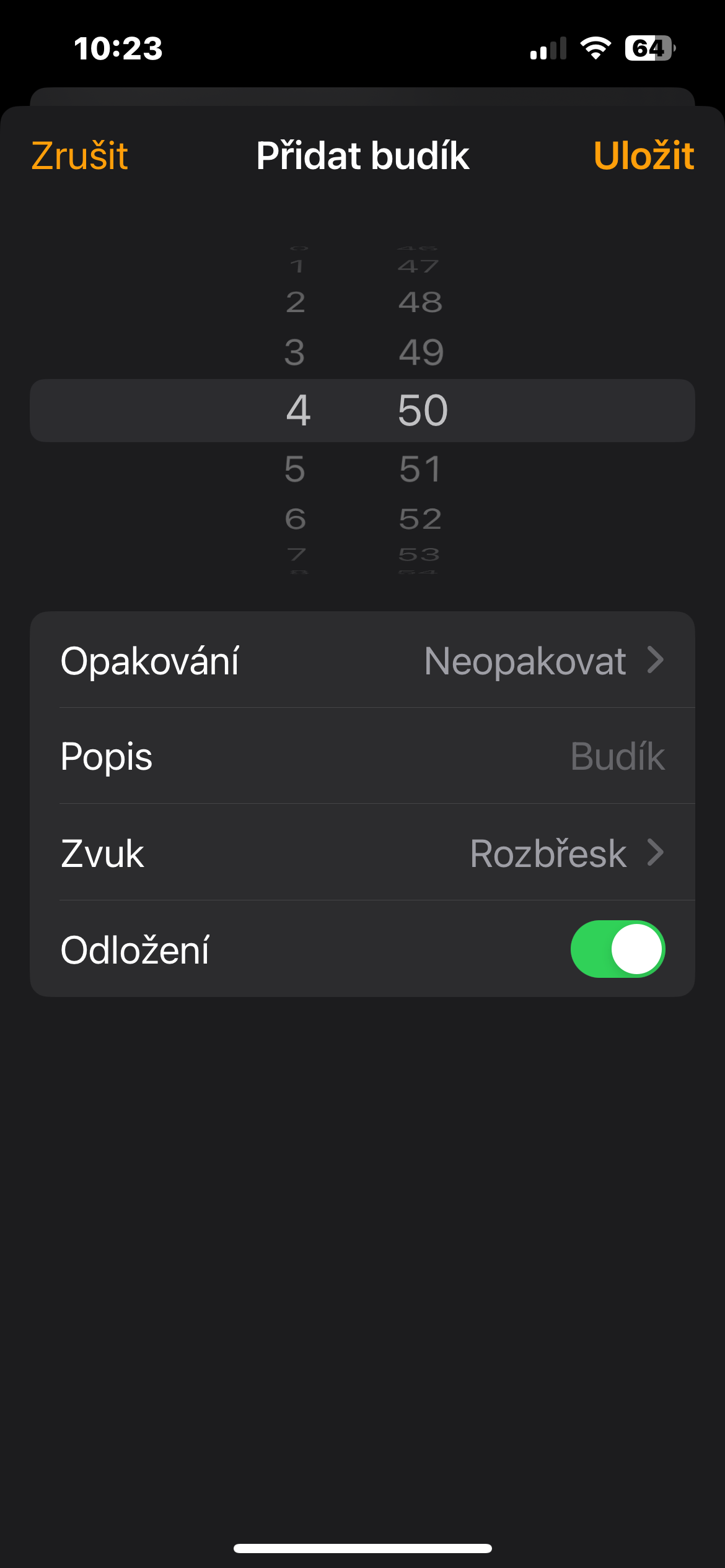
- Set the desired wake-up time and then deactivate the item Postponement.
- At the top right, tap Save.
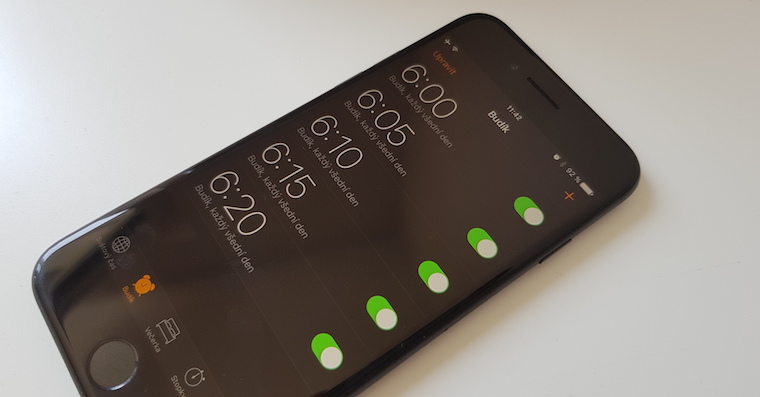
- Once you're back on the main alarm screen, tap the + button to create a new alarm. Now set the alarm ahead by the number of minutes you wish to keep as snooze time - that is, if you wish to have 15 minutes of snooze time and your first alarm is at 6am , set the second alarm for 00:6.
Gallery
Now when the first alarm goes off, just tap the stop button and wait for the second alarm to go off as it will act as a snooze time. In this case, you can also stop the alarm by pressing the side buttons or volume buttons.