
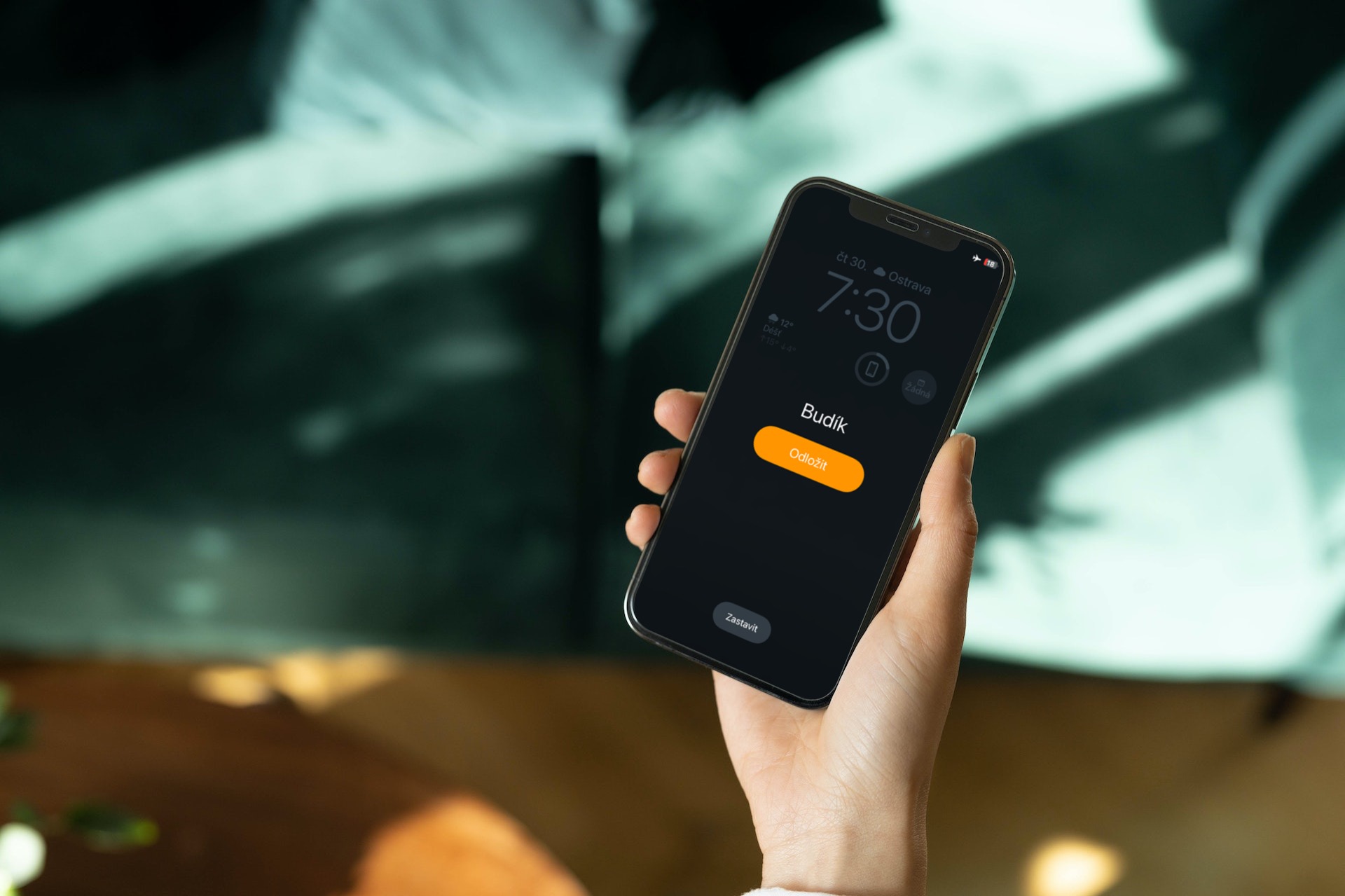
The alarm clock is one of the most important parts of our iPhones. It is a small thing, but it plays an extremely important role with regard to your daily wake-up call. As such, setting an alarm clock is not difficult. Just open Clock > Alarm > via the plus icon to add another alarm. But what if you want to set the alarm volume on your iPhone? Perhaps you have found yourself in a situation where the morning alarm simply does not wake you up because it is too quiet, or exactly the opposite - you are literally shocked by its volume.
How to set the alarm volume on iPhone
If you are struggling with the question of how to set the volume of the alarm on the iPhone, then there is no need to hang your head. The whole process is extremely simple and you can handle it in a matter of seconds, specifically directly from the environment of the native Clock application. Therefore, let's briefly focus on how to set the alarm volume on the iPhone.
- Open the native app Hours
- Create an alarm clock or choose an existing one to change the volume
- Click on the option Sound
- Select an already selected sound or select a new one to start the phone playing
- Help side buttons to adjust the volume
Gallery
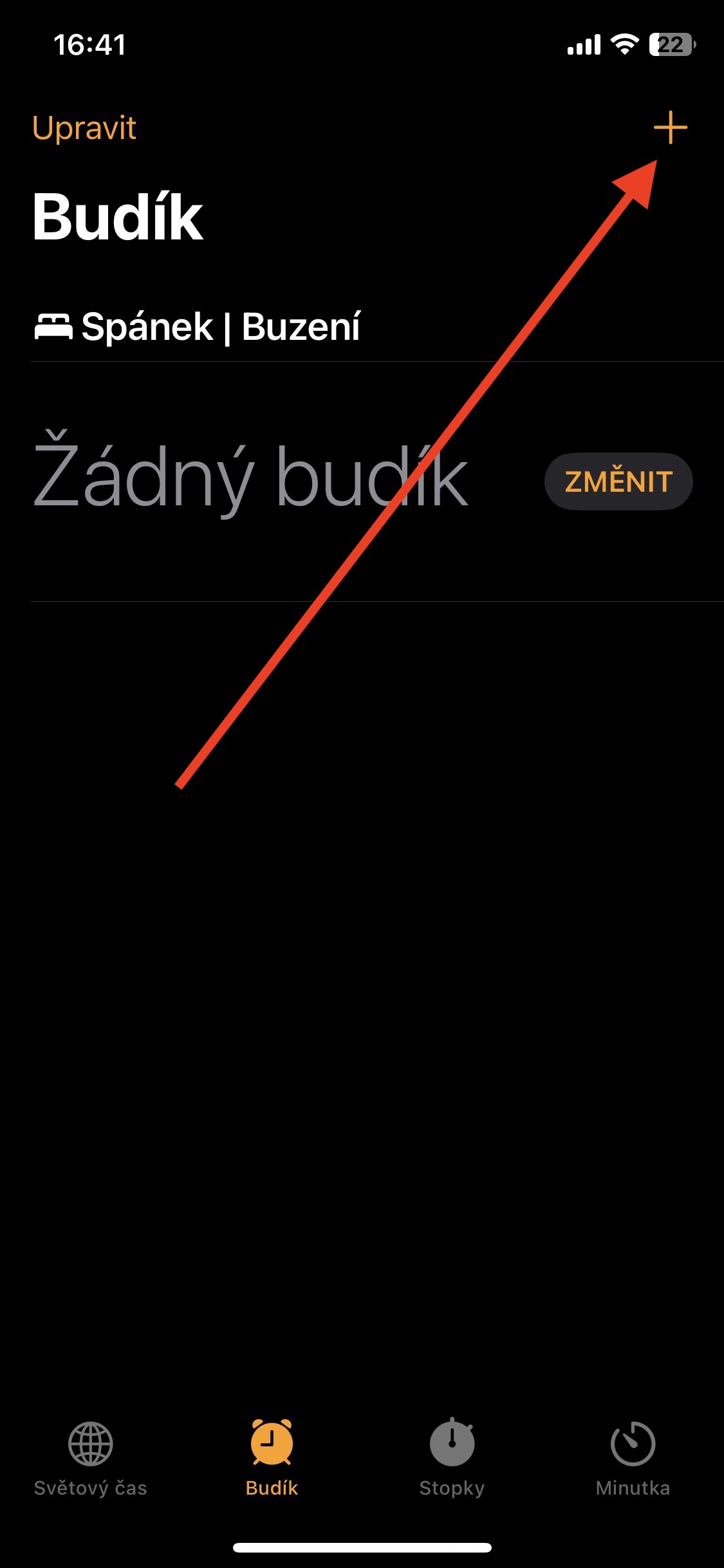
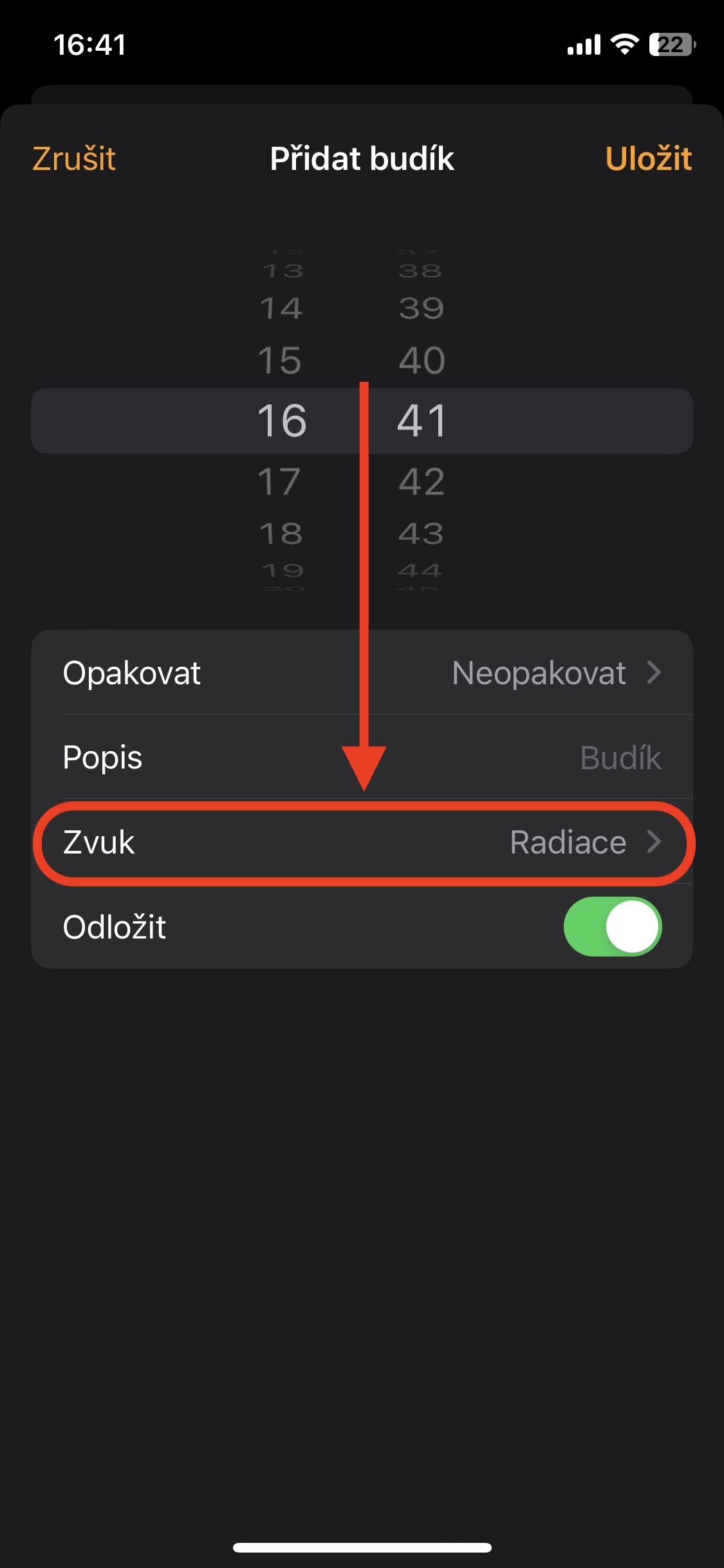
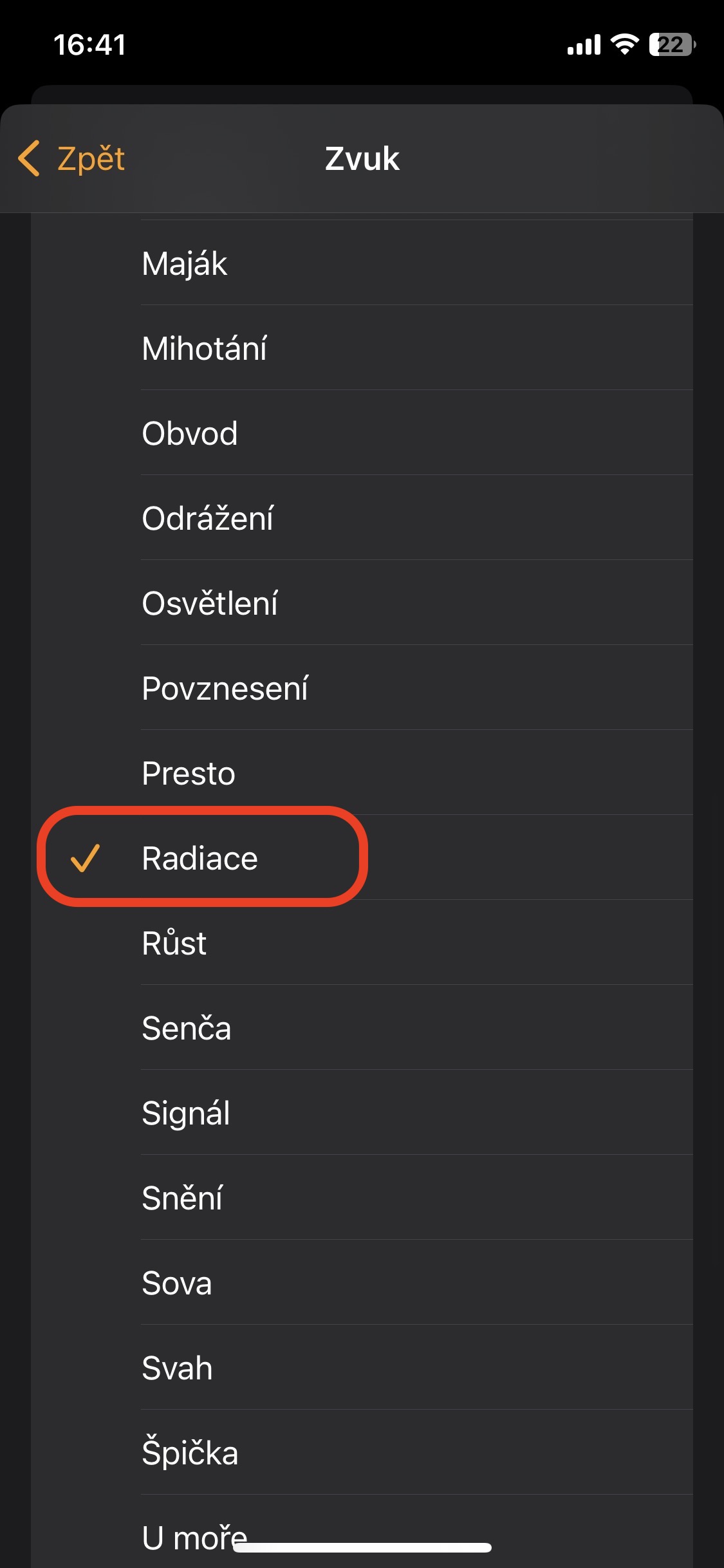
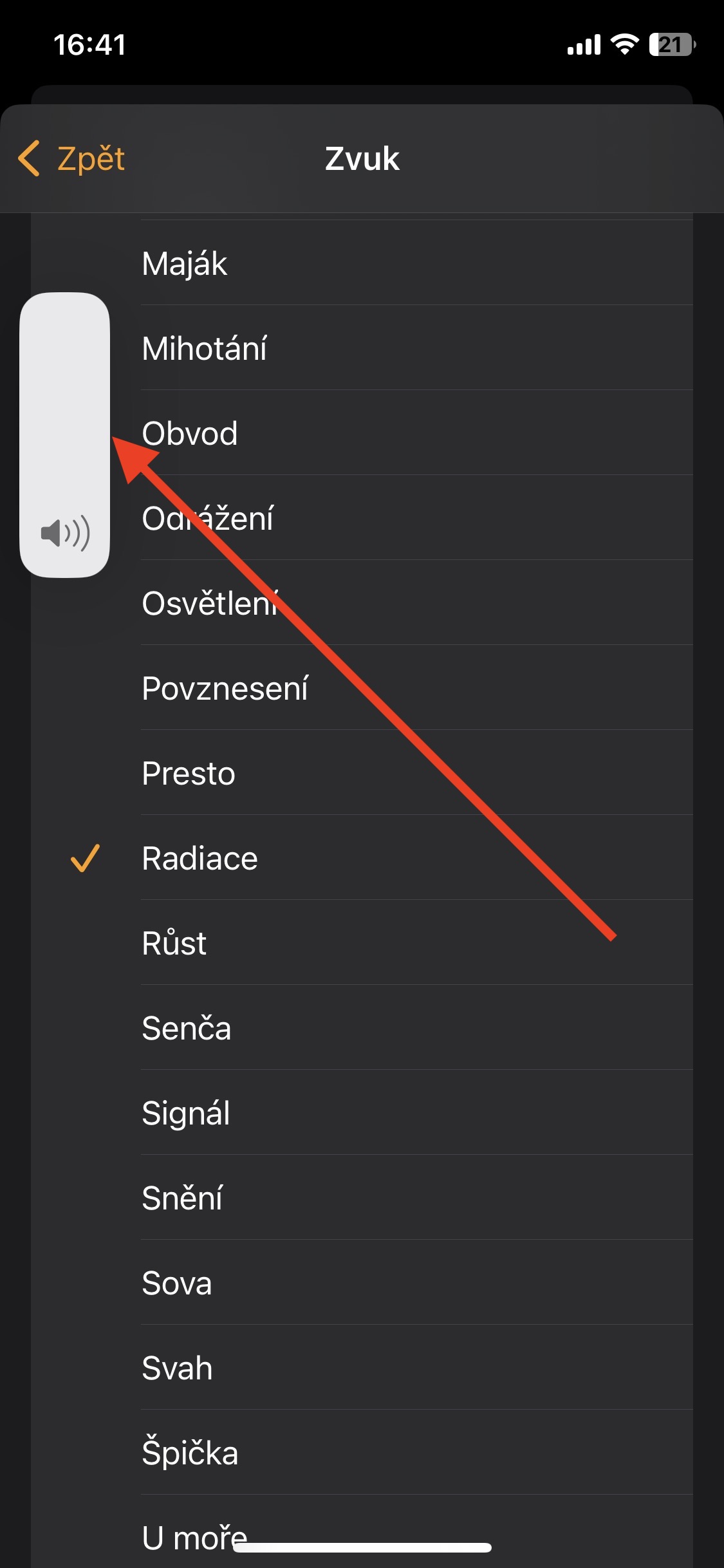
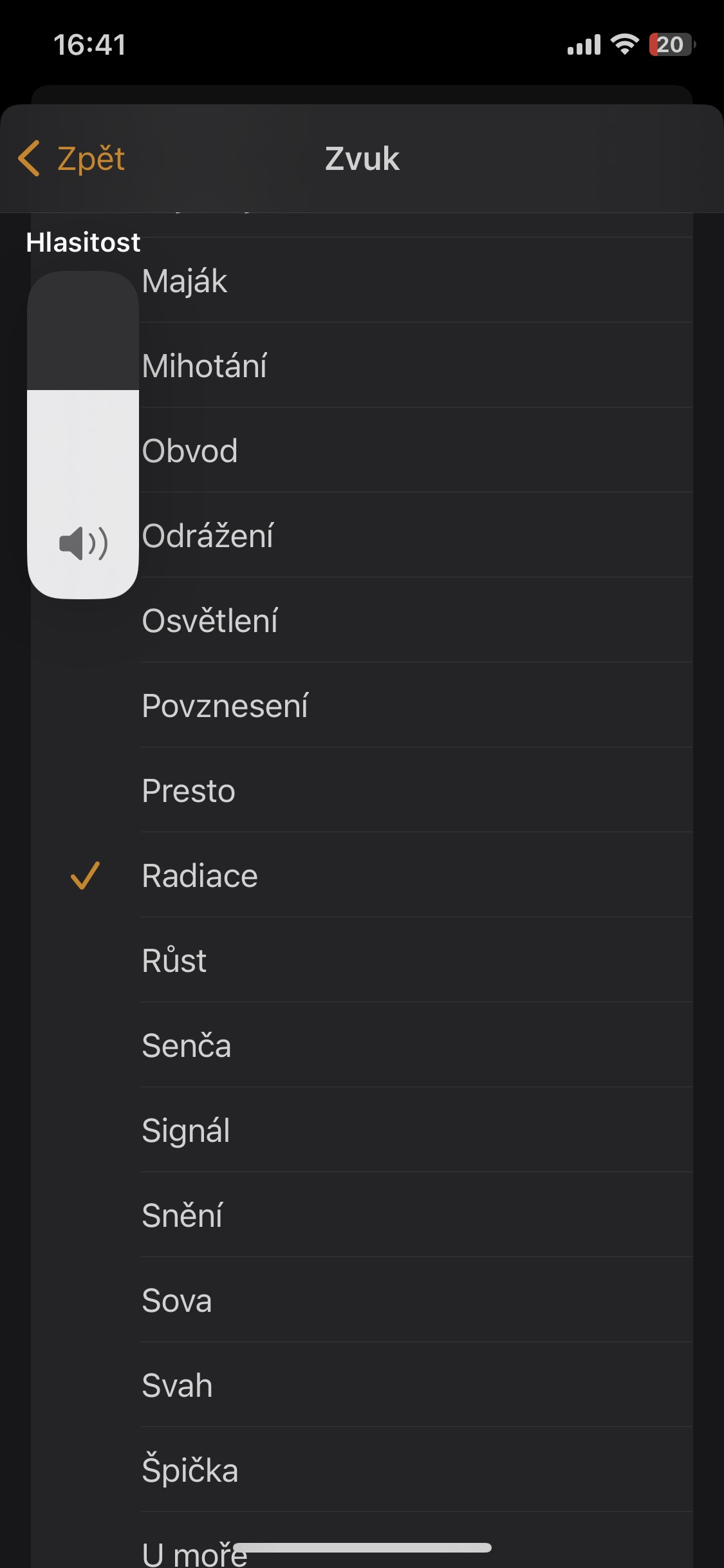
However, in order to adjust the volume in this way, you need to select a sound , or rather, for the phone to play when adjusting the volume. If you do not start a specific melody, you will use the side buttons to adjust the media volume (or ringtone, depending on Settings > Sounds & haptics > Change with buttons.

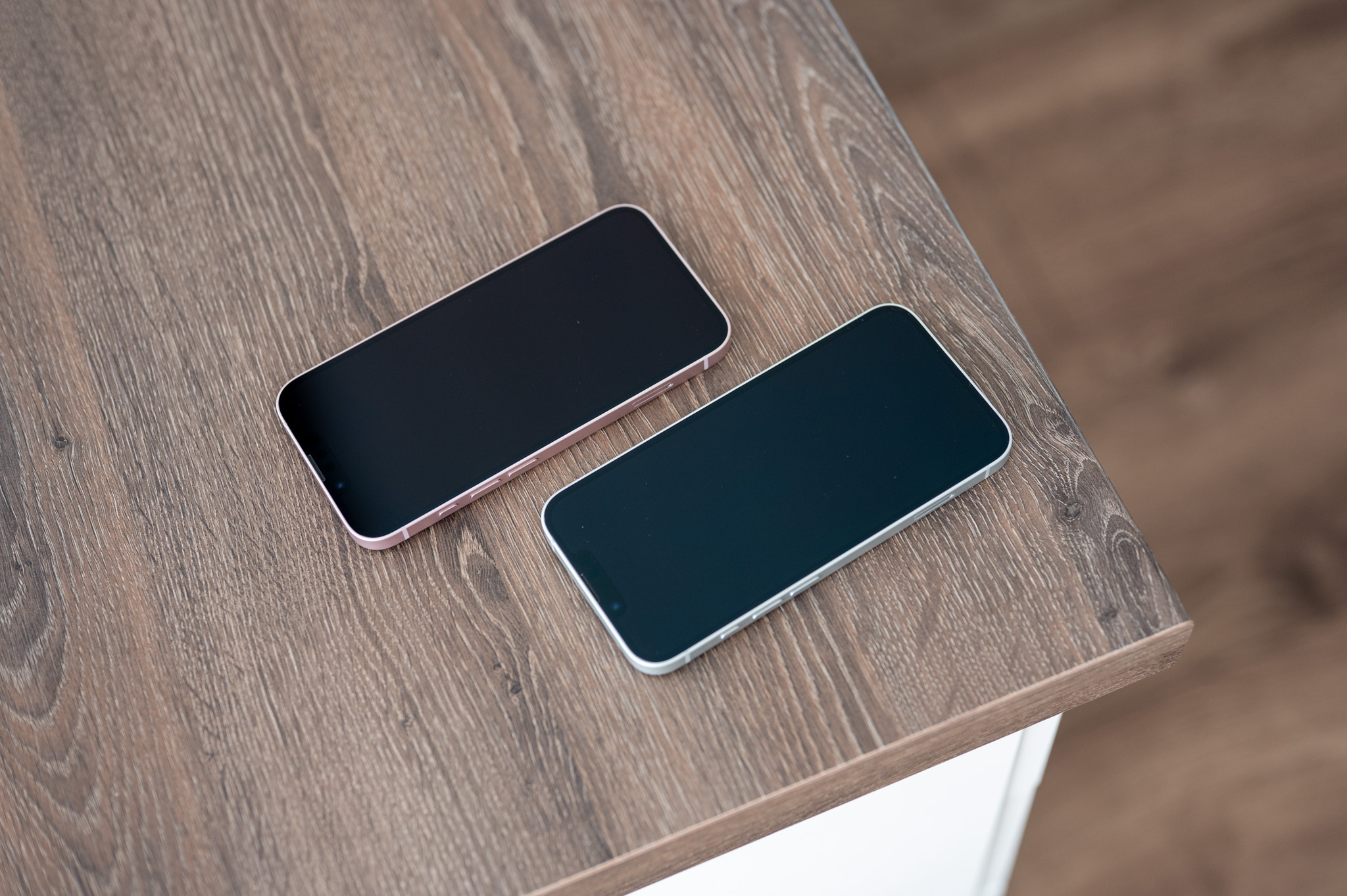
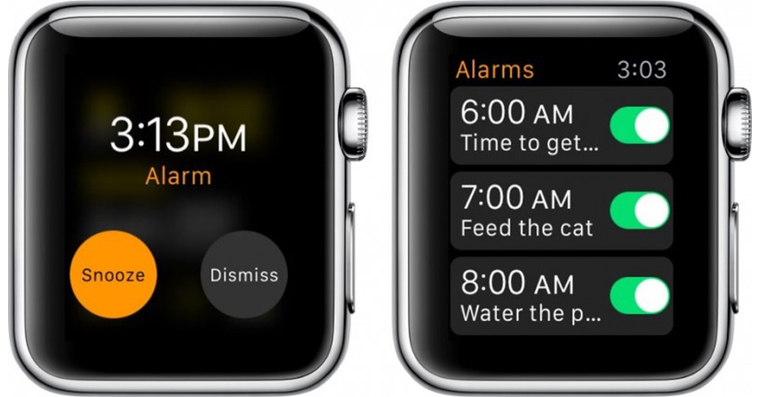





And isn't it easier to use the side buttons?
If you change it according to the instructions given by you, it will change with the side button. Simply put, it is not possible to permanently set a constant alarm volume, which is quite incomprehensible and bothers me a lot
When I get up driveBefore the alarm goes off, how do I turn it off so it doesn't ring without having to turn it off and then back on again after the alarm time?
The alarm clock is set at night and in the morning one wants it loud, that's a bit ill-conceived on their part Apple, that he has to let the whole house go
I set music as an alarm clock, but I have it set to turn on WiFi, bluetooth and mobile data at night. When my alarm goes off in the morning, instead of the music I have downloaded by the way, it plays by default alarm... does anyone know what to do with it? I'm at the end
Sounds and volume control ma apple overall senselessly complex and complicated .. not everything is as simple and intuitive as they say
Volume control is on for me iPhone really very annoying in the long run. It would be enough to have a solo volume setting for notifications (ringtone, text message, email, alarm clock, etc.) and a solo volume setting for sounds in applications (playing videos on YT, music on Spotify, etc.) in the settings. duolingo, etc.). Sometimes when I'm in an app and I want to mute it because I know it might play a loud video, I do it with the side buttons and sometimes it works, but other times it only mutes my ringtone volume and when the video starts playing, I startle everyone around with the volume and the mute works until it starts playing this loud. I've been struggling with this for a while now. iPhone 3GS, up to today's 14ProIt annoys me incredibly, but apparently others don't mind if nothing is done about it for years... Or do you have a solution?
I have to say that after switching from Android, the sound settings on ios It's very annoying. Jsk has already written here that the inability to set the sound for individual categories of use is a very degrading approach to an otherwise very sophisticated system. It's a shame, maybe the developers will come to their senses?!
Unfortunately, on IPhone 13 PRO IOS16.4 it doesn't work….
This article is not entirely true. I have an iP14pro+latest iOSIf I set the alarm volume according to the article, it will still start ringing at the media volume level and as soon as it sees any face during the ringing, it will be muted to the level set when setting the specific melody.