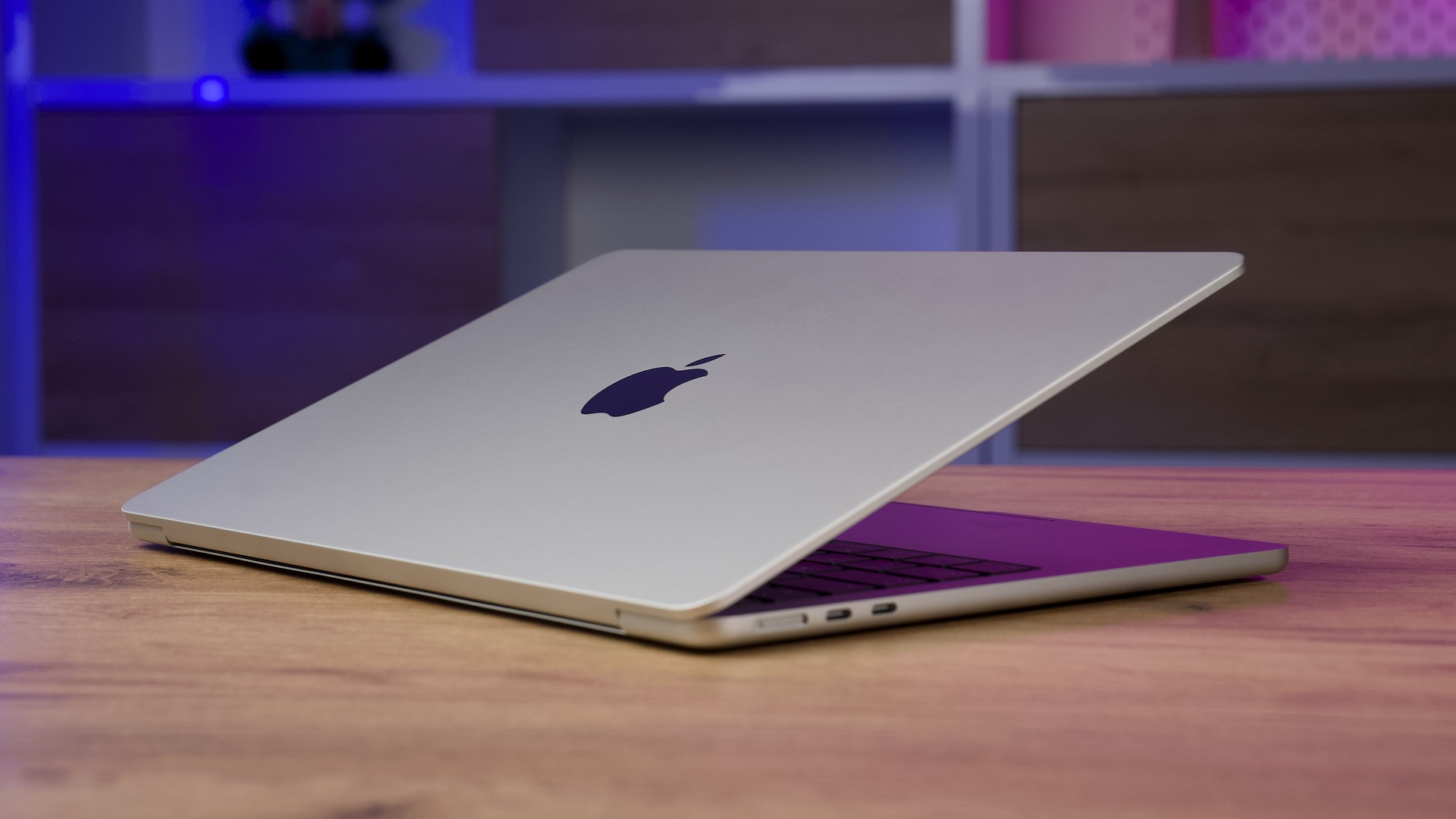
Apple Silicon refers to a family of processors and other chips that the company Apple designs itself for its products. This label received the most attention in 2020, when Apple began the transition of Macs from Intel processors to its own M-series chips. Apple Silicon However, it is not just a processor. It is a comprehensive system integrating CPU, graphics, RAM, Neural Engine, multimedia units and security technologies into a single chip.
The move to custom processors is one of the most significant changes in the history of Mac computers. Apple It gave him control over both hardware and software, allowing him to design the individual components of a computer as a whole. The result is high-performance devices.onem, low power consumption, long battery life and very tight integration with the macOS and iPadOS operating systems.
On this page you will find an overview of everything important regarding Apple Silicon, individual generations of M series processors, their variant, architecture, application compatibility and practical differences between individual chips.
What is Apple Silicon
Apple Silicon is a collective term for chips designed directly by the company AppleThe company uses them in Mac computers, iPhoneon iPads, Apple Watch, Apple TV, Vision Pro, AirPods and other accessories.
iPhones and some iPads primarily use A-series processors. Macs and more powerful iPad models use M-series processors. Apple also designs S series chips for Apple Watch, H-series chips designed for headphones, for example AirPods or specialized R-series chips used in Vision Pro.
However, most often the term Apple Silicon refers to the M series processors, which have gradually replaced Intel chips in Mac computers.
Proč Apple abandoned Intel processors
Apple has been using Intel processors in Mac computers since 2006. Over time, however, it increasingly encountered limitations beyond its control. It had to wait for new generations of processors from other manufacturers and adapt its computer designs and operating system development to them.
Custom processors made it possible AppThe company can plan hardware and software simultaneously. The company can make precise decisions about the performance of the processor, graphics, memory, multimedia units, security features and computeronent designed for machine learning.
Procesors Apple Silicon they use the ARM architecture, which Apple has also been used for a long time in iPhoneand iPads. Their great advantage is high performance with relatively low energy consumption. This is what made it possible to create silent MacBooky Air Fanless and extremely powerful models MacBook Pro or Mac Studio.
When Apple introduced its own processors for Mac
Apple announced the transition of Mac computers to its own processors during the developer conference WWDC in June 2020. The company said at the time that it planned to complete the entire transition in approximately two years.
The first processor designed specifically for Macs has been named Apple M1. In November 2020, he appeared in a new MacBooku Air, 13-inch MacBooku Pro and Mac miniAlthough it was a first-generation basic chip, it was able to performonem surpass many previous computers with Intel processors.
Apple subsequently expanded its own processors to the entire Mac lineup. The last major model to complete the transition from Intel was Mac Pro with processor M2 Ultra.
Jak Apple Silicon works
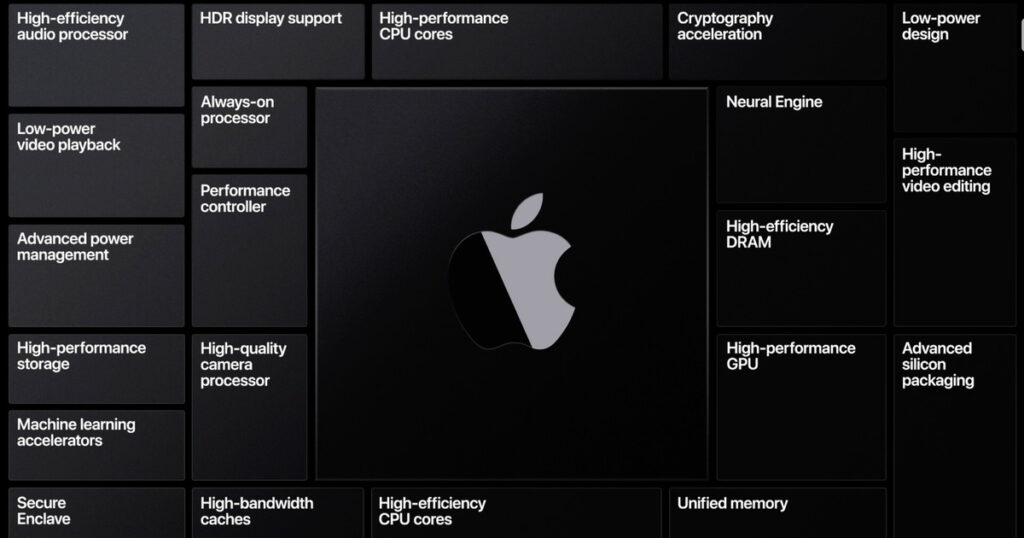
Procesors Apple Silicon are referred to as System on a Chip, or SoC for short. This means that several important componentsonent, which were previously located separately, is integrated into a single chip.
Apple Silicon can contain in one case:
- powerful and energy-efficient CPU cores,
- graphics processor GPU,
- Neural Engine for machine learning,
- unified memory controller,
- multimedia units for video processing,
- image processor,
- safety computeroneaunts,
- storage, display and other interface controllers.
The integration of these parts allows for faster communication, lower power consumption, and less data that needs to be moved between separate computers.onentami.
Powerful and energy-efficient processor cores
CPU in processors Apple Silicon usually combines two types of cores. The powerful cores are designed for demanding tasks, such as video editing, compiling applications, computing, or playing games. The energy-efficient cores handle common tasks that do not require maximal performance.
The operating system can continuously distribute work between the individual cores according to current needs. This means that the computer does not have to use energy-intensive cores for every simple task. This principle significantly contributes to long endurance MacBookon the battery.
What is unified memory?
One of the most important features Apple Silicon is a unified memory that Apple referred to as Unified Memory. In traditional computers, the processor and graphics card may use separate memory areas. Data must be copied between them, which takes time and increases power consumption.
U Apple Silicon The CPU, GPU, Neural Engine, and other parts of the chip share a common memory space. Individual componentsoneThis way, users can access the same data without having to move it around unnecessarily.
Unified memory therefore does not behave exactly like regular RAM in a traditional computer. However, it is directly integrated into the device architecture and cannot be user-replaceable or expanded after purchasing a Mac. Therefore, when choosing a computer, it is important to choose sufficient capacity when ordering.
What is Neural Engine?
The Neural Engine is a specialized part of the chip designed for machine learning and artificial intelligence-related computations. It can efficiently handle tasks that would consume more power if the CPU or GPU were used alone.
The Neural Engine can be used, for example, to recognize objects and people in photos, transcribe speech, remove noise, process images, work with language models, or use functions Apple Intelligence.
Computations can be performed directly on the device, so it is not always necessary to send data to remote servers. This can improve response speed and privacy.
Graphics performance Apple Silicon
Apple also designs its own graphics processors integrated directly into the M-series chips. The base chips use a smaller number of graphics cores, while varianty Pro, Max a Ultra offer significantly higher graphics performance.
Integrated graphics Apple Silicon is used for general system rendering, photo editing, video editing, 3D graphics, application development, computing, and gaming. Newer generations have also added advanced technologies such as hardware-accelerated ray tracing, mesh shading, or Neural Accelerators integrated directly into the graphics architecture.
Developers can harness the power of graphics through Metal technology, which Apple created as its own low-level graphical and computational interface.
Multimedia units and video editing
An important part of chips Apple Silicon are specialized multimedia units that can process common video formats in hardware without having to load the entire processor or graphics.
Higher varianty chips contain more powerful media engines and can offer specialized support for H.264, HEVC, ProYes, ProBeef RAW, AV1 and other technologies according to a specific generation.
This allows even relatively compact Macs to smoothly play and edit high-definition video. Models with chips Max or Ultra They are also designed for professional work with multiple video streams in 4K or 8K.
Apple M1
Apple The M1 was the first M-series processor for Macs. It was introduced in November 2020 and marked the beginning of the transition from Intel processors.
The chip appeared in MacBooku Air, 13-inch MacBooku Pro, Mac mini, iMac and later also in iPad Pro and iPad AirIt offered significant increases in both performance and battery life compared to previous entry-level Macs.
It was M1 that showed that the ARM architecture does not have to be limited to mobile devices. Apple was able to offer a processor suitable forancelectrical work, photo editing, programming and video editing.
Apple M1 Pro and M1 Max
In 2021 Apple introduced more powerful M1 processors Pro and M1 Max designed primarily for 14-inch and 16-inch MacBook ProCompared to the basic M1, they offered more processor and graphics cores, higher memory bandwidth, support for larger unified memory capacity, and more powerful multimedia units.
M1 Pro It was designed for professional users who needed higher performance but at the same time wanted to maintain good mobility and battery life. M1 Max took graphics performance and video work even further.
Apple M1 Ultra
M1 Ultra created by connecting two M1 chips Max using technology UltraFusion. The system was able to use the entire chip as a single computing unit.
ProThe Caesar was introduced along with the first generation of Mac Studio and at the time of its launch represented the most powerful variantu Apple Silicon.
Apple M2
Apple The M2 builds on the success of the first generation and brings higher performance to the processor, graphics, and Neural Engine. It first appeared in 2022 in MacBooku Air and 13-inch MacBooku Pro.
Later it also made its way to Mac mini, iPad Pro and other devices. Apple at the same time introduced its more powerful varianty M2 Pro, 2 Max a M2 Ultra.
The M2 generation did not represent such a fundamental revolution as the first M1, but it gradually expanded the capabilities of the entire platform. Higher varianty supported more unified memory, more external displays, and more demanding professional workflows.
Apple M3
ProThe M3 series was introduced in 2023. Apple at the same time introduced the basic M3, M3 Pro and M3 MaxThese were the first personal computer processors manufactured using the advanced 3nm manufacturing process.
The M3 generation brought a new graphics architecture with Dynamic Caching technology, hardware-accelerated ray tracing, and hardware support for mesh shading.
Dynamic Caching allows the GPU to allocate local memory based on the current needs of individual tasks, improving resource utilization and performance for professional and gaming applications.
Apple M3 Ultra
M3 Ultra expanded to the third generation Apple Silicon into the most powerful category. It was designed primarily for Mac Studio and professional users working with large-scale projects, 3D graphics, video, development, or local artificial intelligence models.
Apple M4
Apple The M4 was first introduced in 2024 alongside the iPad ProIt was only later that it made its way into Mac computers. This was an unusual move, as previous new generations of M-series chips had debuted primarily in Macs.
The M4 focused heavily on Neural Engine performance and AI-related tasks, while also bringing more modern processor cores, higher graphics performance, and more efficient memory management.
More powerful varianty M4 Pro and M4 Max were used in MacBooku Pro, Mac mini and Mac StudioThe basic M4 also appeared in the iMac and other models.
Apple M5
Apple M5 represents the next generation of processors Apple Silicon focused on higher processor, graphics and, above all, artificial intelligence calculations. Apple This generation further expanded the use of Neural Accelerators in graphics cores and increased unified memory throughput.
The basic M5 was featured in products such as MacBook Pro a iPad Pro. Then Apple also introduced professional varianty M5 Pro and M5 Max designed for more demanding Mac computer models.
The M5 generation shows that development Apple Silicon is no longer focused solely on classic CPU and GPU performance. Local AI models, machine learning, and the ability to process large volumes of data directly on the device are playing an increasingly important role.
Differences between M, M ProM Max and M Ultra
Every generation Apple Silicon may be available in several performance levels variaTheir exact configuration varies by generation, but the basic distribution is similar.
Basic M chips
The M-series processors are designed for most everyday users. They offer enough power for web browsing,ancsoftware applications, photo editing, programming, basic video editing, and less demanding professional work.
They appear mainly in MacBooku Air, basic versions MacBooku Pro, iMac, Mac mini and some iPads.
M chips Pro
Varianty Pro they offer more processor and graphics cores, higher memory bandwidth, support for larger unified memory capacity and usually also better options for connecting external displays.
They are suitable for programmers, photographers, music producers, video editors and other users who regularly work with more demanding applications.
M chips Max
Chips Max are focused primarily on high graphics performance, video work, and large-scale professional projects. They offer more graphics cores, higher memory bandwidth, and more powerful media engines.
They are suitable for demanding video editing, 3D graphics, visual effects, game development, working with large data sets, or local artificial intelligence models.
M chips Ultra
Ultra represents the most powerful category Apple SiliconThese chips are designed for desktop workstations and the most demanding professional use.
Their main advantage is a high number of processor and graphics cores, extreme memory throughput, and support for very high unified memory capacity.
Apple Silicon on Mac computers
Procesors Apple Silicon gradually spread to the entire Mac lineup. However, individual models use different varianty according to their focus.
MacBook Air
MacBook Air uses mainly M-series core chips. It focuses on low weight, long battery life and quiet operation. Most generations MacBooku Air It does not have active cooling, so the computer does not have a fan.
In the long term maxAt minimum load, performance may be lower than with passive cooling. MacBooku Pro with the same or similar processor. Pro regular work, however MacBook Air offers more than enough performance.
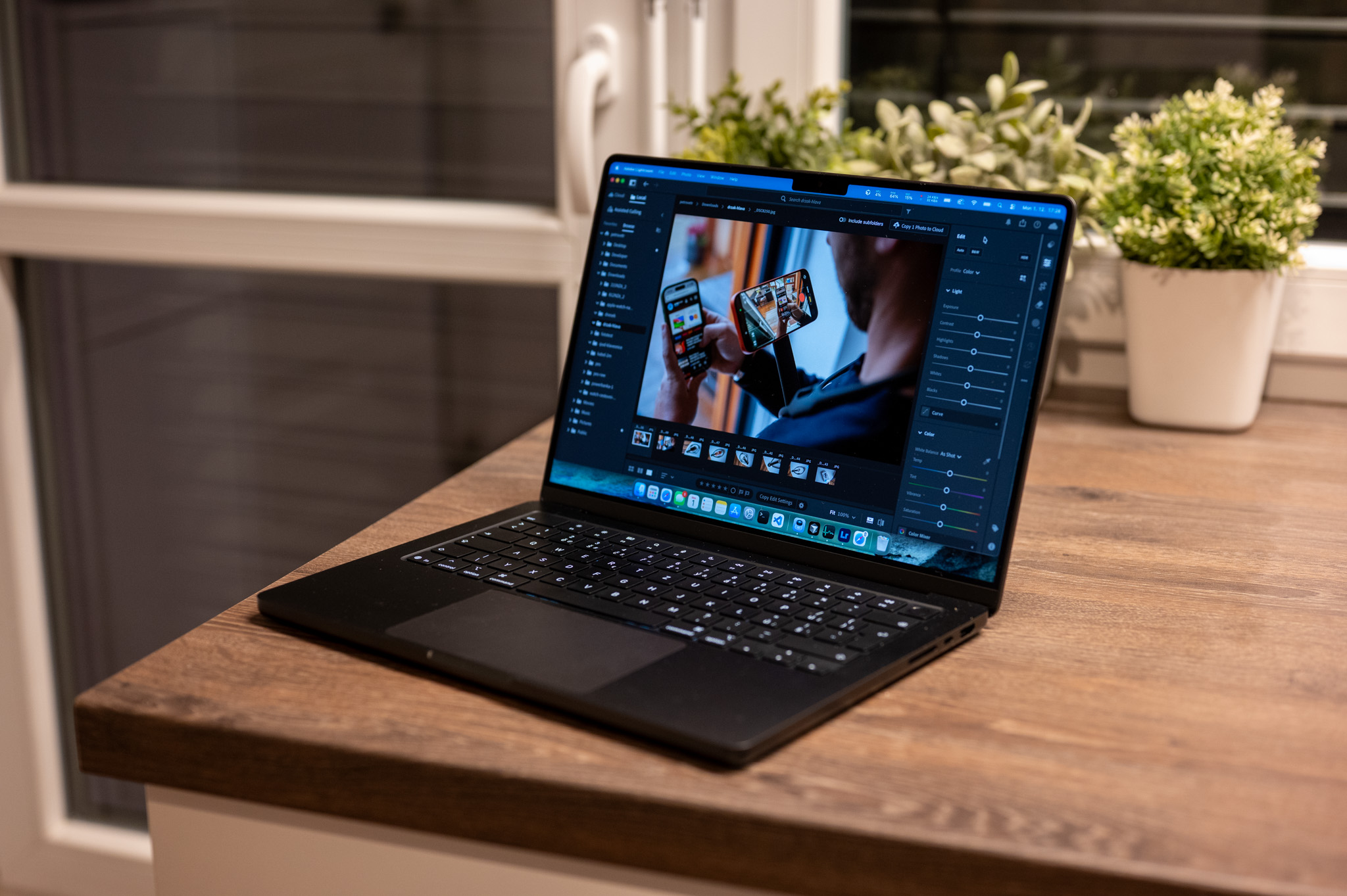
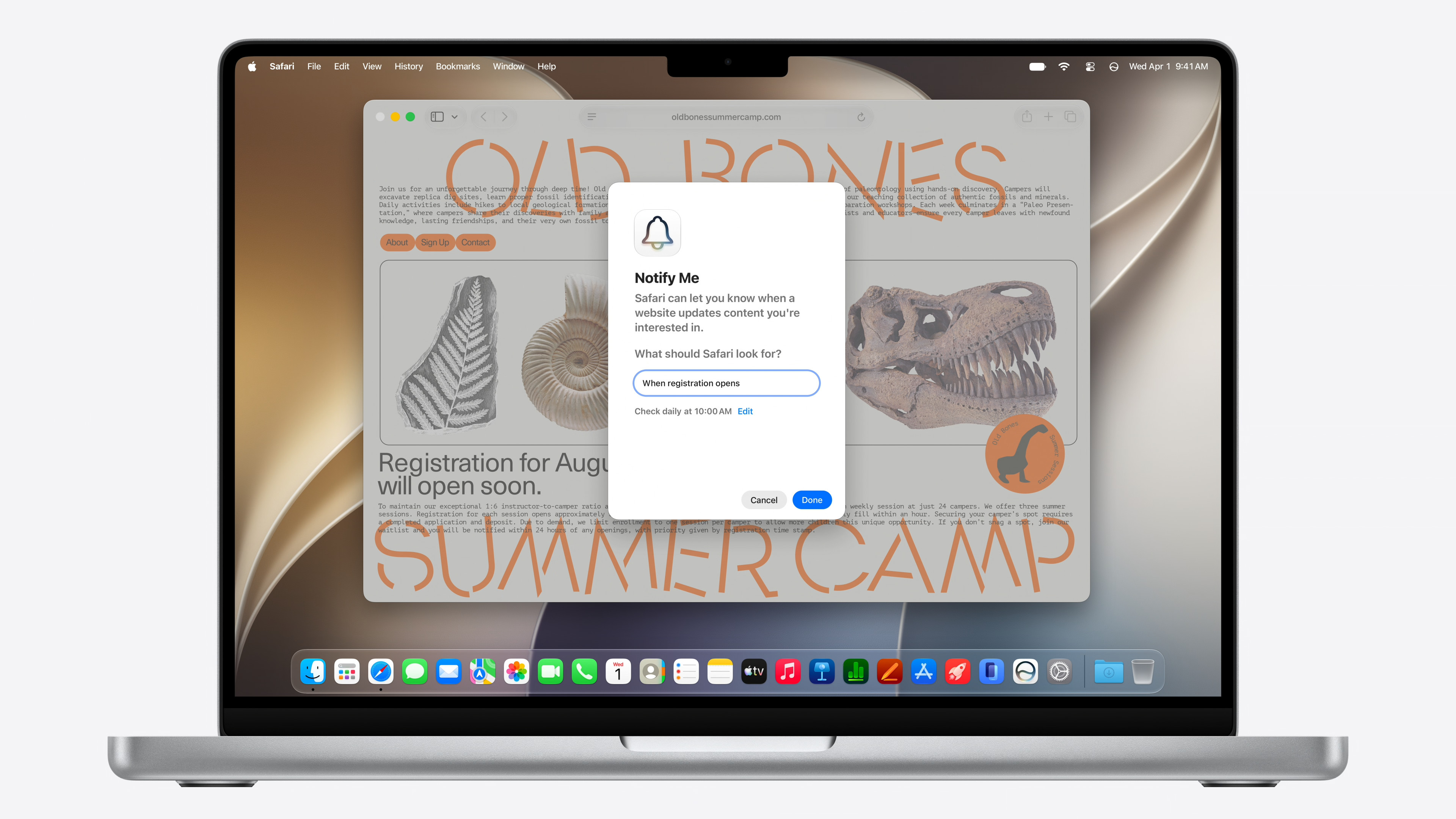
MacBook Pro
MacBook Pro uses both M-based and more powerful processors varianty Pro a MaxThanks to active cooling, it can maintain high performance for a longer period of time.
Models with chips Pro a Max They are designed for demanding workflows, multiple external monitors, video editing, 3D graphics, application development, and other professional tasks.
iMac
The iMac combines a computer and a display in one device. Modern generations use primarily M-series processors, which provide enough power for homes,ancteachers, schools and creative work.
Mac mini
Mac mini It is available with basic M-series processors as well as more powerful ones. variantami Pro. It represents one of the most affordable options to get a desktop computer with Apple Silicon.
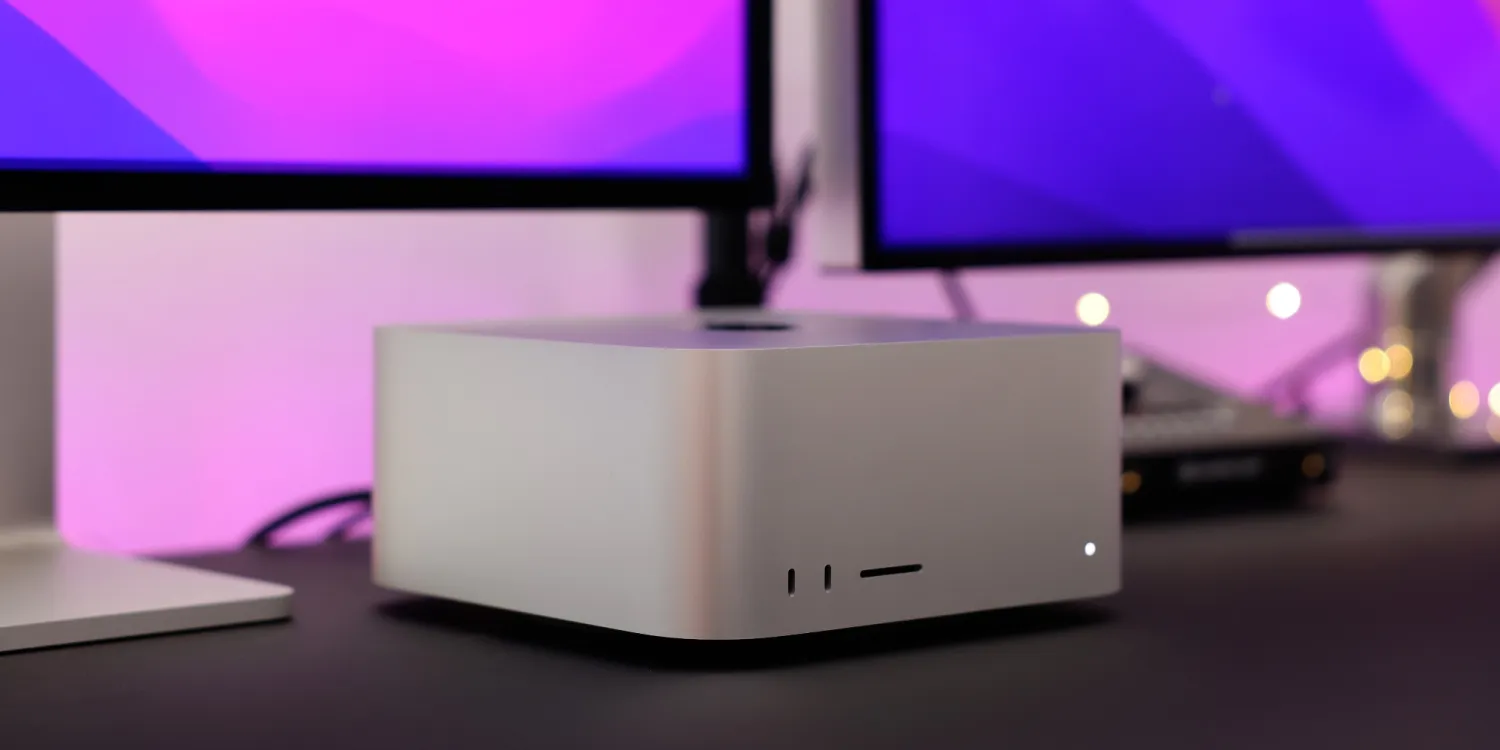
Mac Studio
Mac Studio is a compact workstation designed for professional users. It mainly uses processors from the Max a Ultra. Focuses on high performance, extensive koneactivity and the ability to run demanding work applications for long periods of time.
Mac Pro
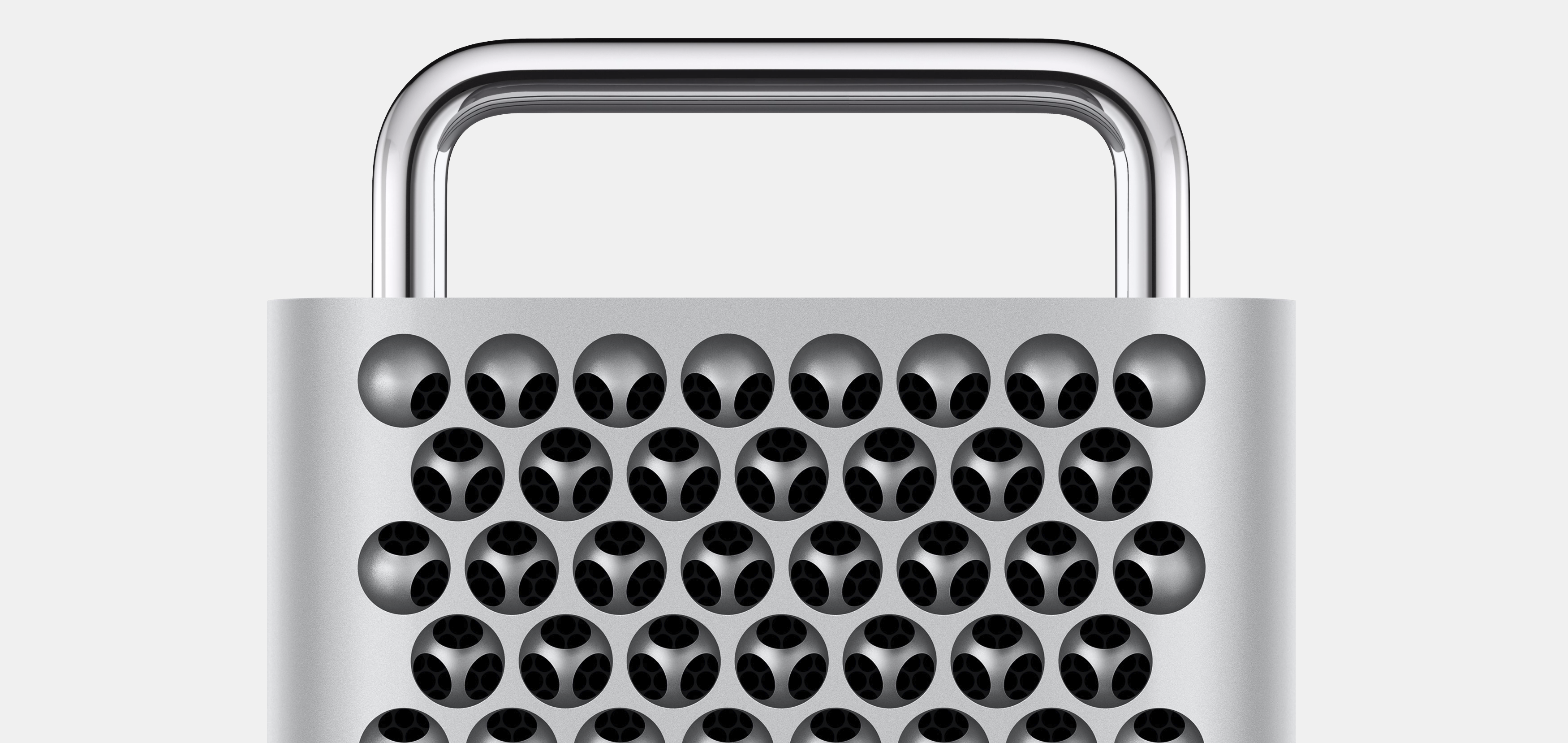
Mac Pro is a professional desktop computer aimed primarily at users who need PCI Express expansion cards and a specific hardware configuration.
Unlike older models with Intel processors, it no longer supports regular discrete graphics cards in the same way, as the graphics processor is part of the Apple Silicon.
Apple Silicon on iPads
ProM-series controllers are not limited to Mac computers. Apple it is also used in more powerful iPad models Pro and iPad Air.
This gives some iPads the performance of laptops, allowing them to handle video editing, large-scale photo editing, 3D applications, music production, and advanced multitasking.
However, practical performance also depends on the capabilities of iPadOS and the availability of specific apps, so the same processor may not mean the same way of working as on a Mac.
Apple Silicon and applications for Intel
The transition to a new processor architecture meant that older applications built for Intel could not be run natively without modification. Apple therefore created translation technology Rosetta 2.
Rosetta 2 can automatically translate instructions from applications designed for Intel processors so that they can run on a Mac with Apple SiliconThe user usually does not need to configure anything and the application behaves similarly to a regular program.
However, the best performance and long-term compatibility are offered by applications built specifically for Apple SiliconMany developers use so-called Universal applications containing code for both Intel and Apple.
Can be used on Mac with Apple Silicon start Windows?
On Macs with Intel processors, it was possible to install using Boot Camp Windows directly to a separate partition. This option is not available on computers with Apple Silicon available in the same way.
Windows can be run using virtualization programs that support the system version Windows for ARM architecture. However, the compatibility of specific applications and games may not be the same as on a regular computer with an x86 processor.
Before buying a Mac for a specific application Windows It is therefore advisable to check if it works in virtualization or if there is a version for macOS.
Apple Silicon and playing games
Apple Silicon offers significantly higher graphics performance than the integrated graphics used in most older Macs. Newer generations also support modern graphics technologies, including hardware-accelerated ray tracing.
However, the main limitation of gaming on Mac is still not just hardware performance, but game availability. Developers have to adapt their titles to macOS, the Metal interface, and the architecture. Apple Silicon.
Apple offers developers tools to make porting games to Mac easier. Native versions of major games are also gradually increasing, but the selection remains smaller than on PCs with Windows or game consoles.
Apple Silicon and artificial intelligence
Artificial intelligence is becoming one of the main areas of further development Apple SiliconCalculations can utilize CPU, GPU, Neural Engine, and high-throughput unified memory.
The advantage of unified memory is the ability to make a large common memory space available to different parts of the chip. This is important, for example, when running local language and image models that require large amounts of memory.
Apple Silicon is used for functions Apple Intelligence and third-party applications. Developers can use Core ML, Metal, Accelerate technologies, or the MLX framework designed for machine learning research and development on devices Apple.
benefits Apple Silicon
Among the main advantages Apple Silicon includes high performance with low energy consumption. MacBookAs a result, they offer long battery life and can provide high performance even without being connected to a charger.
Another advantage is the close integration of hardware and software. Apple develops the processor, operating system and a large part of the basic applications, so that individual computers canonenty optimize as a whole.
Specialized units for video, graphics, security, and artificial intelligence also play a significant role. Therefore, some tasks may not be handled by general-purpose processor cores.
Disadvantages Apple Silicon
The integrated design also brings several limitations. The unified memory and internal storage are usually not user-expandable after purchase. Therefore, a higher configuration must be selected when ordering the device.
Mac with Apple Silicon may also not be suitable for users dependent on older applications, specific hardware, or programs created exclusively for Windows.
The ability to change individual components is also more limited.onenty computers. The user cannot replace the processor or graphics card as with some traditional desktop computers.
How much unified memory to choose
The required memory capacity depends on the usage pattern. Pro common toancFor basic work, internet, communication and simple photo editing, the basic configuration of the current model may be sufficient.
Higher capacity is recommended when working with large photos, video, virtual machines, programming, 3D graphics, or local artificial intelligence models.
It's also worth remembering that memory cannot be expanded later, so it's often worth choosing a certain amount of reserve when buying a computer that will last for several years.
Which processor Apple Silicon select
Pro For most users, the current-generation base processor is the best choice. It offers enough power for everyday work, photo editing,ancelectronic applications, internet browsing, programming and basic video editing.
Chip Pro It makes sense for users who regularly work with more demanding applications and need more memory, higher long-term performance, or support for more external displays.
Varianty Max a Ultra They are especially suitable when the user can really take advantage of their high graphics performance, memory bandwidth, and multimedia units. Pro routine work may be unnecessarily expensive and their performance would remain unused.
Is it still a good idea to buy a Mac with an M1 or M2 processor?
Older processors Apple Silicon they may still offer enough performance for everyday work. However, it depends on price, memory capacity, device condition, and planned usage time.
When buying an older Mac, it's a good idea to compare its price to newer models. More important than the generation number itself may be the specific configuration, amount of memory, storage size, battery health, and expected length of software support.
The base M1 with more memory may be more practical for some workflows than the newer chip in the weakest configuration.
Future Apple Silicon
Apple will likely further develop its own processors, especially in the areas of performance per watt, graphics, artificial intelligence, memory throughput, and specialized computing units.
On-device calculations will become increasingly important. Apple can add new features without having to rely solely on remote data centers, thanks to control over the chip, operating system, and applications.
Apple Silicon is no longer just a replacement for Intel processors. It has become the technological foundation on which Apple builds the next generation of computers, tablets, headsets and other devices.
Frequently asked questions about Apple Silicon
Je Apple Silicon CPU?
Apple Silicon is a broader term for chips designed by the company Apple. ProM-series processors are systems on a chip containing CPU, GPU, Neural Engine, memory controllers and other components.onenty.
What is the difference between Apple Silicon and the M1 processor?
Apple Silicon refers to a whole group of chips designed Applem. M1 is a specific processor and the first generation of the M series designed for Mac computers.
Je Apple Silicon based on ARM architecture?
Yes Procesors Apple Silicon they use the ARM instruction architecture, which Apple has also been used in chips for a long time iPhone and iPads.
Is the M1 still Apple Silicon?
Yes. M1, M1 Pro, 1 Max and M1 Ultra belongs to the first generation of processors Apple Silicon designed for Mac.
Can be used on Mac with Apple Silicon add RAM?
No. Unified memory is part of the device's design and cannot be expanded in the usual way after purchase.
Do Intel applications work on Apple Silicon?
Many Intel-designed applications can be run via translation technology Rosetta 2But the best performance is offered by applications created specifically for Apple Silicon.
Can be on Apple Silicon install Windows via Boot Camp?
Boot Camp designed for direct installation Windows not on Macs with Apple Silicon supported. Windows for ARM can be used through compatible virtualization applications.
Je Apple Silicon suitable for professional work?
Yes. More powerful varianty Pro, Max a Ultra They are designed for video editing, 3D graphics, application development, music production, scientific calculations and work with artificial intelligence.
Who Apple Silicon is it the best?
The most powerful ones tend to be varianty Ultra, but the best choice depends on the specific application. Pro most users, a basic chip or varianta Pro.
Using Apple Silicon Mac only?
No. Chips designed Applem are also used in iPhoneon iPads, Apple Watch, Apple TV, AirPods, Vision Pro and other hardware. ProM series processors are found mainly in Macs and more powerful iPads.
Technical Specifications
| Performance date | 2020 |