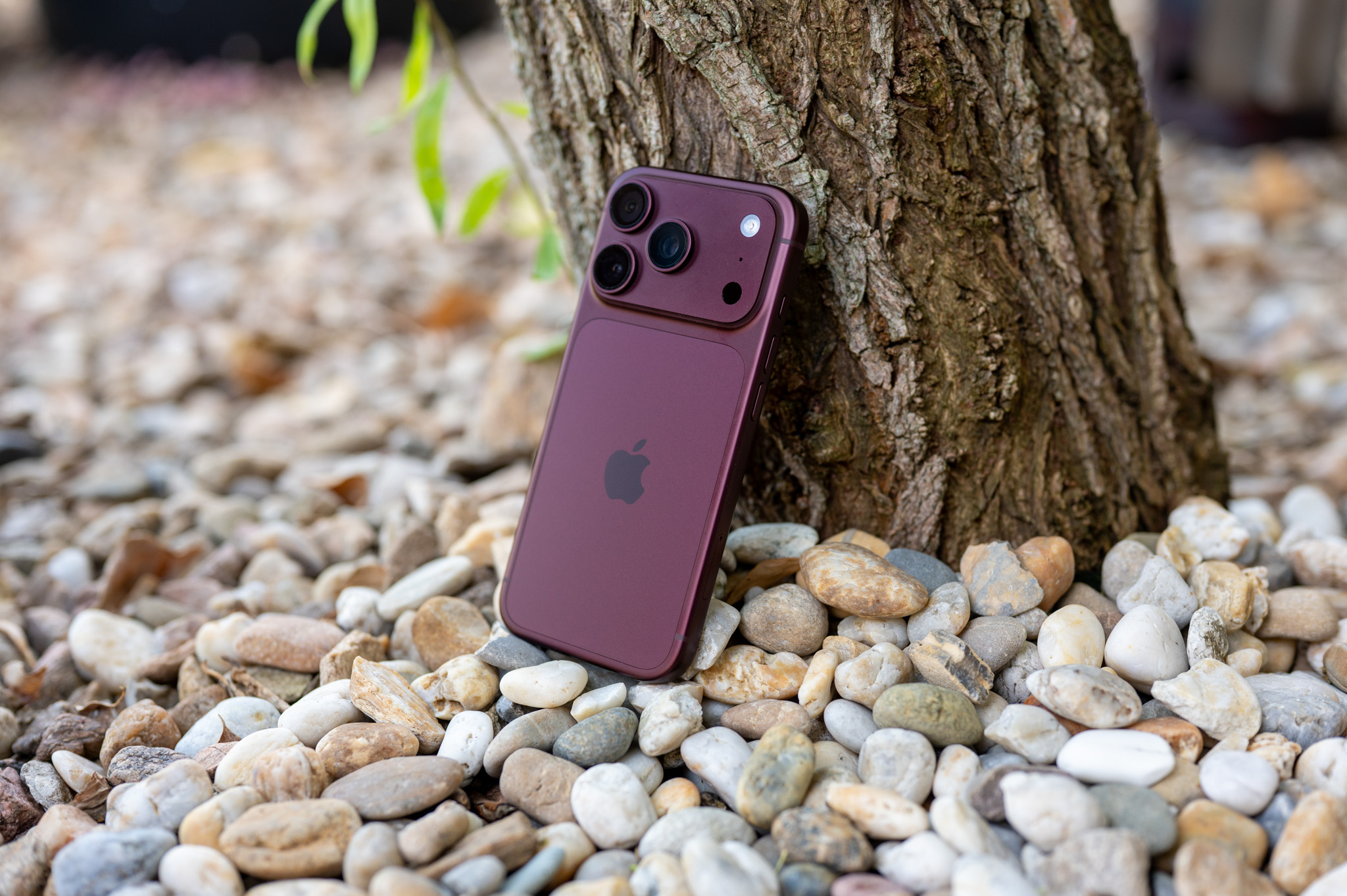
When Apple last September, it introduced the iPhone 16 to the world (Pro) with a brand new button on the side, attracted quite a lot of attention with this step. The side button was presented at the time, or miniIt was initially perceived by the user as a physical shutter for the camera with the possibility of interesting control by moving your finger sideways or by pressing and holding it. However, the interesting element quickly became one of the most criticized features of the entire "sixteen" series of iPhones, simply because its location did not suit users at all, and taking pictures through it was not as intuitive as they expected. However, after Apple released to the public a few days ago iOS 18.4 with support Apple Intelligence in the Czech Republic, I'm not afraid to say that the Camera Control button was not actually created primarily for the purpose of taking photos, but rather for activating Apple Intelligence.
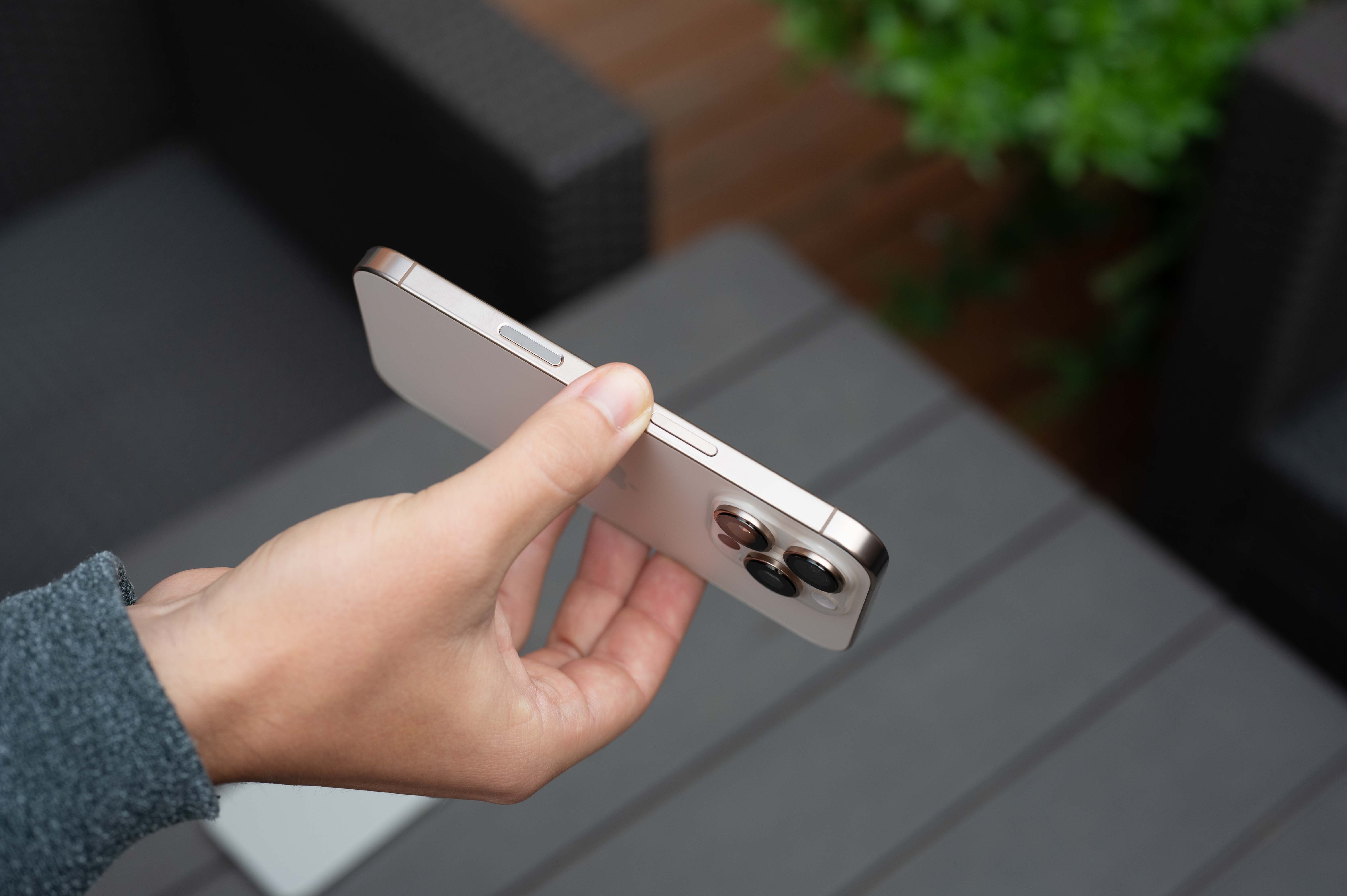
It hasn't been that long since I wrote. article about how after half a year with me iPhonem 16 Pro The Camera Control button works. At the time, I wrote that although I don't use all of its features, it's nice to have a really quick way to launch the camera, which "starts up" with just a press of the button. So you don't have to unlock iPhone and swipe your finger from right to left, or hold the camera icon to launch the camera. Taking photos using this button is also not entirely out of the question, but you can only take photos comfortably using it when using the phone in portrait mode, precisely because of its (un)fortunate location on the side of the phone.
However, the choice of location for the Camera Control button was probably intentional and Apple He just miscommunicated it. The side button also serves to launch the Visual Intelligence, i.e. de facto combination of functions Google Lens a ChatGPT, bringing this function to iPhone 15 Pro and the newer one mentioned above iOS 18.4. And you probably already know where I'm going with the previous lines. Visual Intelligence because you will almost 100% in the vast majority of cases use with iPhonem in portrait orientation – in other words, the way it is normally used. And thanks to the placement of the Camera Control button where it is Apple deployed, you will have a quick activator this interesting feature always at hand, which is honestly really nice.
Gallery
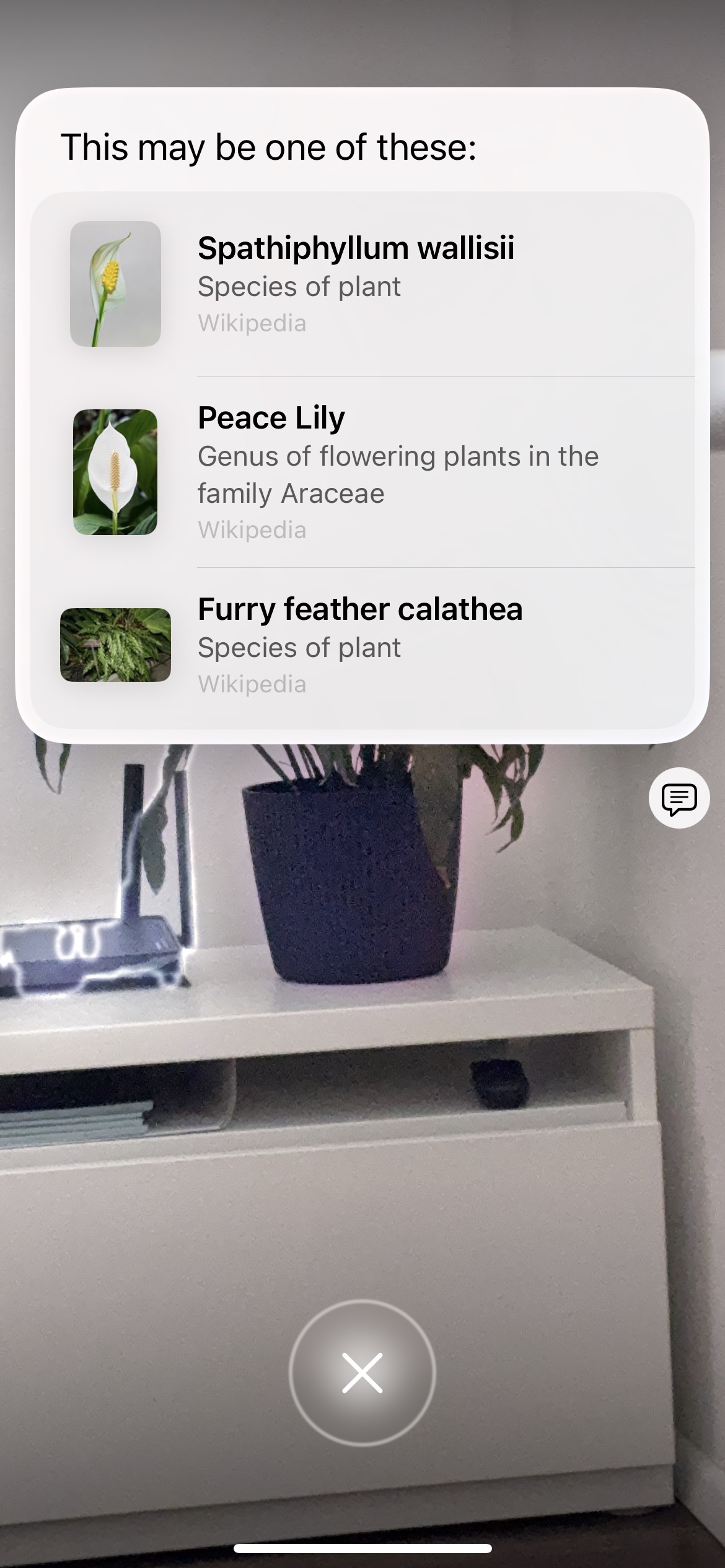
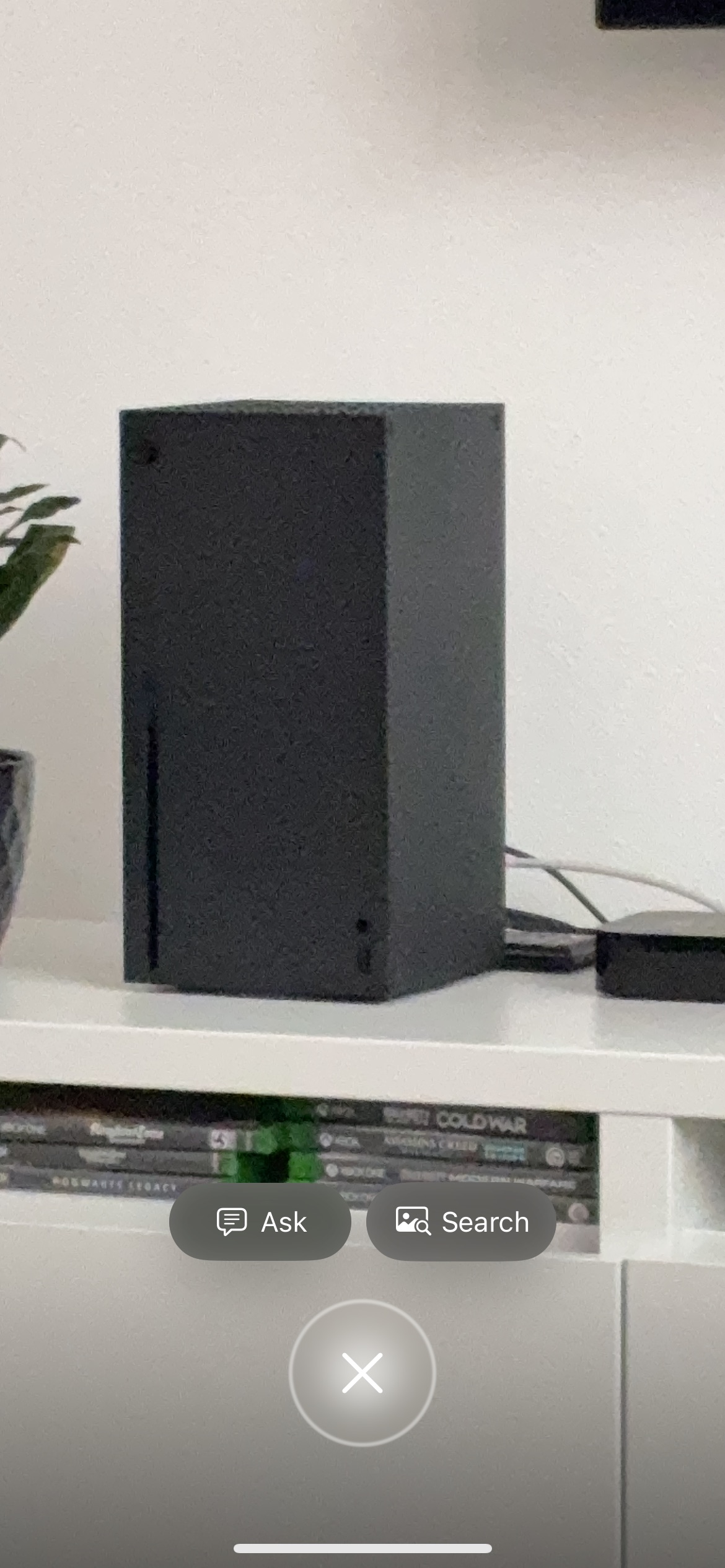
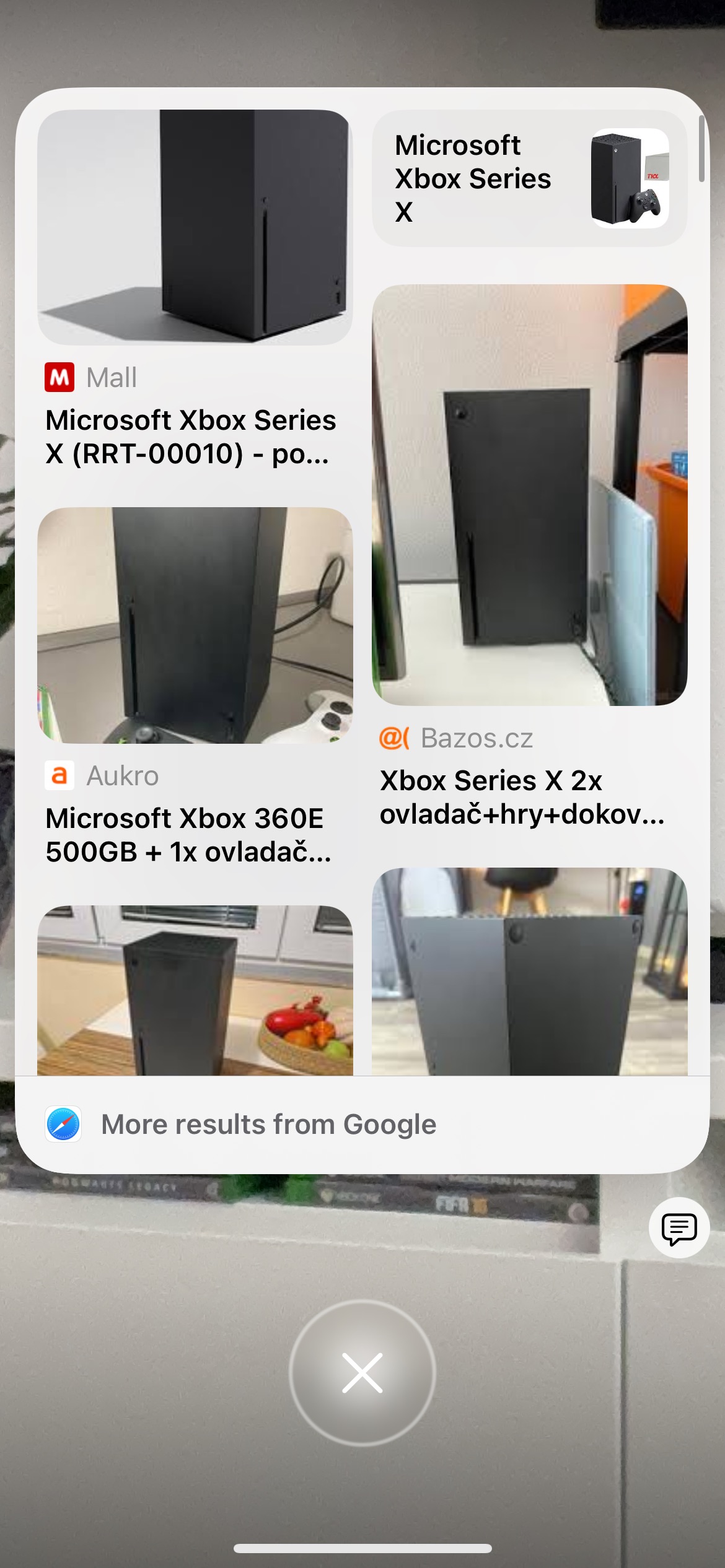
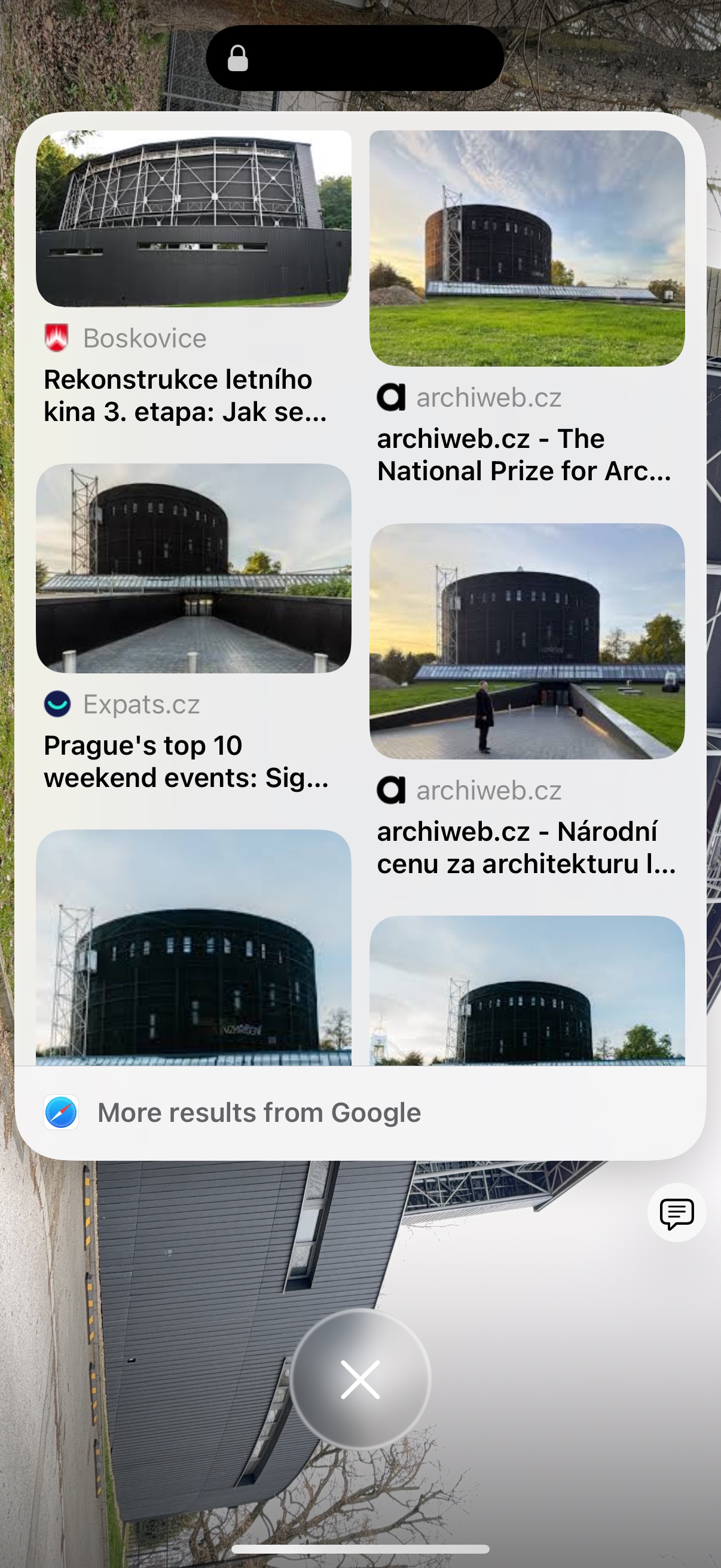
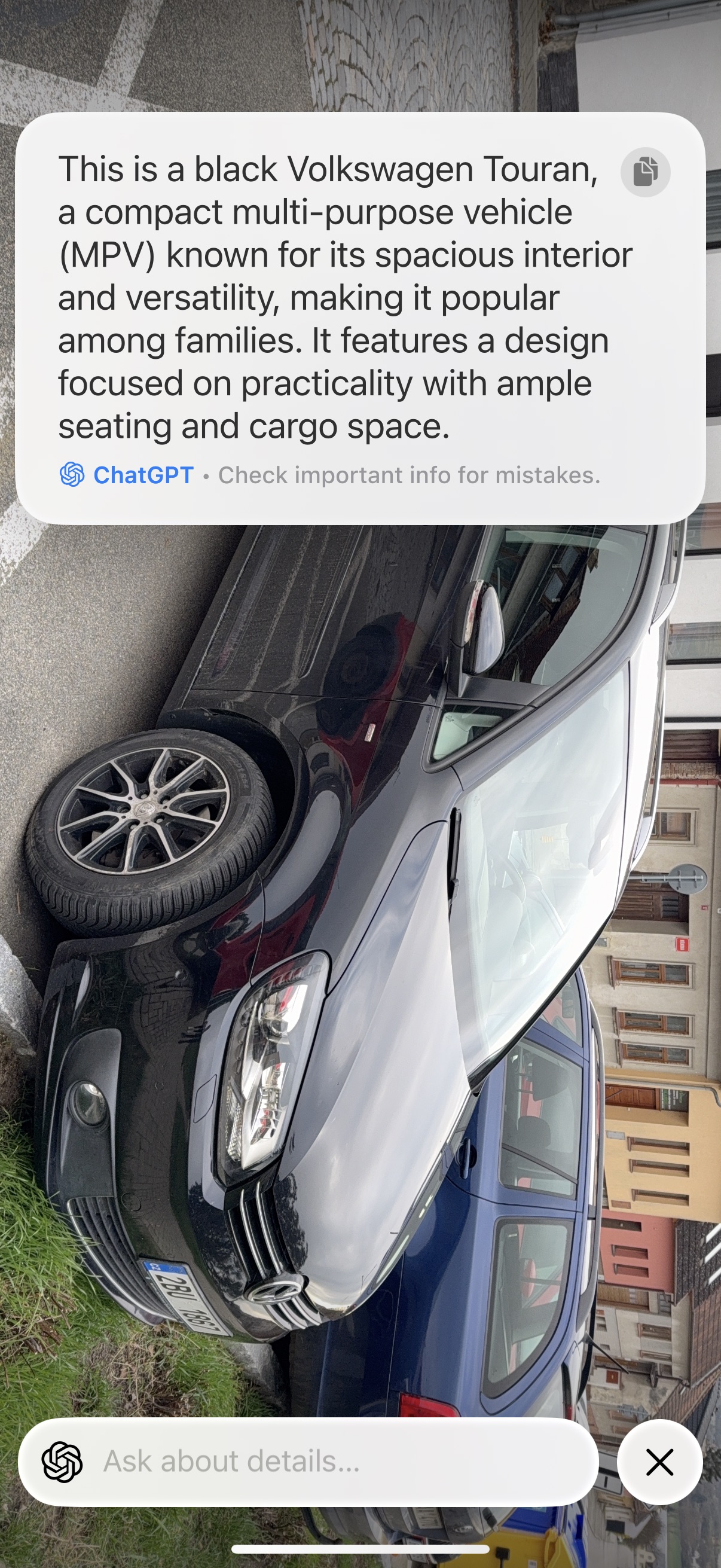
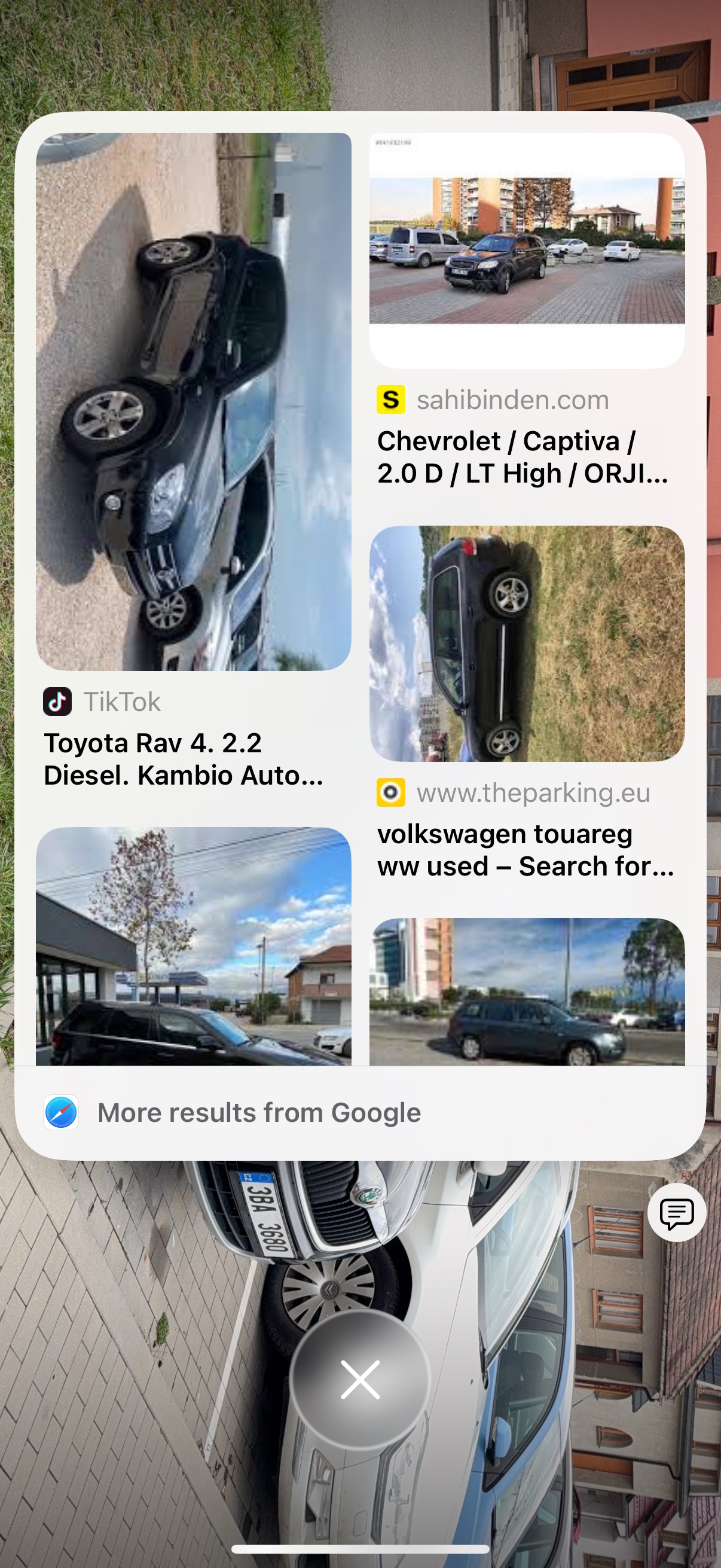
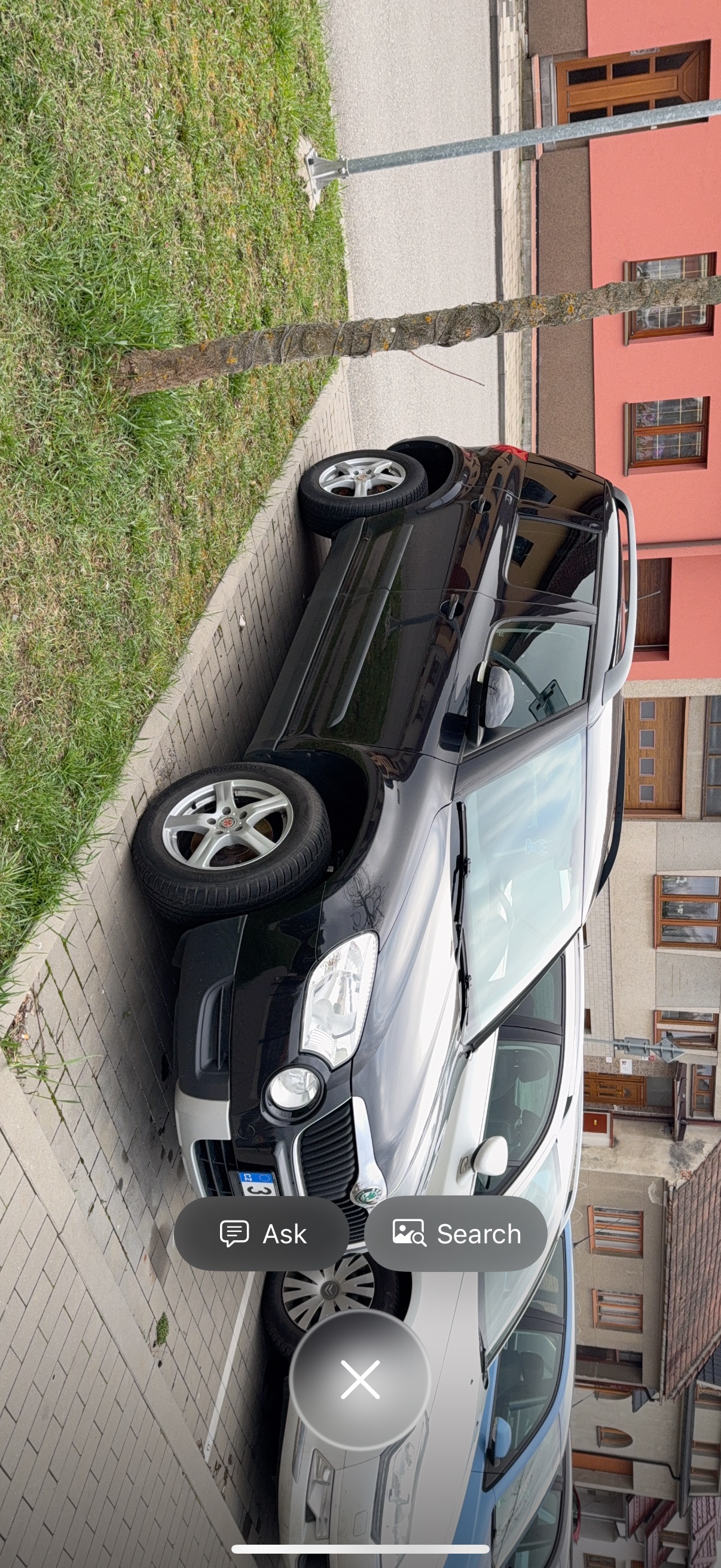
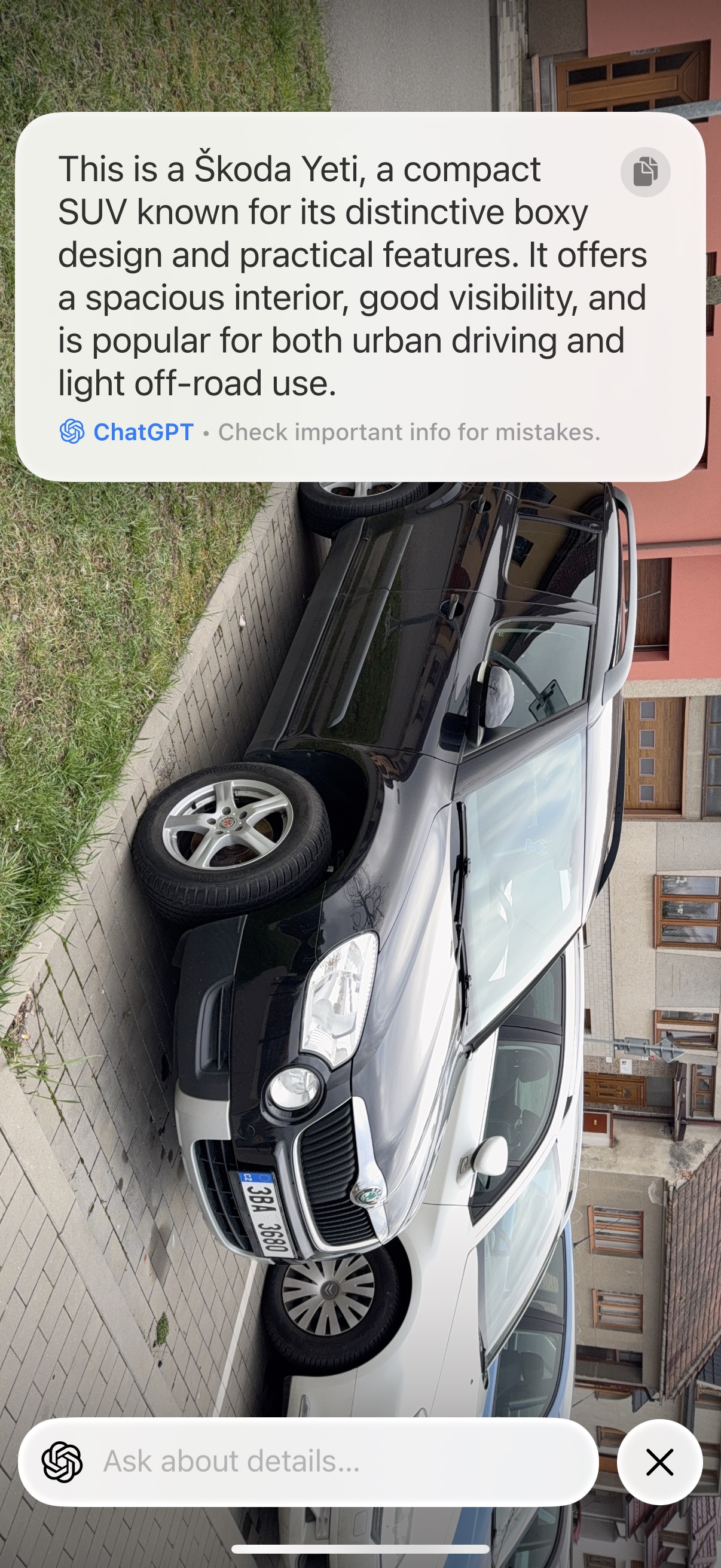
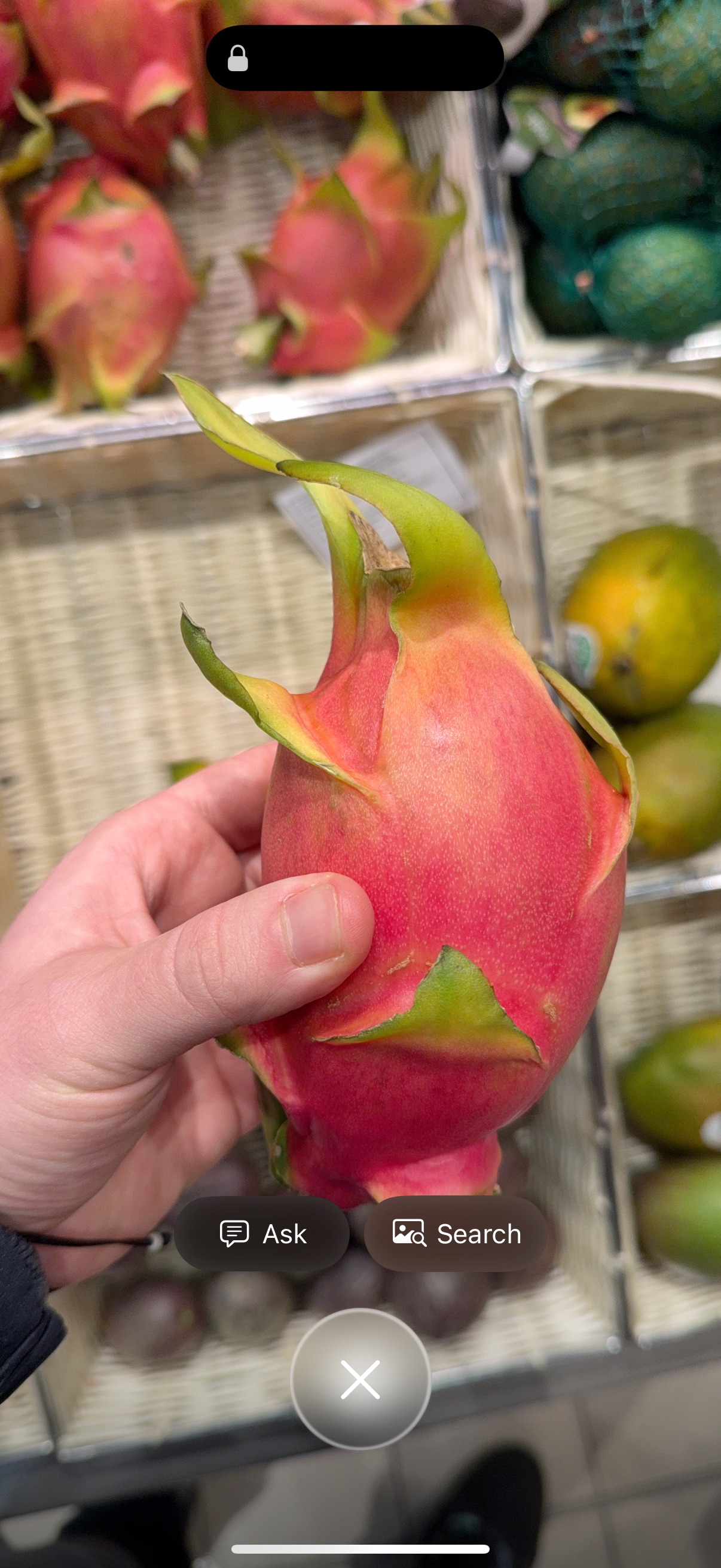
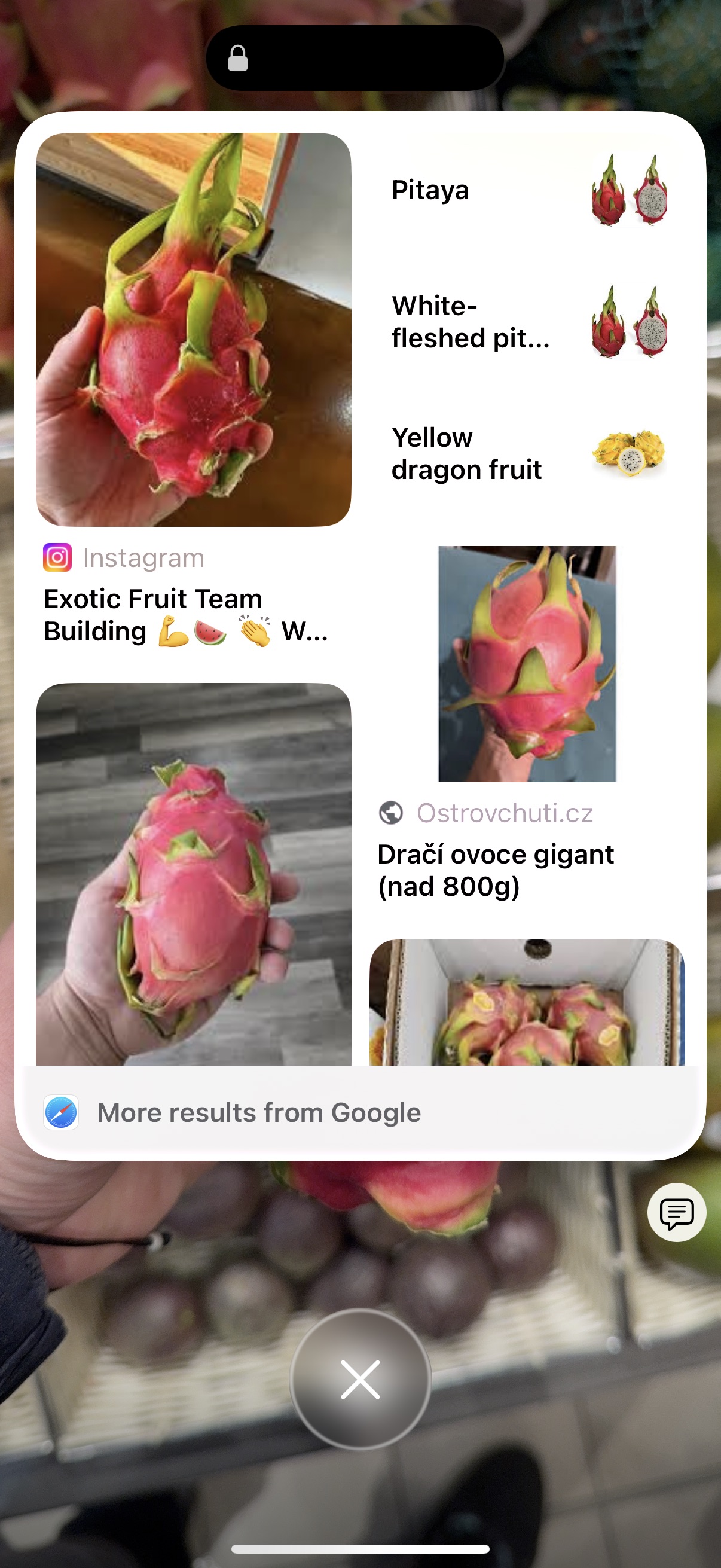
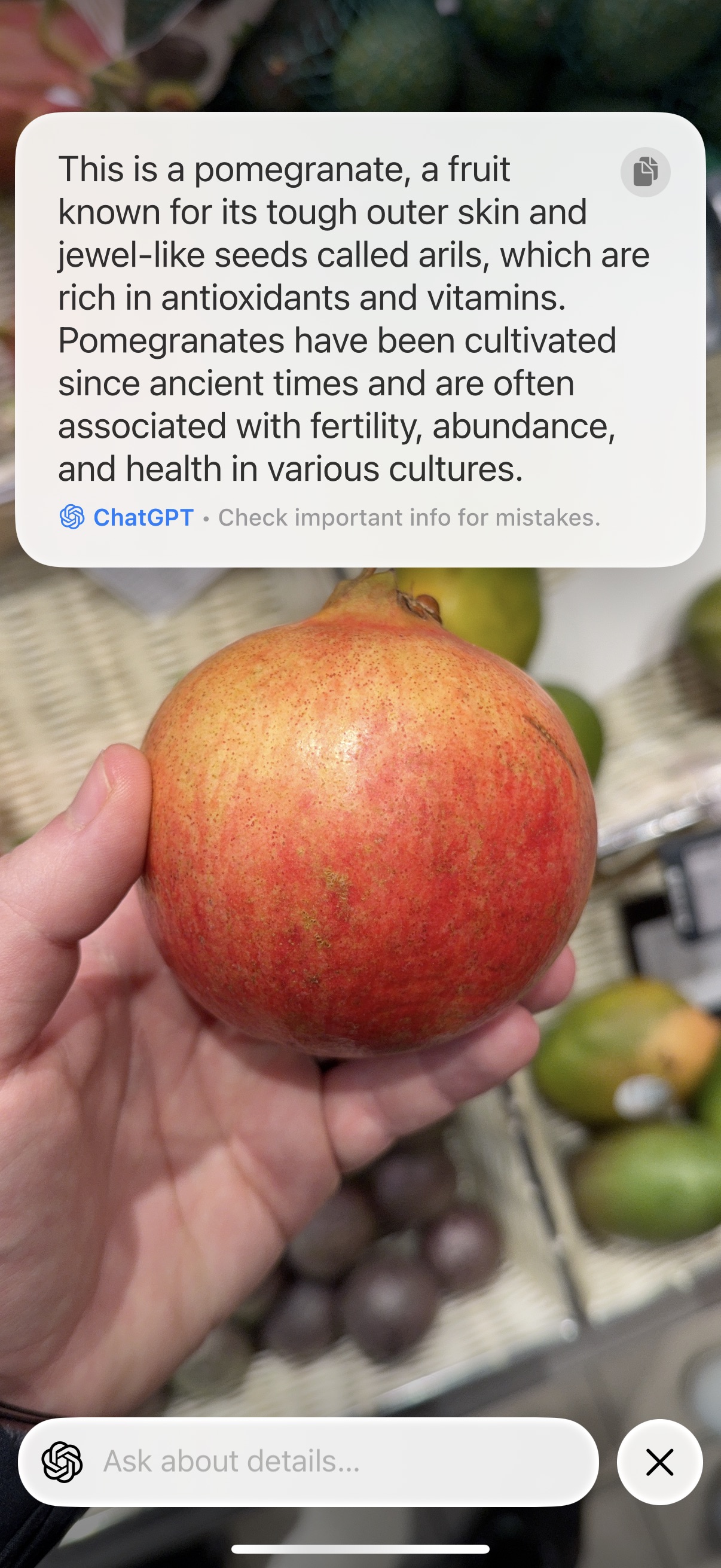






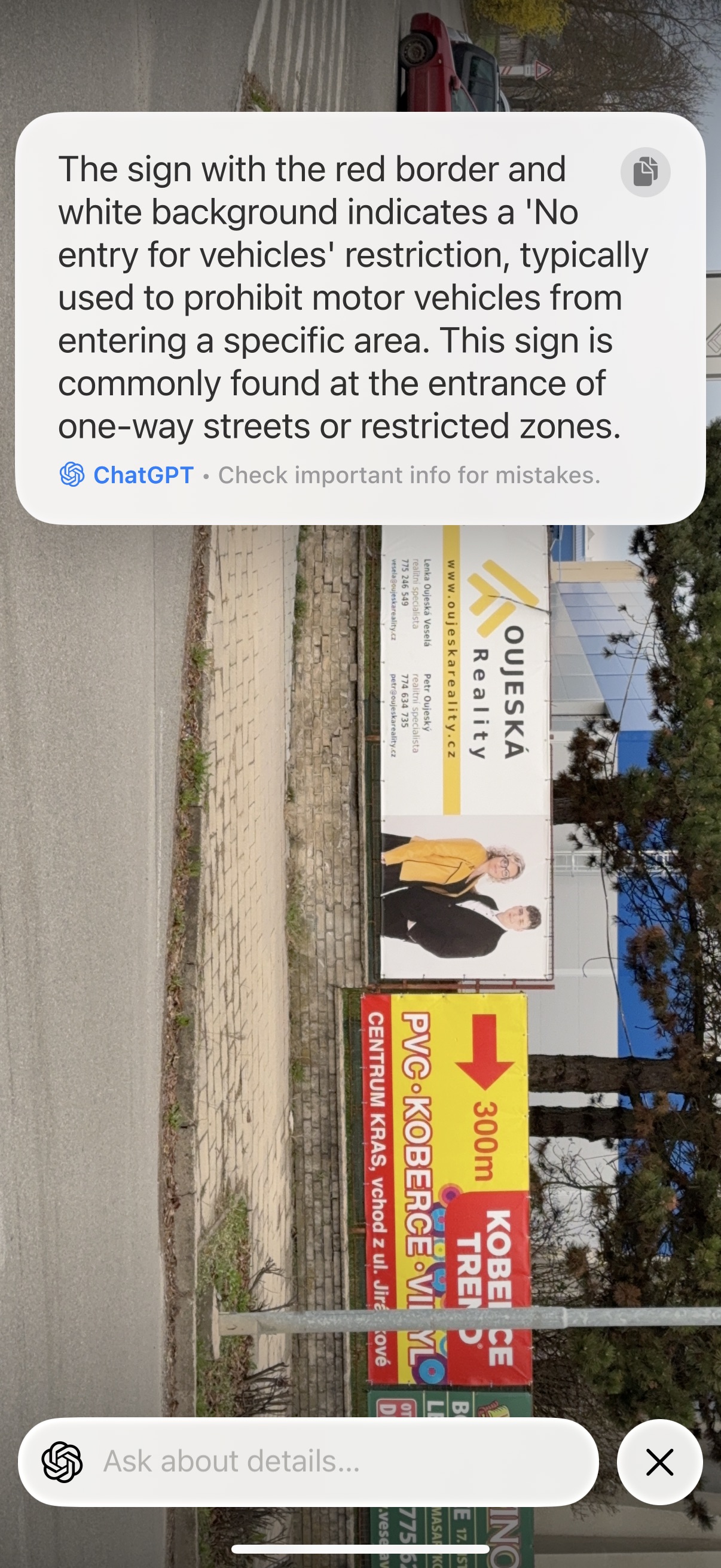
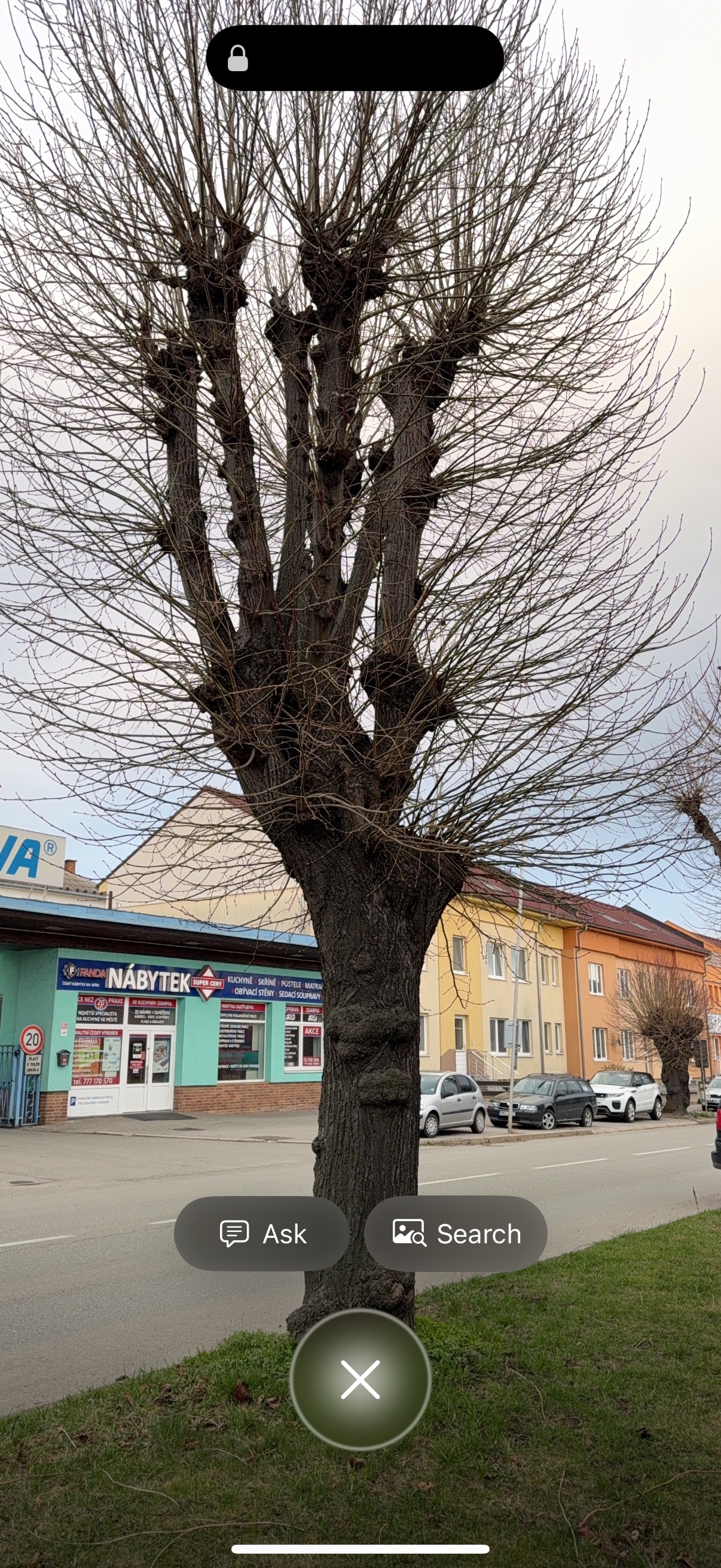
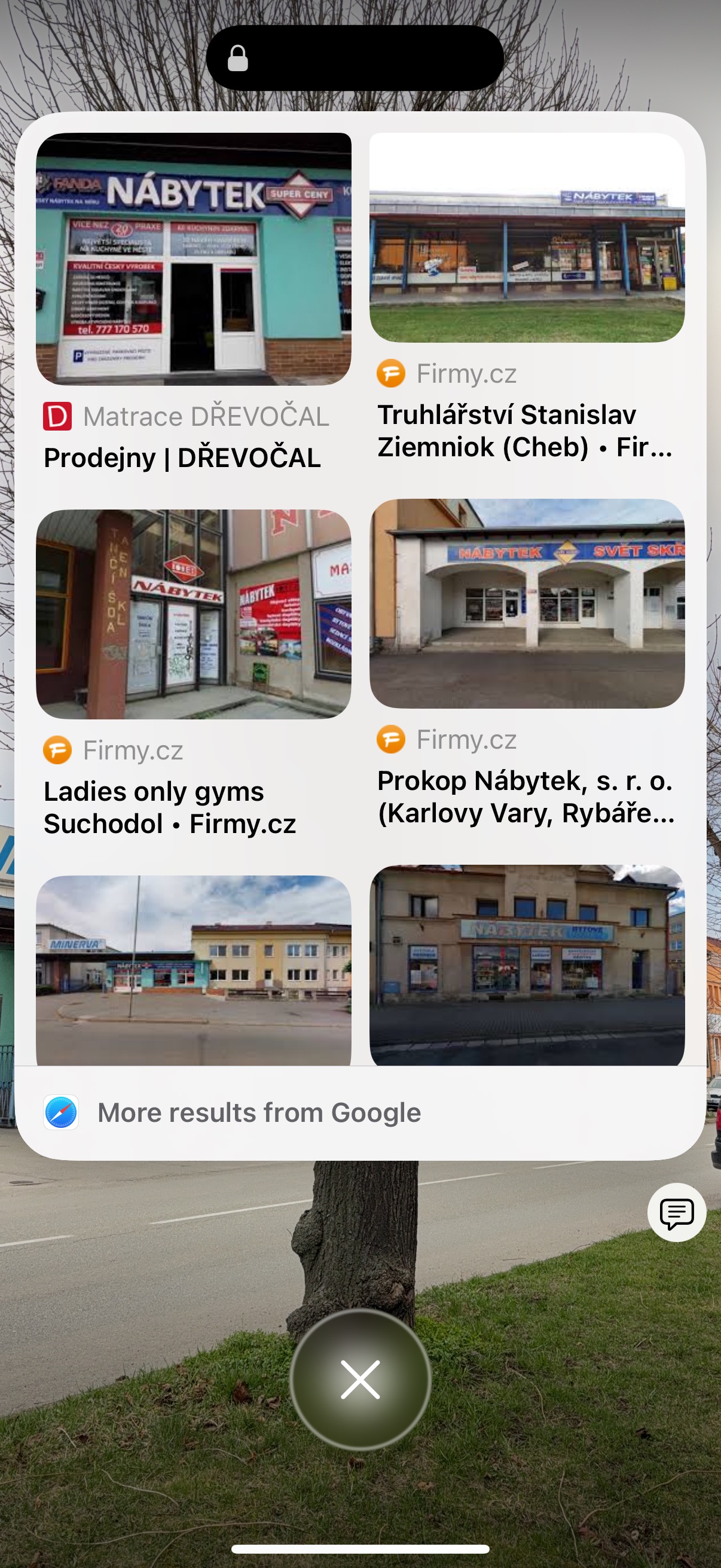
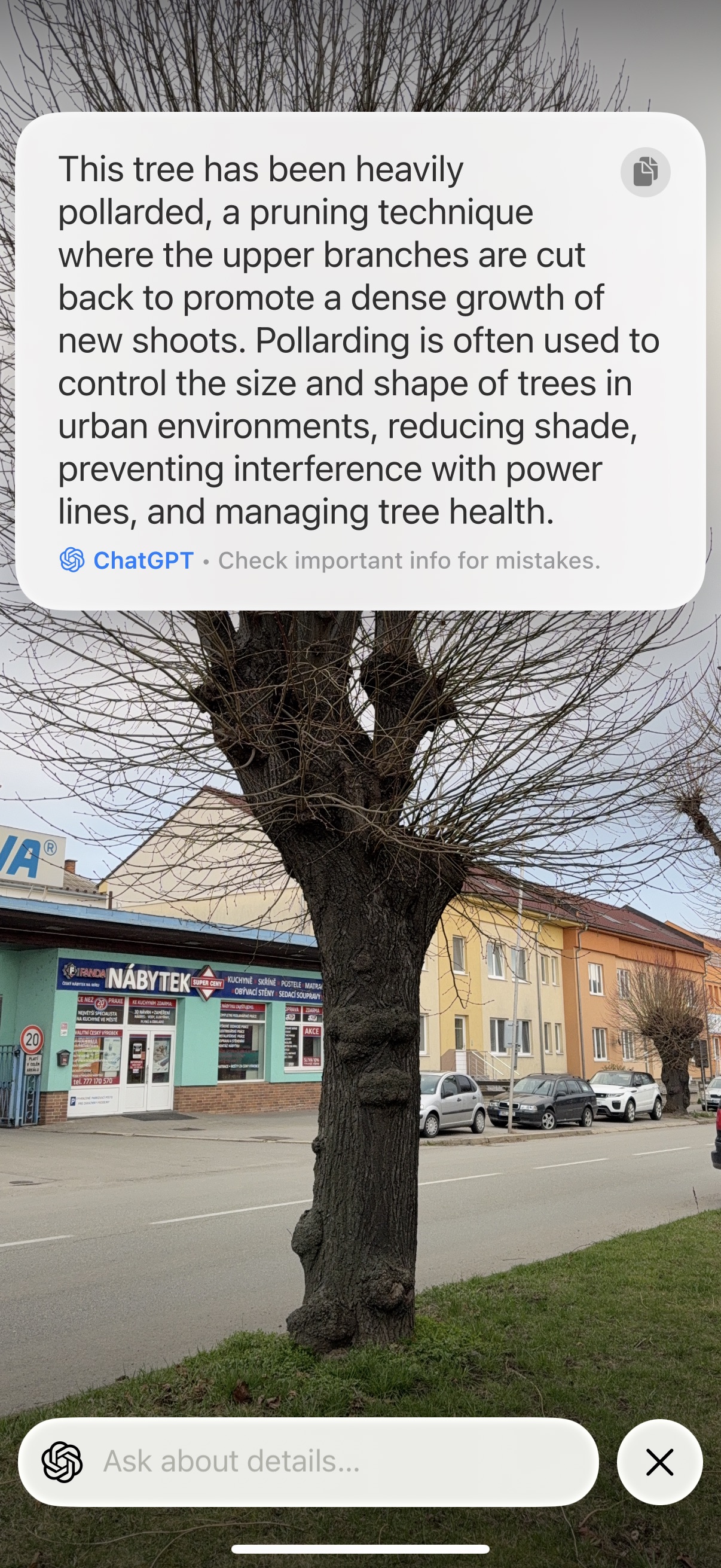
I don't want to repeat the previous lines. Apple I don't want to defend it in any way, because I still think that the placement of the Camera Control button is simply inappropriate for landscape shooting. But I have to admit that if he intended to create this element not so much as a "shooter on steroids", but rather as another version of the Action button for quickly launching various actions, he did it brilliantly, because I can see for myself how much I like both the camera and the Visual Intelligence I use it precisely because of the cleverly placed button when using the phone in portrait mode. But if that were really the case, then you could have Apple certainly more work to do in communicating his vision.
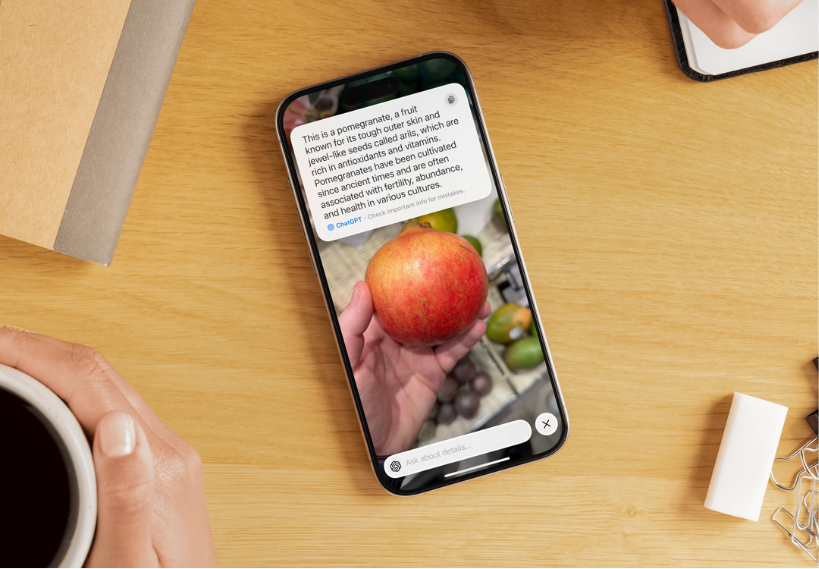
The side button Camera control is of course not the only option for Visual Intelligence on the iPhone. You can configure it to be on the Action button, or you can place its icon on the iPhone lock screen in one of the two lower slots. Alternatively, there is also the option to launch it via the Control Center. However, all three of these launch options are significantly less comfortable for me than using the side button. I still have it available for testing. iPhone 16e and I must say that as soon as you press the side camera shutter button or Visual Intelligence gets used to, is the transition to iPhone quite annoying without it.
You might be interested in