
He released it a few days ago Apple iOS 18.4, which includes the first functions Apple Intelligence available in the European Union. Among the easiest to use is certainly Clean Up in the native photo editor, which allows you to delete unwanted objects from your photos. If you want to know how to do it, we have prepared detailed instructions hereBut is this feature really as interesting as it might seem at first glance? We in the editorial team asked ourselves exactly this question and therefore decided to compare the quality of object erasure with the same AI feature that has been integrated into Photoshop for some time.
You might be interested in
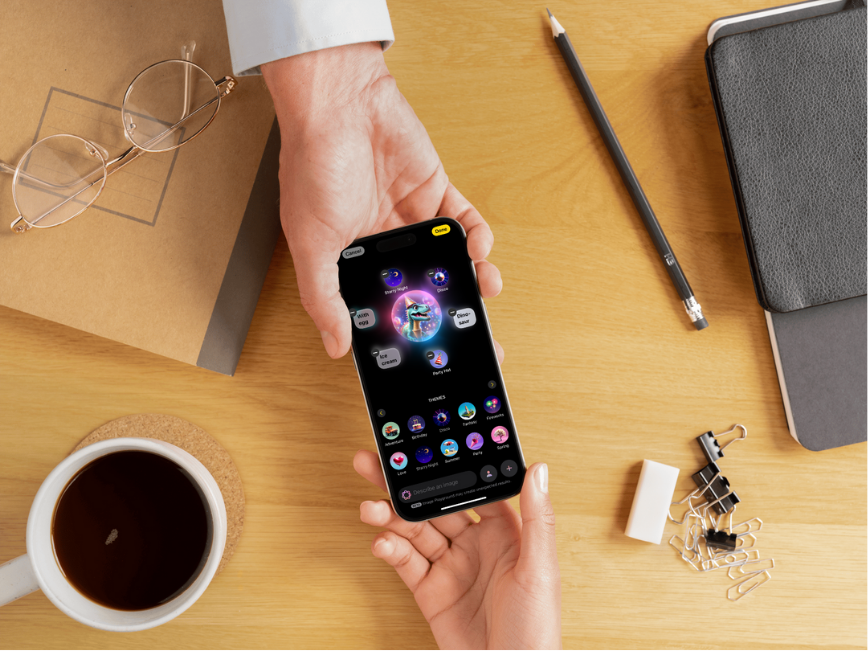
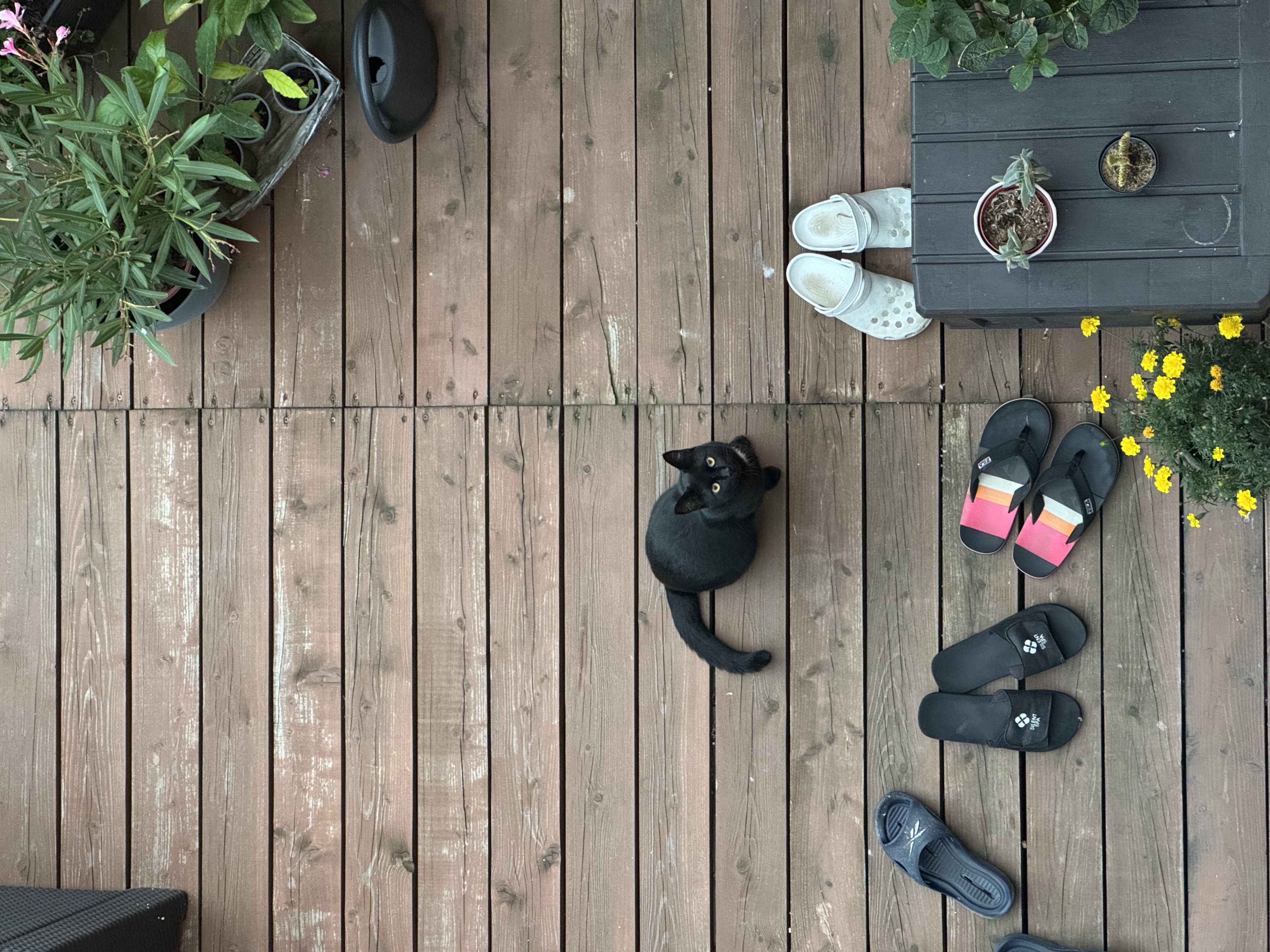
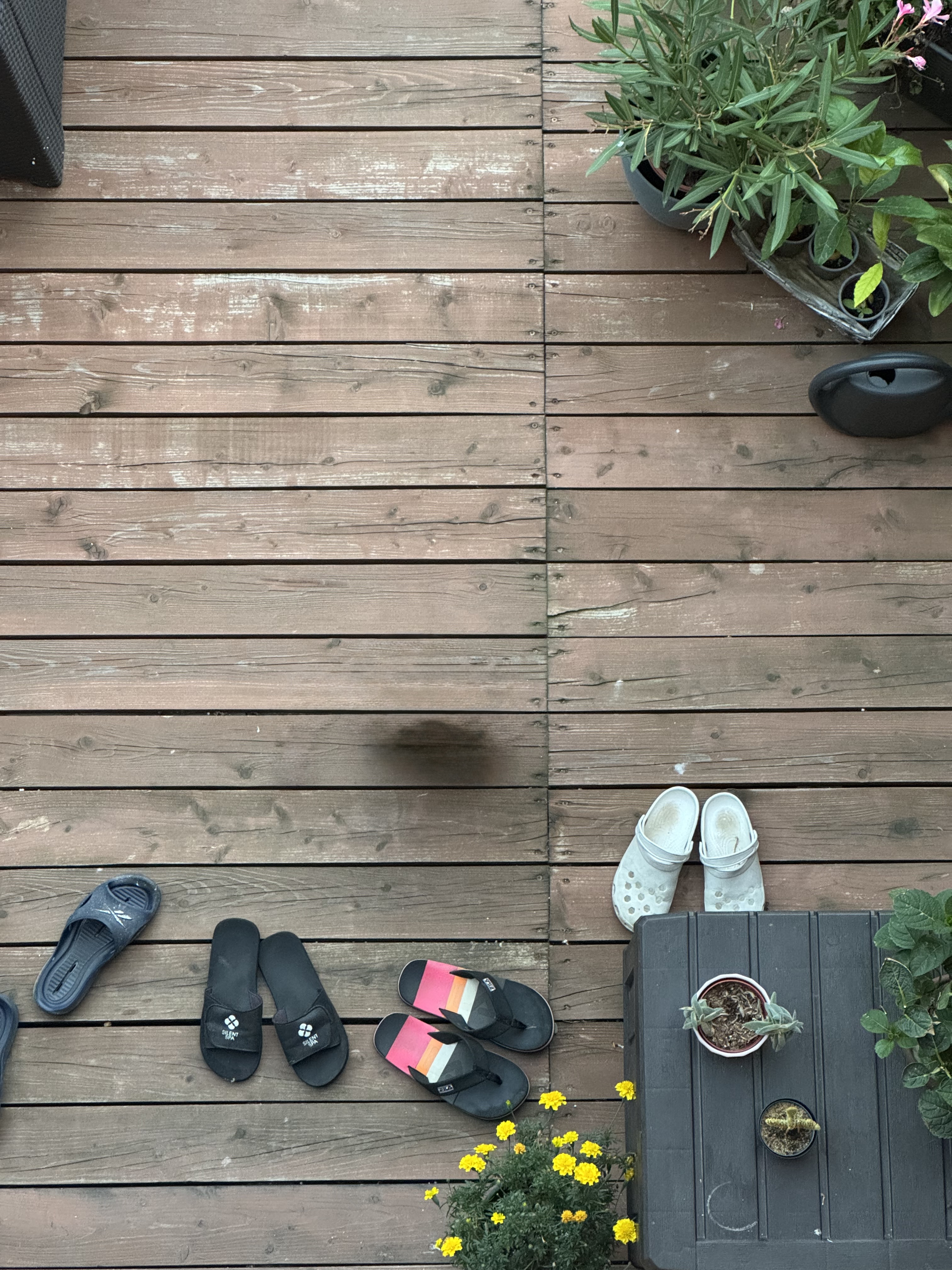
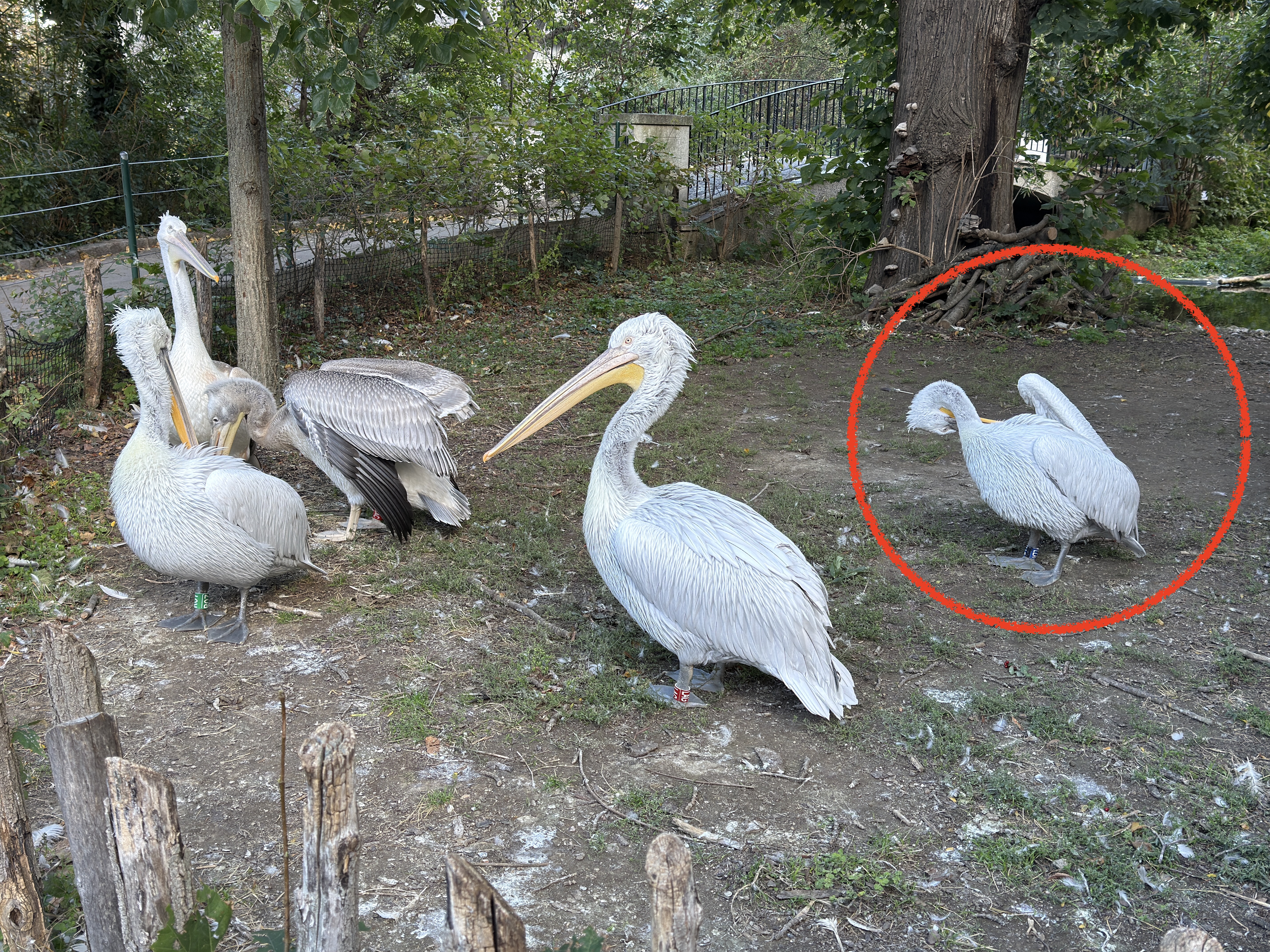
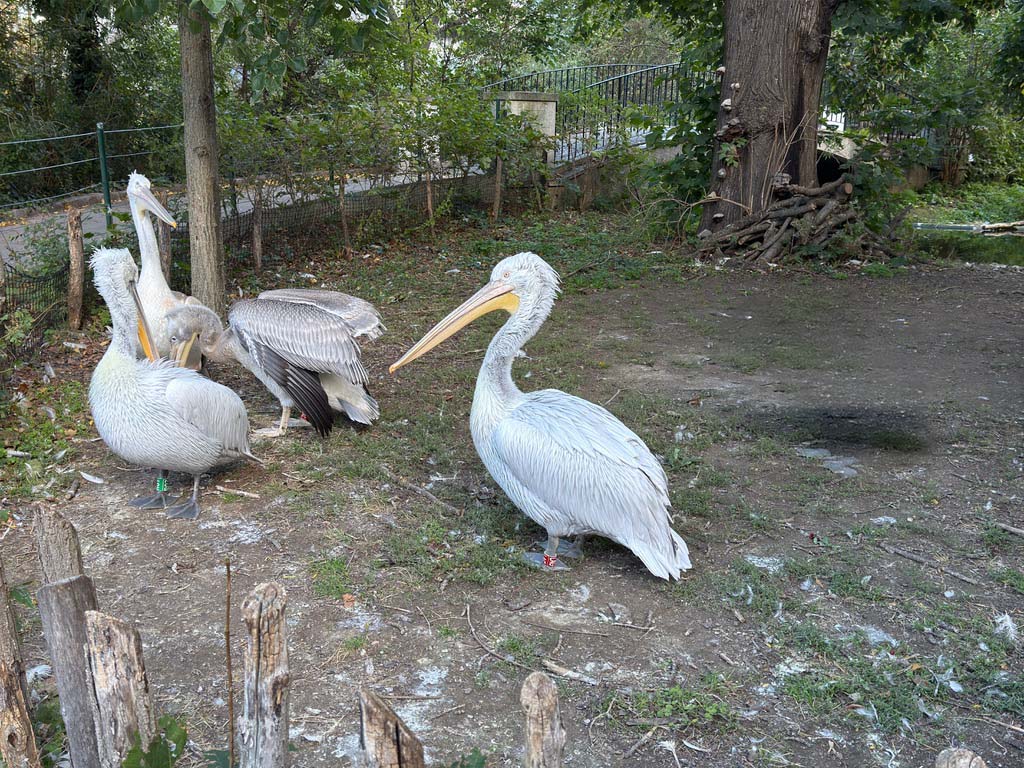
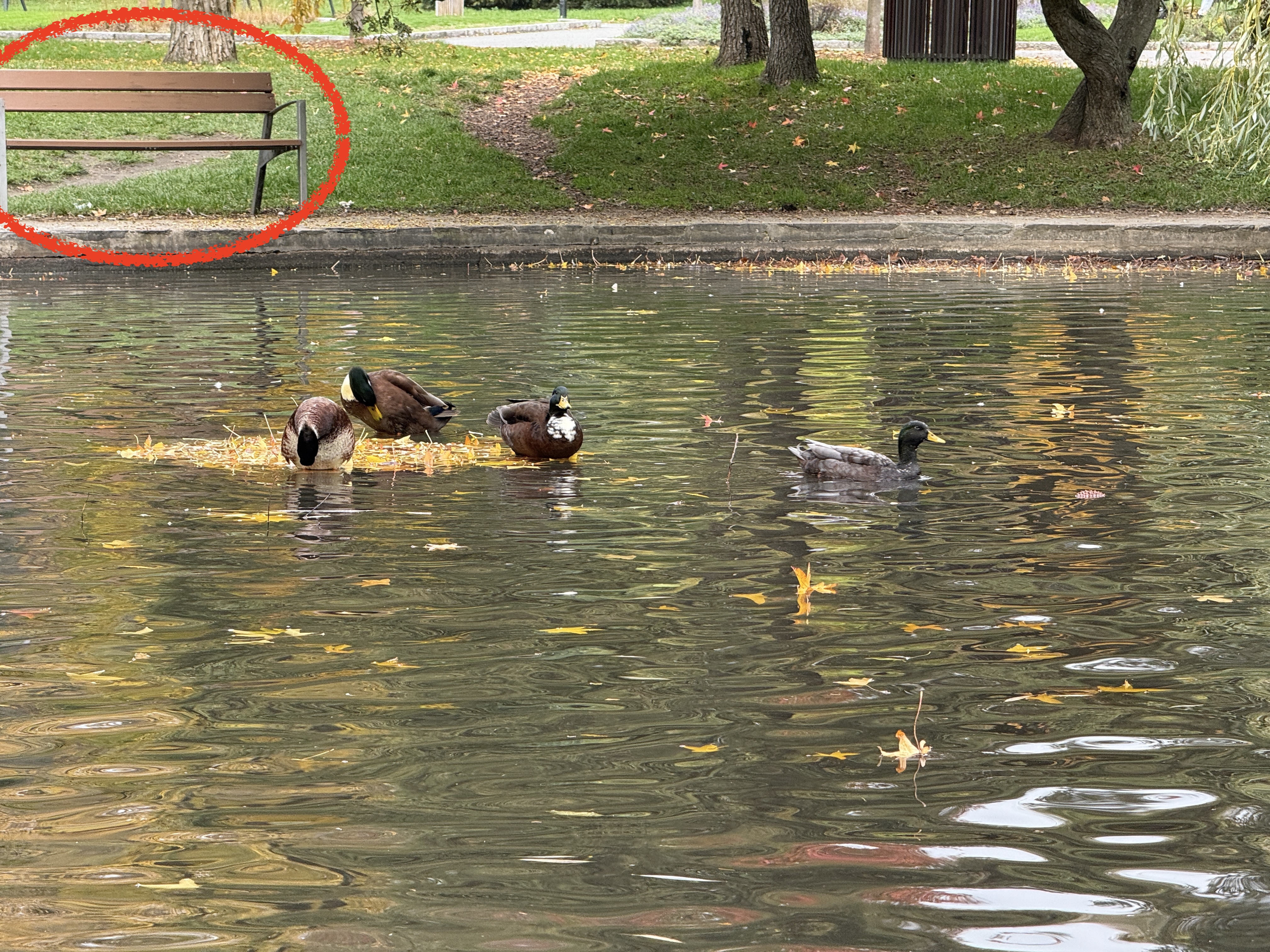
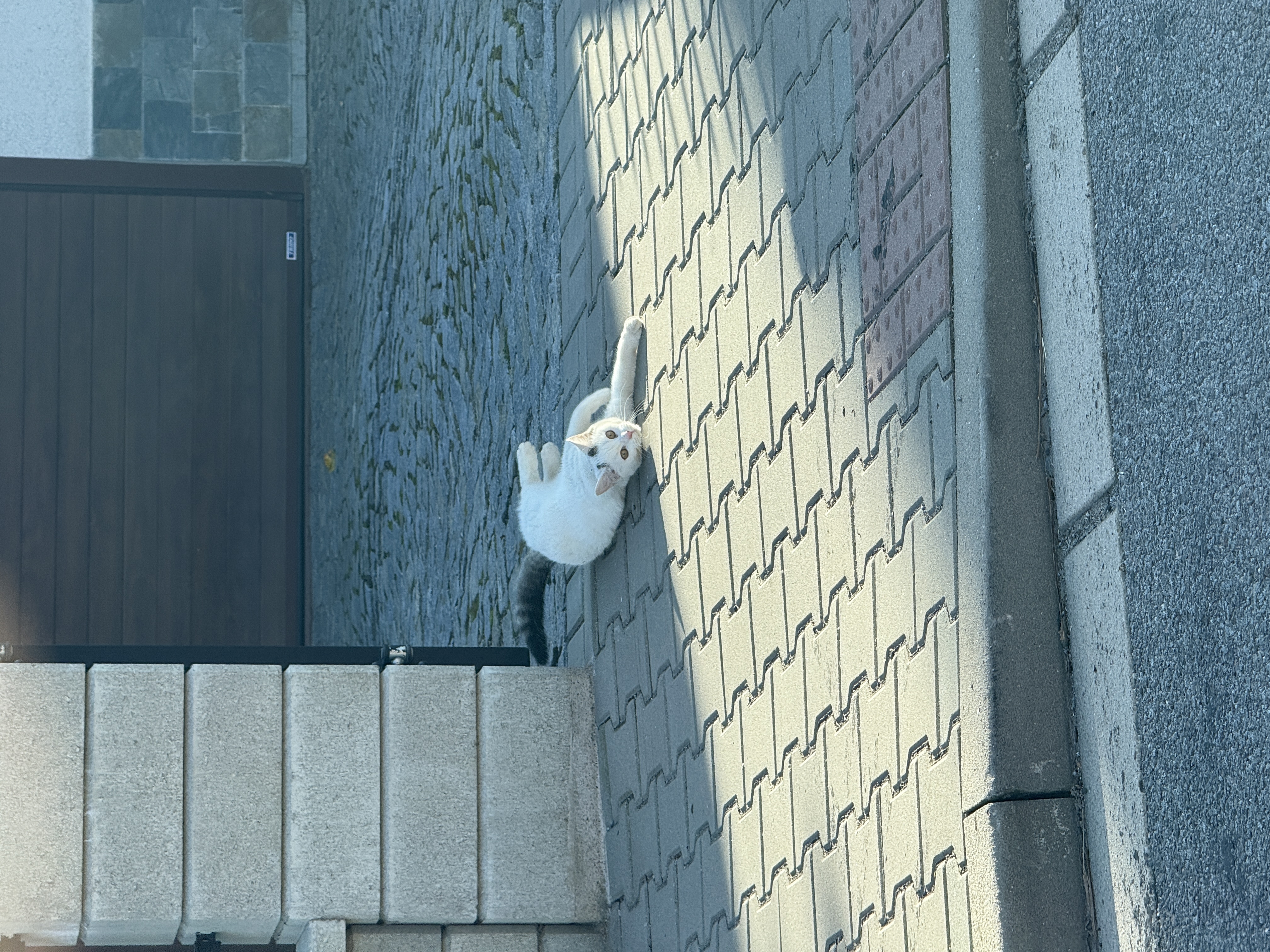
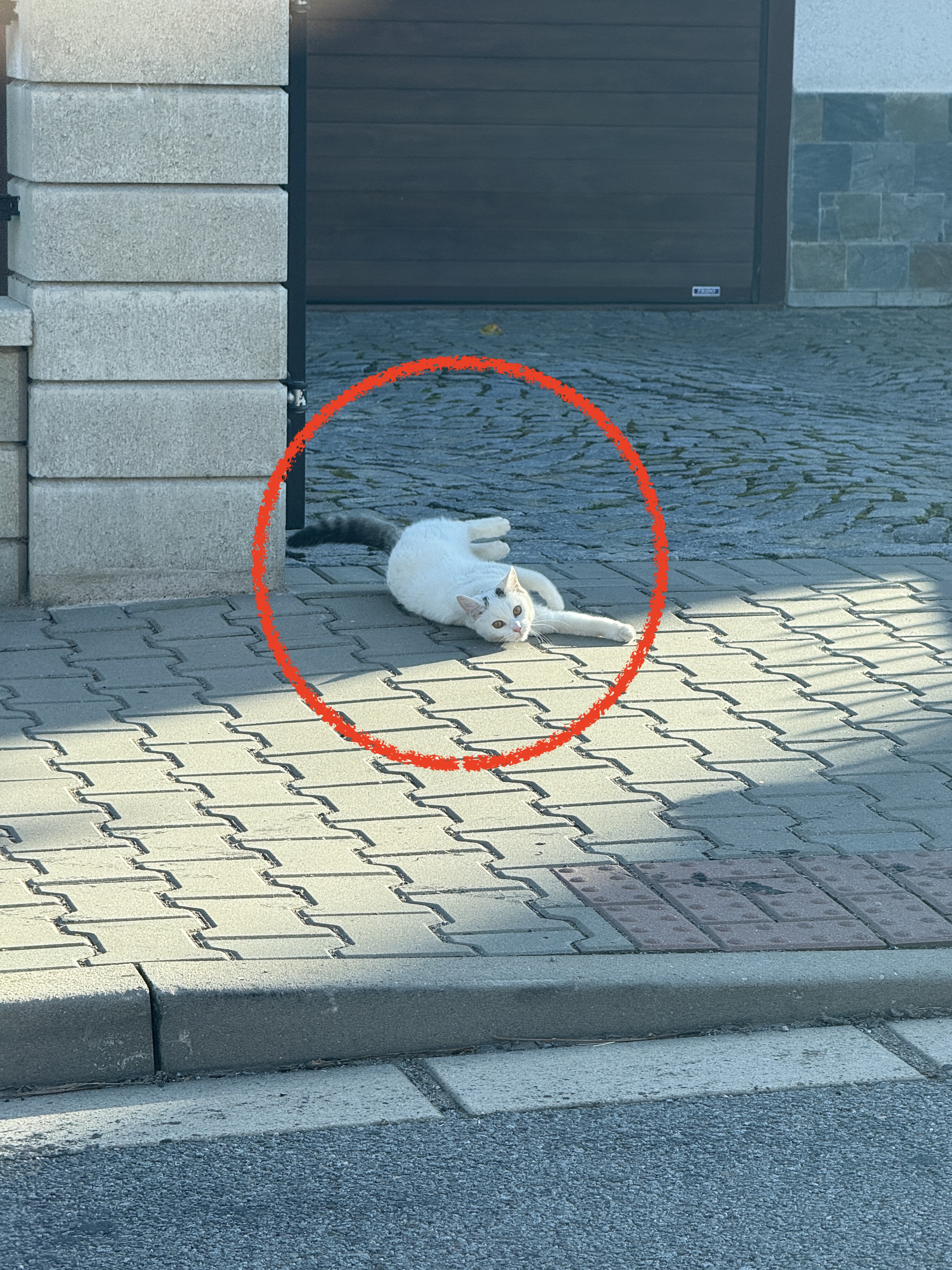
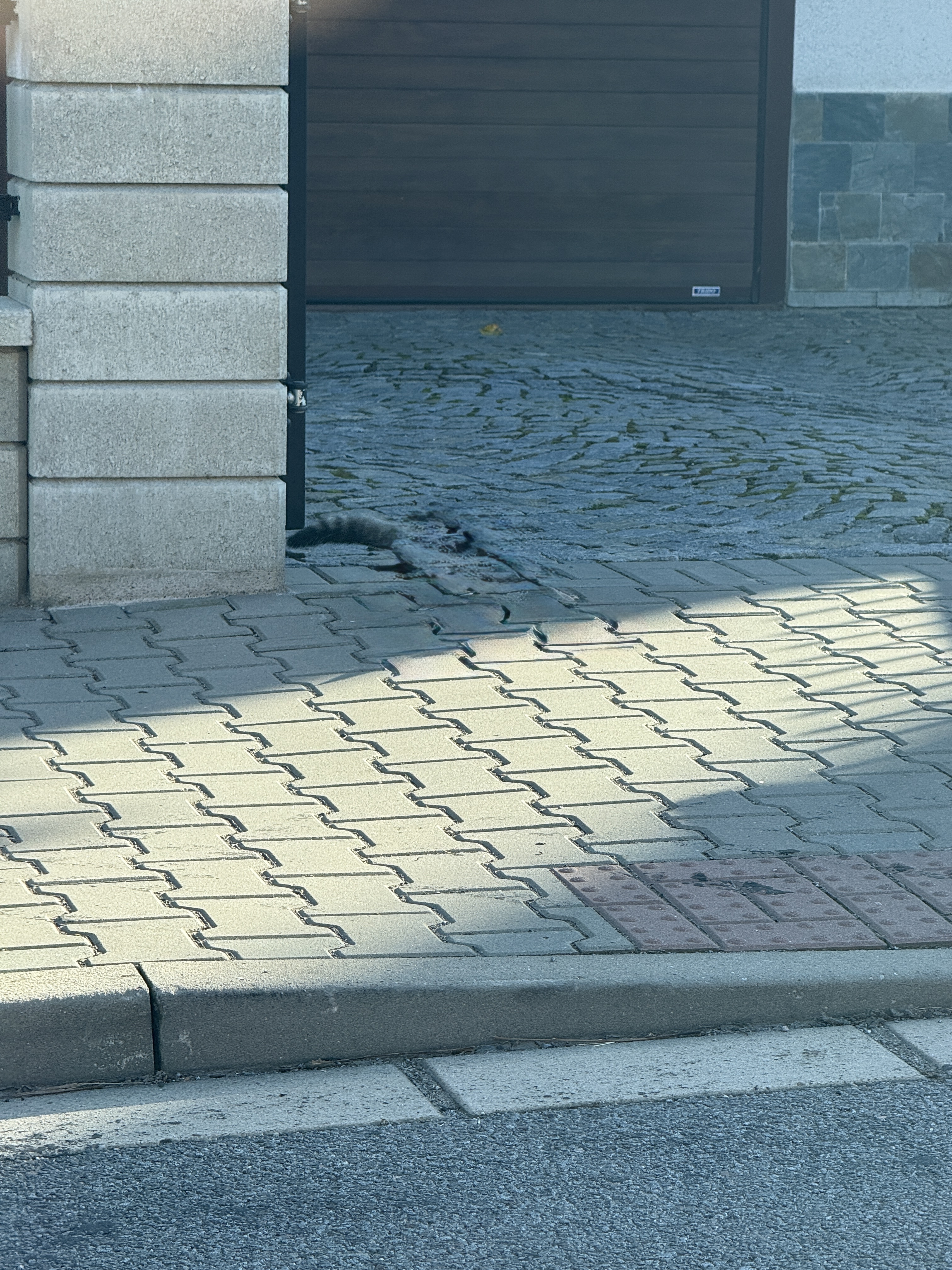
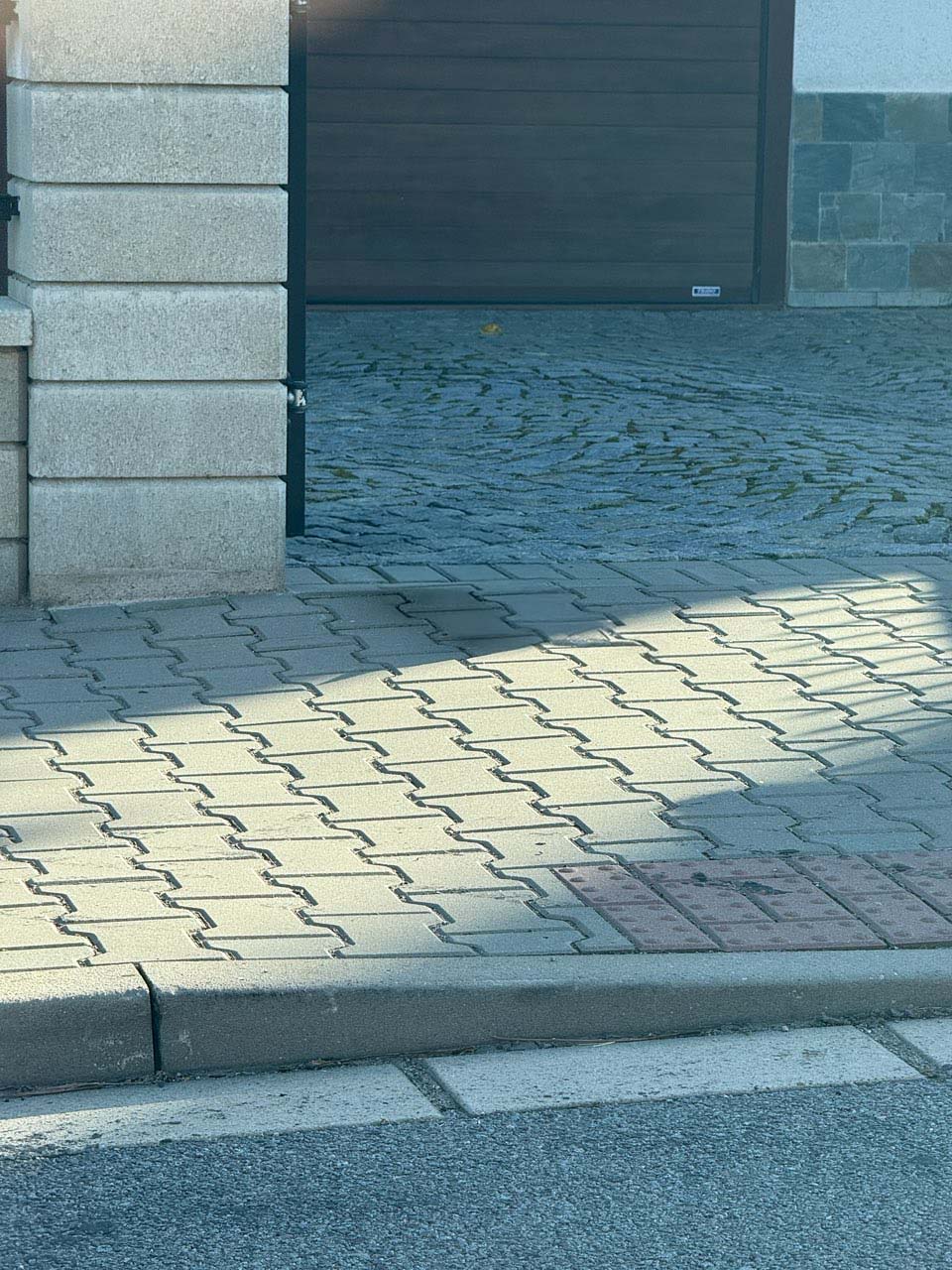
You can view the series of 10 tests in the galleries below, where you place the original photo in the first place, the circled objects for removal in the second place, and the editing via the third place. Apple Intelligence and the fourth is an edit using Generative Fill in Photoshop. Below each gallery is a comparison of the two edited images with a slider that gives you a face-to-face comparison. The results of the AI erasure are sometimes really interesting.
Gallery




Gallery


Gallery




Gallery


Gallery




Gallery




Gallery



Gallery
Gallery




Gallery




Object deletion style u Clear from Apple Intelligence differs from the one used by Photoshop primarily in that, while Apple Intelligence tries to delete an object from the image at all costs, often at the expense of quality, Photoshop does not. If it "doesn't know how", instead of deleting the object, it will add an object in its place that would fit there according to its analysis. For this reason, for example, it did not delete the cat from the terrace boards, but added a coffee mug in its place. You don't really want that in the end, but on the other hand, the coffee mug looks better there than some kind of dark spot that it produced Apple Intelligence.
You might be interested in
In general, however, it can be said that when the adjustment Apple Intelligence "fits", it looks really cool. On the other hand, if it doesn't fit, it can make the picture quite ugly, as its adjustments look very unnatural at first glance. But it is true that the solution Applu can "fix" and jump after a failure to a significantly better quality edit. So often all you really need is patience, try deleting a few times and then canceling the edit, and after a few failures, with a little luck, a good result will come. Photoshop with its Generative Fill is generally better in this regard, although of course it is not completely perfect either. Apple but could learn from it with its solution, although it is necessary to take into account the fact that while Apple Intelligence is free (or included in the price of the iPhone), you have to pay for Photoshop.


great comparison. I would still appreciate a comparison with Samsung.
thank you for the nice article.
I'm also testing it and how well it works, but so far it's ok for me. Still, I hope for improvements :)
I used to use the TouchRetouch application most often, now I use it from Applu Clean Up. It's not as terrible as I expected, you can see it in the testing in the article. Compared to TouchRetouch, what I like most about Clean Up is that you just need to circle it and it will find the object immediately, while with TouchRetouch I have to outline it exactly (but it's also more professional than Clean Up).
I've used it a few times a year. But Google Photos has been deleting objects for a long time. And that's enough.