
How in Apple Music activate notifications for new content? Want to always be the first to hear new songs or albums from your favorite artists? S Apple Music It's easy. Just turn on notifications and you won't miss any news.
You might be interested in
Apple Music offers a wide range of features that make it easier to discover new music and personalize your listening experience. One of them is the ability tochat Send notifications about new releases of songs and albums from your favorite artists. This way you will always be up to date with what's new in the world of music.
How to turn on notifications for new music in Apple Music
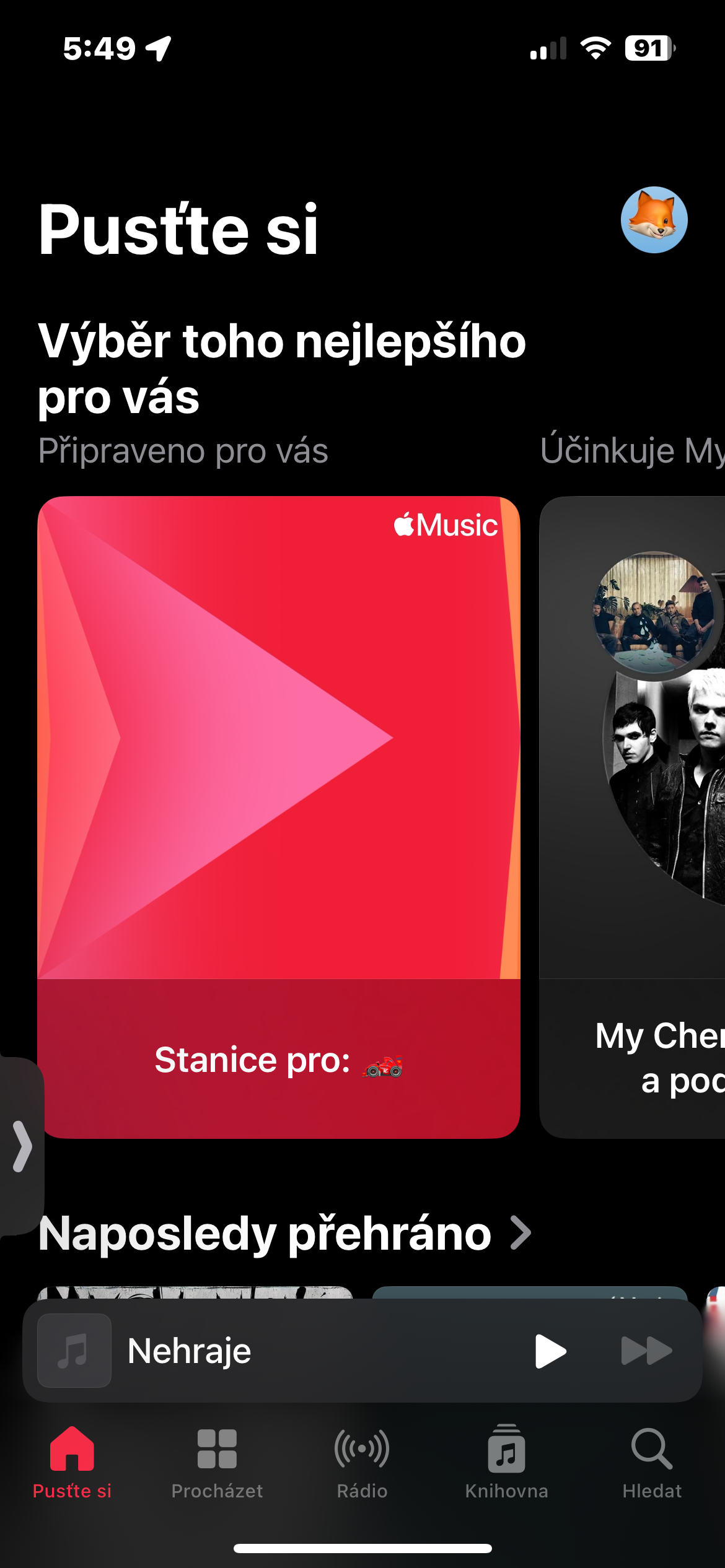
- Open the app Apple Music: Launch the application Apple Music on your device.
- Go to the library: Click on the "Send" tabchat" in the lower left corner of the screen.
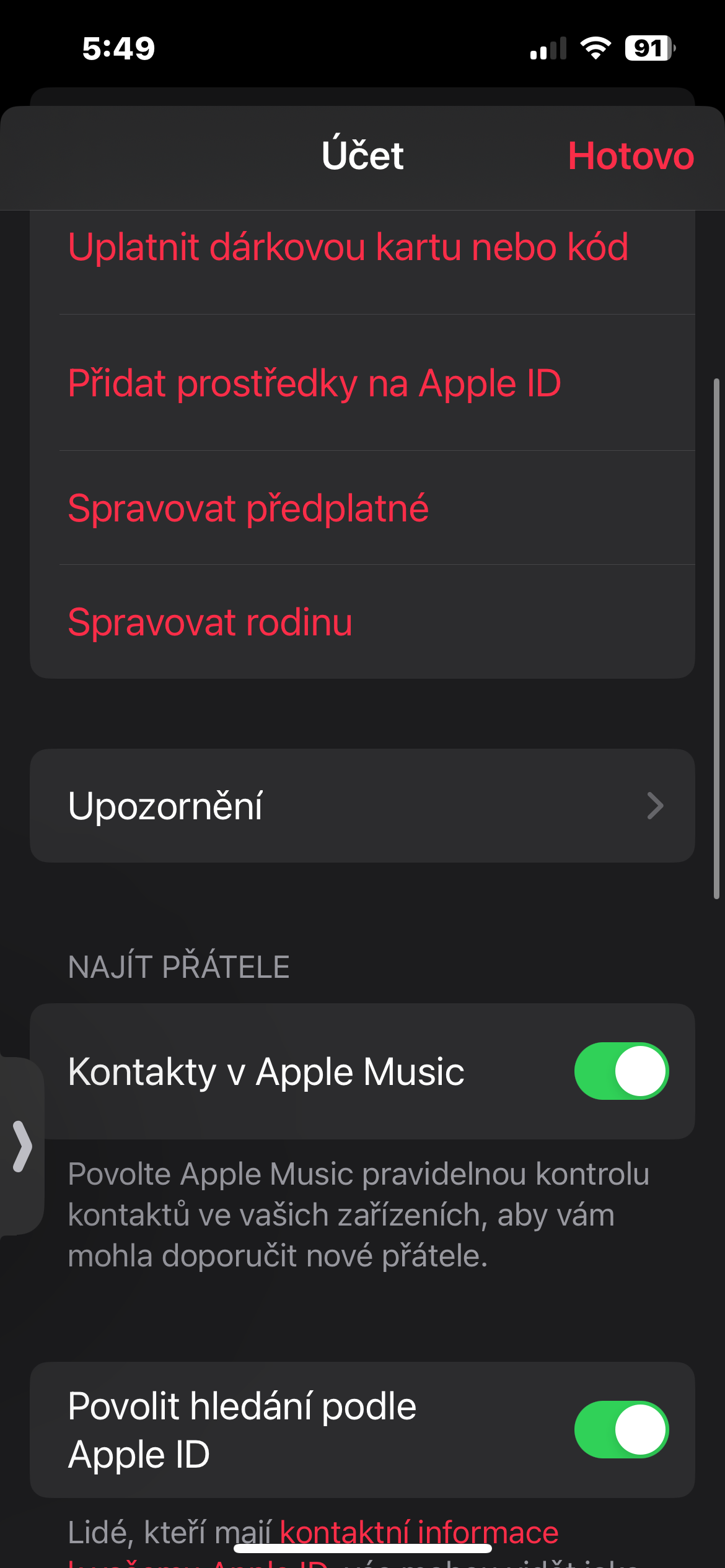
- Open your profile: In the upper right corner of the screen, tap your profile icon.
- Choose Alerts: Select "Notifications" from the menu.
- Activate New Music: Find "New Music" and slide the switch to the active position.
Gallery
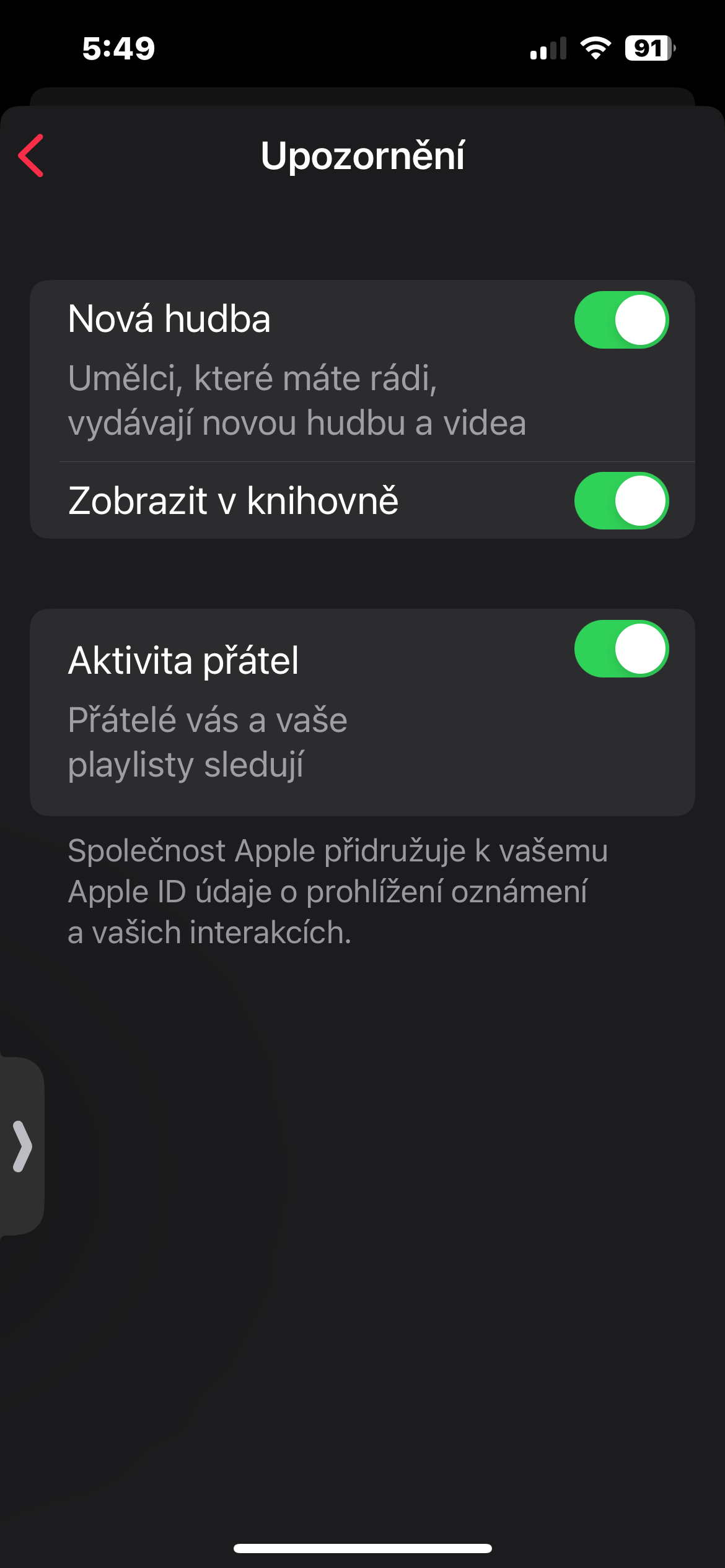
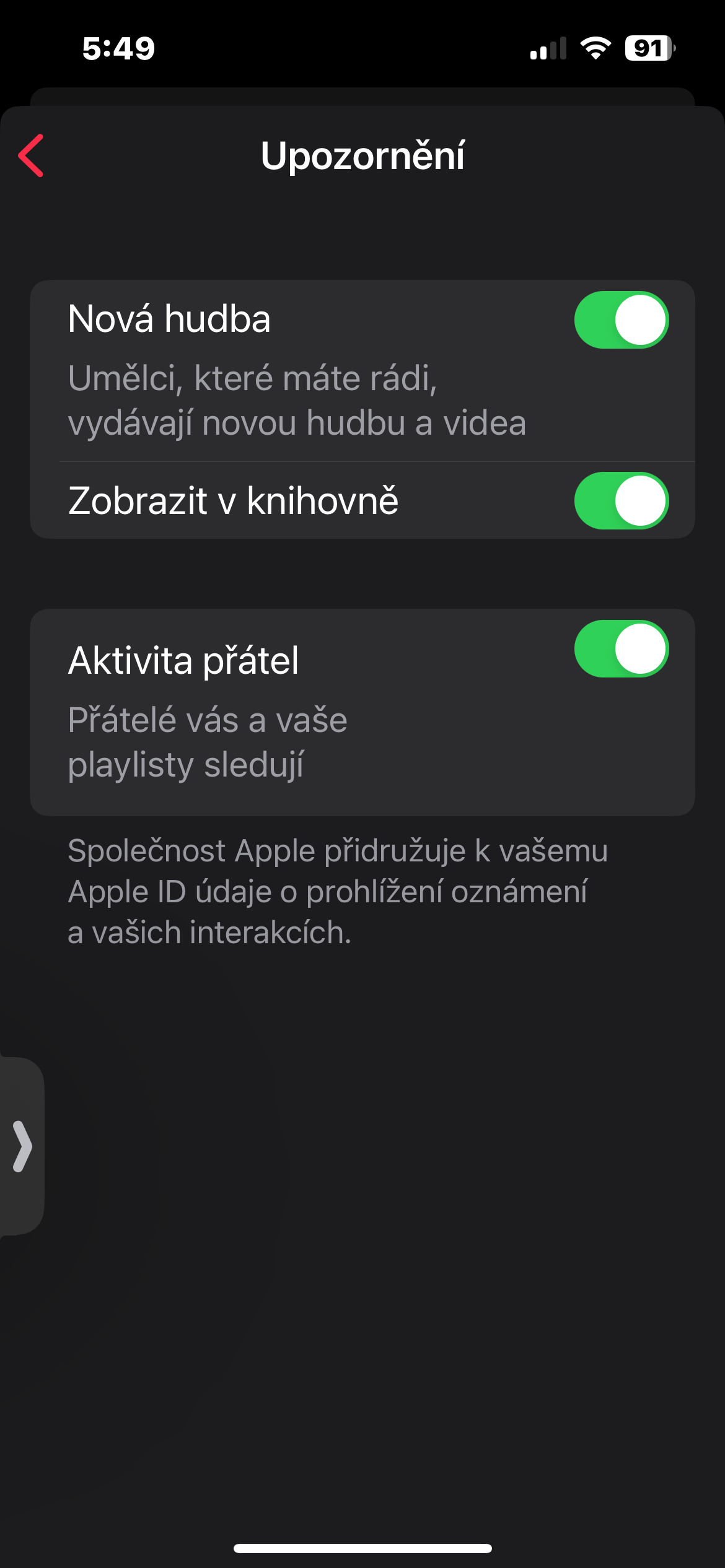
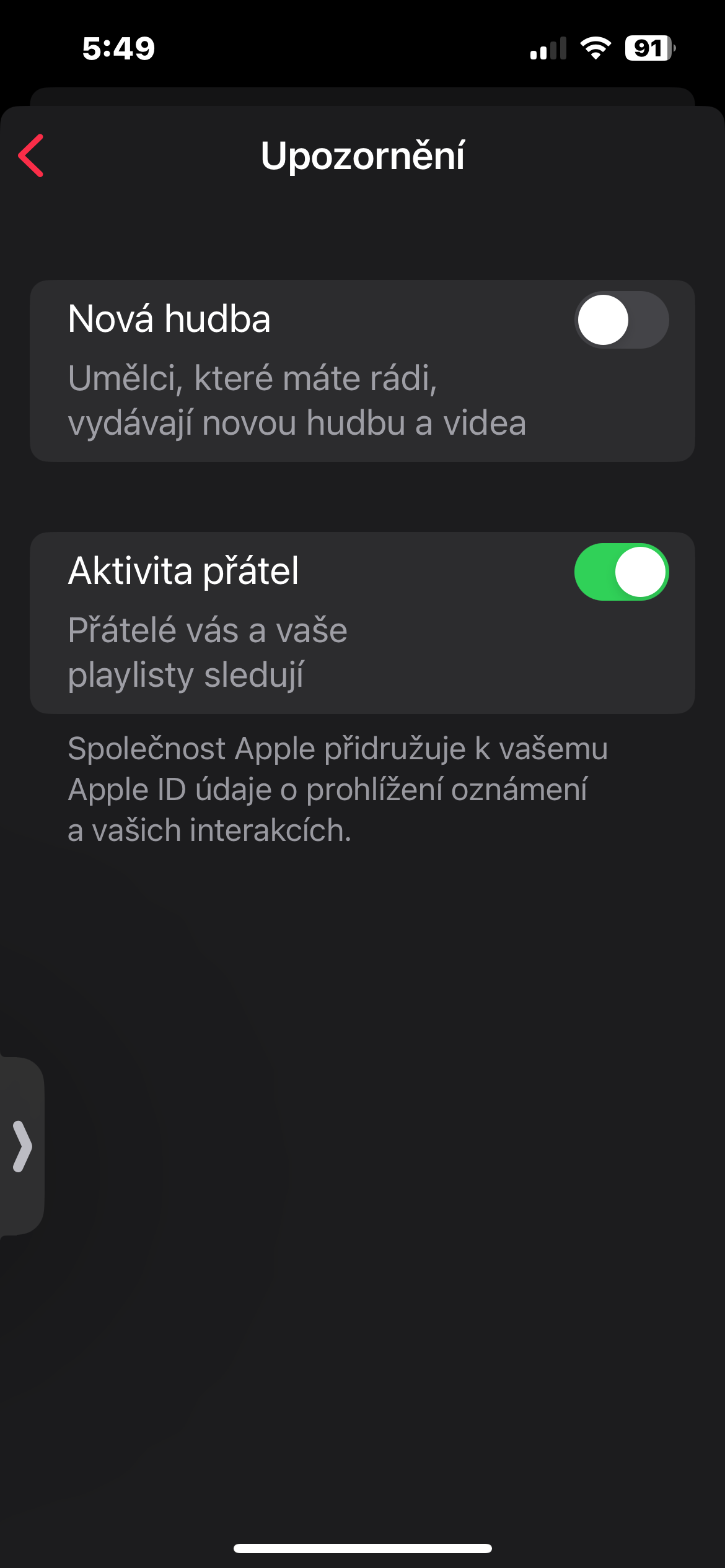
By turning on notifications for new music in Apple Music You'll make sure you never miss a thing from your favorite artists. You'll be among the first to hear new songs and albums, and you can become a true music connoisseur.




I've had it plugged in for several years now, and I've never received a single message 🧐☹️
Apple music it's completely useless... I had 3 months free and I canceled it after a day... Since there's nothing there that's familiar to a Czech... More or less there's only American poets etc...
The top 100 songs in Slovakia are trash rap.
So you don't decide who listens :)
Jojo, announcements about new music come continuously, but most of them come on Fridays :)