Instantly add recognized songs to playlists
Have you come across a great song but don't know it? No problem! With Shazam's music recognition feature, you can easily recognize it and instantly add it to any playlist in Apple Music, including those in Apple Music Classical.
How to do it?
- Open the Shazam app and let it detect the song you want to add to the playlist.
- In Shazam, tap the Add to icon.
- Select the playlist you want to add the song to.
You might be interested in
Automatically add your favorite songs to your library
Did you like or favorite a song from a playlist? It will now be automatically added to your music library. So you will always have it available, even if you delete the playlist.
How to do it?
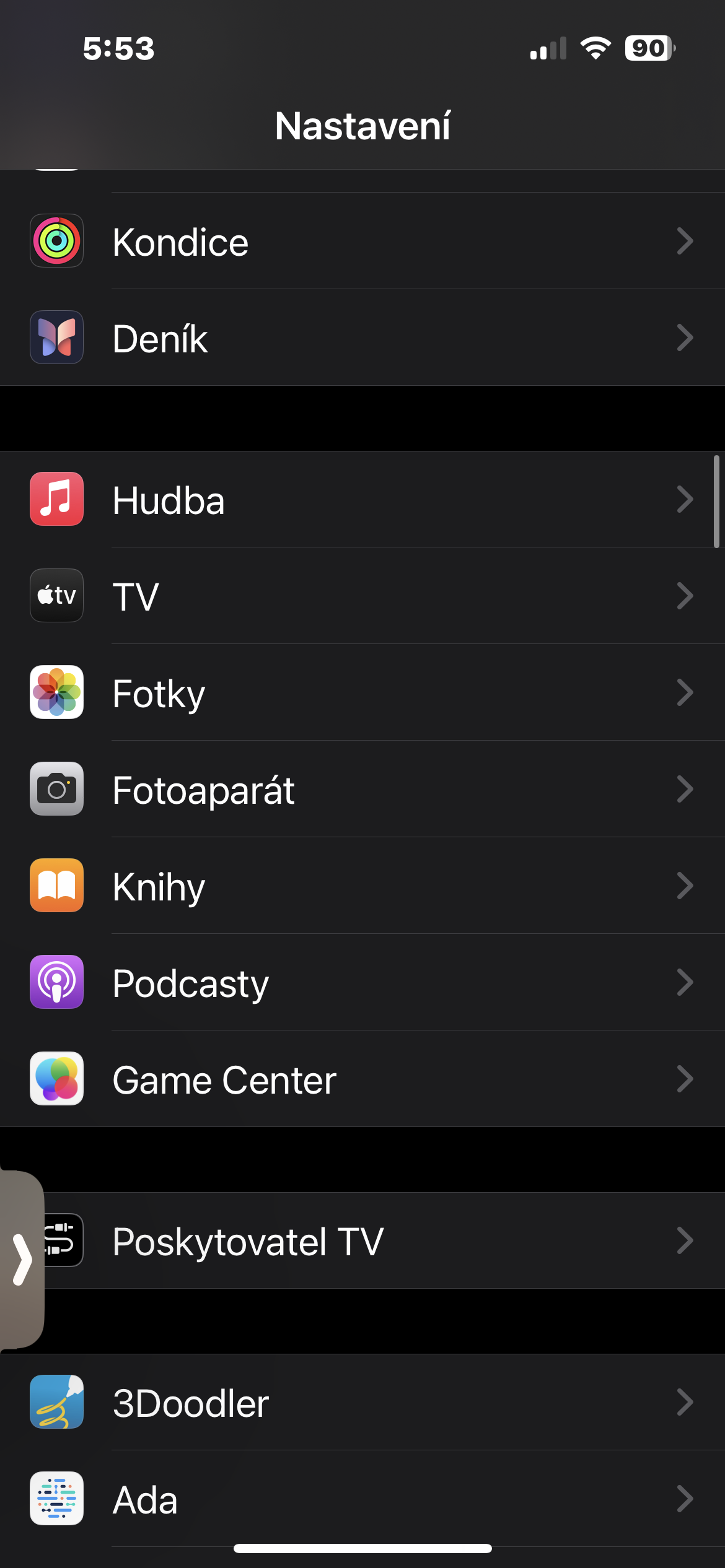
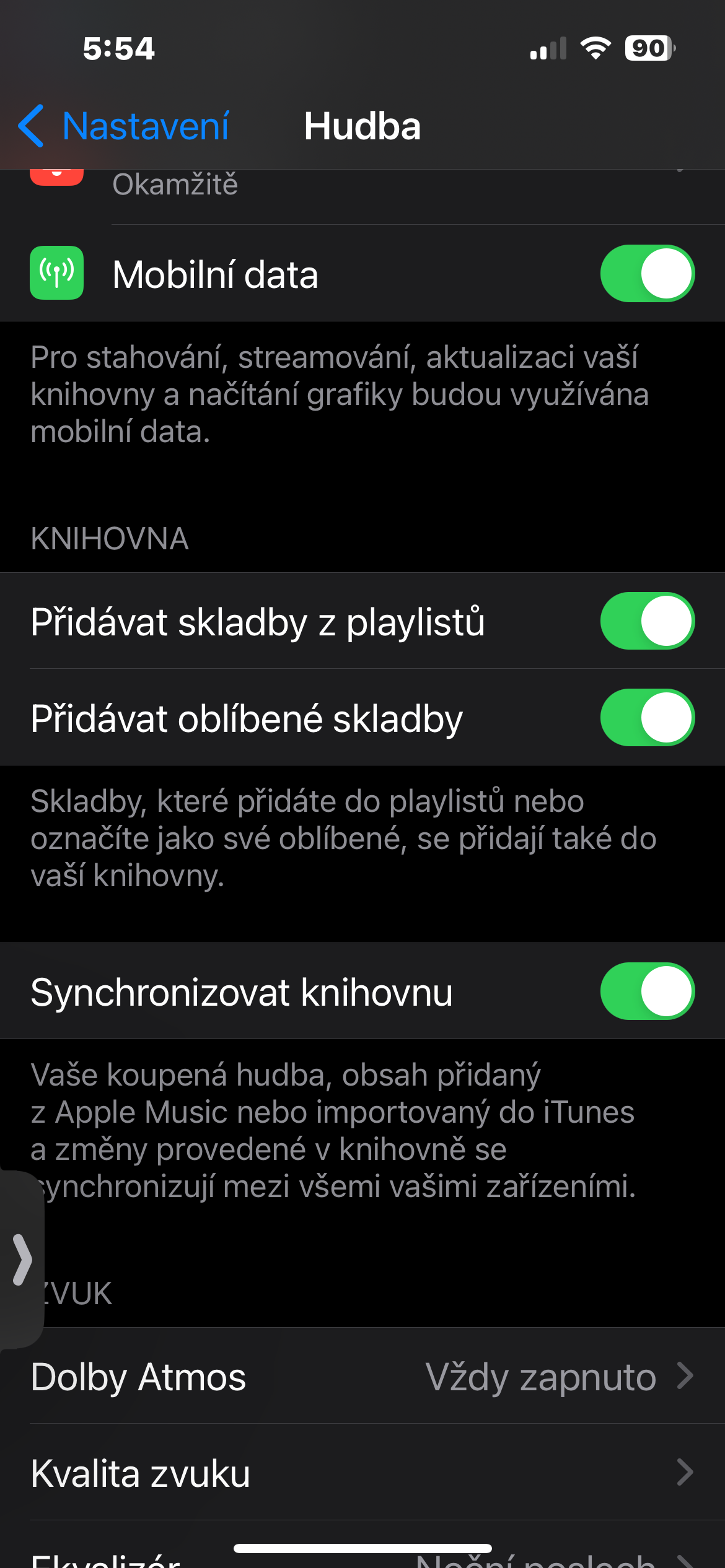
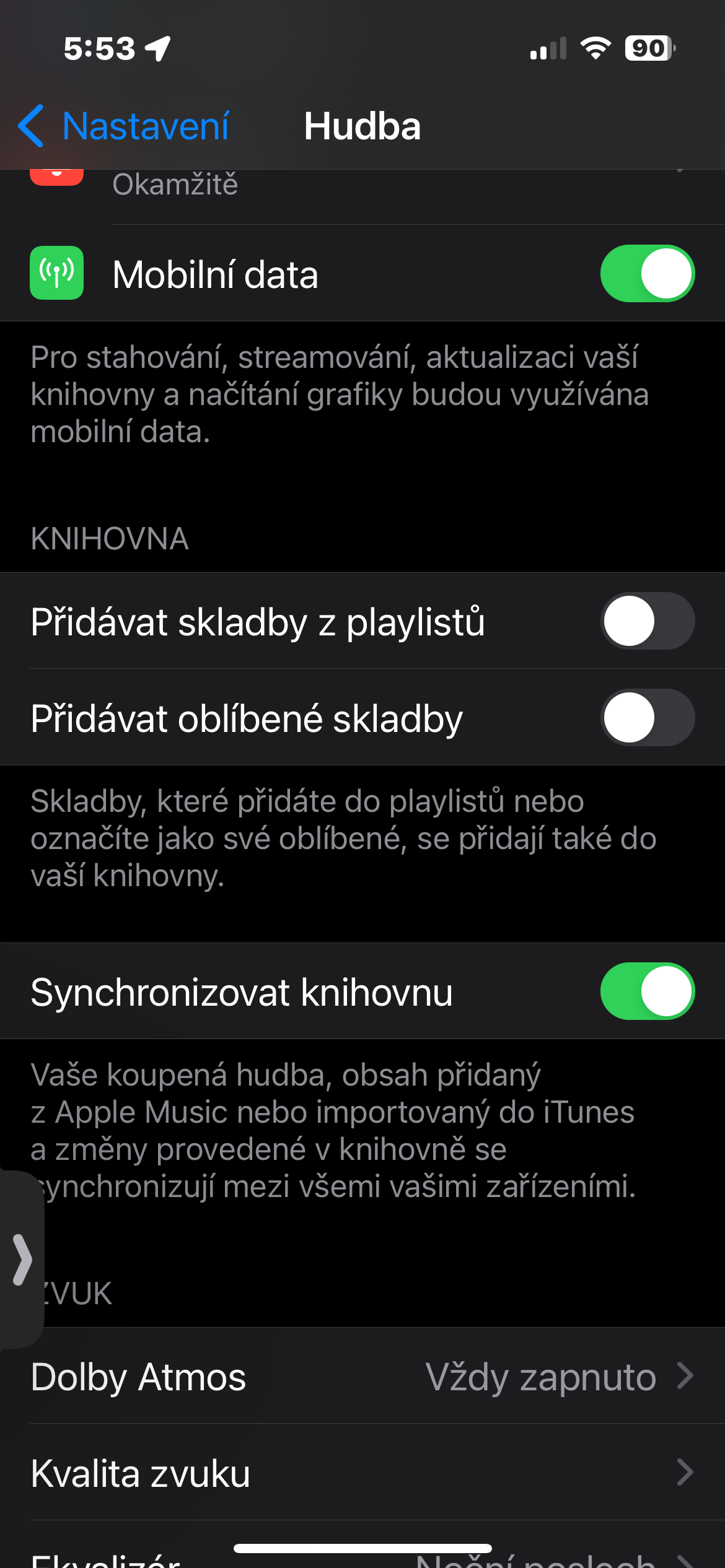
- On your iPhone, open Settings and go to the Music section.
- In the Library section, activate the Add songs from playlists and Add favorite songs items.
Gallery
Collaborate on playlists and share your music tastes
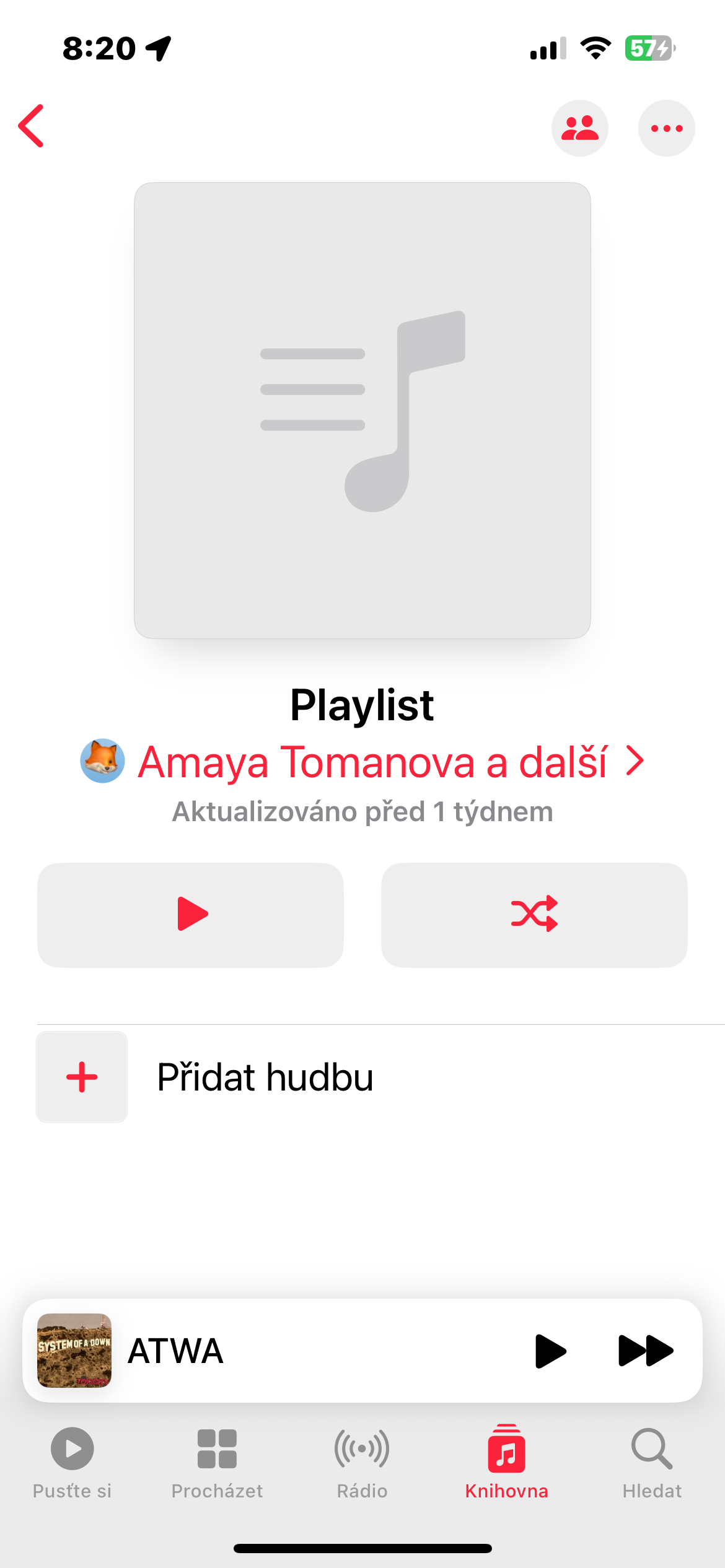
The new playlist collaboration feature lets you share your music tastes with friends and family and together build the perfect playlists for every occasion. So you can easily share playlists with your favorite music for parties, for relaxation or for exercise.
How to do it?
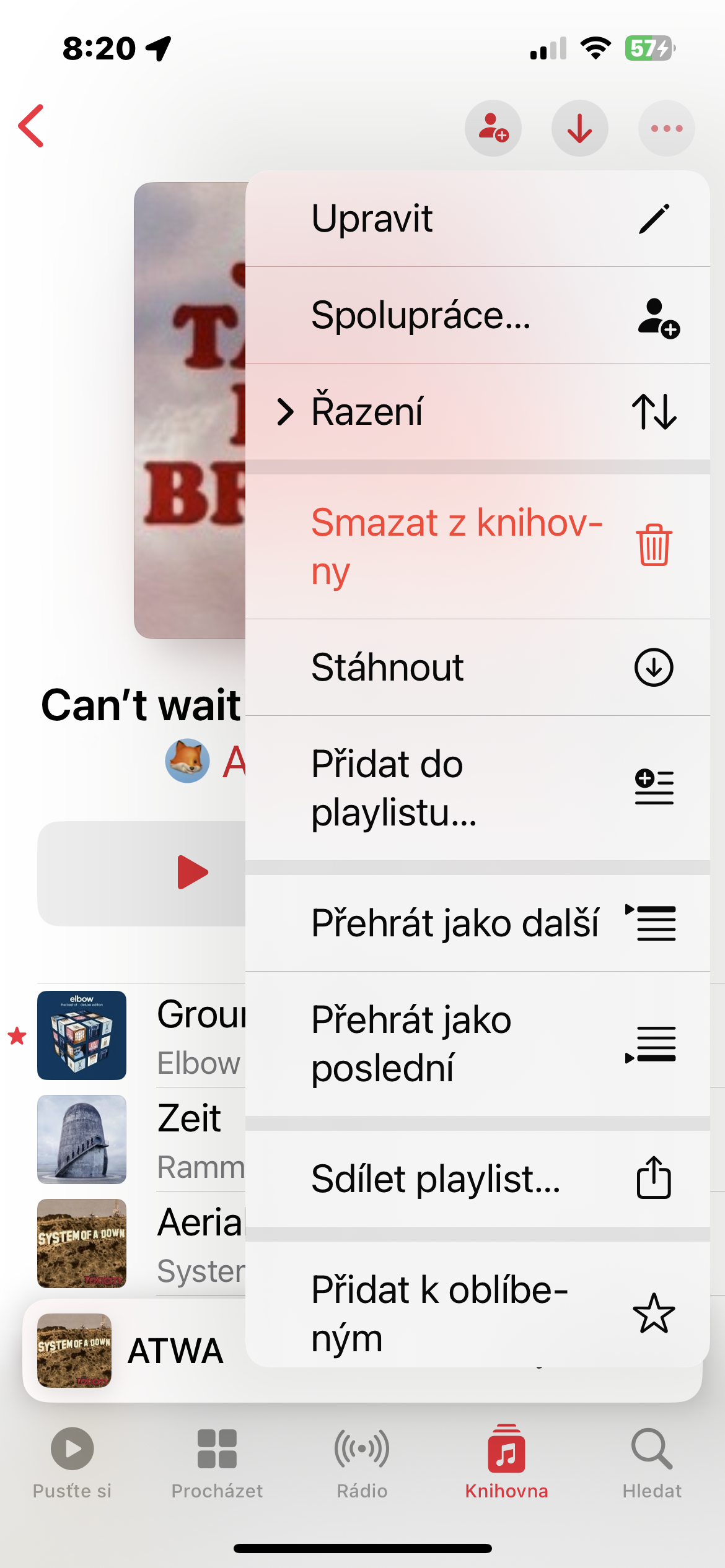
- Open in Apple Music playlist you want to collaborate on.
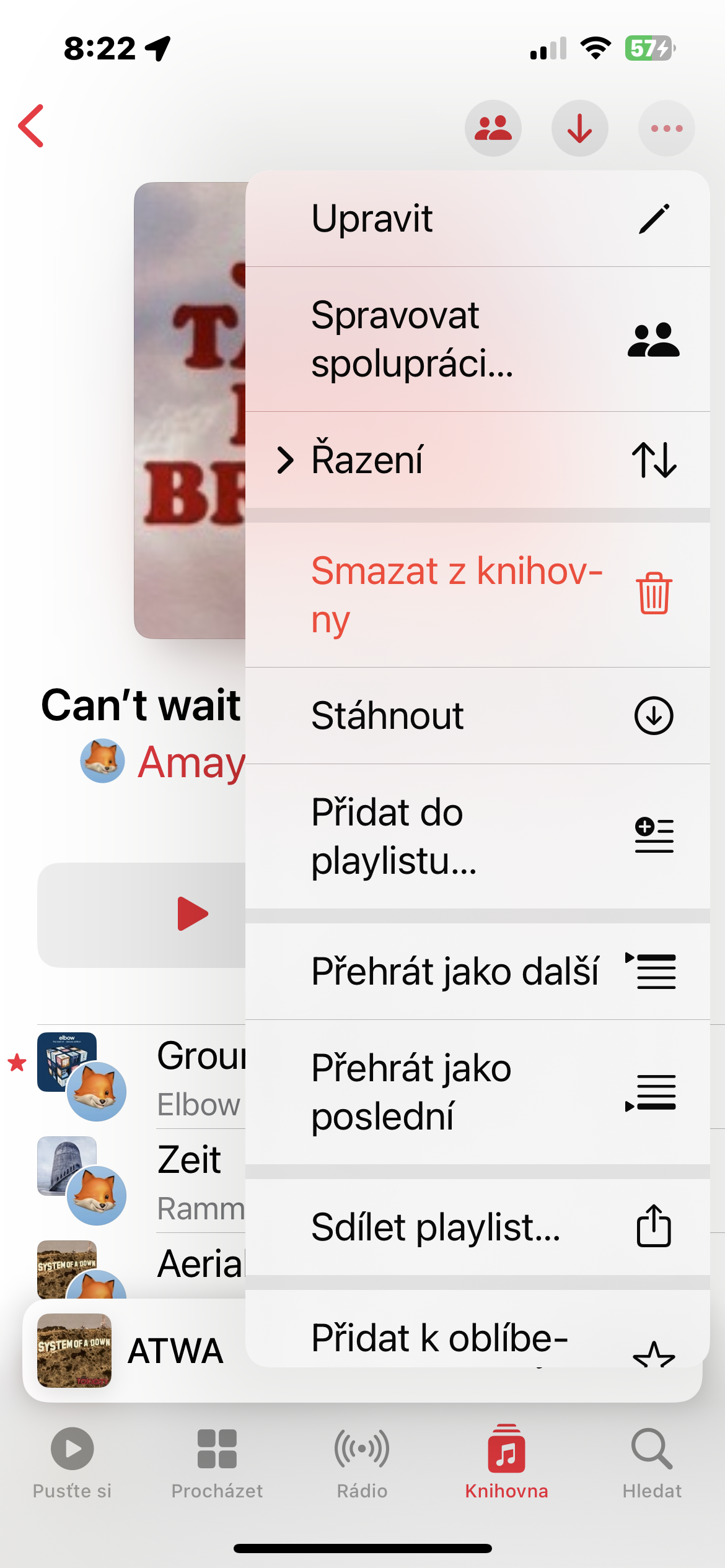
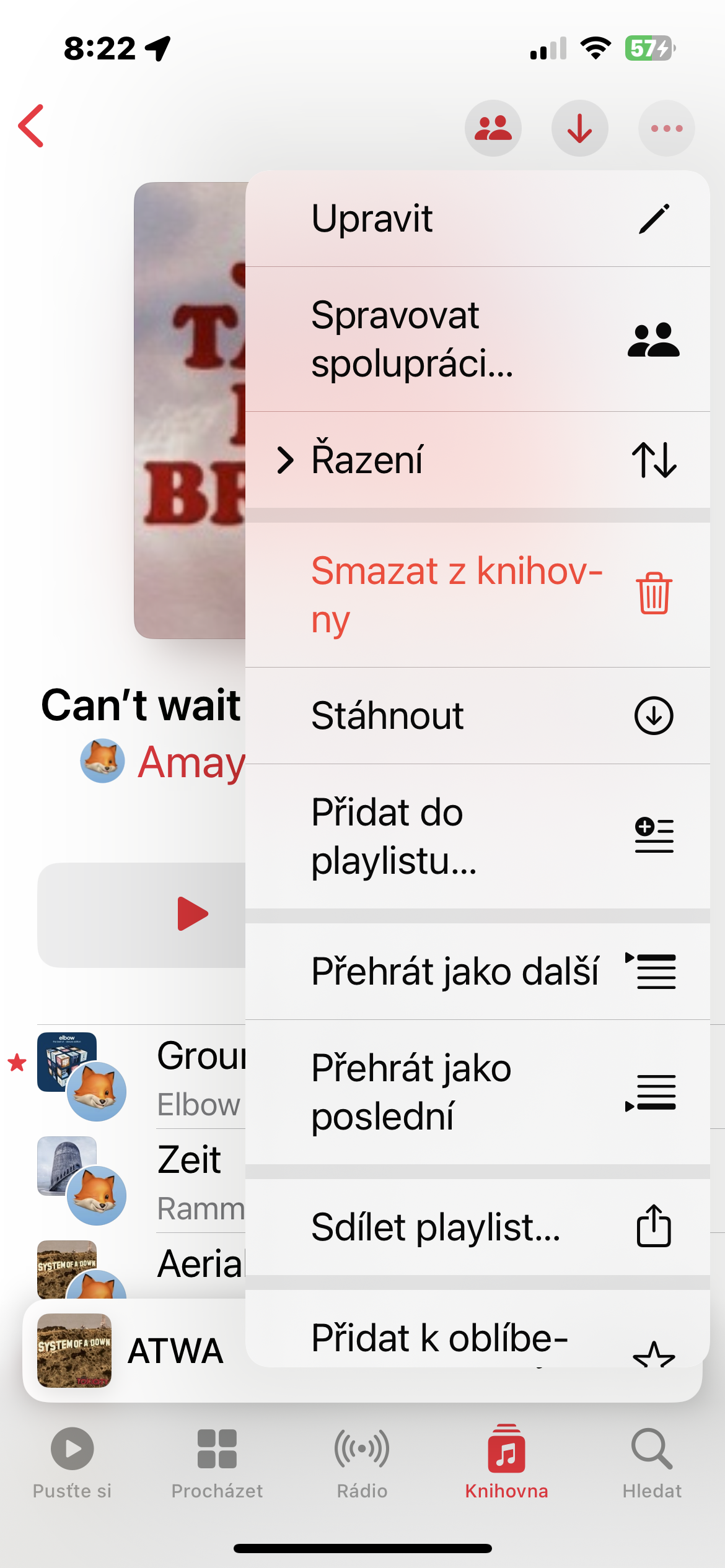
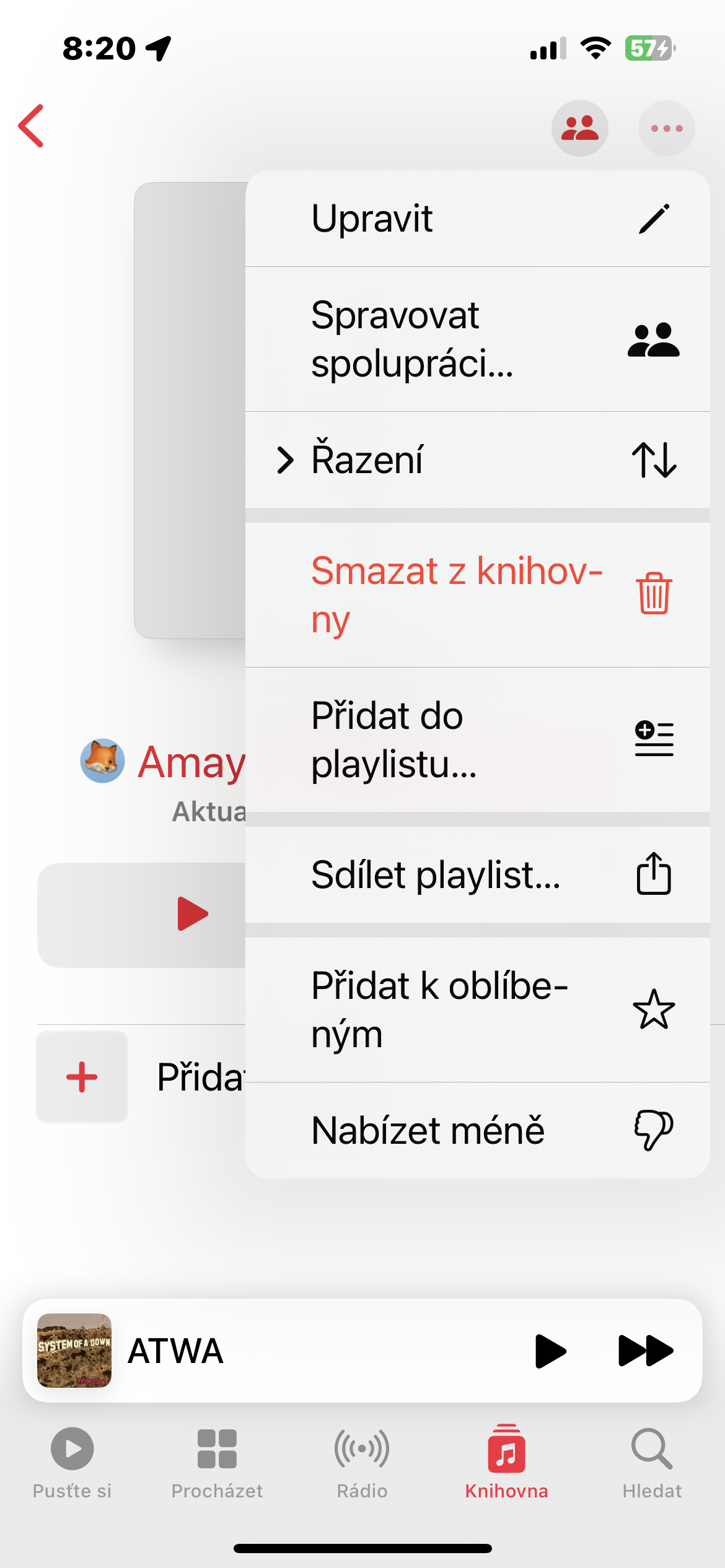
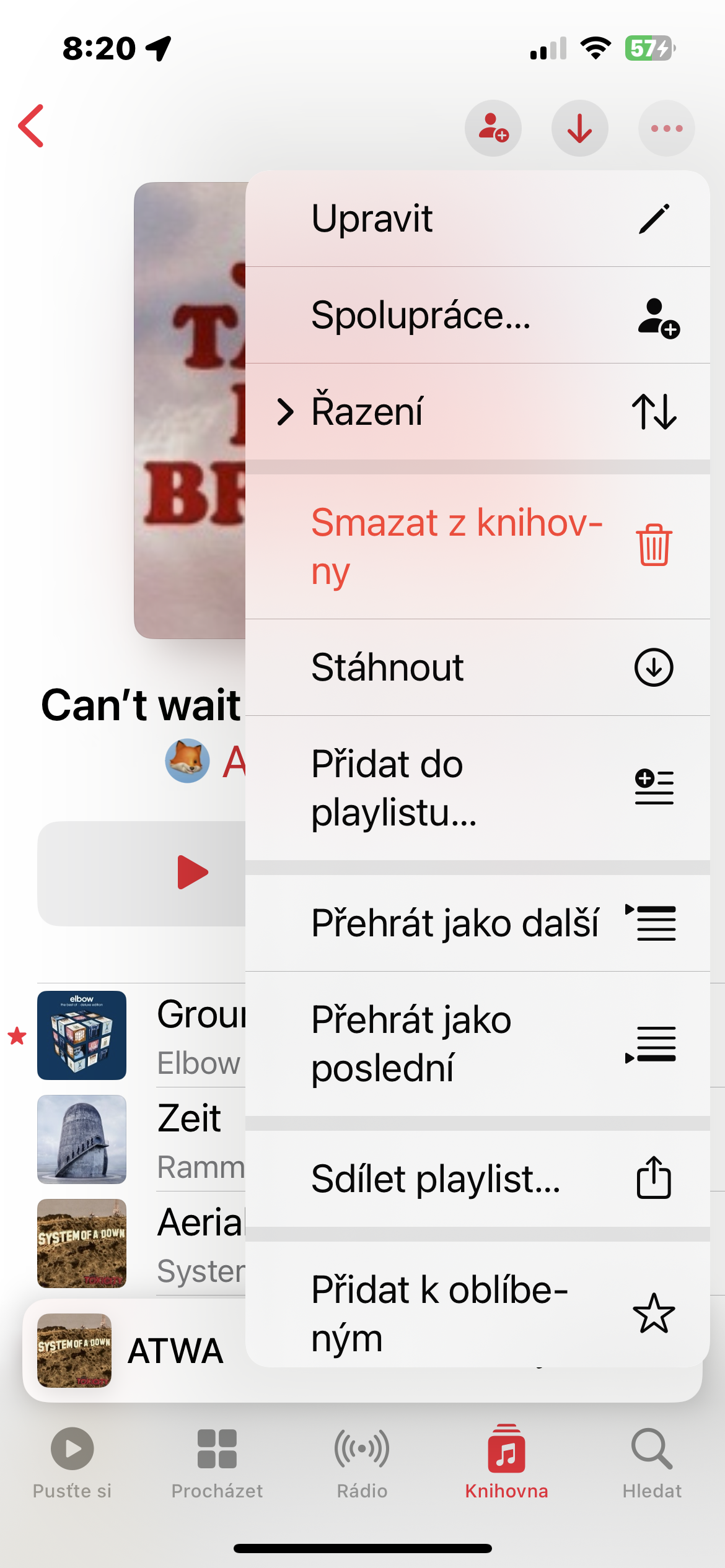
- Tap the three dots icon in the upper right corner.
- From the menu that appears, select Collaboration.
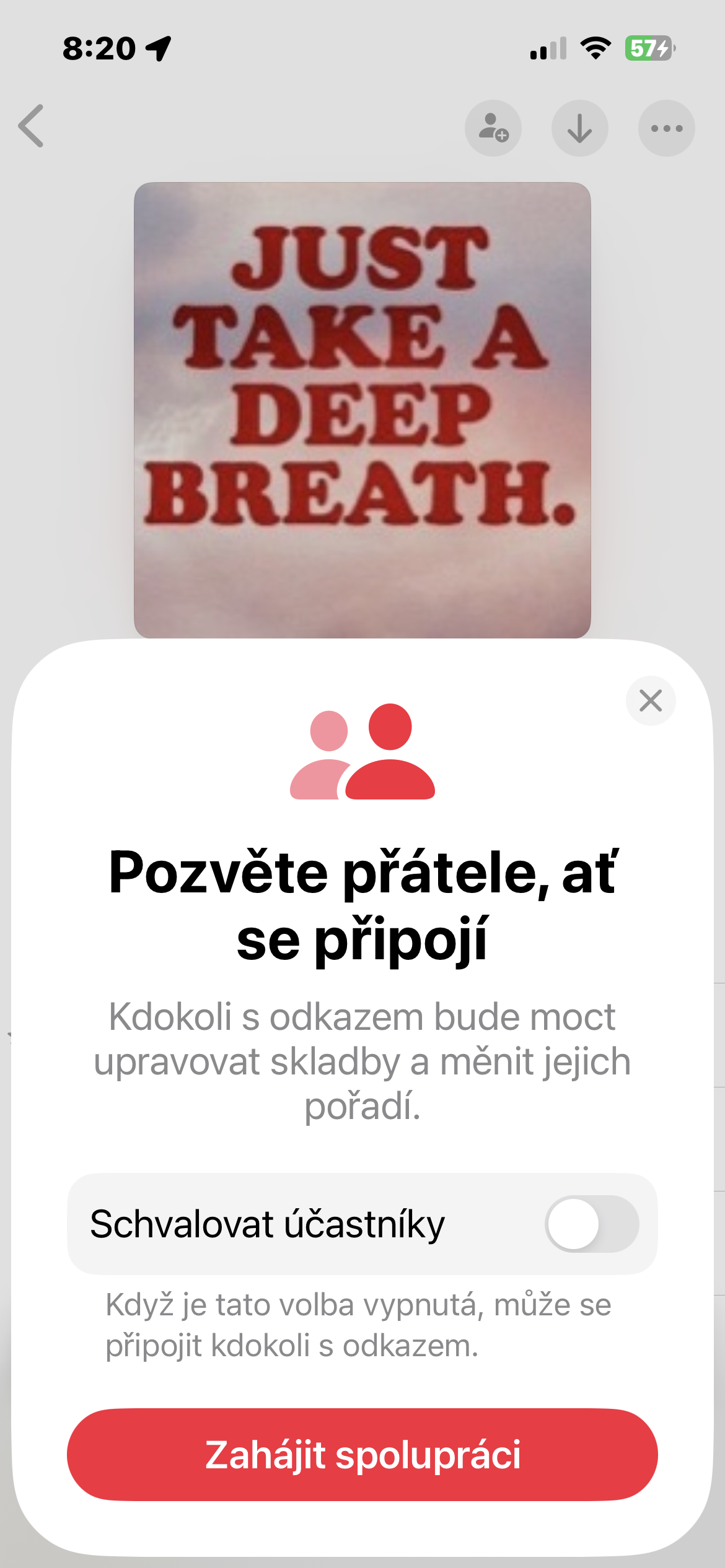
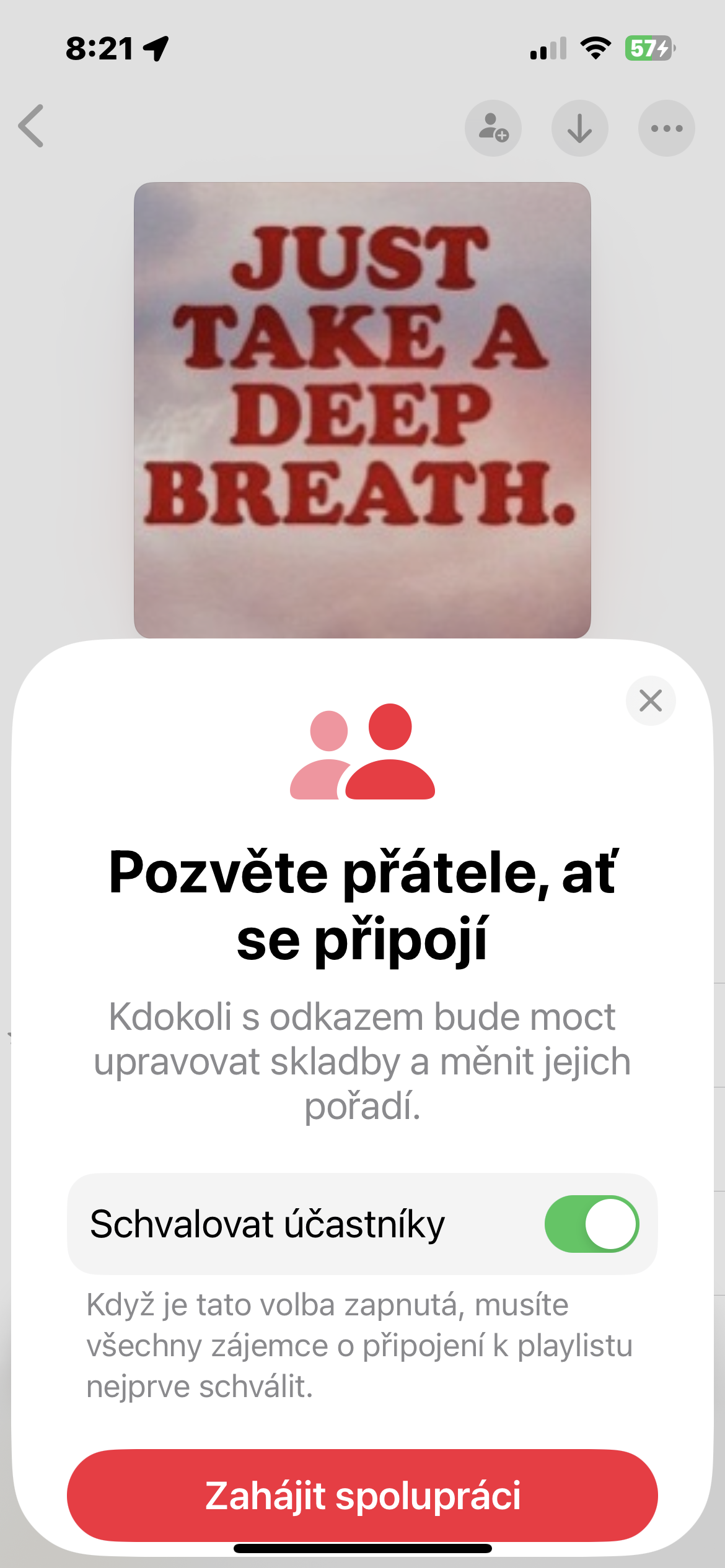
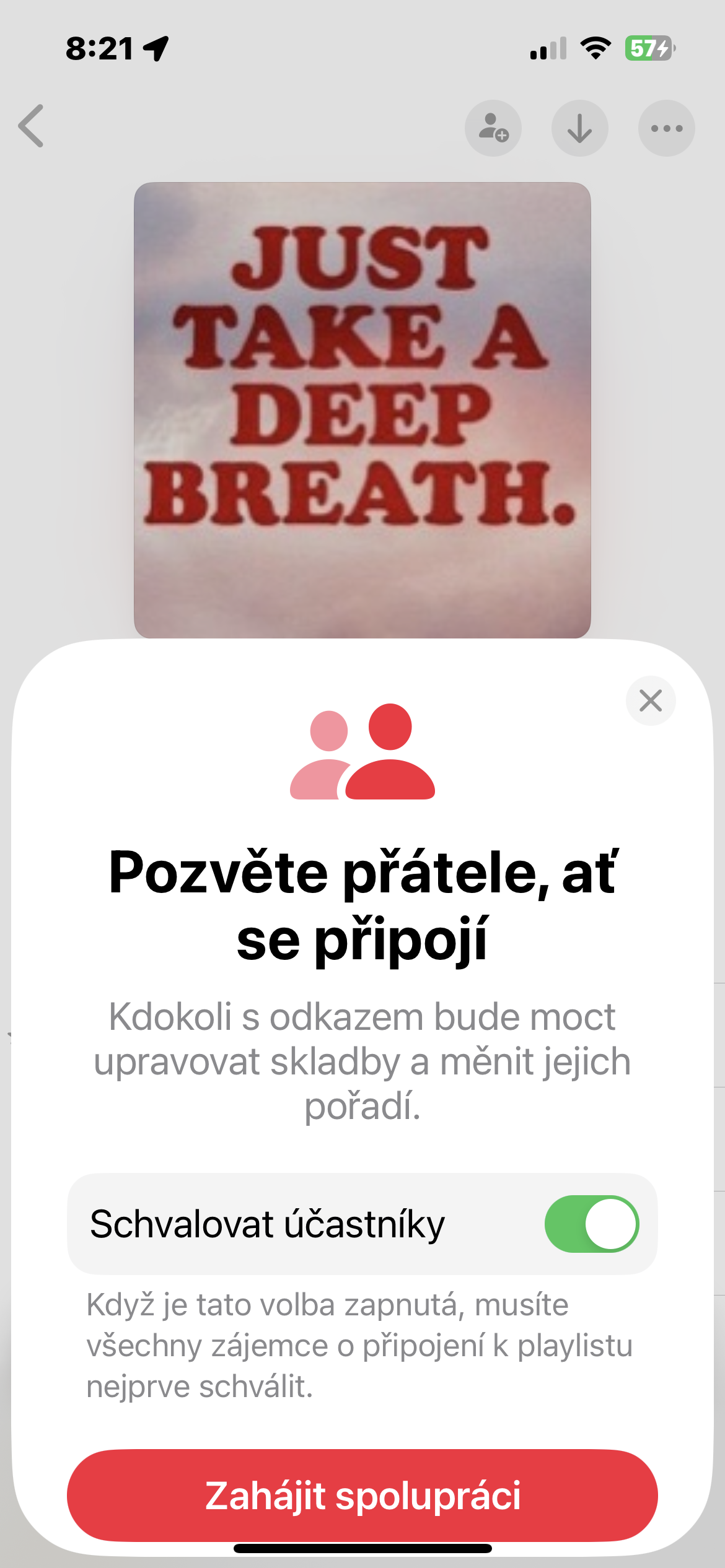
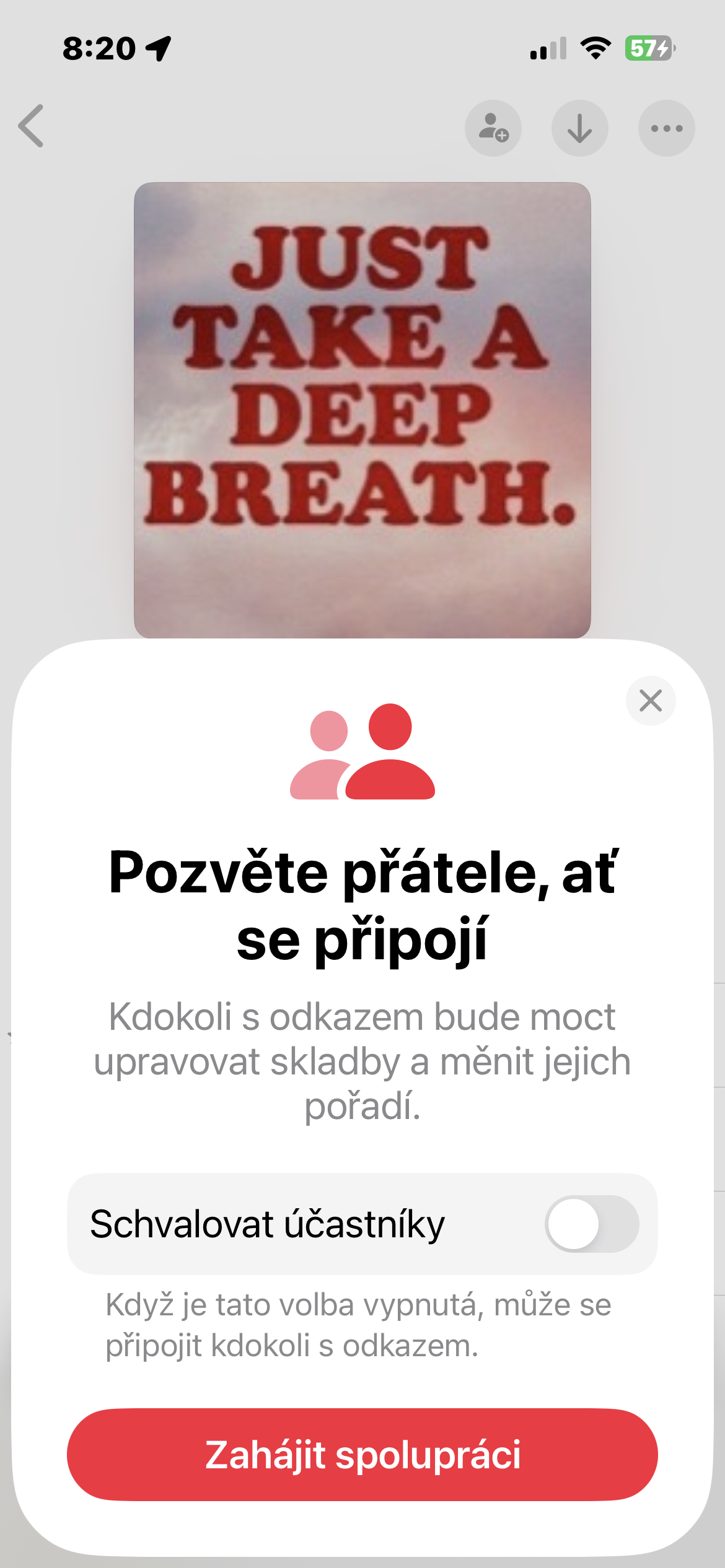
- Enable Participant Approval if you want to control who can join the playlist.
- Tap Start Collaborating.
- Share the playlist link with the friends and family you want to invite.
- Collaborators will then be able to edit the playlist and add songs to it. All changes will be displayed to all participants in real time.
Gallery
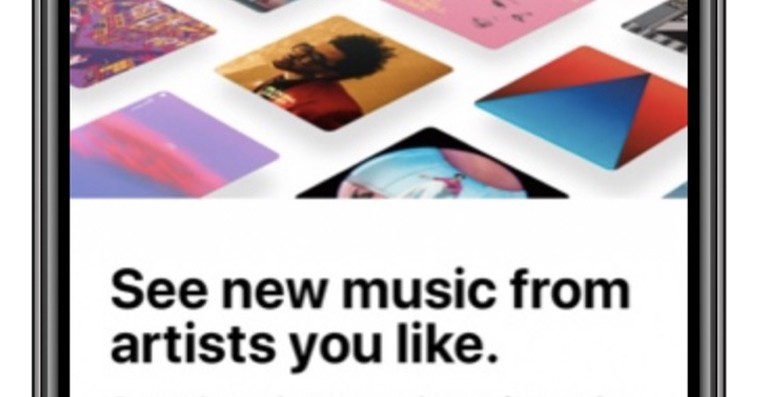
Don't miss new music from your favorite artists
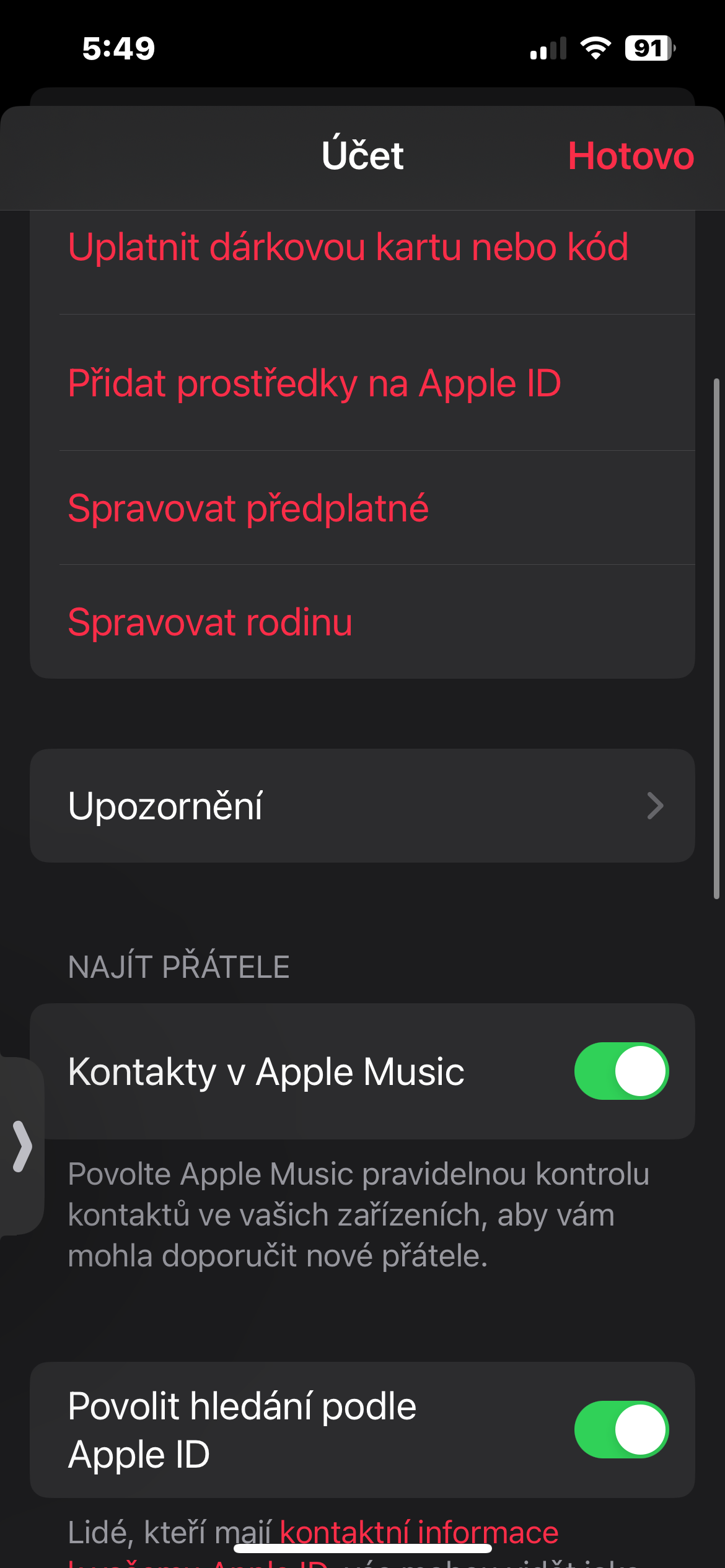
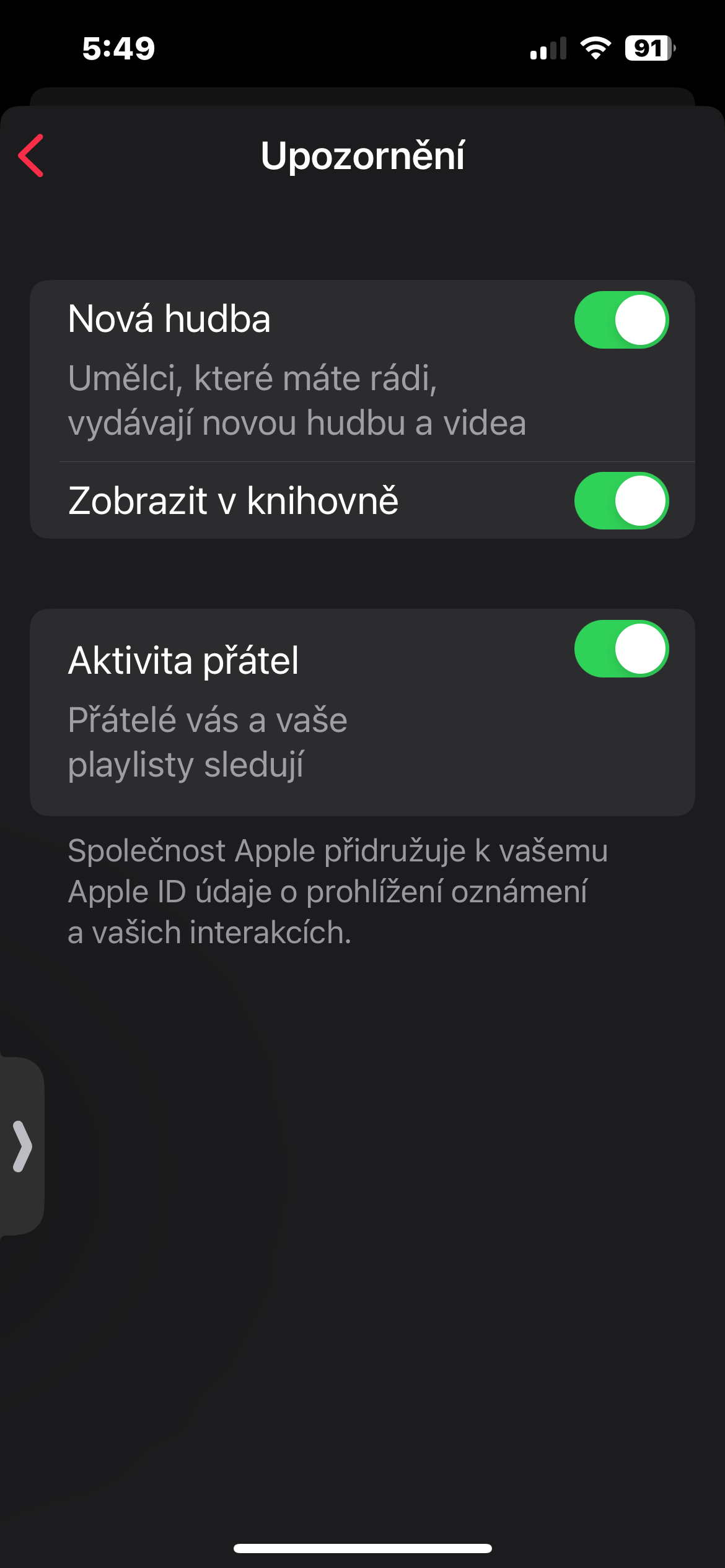
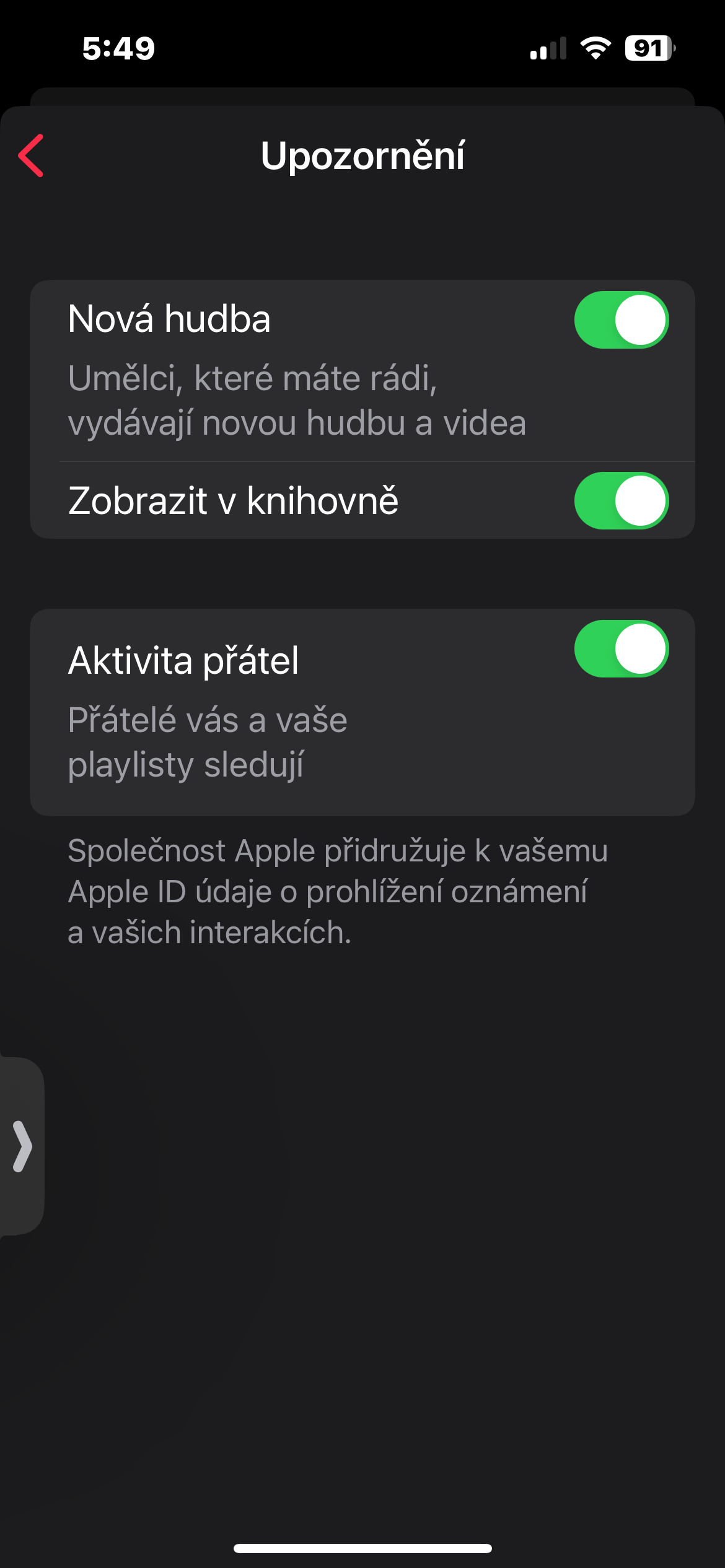
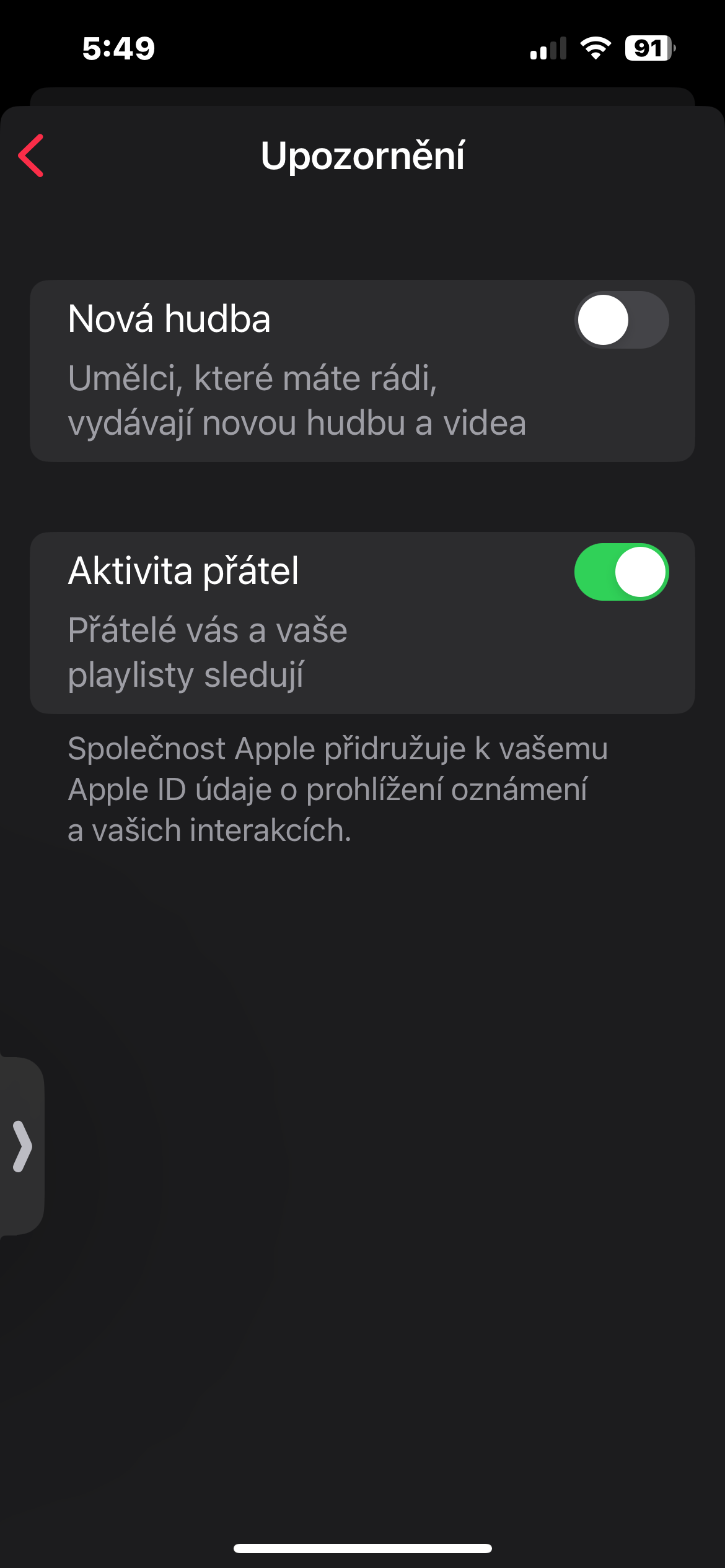
You are watching in Apple Music your favorite artists and want to be informed about all the news? Activate in the settings Apple Music New music notifications. This way you won't miss any new albums and songs from your favorites.
How to do it?
- Open the app Apple Music and tap your profile icon in the top right.
- Go to Settings.
- In the Notifications section, enable New music.
Gallery
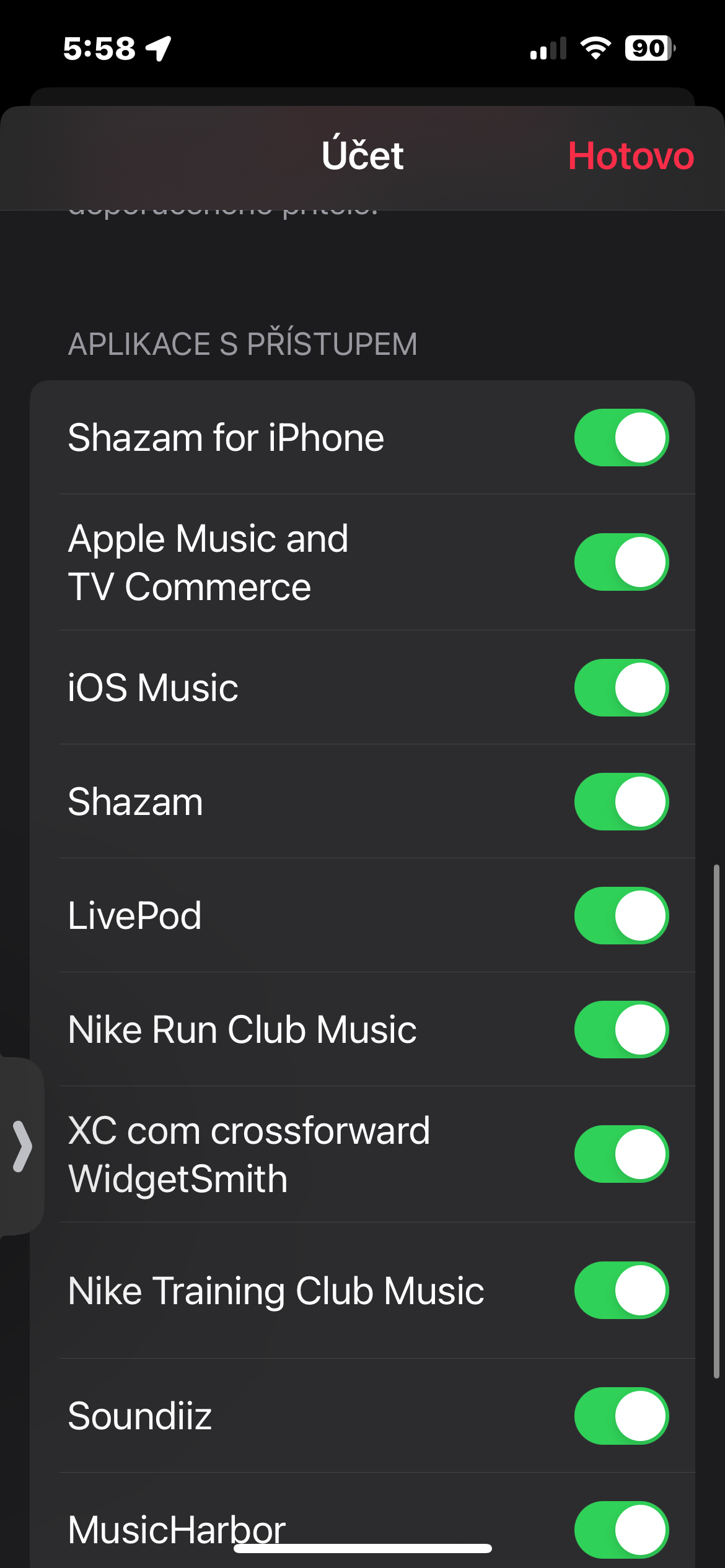
Prodrink Apple Music with other applications
Apple Music can be connected to a variety of other apps, such as fitness apps or music recognition apps, so you can always have your music at hand and easily control it from different apps.
How to do it?
- Open the Music app and tap your profile icon in the top right.
- Go to Settings.
- In the Apps with access section, you will see a list of apps that have access to Apple Music. You can adjust which apps have access to your music content here.
Gallery