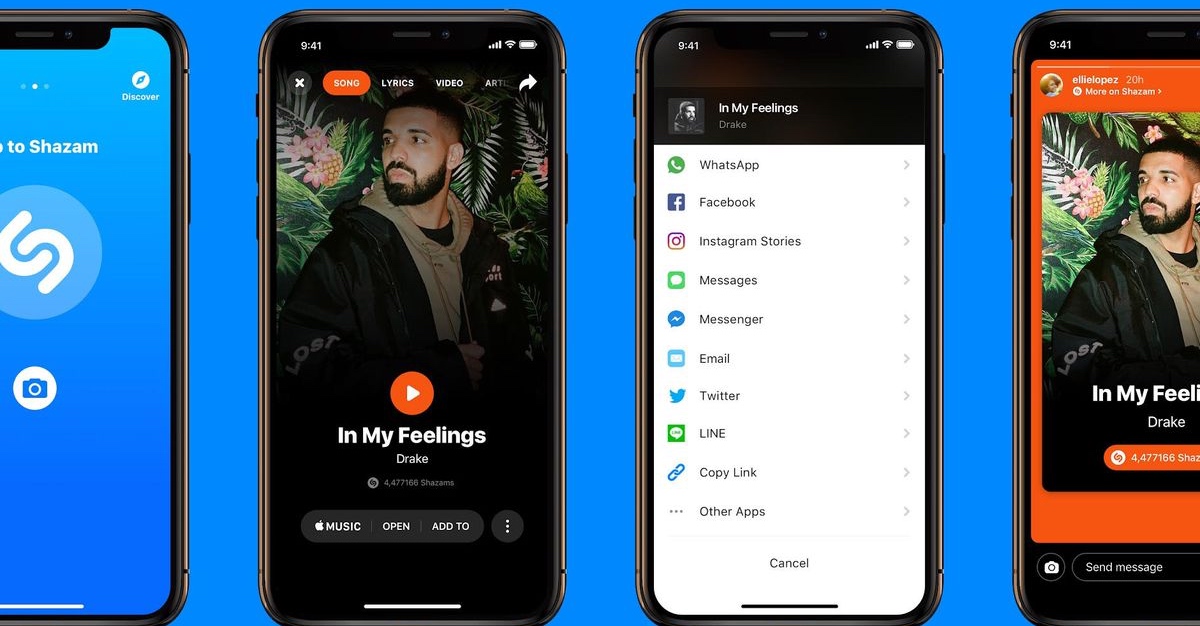
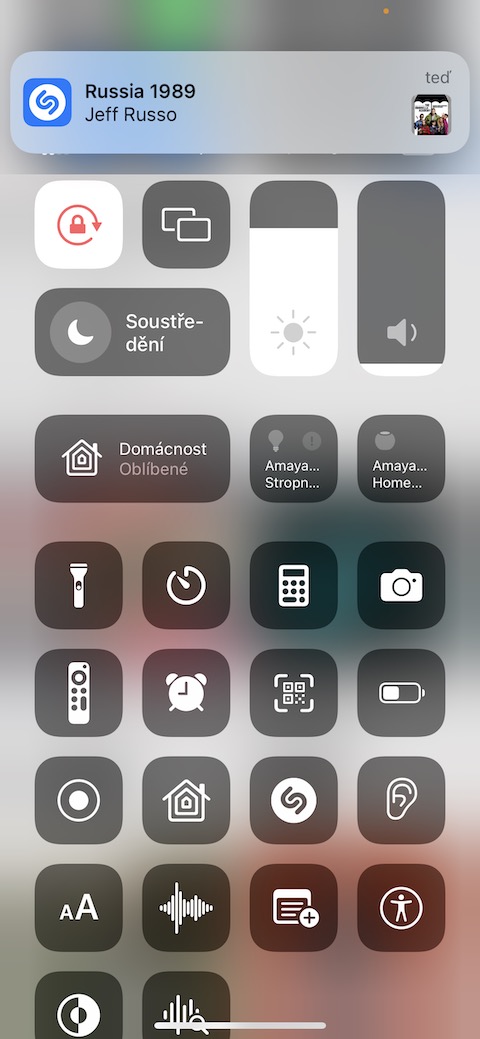
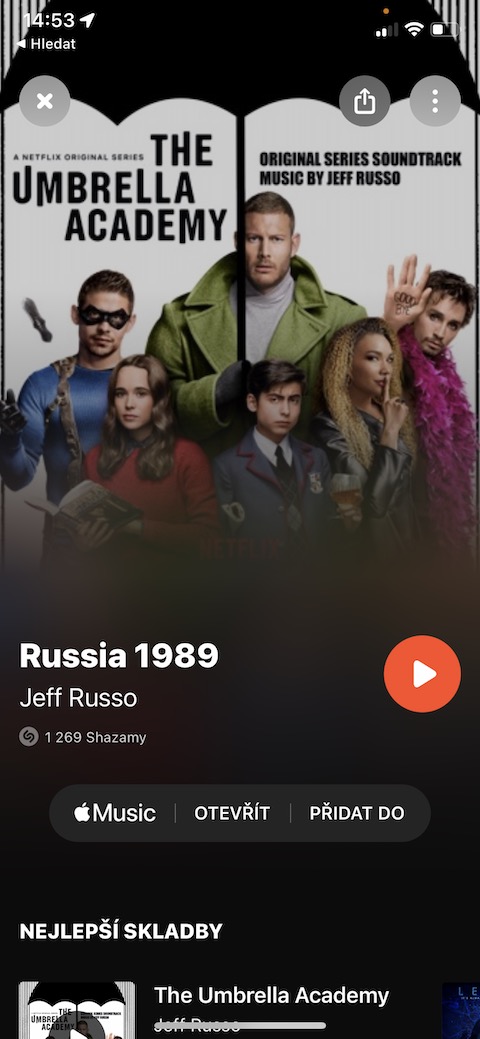
Series or movie recognition
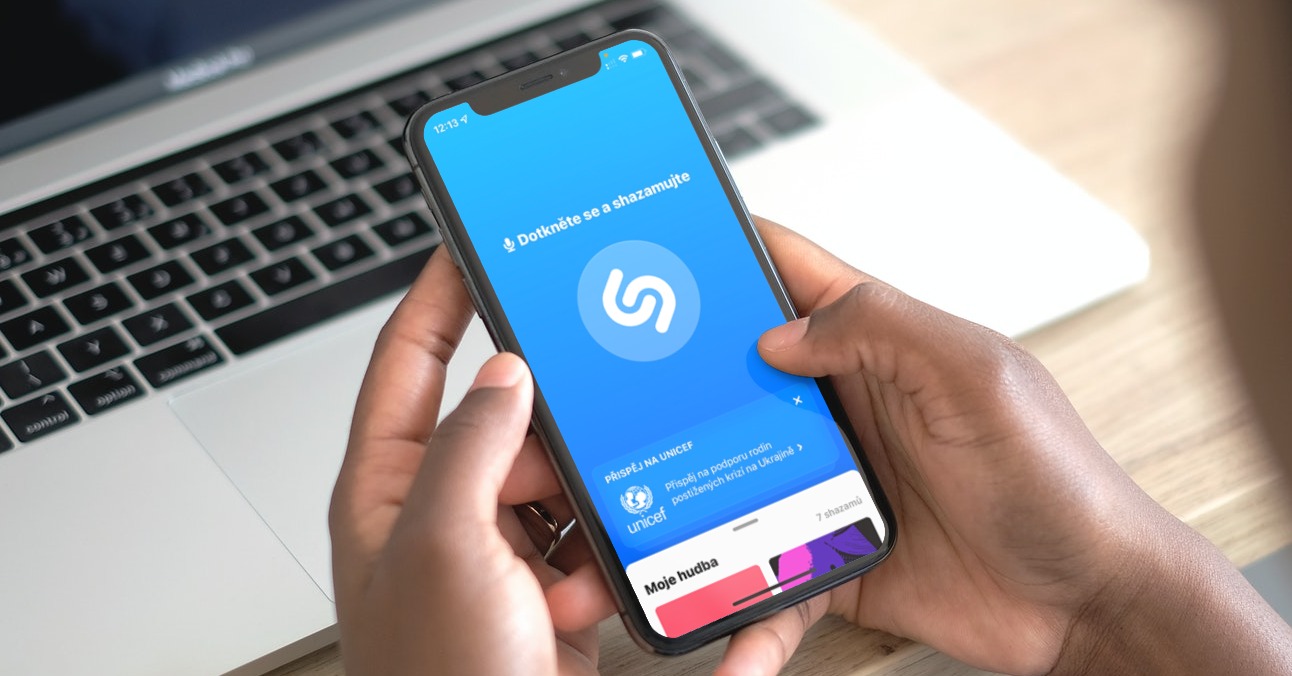
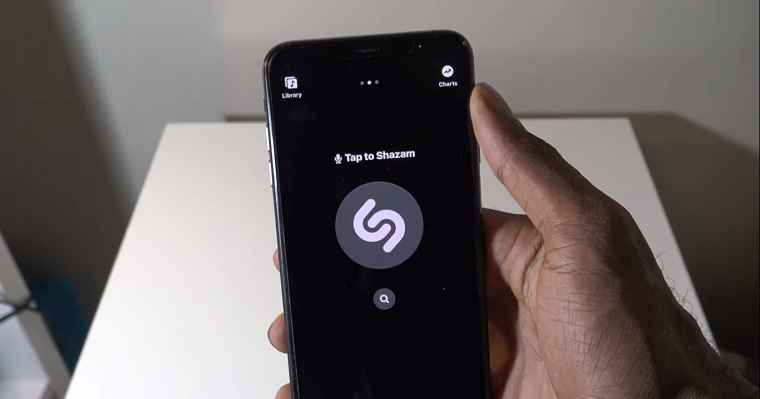
If there's a series or movie playing near you that you can't identify, you can wait for the soundtrack to start playing. There's a pretty good chance that Shazam will be able to tell you what movie or series the song is from in addition to the song title. Shazam can also recognize the soundtracks of some games.
Gallery


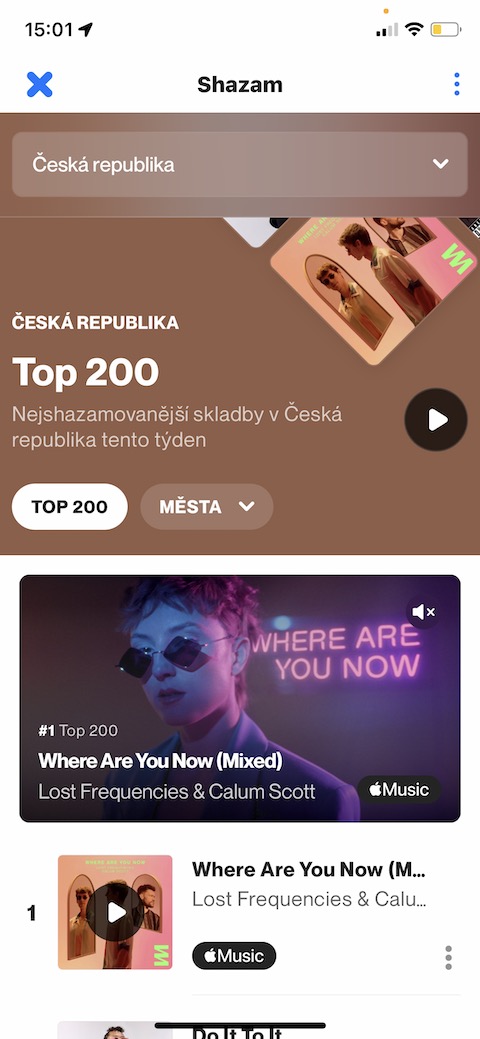
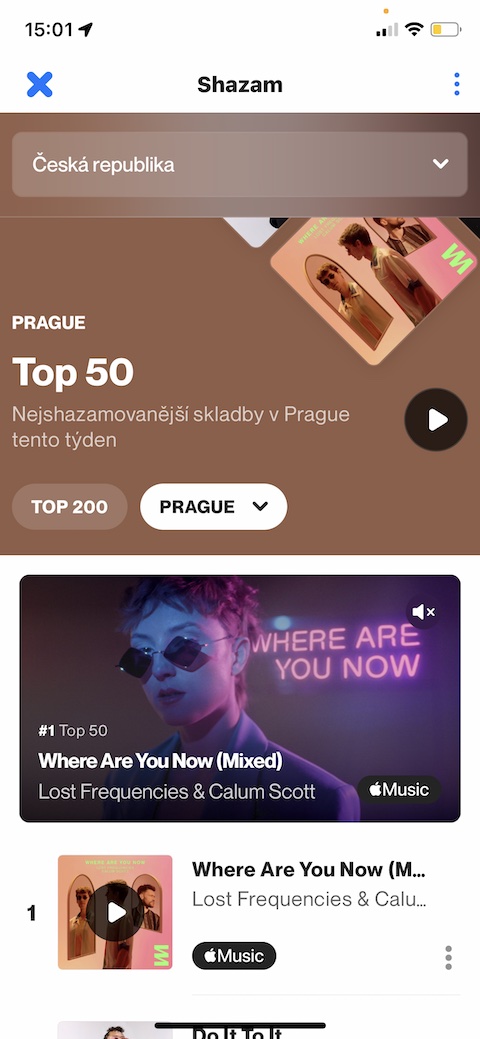
Discover new music
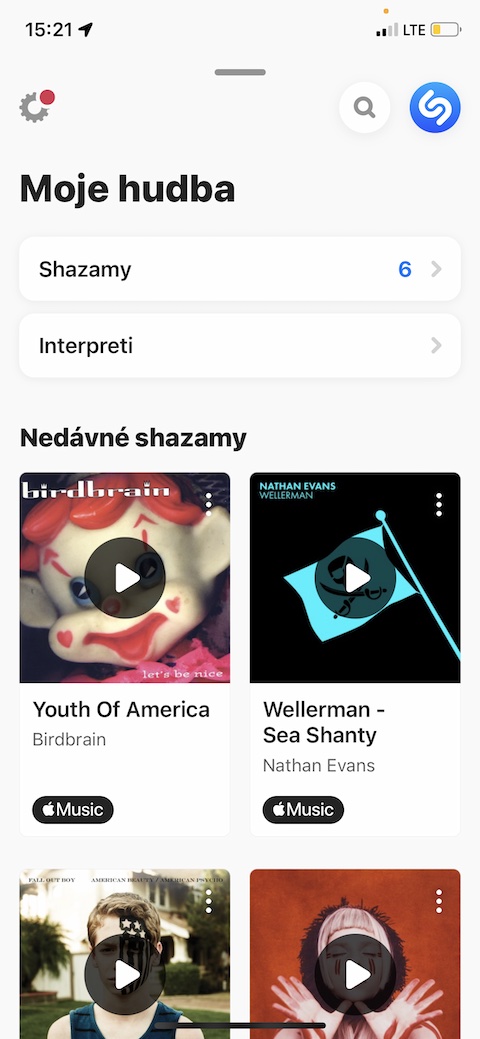
Recommendations for new music to listen to are always helpful. Among the applications from which you can draw inspiration in this direction is Shazam, where you can recognize, for example, the songs that other users are searching for the most at a given moment. Just launch the application and tap to pull up the panel located at the bottom of the display. Click the magnifying glass icon in the top right, then select Leaderboards by City and Country.

Recommendations for you
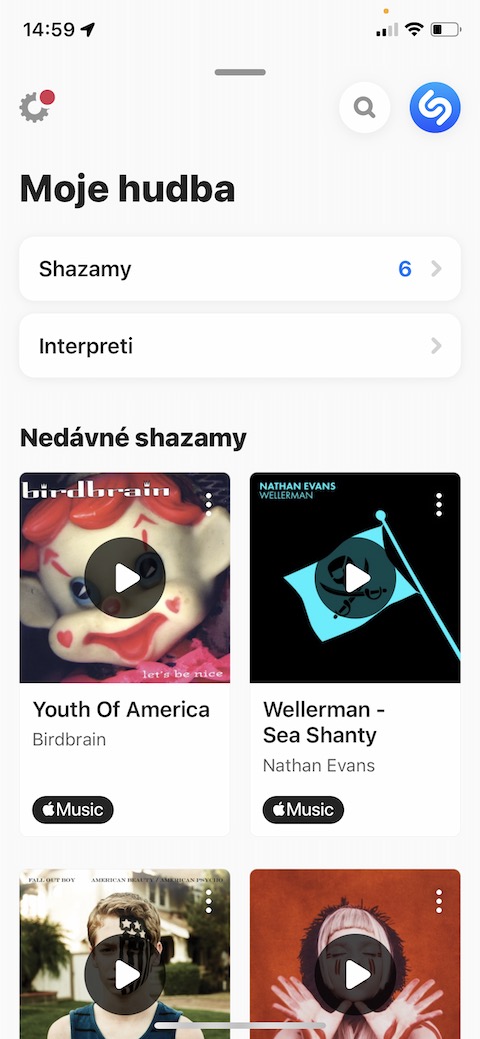
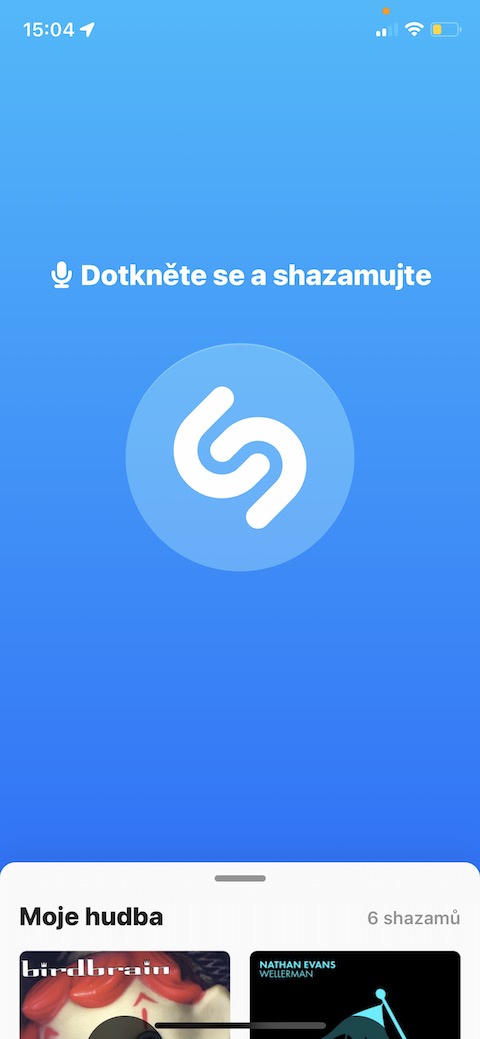
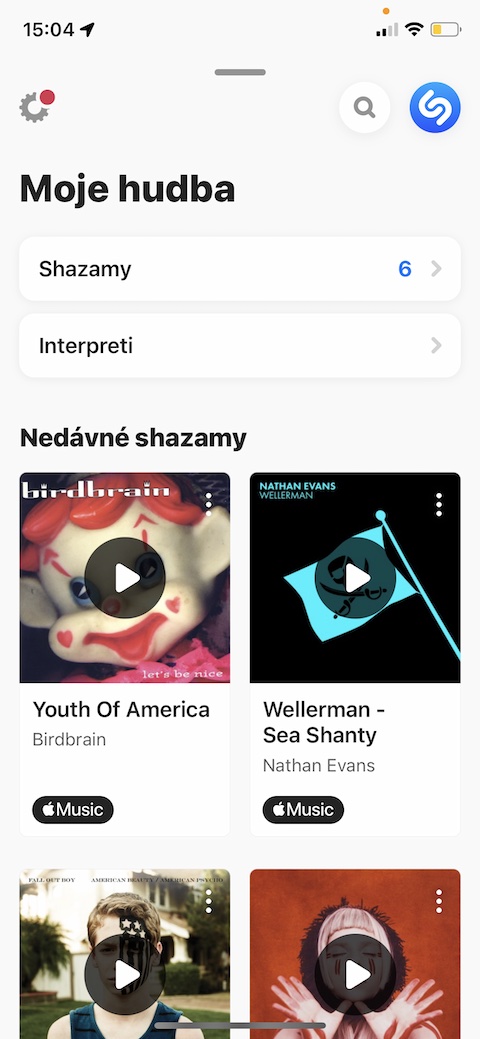
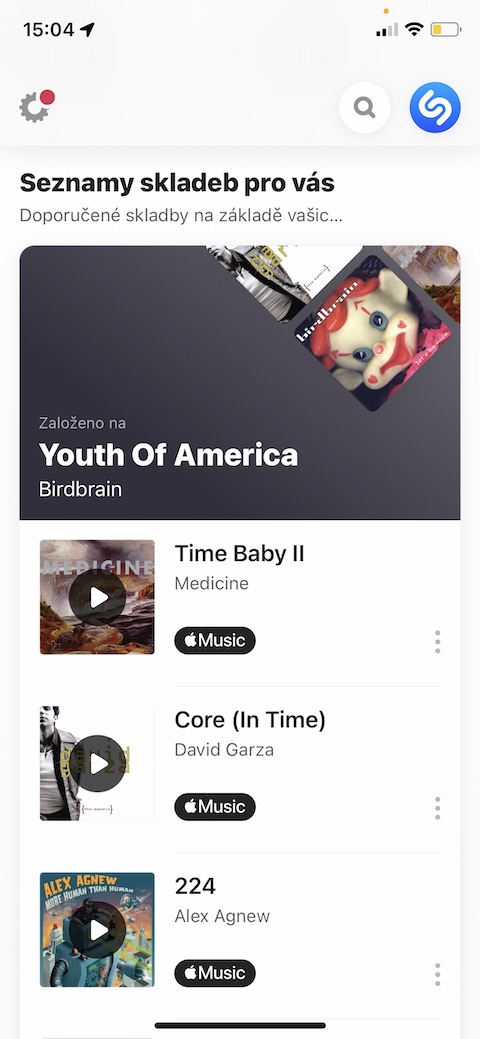
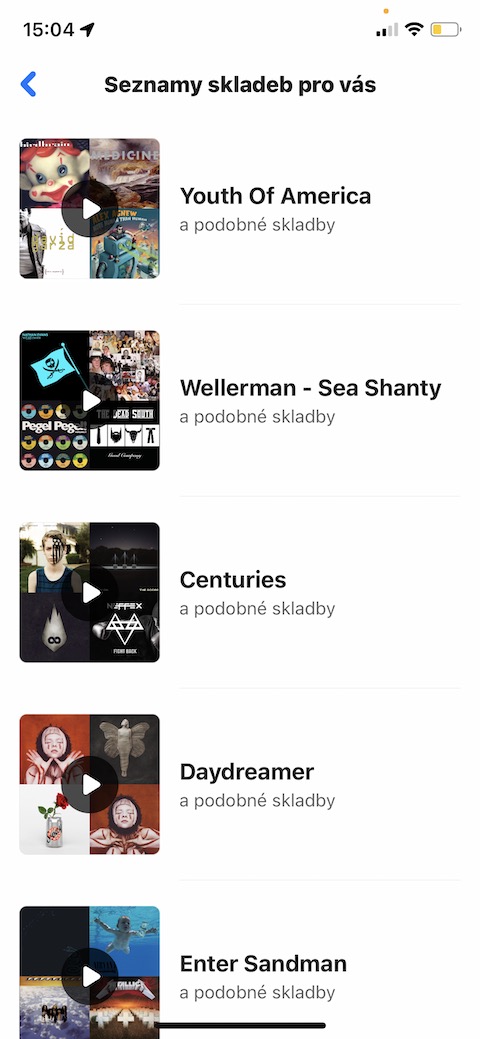
The more songs you search for, the better Shazam is able to offer you music to listen to based on what interests you. Want to see what Shazam recommends for you to listen to? Launch the app and tap to activate the panel at the bottom of the screen. After that, all you have to do is scroll down a bit on this panel, where you will come across a section with a personalized recommendation of songs to listen to.
Gallery
Apple Music and Spotify
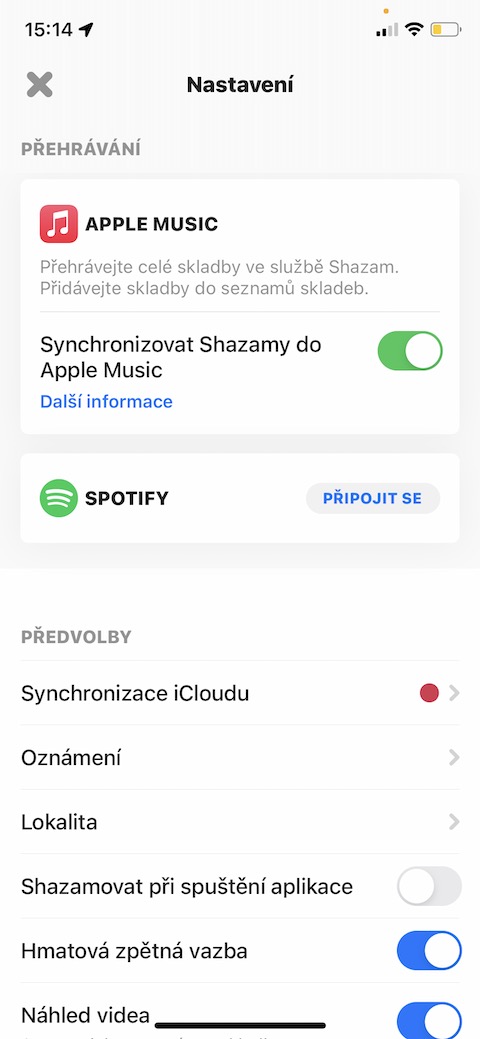
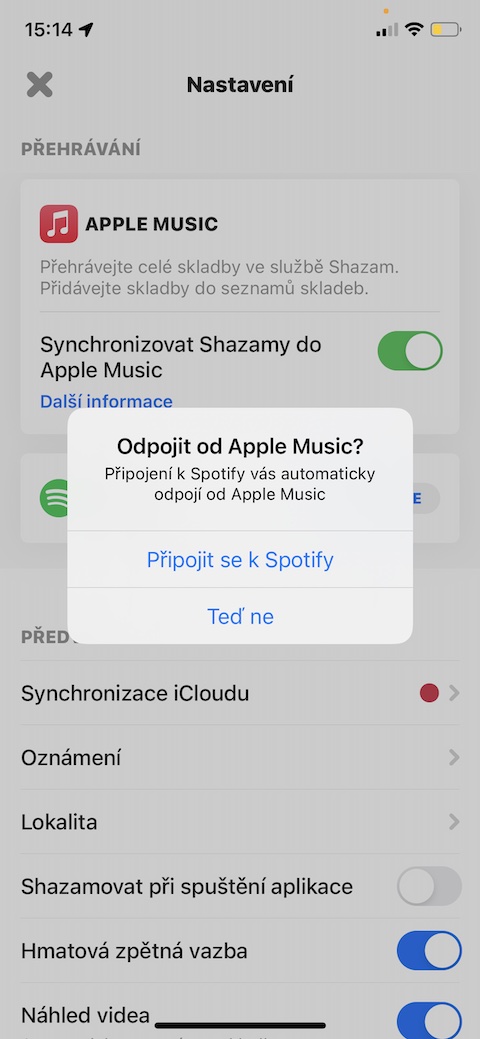
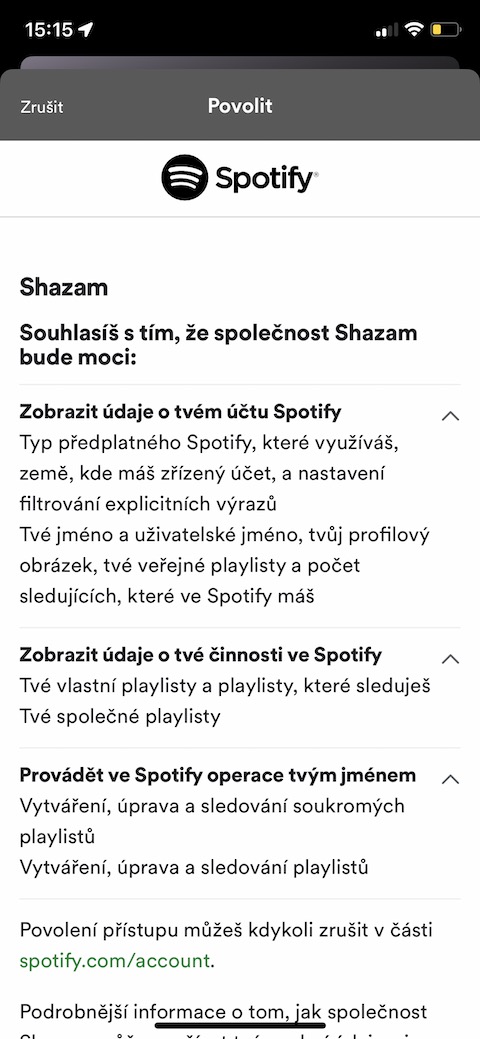
The Shazam app offers integration not only with native Music on your iPhone, but also with Spotify. If you also want to connect Shazam to Spotify on your iPhone, launch Shazam and tap to activate the panel at the bottom of the screen. After that, just click on the settings icon at the top left and click Connect next to Spotify. If you link Shazam with Spotify, it will automatically unlink with Apple Music.
Microphone selection
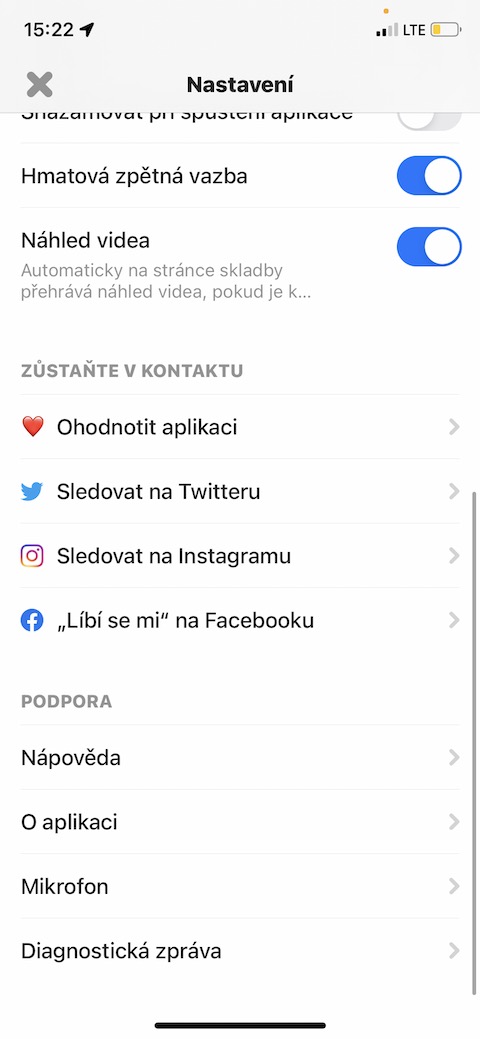
In the Shazam app, you can also easily control which microphone to use when using Shazam. Launch the Shazam app on your iPhone, then tap to activate the tab at the bottom of the screen. Tap the settings icon in the top left, then scroll down to the bottom, where in the Support section, tap Microphone and select which microphone to use, or enable automatic selection.
Gallery