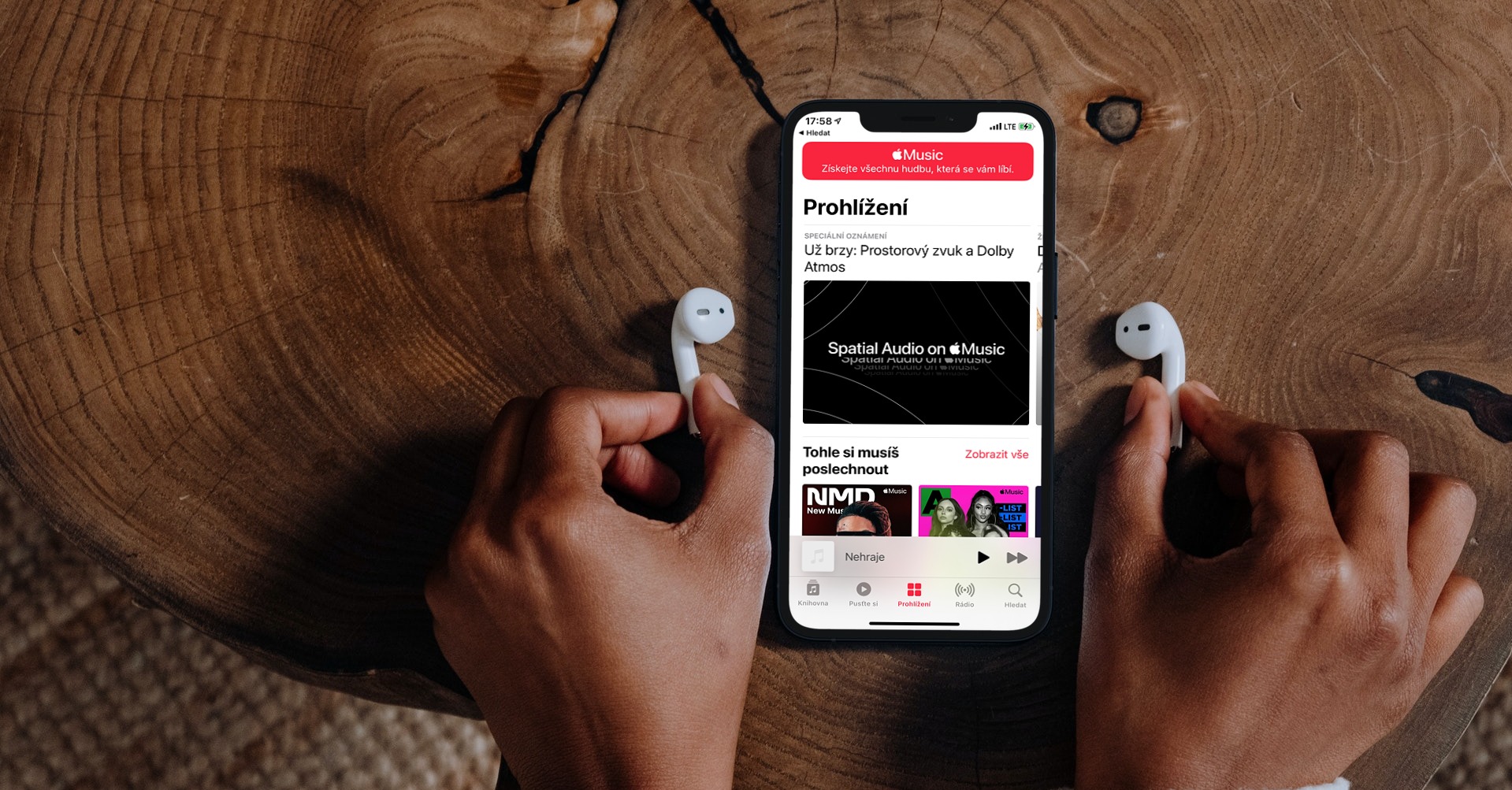
iPhone and iPad updates can sometimes cause some of the apps you use daily, including native ones, to break. For example, many users encounter that the application Apple Music It is empty after the update or its content is not displayed correctly. What to do about it?
You might be interested in
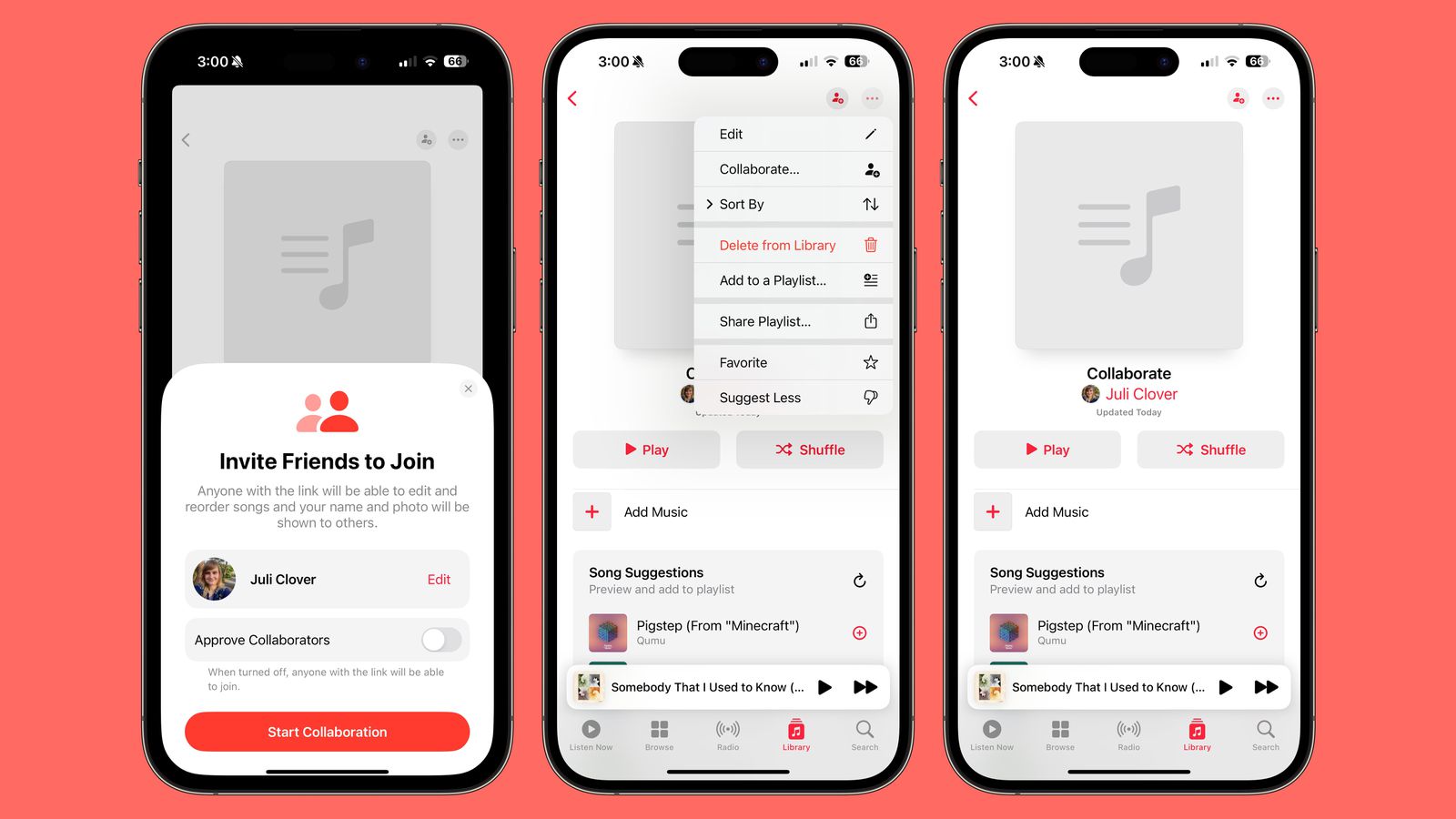
You have just updated your iPhone or iPad to the latest version of the operating system iOS or iPadOS and now all your apps are gone Apple Music?Does it seem like you have no music at all? If so, you're not alone and it's usually a quick fix.
Quick tips
As with many other problems, there are a handful of quick tips you can try right away.
- Restart or hard reset the device
- Library sync check
- Switching to mobile data or another Wi-Fi network
How to check library sync
When updating the system iOS or iPadOS on your device with the music library on iCloudsometimes for some unknown reason it turns off and does not turn on automatically after the update is complete. So if the service Apple Music shows blank or not loading after update, check if the sync settings are correct
How to check service settings Apple Music:
- Go to Settings > Music.
- Turn on the option Synchronize the library.
Gallery
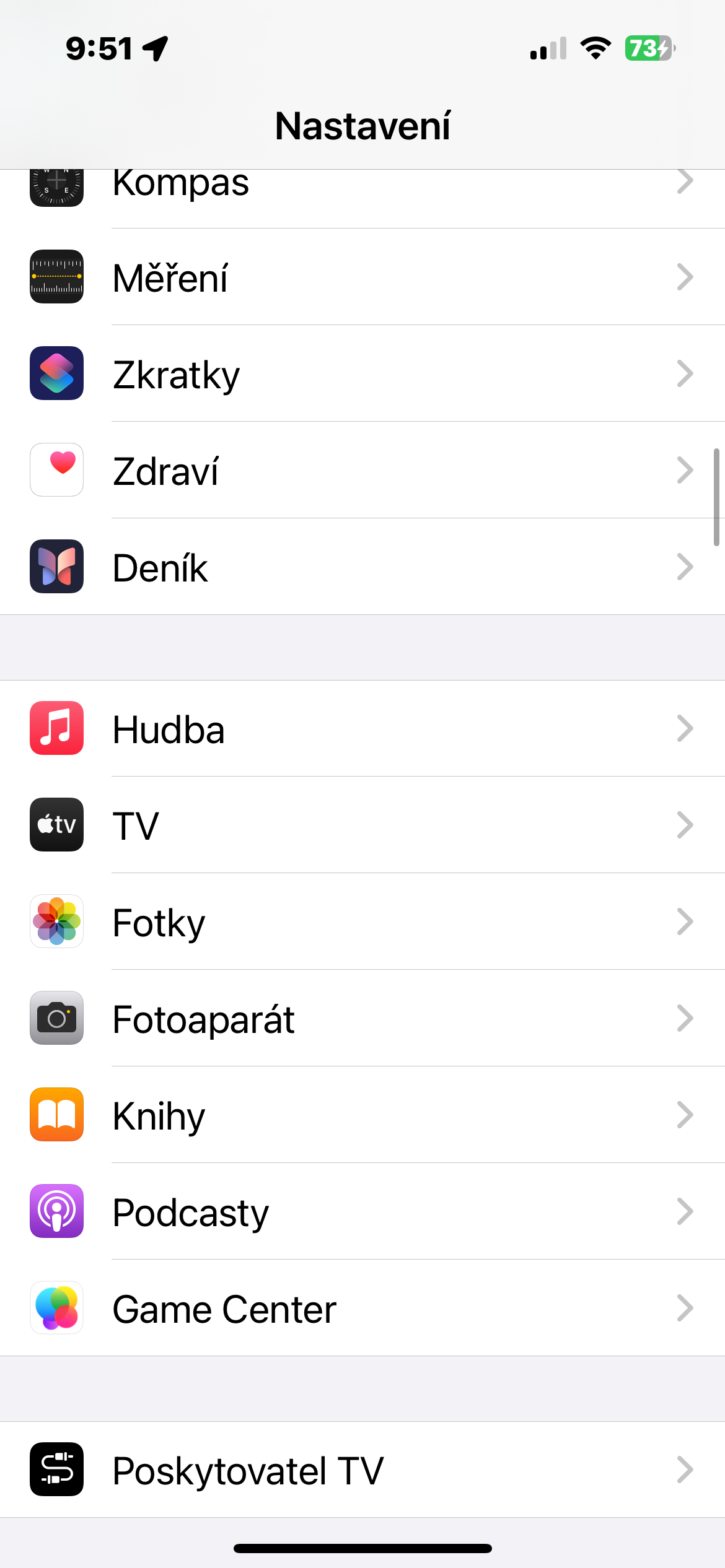
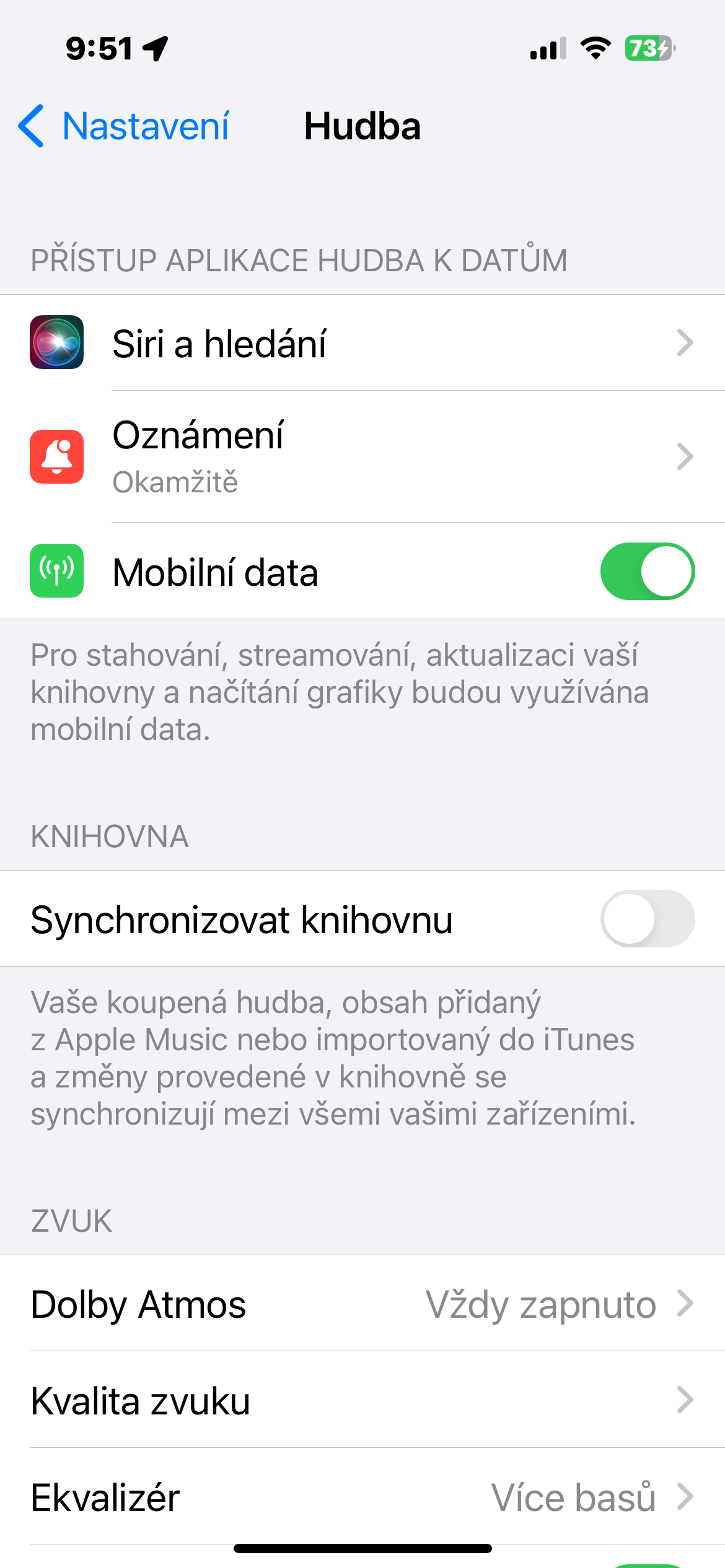
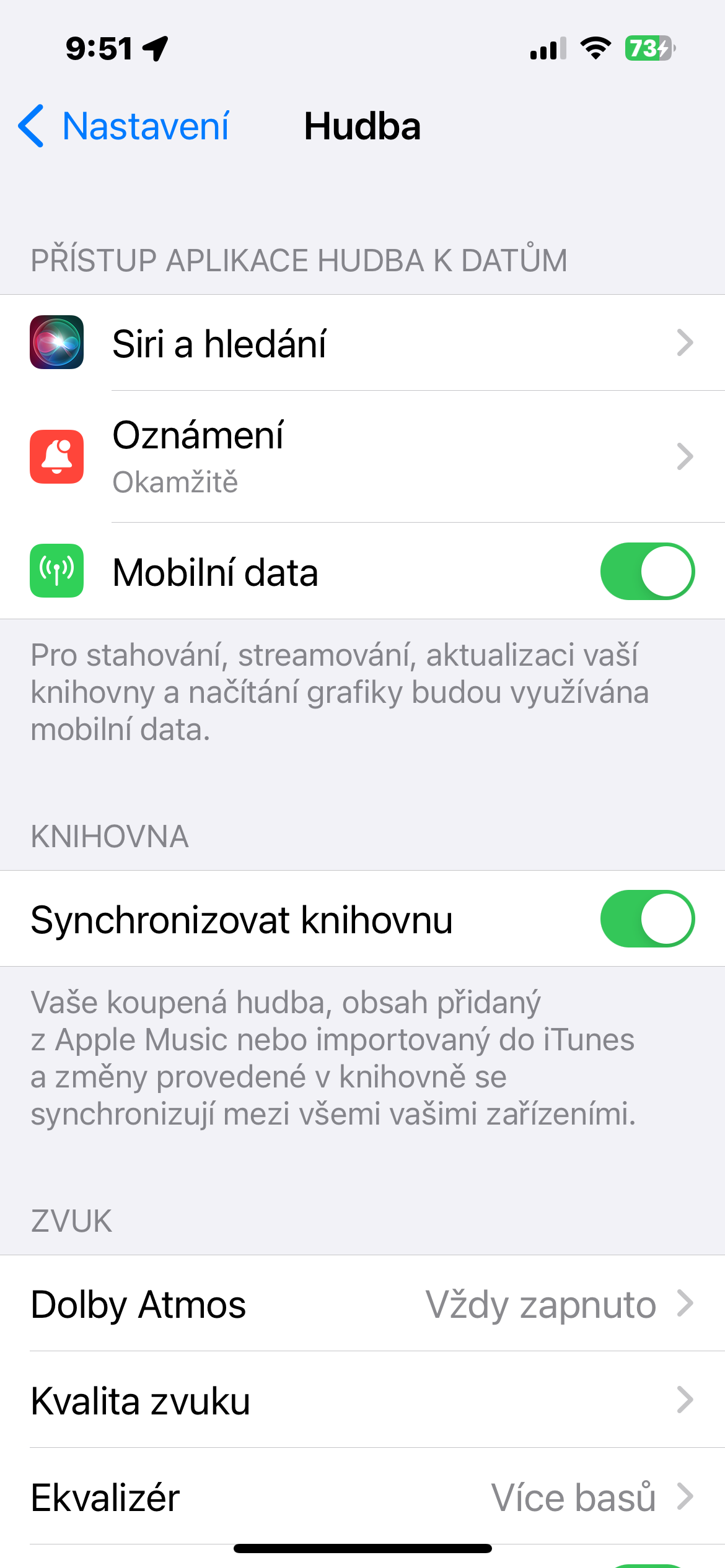
If library sync is already on, try turning it off, wait a few seconds, and turn it back on.