
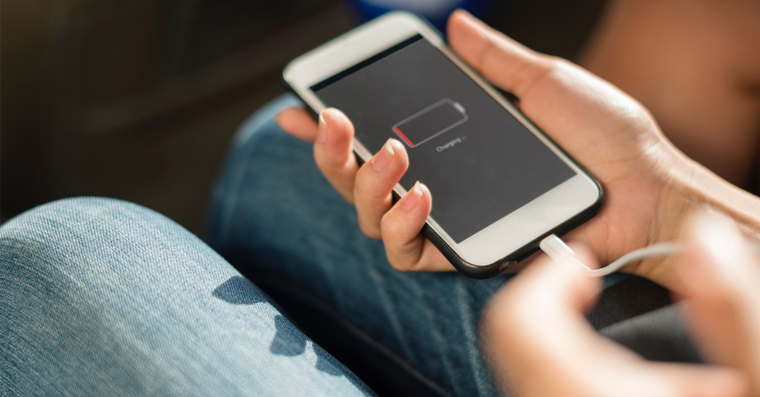
How to Optimized Charging on iPhone? iPhones are equipped with lithium-ion batteries, among other things. But keeping such a battery in good condition is not easy. Over time, it wears out and loses capacity, which means it doesn't last as long on a charge. Proit can be counterproductive to constantly keep your phone at 100%.
You might be interested in
On the other hand, battery life requirements are constantly increasing. We want to keep our phones charged all the time, but in practice this is not possible. Manufacturers do add fast charging, which is nice, but wears down the battery even faster. To avoid this effect, most phones today offer a feature called optimized charging.
What is optimized charging and how does it work?
Optimized charging is a feature that protects the health of the battery and prevents its chemical aging. ProIs it important? A weak battery does not last long on a charge and affects the overall performance of the phone. Several factors affect the rate of battery aging. One of the most important is the charging method, the ambient temperature and the age of the battery itself. Charging overnight or constantly connecting to the charger even after it is fully charged has a bad effect on the battery.
ProThis is why phone manufacturers have developed optimized charging. This feature protects your battery from rapid wear and ensures safe charging. It uses machine learning to learn about your habits – how you use your phone, when it’s on and when it’s idle. If it detects that your phone will be connected to the charger for a long time (for example, overnight), it will delay charging beyond 80%. The remaining percentage is recharged just before you usually unplug your phone from the charger. This means that you have a fully charged phone in the morning.
This feature works great especially at night if you have regular sleep. Although this makes the phone charge more slowly, it is good for the battery in the long run.
How to turn on optimized charging on iPhone?
Optimized charging is on everyone iPhonetea iOS 13 and later enabled automatically. Pro To check or turn it on/off, follow these steps:
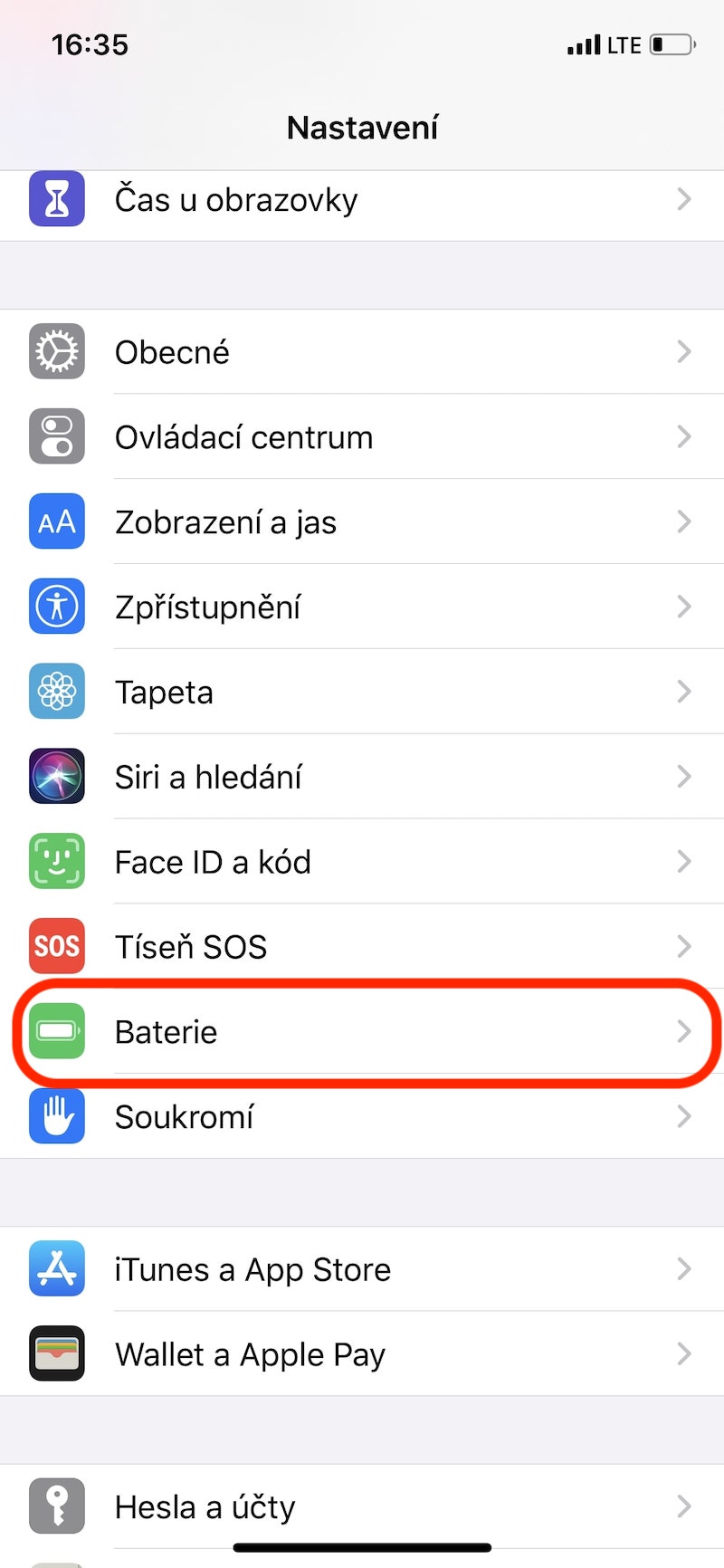
- Open it Settings.
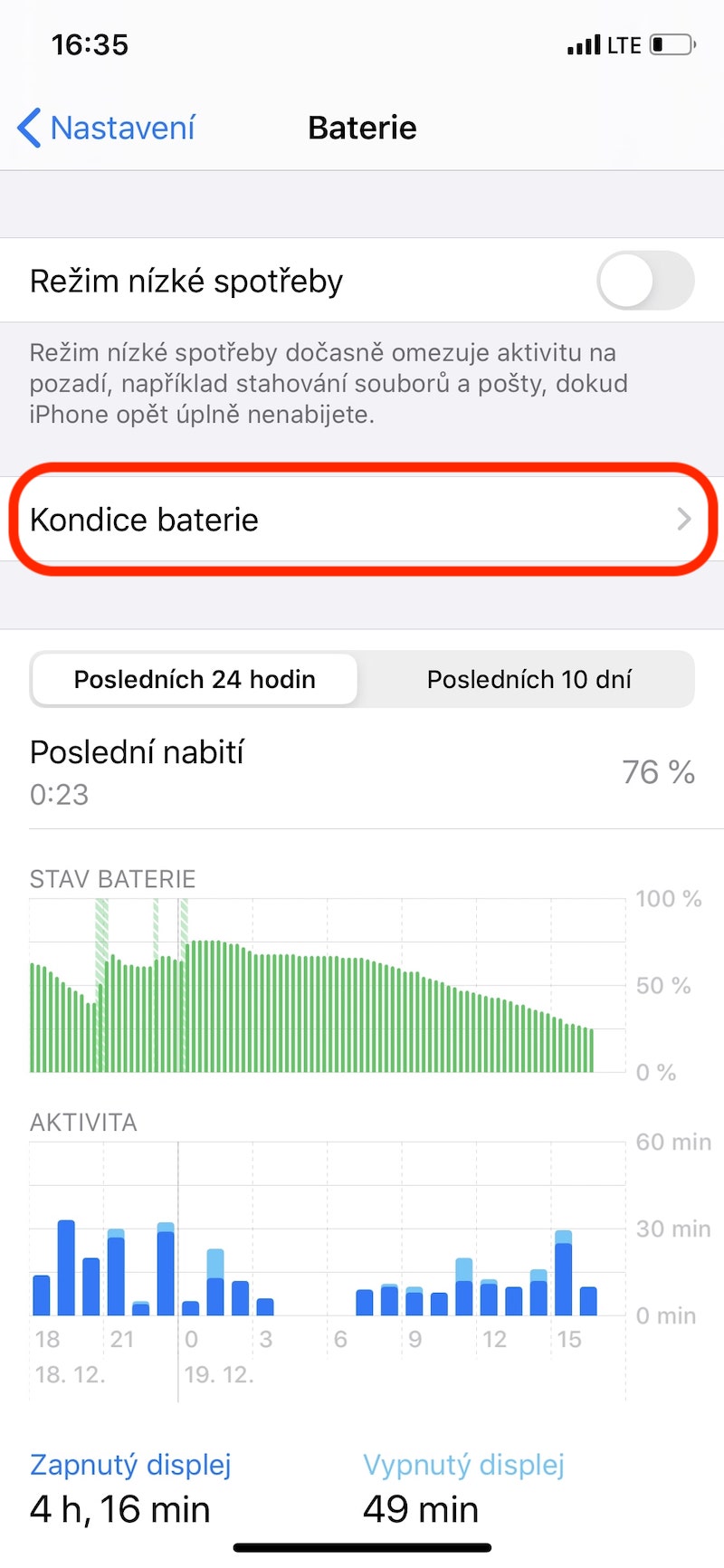
- Go to the section Battery.
- Click on Battery health and charging –> Battery health and charging.
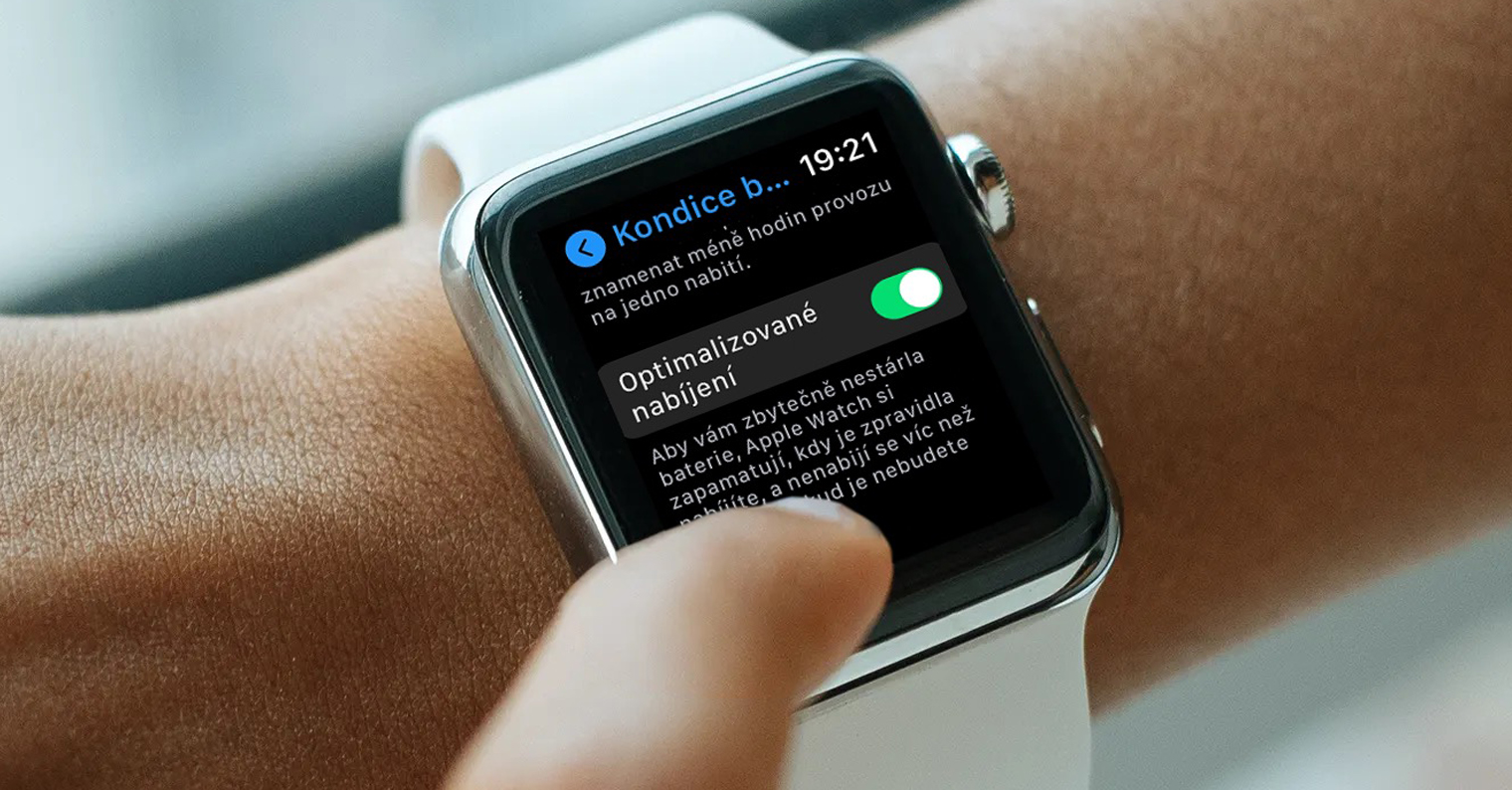
- Here you can enable/disable the function Optimized battery charging.
Gallery
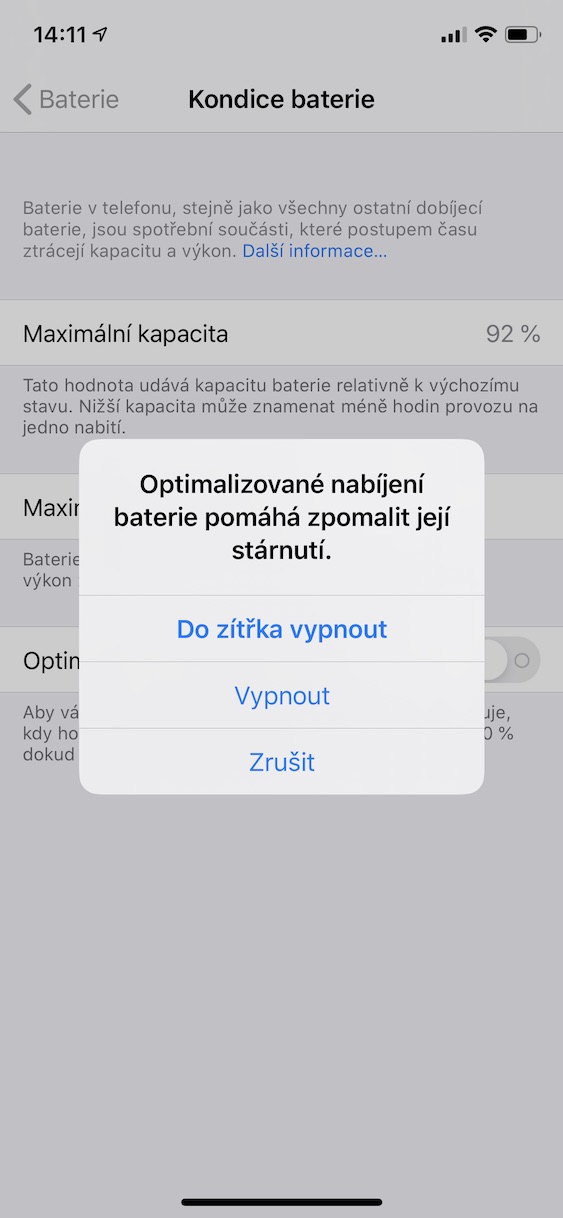
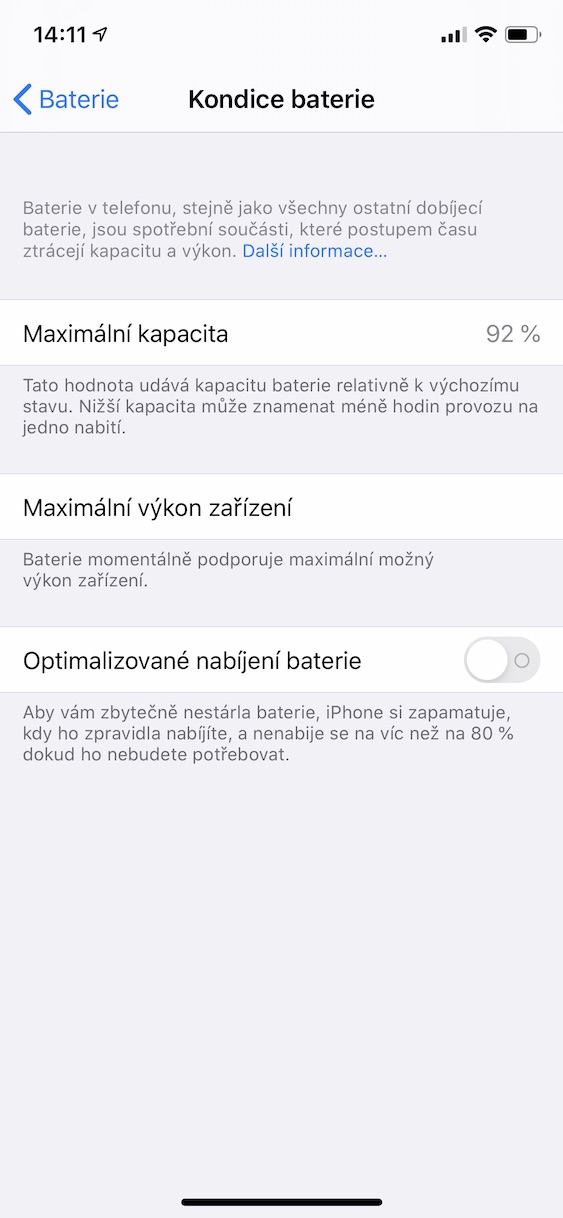
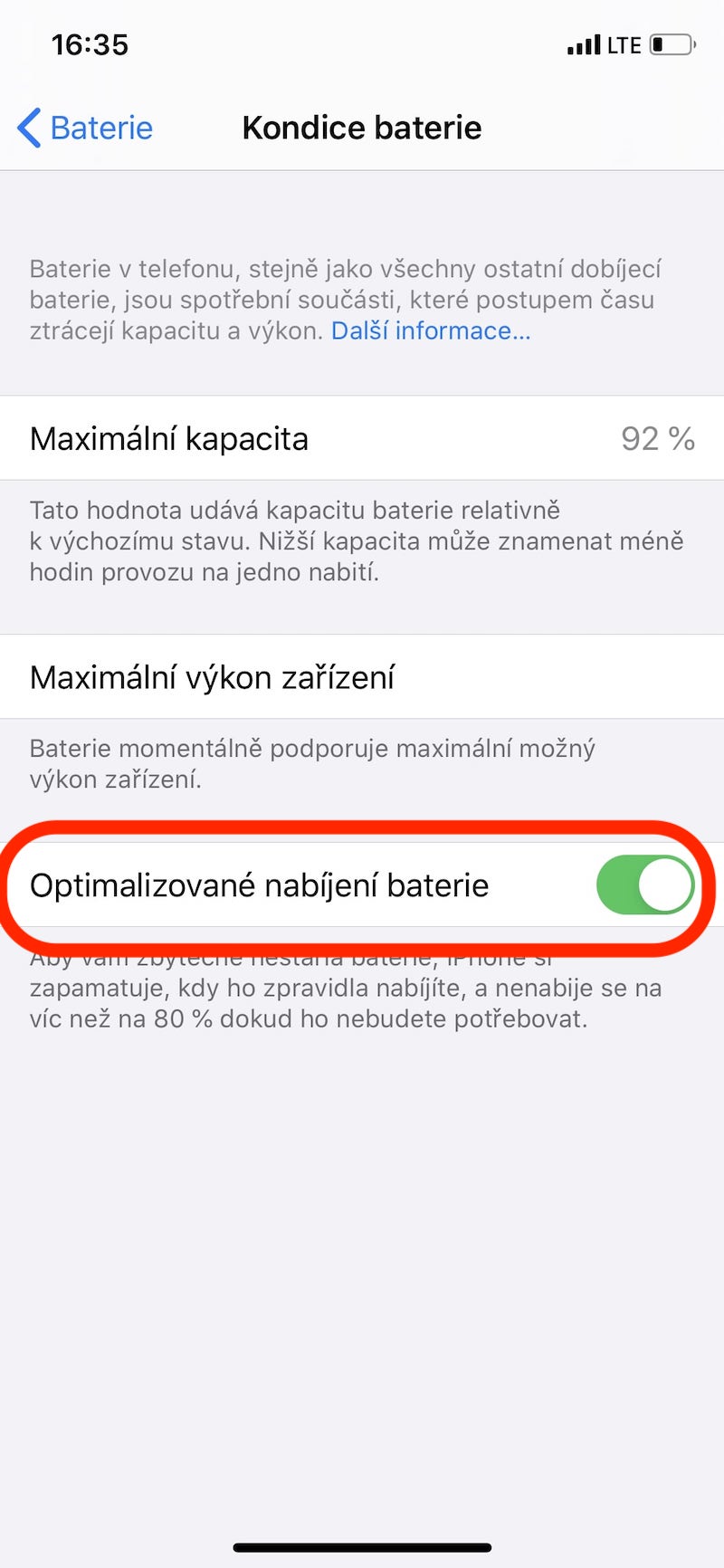
If the feature is turned on and you leave your phone on the charger for a long time, iPhone will show you a notification when charging is complete. If you would like to charge your phone immediately, 100 %, just hold your finger on this notification and select Charge now. In addition to optimized charging, it is also recommended to automate low power mode. This will automatically switch your phone to power saving mode when the battery drops to a certain percentage and turn it off when the battery is fully charged. Combined with optimized charging, this will give you a healthier battery and reduce the need for constant charging.




Even if I turn on optimized charging, it charges senselessly, I wake up at 5:00 and the phone charges at 100% already at 1:00. I don't understand what's so hard about it.chat Charge your phone half an hour before your alarm.
Even if I turn on optimized charging, it charges senselessly, my alarm is set for 5:00 and the phone charges at 100% already at 1:00. I don't understand what's so hard about it.chat Charge your phone half an hour before your alarm.