
Service iMessage on the iPhone allows you to do a lot of different things. Among other things, you can, for example, iMessage add eye-catching colorful animations and effects using special codes. Today we will show you how in iMessage activate effects with a single "magic word".
You might be interested in
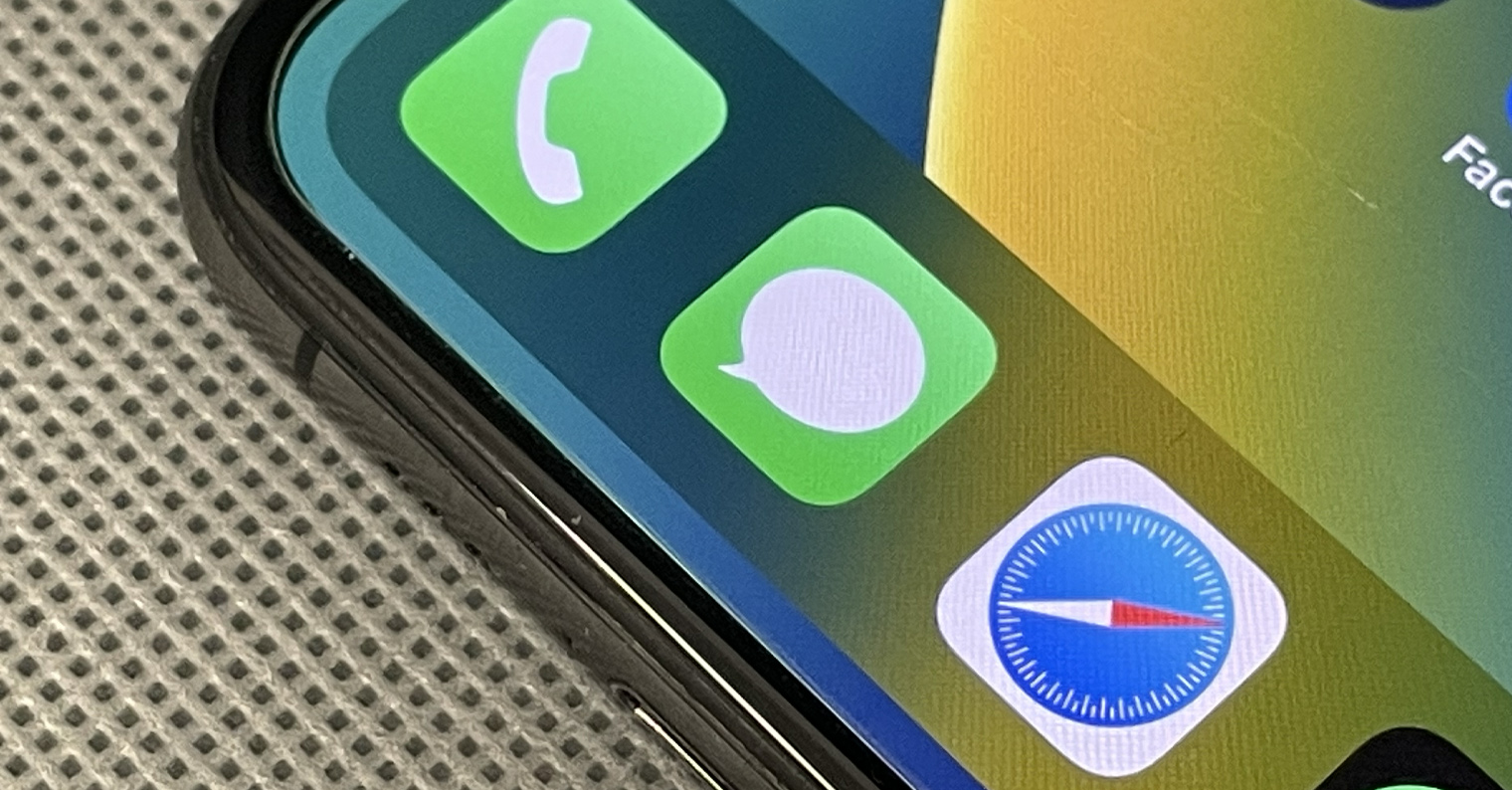
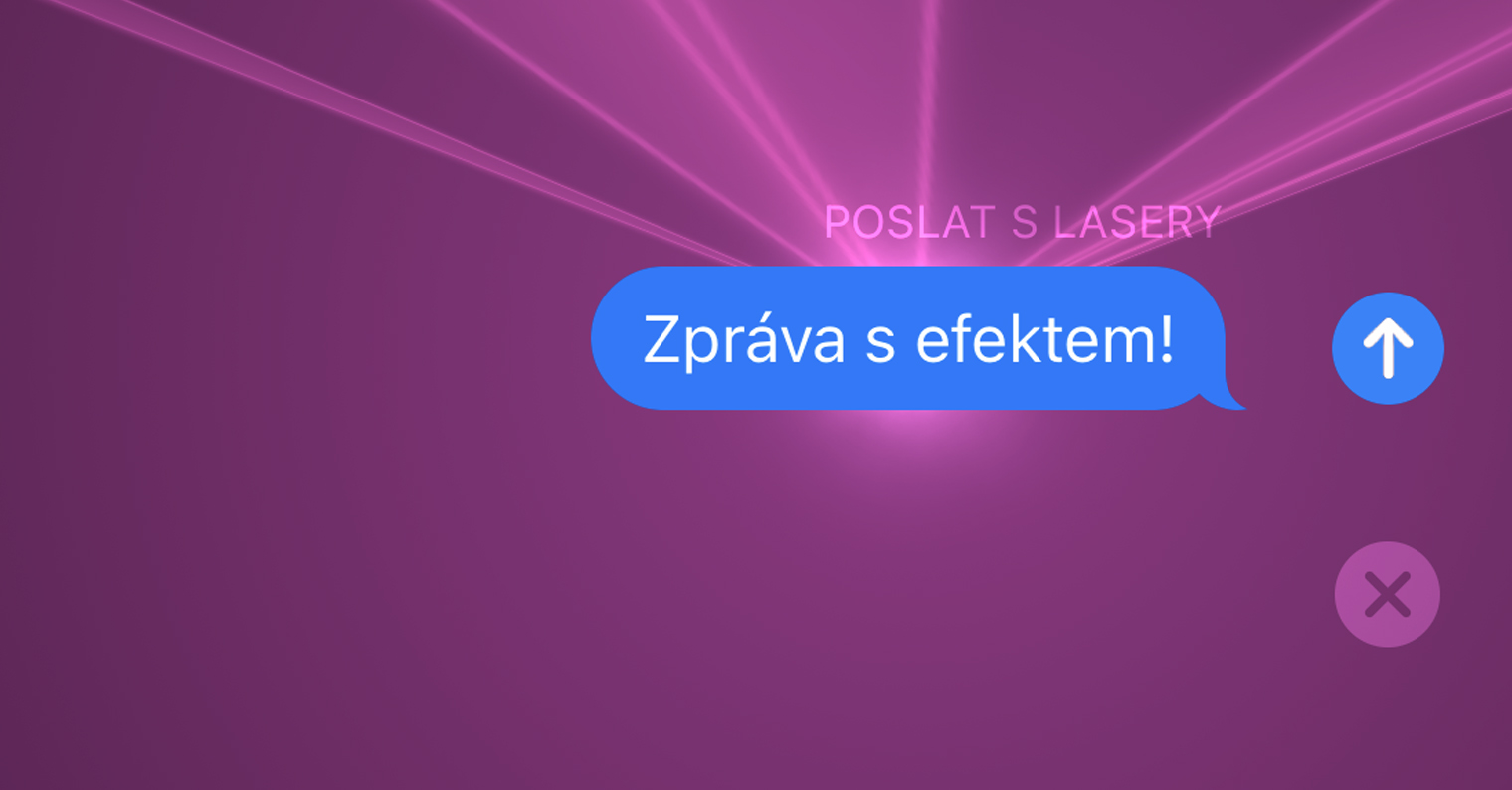
Pro To activate individual effects – including the laser light show – just send someone a message via iMessage A special trigger word. This feature has been available on the iPhone for some time, but there are still plenty of users who don't know about it yet. How to send via iMessage balloons, fireworks or maybe laser effects?
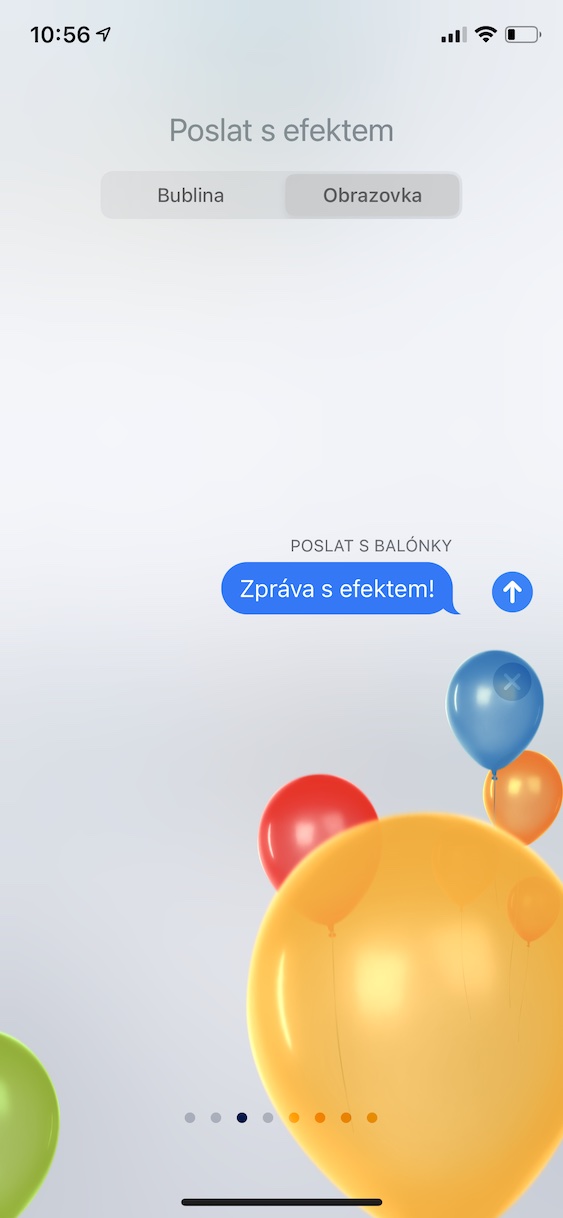
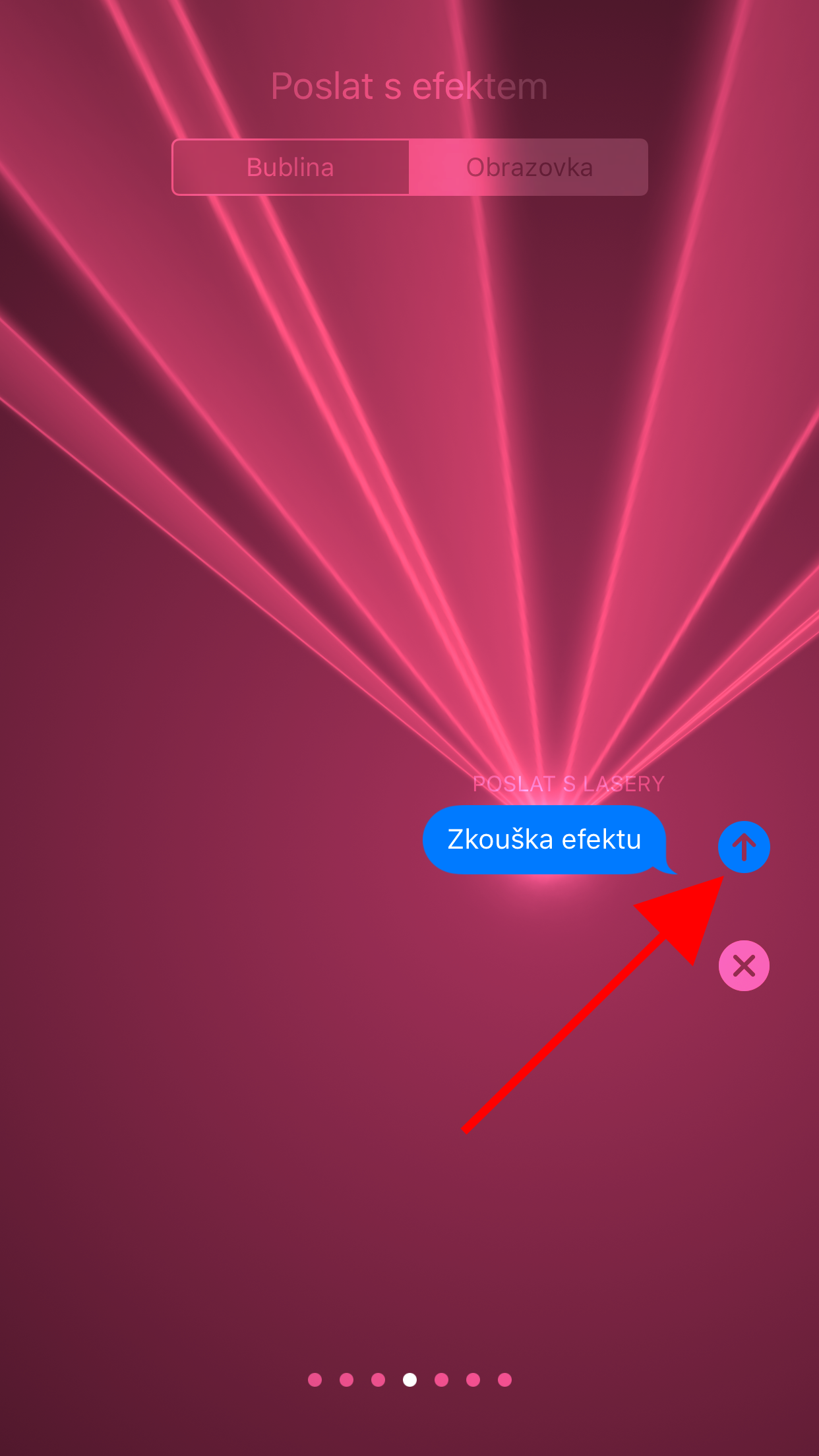
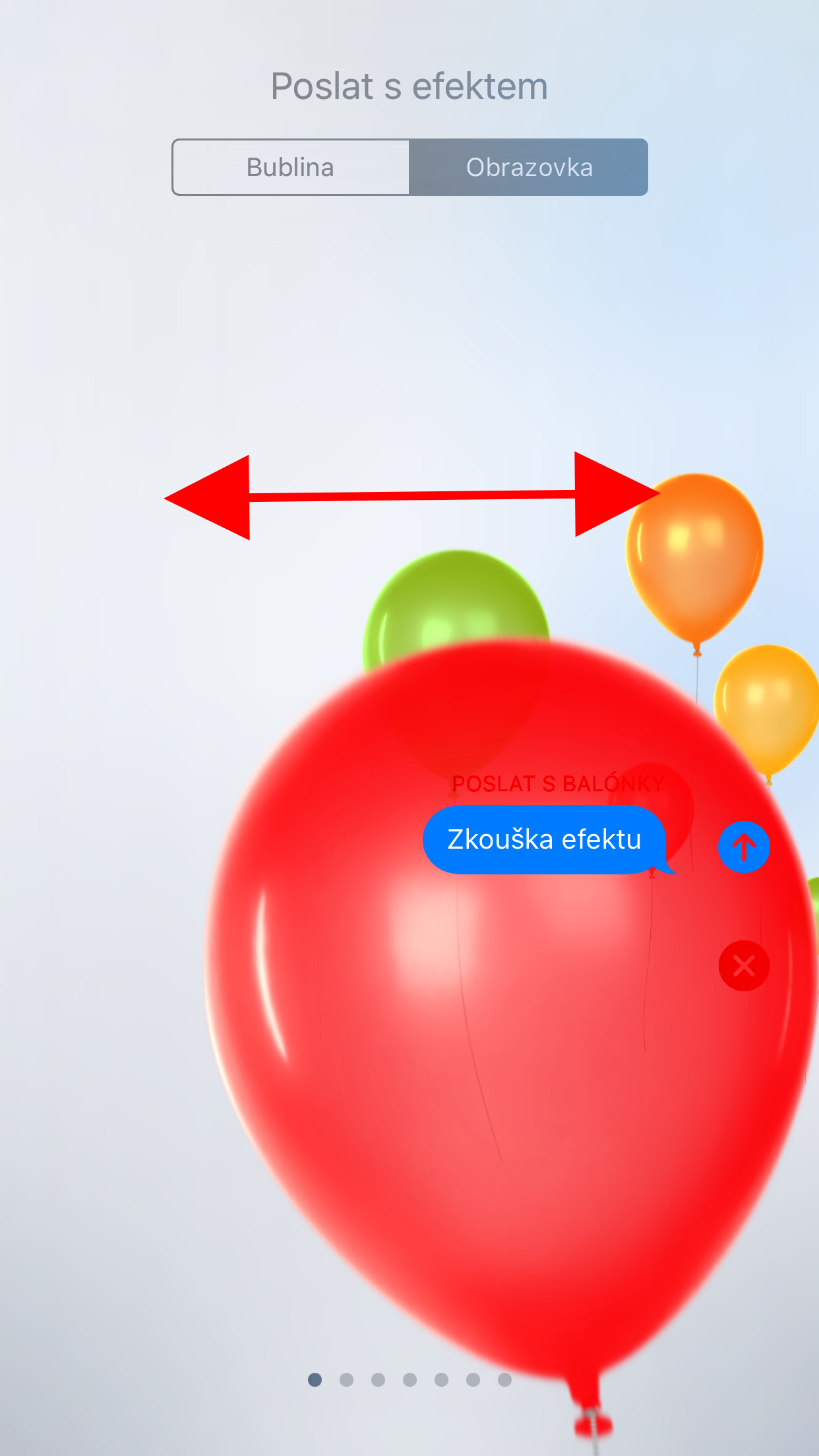
If you want to tell someone iMessage send animation with effect, it is of course necessary that the recipient also has iPhone. Then all you need to do is know the relevant secret codes. If you don't want to enter the codes, you can long-press the send button to the right of the text field when sending a message and select the desired effect.
Secret codes for sending effects in iMessage
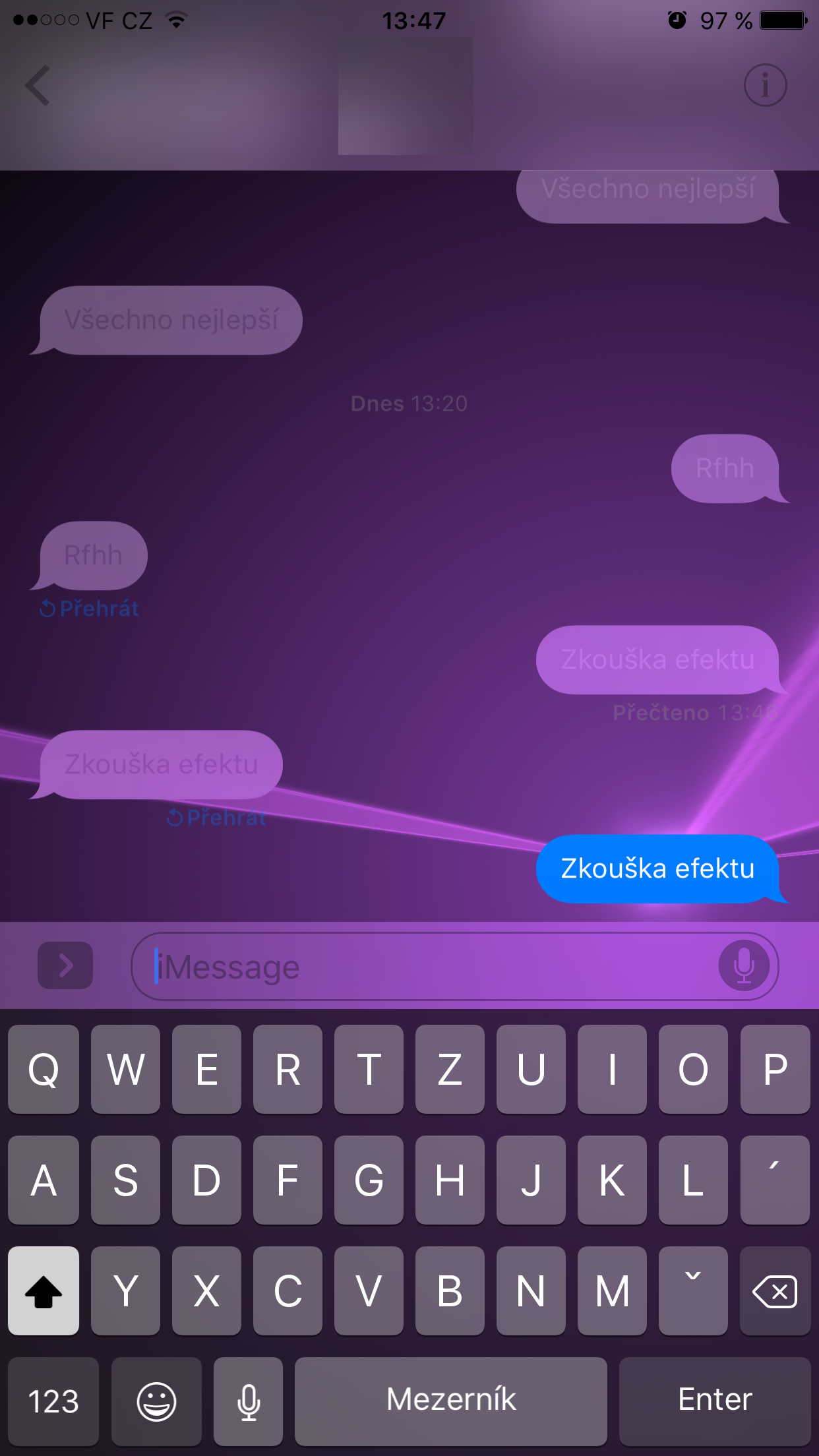
- pew-pew – laser effect
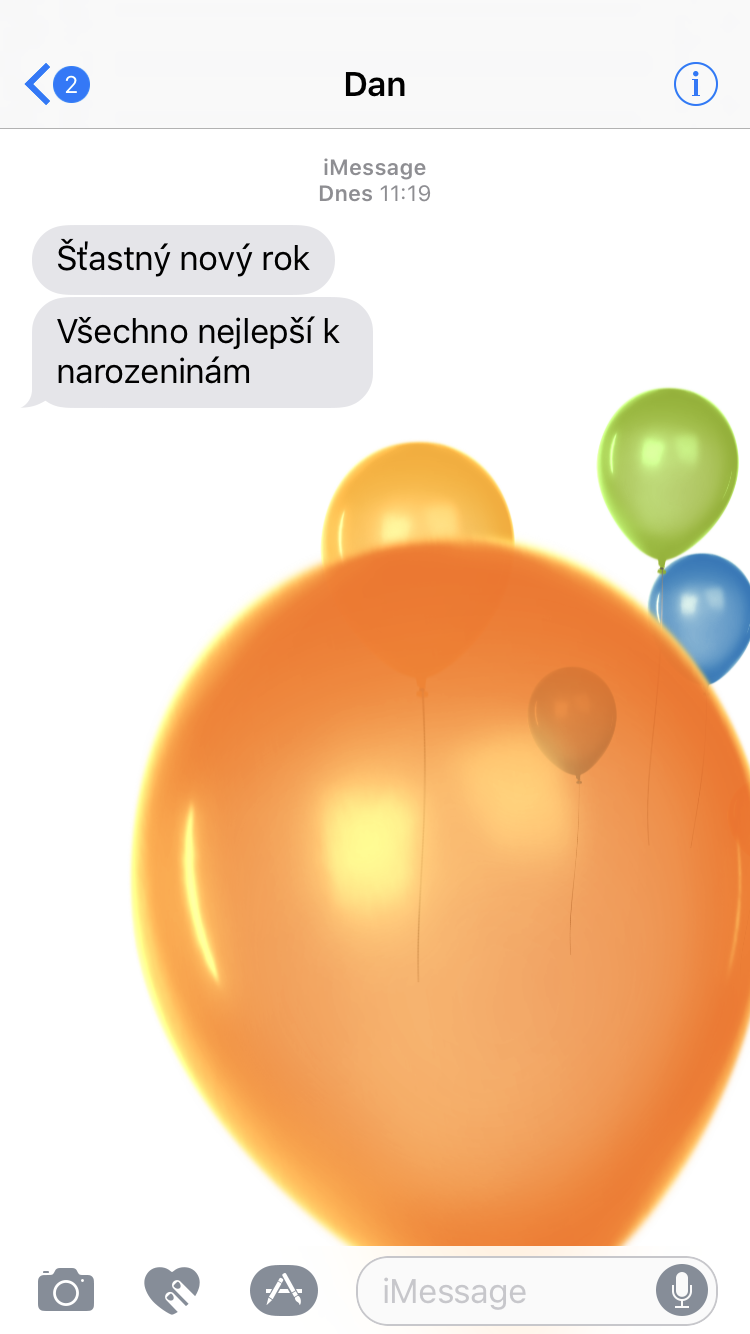
- HappBirthday – balloons
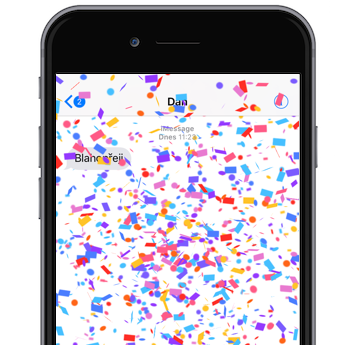
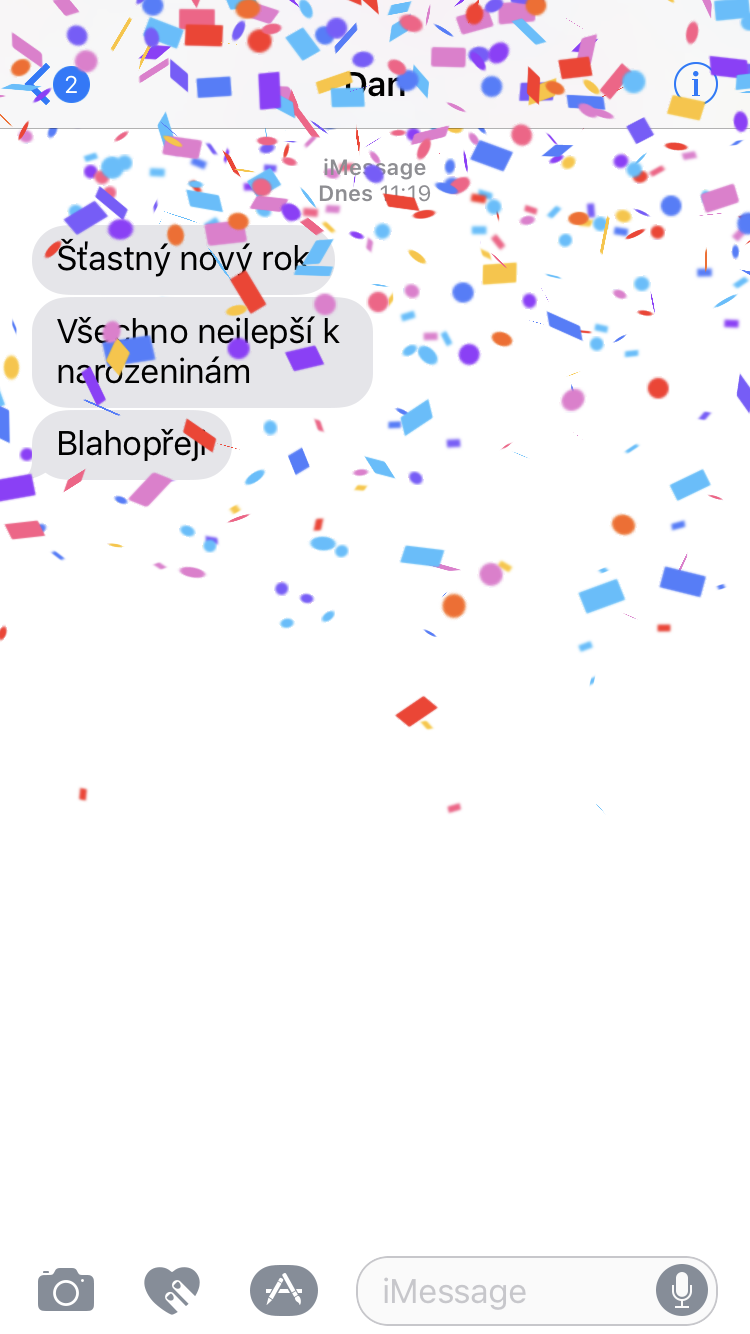
- Congratulations – confetti
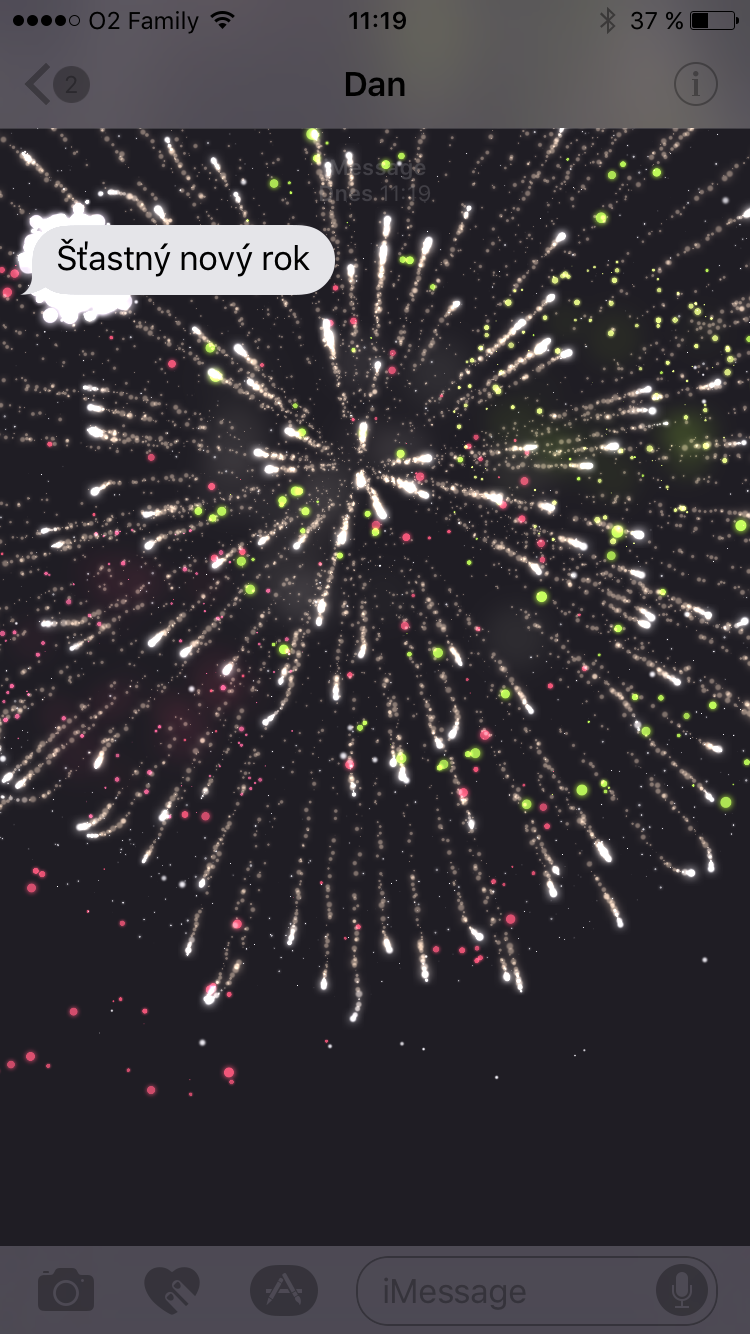
- HappNew Year – fireworks
- HappChinese New Year – red fireworks
- safe – confetti
- Eco – flooding the display with message bubbles
- Spotlight – a beam of light, aimed at the message
- Balloons – balloons rising from the bottom of the display
- Dragées – confetti rain
- Love – little hearts
- lasers – laser light show
- Fireworks – fireworks on display
- shooting star – shooting stars across the display
- Celebration – red fireworks
Gallery
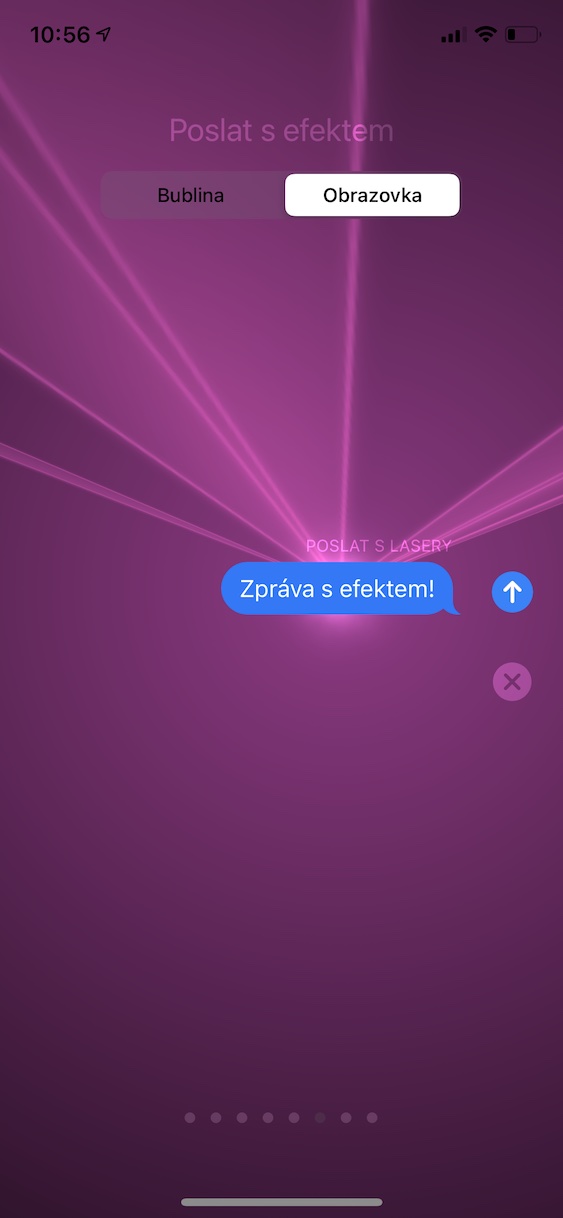
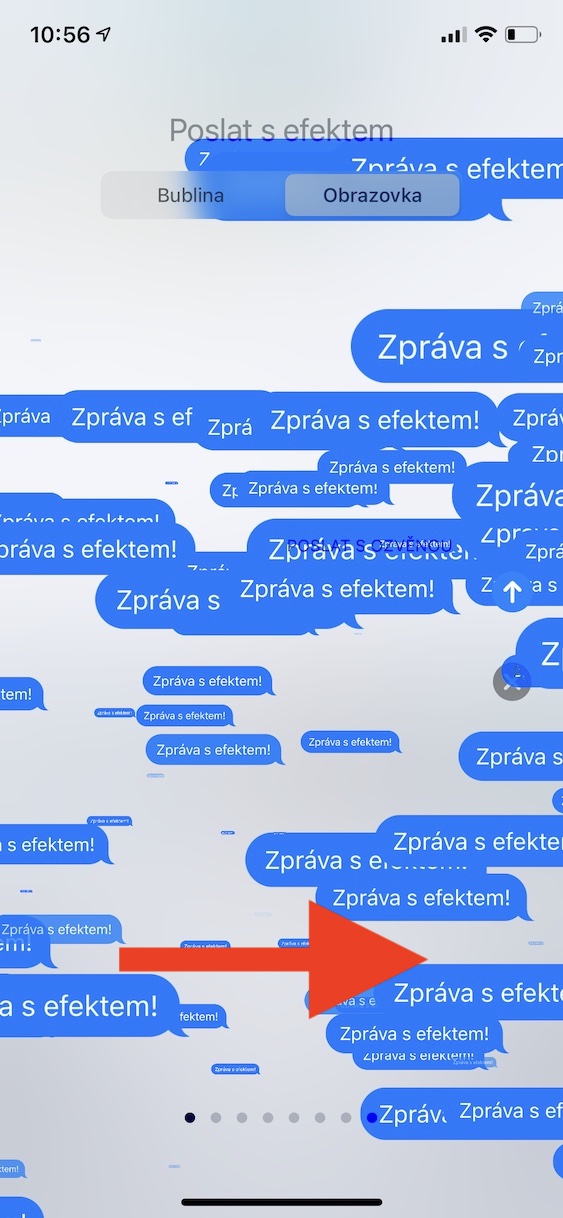



I don't need codes for that. Just hold down the button longer and I'll choose the effect I want.
OK. It is also written in the text.