iMessage is a service that allows all users to communicate with each other for free Apple device – just be connected to the internet. They can be used in the native Messages application and can be distinguished from SMS messages by their blue background, while classic messages have a green background. Also included iMessage Of course, there are some great and hidden features that you can take advantage of. In this article, we'll take a look at 5 of them. We hope you'll learn something new, so let's get right to it.
You might be interested in
Moving content
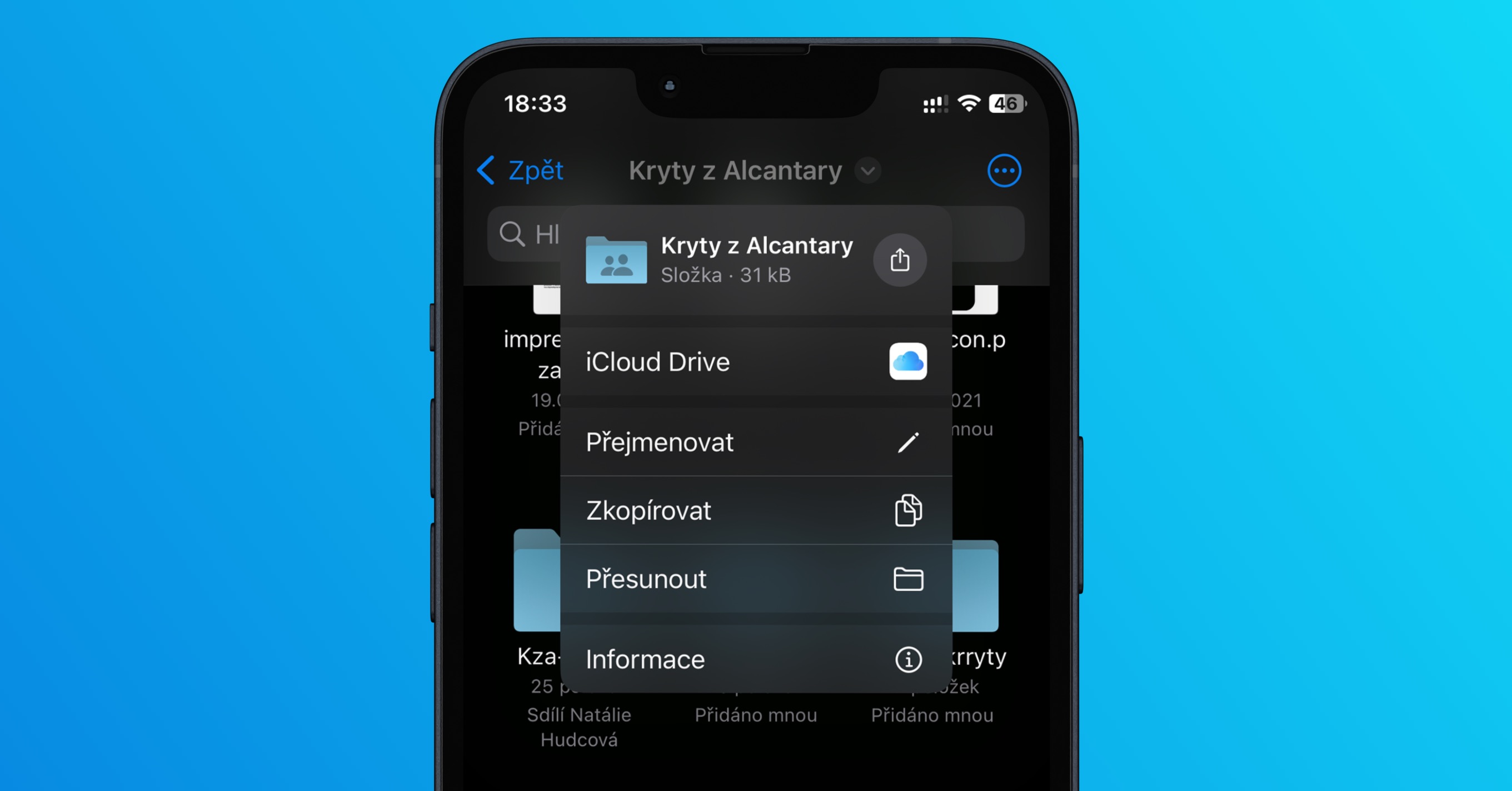
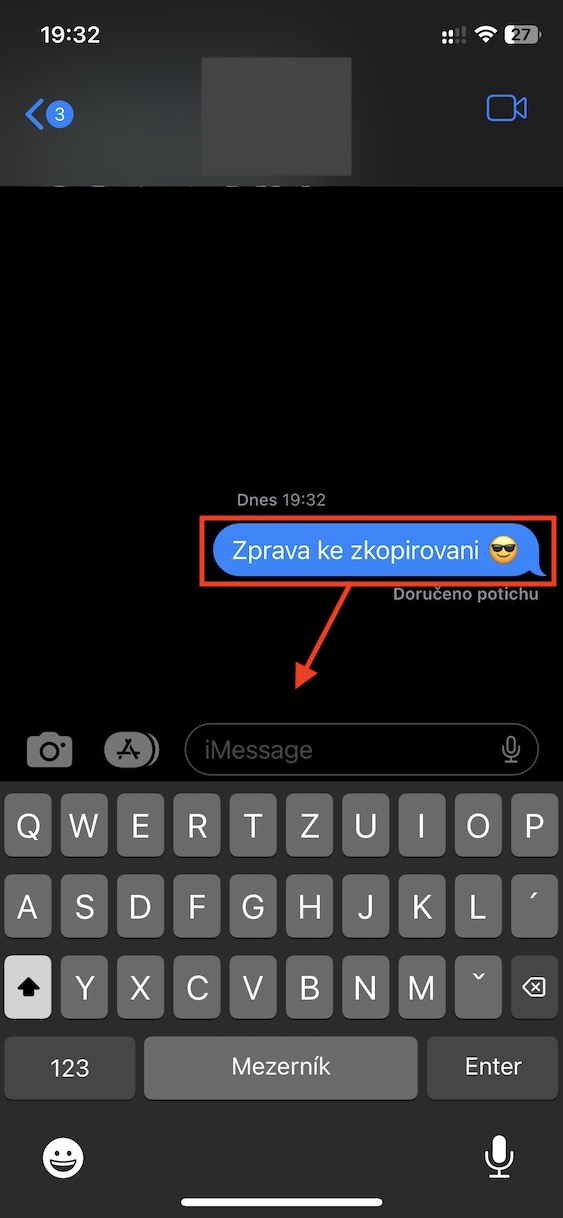
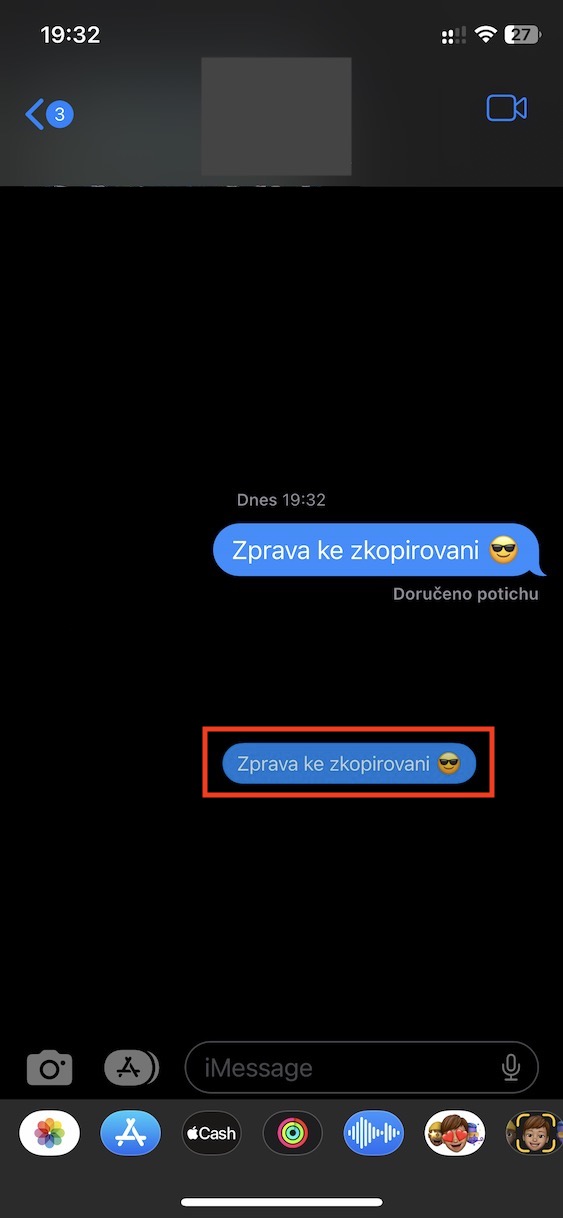
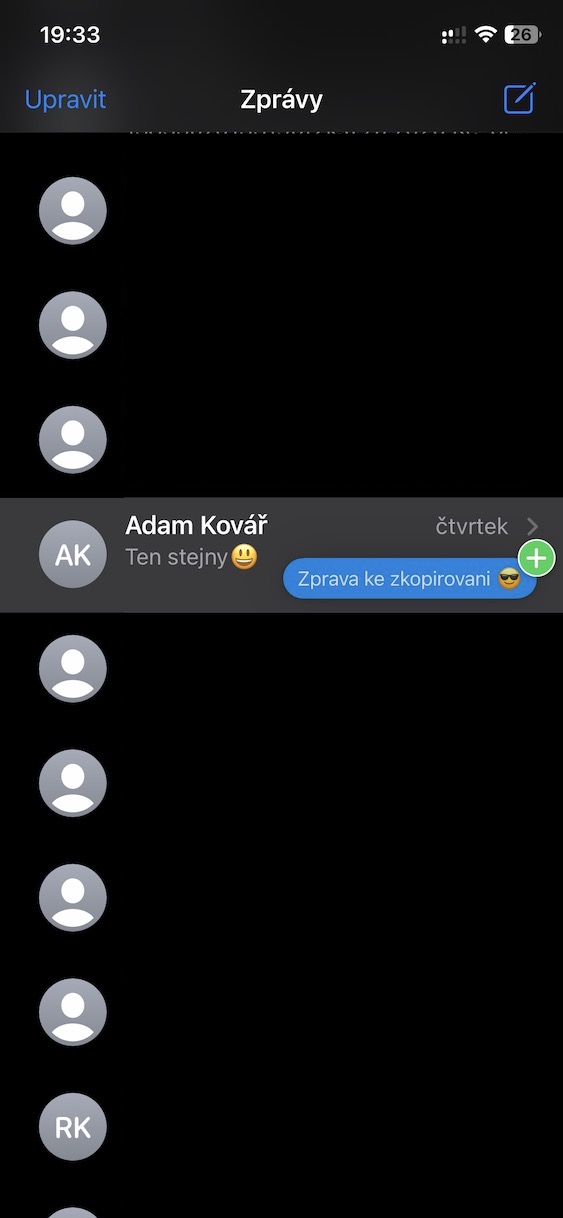
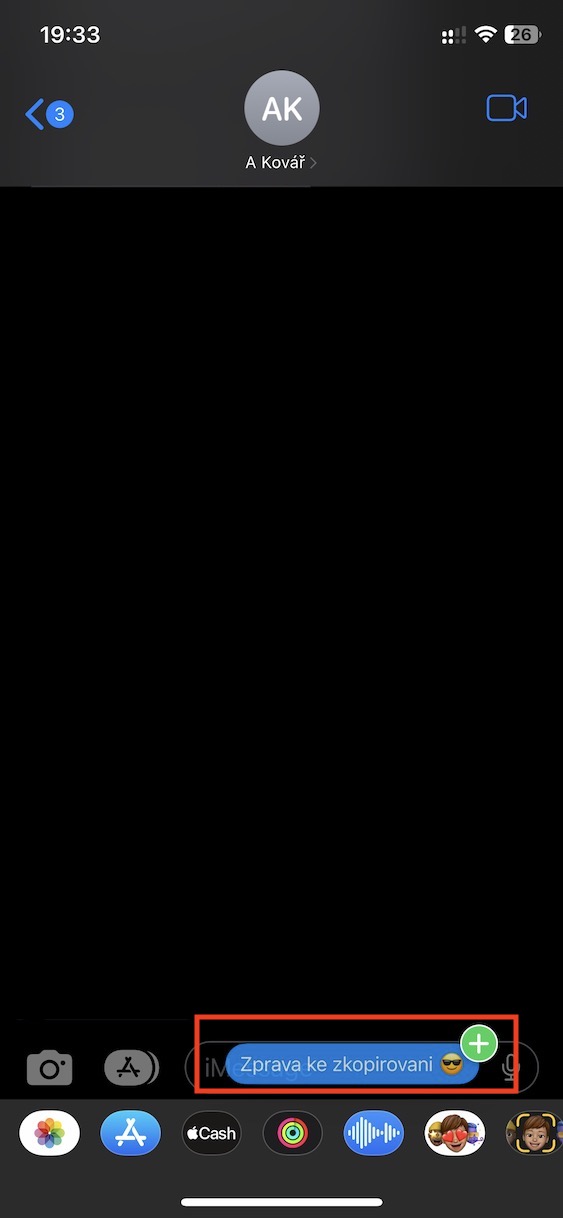
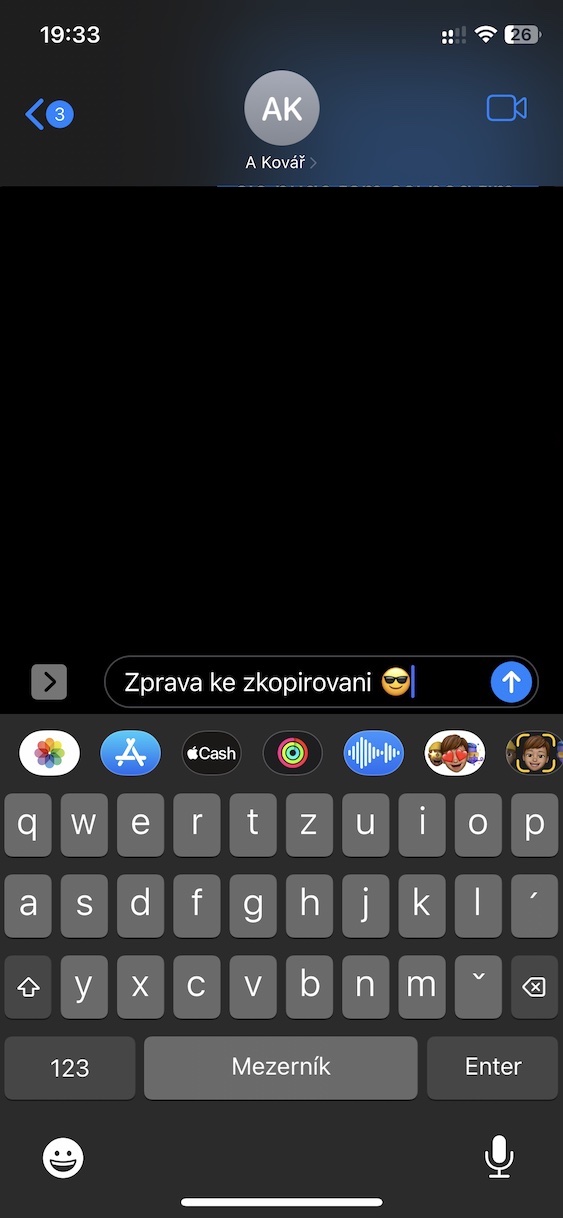
Any content that through iMessage you send – whether it's text, an image, a video, a link or anything else – you can simply move it to another (or even the same) conversation, or even to a completely different application. This eliminates the need to copy and paste specific content. Pro move to a specific hold your finger on the content, and then it pull a piece, thereby capturing it. While this one continue to hold your finger on the screen, So with the other hand go through where you want to paste the content. Once you do so, drag the content to a specific location and drop it here.
Gallery
Location sharing
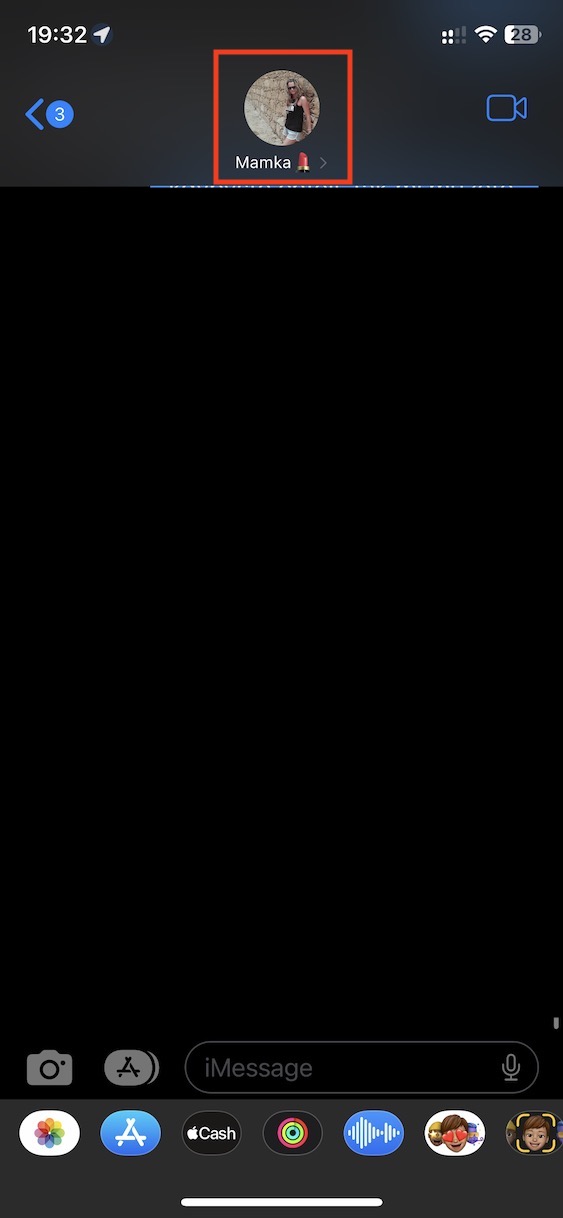
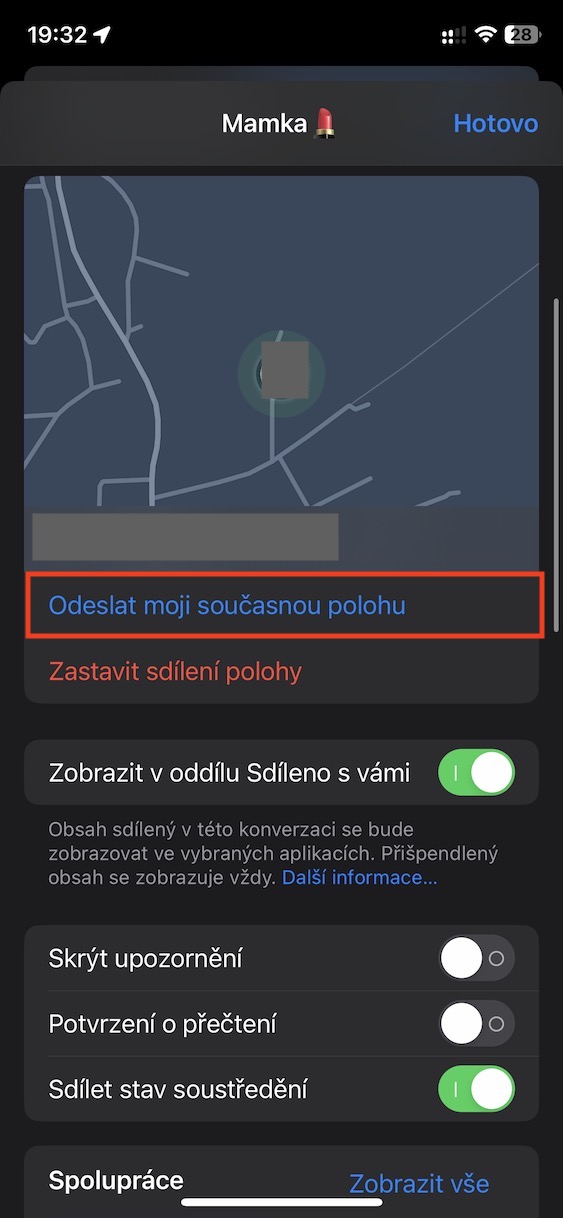
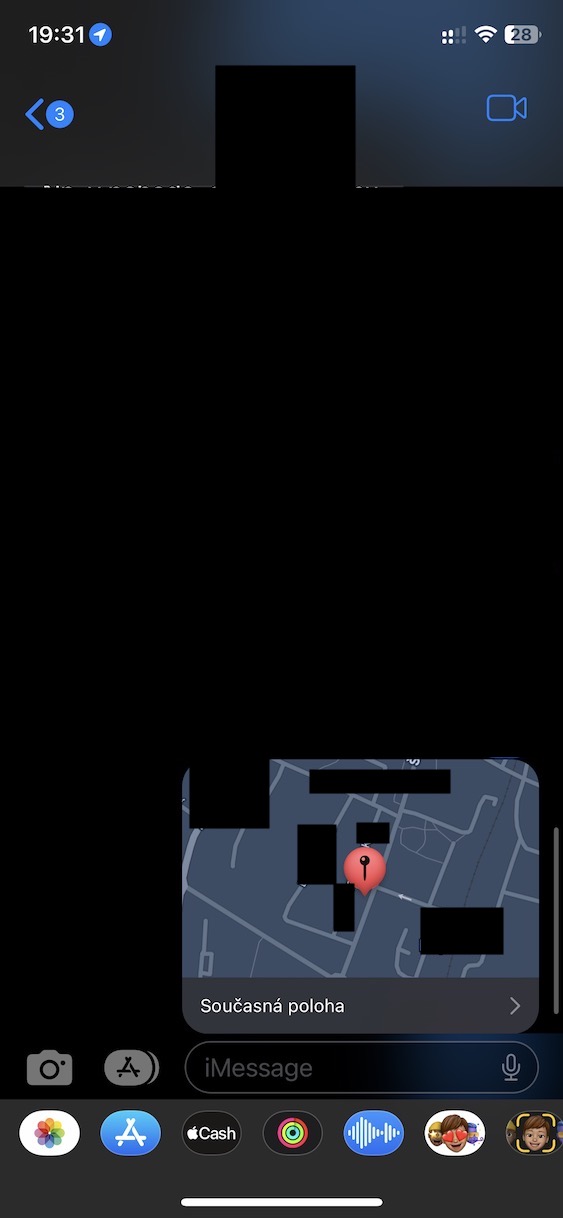
You've probably already found yourself in a situation where you were expecting a ride, but the person in question couldn't find you, even though they had the exact address. Even in such a case, you can use iMessage to help you, namely sending your current location. If you would like to use this feature, just go to specific conversations, where then at the top click on contact name. nakonec just click on Submit my current location.
Gallery
Sending effects
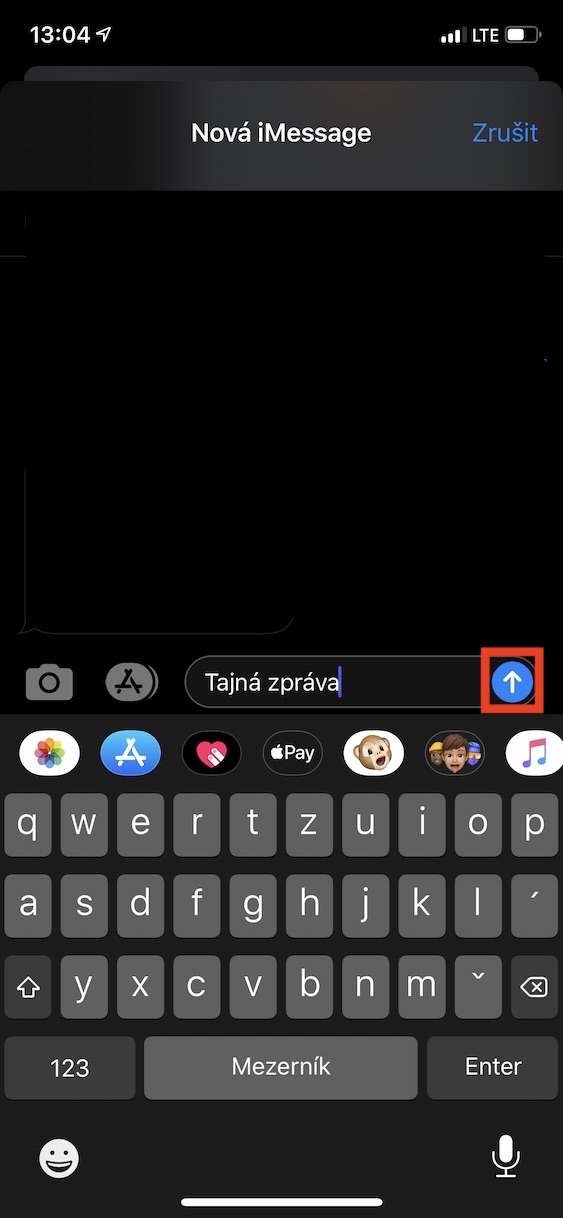
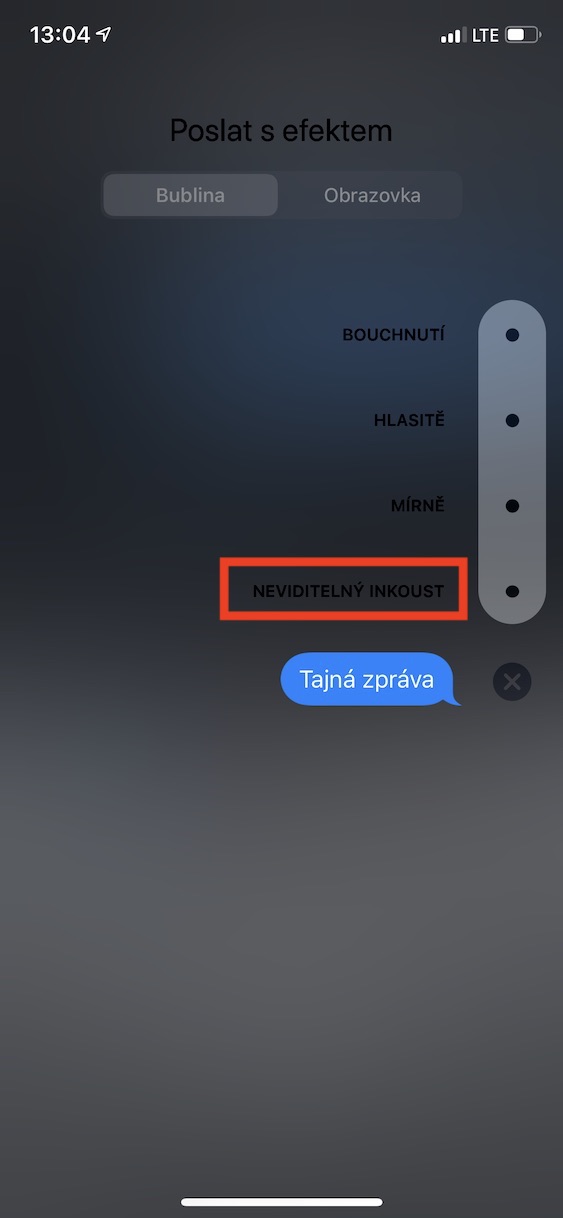
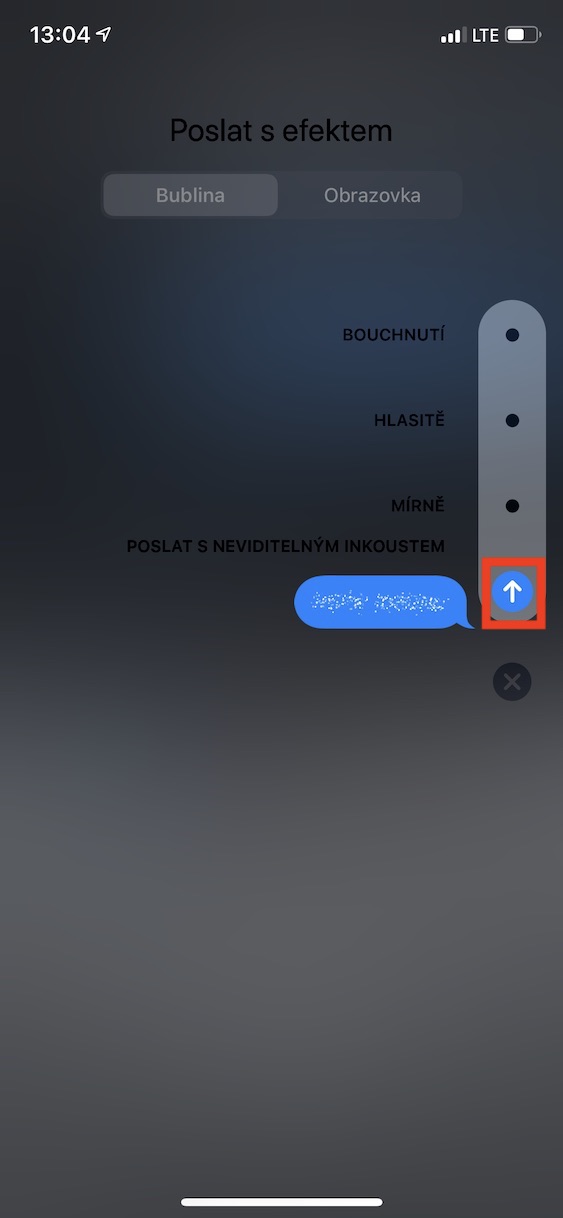
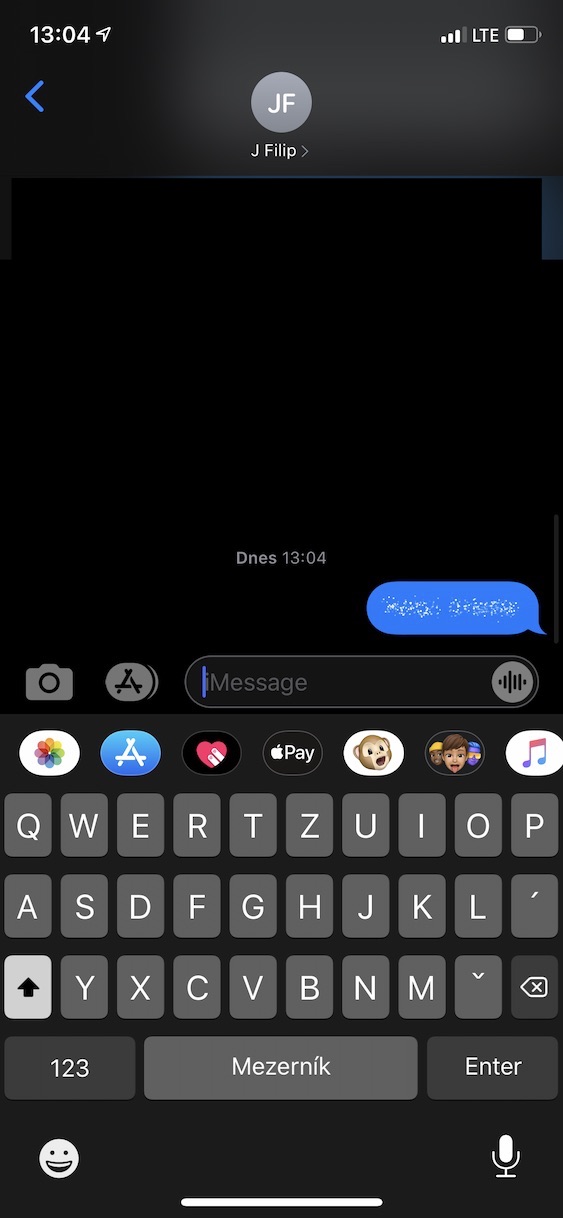
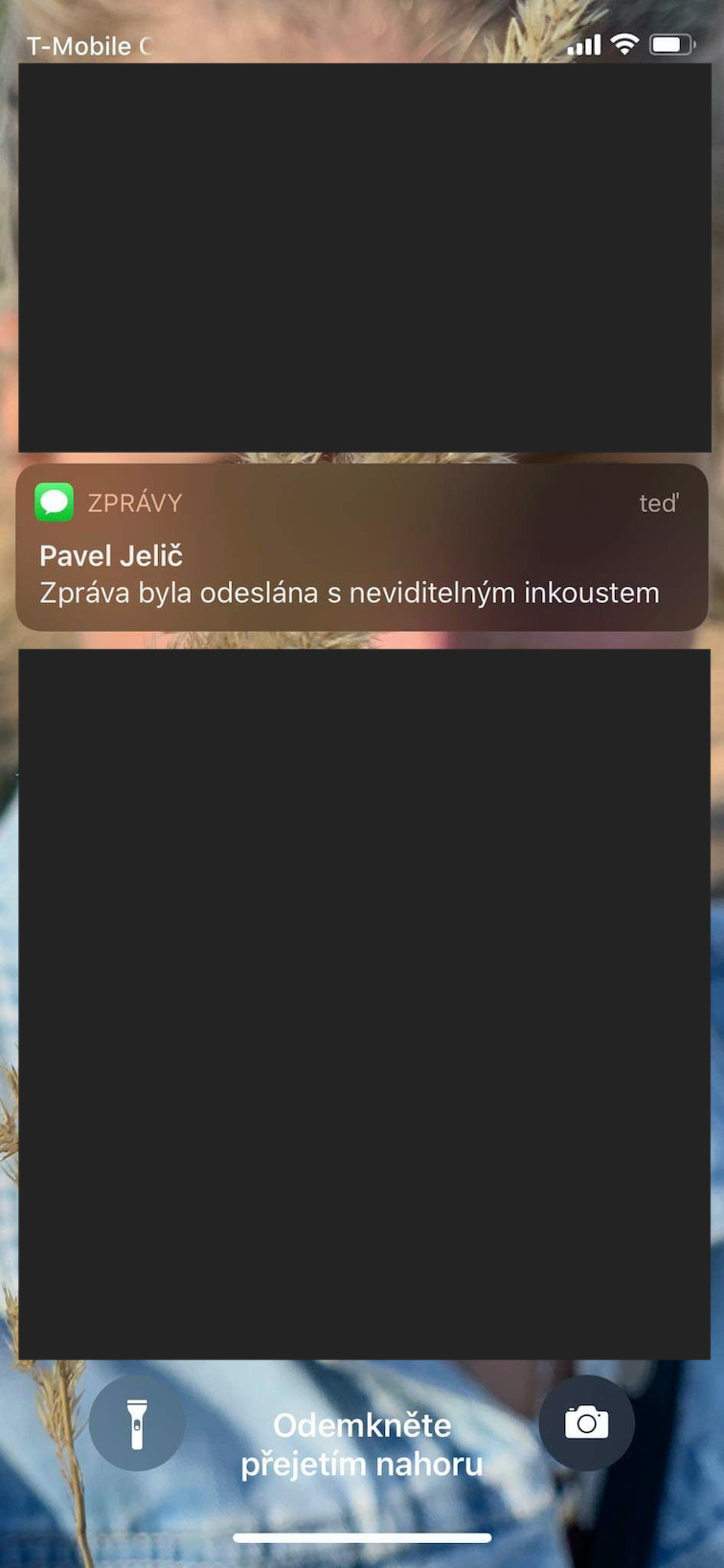
Even though the effects are part of iMessage for several years, so many users don't know about them. Specifically, you can send either the message itself with the effect, or the effect can be sent over the entire screen. It's not complicated - just write a message in the conversation, and then hold your finger on the blue send button. With this, the interface with the effects will appear and you just have to choose in it. For example, if you choose Invisible Ink, you can send a secret message that won't even show the other party a preview on the lock screen. After selecting the effect, just tap on submit button.
Gallery
Answering
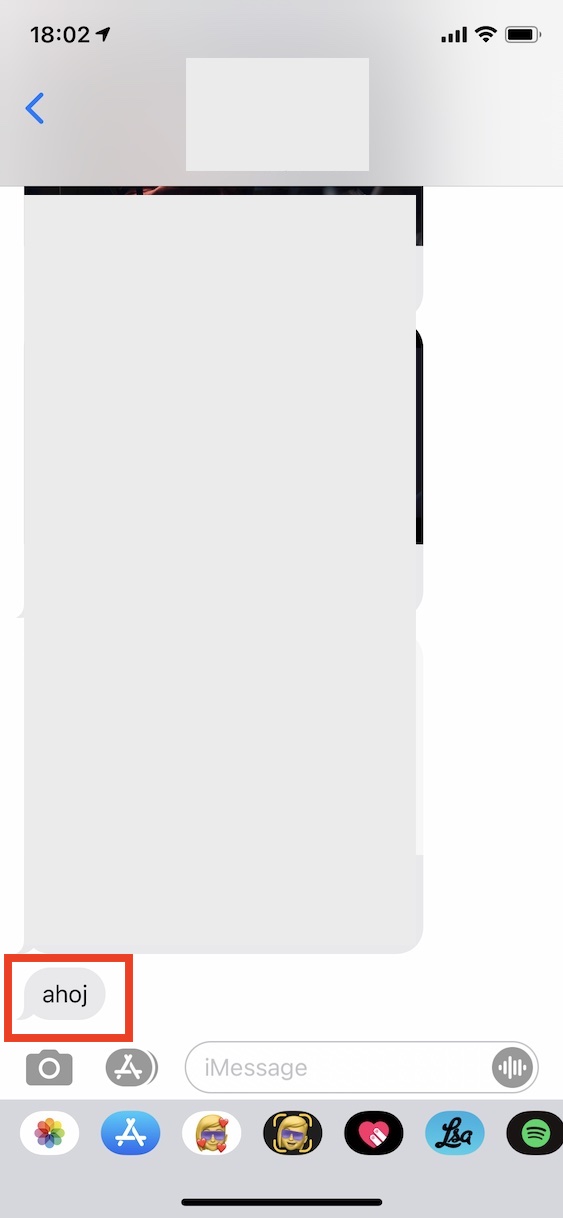
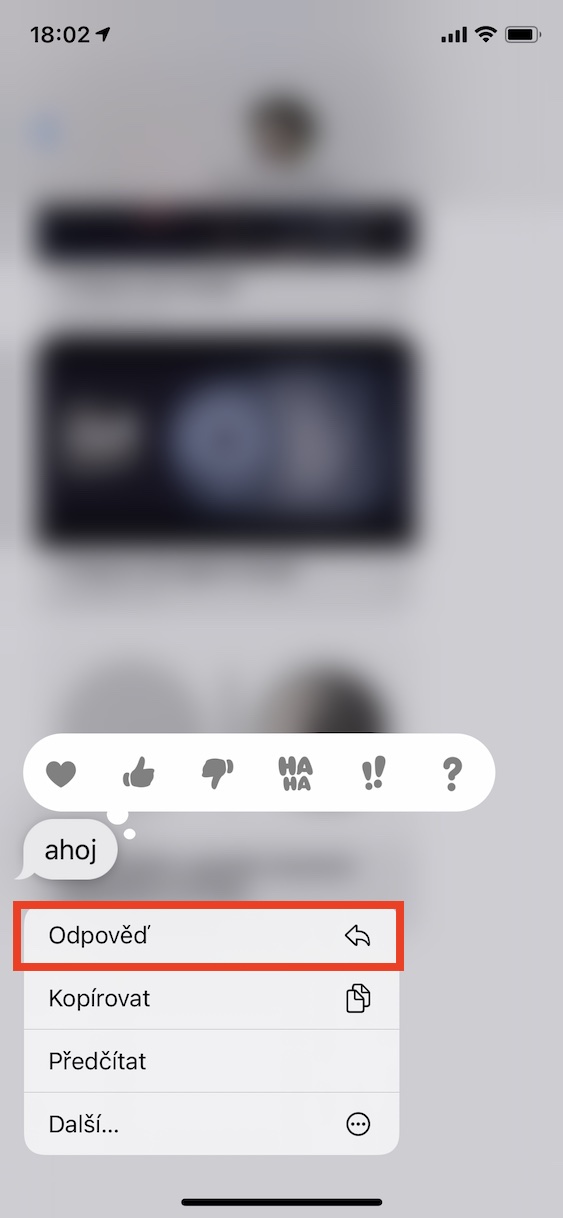
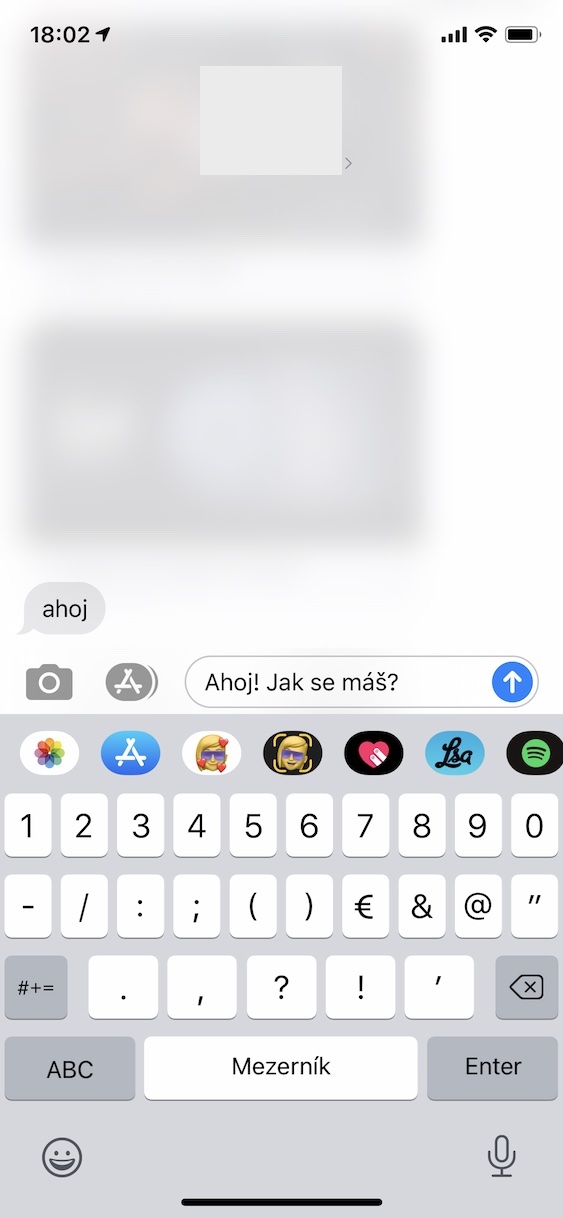
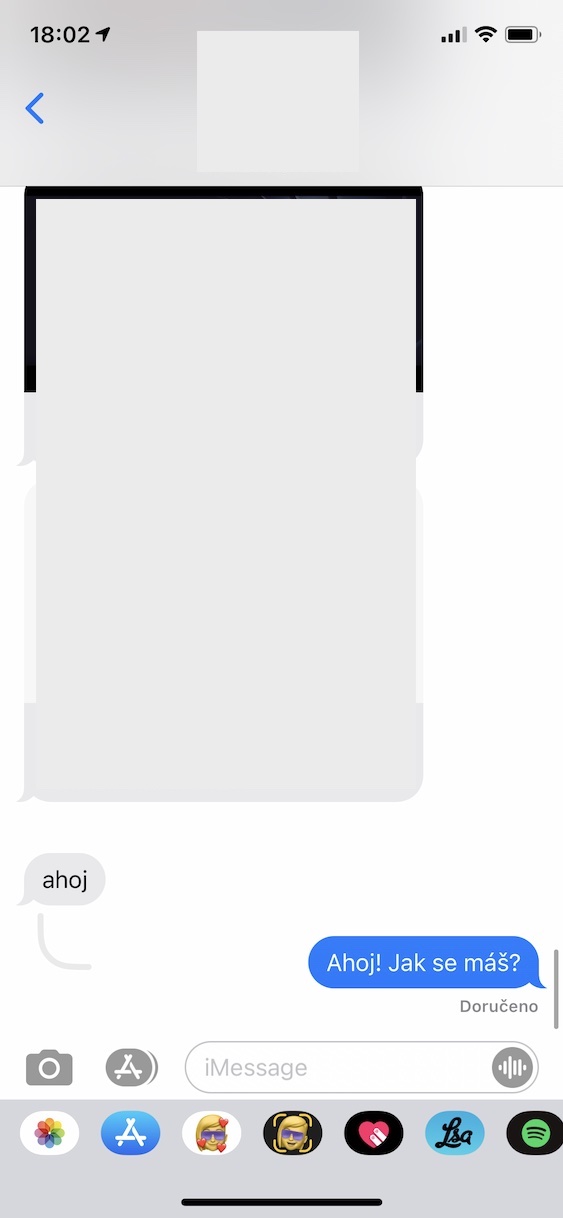
Do you have someone with whom you constantly deal with various issues throughout the day? If so, then your conversation has definitely gotten messy, when you started dealing with multiple things at once and it was not clear what each message was about. This can be dangerous in a way, because you can respond to something completely different with a specific message. That's exactly why you should use direct replies, which always make it clear what you are specifically responding to. So if you want to reply to a message, even your own, just hold your finger on it and tap Reply. Then just write your reply and send it.
Playing games
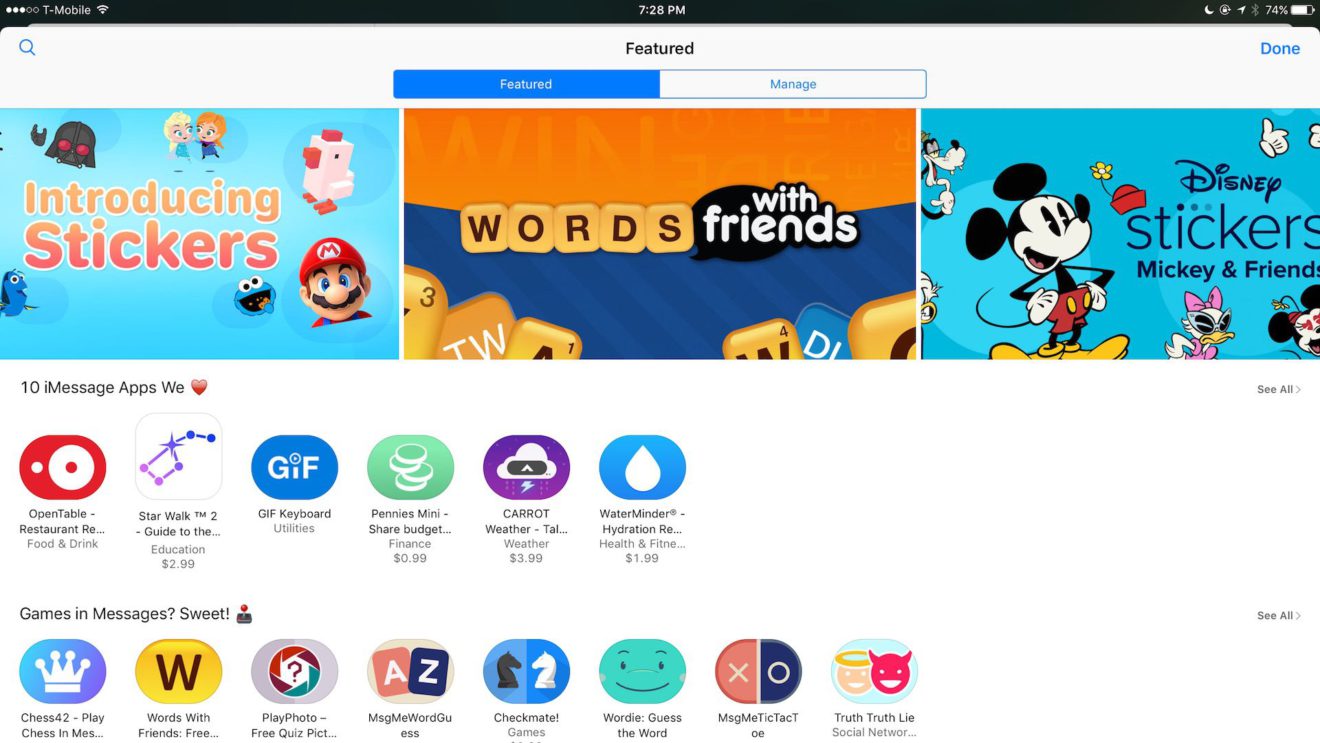
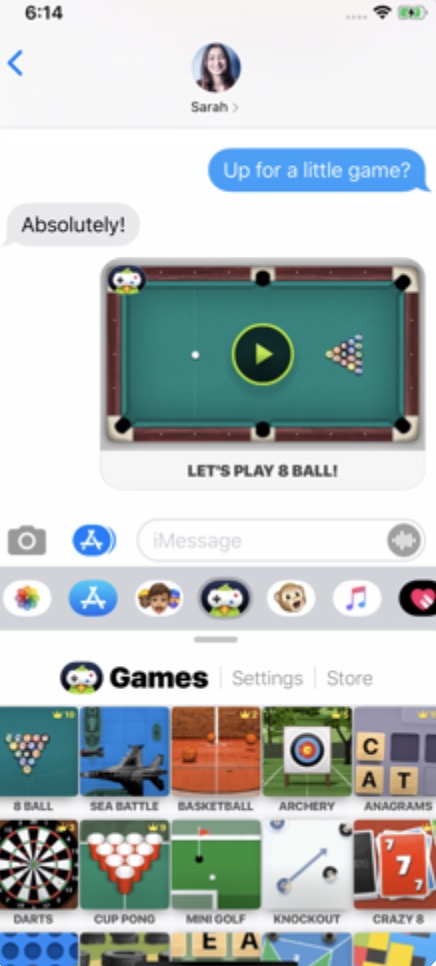
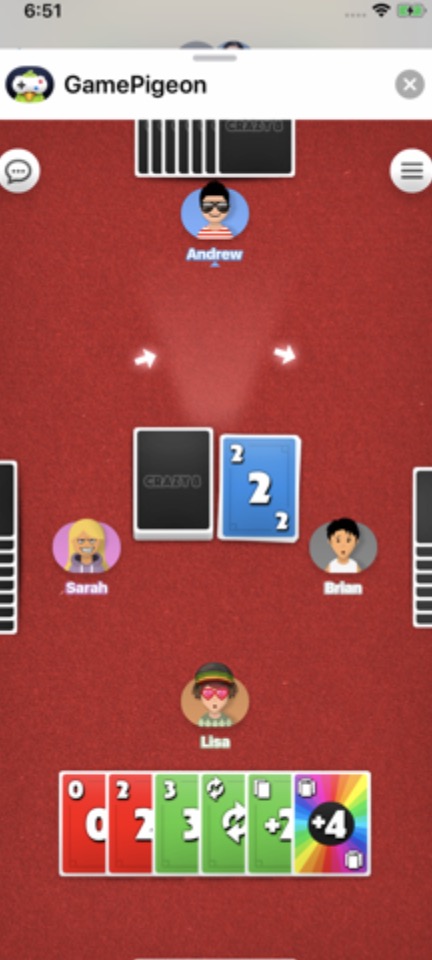
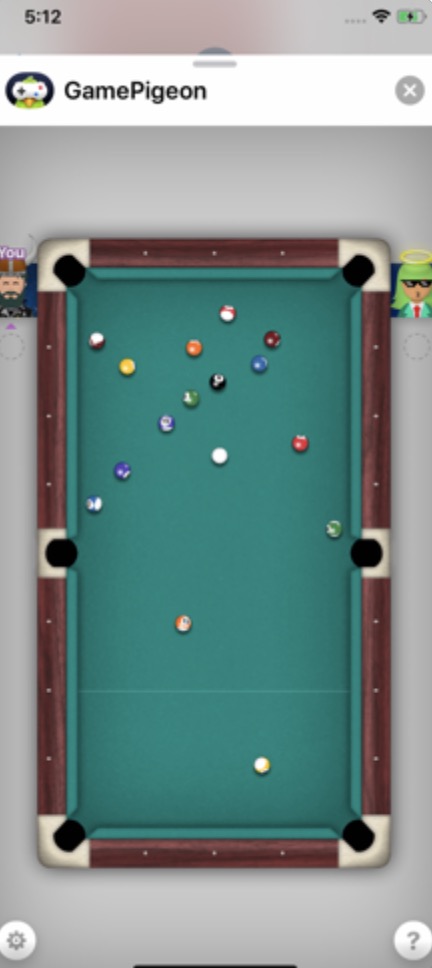
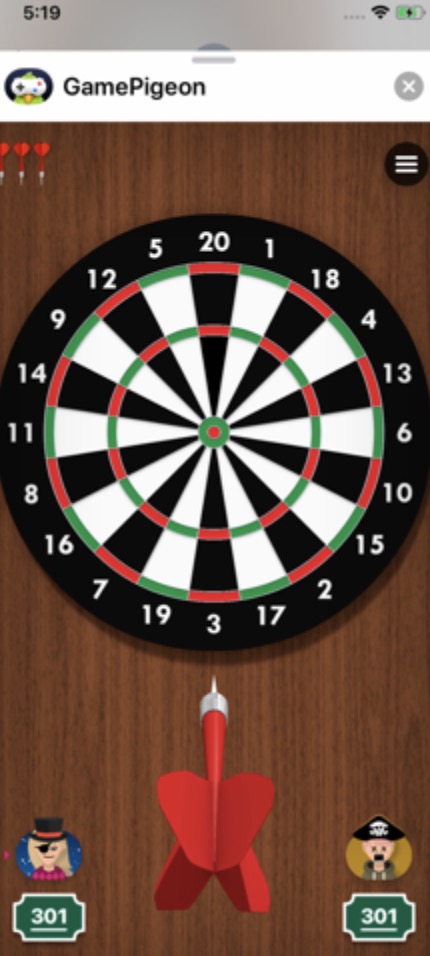
Did you know that in iMessage can you also play games? This option is not available by default, but you can install it in iMessage various expansions, among which you will find various games. The most famous ones are definitely game pigeon, where you will find countless classic games, from billyard, darts, archery and basketball, to chess. There are so many games available here and the best part is that you can download GamePigeon completely free of charge. If you would like to learn about other games, just open the article I have attached below.
You might be interested in