Apple published a user guide this week iOS 26 who have difficulty activating iMessage via phone number. ProThe problem occurs if, in addition to the active SIM, there is also an inactive SIM or eSIM with the same number in the iPhone.
You might be interested in
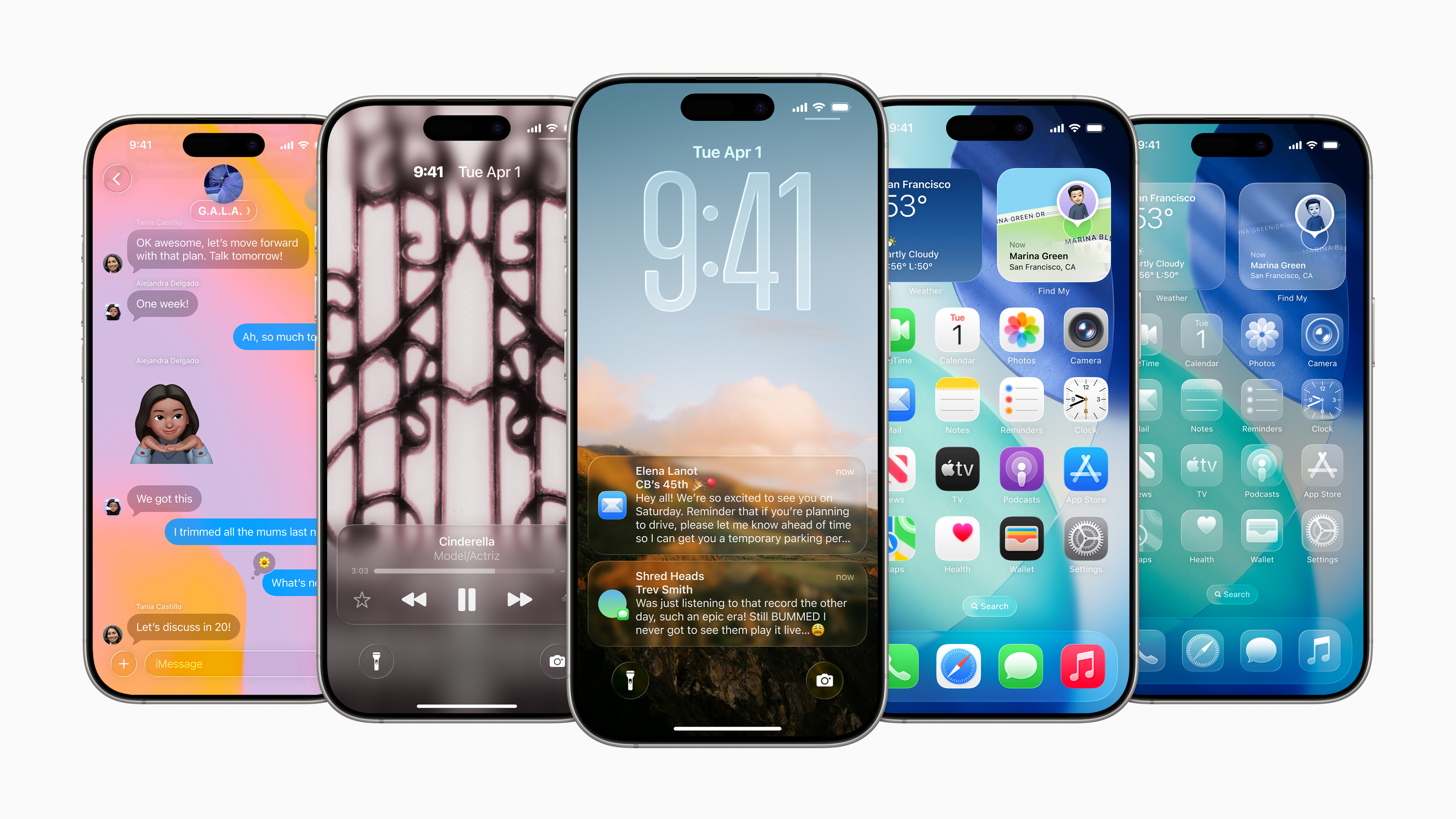
iMessage may not work
In such a situation, the messages in iMessage they are not sending or receiving. Instead, users see a “Not Delivered” message and communication is via RCS or SMS with green bubbles instead of blue. Alternatively, they can iMessage send from an email address, which is less practical.
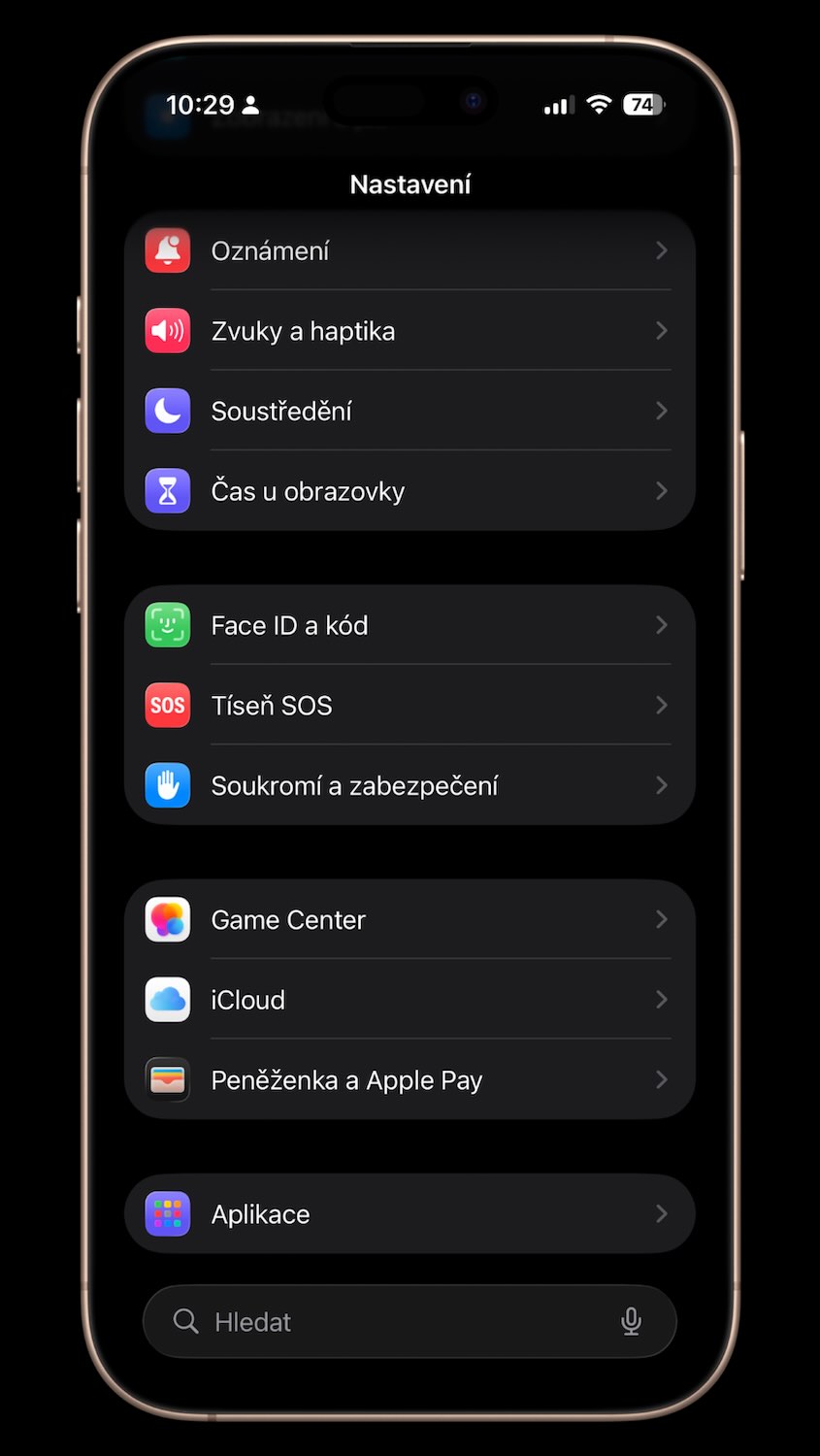
The solution is according to AppIt's simple – just remove the inactive SIM. You can do this in your phone's settings: open Settings → Mobile network and delete the inactive SIM if the same number is displayed twice. For a physical SIM card, you need to remove it from your iPhone. For an eSIM, you can simply delete it directly in Settings.
Error removal instructions
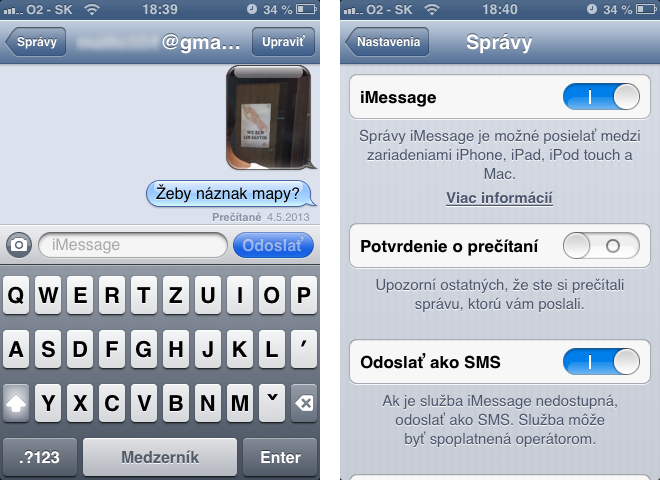
After removing an inactive SIM, it must be reactivated iMessage. You will do this in Settings → Applications → Messages → Send and receive, where you select the displayed phone number.
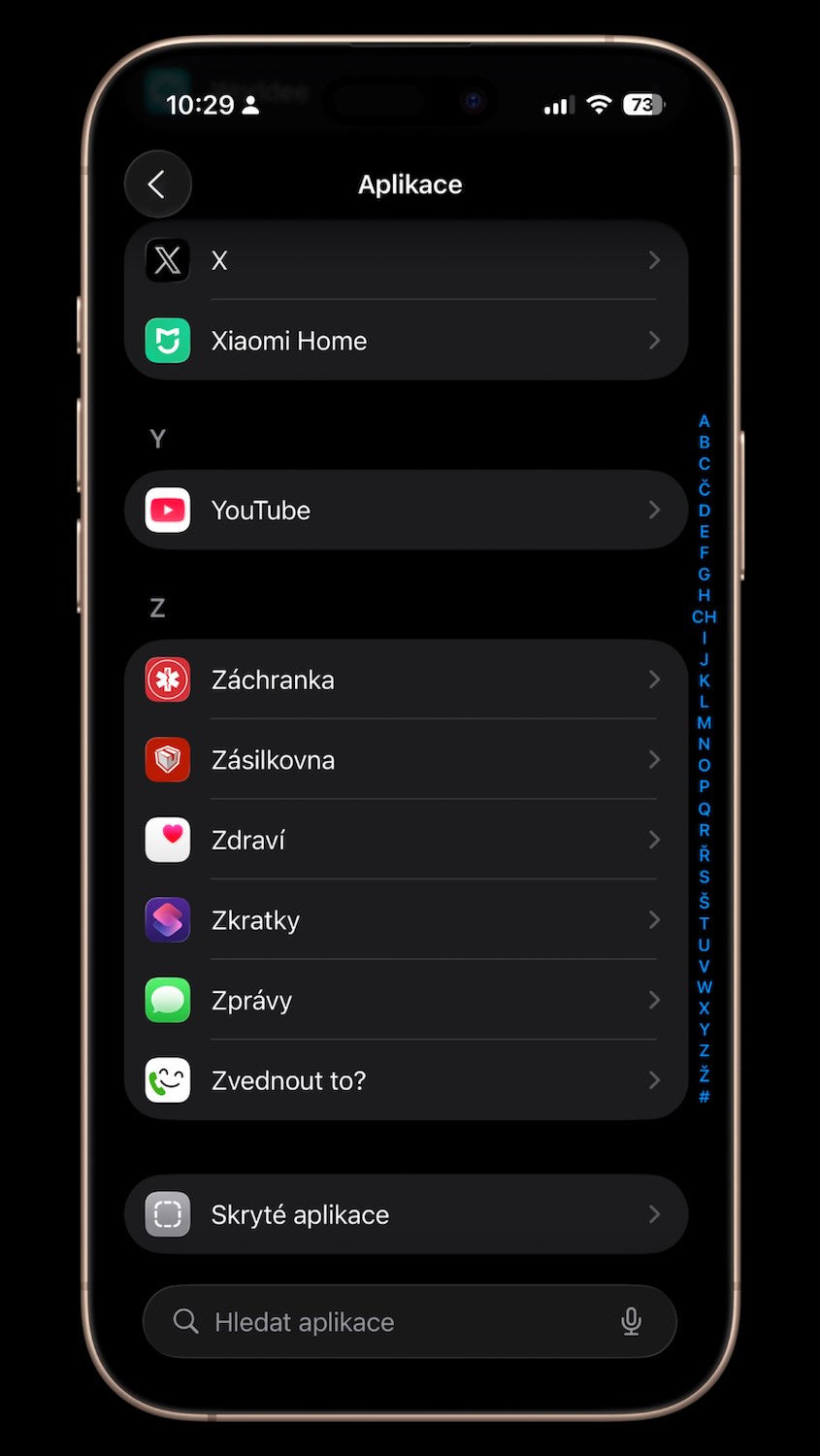
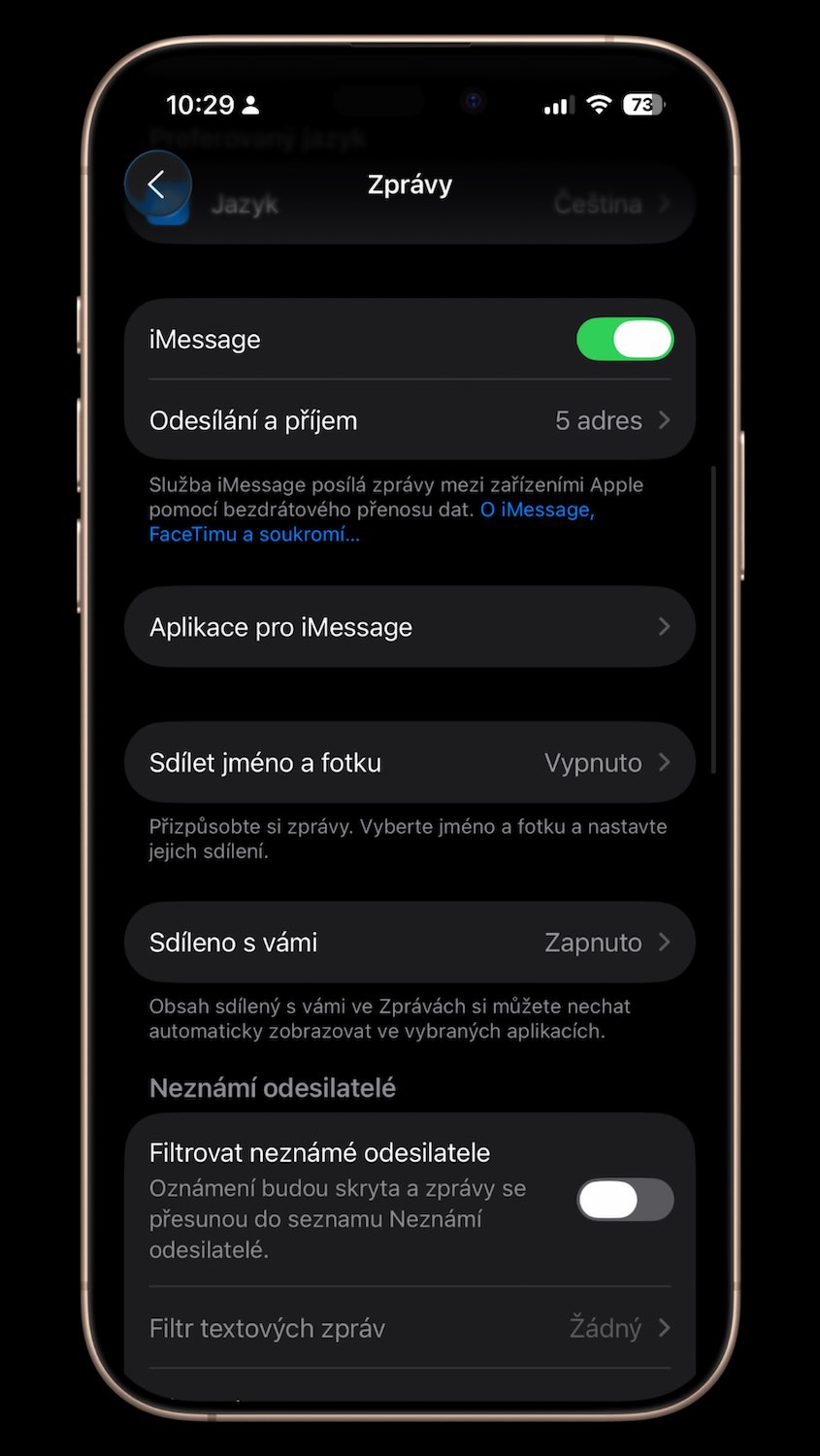
This procedure should resolve the issue and return iMessage to full functionality. So if you see green bubbles instead of blue ones, it is likely that you have both an active and inactive SIM with the same number on your phone. However, it should not take long and Apple An update will come out that will fix the problem and everything will work as it should again.