
If something on mine Apple Watch really enjoyed it for years, it's contactless payment via Apple Pay and for several reasons. First, it is a very fast and convenient payment method, secondly, it is safe and secondly, I always have my watch on my wrist, so it is great when I can make a payment by simply reaching my hand to the contactless terminal, rather than having to pull it out of my pocket. iPhone or a wallet with a card. The icing on the imaginary cake is that you can pay with them even when you don't have your phone with you, which is often the case. nestIt's a shame, but it's nice to know that you're not limited by anything. However, it's necessary to openly admit that this comfort is not exactly cheap, which is why many Apple fans don't want to or can't afford it. I was even more interested when Xiaomi support started in the Czech Republic a few days ago. Pay, i.e. contactless payment methods similar to Apple Pay, for the Mi Band 6 smart bracelet in the version with NFC. It costs only 1290 CZK, which is compared to 5490 CZK for Apple Watch Series 3, which are the cheapest officially sold Apple Watch at present, a truly generous price. I therefore decided to test the bracelet and compare it in terms of pay with Apple Watch.
You might be interested in

Support matters, security doesn't
Xiaomi Pay is kind of standard NFC a payment system that is highly secure (after all, how could it not be, when it is supported by banking houses all over the world) and will please all those who guard their privacy from merchants. NFC payment is a card encrypted with a one-time code that does not contain any personal data of its holder, thanks to which the merchant will learn practically nothing about the payer. Since payment via a bracelet de facto replaces classic plastic cards, it is necessary to take into account, for example, payment limits set by the bank or the need to enter a PIN code at ATMs. In this respect, payment via Apple Pay na Apple Watch 100% match.
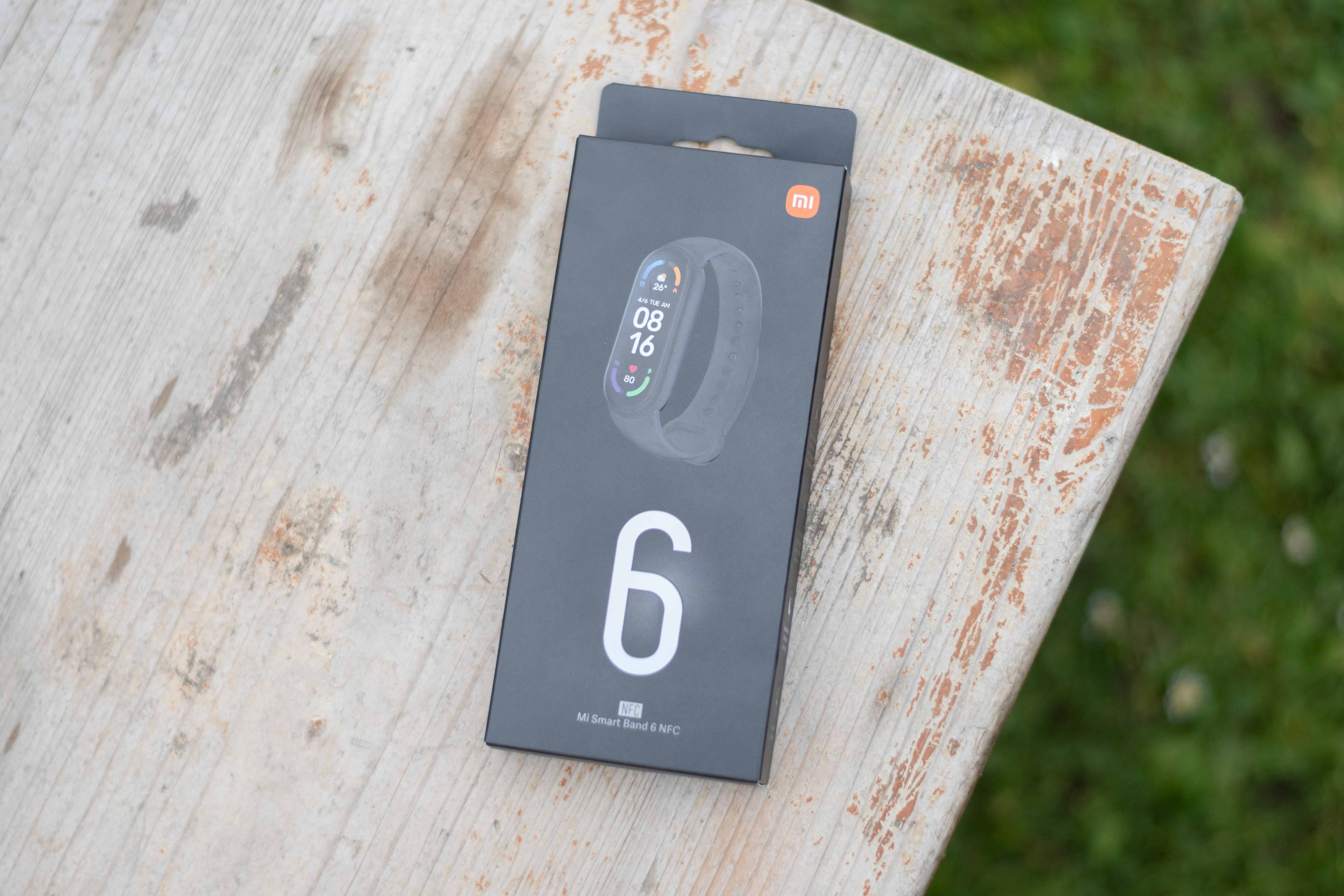
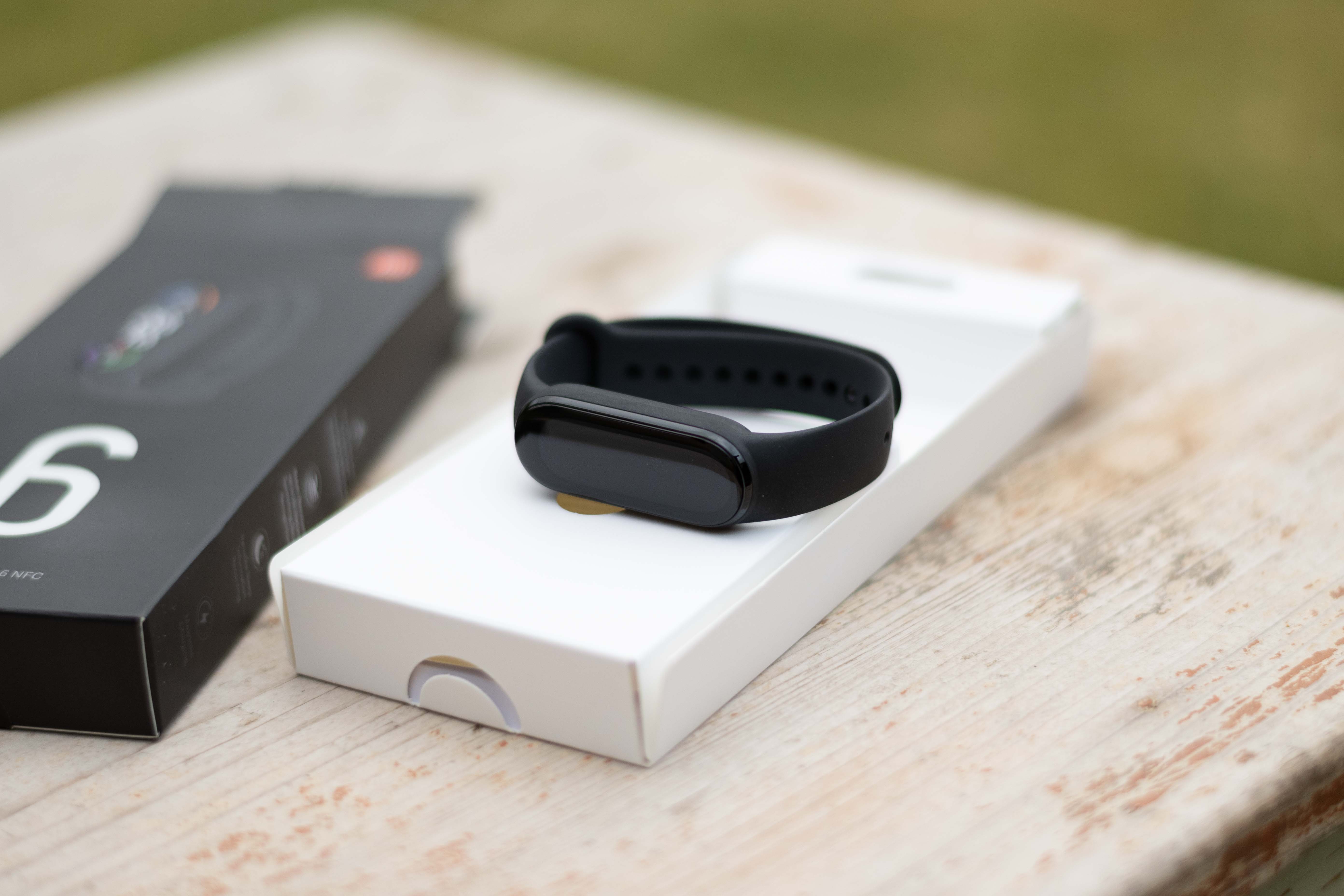
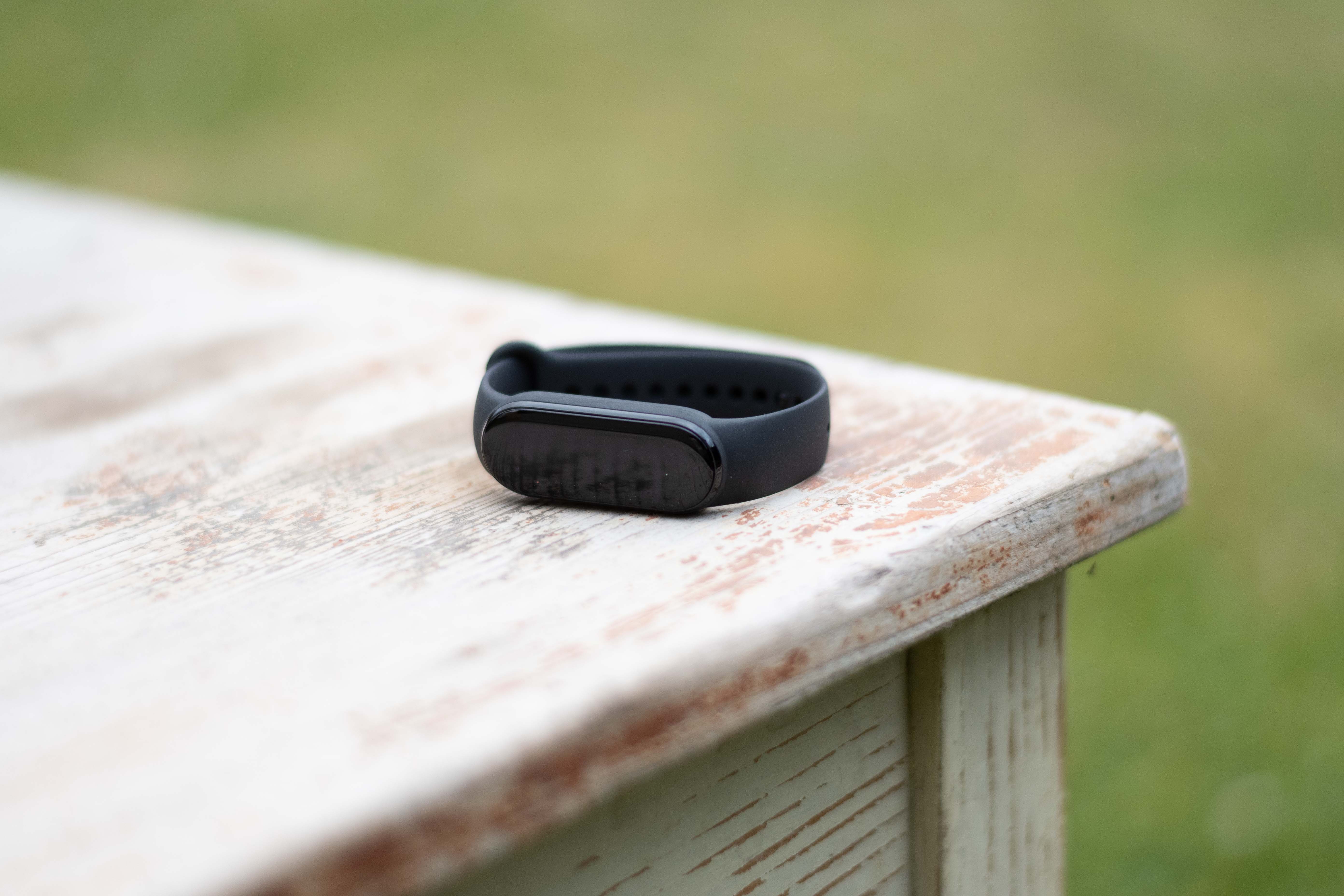
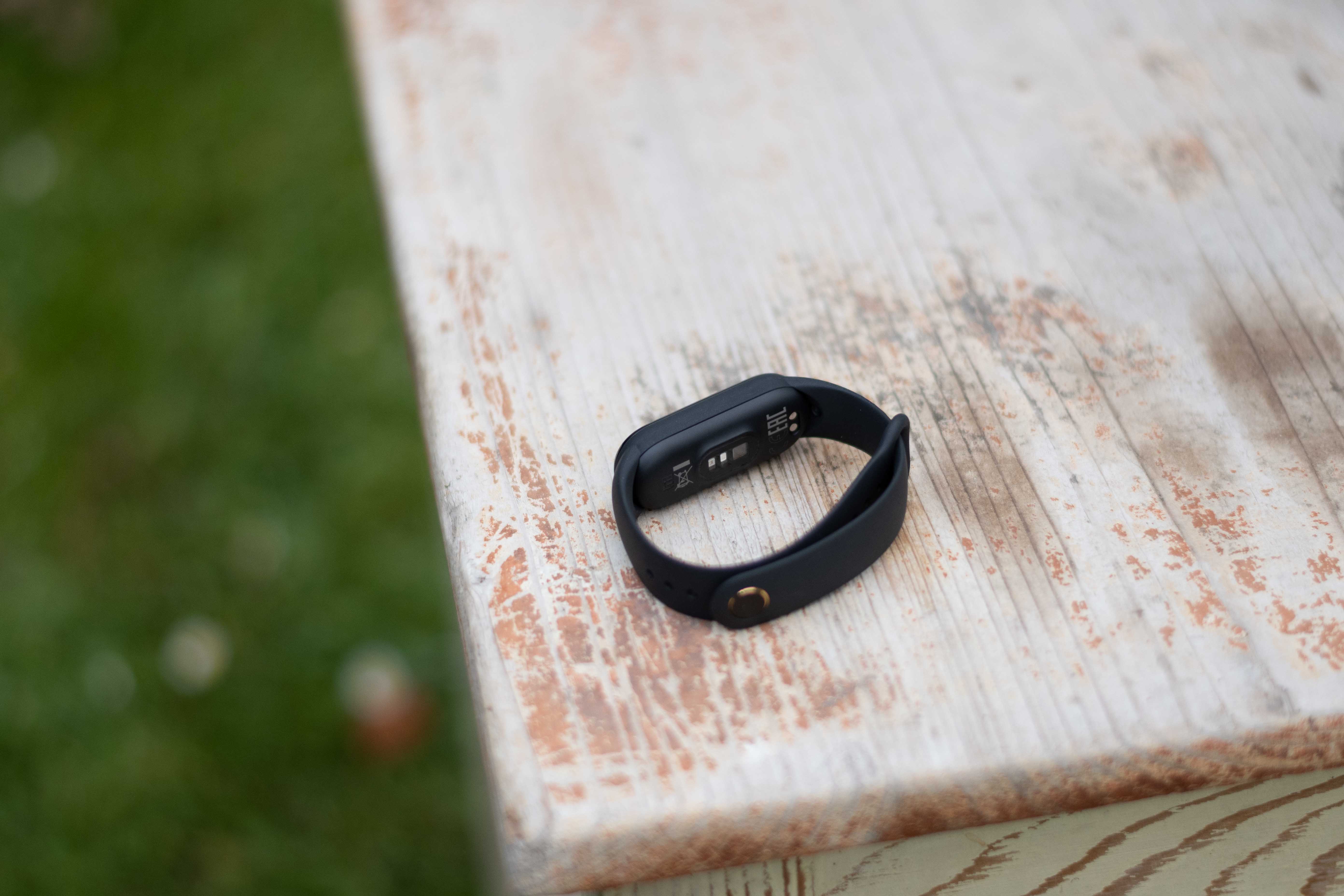
While there is practically no room for complaint about security, the support of banks is much worse. Honestly, in my eyes, it is precisely the support of banks that significantly reduces the potential of the bracelet, since at the moment only cards from ČSOB and the non-banking financial company Curve can be inserted into it. In both cases, support is only available for cards issued by Mastercard, which is another rather annoying limitation. It should soon be supported by Xiaomi Pay mBank and probably other banks will arrive, but when and who it will be is up in the stars. Of course, nowadays it is not a problem to open an account just for contactless payment via smart electronics (after all, after the launch Apple Pay in the Czech Republic, thousands of apple users migrated between banks just to be able to use it earlier), but given that the support is only offered at one traditional bank so far, I honestly do not think that any major transition due to payments is realistic.
Gallery
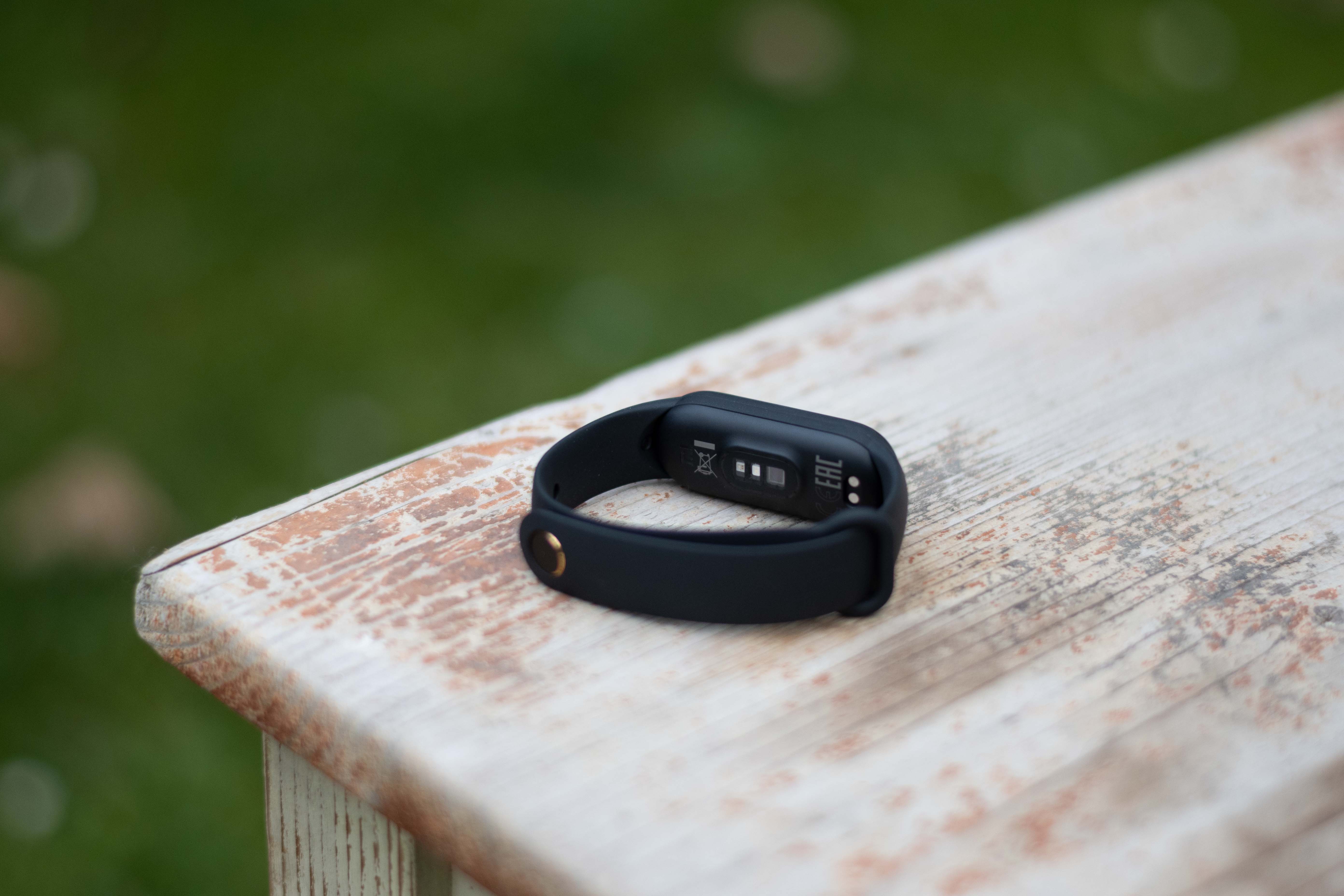
The initial setup hurts a bit
Gallery
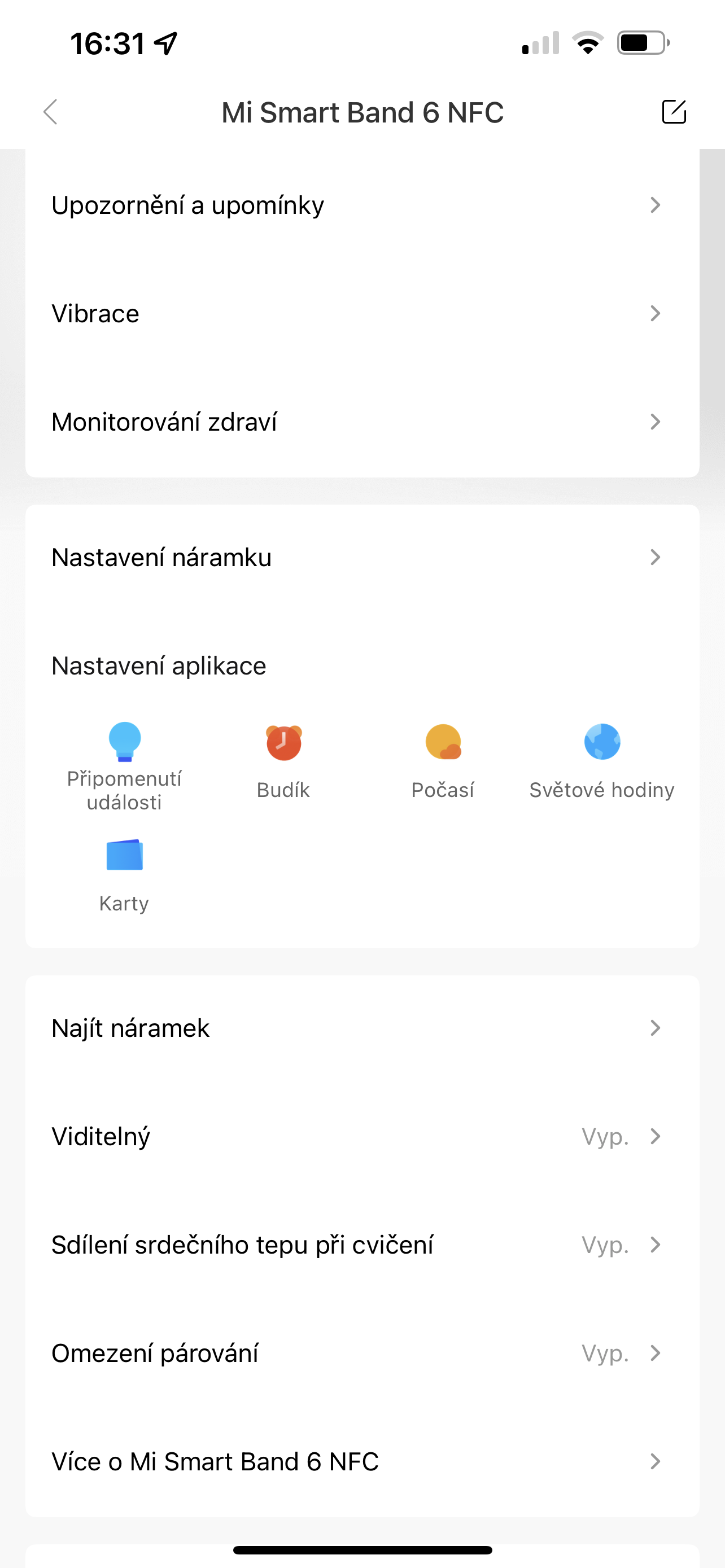

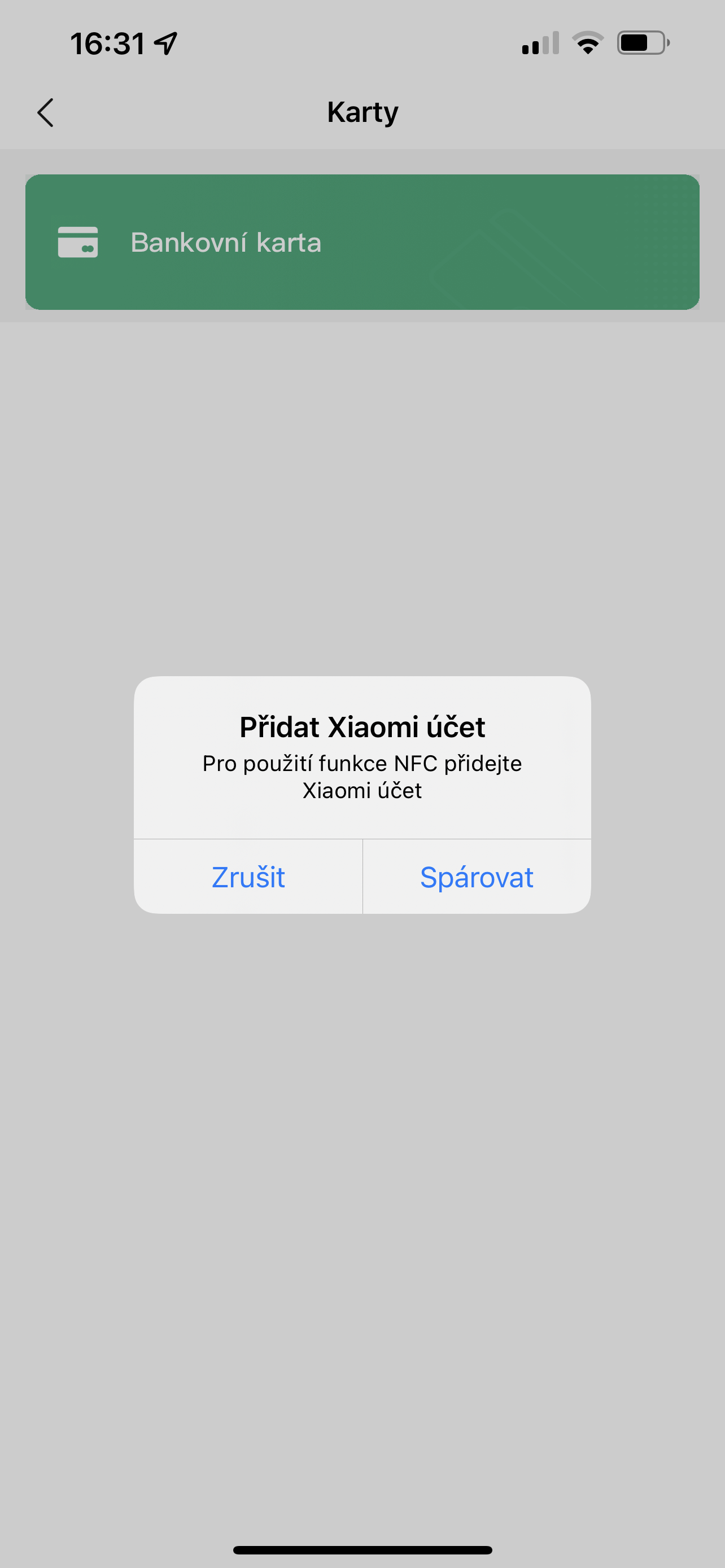
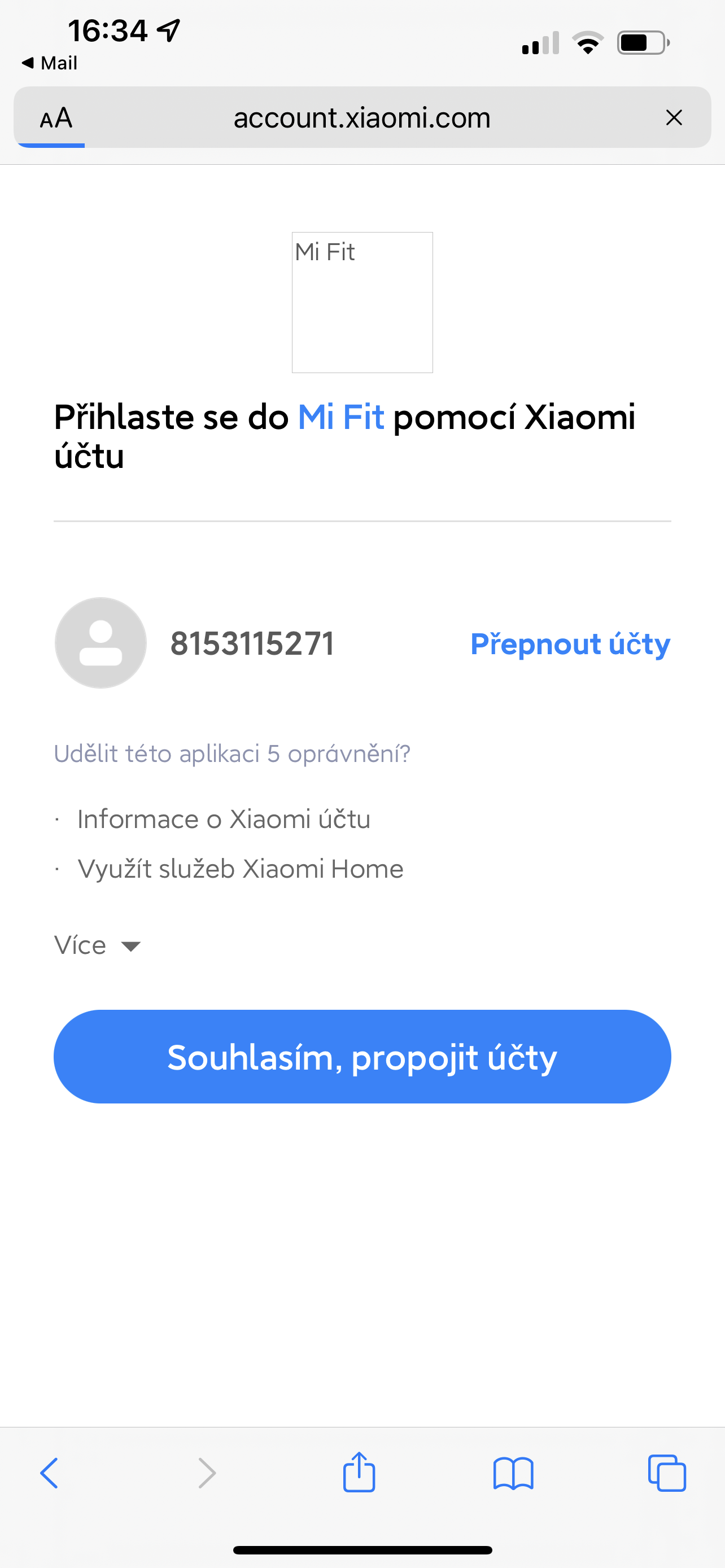
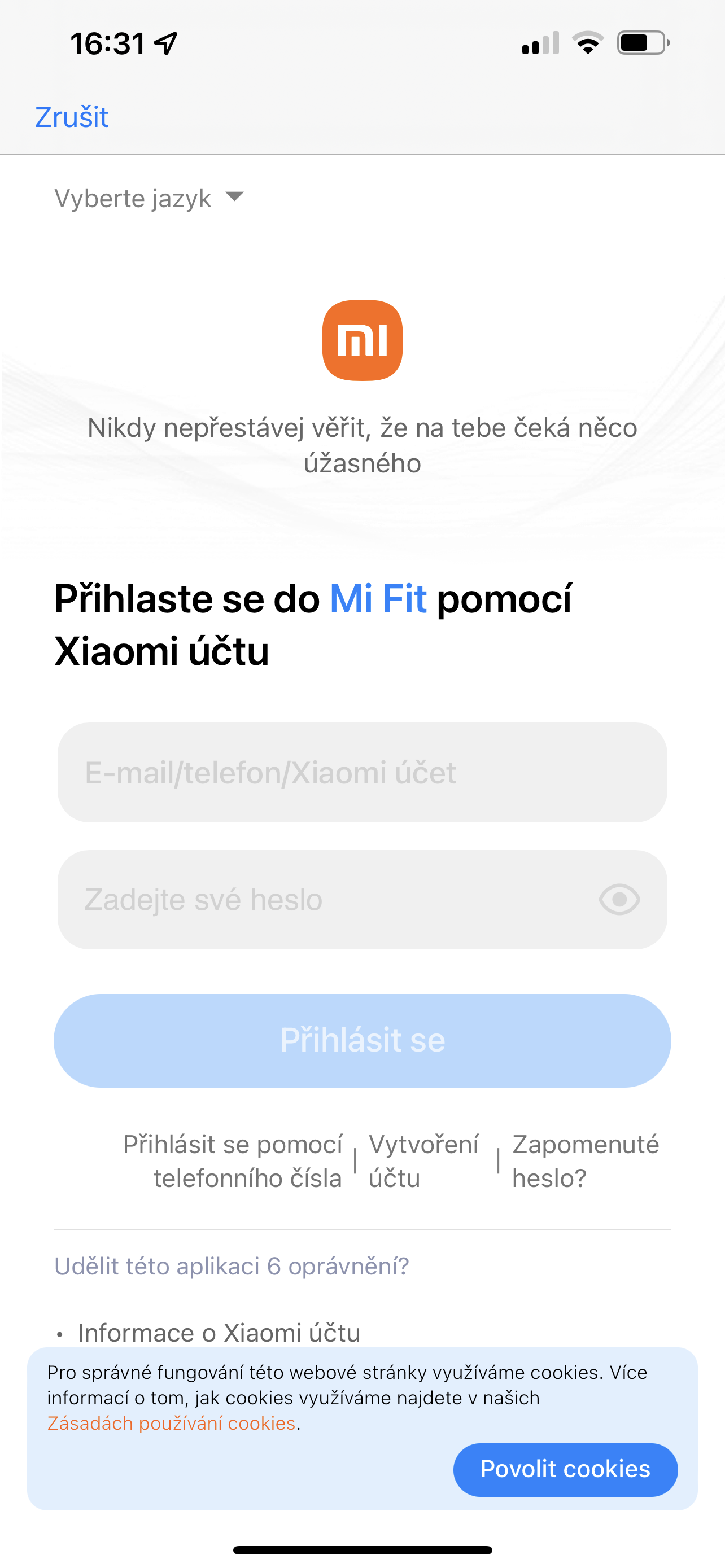
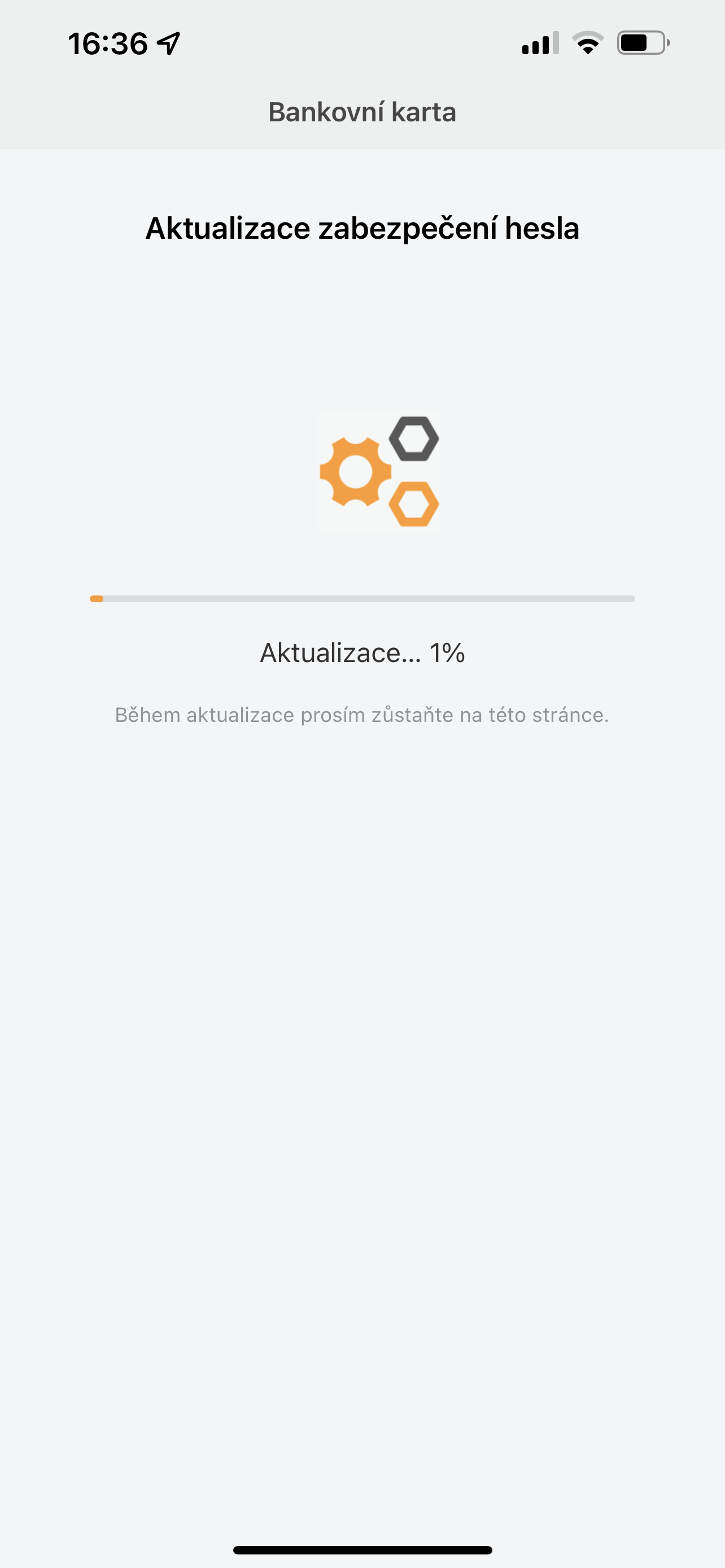
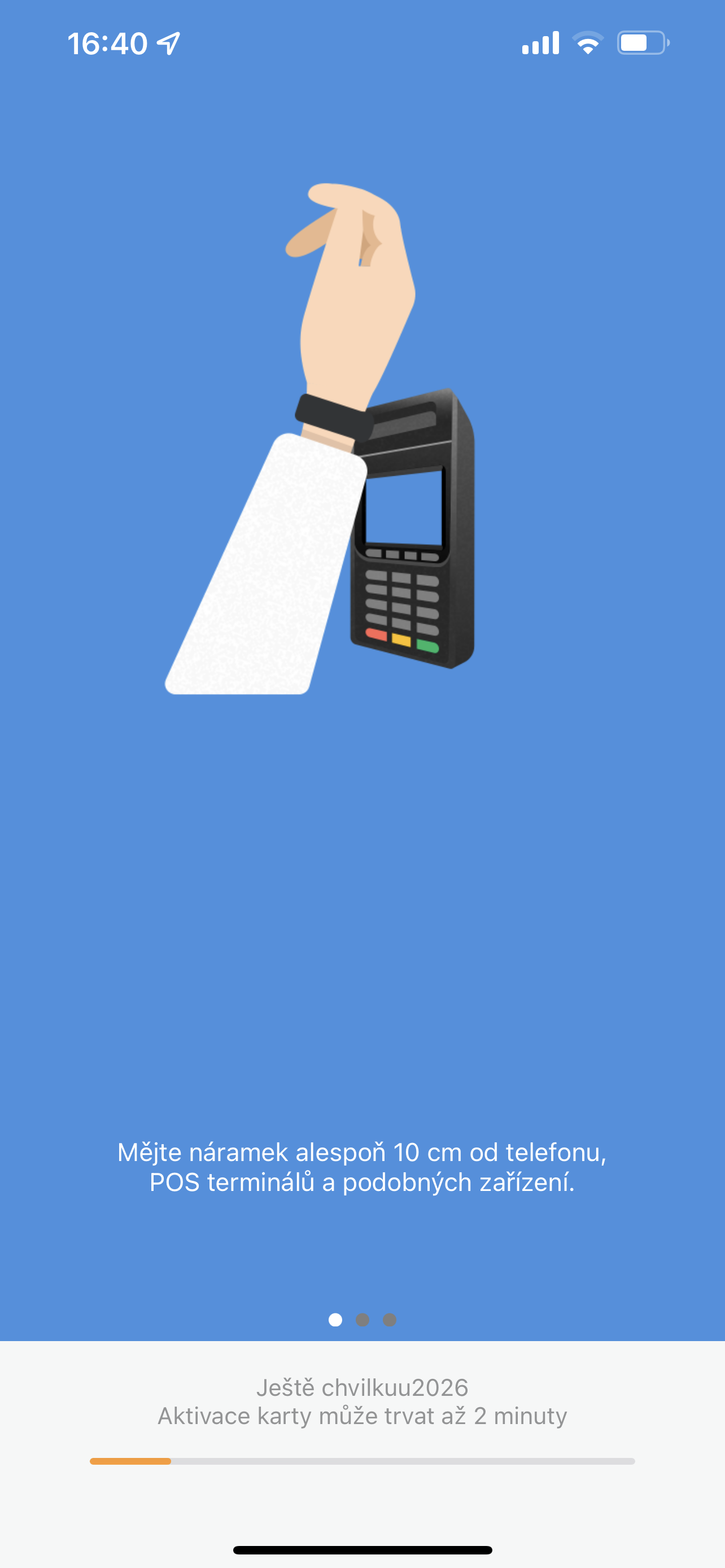
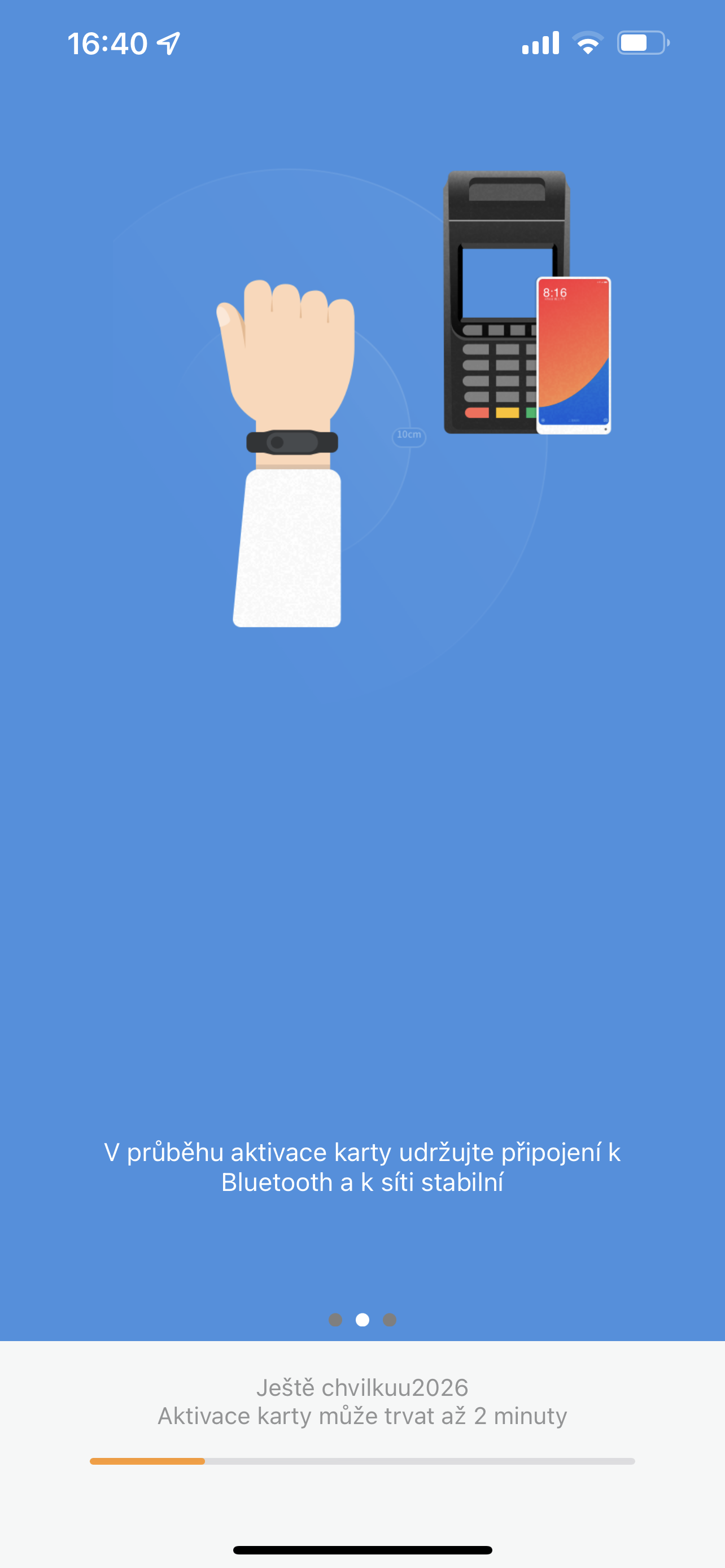
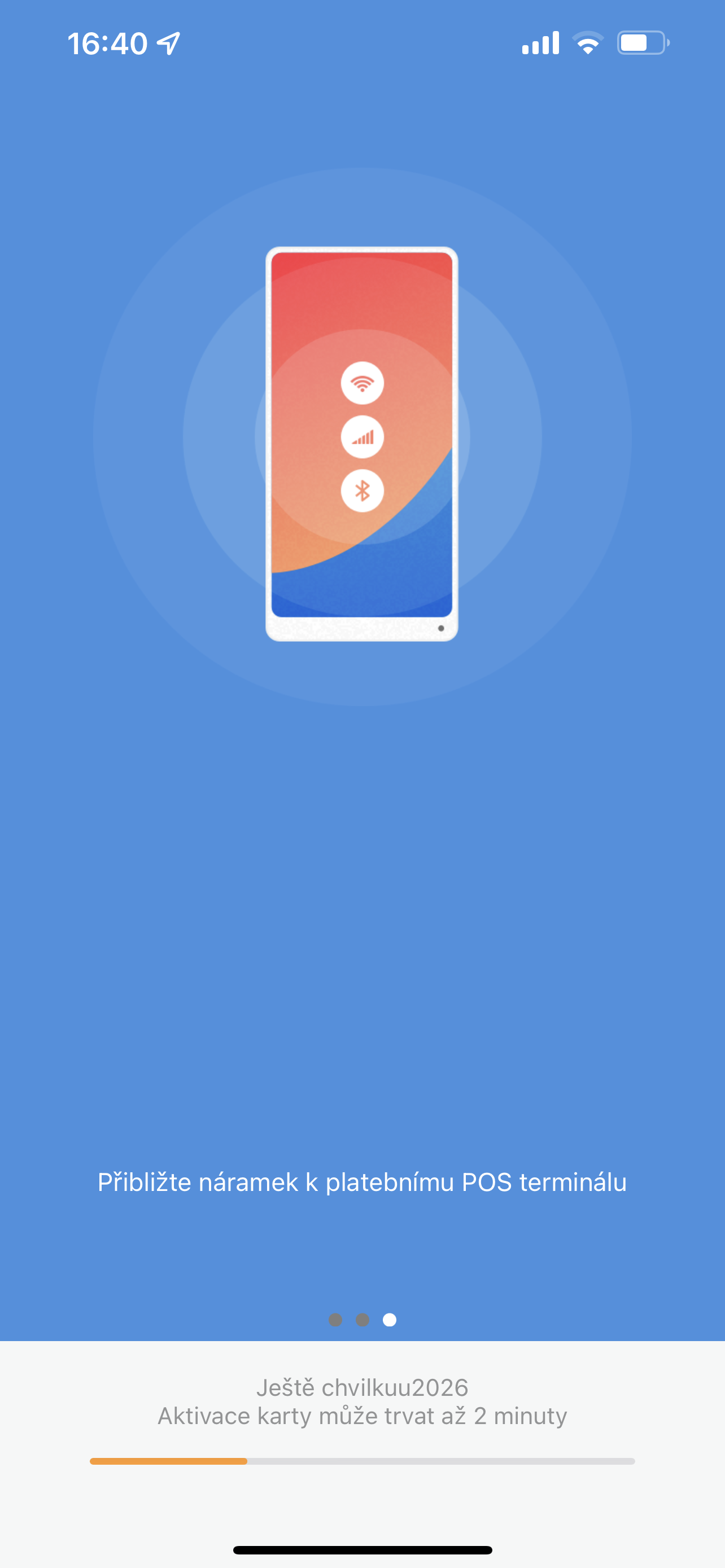
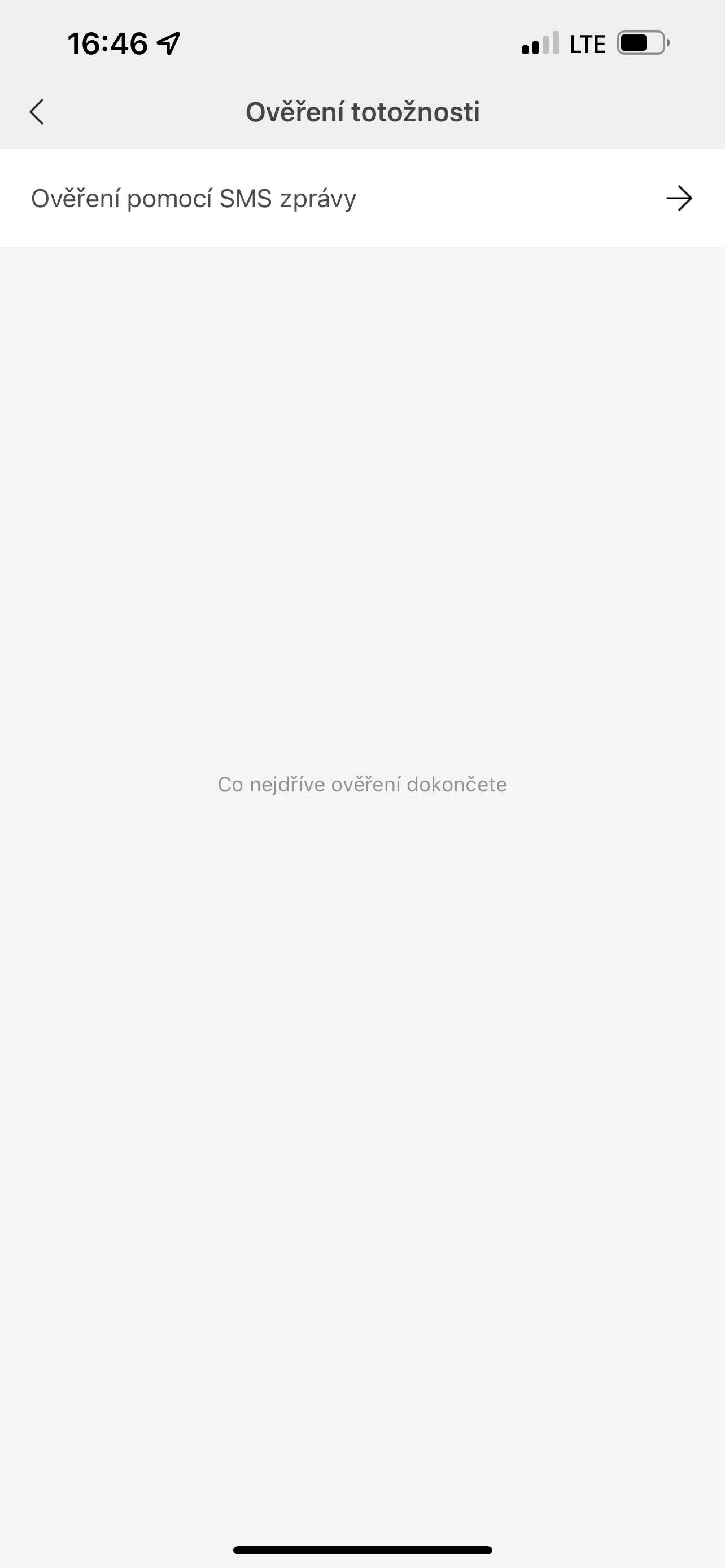
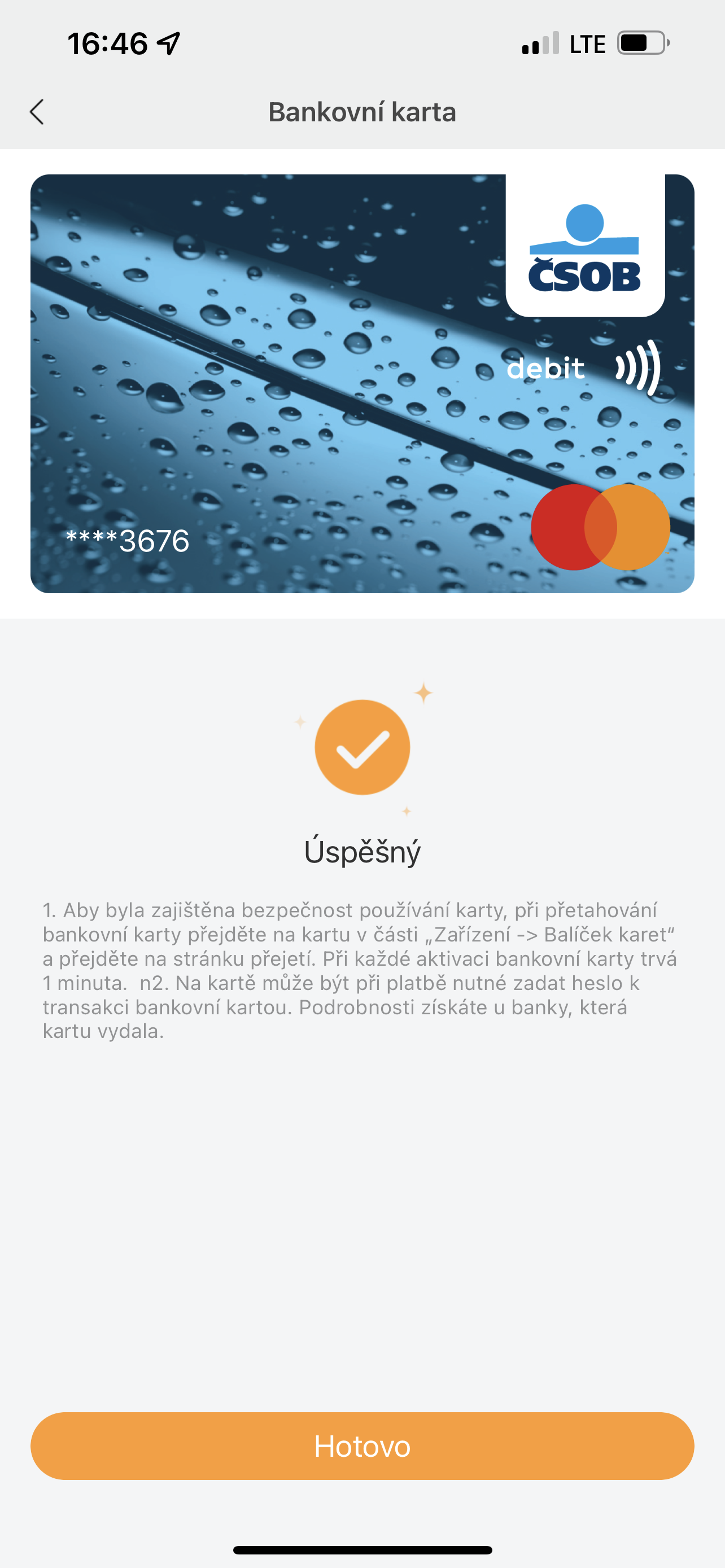
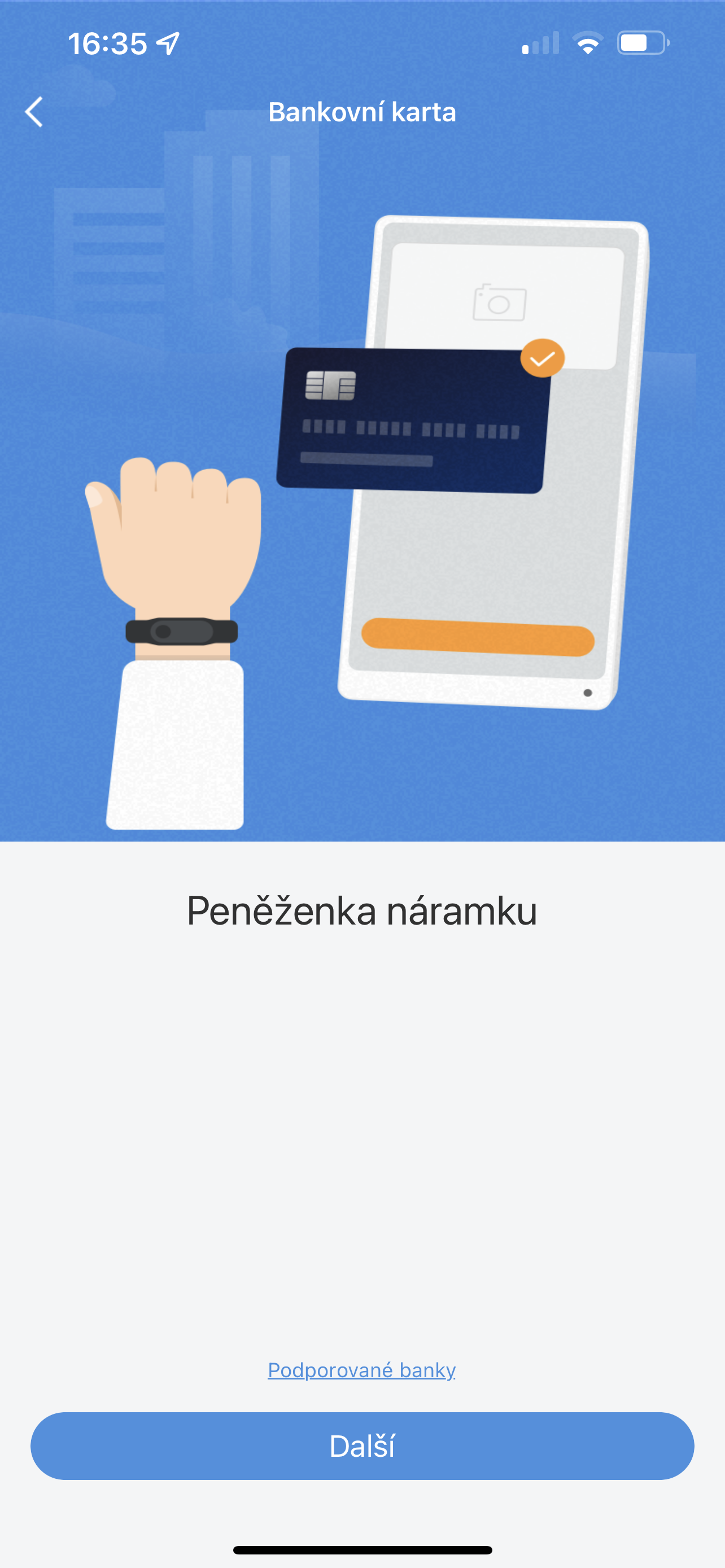
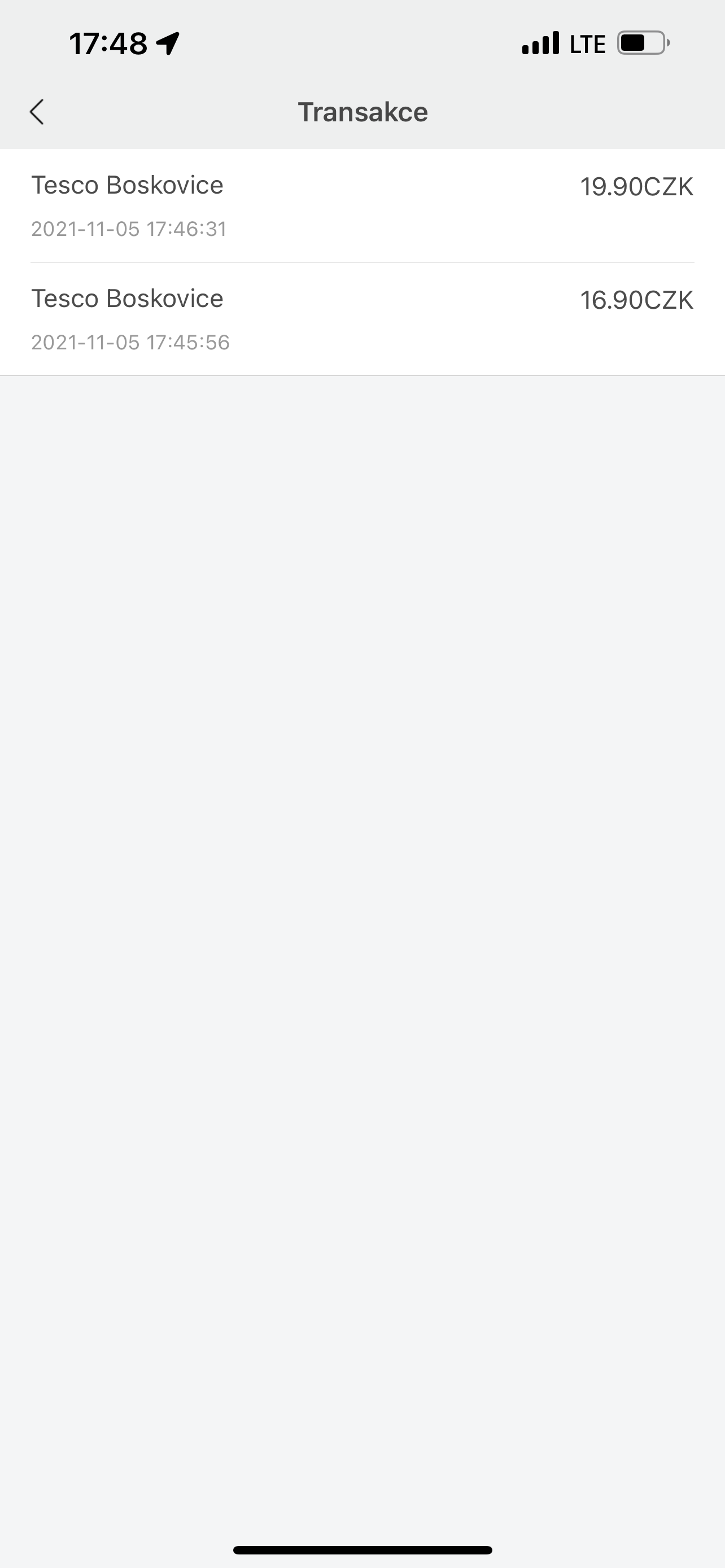
Adding a card to a bracelet is not a complicated matter, even compared to Apple Watch takes considerably longer. ProIt is specifically managed through the Cards section in the Mi Fit mobile application, which is used for management and all settings of the bracelet. Here you first need to log in via a Xiaomi account, which is available for activation NFC needed. Of course, as an Apple fan, I didn't have that, so I had to register, which only requires filling in an email or phone number along with a password, but even that takes a while. Once you create an account and link it to the bracelet, for a bracelet that is not secured by a code, you will have to create a code, which the bracelet also processes for a while while updating all the necessary branches of the system. After all these vicissitudes, theoneYou will then be given the option to insert the card, which can be done both in the classic way by scanning it and automatically overwriting the data, and by manually overwriting all identifiers. After filling in, the card is activated, which according to the bracelet should take maxat least 2 minutes, but in my case I waited minialmost double. Then it was enough to confirm the activation of the card with an authentication SMS message and it was done. From that moment on, the bracelet was ready to pay at contactless terminals, and therefore to activate ATMs.
Testing
So what is the Xiaomi Mi Band 6? NFC in real life when paying? I dare say that from a technical point of view it is flawless, although slightly lagging compared to Apple Watch in the comfort of payment. The payment card in the bracelet always needs to be activated manually by swiping from right to left, which will move you to the digital wallet through which the card is currently being activated. It only takes a few seconds, but it's definitely a bit longer than they need to recover Apple Watch. The card activated on the bracelet is then ready for payment for 60 seconds, after which it must be activated again. Speed aside, I would say that this solution is really good because it prevents possible unwanted payments that would occur if it were NFC on the bracelet open all the time.
All the payment terminals that I used during the test to pay via Mi Band registered the wristband practically immediately upon application, and absolutely always. Fortunately, there is no problem with payment in this regard. Personally, however, I personally missed any feedback from the bracelet when making the payment, at least in the form of a short vibration that would inform you that everything was successful. The one on Apple Watch it's available and in my eyes it's definitely nice, because thanks to it you keep your hand on the terminal only for as long as is absolutely necessary. It was the absence of any physical response that surprised me a little, because the bracelet otherwise vibrates because of every "stupidity" and therefore I would somehow expect that one extra vibration would not be a problem. On the other hand, the vibration will eventually be replaced by the display of the payment terminal, so you will get used to this detail without much trouble.
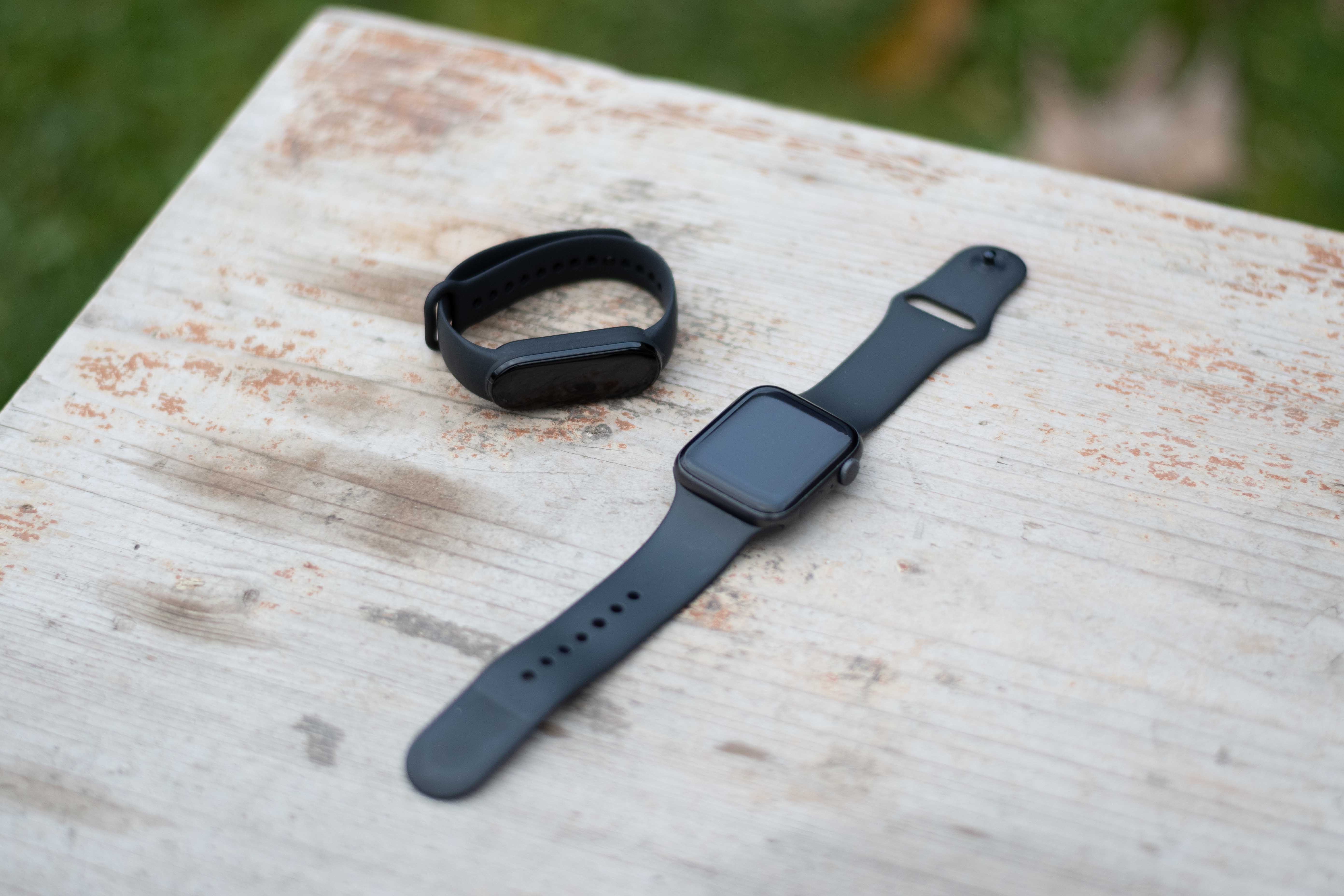
The good thing is that the Mi Band 6 can "carry" up to 8 payment cards, and you can also choose between them directly on its display before paying. So if you have multiple accounts, as in Apple Pay you can have them all recorded on your wrist and choose simply according to which one you want to pay from. Everything is a matter of one tap of the finger on the display.
What about me Apple Pay What is fun are the subsequent payment statements on the device display, which are another confirmation that everything went well. There is nothing like this available on the Mi Band 6, neither on the bracelet nor through a notification on the display of the paired phone. The list of card transactions in the Mi Band is subsequently searchable in the mobile application in the payment cards section, which is what Xiaomi Pay s Apple Pay it matches, but some initial confirmation that everything was successful wouldn't hurt. But again, in the end, this is a detail that will not surprise everyone.
It's great that just like Apple Watch, the Mi Band 6 can also be used to withdraw money from ATMs that have a contactless card reader. The procedure is the same as when paying - so you just need to activate the card manually and then notchat read by the ATM reader, which then just asks you for your PIN and that's it. Yes, even with the Mi Band I've had a few situations where the ATM didn't read it the first time and I had tochat load the card multiple times, but this also happens to me Apple Pay s Apple Watch whether iPhonem, so I can't criticize here - especially since I always go to the ATMonec – even if it takes several tries – you will get it.
For a big positive and overall thing that makes the Mi Band 6 s Apple Pay really comparable to the Watch, I perceive the functionality of paying through it with zero dependence on the paired phone. It doesn't matter whether you have it with you iPhone whether you have it or not – you will always pay with the bracelet and of course in a uniform style. The “offline” payment data will then be transferred after the bracelet is paired with the phone again.onem will be transferred to the digital wallet in the Mi Fit application, so you always have a good overview of everything. To be completely honest, I think that with the Mi Band 6, paying with the phone disconnected is perhaps even more useful than with the Apple Watch, because I can vividly imagine someone taking it on a multi-day offline hike just as an assistant for measuring steps, heart rate, and quick contactless payments. Pro In such cases, the Mi Band 6 will be far more suitable than Apple Watch, because with it you will not have to deal with the endurance that you have to give away compared to the Watch, and at the same time it will "hold" it de facto just like the offline Watch.
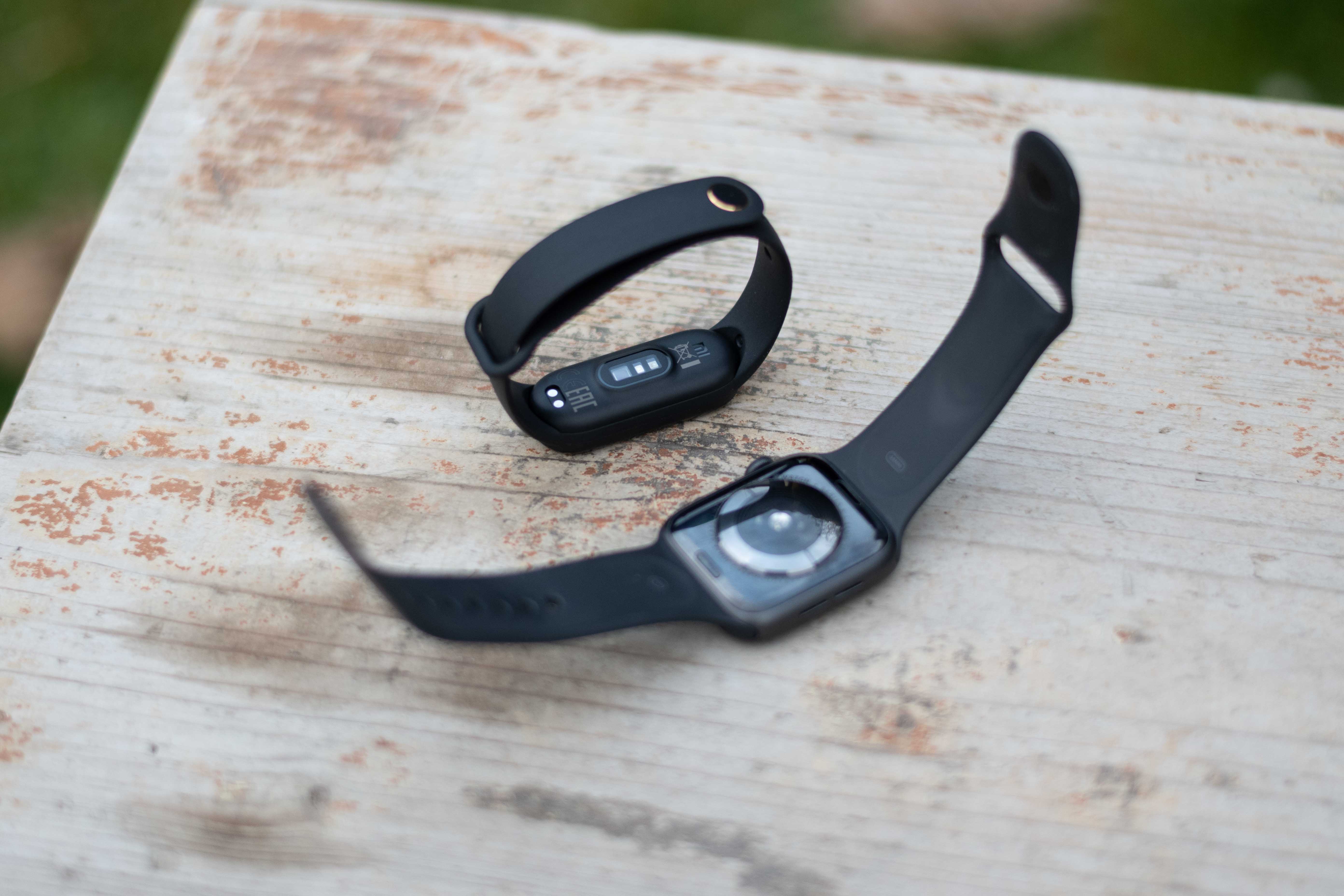
I was also quite curious about how Xiaomi has "managed" the potential misuse of the bracelet when it is removed from the hand. When I tested similar fitness pieces in the past, I was always a bit disappointed that after taking them off my hand, they remained unlocked, even though I had set code locks on them and so on. But their sensors simply did not detect the absence of skin, and the bracelets therefore continued to live in the belief that they were still on their hands. At the same time Apple Watch se they lock immediately after being removed from the hand – sometimes even sooner than one might want. The Mi Band 6 is somewhere in between in this regard. Its locking after being removed from the hand is fast, as fast as in the case of Apple Watch it is not, and thus the potential for it to be quickly put on the hand of someone else, who would then theoretically misuse the payment card in it. It is certainly not big, because in my case it was always a matter of a few seconds of non-lockable windows, but it is good to count on it.
Summary: Almost flawless, but still uncompetitive
So how does paying via the Mi Band 6 compare to Apple Watch and their Apple Pay evaluate? Completely objectively as a more modest, but still convenient alternative that definitely won't offend. Sure, I have a few complaints about it, but damn, we're talking about a device sold for 1290 CZK, so you can accept some of the shortcomings. However, there is one gigantic "but" revolving around the lousy support from banks. If this improves significantly in the foreseeable future, then I think that in the Czech Republic it can NFC version of the Mi Band really scores and replaces thousands of Apple fans who are still waiting to buy Apple Watch they didn't dig their physical payment cards. However, if this is not the case, the potential of the bracelet and, by extension, Xiaomi Pay will not be able to be exploited and paying through it will slowly fall into oblivion. And I honestly hope that after a few days with the Mi Band on my wrist, scenario number one will come true. The bracelet would deserve it.
A discount for you
If you Xiaomi Mi Band 6 NFC interested, you can use it thanks to our cooperation with Mobil PohotovostYou can get it with a nice discount. After entering the discount code lsaBand6 its price will drop from CZK 1290 to CZK 1149. But beware, the code is only valid for 10 uses.




And since Xiaomi will have support everywhere, it makes sense to want Apple there will be no watch 😂
Exactly. That bracelet can do just as well Apple Watch and at the same time it is significantly cheaper! :D
Your comment clearly declares that you don't seem to know how Apple Watch they work, respectively, that you are Apple Watch maybe he tried somewhere in a showroom and you don't have experience with this product, otherwise you wouldn't be able to write such nonsense. On the other hand, I'm glad that there are cheaper alternatives to the product that can offer, for example, the mentioned contactless payment.
It's not true, he can't get out of the pool of the day like aw
Dobry evening
Xiaomi Mi Band 6 bracelet NFC I have and I am satisfied. Yes, they are not Apple Watch not even Samsung, Garmin smart watches, but for 1290 CZK it's good.
There are people who don't want a smart watch, don't feel like wearing one, and are happy with the Xiaomi Mi Band.
I don't know if it was in the article, but if I take it off my hand, then Xiaomi Mi Band 6 NFC It requires a PIN code that I set and if someone steals it, it will be locked in the Xiaomi Mi Band 6. NFC he doesn't get it, the bracelet won't let the thief go any further and there's only the home screen and the bracelet is useless, he only has it as a fashion accessory
Regards
Vojtech
I will add more information
If I have the bracelet on my hand all day, I pay without a PIN code, I just go to the item where I have the card. As soon as I take the bracelet off my hand and put it back on my hand, I have to enter the PIN code again
But it is said that there is also an option to have security, so that the bracelet does not close when you are putting on a jacket, for example, there is also the option of a screen lock, I just slide my finger from the bottom of the display up and the bracelet is unlocked, but the Xiaomi Mi Band 5 already had that
I will write my experience.
I bought a Mi Band 6 NFC as part of a ČSOB promotional campaign for free. Only for the “price” of creating an account and logging in via the application – in which I had already created an account. It is nice that maintaining an account is free and without conditions, as stated by ČSOB. Also maybe because I was with Xiaomi Pay a little skeptical, I would have used a different account than my primary account for this form of payment anyway. From this point of view, opening an account with ČSOB is actually a benefit. Moreover, as I found out, I already had two products with ČSOB (not a bank account) and thanks to that I manage them in a single application – building savings and pension insurance – but I've digressed a lot, however, it could also concern someone :-)
The rest of the payment experience is completely consistent with the facts presented in the article.
https://www.csob.cz/portal/lide/ucty/plus-konto-s-naramkem?il1=jak-na-to-Plus-Konto
This is not a promotion of ČSOB - it is simply the only option :-) ...except for the foreign non-banking company mentioned in the article.
I have mBank and I pay without a problem.
A Visa card can also be used via Curve.
I confirm that you can also pay with a Visa card via Curve, for example I pay with a Česká spořitelna card without any problems.
Xiaomi Mi Band 6 NFC
Supported banks list (updating)
1. Belarus: JOINT STOCK SAVINGS BANK 'BELARUSBANK', Belgazprombank, Belarus Narodny Bank (BNB), Dabrabyt Bank, JOINT STOCK COMPANY 'BELAGROPROMBANK', PRIORBANK JOINT-STOCK COMPANY, JOINT STOCK COMPANY 'BELARUSIAN-SWISS BANK', Joint-Stock Company Company 'Minsk Transit Bank', CLOSED JOINT STOCK COMPANY 'ALFA-BANK'
2. Czech Republic: Curve, Československá obchodní banka, as
3. Denmark, Finland, Norway: Curve, SEB
4. Estonia: Curve, Swedbank
5. Finland: SEB
6. Italy: Curve, Nexi Payment
7. Latvia: Curve, Swedbank
8. Lithuania: Curve, Swedbank
9. Norway: SEB
10. Poland: ZEN, POCZTOWY, SGB, Curve, BNP Paribas, Credit Agricole, mBank, PKO BP, Alior Bank, Banki Spółdzielcze BPS
11. Slovakia: Curve, mBank
12. Sweden: Curve, Swedbank, SEB
13. Ukraine: AlfaBank, PJSC CB PRIVATBANK, JSC Oschadbank, OJSC Universal Bank, PJSC Bank Vostok, Public JSC First Ukrainian International Bank, Joint Stock Bank Ukrgasbank
14. UK: Curve
15. Hungary: K&H Bank Zrt
16. Greece: Alpha Bank
Xiaomi Watch S1 Active and Xiaomi Watch S1
Supported banks list (updating)
1. Belarus: JOINT STOCK SAVINGS BANK 'BELARUSBANK', Belgazprombank, Belarus Narodny Bank (BNB), Dabrabyt Bank, JOINT STOCK COMPANY 'BELAGROPROMBANK', PRIORBANK JOINT-STOCK COMPANY, JOINT STOCK COMPANY 'BELARUSIAN-SWISS BANK', Joint-Stock Company Company 'Minsk Transit Bank', CLOSED JOINT STOCK COMPANY 'ALFA-BANK'
2. Czech Republic: Curve, Československá obchodní banka, as
3. Denmark, Finland, Norway: Curve
4. Estonia: Curve, Swedbank
5. Italy: Curve, Nexi Payment
6. Latvia: Curve, Swedbank
7. Lithuania: Curve, Swedbank
8. Poland: ZEN, POCZTOWY, SGB, Curve, Credit Agricole, mBank, PKO BP, Alior Bank, Banki Spółdzielcze BPS
9. Slovakia: Curve, mBank
10. Sweden: Curve, Swedbank
11. Ukraine: AlfaBank, PJSC CB PRIVATBANK, JSC Oschadbank, OJSC Universal Bank, PJSC Bank Vostok, Public JSC First Ukrainian International Bank, Joint Stock Bank Ukrgasbank
12. UK: Curve
13. Hungary: K&H Bank Zrt
Support for mBank has probably ended in the Czech Republic, so Xiaomi is functional Pay at ČSOB, Curve.