Currently the latest operating systems in the form of iOS and iPadOS 15, macOS 12 Monterey, watchOS 8 and tvOS 15 have been with us for several months now. We saw their introduction at this year's developer conference. WWDC21, where Apple traditionally introduces new systems every year. Prohowever, only the following are available so far: beta versions of these systems and classic users will have to wait for some time for the release of public versions. In our magazine, we regularly provide you with guides in which we deal with the mentioned systems. In this article, we will take a look at a "gimmick" from macOS 12 Monterey.
You might be interested in

macOS 12: How to change scroll speed using trackpadin or mouse
If your Mac or MacBookyou have installed beta version of macOS 12 Monterey, so you know for sure that Apple frequently releases new versions of these beta version. In most cases, after the update everything works better and fine, but sometimes you may find yourself in a situation where something is different than before. I personally found myself in a situation, and I was not alone, where after updating to one of the other beta With macOS 12 Monterey, I noticed that scrolling on the page was relatively slow. It took a lot of effort to scroll up or down. Fortunately, there is a simple way to fix this error. Just follow these steps:
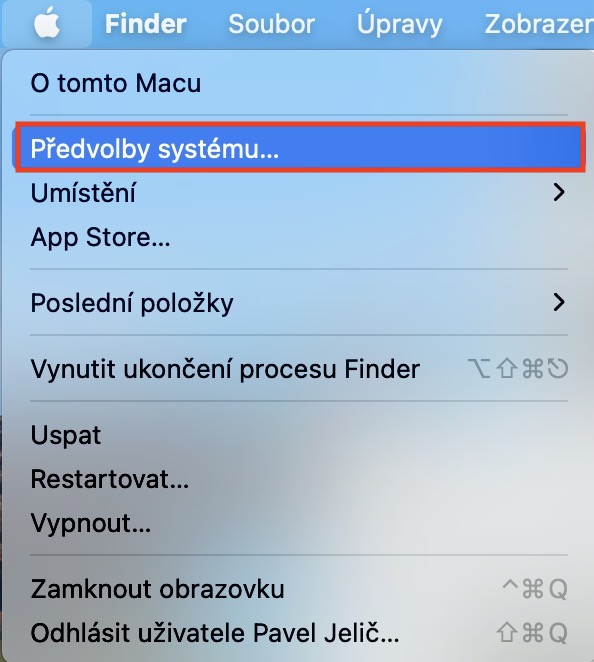
- First, you need to click on the top left on your Mac icon .
- Once you do so, select an option from the menu that appears System Preferences…
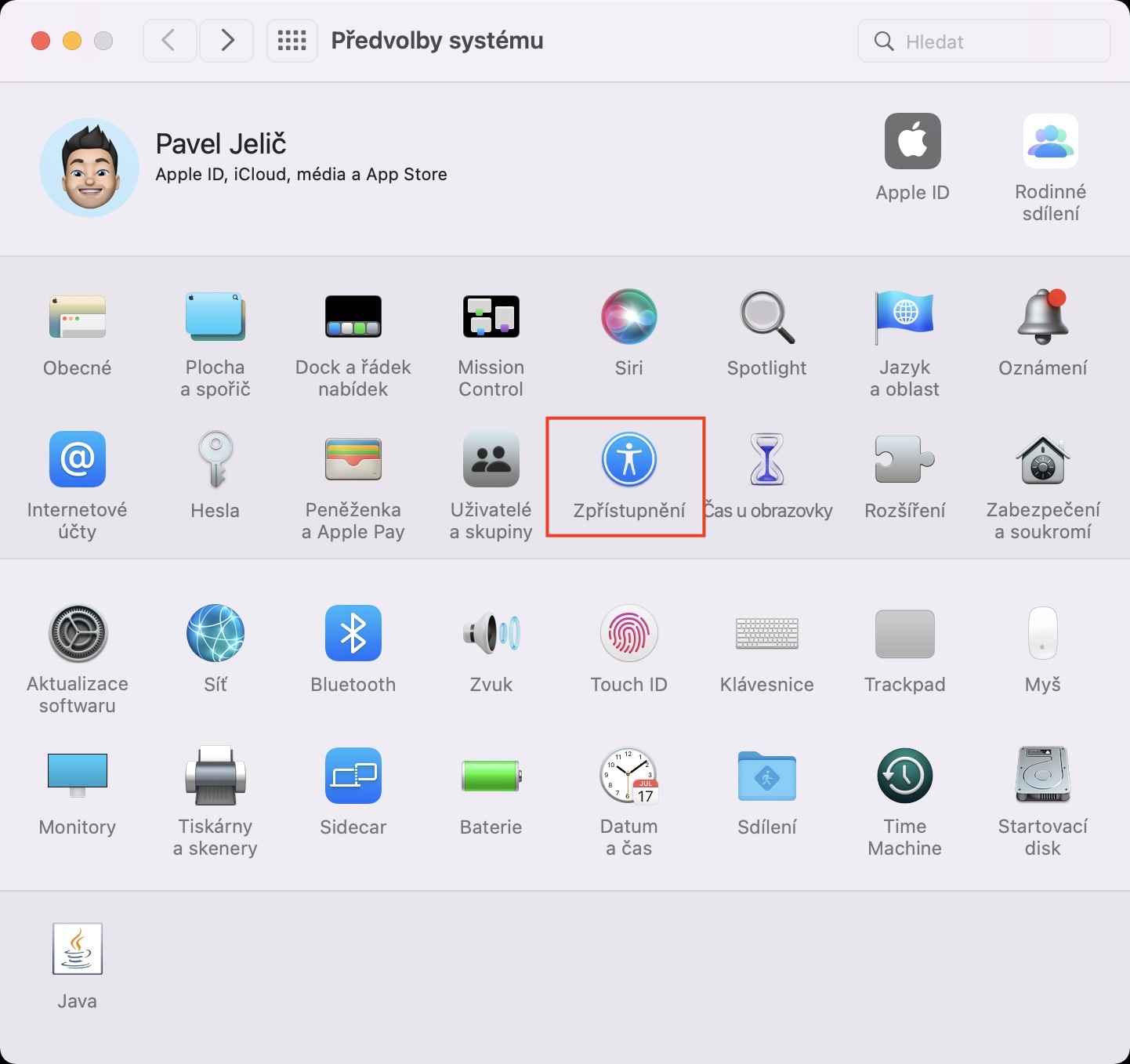
- After that, a new window will open, where all the sections intended for system administration are located.
- In this window, then look for a section called Disclosure and click on it.
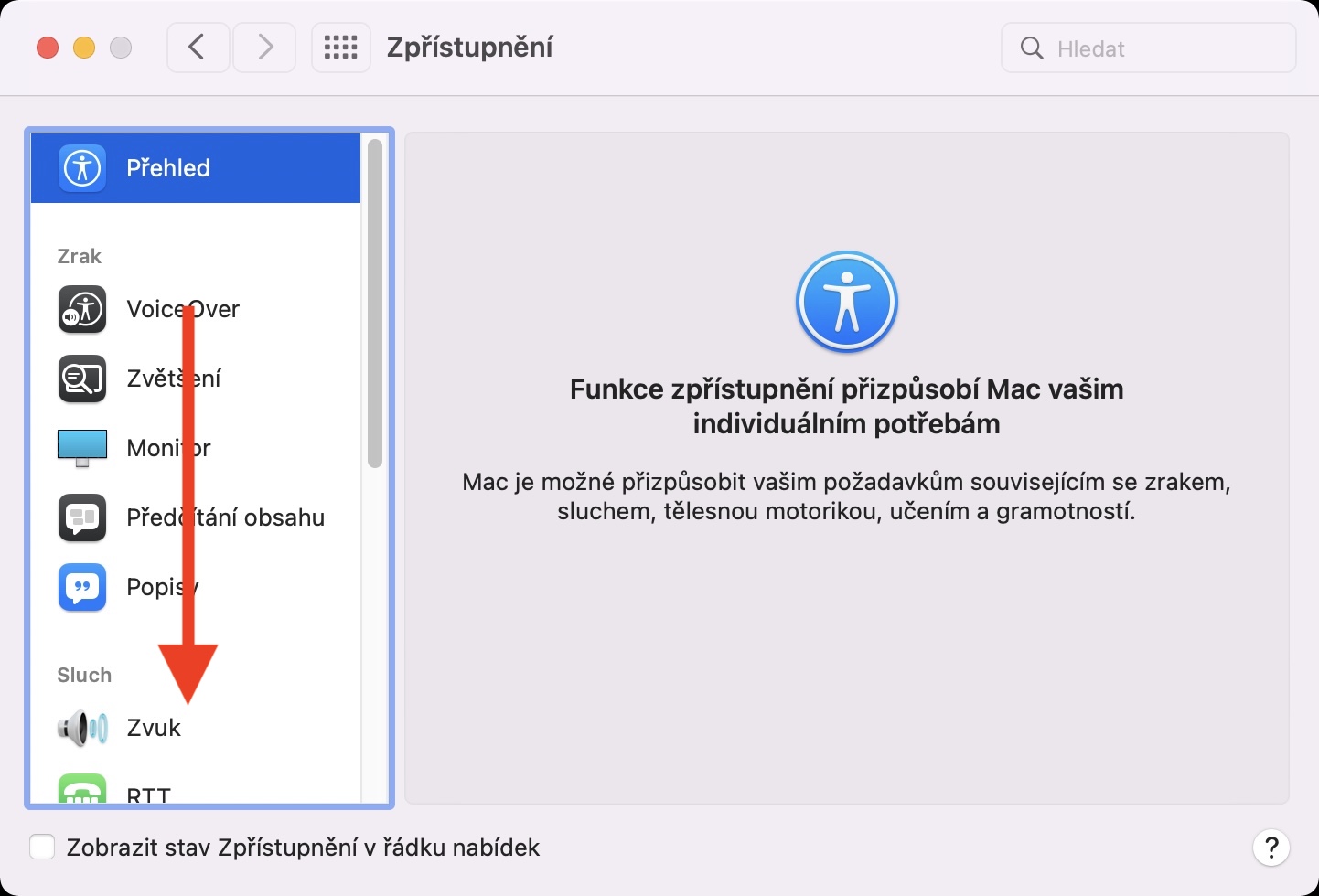
- Then go down in the left menu below, where find and click the option Pointer control.
- Then, in the upper part of the window, make sure that you are in the tab Mouse and trackpad.
- Then click the button below as needed Elections trackpadat… whether Mouse options…
- After clicking, you will see another small window in which pay attention to the slider Feed rate.
- Here you just need to value reset and then returned to the original settings.
- nakonec click on OK and the preferences window close it.
Gallery
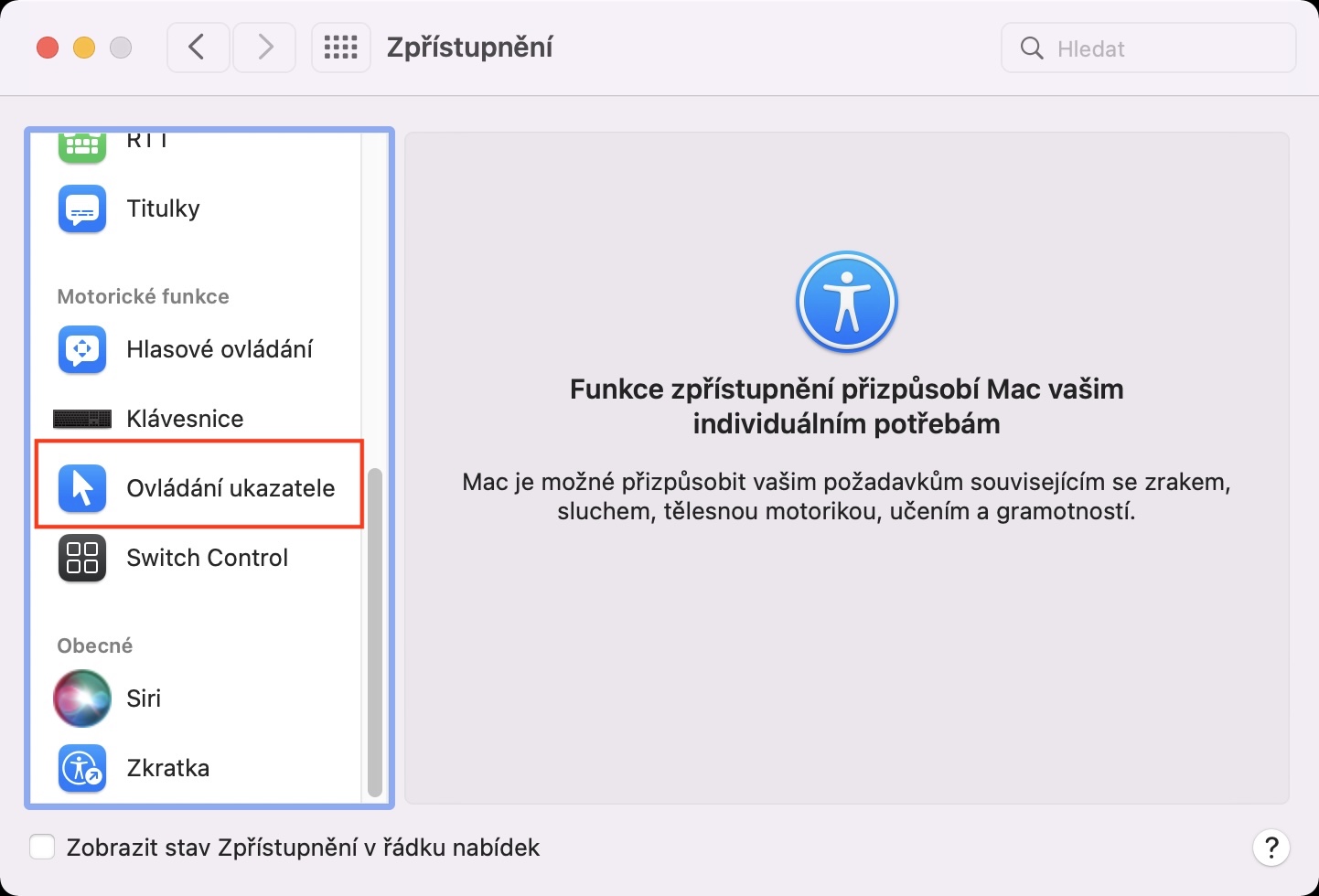
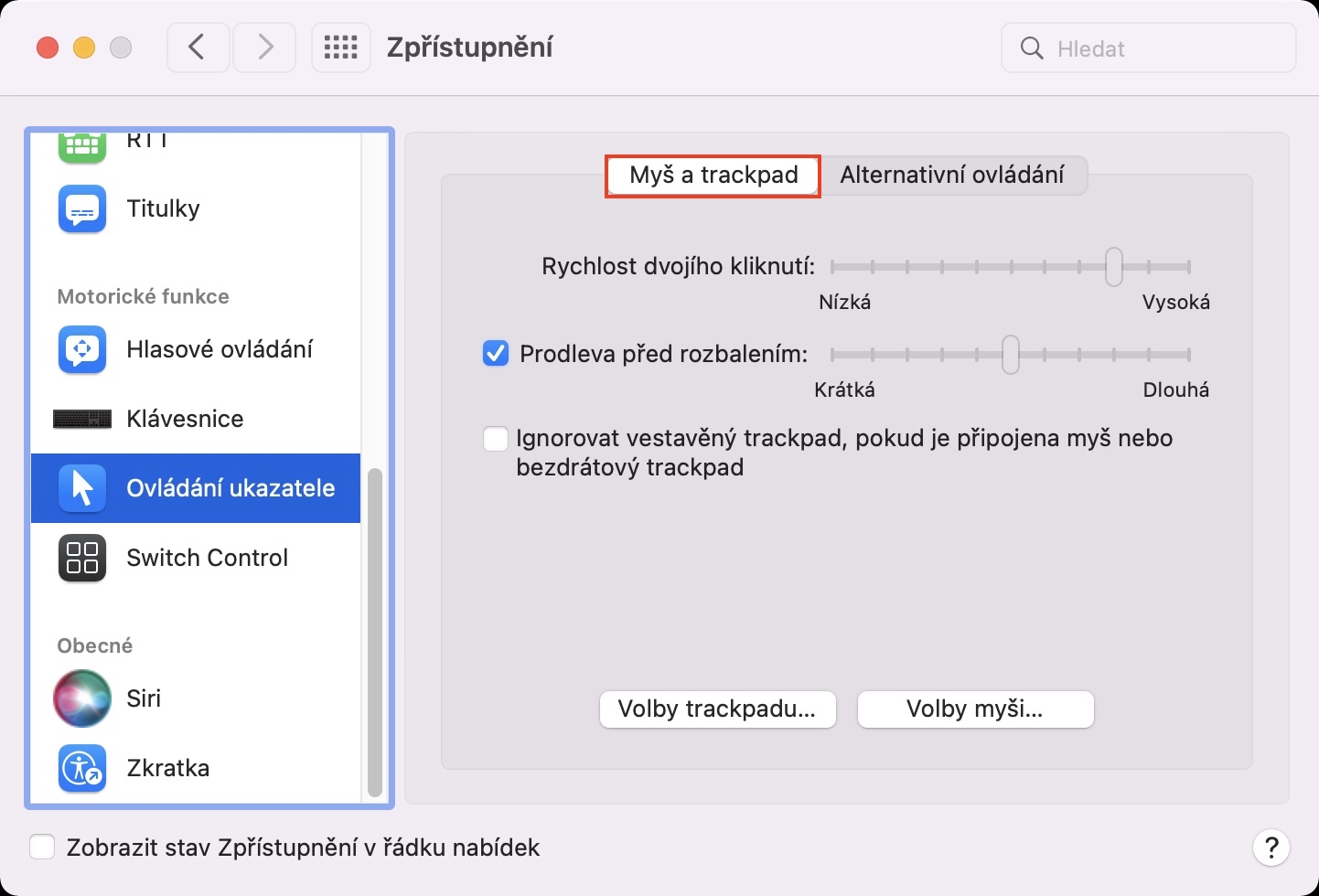
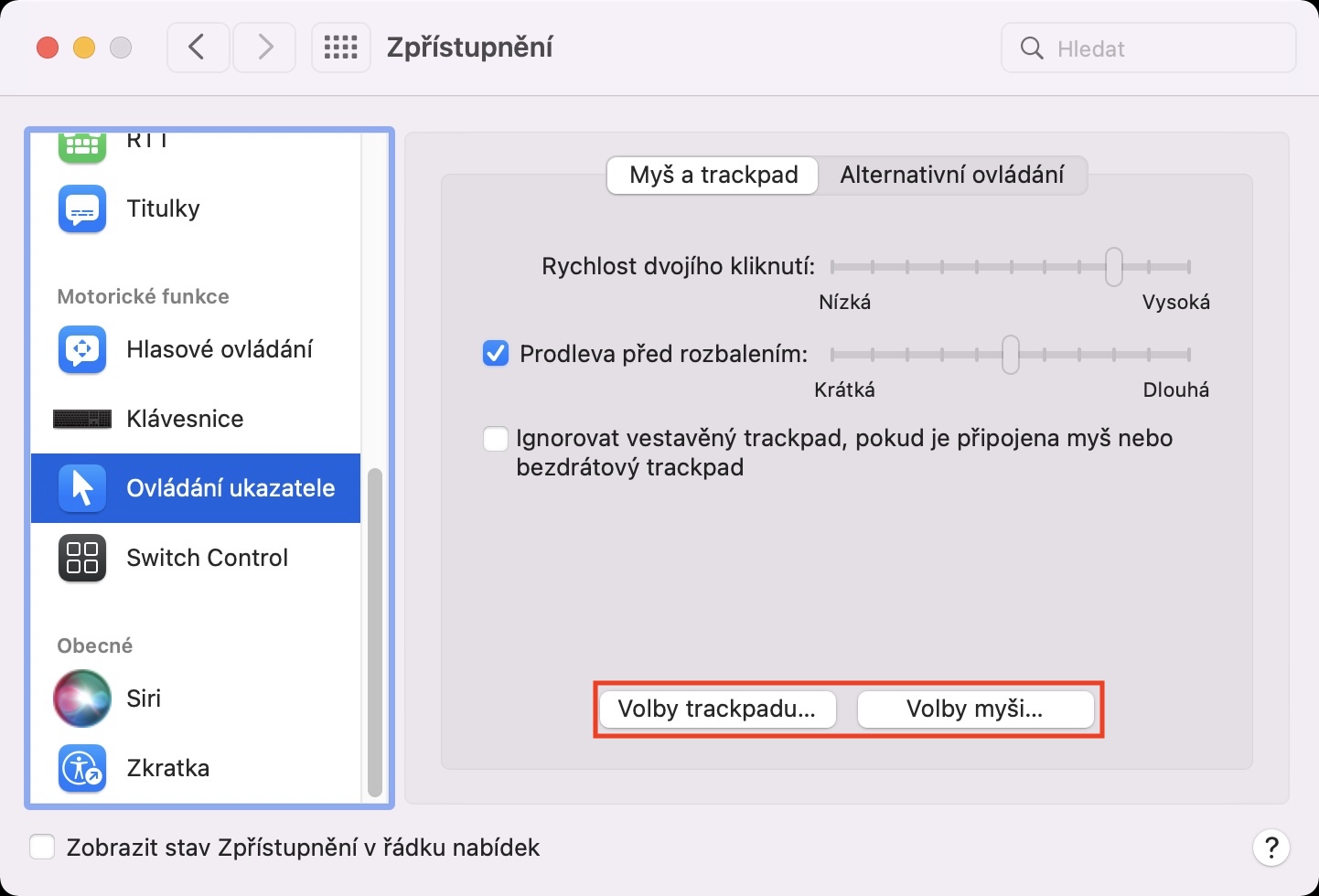
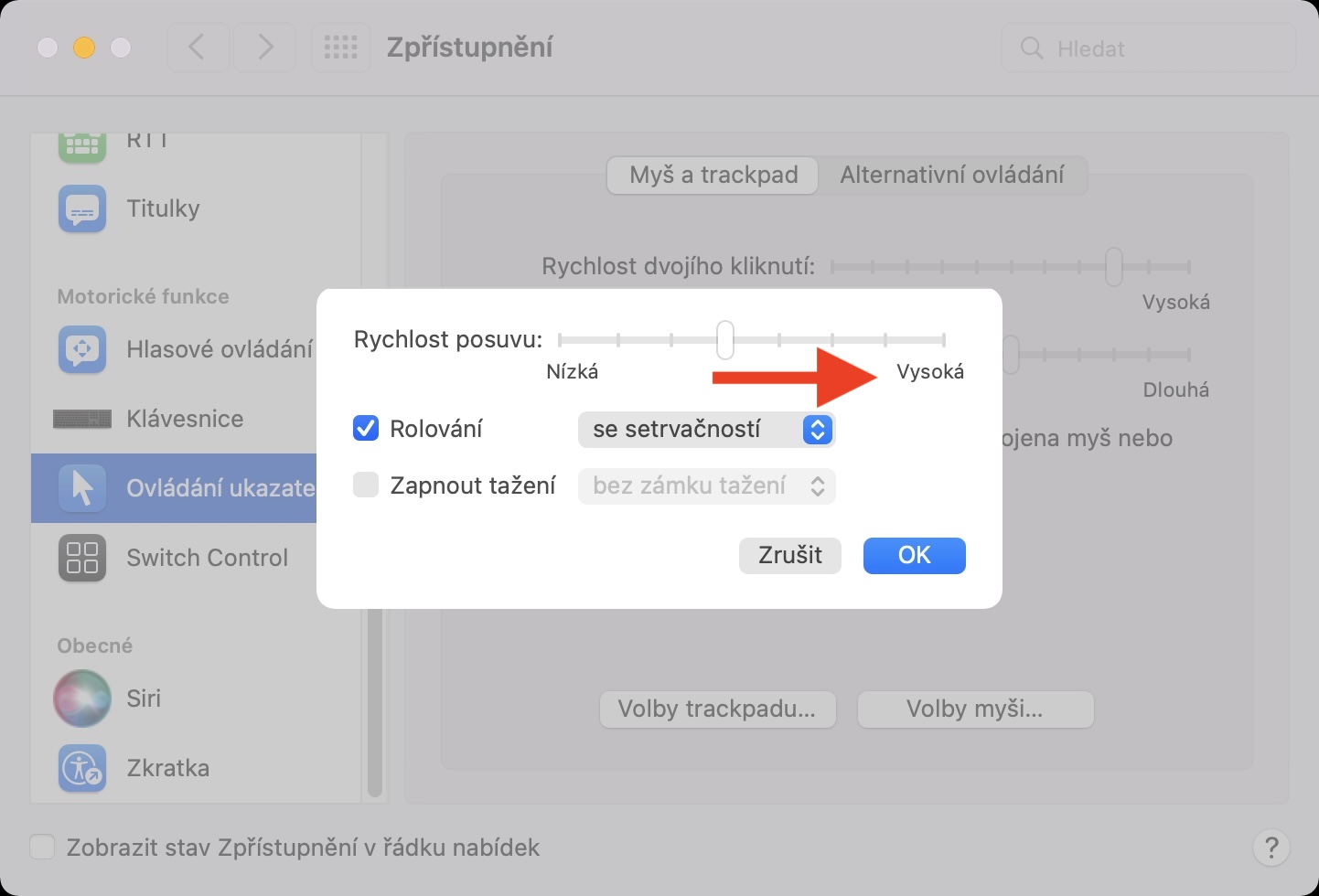
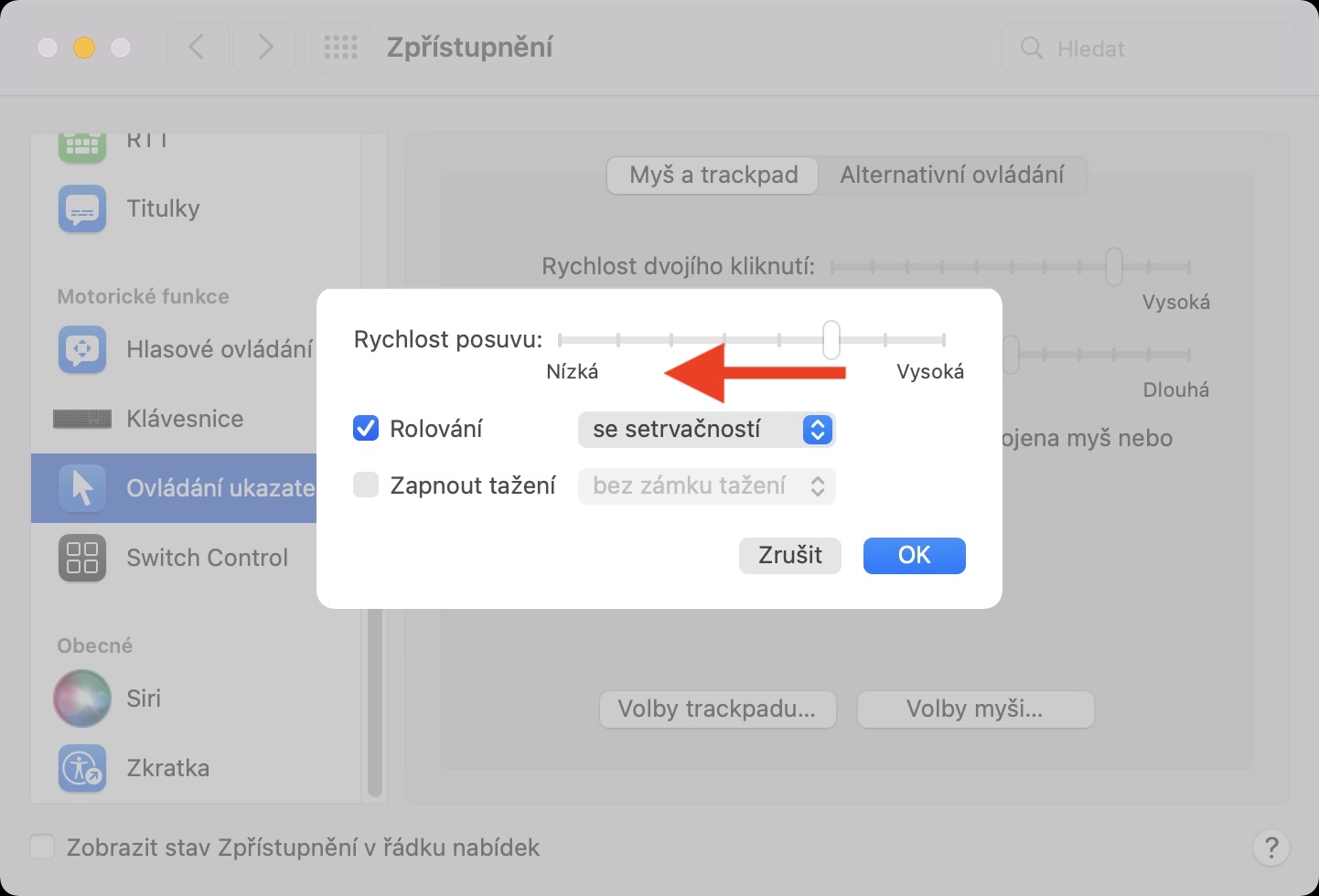
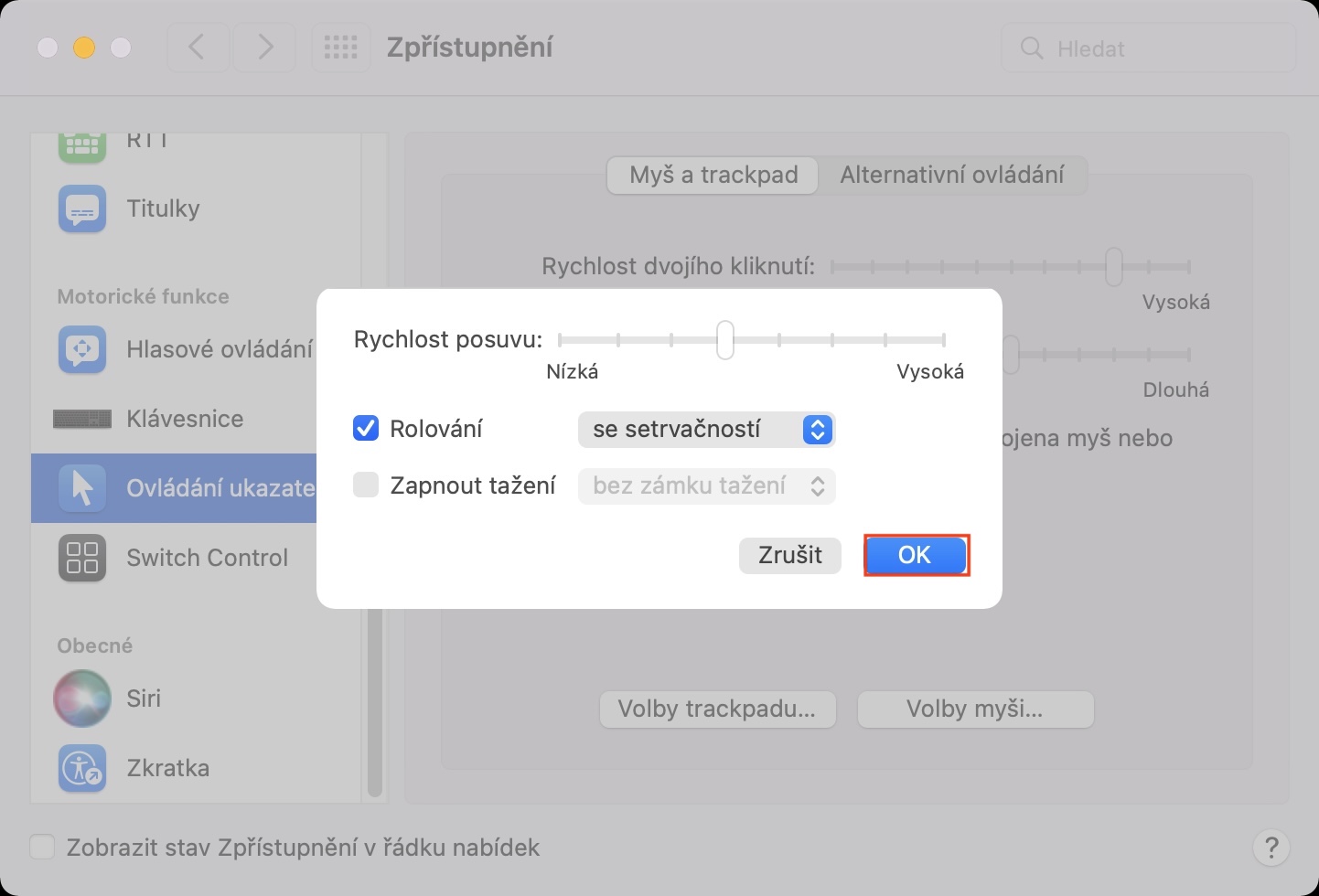
Using the method above, you can reset the scroll speed on a Mac (not only) with macOS 12 Monterey using trackpador mouse. ProIt's easy and simple to just move the slider value a little bit and then move it back again to recover. Of course, this procedure can also be used to change the overall scroll speed, not just to fix an error.