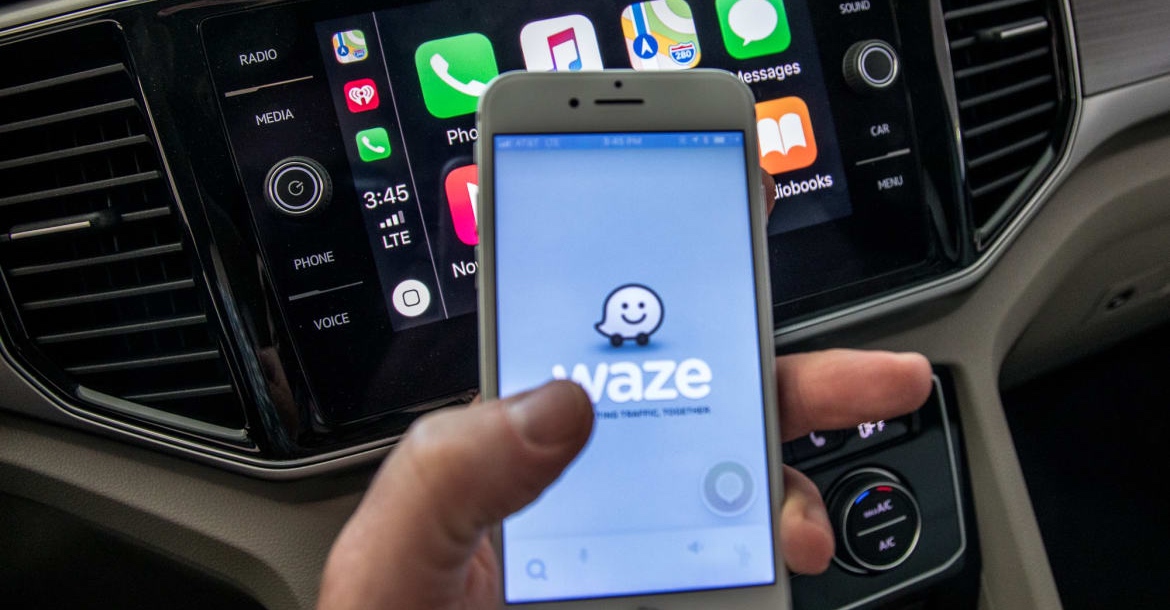
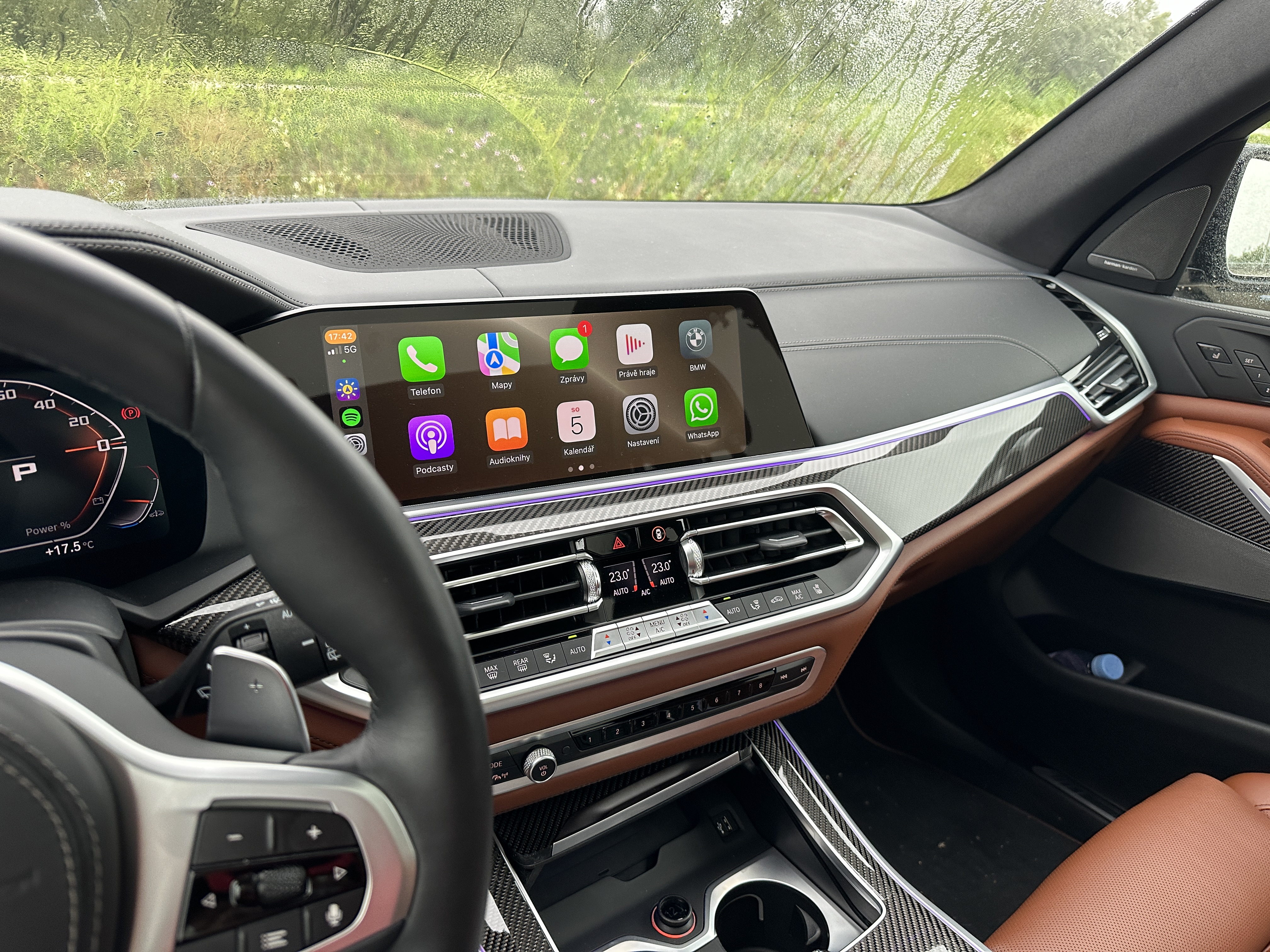
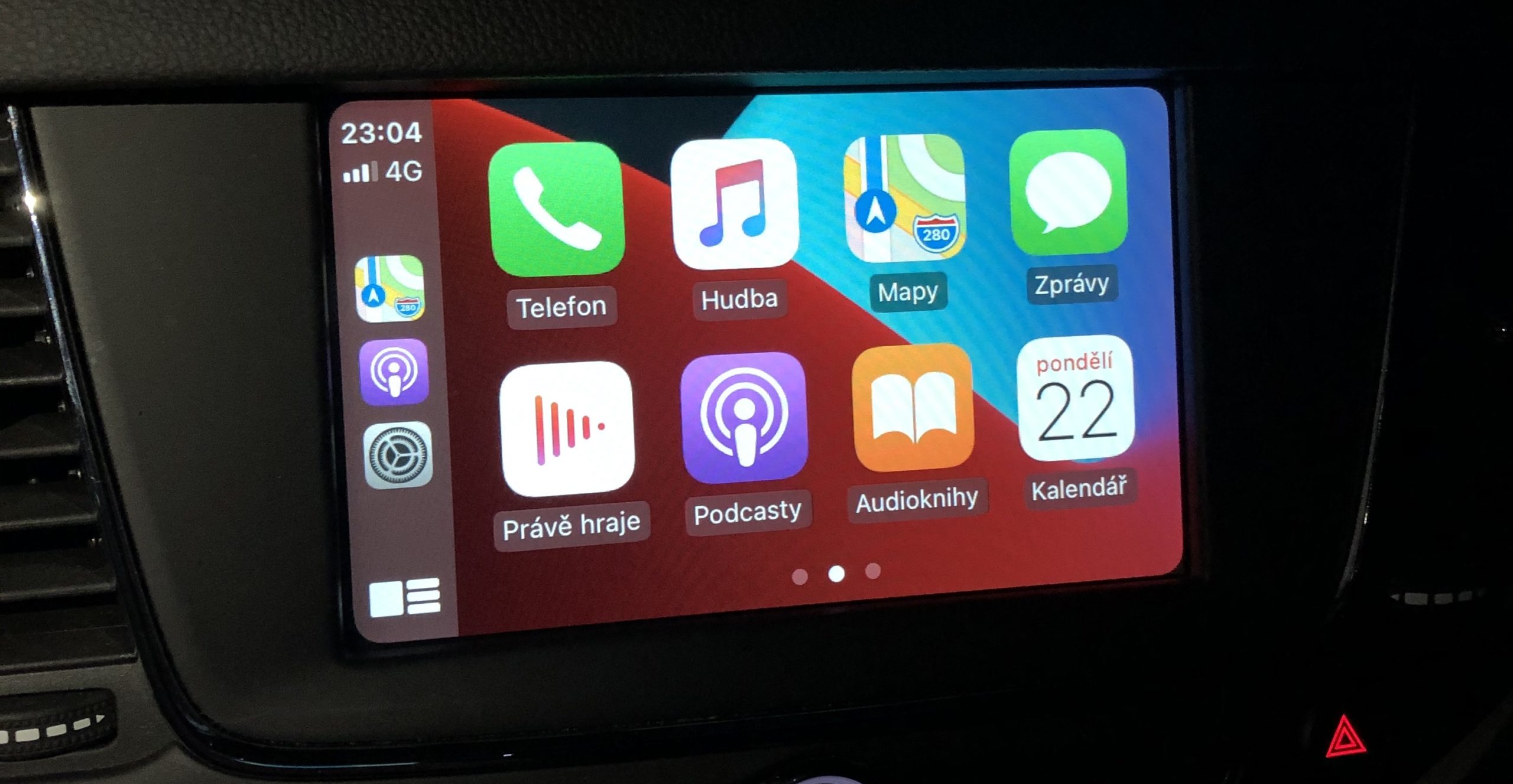
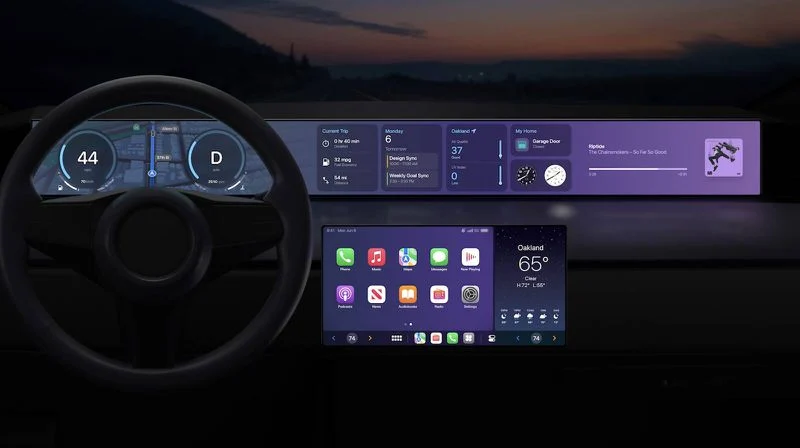
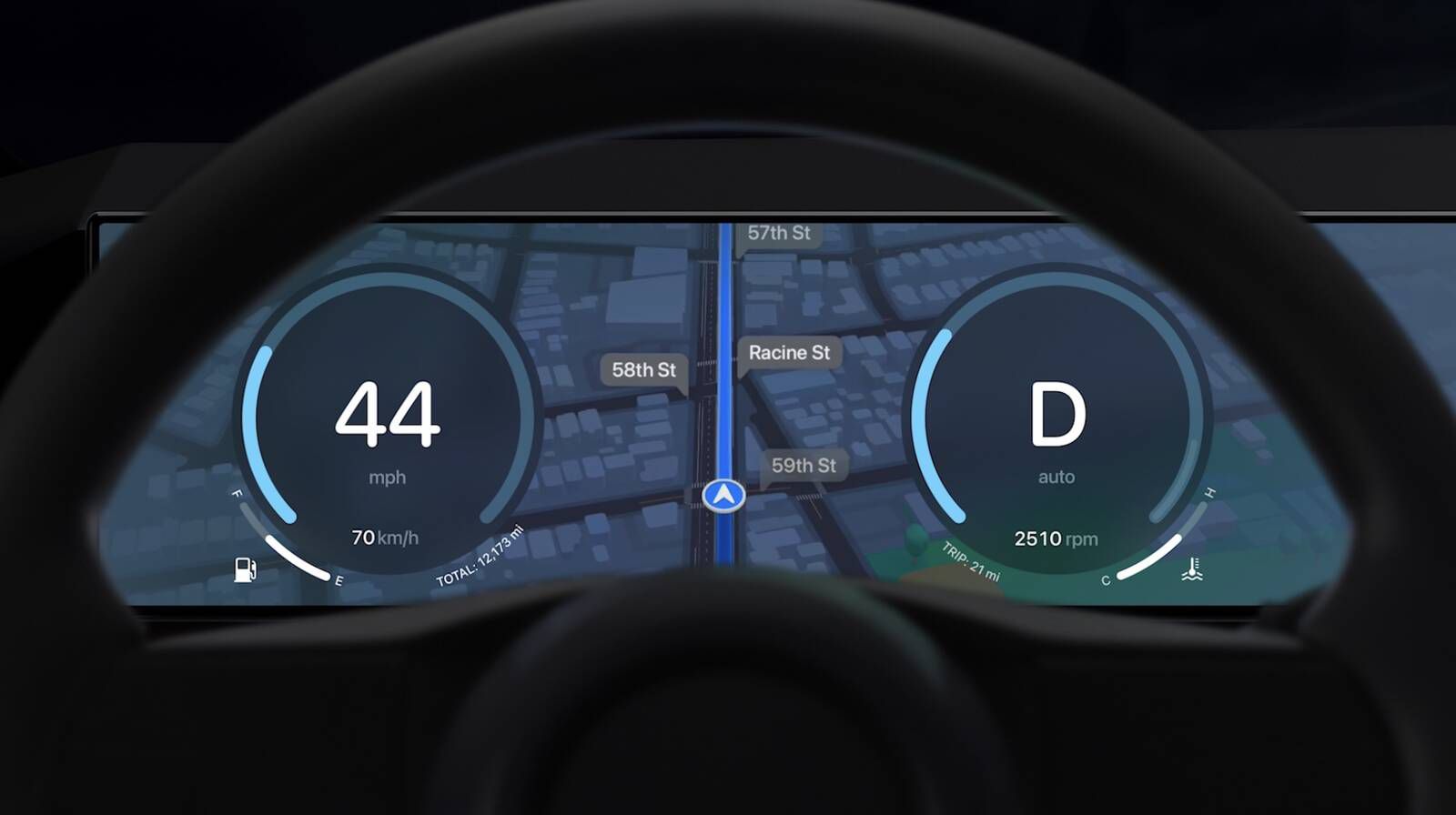
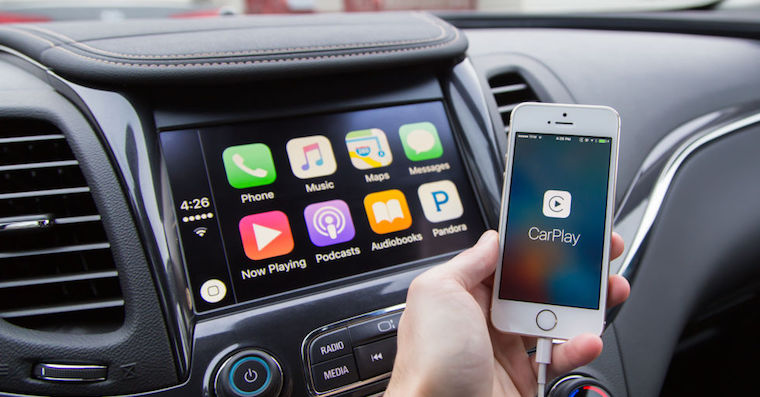
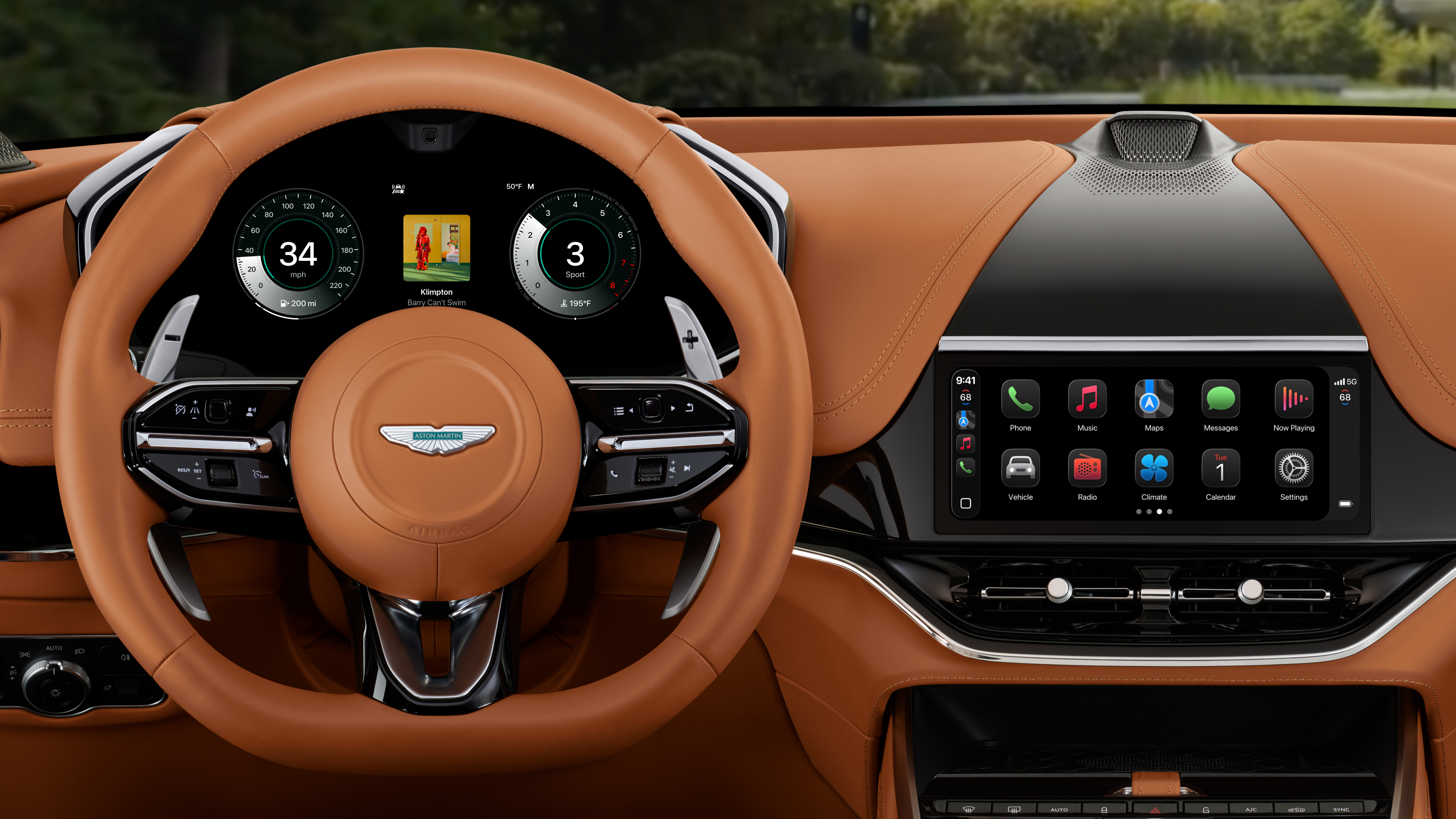
If you own a newer vehicle, you probably use it CarPlay. Pro For those less familiar, it is a kind of Apple-like extension of the infotainment in your vehicle, thanks to which you can view various applications from your iPhone directly on the display of your car. In most cases, for functionality it is CarPlay necessary for your iPhone connected to the vehicle using a cable, but in some newer vehicles the transmission is now wireless. In addition, there are also wireless receivers for CarPlay, which work more than well. Since it is CarPlay included iOS, so this means that its updates occur as soon as Apple updates iOSIntroducing the new version iOS We got 15 about two weeks ago and CarPlay in this case, it will definitely not be deprived of new features. So what can you look forward to in CarPlay z iOS 15?
You might be interested in
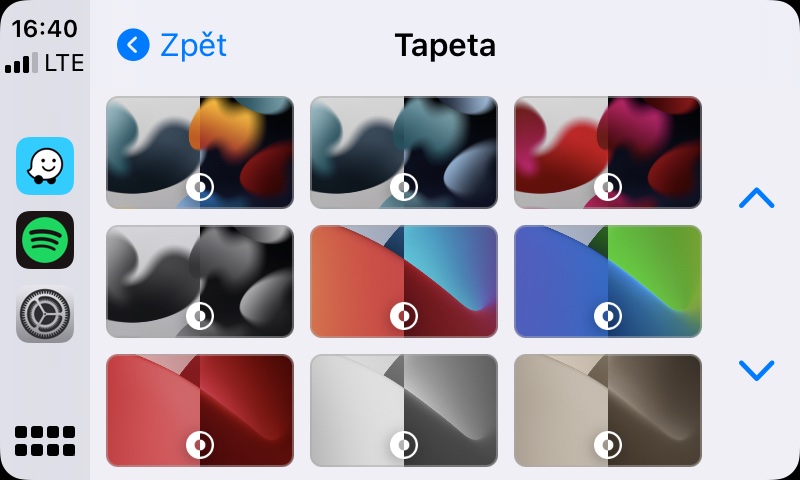
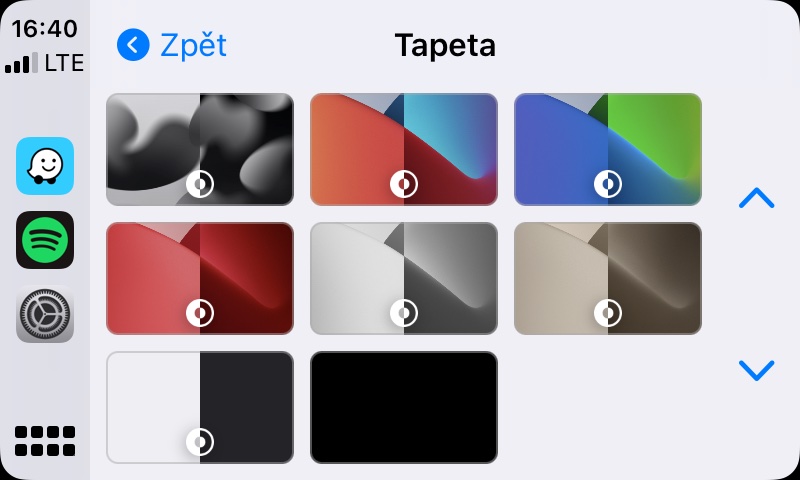
New wallpapers
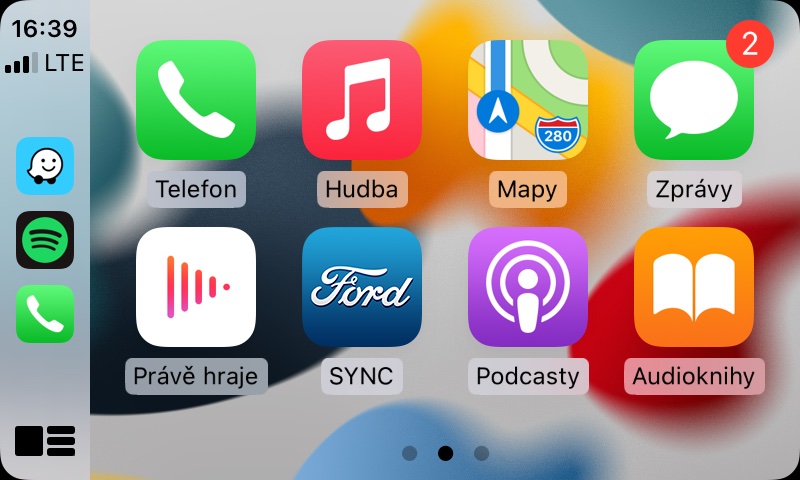
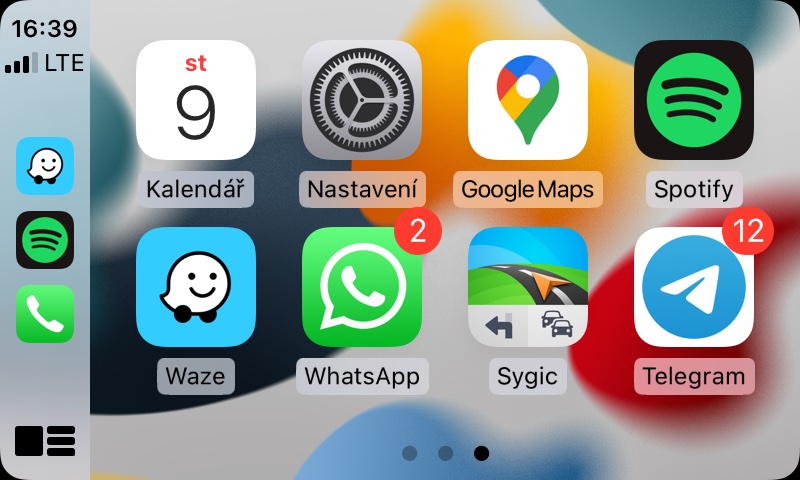
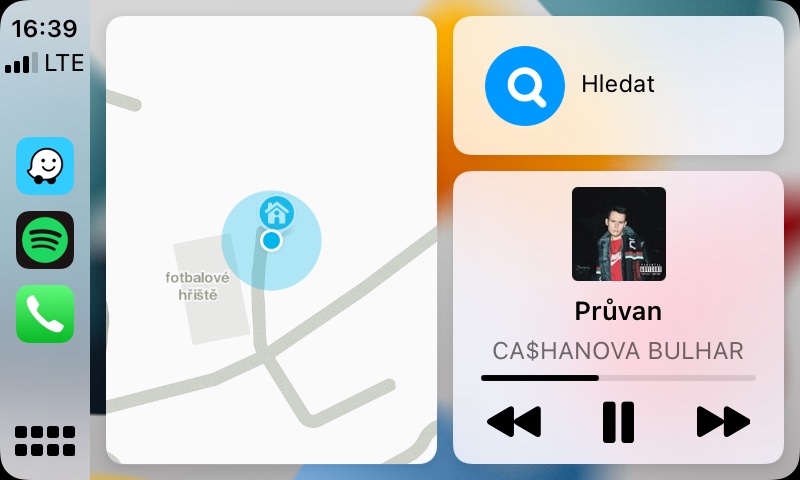
if CarPlay If you have been using it for a long time, you have most likely already "crawled" through the native Settings application. You will definitely agree with me when I say that you will not find countless different options for changing preferences here. At least there is a Wallpapers section where you can choose and set the wallpaper that you like the most. Users have been using it for a long time Applu want it to make it possible to set your own wallpaper - but the apple company has no plans to do this. All wallpapers in CarPlay namely, it selects them manually so that they do not distract the driver in any way, which would be impossible to control after making your own wallpapers available. In CarPlay z iOS 15 then several new wallpapers were added, which you can view in the gallery below.
Gallery
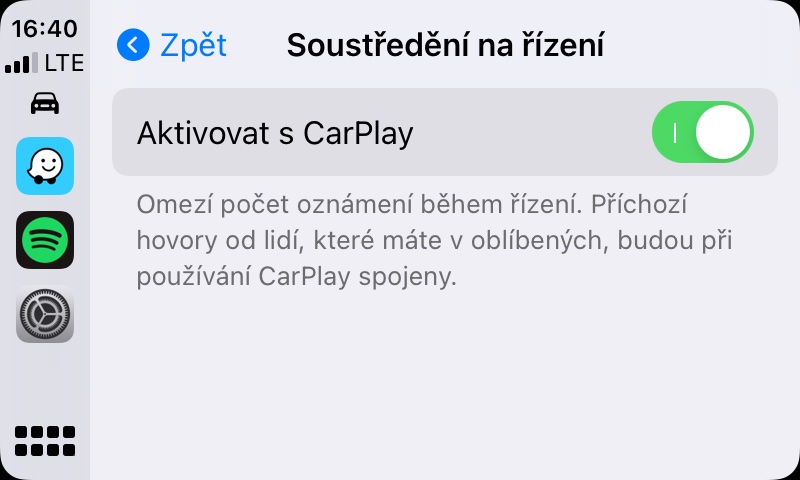
Concentration while driving
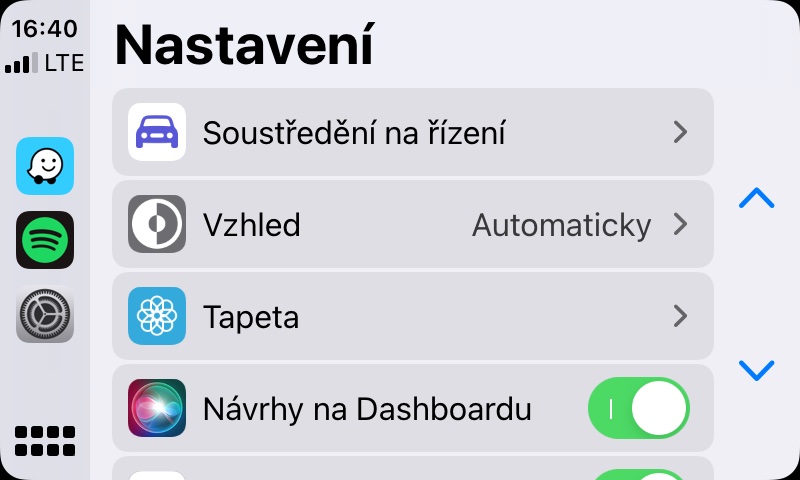
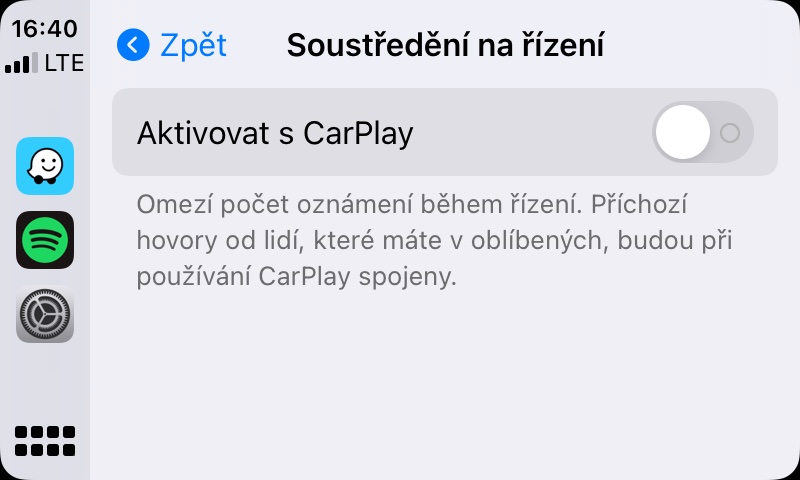
With the arrival iOS and iPadOS 15, macOS 12 Monterey and watchOS 8 we saw the introduction of the new Focus mode, which replaces the original Do Not Disturb mode. While in the case of Do Not Disturb mode you can't set anything else other than automatic (de)activation, in Focus there are countless customization options. You can create several different modes - for example, Work mode, in which you can set only your colleagues to be able to contact you, or to receive notifications only from selected applications. In CarPlay then we will be able tochat automatically activate Focus While Driving mode, which can also be reconfigured in various ways. If you want Focus While Driving to start automatically after connecting CarPlay, just go to Settings -> Focus while driving, where you can set the function.
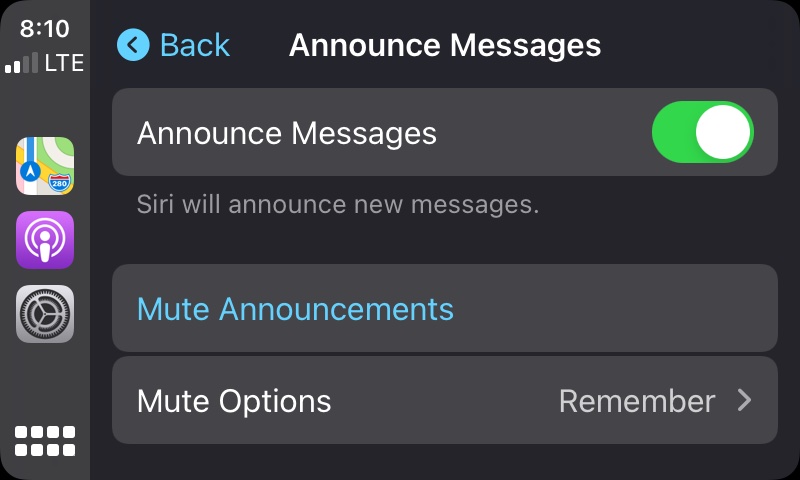
Notifying you of incoming messages using Siri
Above we looked at two new products that are in iOS 15 available now. Other news in CarPlay there are of course more, but it should be noted that with them Apple it will come later – probably in one of the next versions iOS 15.x. This includes, for example, the new feature Notify of incoming messages using Siri, which you may know from AirPods. With the help of this feature, you will CarPlay able to simply announce and read out incoming messages, as with the already mentioned AirPods connected to the iPhone. However, the question remains whether this feature will be available in the Czech Republic, or whether it will be useful at all. Notification of incoming messages using Siri is currently only available in English. Unless Apple he came Siri in Czech – let's be surprised.
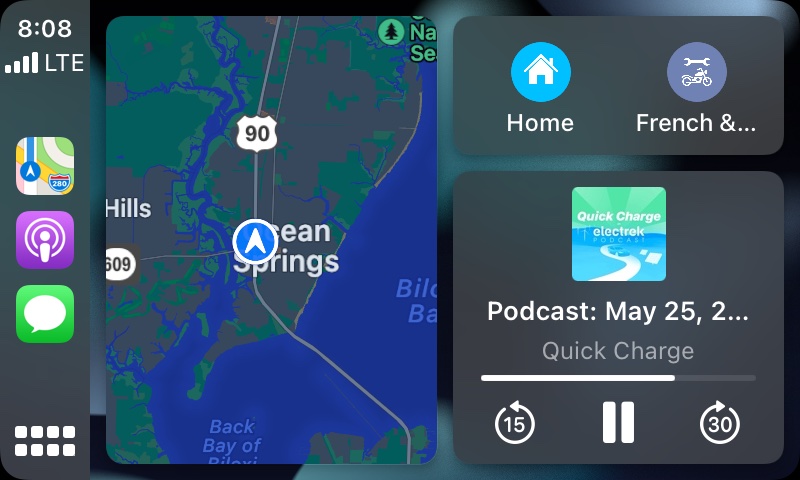
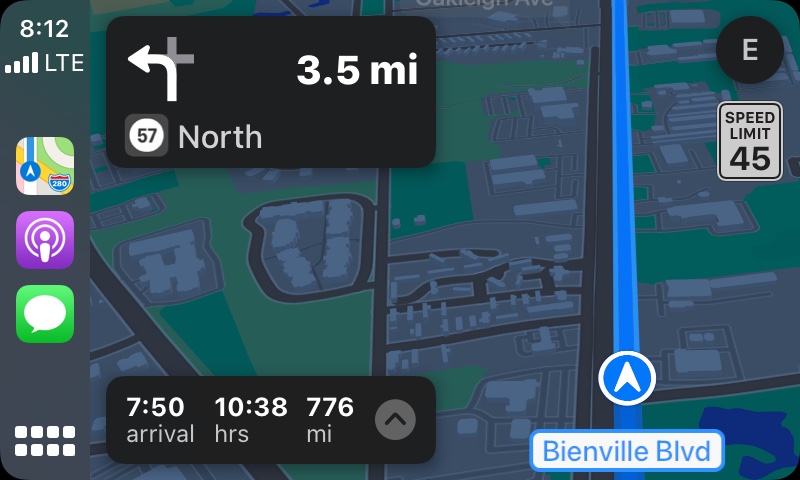
Improvements in Maps
Another new feature that is currently not in CarPlay z iOS 15 available, and which we will see later in the following releases iOS 15.x, there are improvements to the native Maps app. The good news is that Apple are constantly trying to improve their Maps, and so they are gradually becoming more competitive. General news in the Maps application, for example directly from iOS 15 or macOS 12 Monterey, it's really enough. ProThe problem is that all these features, including those that are not yet available, will only be available in selected world capitals - for example, New York, Los Angeles, San Franciscoancisco or London. In these cities, detailed lane guidance, images of crossings or cycle lanes, etc. will be available, for example. The map itself will also be improved, showing traffic and other important information.
An improvement CarKey
Performance CarKey, i.e. a virtual vehicle key, we received as part of iOS 14, however, the function itself is also available in iOS 13. It is currently possible CarKey can only be used on BMW cars, specifically the latest models. In iOS 15 then there is an improvement CarKey – specifically Apple "added to the game" ultra-U1 broadband chip, which is part of some newer Apple phones. This chip, which can also be found in, for example, AirTag, can determine exactly where the device itself is located, much more accurately than classic GPS positioning. Thanks to this, users CarKey can rely on the fact that the vehicle will not be able to start if iPhone will not be inside, they will still be able to rely on not locking their vehicle with iPhonem inside. Hopefully we will see improvements and further expansion in the future CarKey to other car manufacturers. The function is absolutely perfect and I think each of us will appreciate it.
You might be interested in