
It's been a few months since we last met.onethey finally got started Apple Pay in the Czech Republic. At first, though Apple Pay they did not support all banks, however, over time their number increased and continues to increase. Most of us probably have an account with only one bank, in any case, in some cases we may have more accounts, or we may use other more modern payment methods. In the event that you use several pro cards within the iPhone Apple Pay, so the one you added first will automatically be set as default. Let's see together how you can change this default payment card.
You might be interested in

As iPhone change the default payment card
If you want to change the default payment card on your iPhone, it's not difficult. Just follow this procedure:
- First on your iOS device open the native app Settings.
- Once you've done that, get off on something below, until you hit the box Wallet a Apple Pay, which you tap.
- After moving to this section of the settings, go down a bit again below, where to unclick the line Default tab.
- It will already appear here, together with the preview, all your cards, which you have added in Apple Pay.
- Depending on which tab you want to set as default, on her click which will appear with her pipe.
Gallery
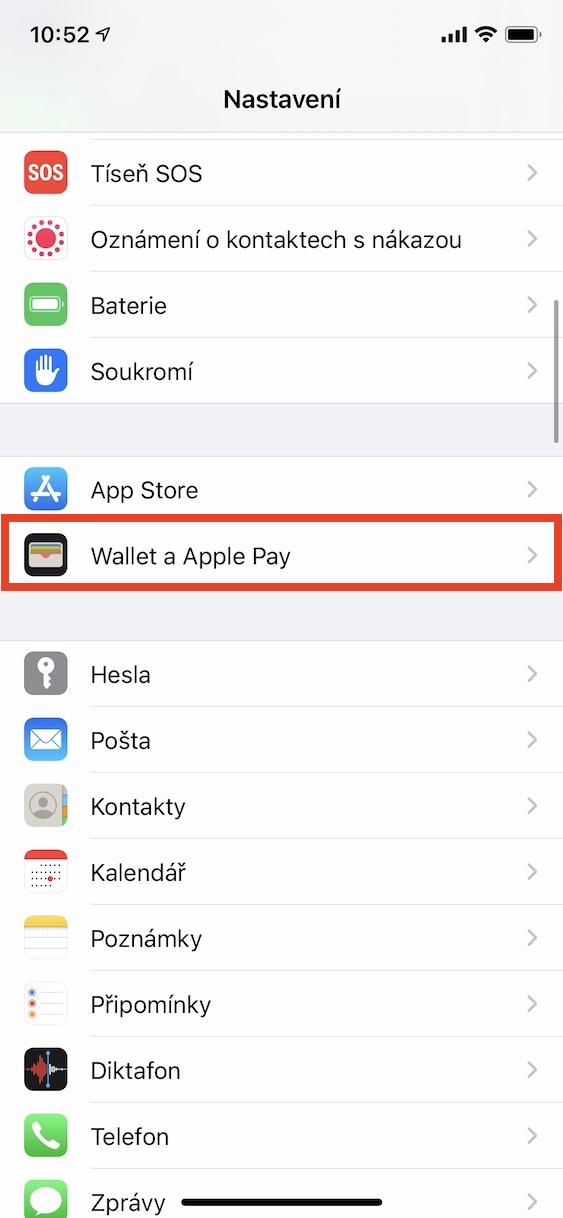
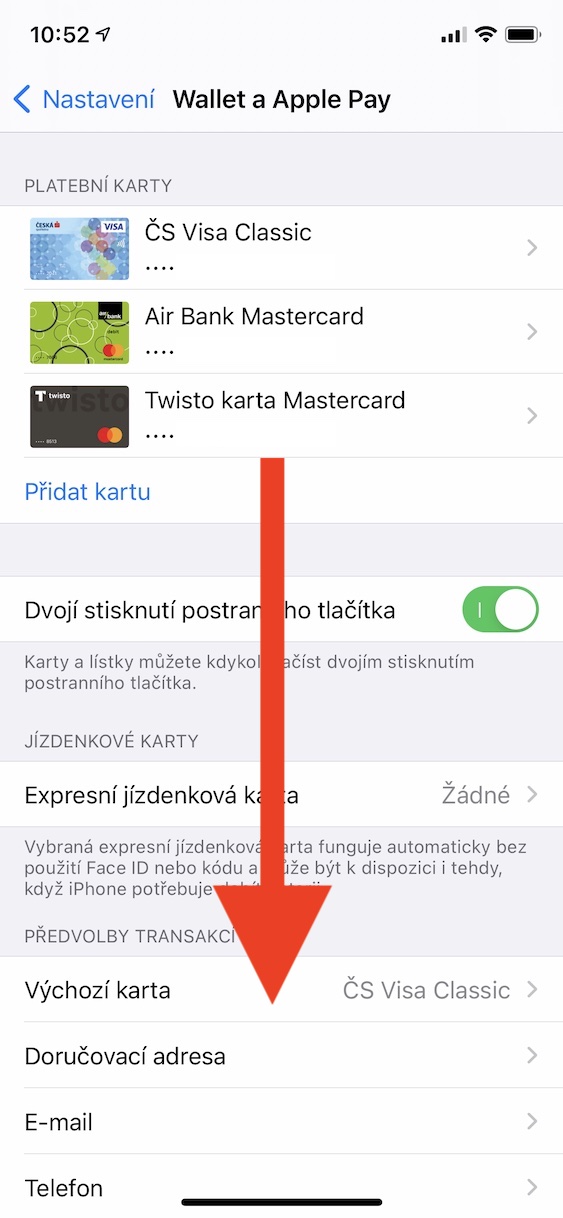
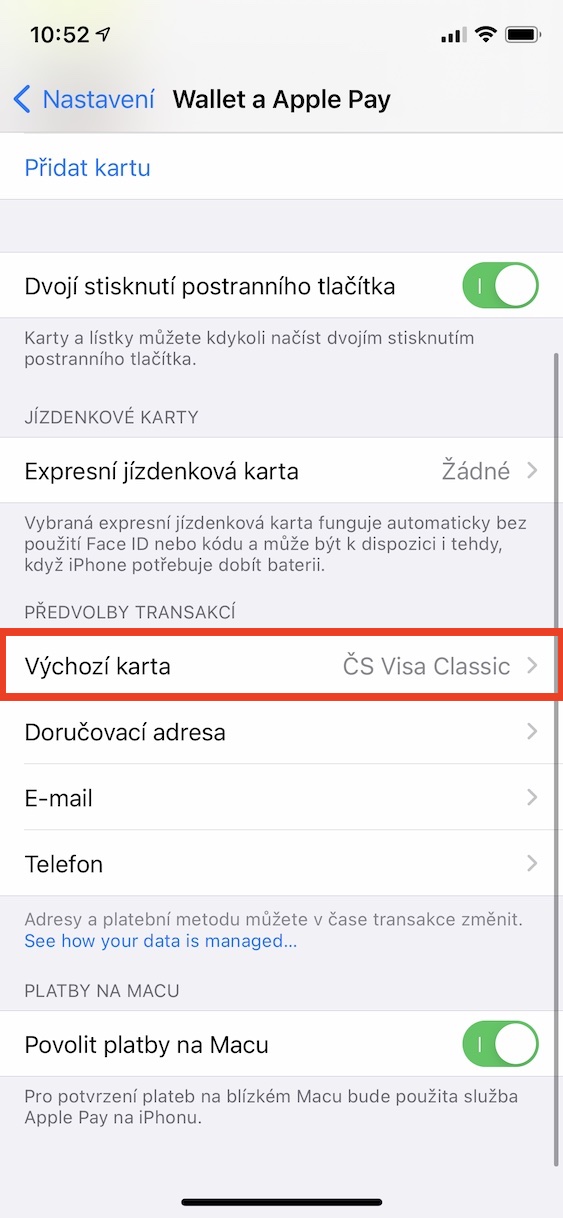


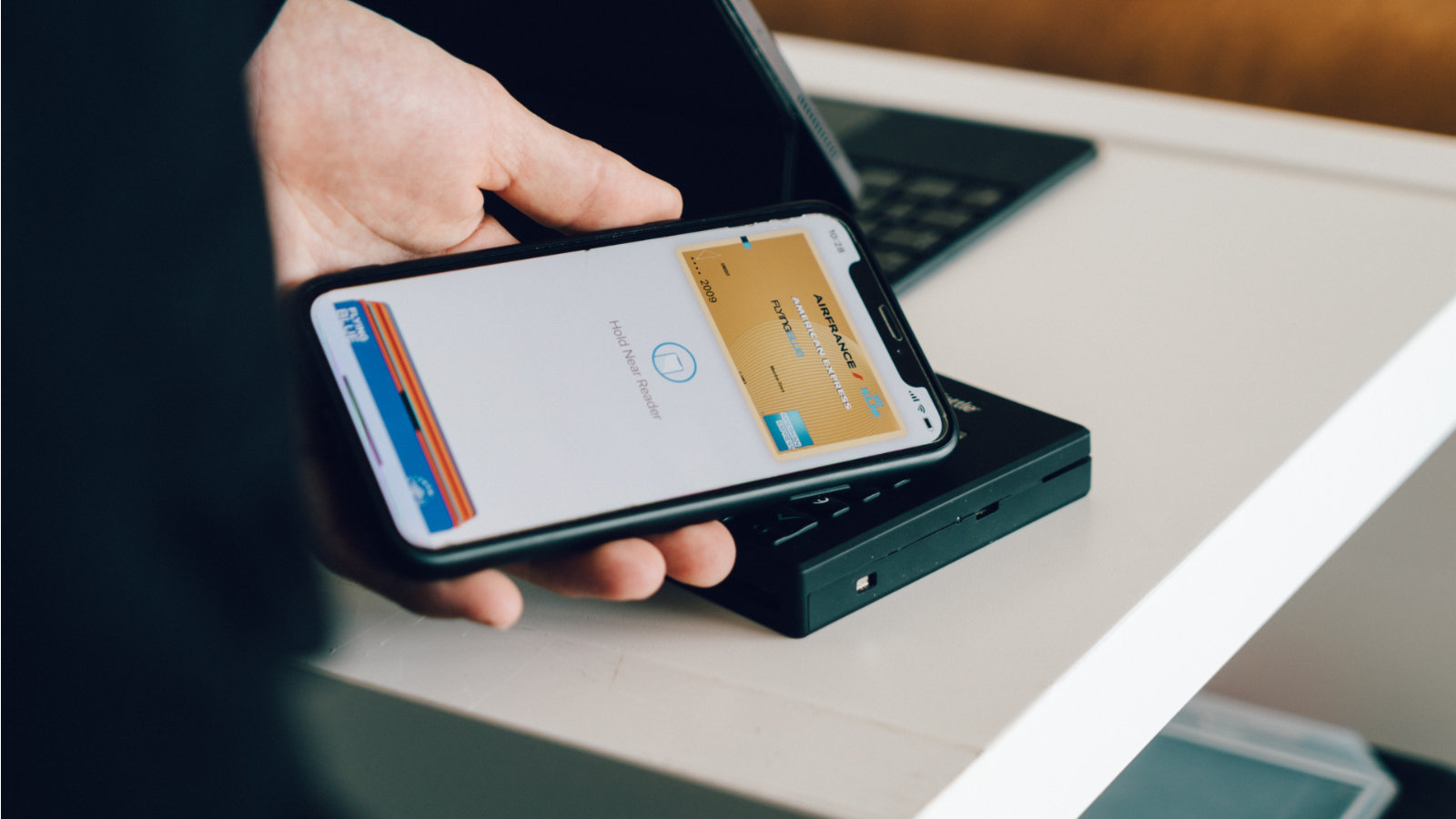
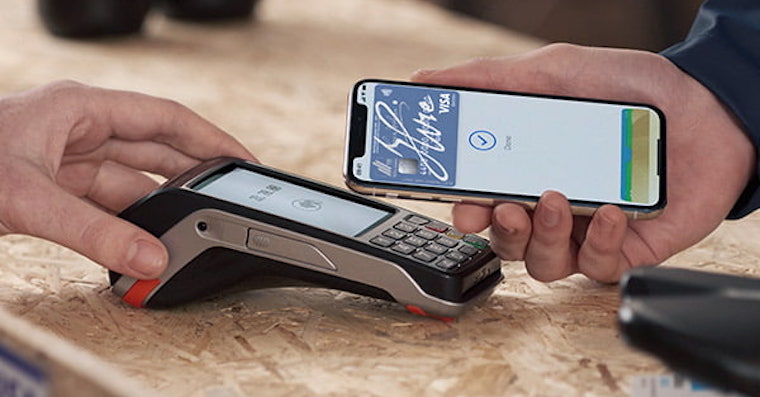
In this way, it is easy to set which of your cards v Apple Pay will be set as default. Every time that is Apple Pay on your iPhone, you can activate it by double-pressing the side button or the desktop button, so the card you set as default will be selected immediately without the need for manual selection. So it should no longer happen to you that you pay by mistake with a different card than the one you wanted. If you want to use another payment card, it is of course necessary that you use it after activation Apple Pay manually click selected, only then you can pay.








It is possible to grant it to Apple Watch?
U Apple Watch the procedure is the same, just start the Watch application on your phone instead of setting it and set it there :)
can you also change the name of the card? It somehow didn't work for me, and since I have debit and credit from the same bank, I only have the name of the bank. The other cards are ok because I only have one there
dik
And can the cards be described somehow? I have two exactly the same ones, but from different accounts.
Thanks
Unfortunately, they won't.