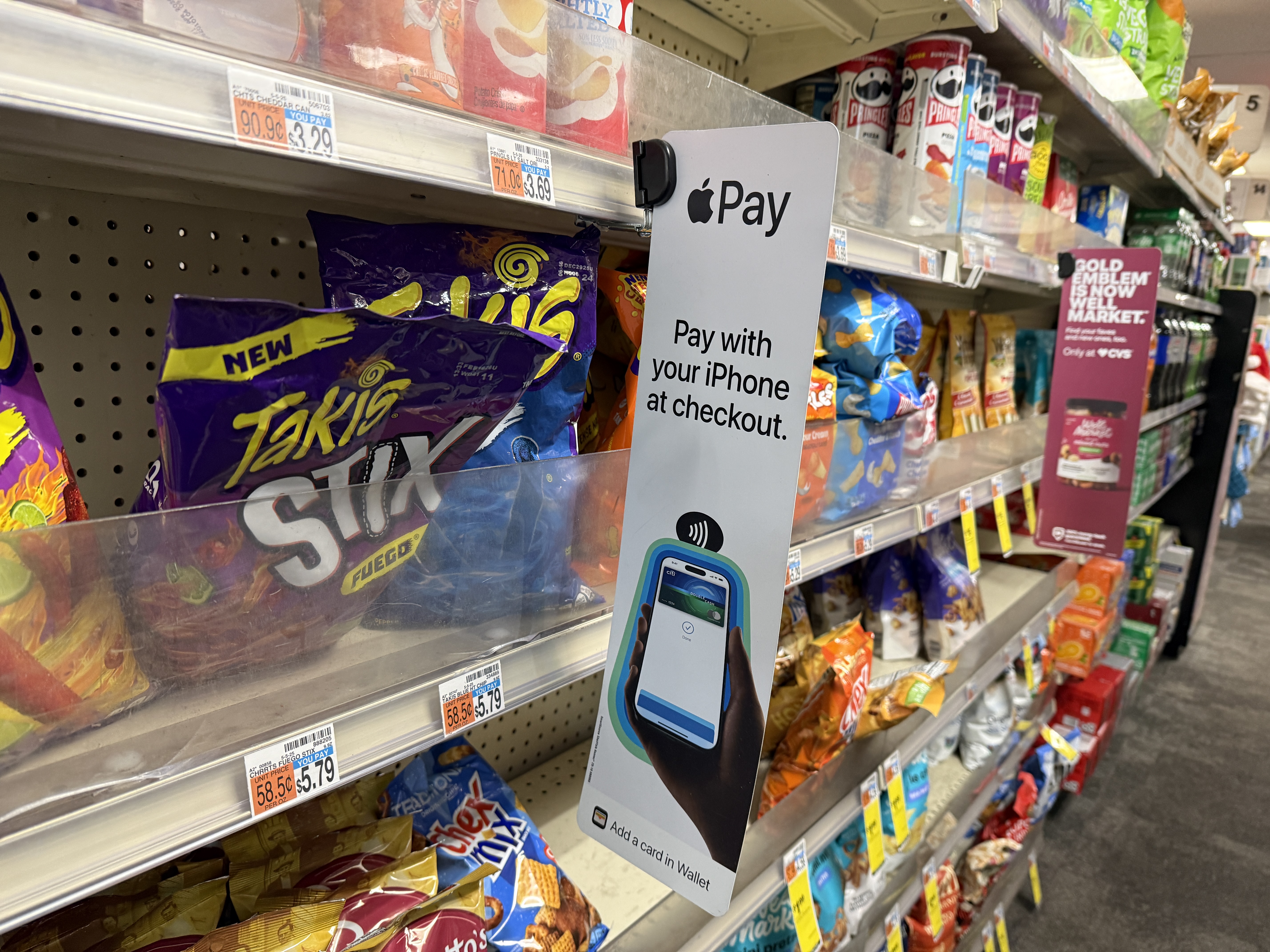
Apple Pay is a payment service company Apple enabling contactless payment using the iPhone, Apple Watch, iPad, Mac and other devices Apple. Apple introduced Apple Pay in 2014 and has since expanded to dozens of countries around the world. It allows users to pay securely in stores, online, and in apps without the need to use a physical payment card.
What is Apple Pay
Apple Pay is the company's digital payment system Apple.
Allows you to save payment cards to the Wallet application (Wallet) and then make payments using your iPhone, Apple Watch, iPad or Mac.
Apple Pay works similarly to a contactless payment card, but adds an extra layer of security through Face ID, Touch ID or device code.
When Apple introduced Apple Pay?
Apple introduced Apple Pay in September 2014.
- September 9, 2014 – performance Apple Pay,
- October 2014 – service launch in the USA,
- 2016 – expansion to Europe,
- 2019 - Apple Card,
- 2020–2025 – expansion to other countries,
- 2026 – further integration with Apple Intelligence and Wallet.
Apple Pay has become one of the most used mobile payment services in the world.
How does it work Apple Pay
After adding a payment card to the Wallet app, it creates Apple a digital token that replaces the actual card number.
When making a payment, the merchant never sees the card number or other sensitive data.
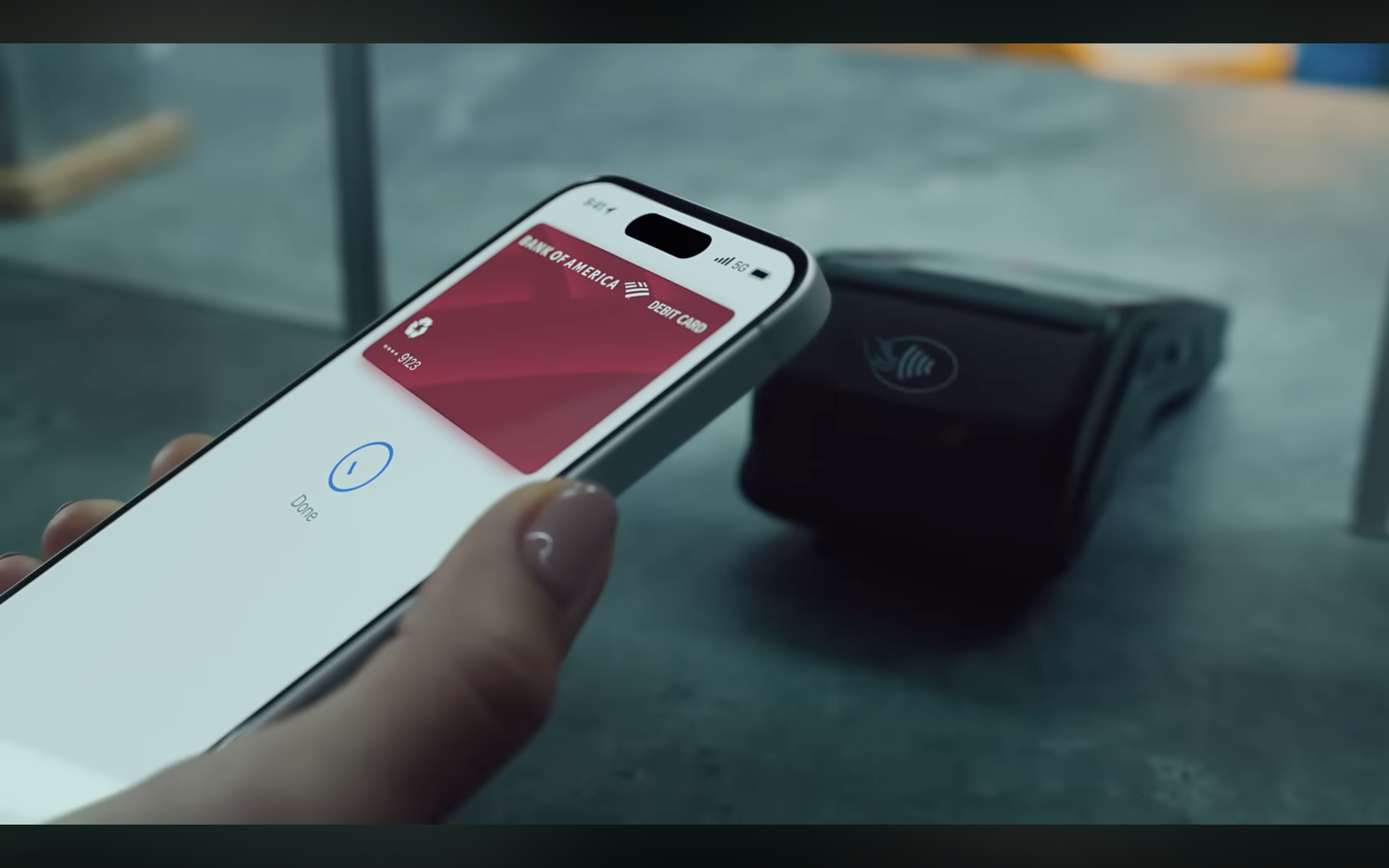
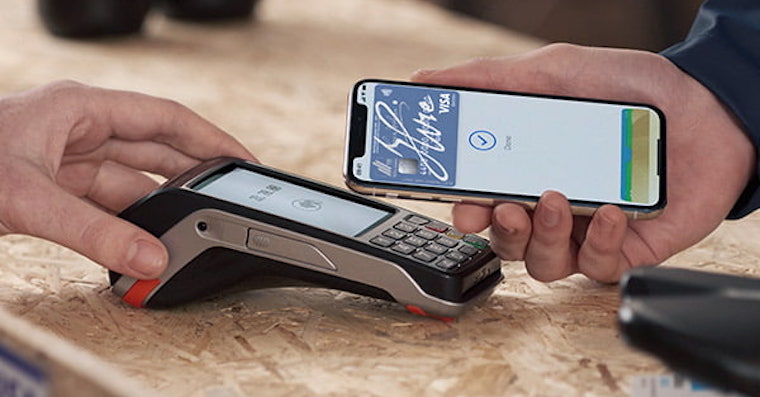
Payment is made using technology NFC and is confirmed by:
- Face ID,
- Touch ID,
- device code.
The biggest advantages Apple Pay
- fast contactless payments,
- high level of security,
- works without a physical card,
- support from most banks,
- online payments,
- in-app payments,
- integration with Apple Watch,
- support for digital documents and ID cards in some countries.
Apple Pay on iPhone
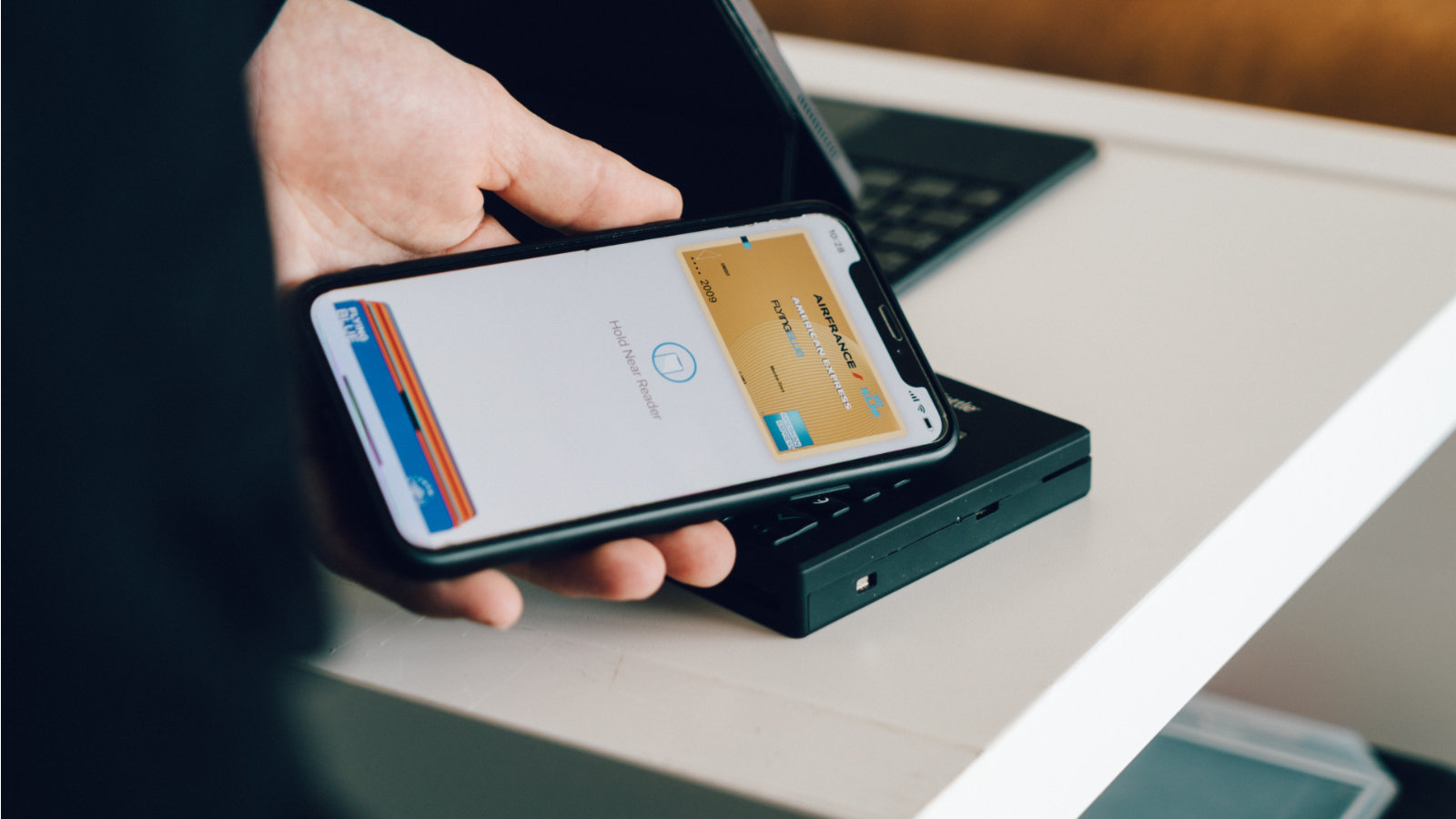
Most common use Apple Pay it's on the iPhone.
Pro payment is enough:
- press the side button twice,
- verify yourself using Face ID or Touch ID,
- attach iPhone to the terminal.
The payment will be made within a few seconds.
Apple Pay na Apple Watch
Apple Watch is among the most popular devices for use Apple Pay.
Enough:
- press the side button of the watch twice,
- Place the watch on the terminal.
No need to take out your phone or wallet.
Apple Pay on the Internet
Apple Pay can also be used when shopping online.
On supported sites, just select the option Apple Pay and confirm payment using Face ID or Touch ID.
The advantage is faster completion of the purchase without entering card details.
Apple Pay in applications
Many apps support direct payments using Apple Pay.
These include, for example:
- e-shops,
- delivery services,
- transportation applications,
- reservation systems,
- streaming services.
Apple Pay and Wallet app
Apple Pay is part of the Wallet application (Wallet).
In Wallet you can store:
- payment cards,
- loyalty cards,
- airline tickets,
- tickets,
- tickets,
- digital keys,
- other digital documents.
Security Apple Pay
Security is one of the main advantages Apple Pay.
Apple does not provide merchants with the actual payment card number.
Each payment uses:
- tokenization,
- encryption,
- Face ID,
- Touch ID,
- Secure Element
Apple at the same time, it does not store purchase history associated with the user's identity.
Apple Pay a Face ID
Most modern iPhones use it to confirm payments Face ID.
Before payment, it is necessary to verify the user's identity using facial recognition.
This significantly reduces the risk of device misuse.
Apple Pay a Touch ID
Older iPhones, some iPads, and Macs use Touch ID.
Payments are confirmed using a fingerprint.
Apple Pay a Apple Intelligence
Apple gradually connects Apple Pay s Apple Intelligence.
Newer versions of systems are better able to organize information about purchases, receipts, and transactions.
Apple Intelligence can help with, for example, searching for purchases or managing financesancí.
Apple Pay v iOS 27
iOS 27 brings further development Apple Pay and the Wallet app.
The main news includes:
- better organization of payments,
- smarter work with receipts,
- integration with Apple Intelligence,
- faster card management,
- improved transaction display,
- more advanced digital documents.
How to set Apple Pay
Settings Apple Pay It's simple.
- Open the Wallet app.
- click the plus symbol,
- scan your payment card,
- confirm the card with the bank,
- start using Apple Pay.
Which banks support Apple Pay
Apple Pay supported by most major banks.
The exact list varies by country.
In the Czech Republic and Slovakia Apple Pay supported by most major banks and financial institutions.
On what devices Apple Pay works
Apple Pay support:
- iPhone,
- Apple Watch,
- iPad
- Mac,
- Apple Vision Pro.
The availability of some features may vary by region.
It is worth using Apple Pay?
Apple Pay is one of the most convenient payment methods.
Thanks to its high level of security, ease of use, and broad merchant support, it is the best contactless payment method for most iPhone users.
Frequently asked questions about Apple Pay
What is Apple Pay?
Apple Pay is a payment service company Apple.
When Apple introduced Apple Pay?
Apple Pay was introduced in 2014.
Je Apple Pay free?
Yes, use Apple Pay it is free.
How does it work Apple Pay?
Payments are made using NFC and user authentication via Face ID, Touch ID or code.
I need internet for Apple Pay?
No, regular contactless payments do not require the internet.
Je Apple Pay safe?
Yes, it is one of the safest payment systems.
supports Apple Pay Face ID?
Yes
supports Apple Pay Touch ID?
Yes
It works Apple Pay na Apple Watch?
Yes
It works Apple Pay on iPhone?
Yes
It works Apple Pay on Mac?
Yes
It works Apple Pay on iPad?
Yes
How to add a card to Apple Pay?
Using the Wallet app.
Can I use multiple cards?
Yes
How to change the default tab in Apple Pay?
In the Wallet app settings.
Can I pay? Apple Pay abroad?
Yes, if the merchant supports contactless payments.
Supported by Czech banks Apple Pay?
Yes, most major banks Apple Pay supports.
Supported by Slovak banks Apple Pay?
Yes, most major banks Apple Pay supports.
Can I use Apple Pay on the internet?
Yes
Can I use Apple Pay in applications?
Yes
Je Apple Pay safer than a credit card?
In most cases, yes, because it uses tokenization and biometric authentication.
What is tokenization in Apple Pay?
Replacing the card number with a unique digital token.
What is Secure Element?
A security chip that stores payment information.
Je Apple Pay part of the Wallet?
Yes
What it brings Apple Pay v iOS 27?
Better integration with Apple Intelligence and improved payment management.
It uses Apple Pay Apple Intelligence?
Yes, some new features are linked to Apple Intelligence.
I can Apple Pay turn off?
Yes, by removing payment cards from Wallet.
What are the main advantages? Apple Pay?
Speed, security, simplicity and broad support.
Prono use Apple Pay?
ProThis allows convenient and secure payment without a physical card.
It is a good deal Apple Pay use?
Yes, for most device users Apple This is the best way to make mobile payments.
Technical Specifications
| Performance date | 2014 |