
Macy's and MacBooky are expensive devices that are intended primarily for developers and other users who will be able to use it to its fullest. macOS includes great native applications that often suit most users. However, if you are a legitimate developer and not just an ordinary user, you may have encountered limits with some native applications. In this article, let's take a look at 10 great tools for Mac that not only every developer should install. I believe that you will love many of the mentioned tools and that they can take your efficiency several levels higher.
You might be interested in
Homebrew
Pro the developer is Homebrew is absolutely basic. Ordinary users may perceive it as App Store, which however works in the command line. Using Homebrew, you can install countless different application packages via the Terminal. Pro To install the application, you only need to enter a simple command with the name of the application, which will then be installed immediately. It is therefore not necessary to turn on Safari, search for the app on Google, then go to the page, download and install. In reality, you just need to type a few characters to create a command and press Enter. HomeOf course, brew and its commands must be studied before using it.

iTerm 2
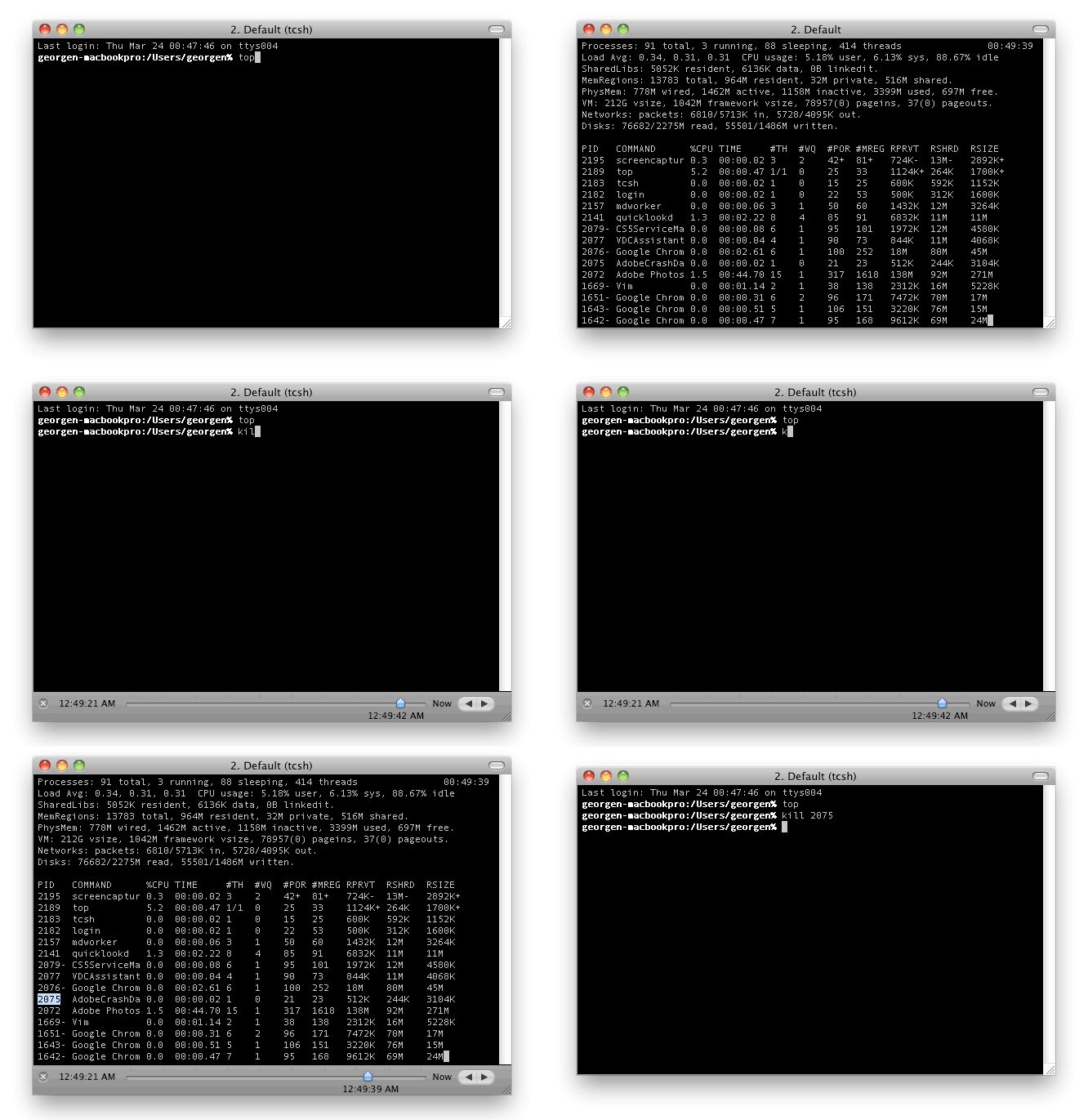
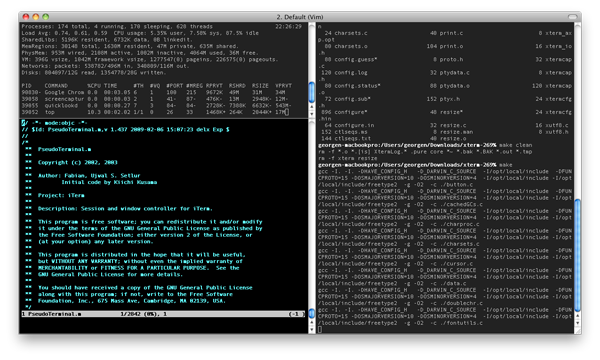
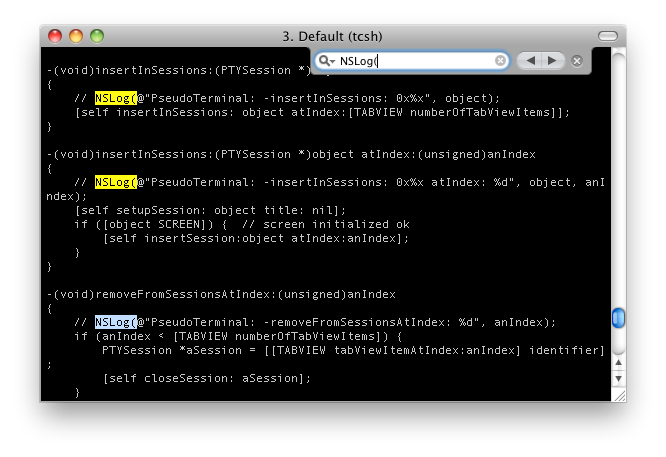
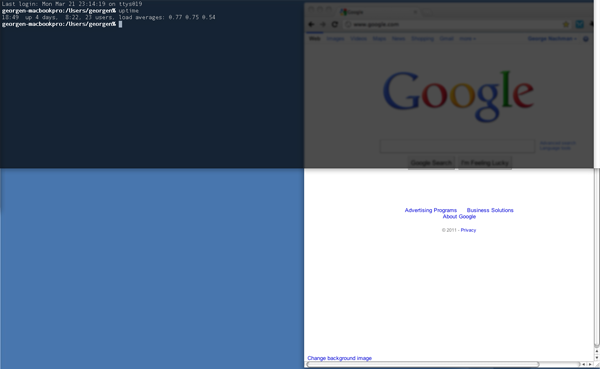
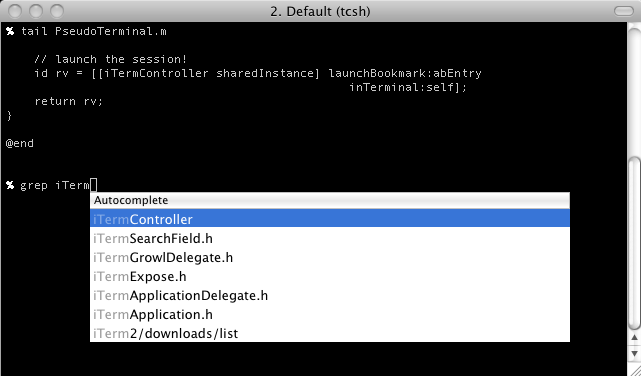
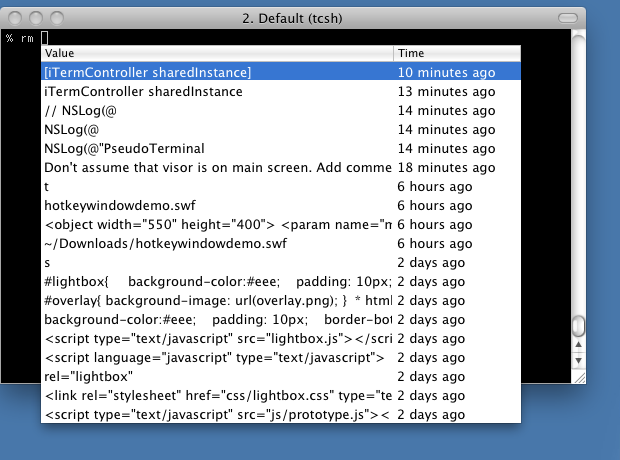
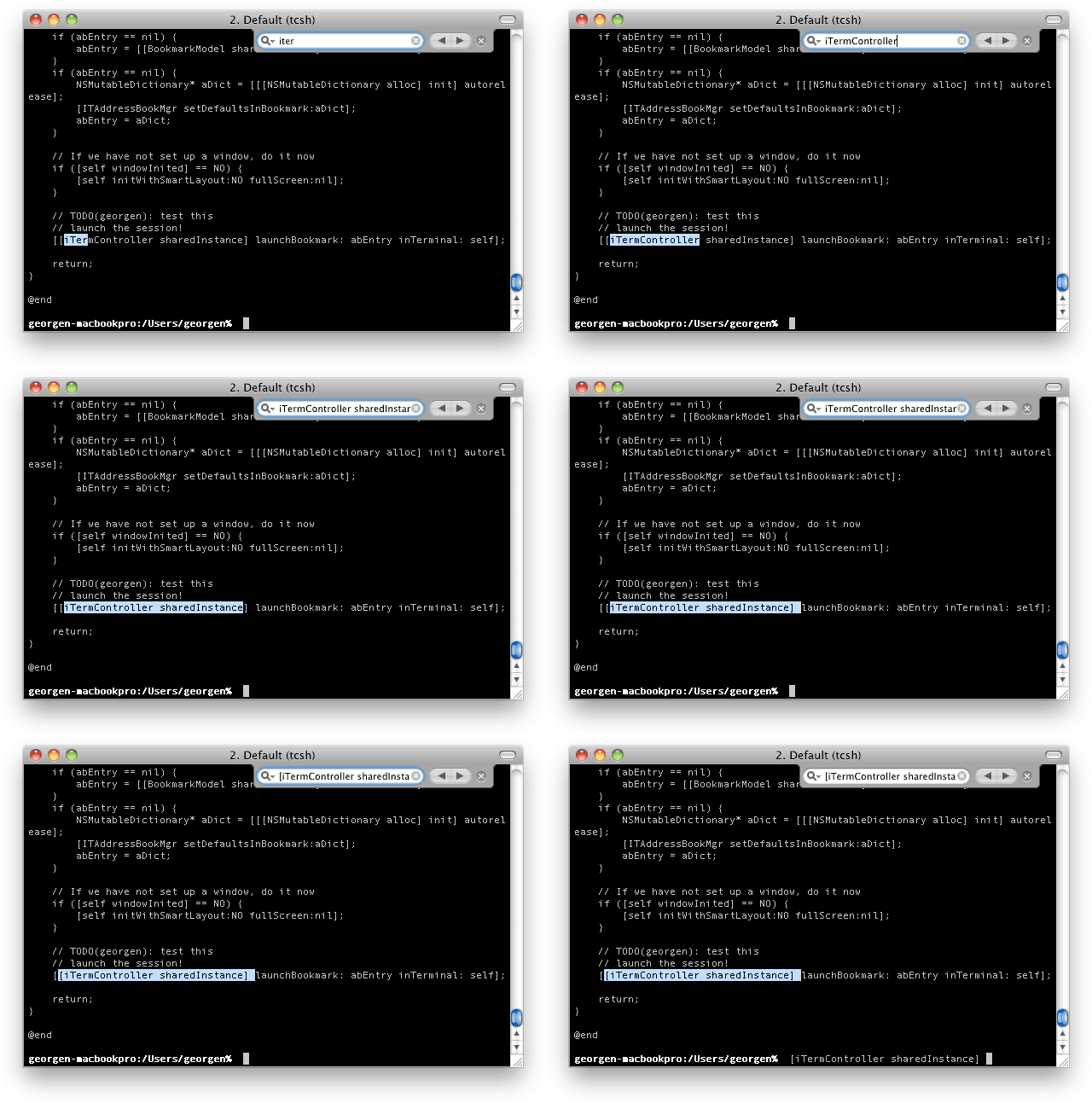
iTerm 2 is simply a better Terminal. It is an application that is available completely free of charge and is open-source. If you work with native Terminal on a daily basis, then iTerm 2 is something you definitely need, because your current work with Terminal will immediately change, for the better, of course. iTerm 2 offers tons of great features, such as easy text selection, search, creating multiple windows, using command history, and more.
CopyClip
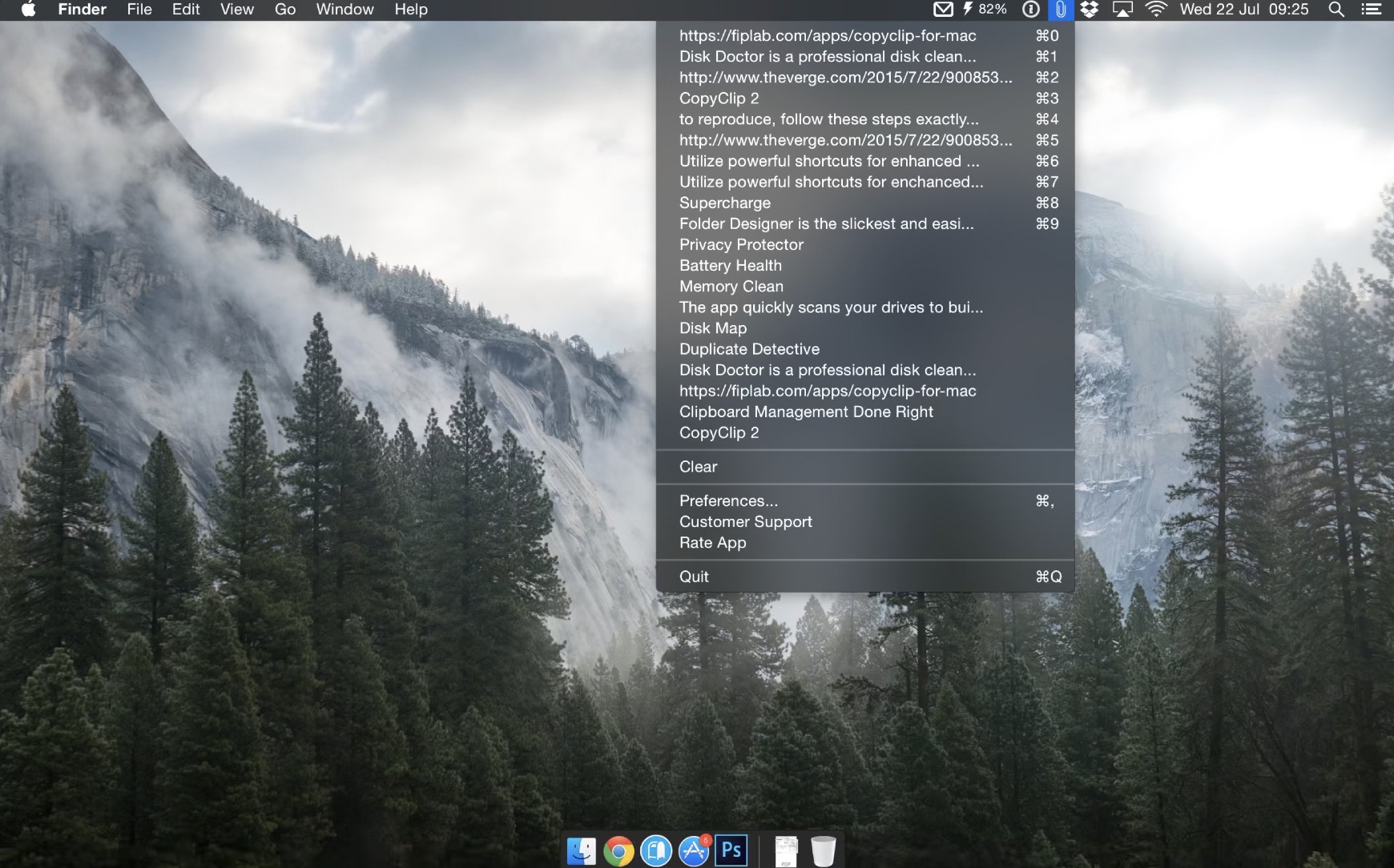
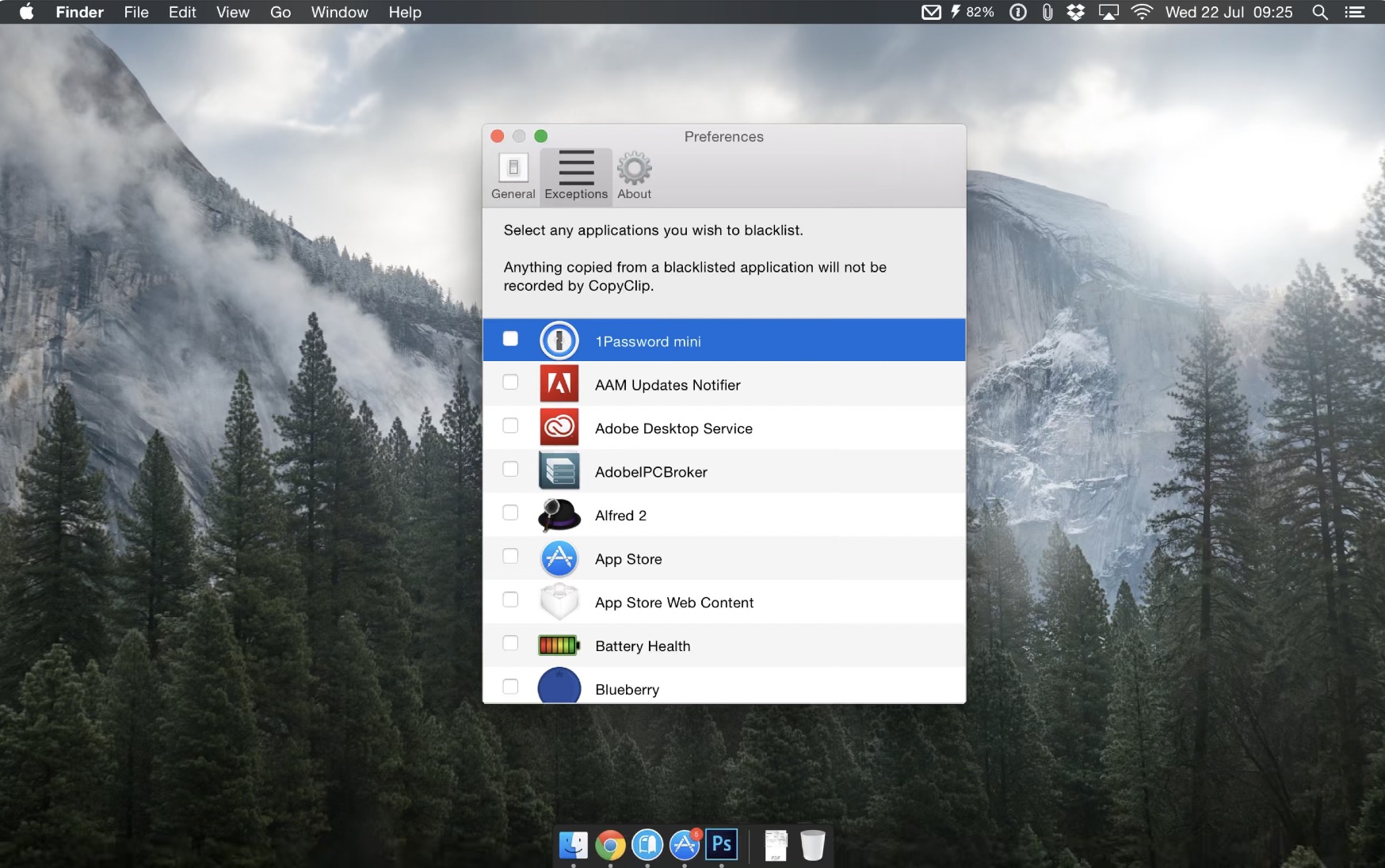
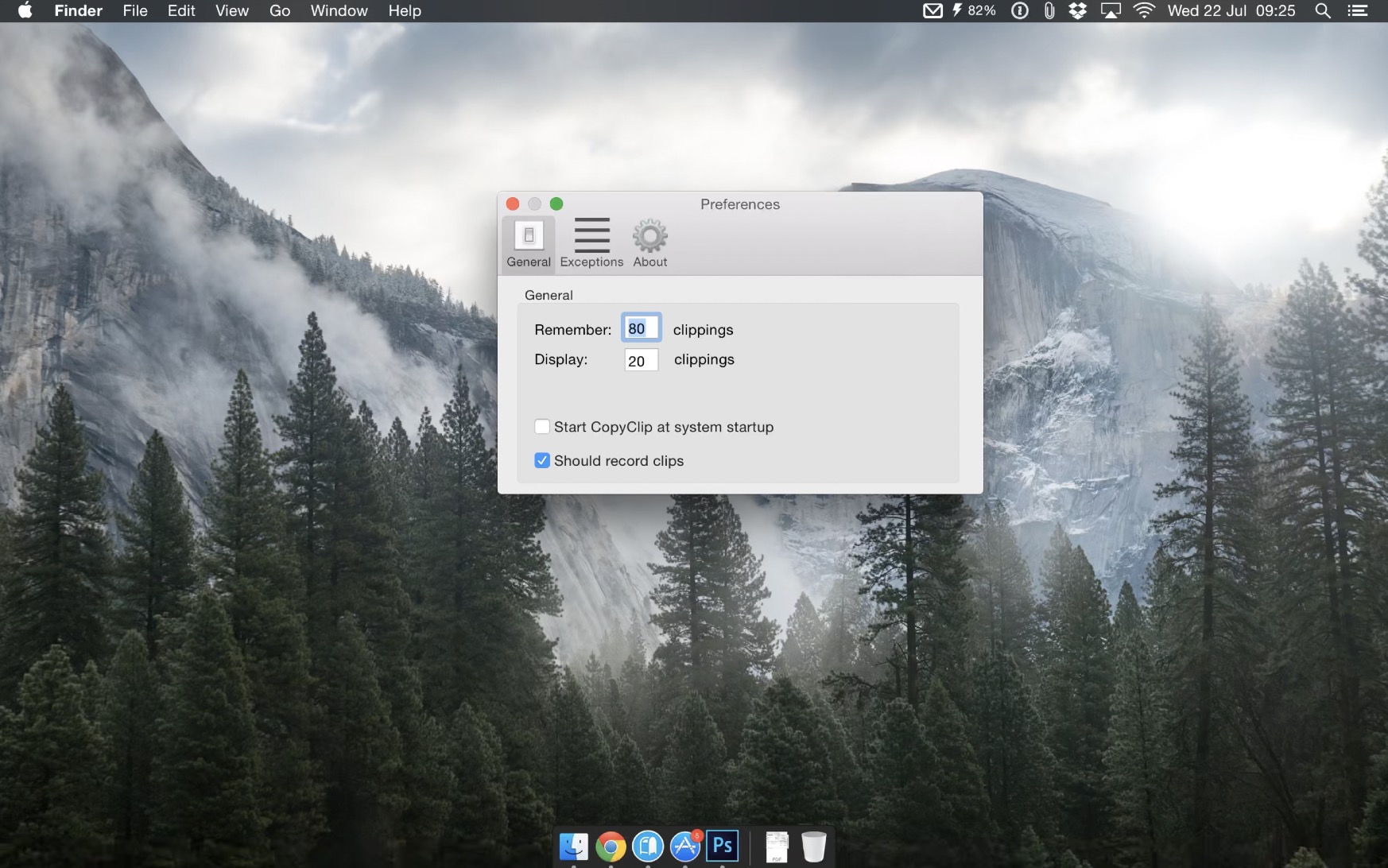
You've probably found yourself in a situation where you've been on your Mac or MacBookYou copied something, then you wanted to paste some text or other data somewhere, but in the meantime you copied other data, so you lost the original. Unfortunately, the macOS operating system does not natively have an application that could somehow manage the clipboard. Fortunately, there is an application called CopyClip that adds the ability to manage the clipboard to macOS. After installation, CopyClip "hides" in the top bar, where you can then adjust the settings and manage the clipboard.
Alfred
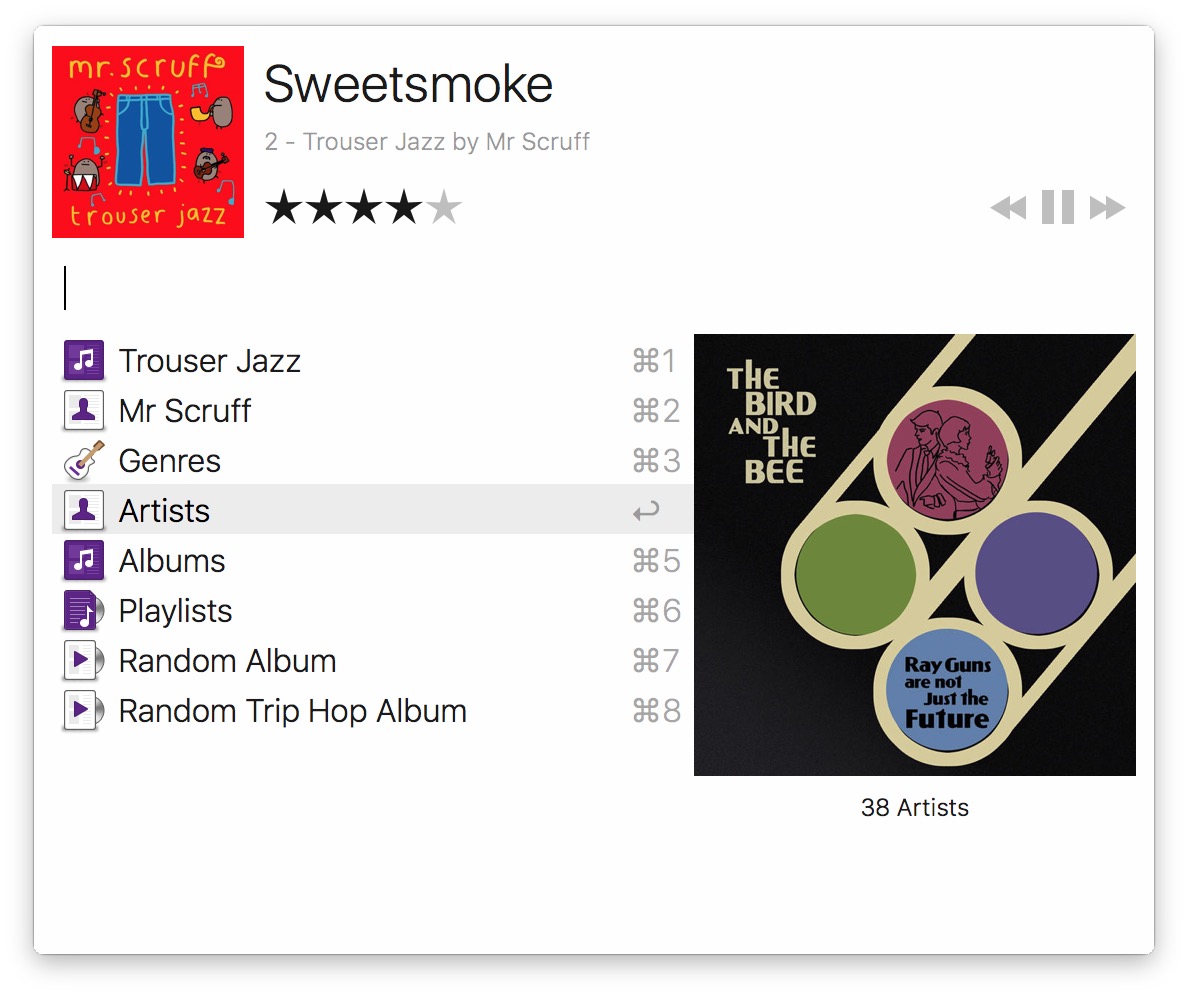
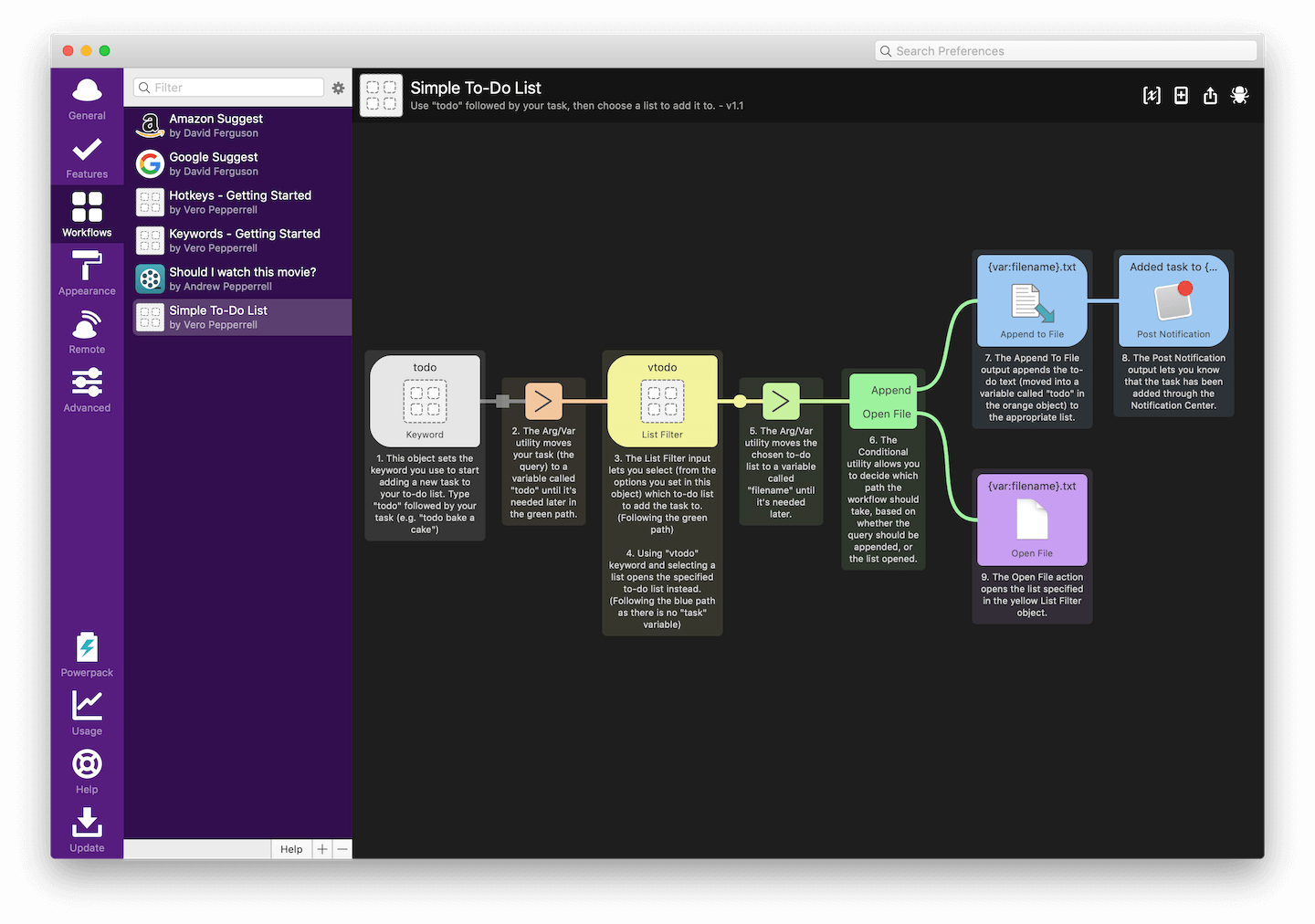
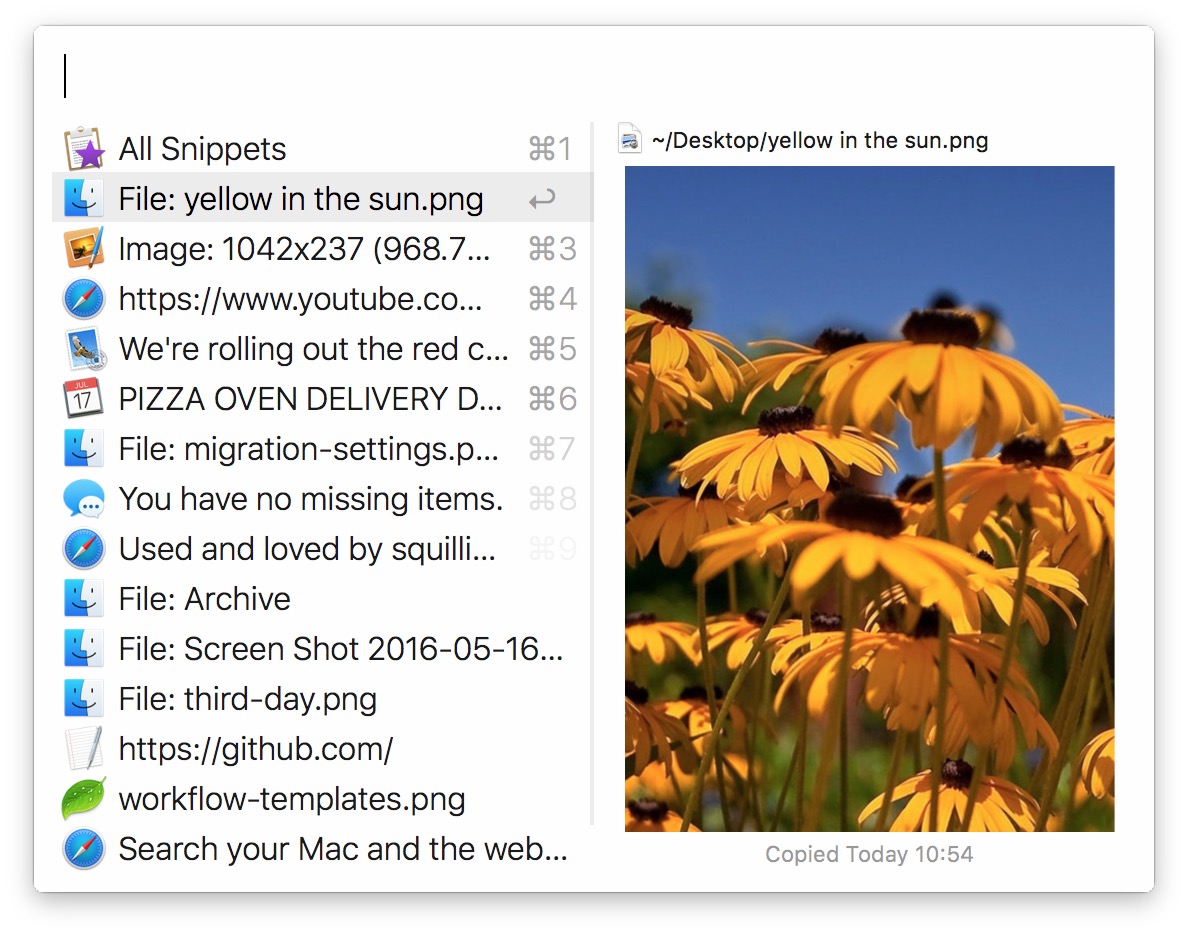
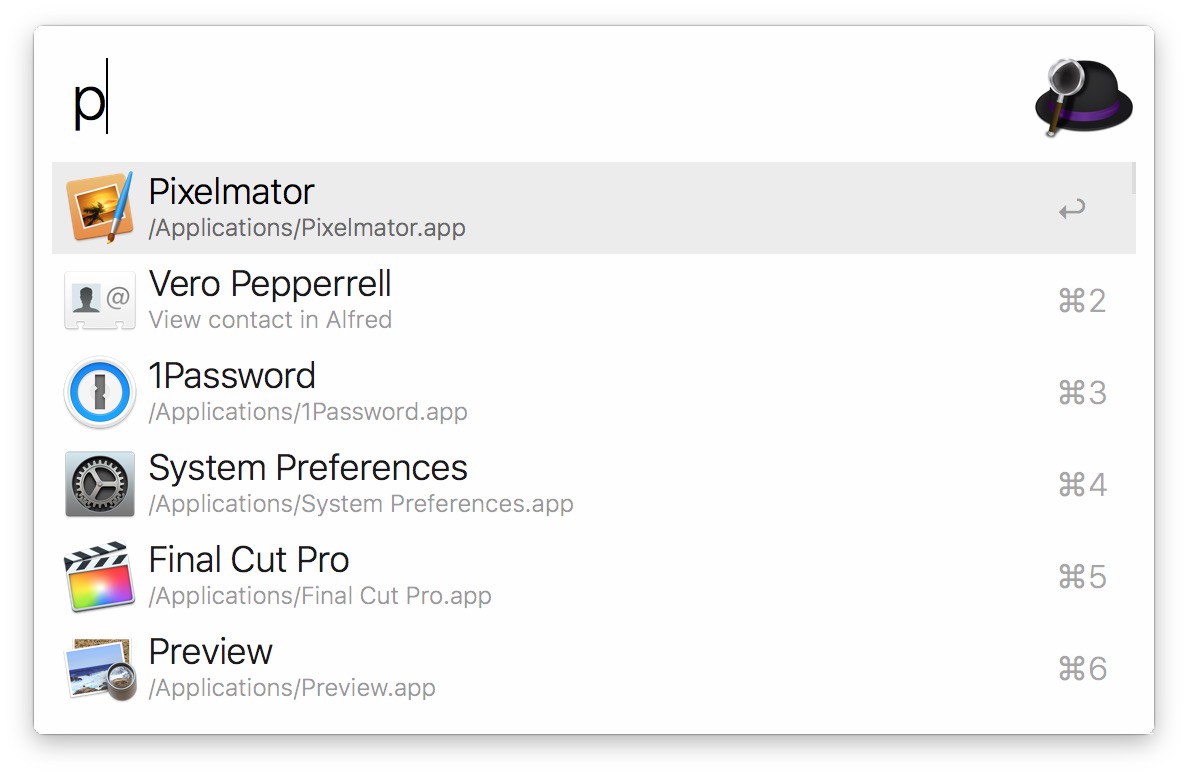
Spotlight is an absolutely perfect helper for many users, which can save a lot of work and especially time. You can use it to search for any data, launch applications, or open folders and files. However, Alfred can be considered Spotlight on steroids. Alfred can help you with practically anything – whether you need to terminate a process, create a temporary 10-minute mailbox, view the latest downloaded files or work with other applications. If we were to describe all the functions of the Alfred application here, then we are here for a really long time - you must at least try it.
AndroidTool
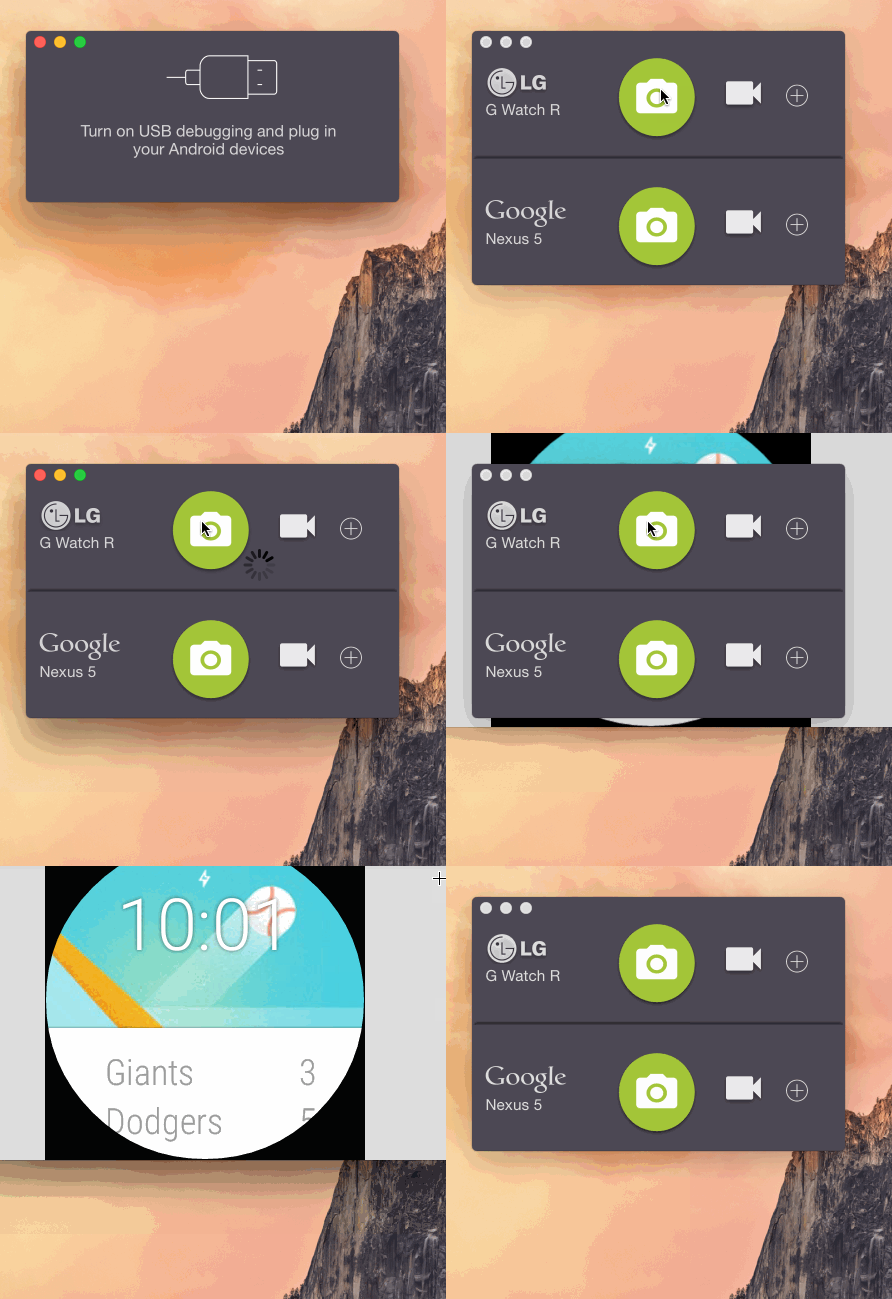
As you probably know, for the best experience, you should use macOS in combination with iOS or iPadOS. If you own an Android device, managing it on a Mac is a bit more complicated. However, if you download the AndroidTool app, you get the perfect option to control and manage your device at the same time. There is an option to share files, install apps, or even take screenshots or launch the camera.
Gallery
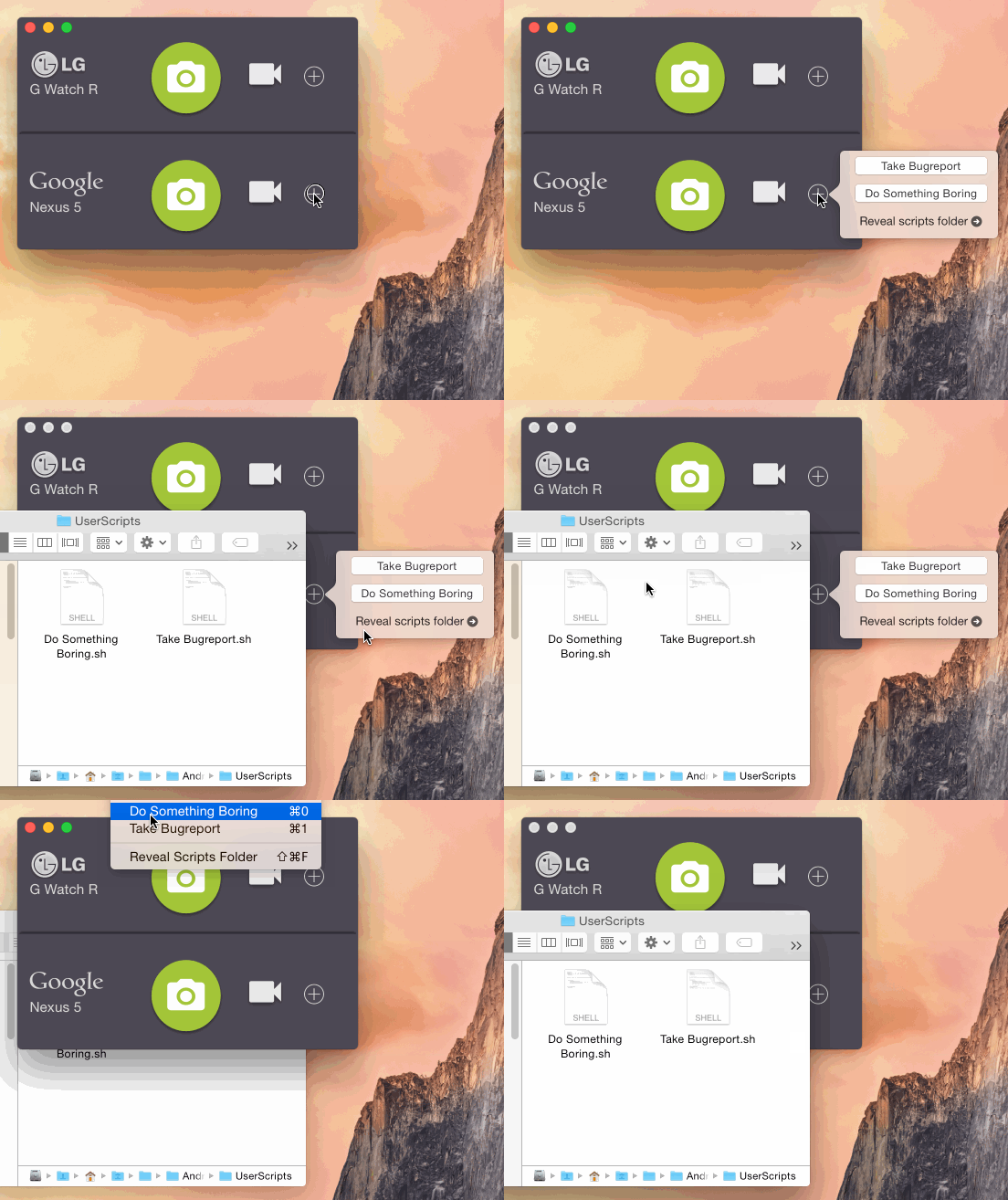
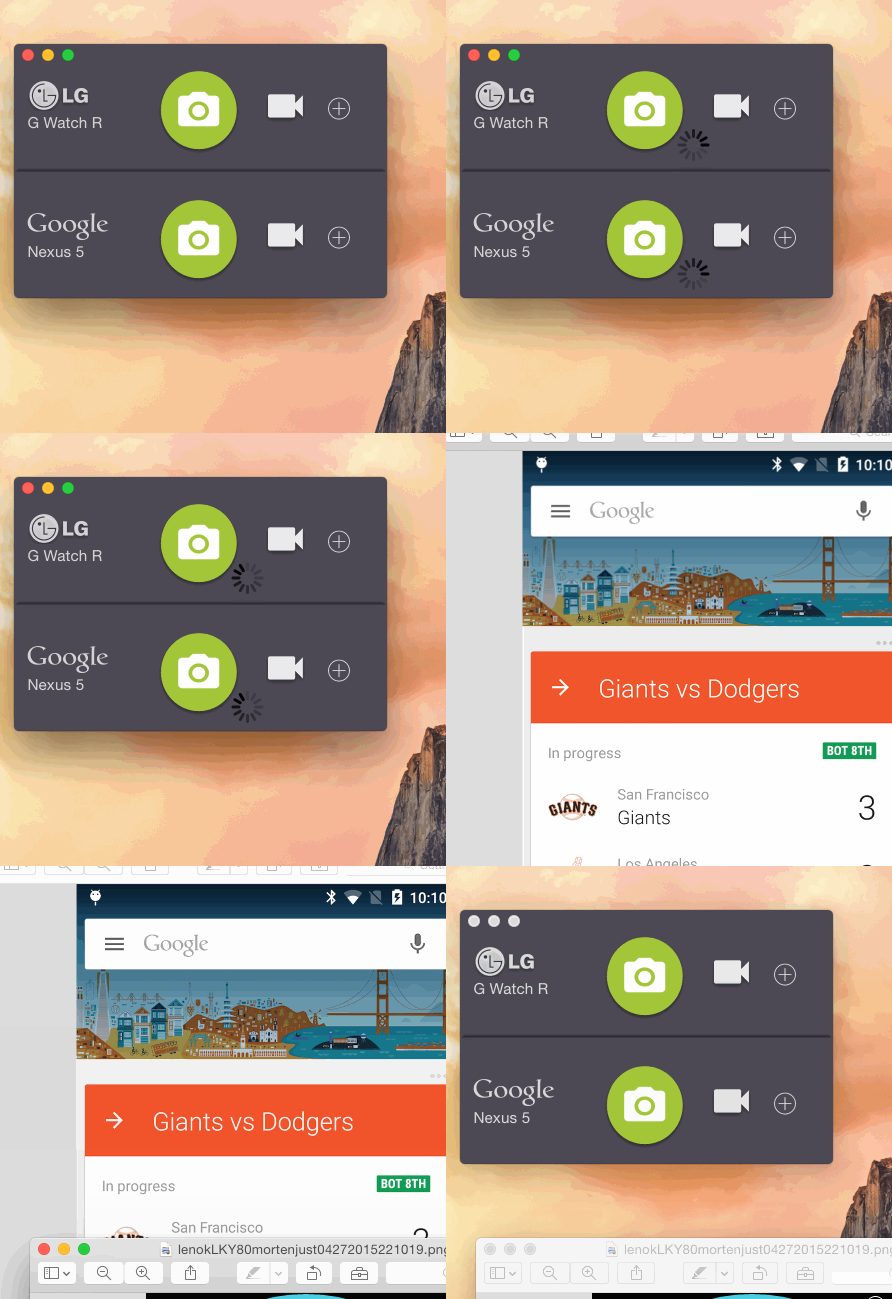
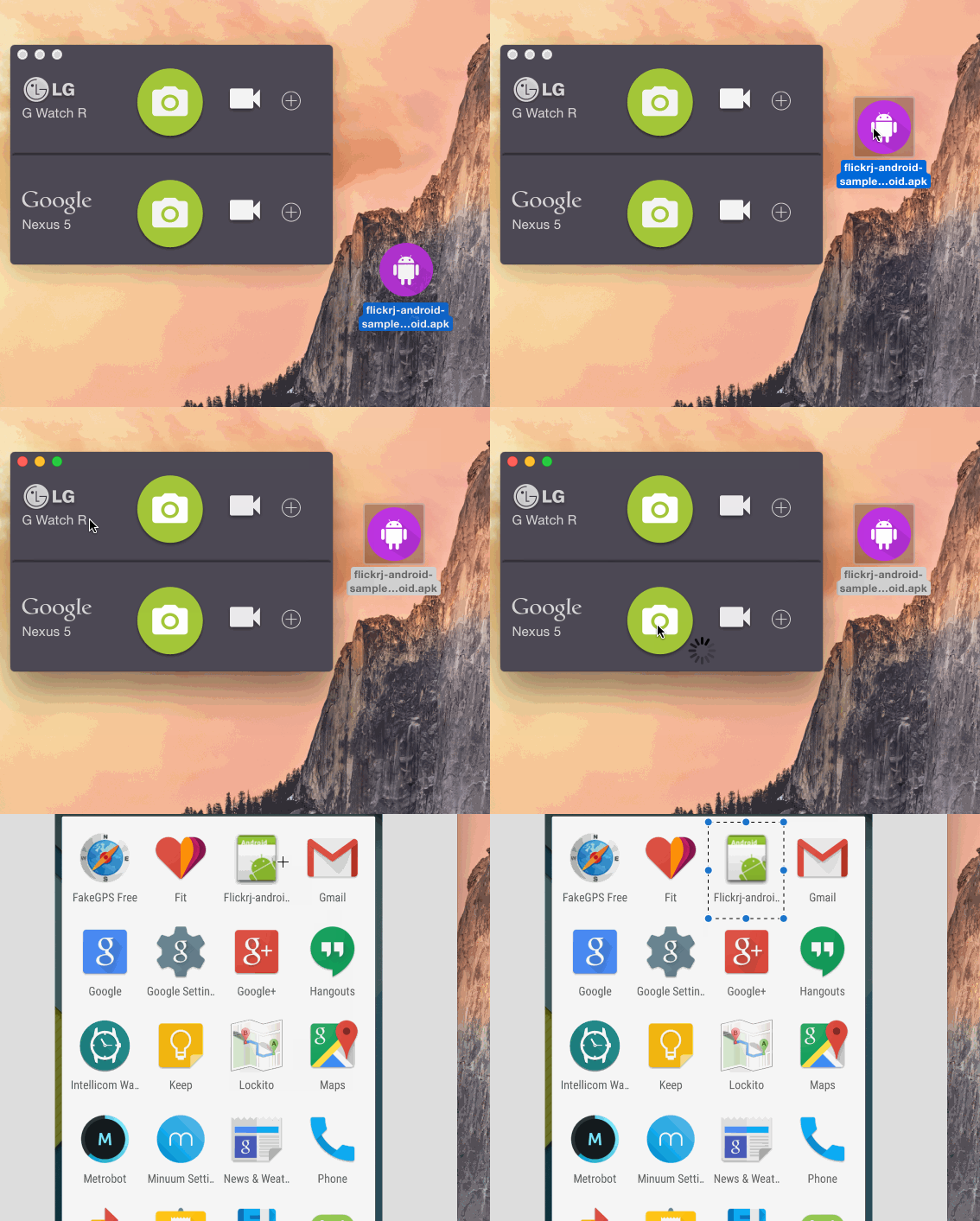
Show
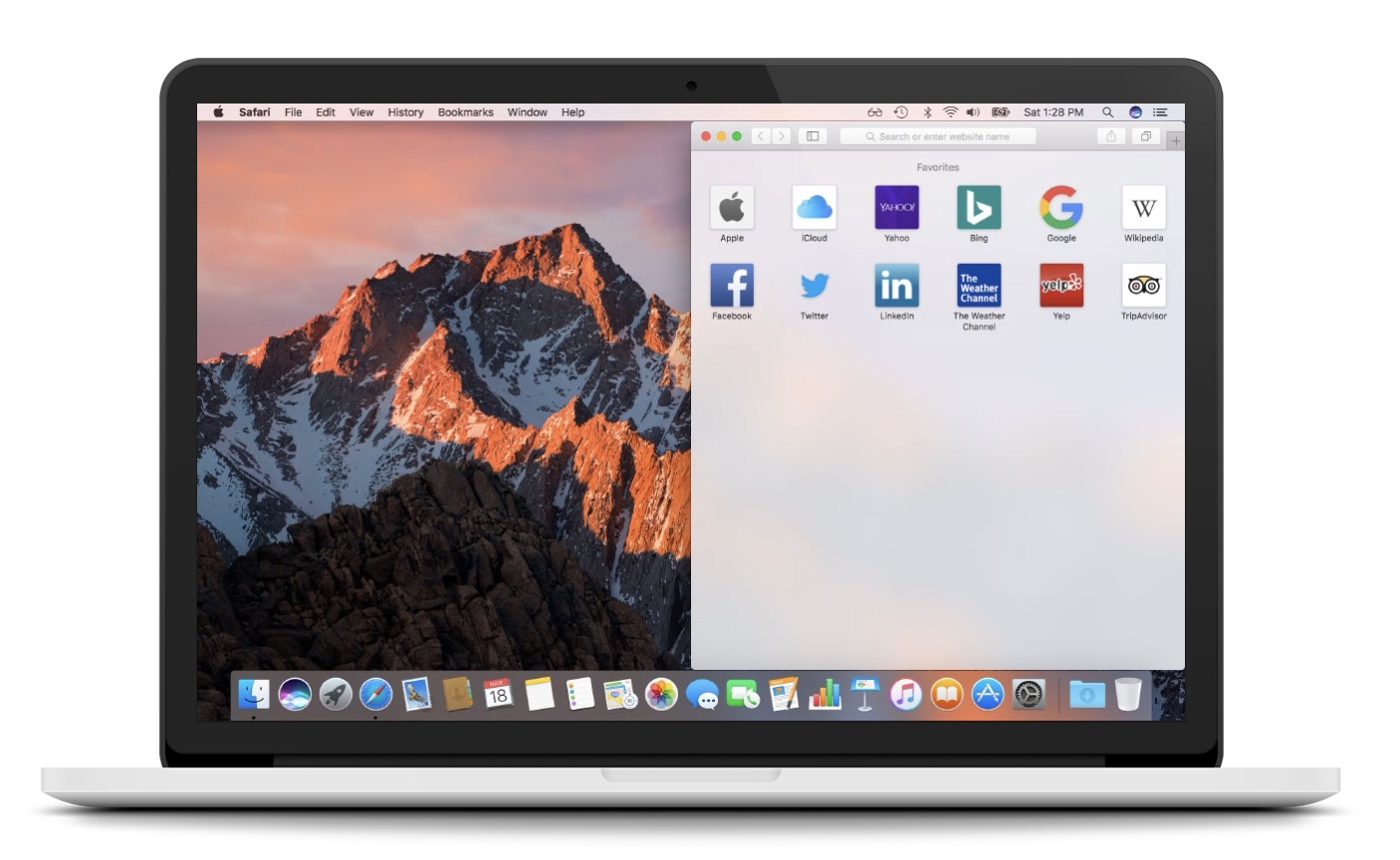
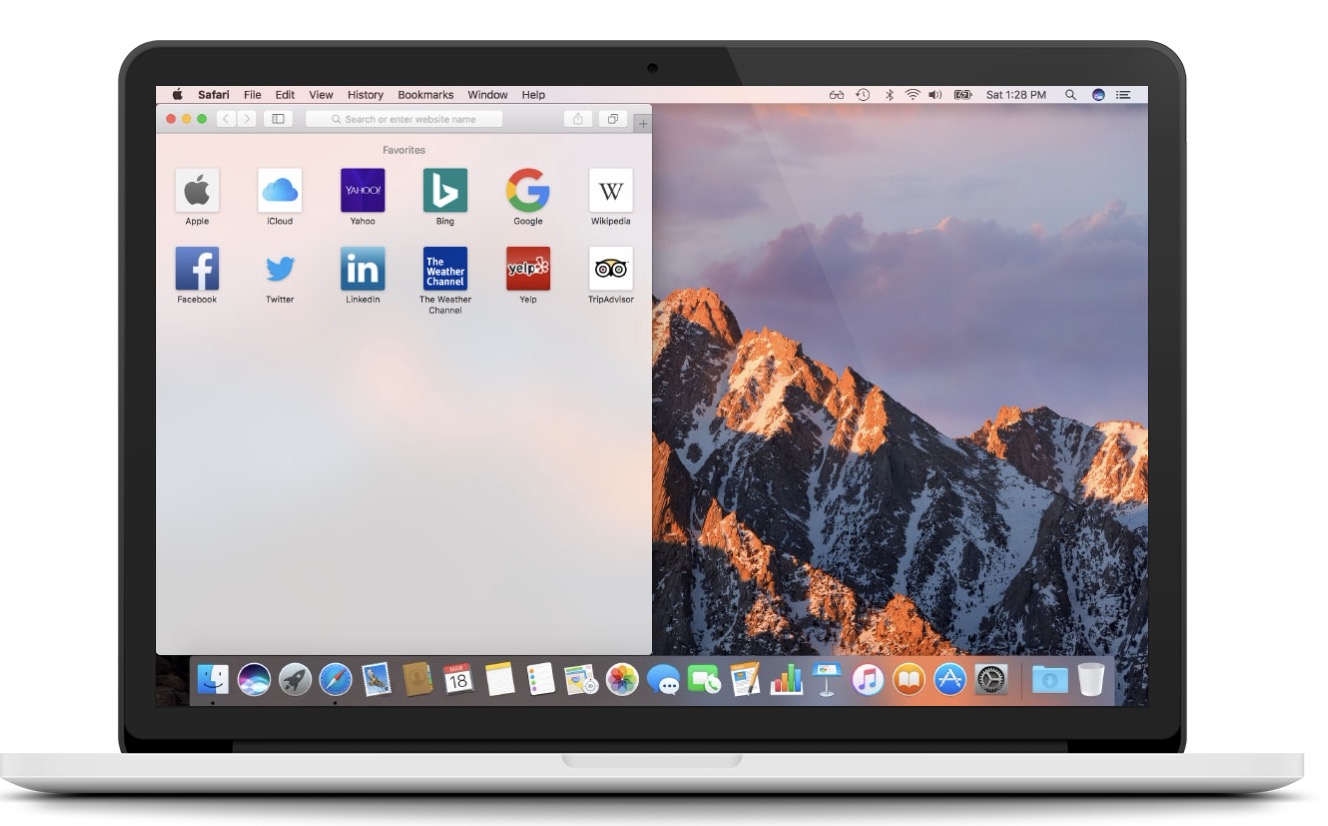
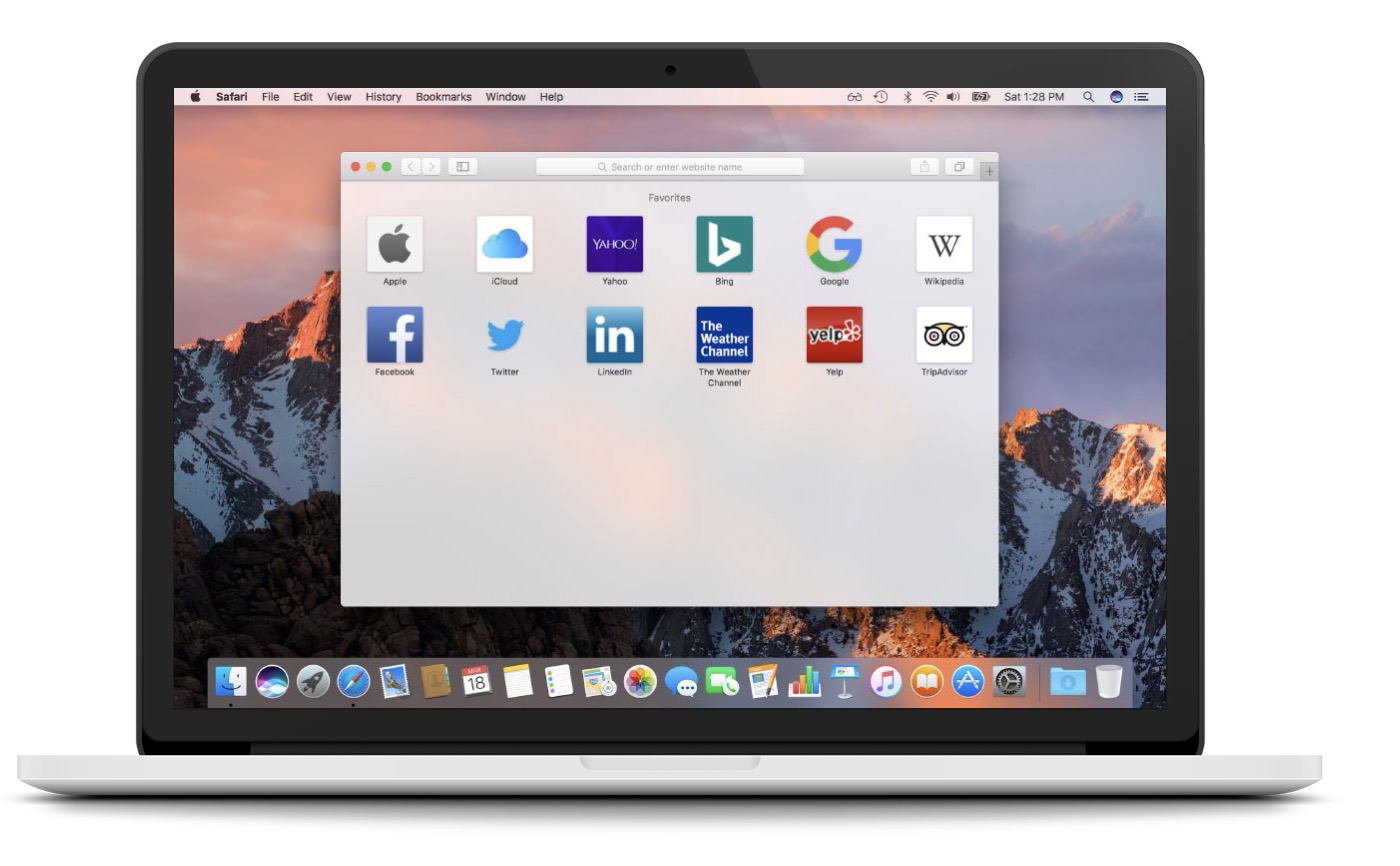
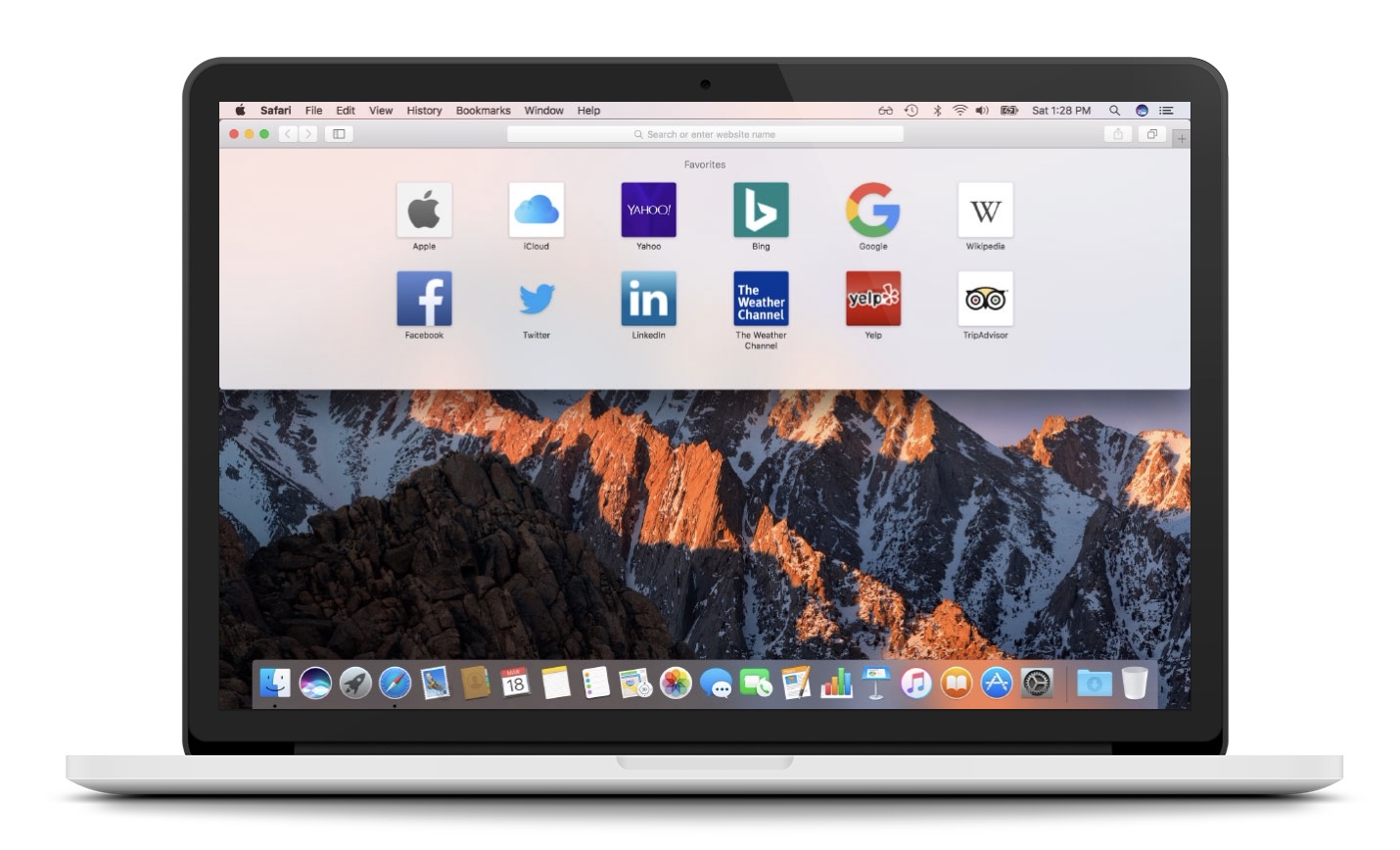
The less you use your mouse or keyboard on your device, the trackpad, the more efficient your work will be. Using macOS is based primarily on keyboard shortcuts, which can make your use much more enjoyable. Window placement is also important when working - probably none of us want to manually shrink and drag windows to a corner on the desktop. There is a paid application called Magnet, which makes window management much easier, but if you want a free alternative, Spectacle is a perfect choice. Using this application, you can easily manage the placement and size of windows of various applications.
Fork
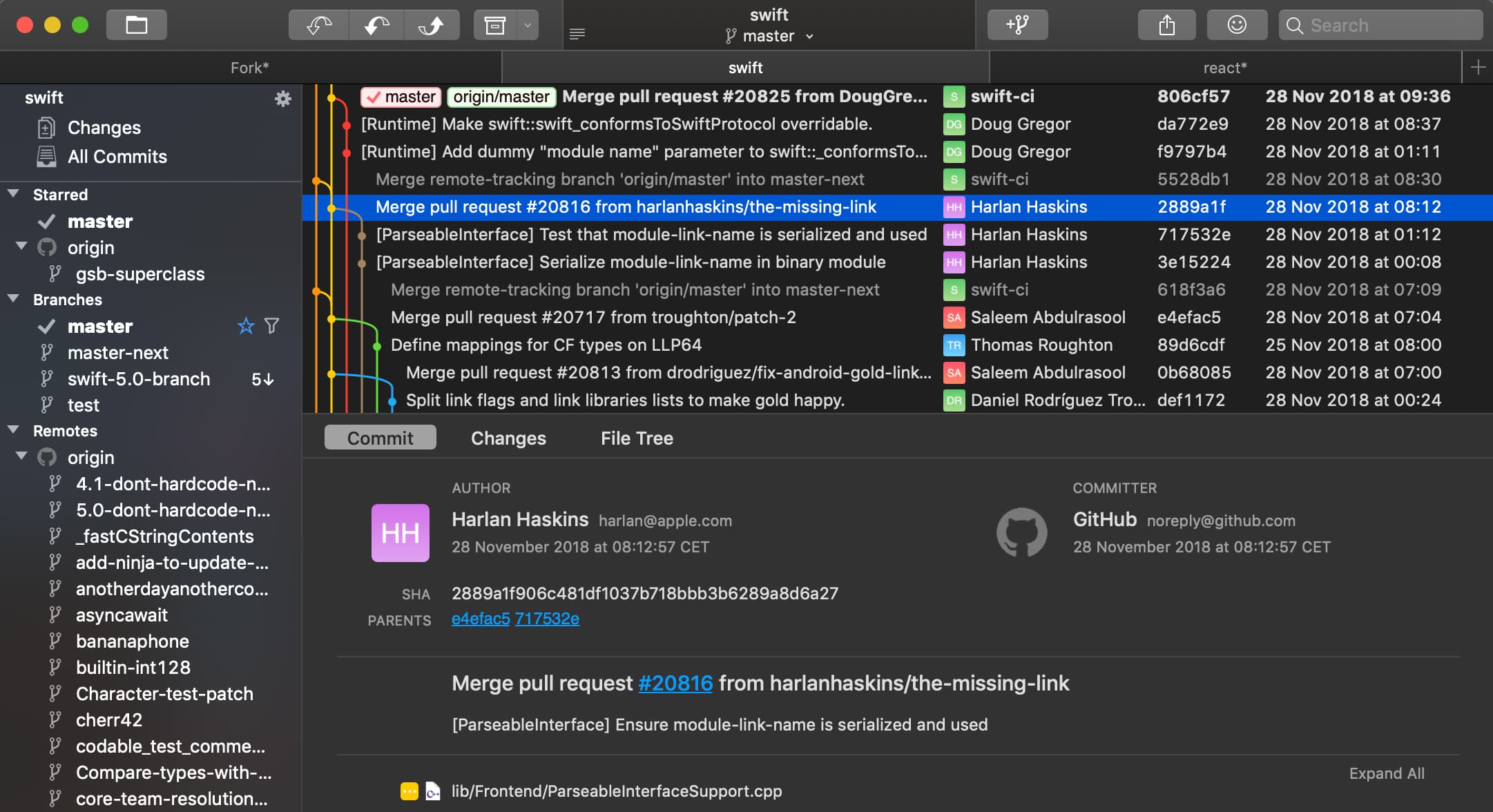
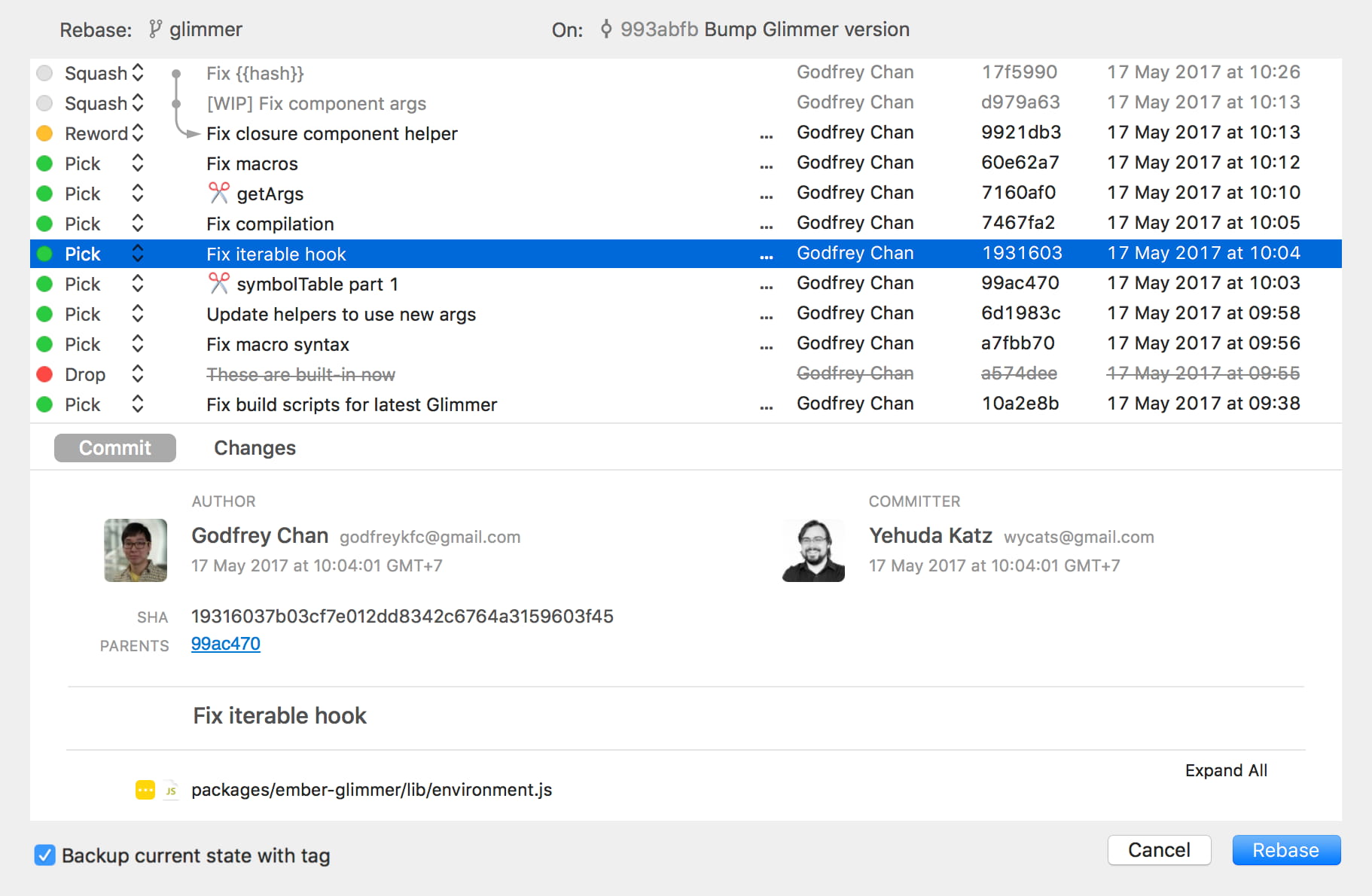
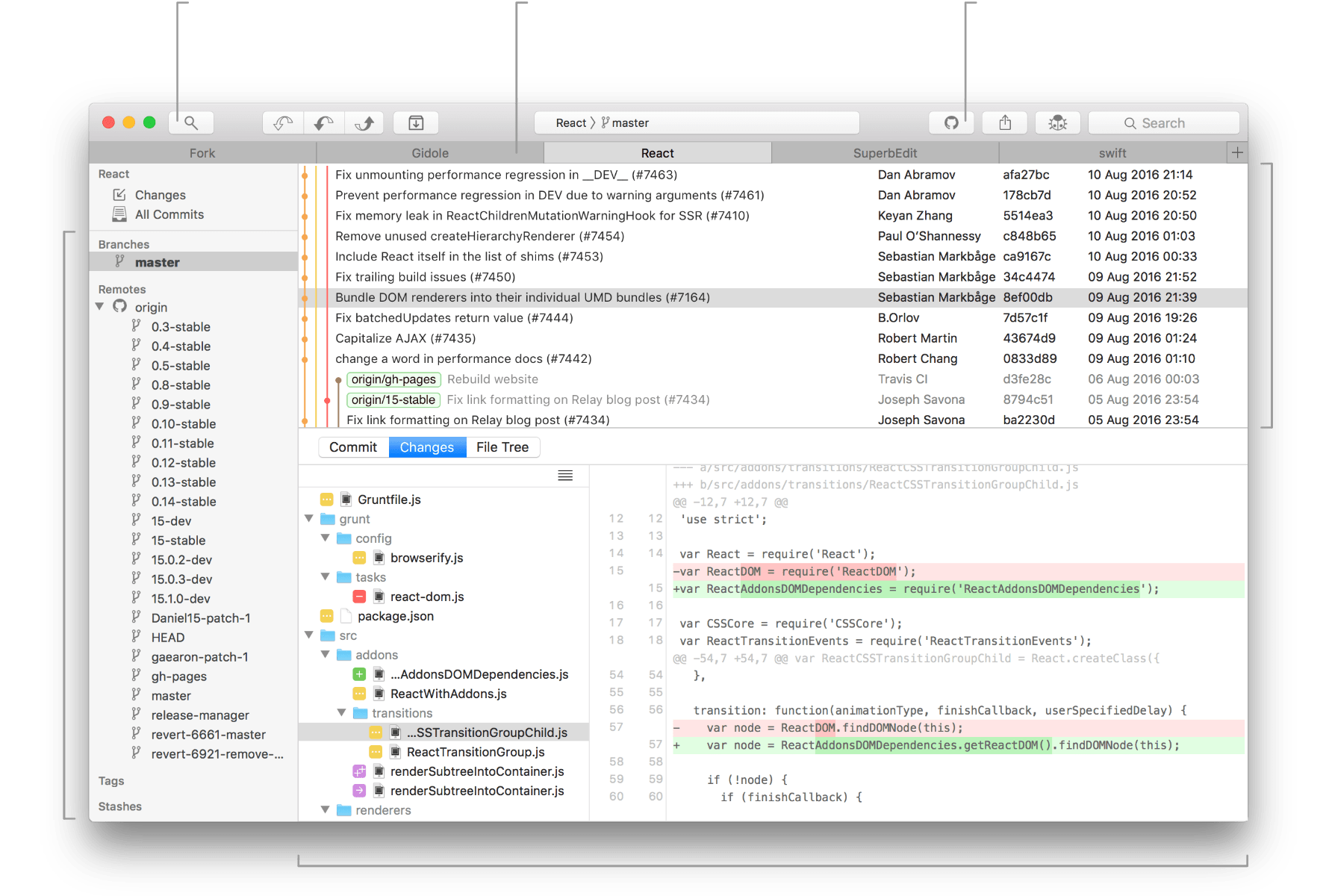
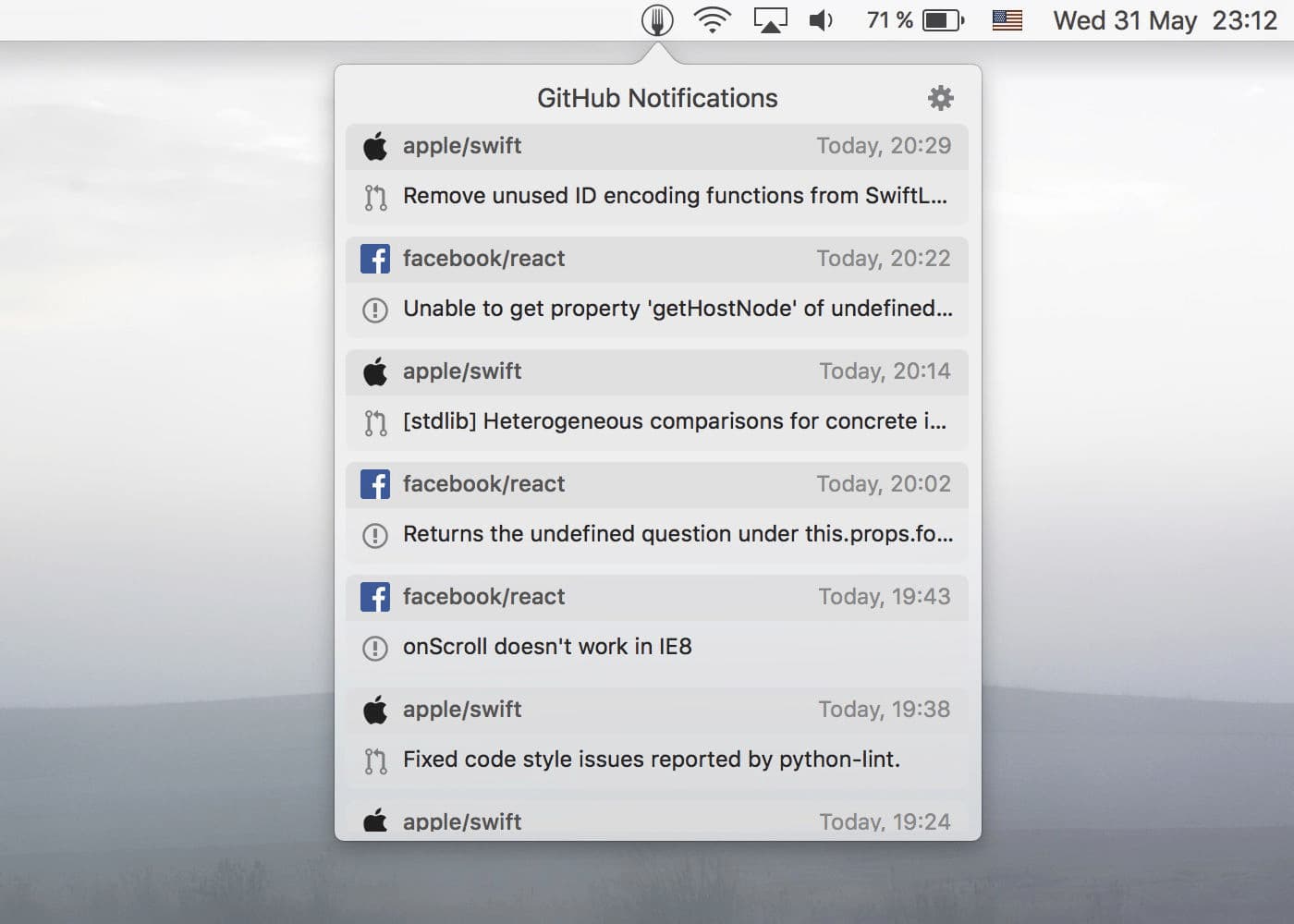
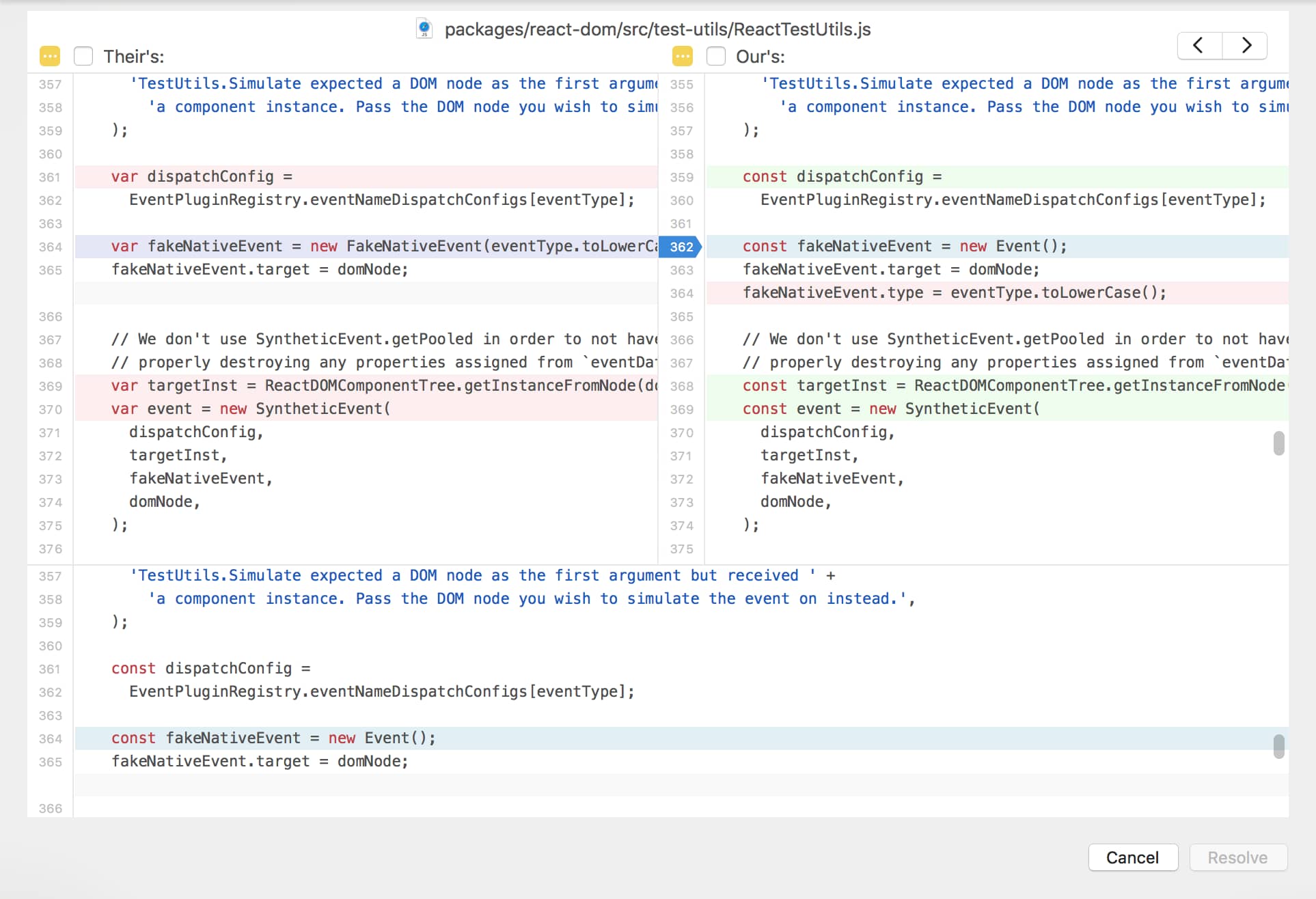
There are several different GIT GUI clients available for macOS for developers to choose from. Thanks to the GUI client, the developer can quickly run some sequence of complex actions, and thus solve merge conflicts, etc. Most of these GIT GUI clients are available on macOS in the form of a subscription, or you have to pay a one-time fee. In this case, you might like the Fork app, which is very popular among developers, and most importantly, it's free.
Sip
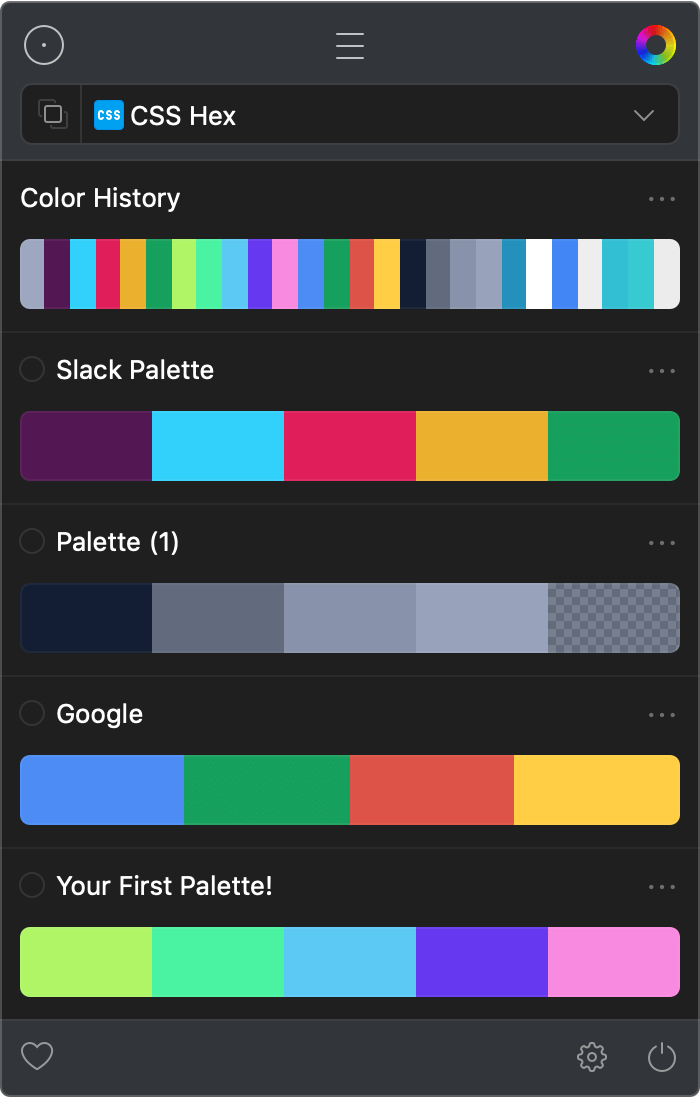
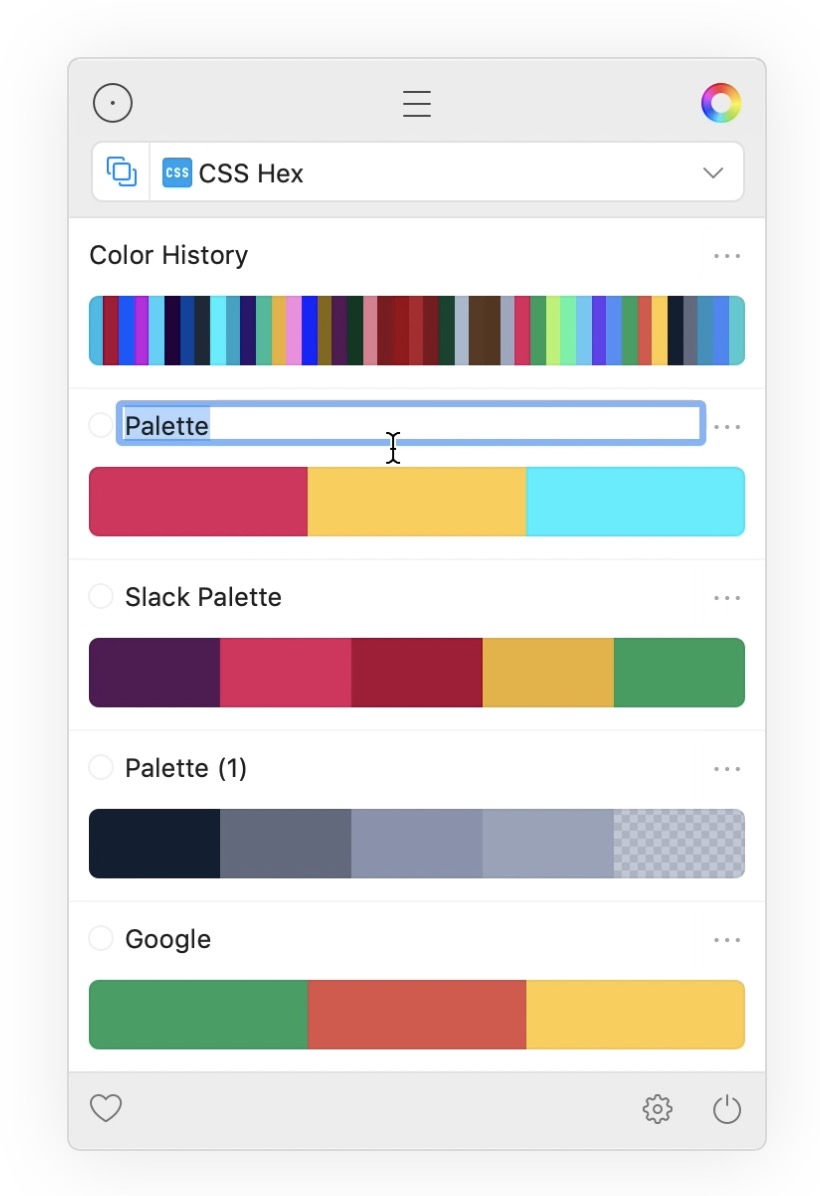
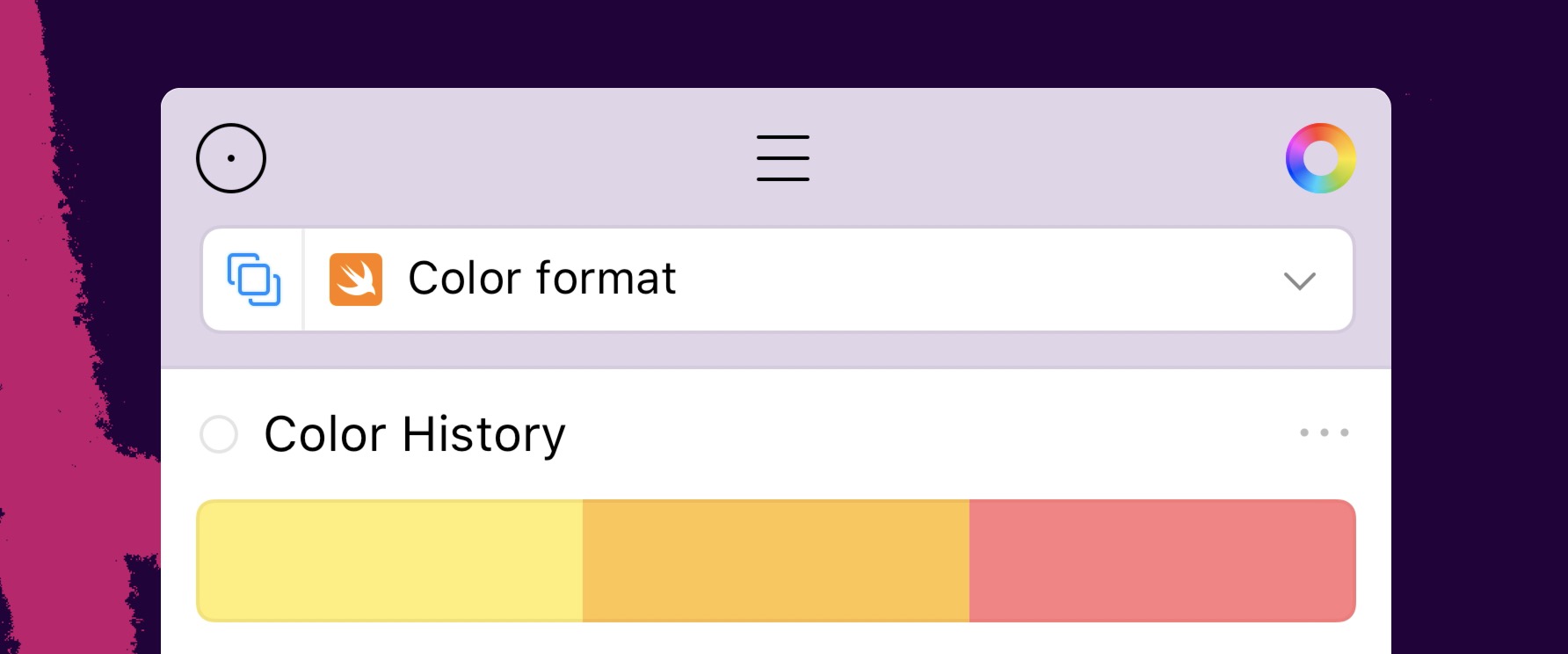
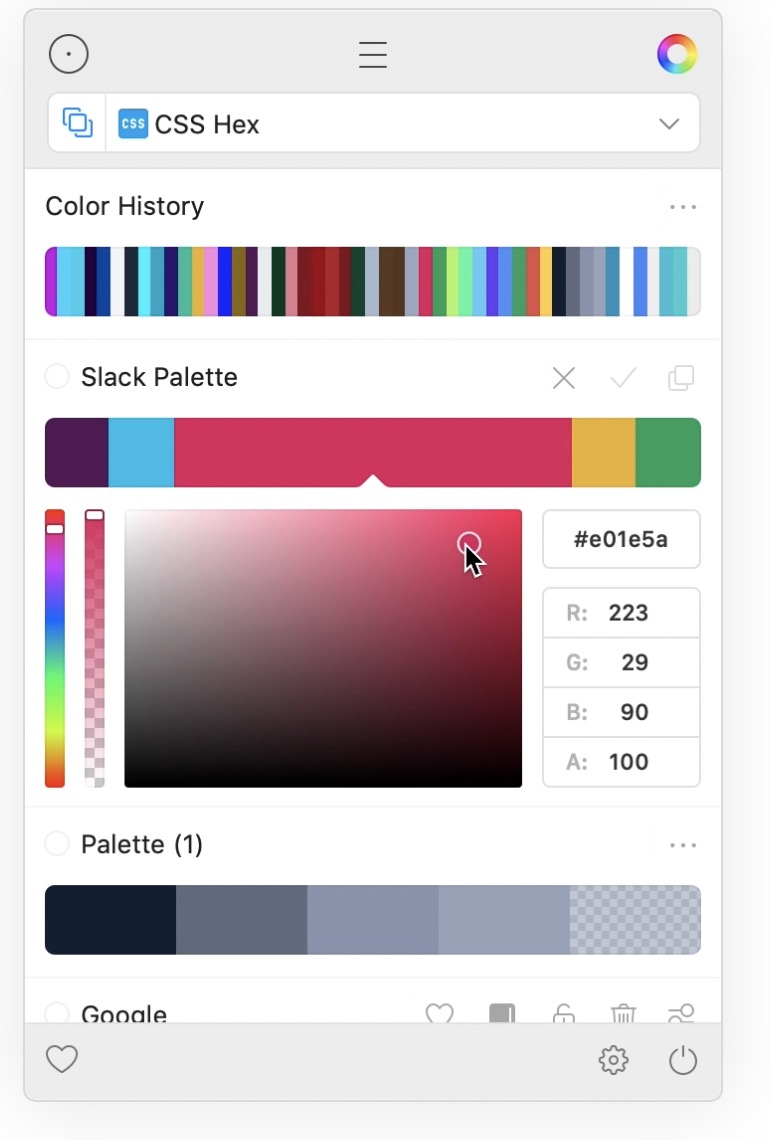
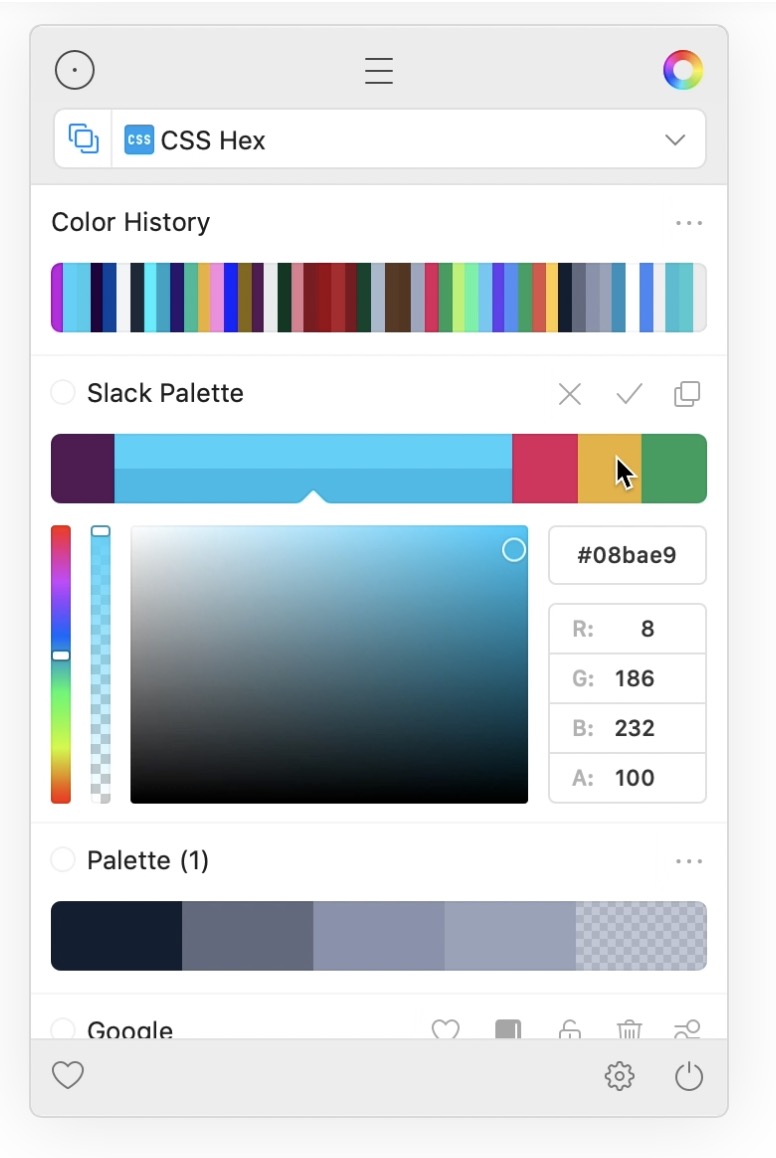
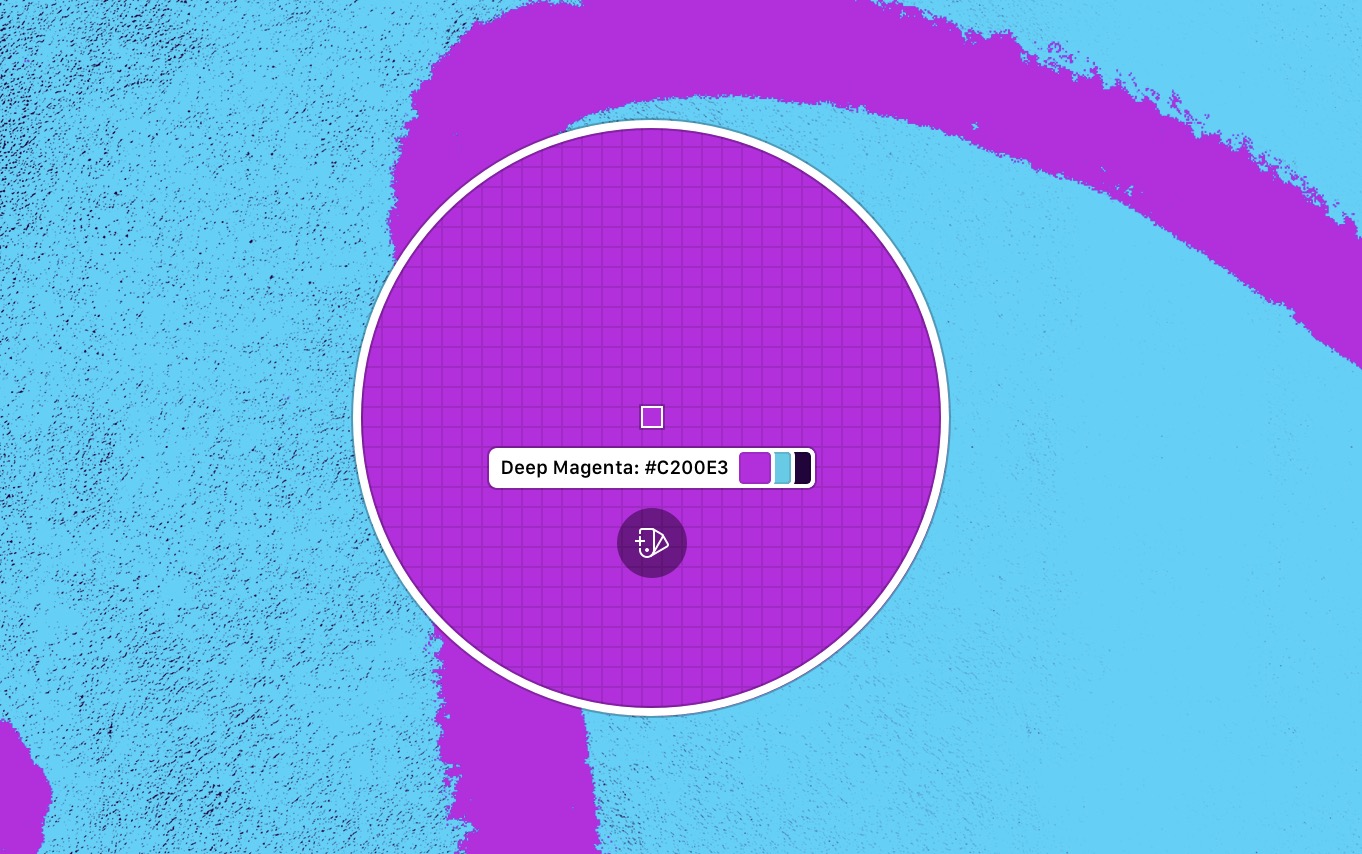
If you work with graphics or, for example, create websites, you often need to display a color palette so you can choose the right color.chat the one that will suit you perfectly. In these cases, you probably often visit Google and search for a color palette, which is definitely not the easiest and most pleasant solution. Again, there are countless different color managers available, but many of them are paid. If you are looking for a free alternative, you might like the Sip application, which hides all its tools in an icon in the top bar. With Sip, you can easily and quickly changechat and manage all your colors.
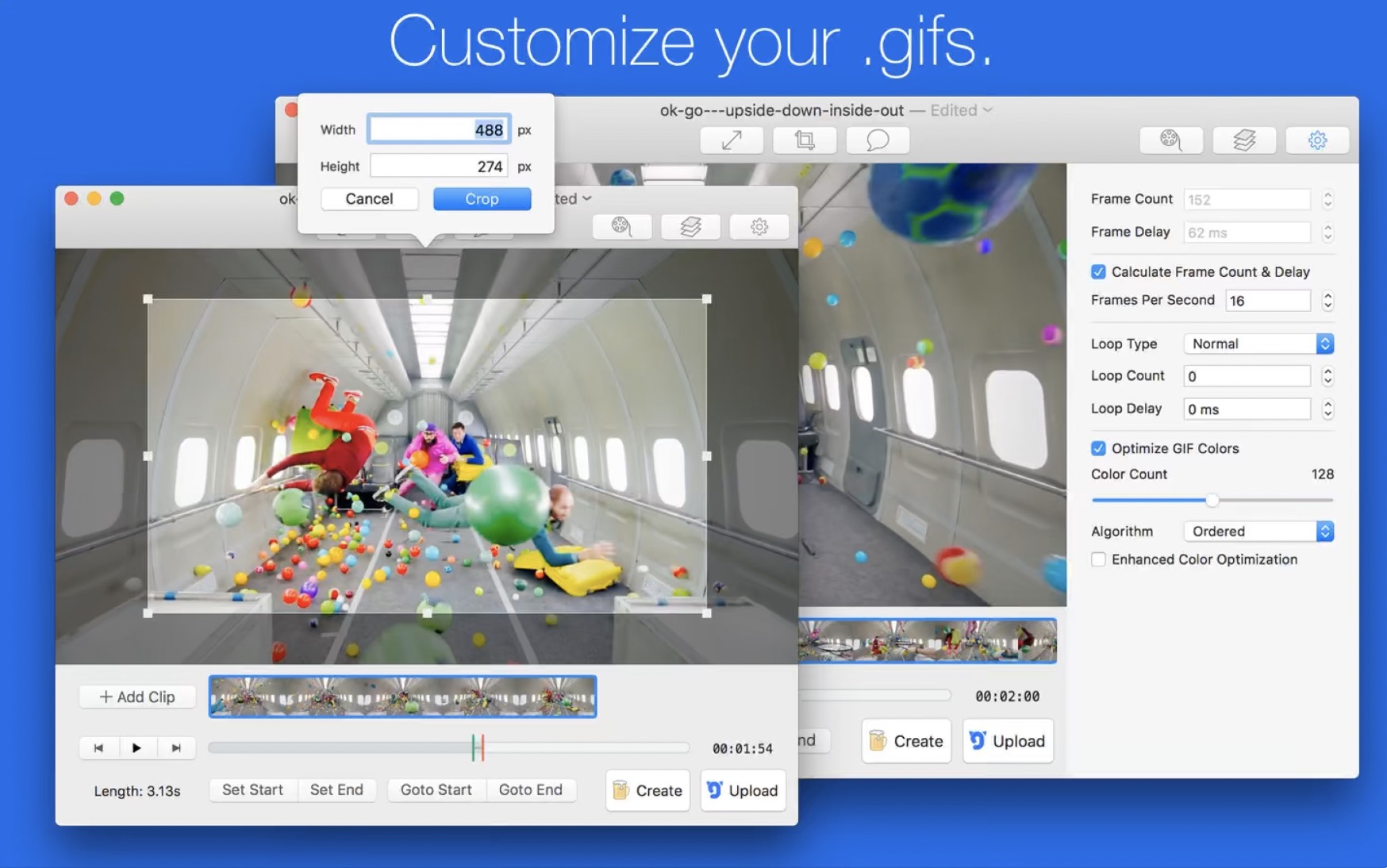
Gif Brewery
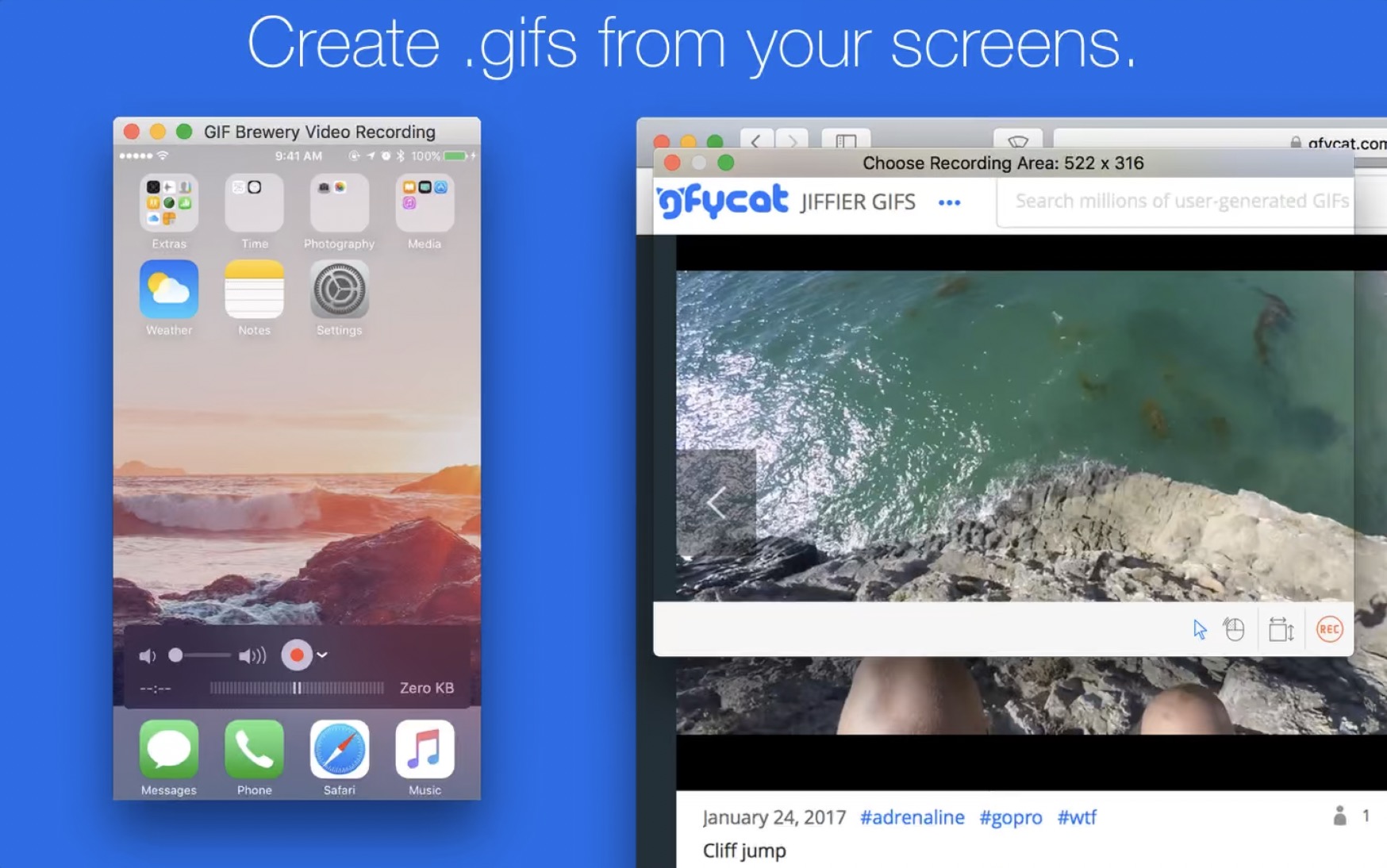
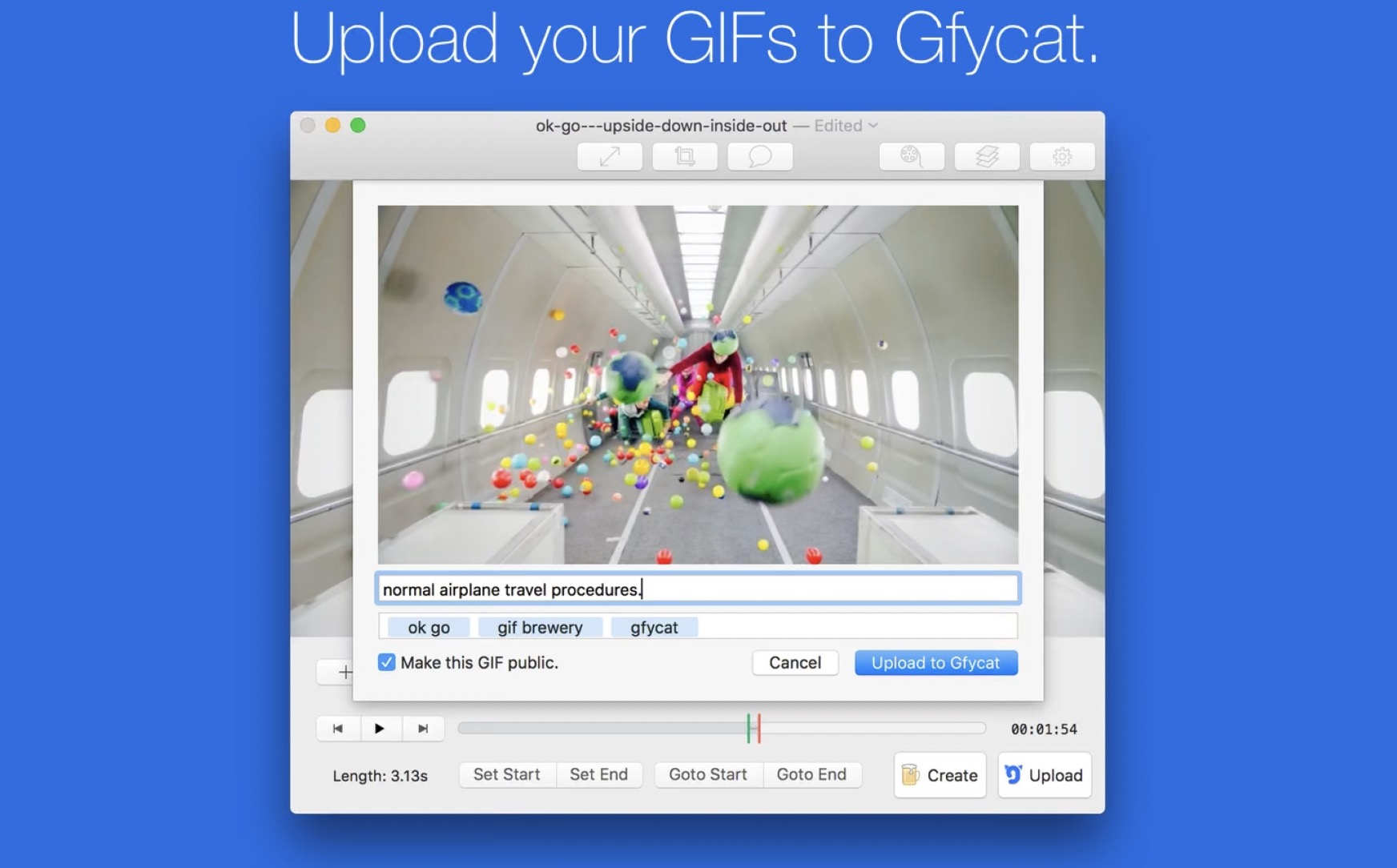
Animated images, so-called GIFs, are very popular these days. You can use them to easily express practically all your emotions, much better than in the case of just using emoji. Sometimes you may also find yourself in a situation where you need to create a GIF from a video. If you're looking for the perfect free app to help you create GIFs, you might like GIF Brewery. Within this application, you can easily create animated images from videos, of course, there is a range of different output settings, such as the number of frames per second and much more.
Gallery


OnyX and DaisyDisk
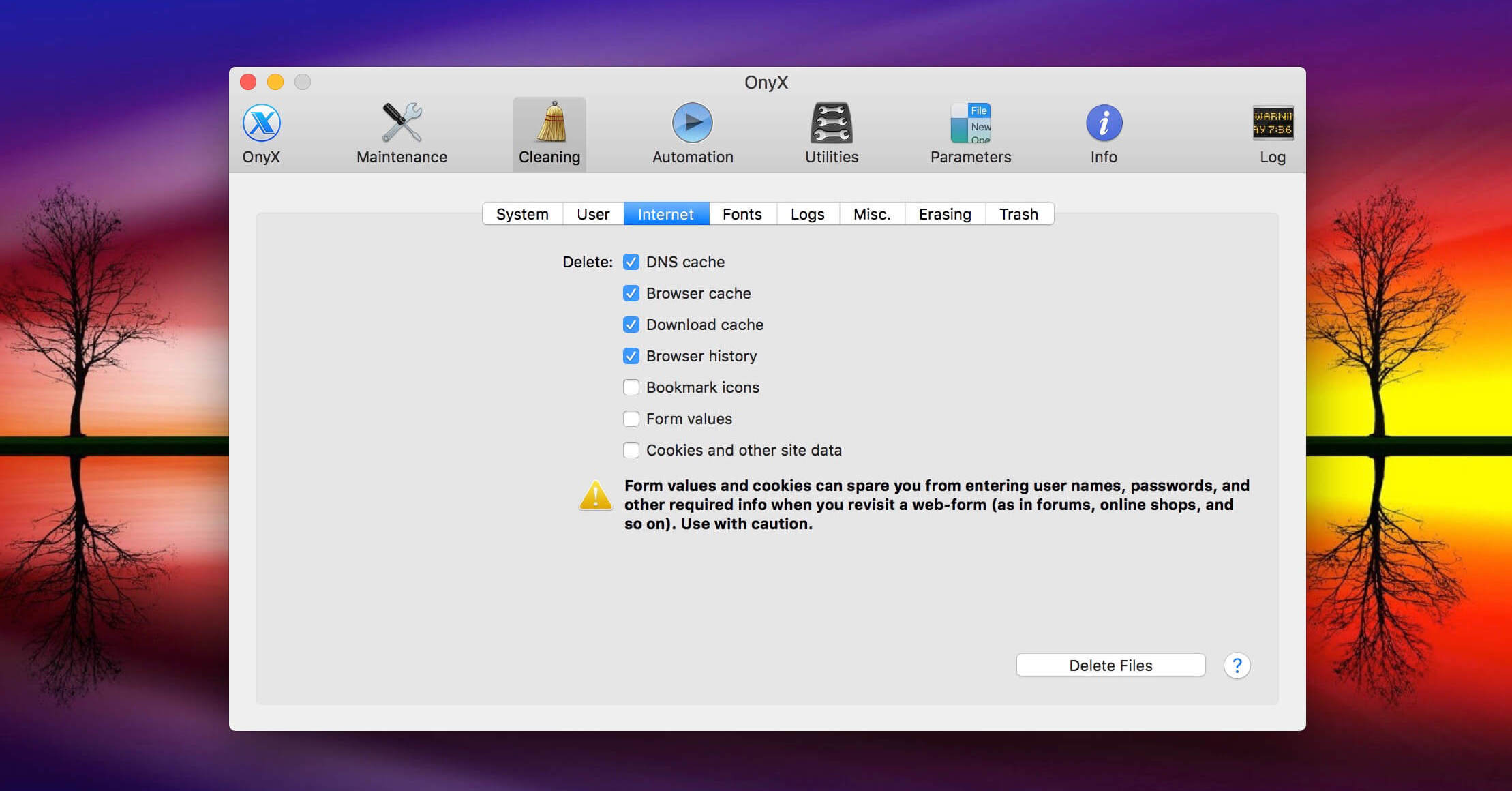
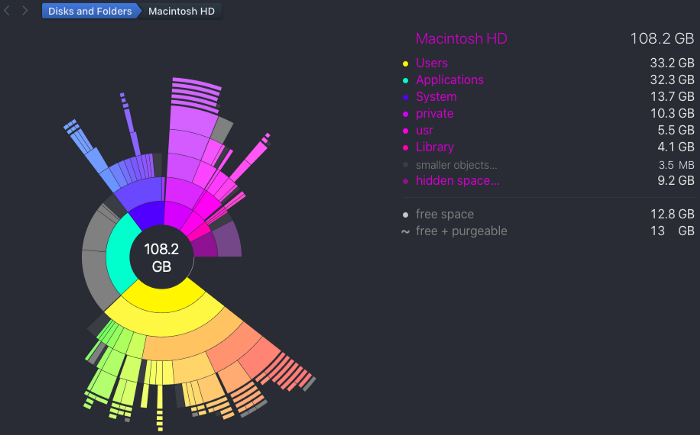
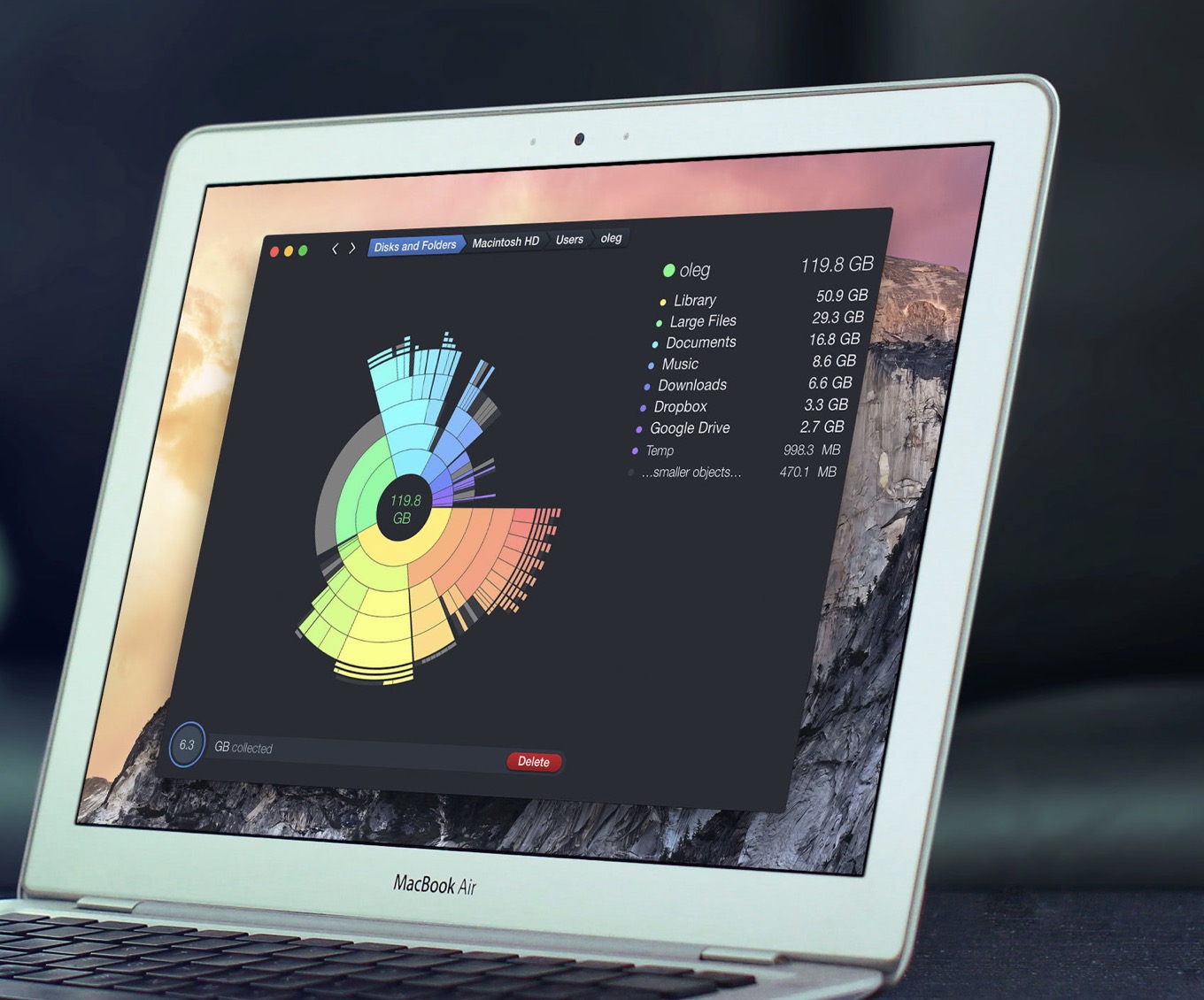
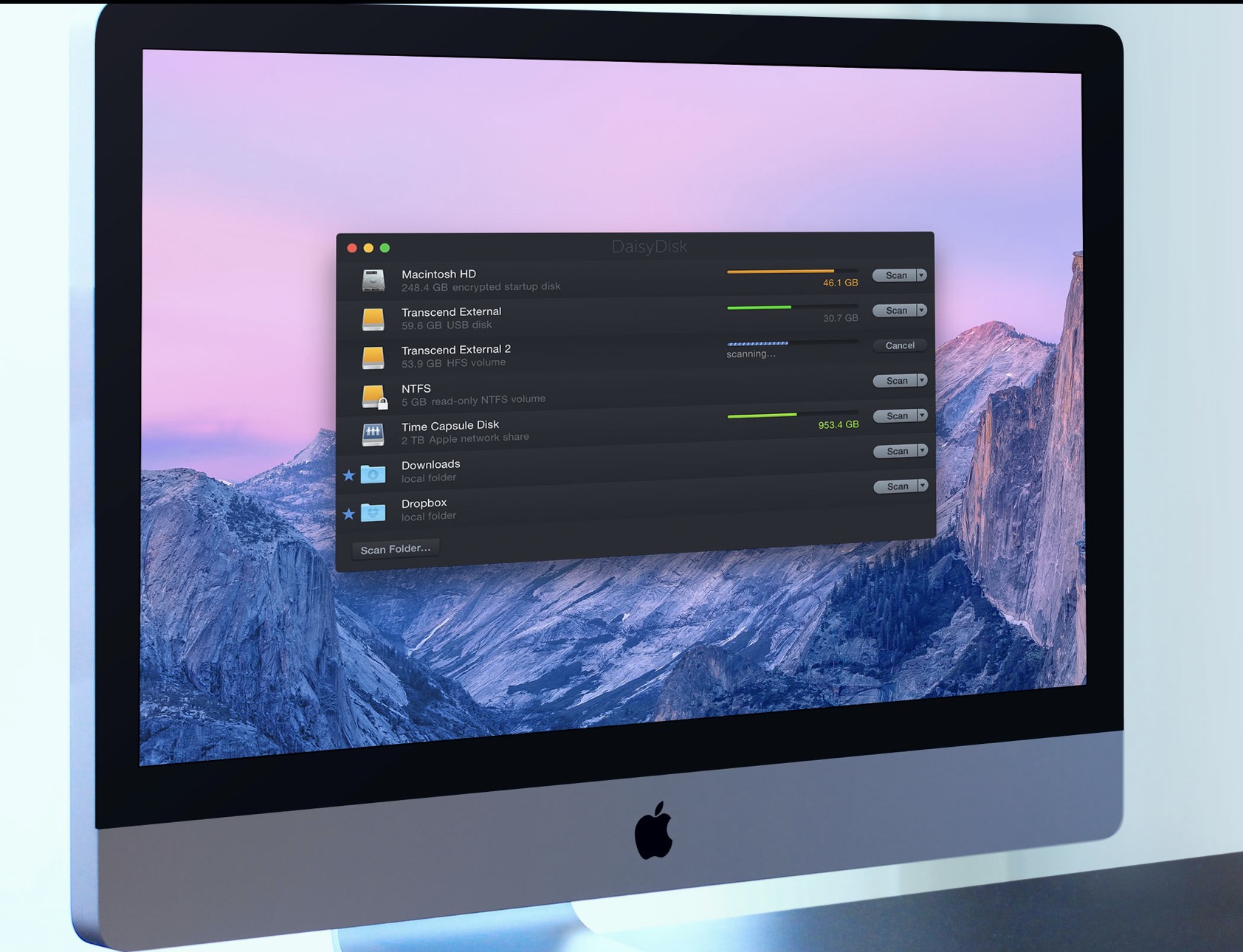
Today's Apple computers have built-in SSD drives, which are more expensive than classic ones and have a smaller capacity, but on the other hand, they are much faster. Apple until now, it still used Fusion on iMacs Drive drives that combined SSD and HDD, but those are no longer availableoneAs I mentioned, these drives are smaller, so users have to save space or buy a cloudstorage. In case of saving storage space, Onyx or DaisyDisk can help you. OnyX is a perfect tool that can replace CleanMyMac X in many ways, DaisyDisk is an application that can easily and quickly show you the usage of your disk, specifically what is using the most storage space on it.








GUI editor... 🥴 Maybe it would be worth reading something about those programs, studying them and especially understanding what they do before you release it to the public.
The author wrote a GUI client, not an editor. I admit that the omission of the GIT keyword is somewhat misleading at first glance.
Here you can see that it is about quantity, not quality. If I don't understand the topic, then maybe you're not writing about it, right?
Do you know what the acronym GUI means? Obviously not, you're talking nonsense. And I don't really need a GIT client for "running complex actions", but for code versioning. And "different" conflicts are not solved, but merge conflicts.