
Sometimes it can happen to you that when the night light (Night Shift) should be turned off during the day, it does not turn off, but remains on. The screen can then appear orange like when viewed at night with reduced blue light. We encountered this problem even in the editorial office, and that is why I have prepared a guide that will show you how to easily get rid of this inconvenience.
You might be interested in
How to solve a stuck night light
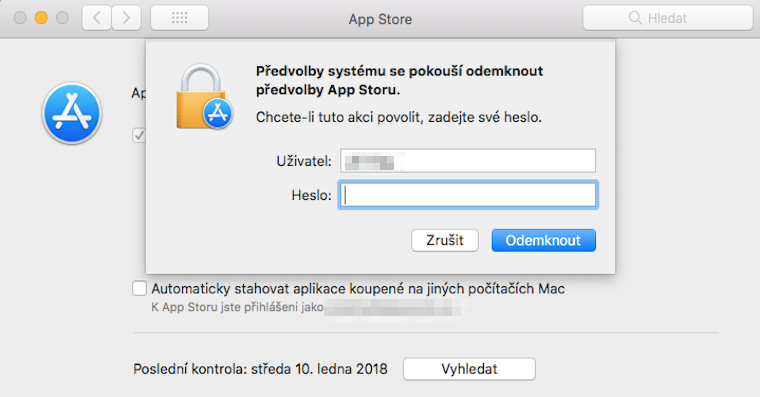
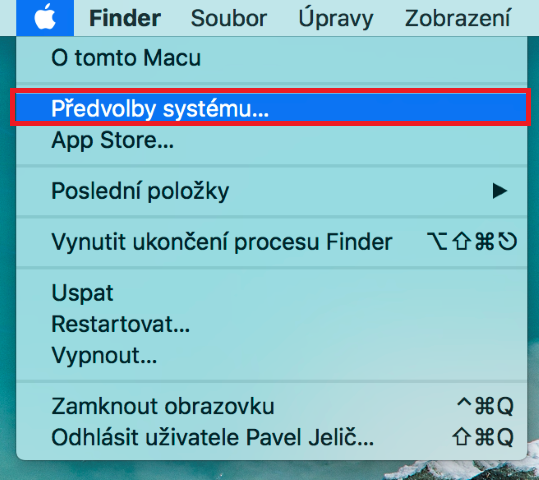
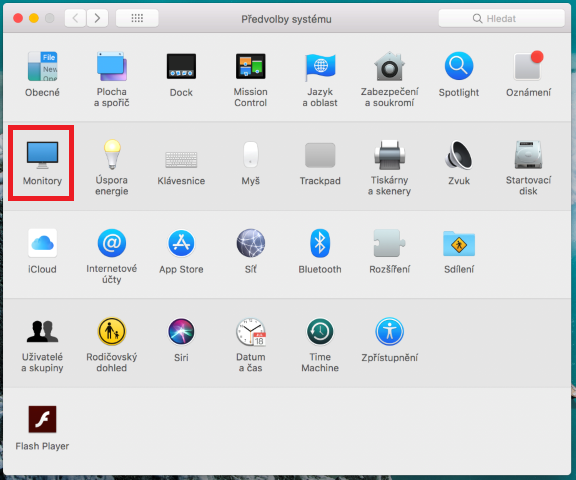
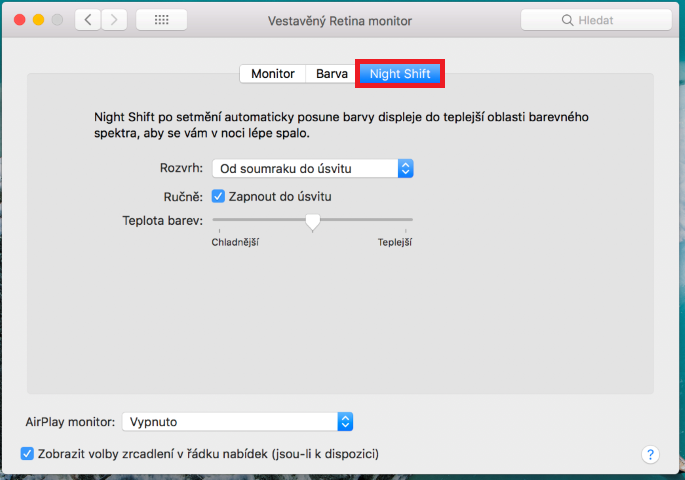
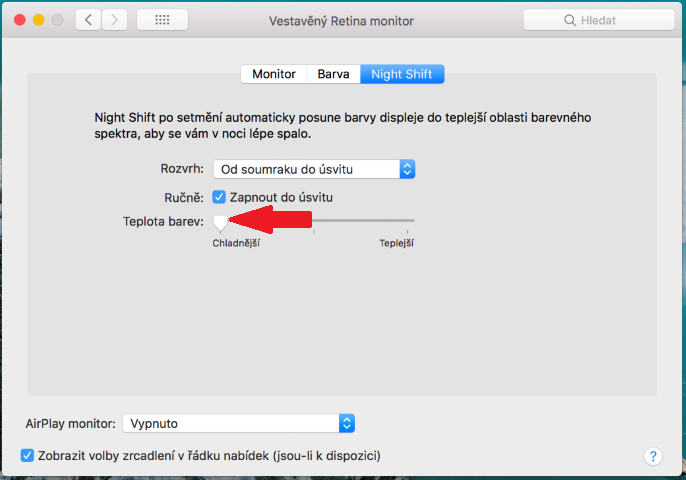
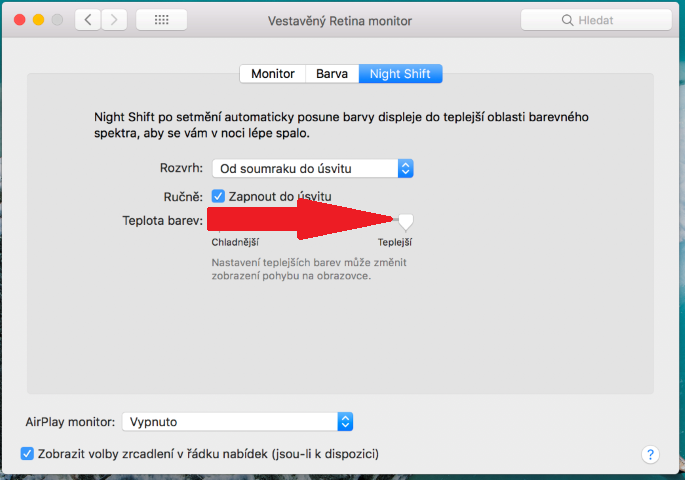
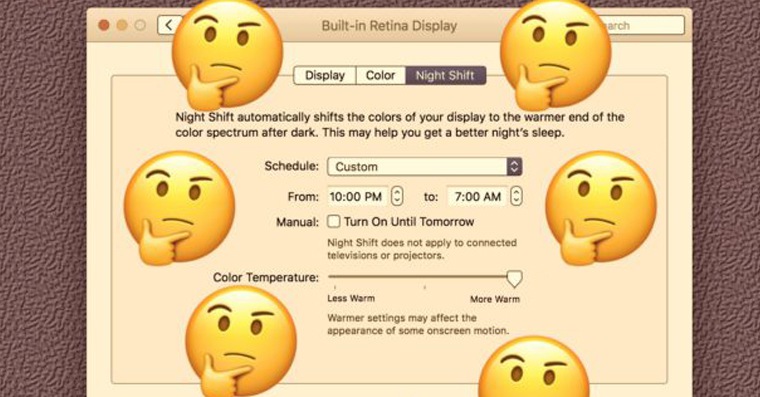
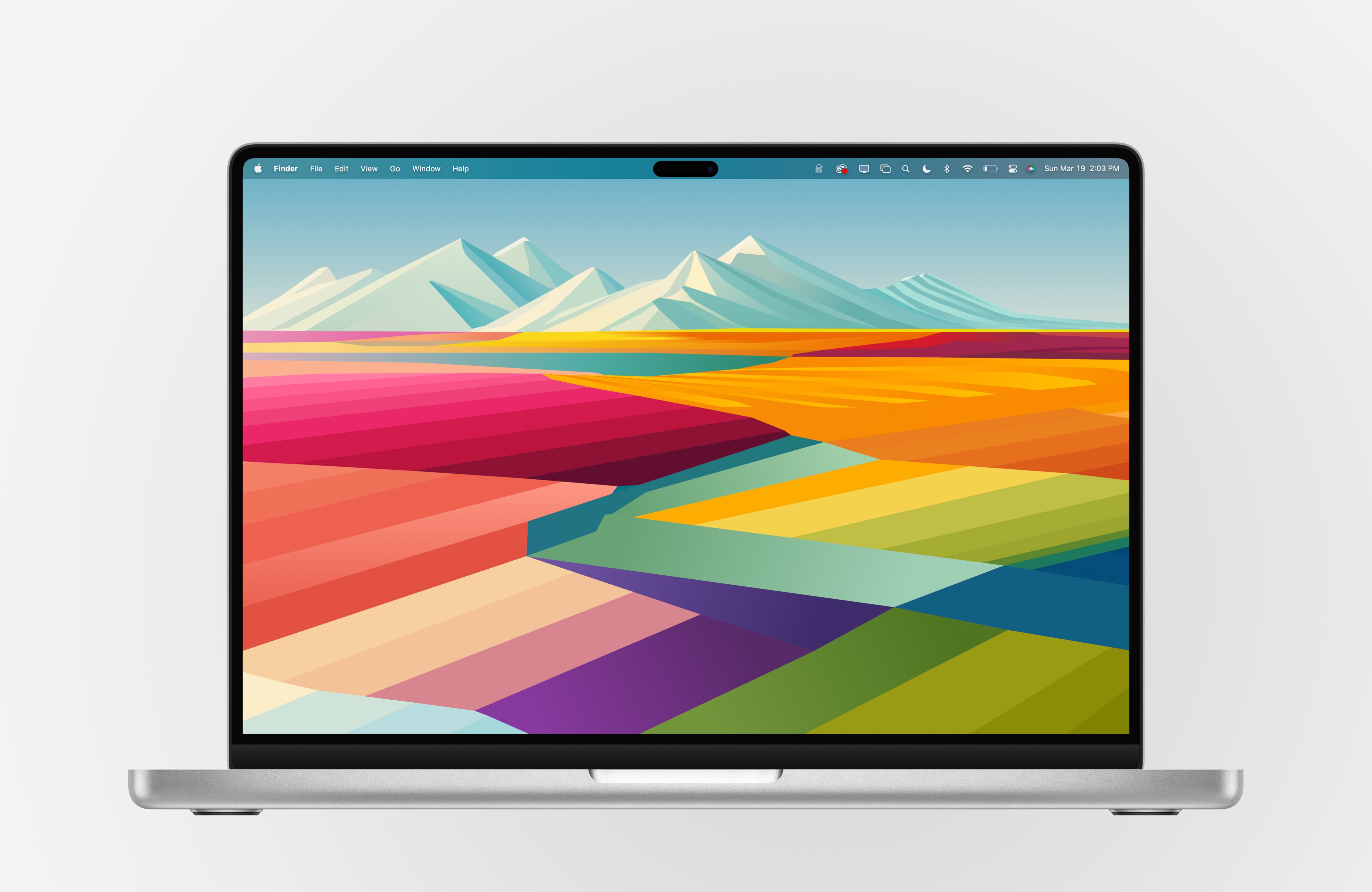
On our Mac, we click in the upper left corner on icon Apple login. We select an option in the menu System Preferences… In the new window that opens, click on the option Monitors. In the top menu, select the tab Night Shift. Now just take color temperature slider and move it what the most to the left and what most to the right. Night Shift should recover and reset after doing this. "It would be easier to turn it off and on," you can claim. Of course, I also thought of this option, but unfortunately, it doesn't work. This problem is not common, it only happens occasionally when you close your Mac at night with Night Light turned on and open it again during daylight hours, but the Mac no longer realizes that it should turn off Night Shift.
Gallery

Apparently I'm extremely lucky because I close every night MacBook with Night Shift on and the next day I open it with Night Shift off. I have a range of 22pm-00am and I never put it to sleep before 07pm and never wake it up before 00am.
F.lux is still better anyway..