
CleanMyMac X is a very popular program across the entire Apple community that can take care of cleaning your Mac without any problems. Program can really do a lot and you have read about its features on our website several times. In its latest update, it added a brand new module called Space Lens, which can visually display your disk and help you clean it up. So let's take a look at it together.
You might be interested in
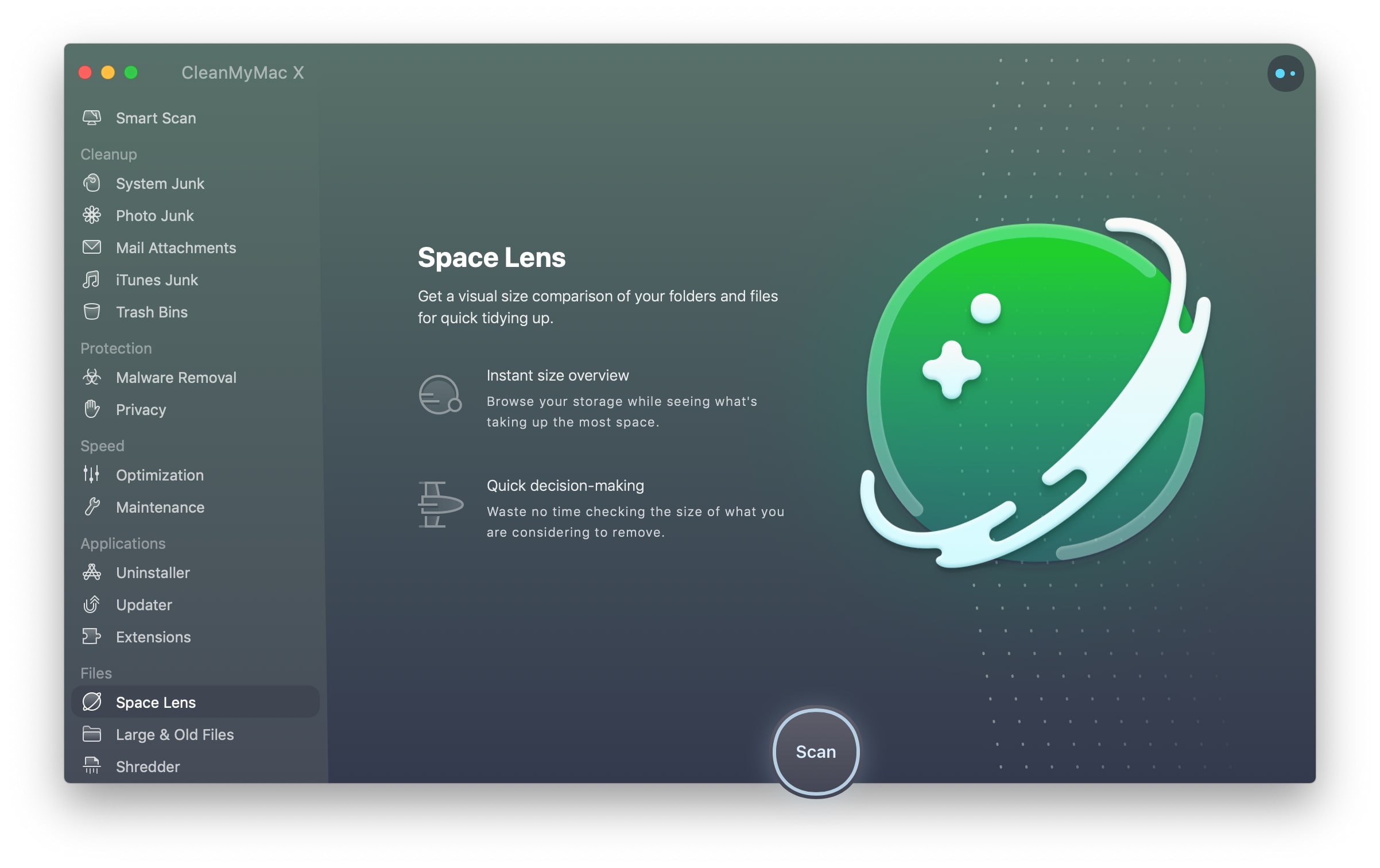
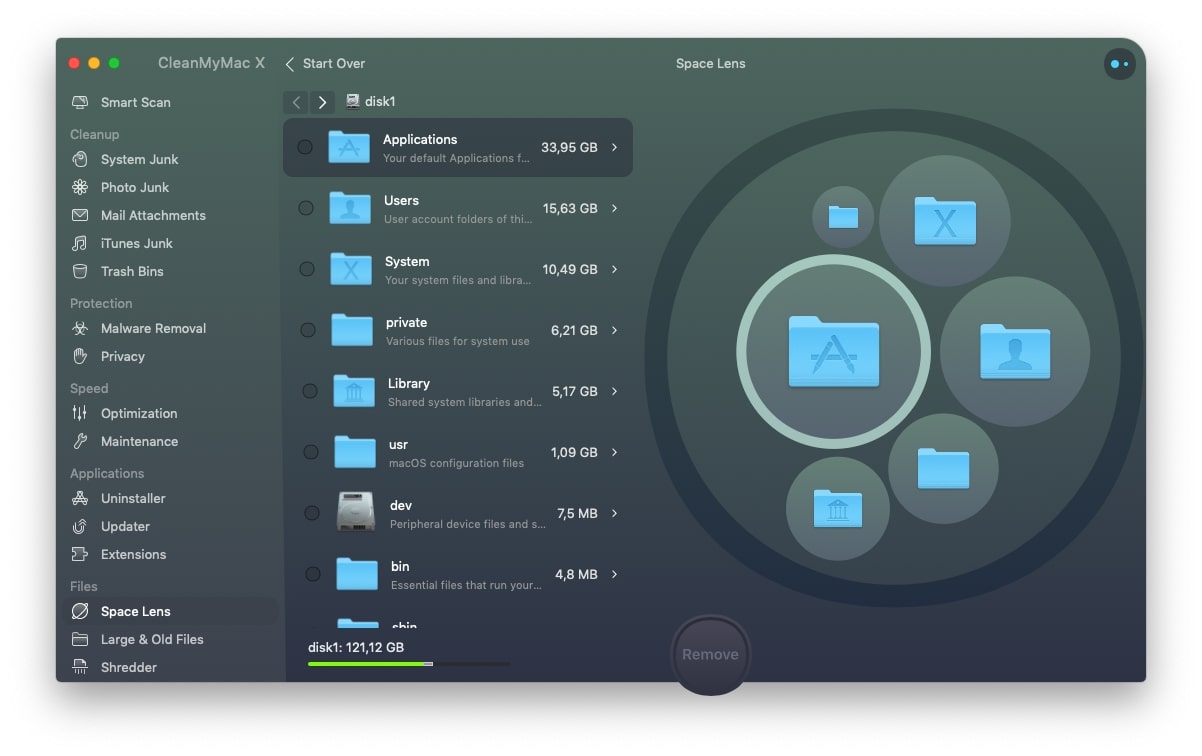
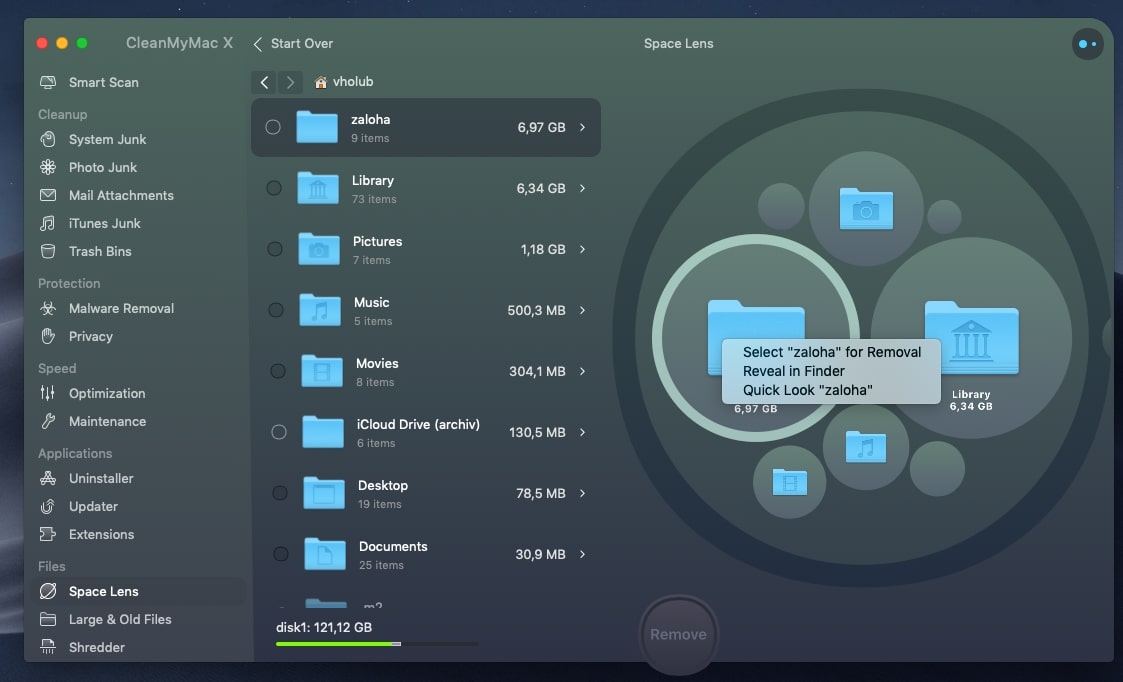
After opening the program, we must first select the Space Lens module from the left ribbon and then start a scan that will scan our entire hard drive and compile the aforementioned visual map. Once the scan is complete, you will see the individual folders of your disk sorted by size, which you can conveniently click through, while you can see the change immediately on the right side - in the visual map. In my case, the folder takes up the most space Applications a Users. To show you what Space Lens can really do, I went to the folder Users and chose your account. After this step I noticed that the folder deposit, which I no longer need and only forgot to delete in the past, is taking up a lot of space. For this reason, I right-clicked on it and chose the option Select "deposit" for Removal. And that's all, then all you had to do was click the button remove and confirm my choice, thanks to which I completely clearly and safely removed the folder full of unnecessary data.
Gallery
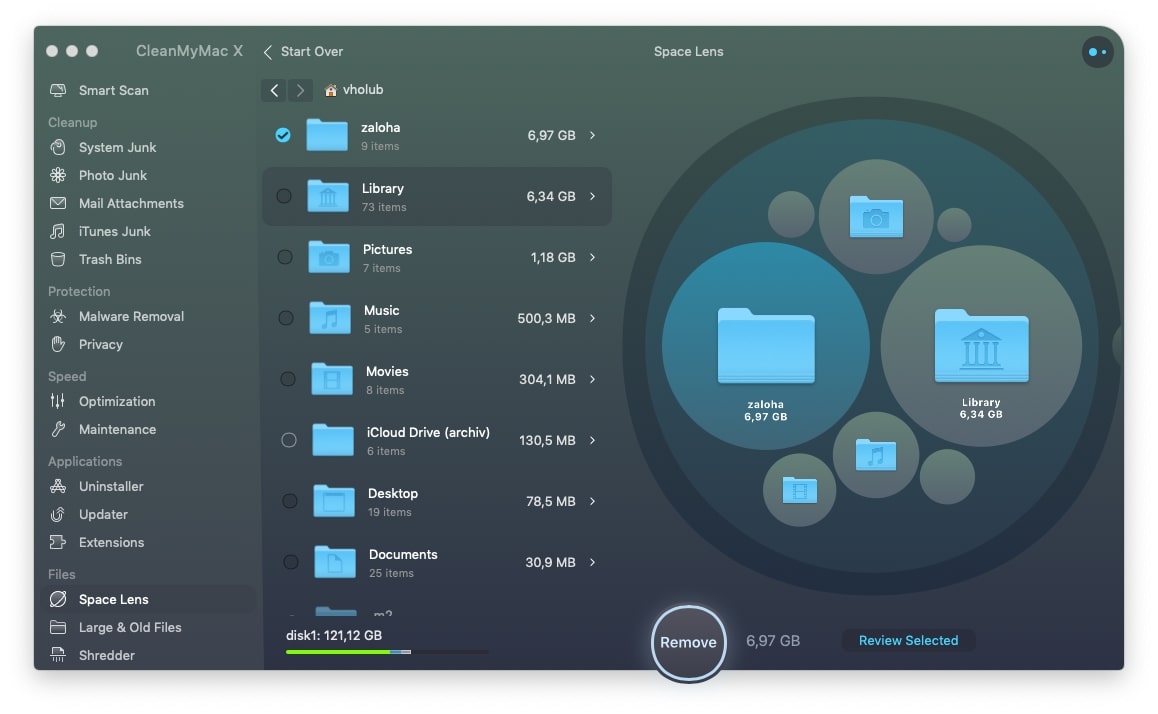
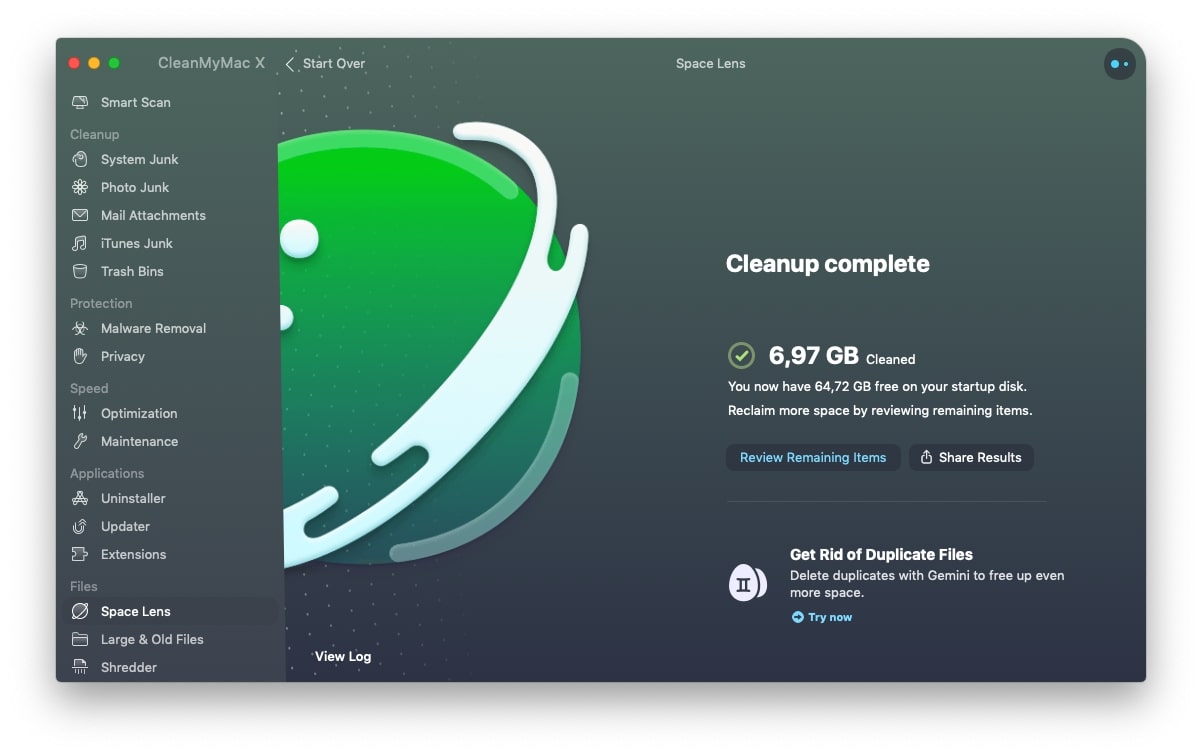
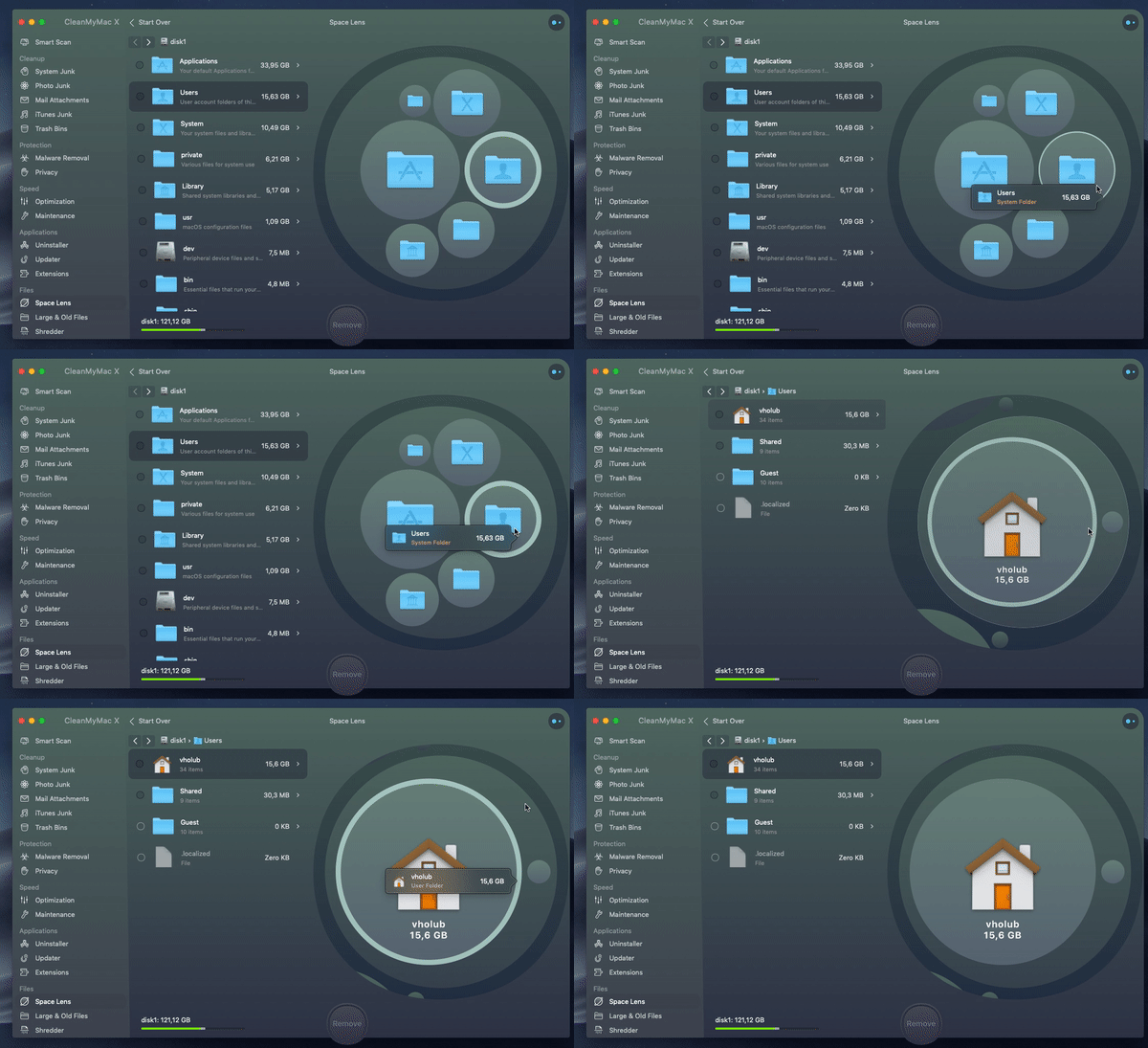
This new module will help you safely find and delete forgotten or unnecessary data on your disk. For example, if you have an external drive connected to your Mac, you can apply this function to it as well. Personally, I am extremely happy about this news, because it often happens to me that I just move the files somewhere and then completely forget about them, which is why they then take up space on my disk completely unnecessarily.
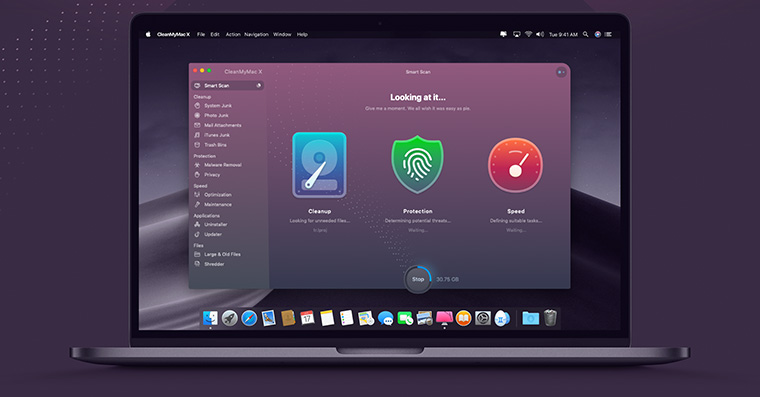










And does the perfect and flawless Mac OS need such a program? I thought that the system had been running well and smoothly for several years and didn't need such maintenance.
Basically, you don't have to. The system doesn't slow down with age. These cleanings are just leftovers from the old days. windows. We are marked by it and we only do it out of a feeling that we should do it.