
Apple Music v iOS 26 koneIt brings the ability to organize playlists into folders. A feature that users have known for years from the Photos or Notes apps is now available in the music library. If you have Apple Music Dozens of playlists – from training mixes to seasonal soundtracks to selections of your favorite artists – folders will offer you a clearer organization and faster orientation.
You might be interested in

Greater clarity thanks to folders
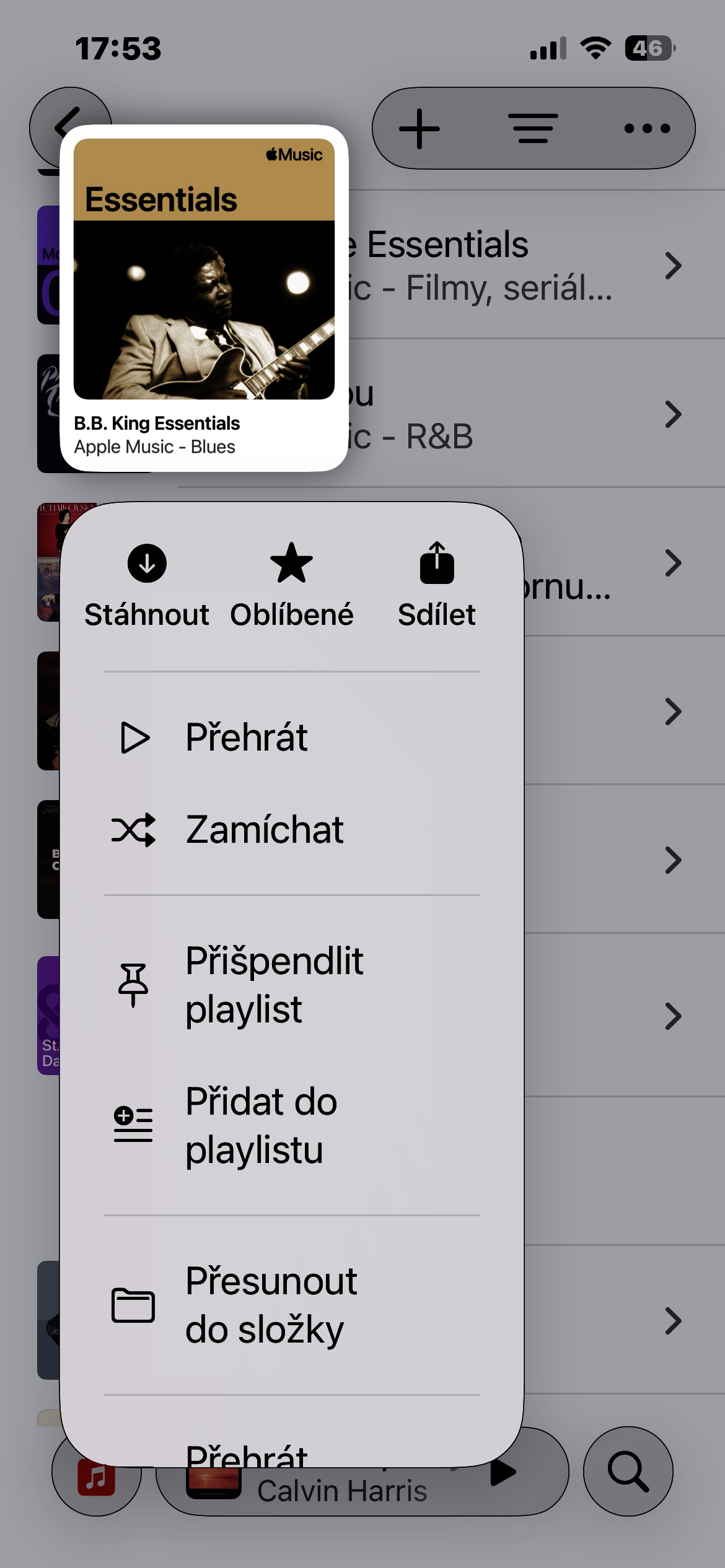
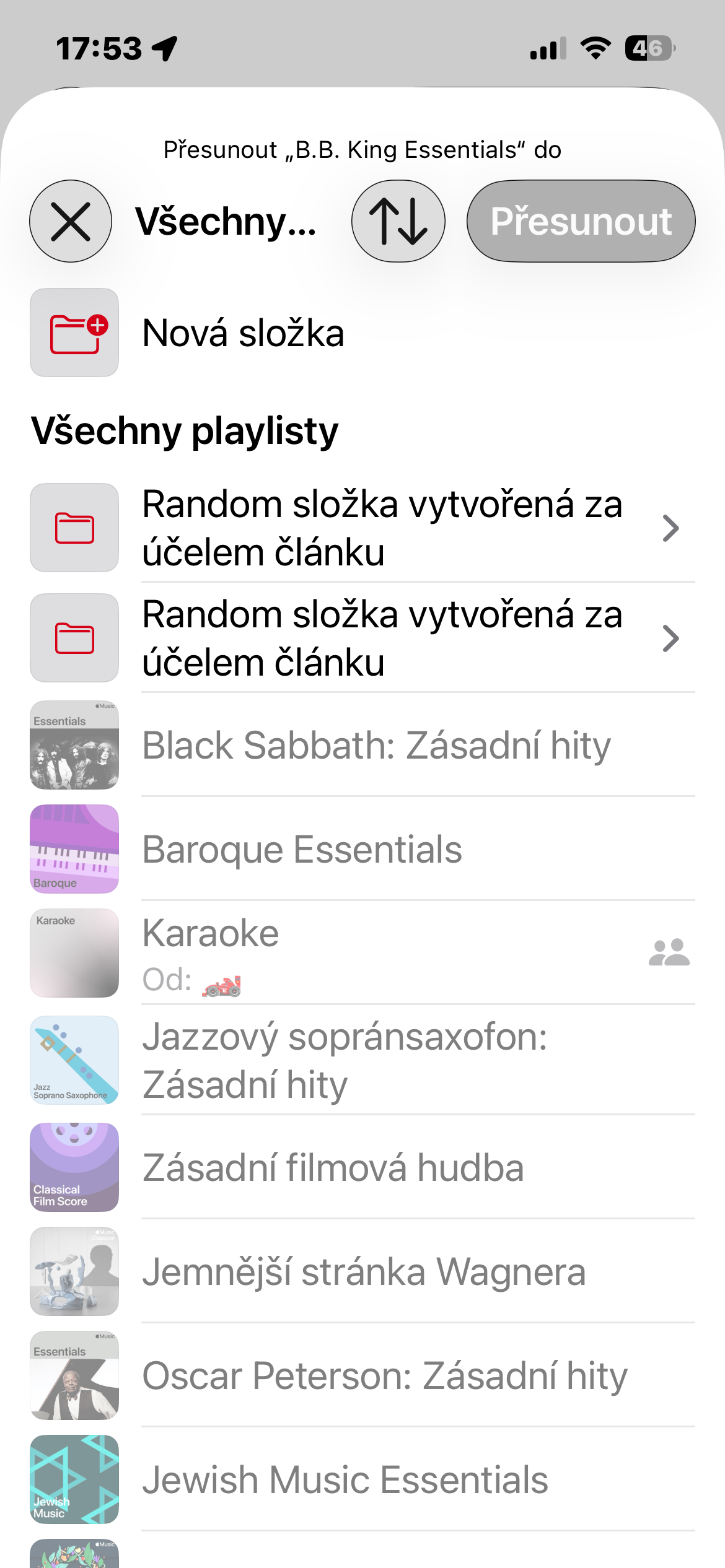
The principle works exactly as you would expect. You create a folder, name it according to its purpose, and then move your selected playlists into it. This way, you can create a structure that reflects how you actually listen to music - for example, specifically for moods, activities, music genres, or times of year. iOS 26 also allows you to put folders inside folders, so you get an almost unlimited amount of organization for a larger collection of playlists.
How to create a new folder
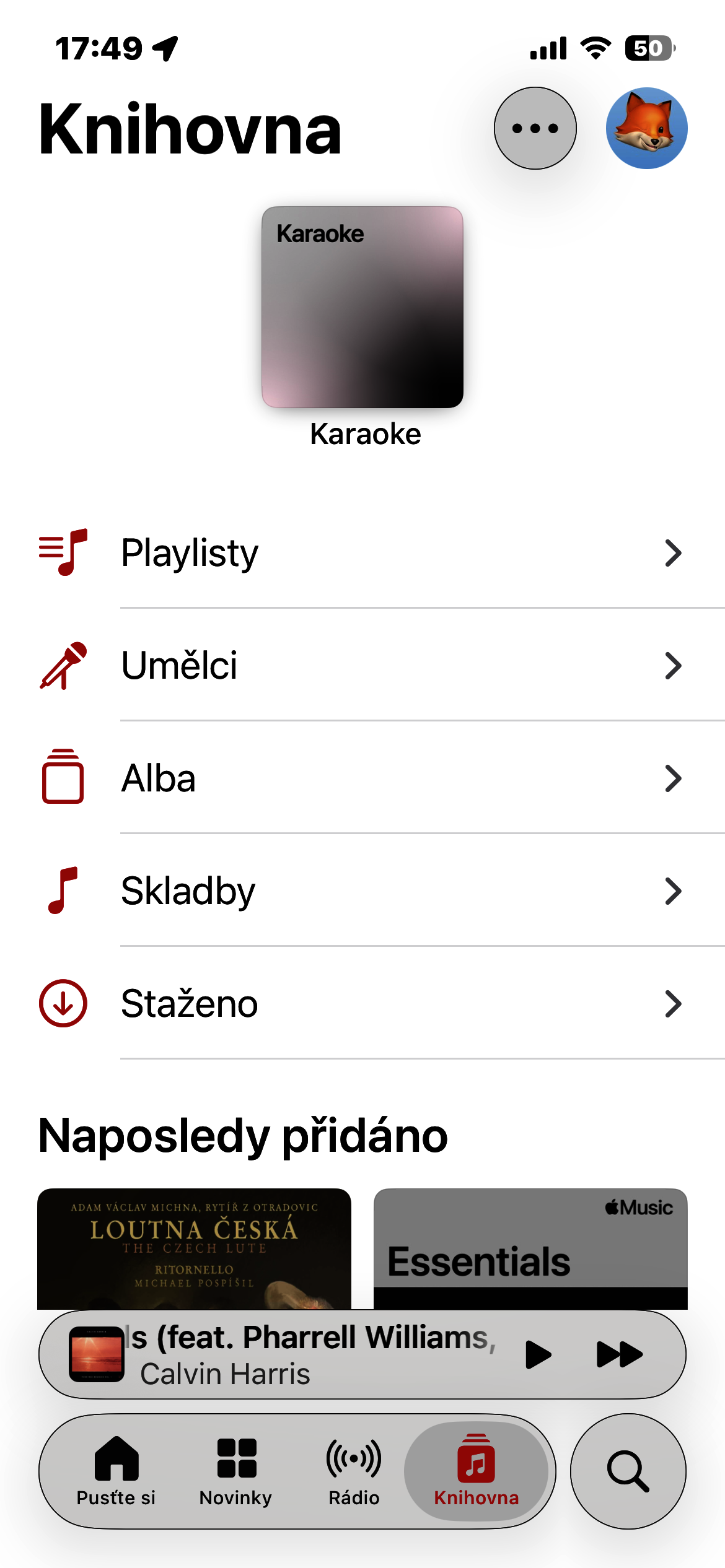
- Open the Music app and go to the Playlists section.
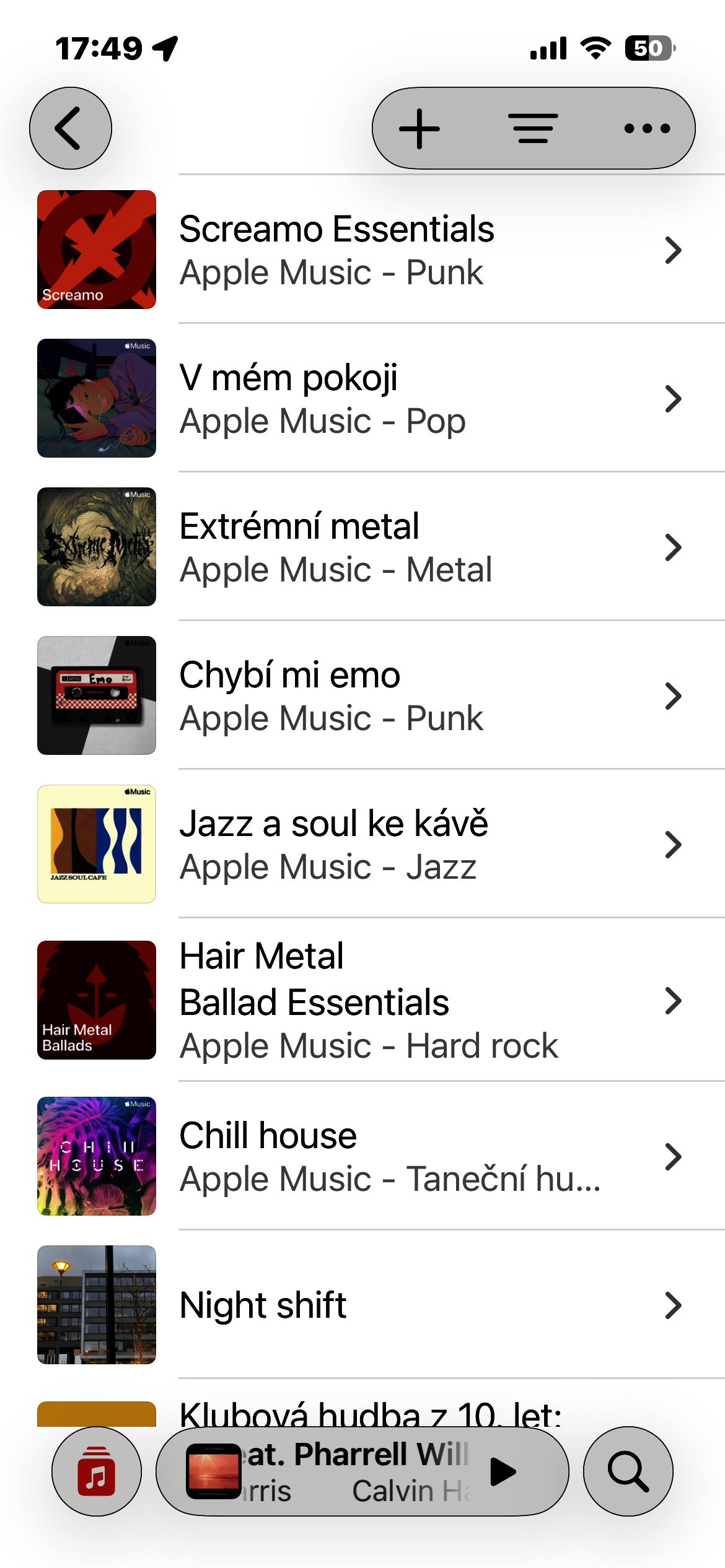
- At the top of the screen, tap the + icon.
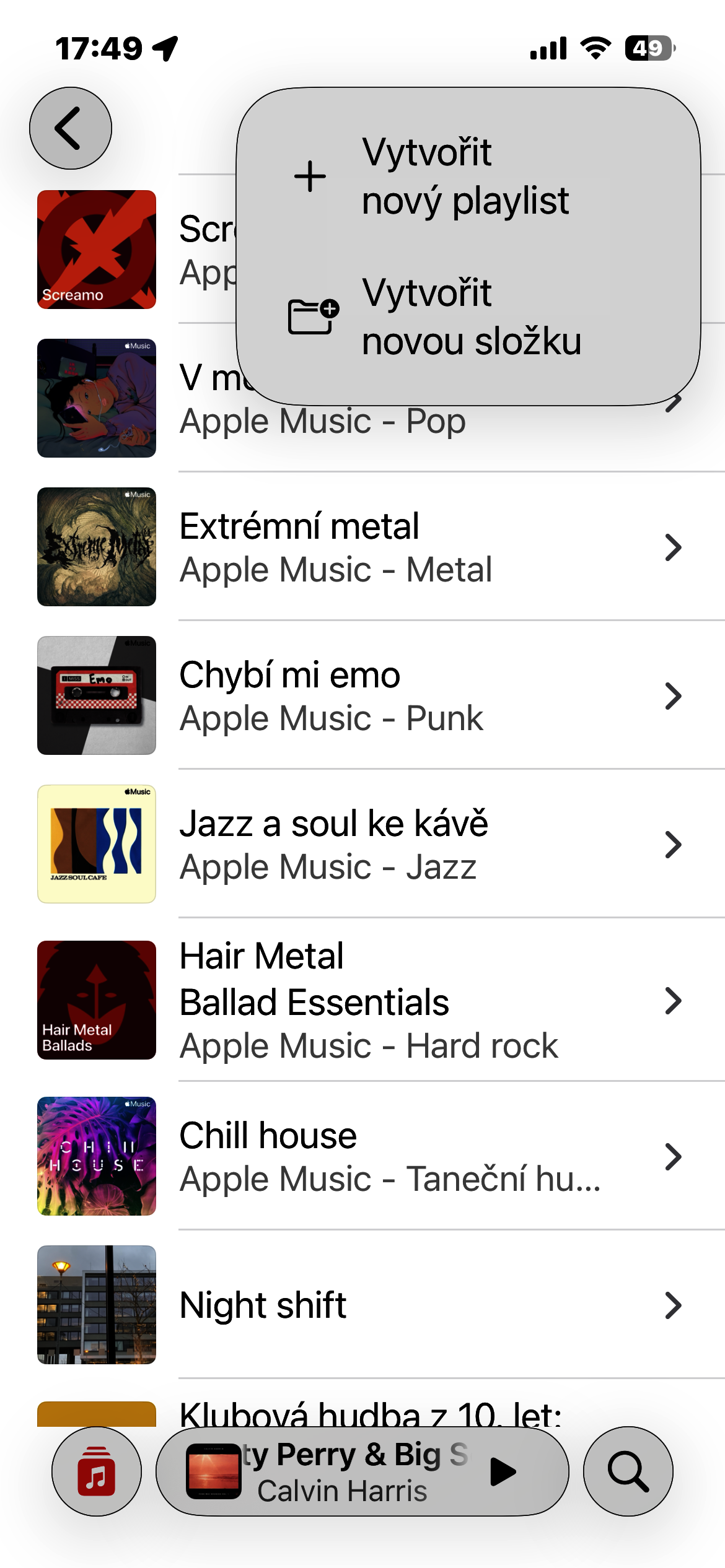
- Select Create new folder from the menu.
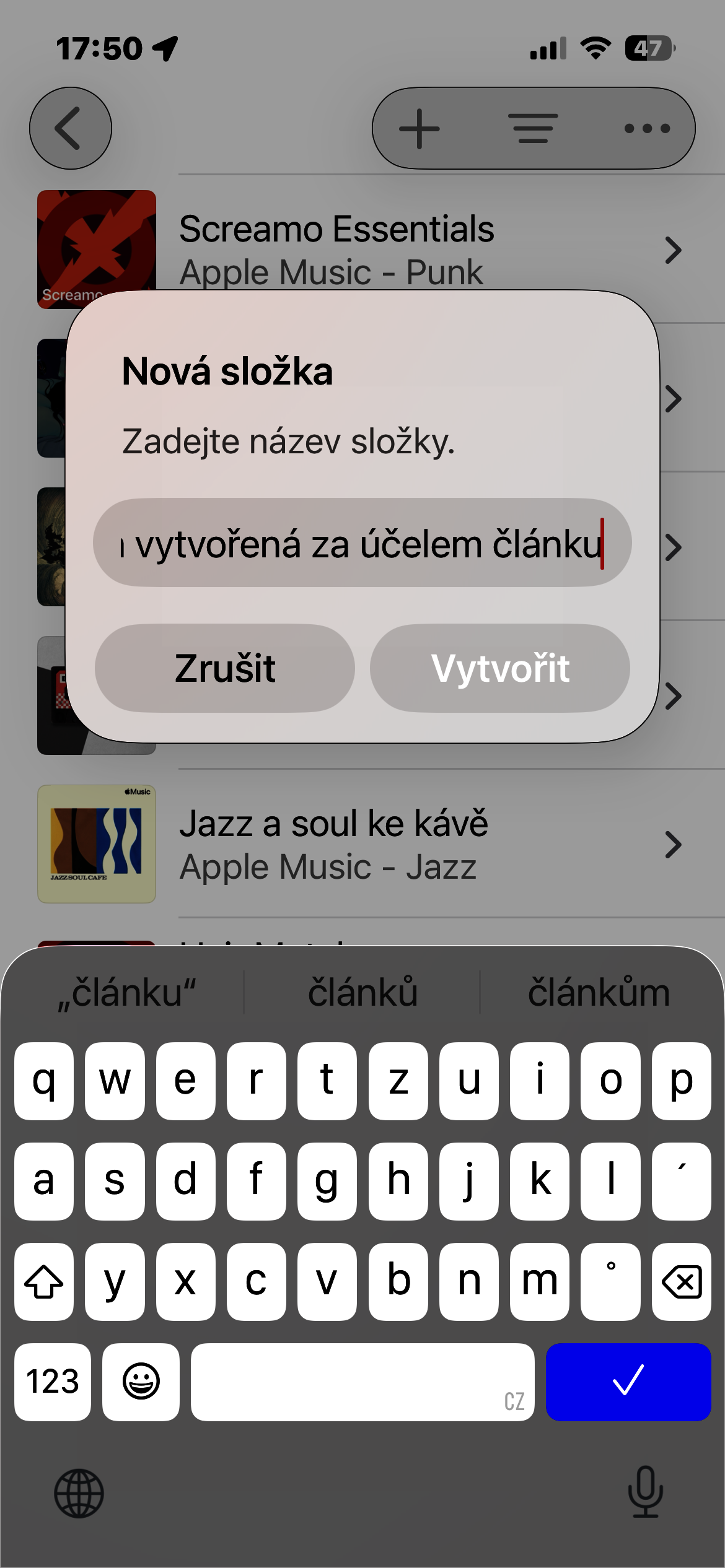
- Enter the folder name and confirm with the Create button.
Gallery




After installing the version iOS26 na iPhone 14 Pro Max Lowercase letters on the keyboard do not appear at all in dark mode