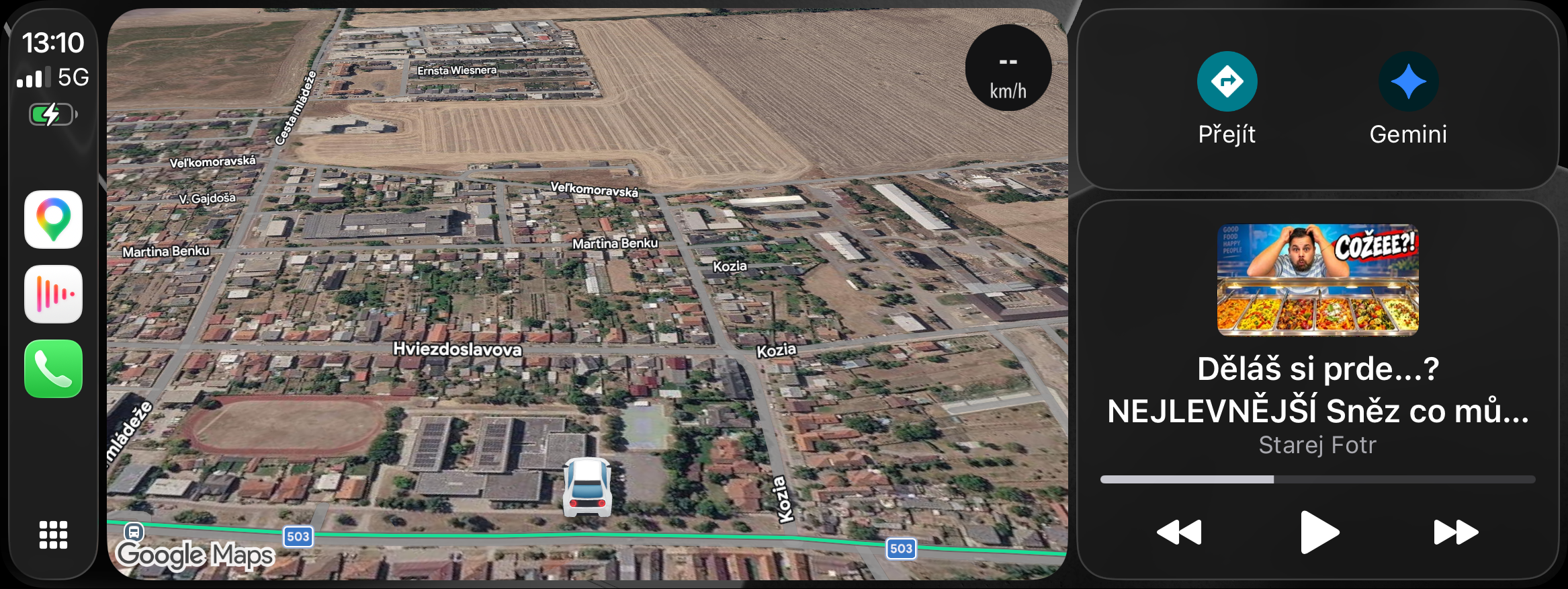
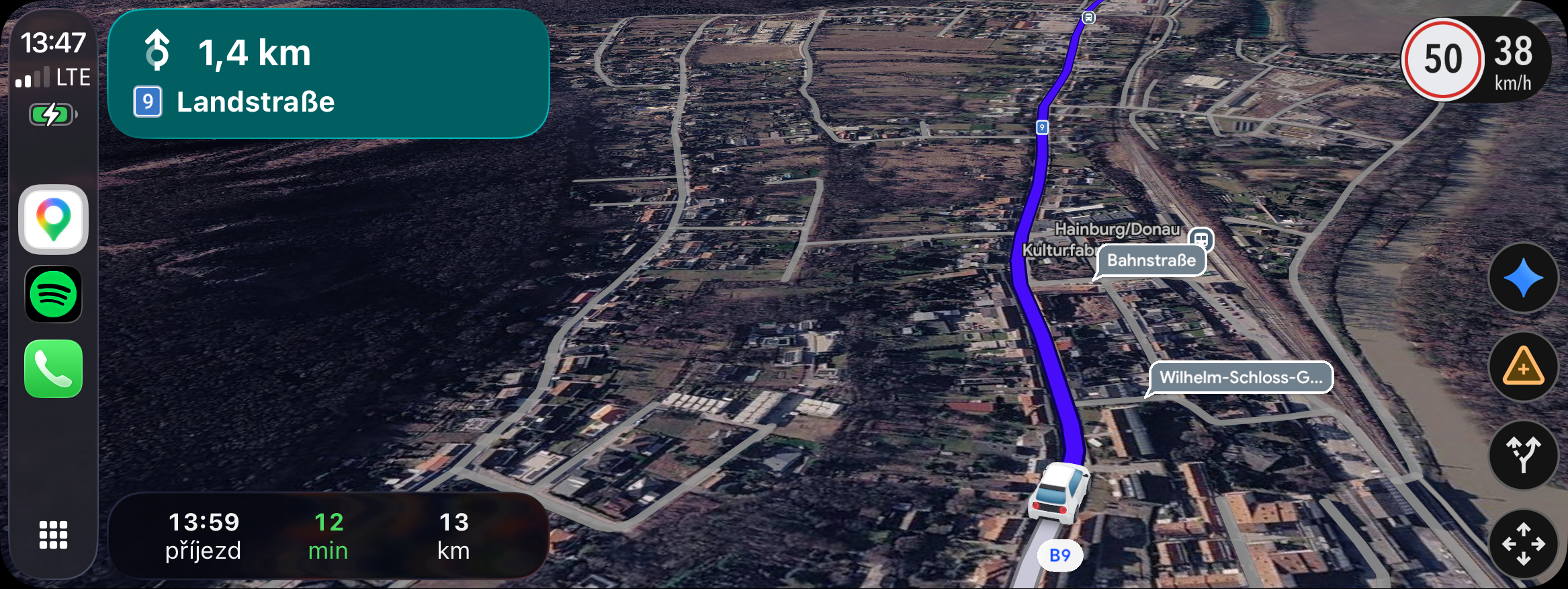
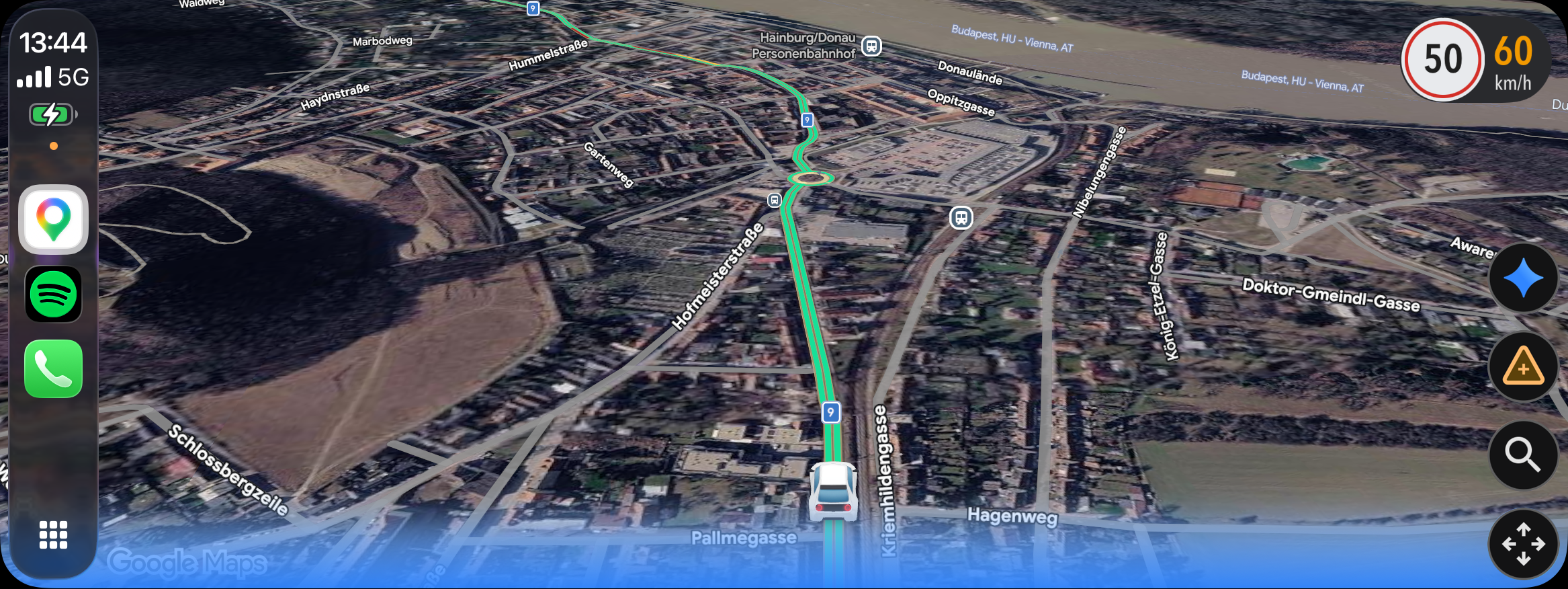
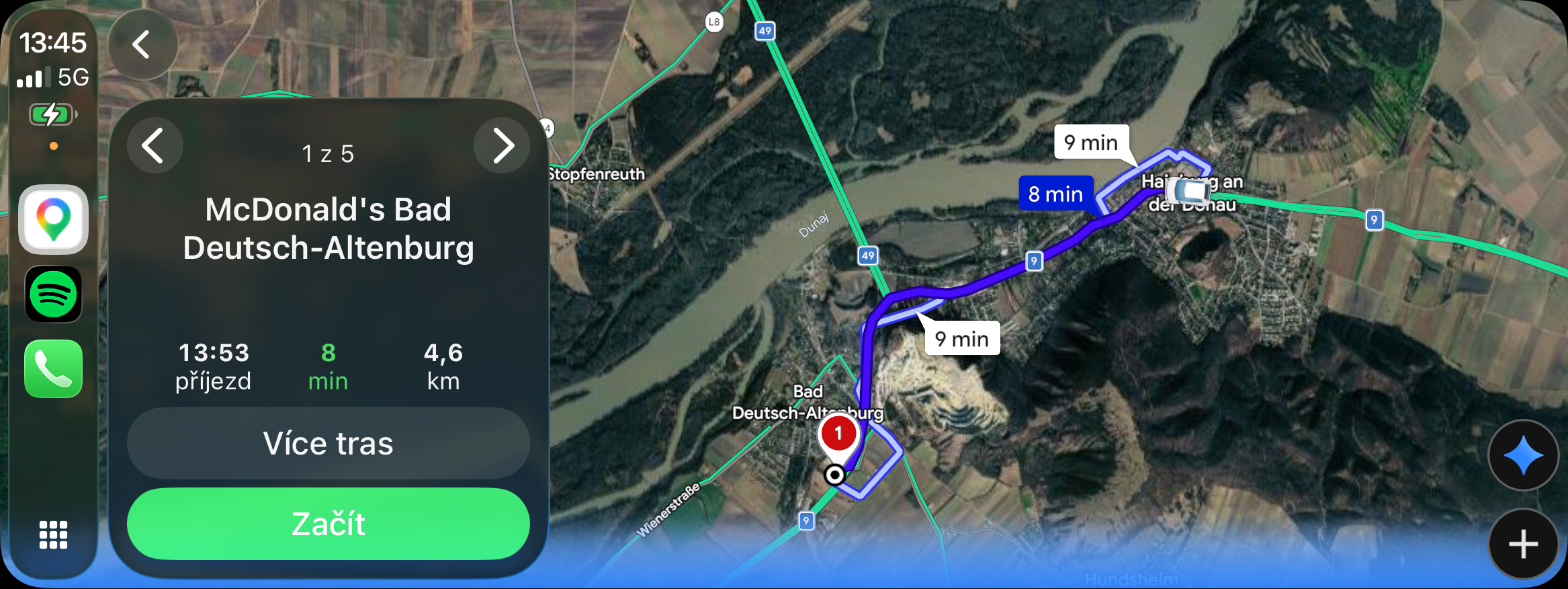
Google Maps within CarPlay brings another new feature, you will now also see an icon directly in the application GeminiJust activate it and you can use all the features. GeminiYou can of course, for example, notchat navigate to a specific address, nochat find the best restaurant nearby or ask for news, for example. If you want to navigate somewhere, just say where it is, Gemini will show you the route directly in Google Maps and if everything is fine, just confirm and the navigation will start. The only thing I have a little problem with is that as soon as Gemini you ask something, immediately after they answer you, it turns off and if you want to continue the conversation, you have to activate it again.
Unfortunately, it is not yet possible to set when and under what circumstances it should be turned off. Otherwise, it is definitely the best and easiest option to not get distracted while driving.chat search for anything and start navigating directly to your destination. You can ask, for example, where the best restaurant in the area is according to user ratings, you can ask about a playground, and basically anything you can think of. For example, if you want to go to a hotel, you can immediately find out the prices and say Geminito call the reception and book a room on the way to the hotel. If you still Gemini v CarPlay Google Maps If you don't see it, update to the latest version. Google Maps and it should appear.