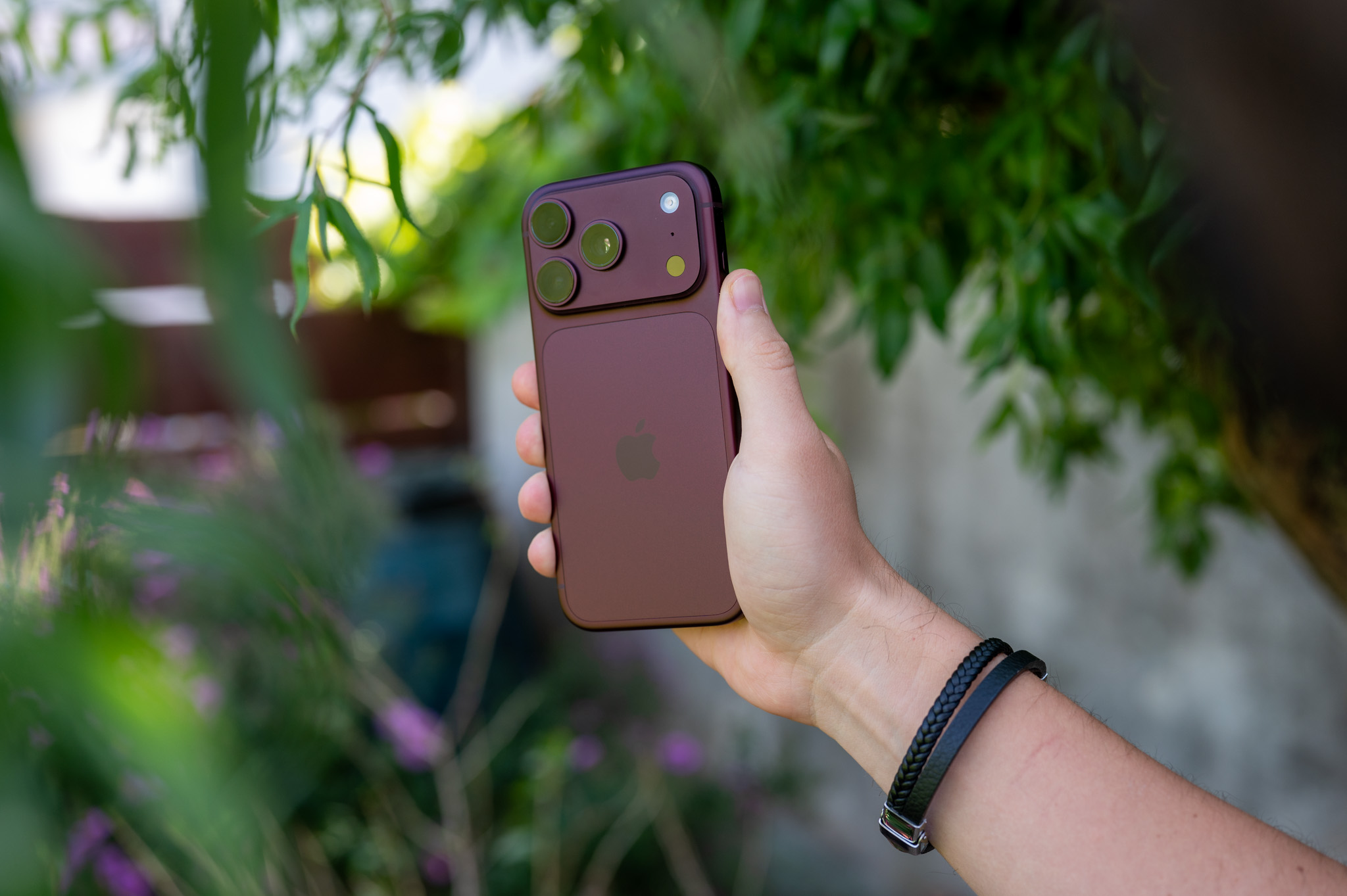
Quick access to the Camera app from the lock screen is one of those iPhone features that you either use almost all the time or can really annoy you from time to time. Just swipe left on the lock screen and the Camera app is instantly ready to take a photo. This is great when you need to quickly capture a moment, but not so great when you accidentally perform the same gesture when pulling your phone out of your pocket or bag.
You might be interested in
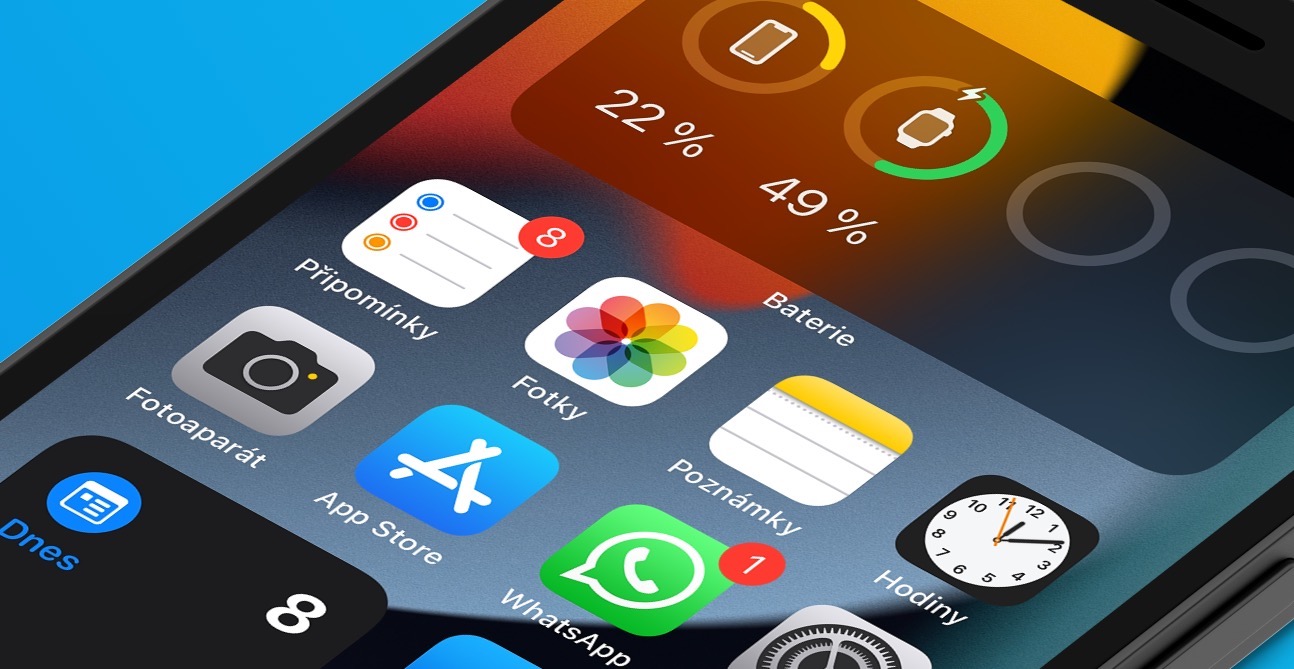
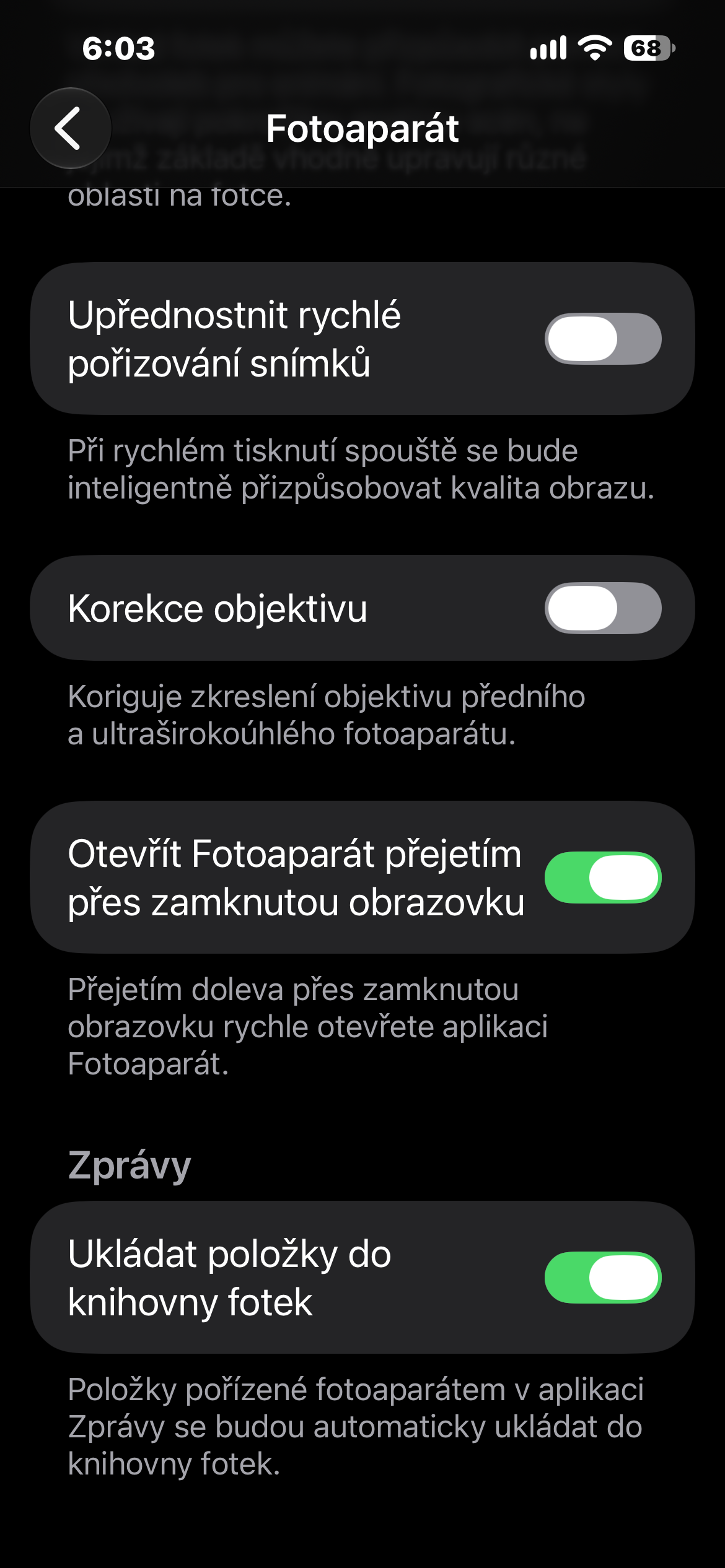
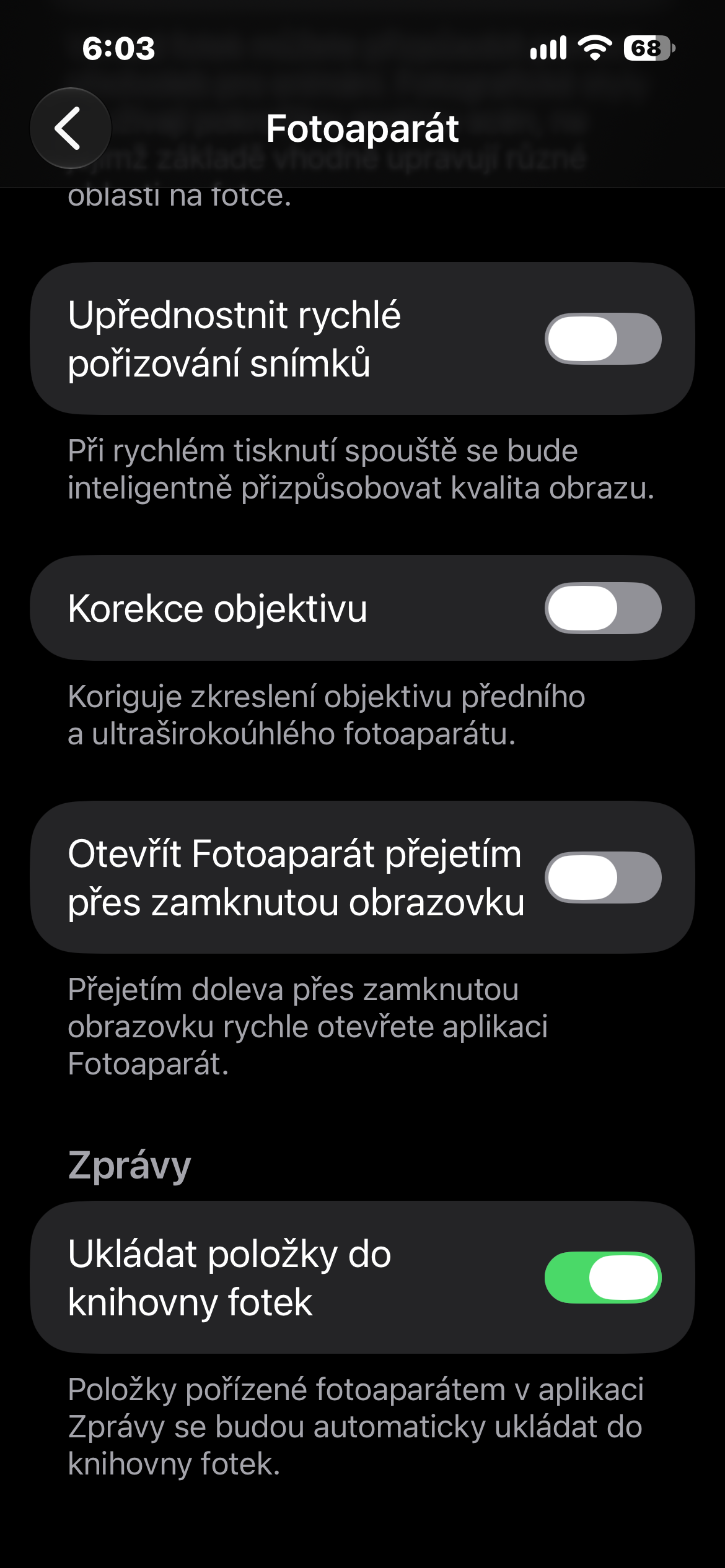
If you don't use this abbreviation, iOS Fortunately, it allows you to disable the gesture entirely. You don't have to turn off the Camera on the lock screen itself. The change only affects the swipe left gesture, so you can still access the camera in another way.
How to disable the Camera launch gesture
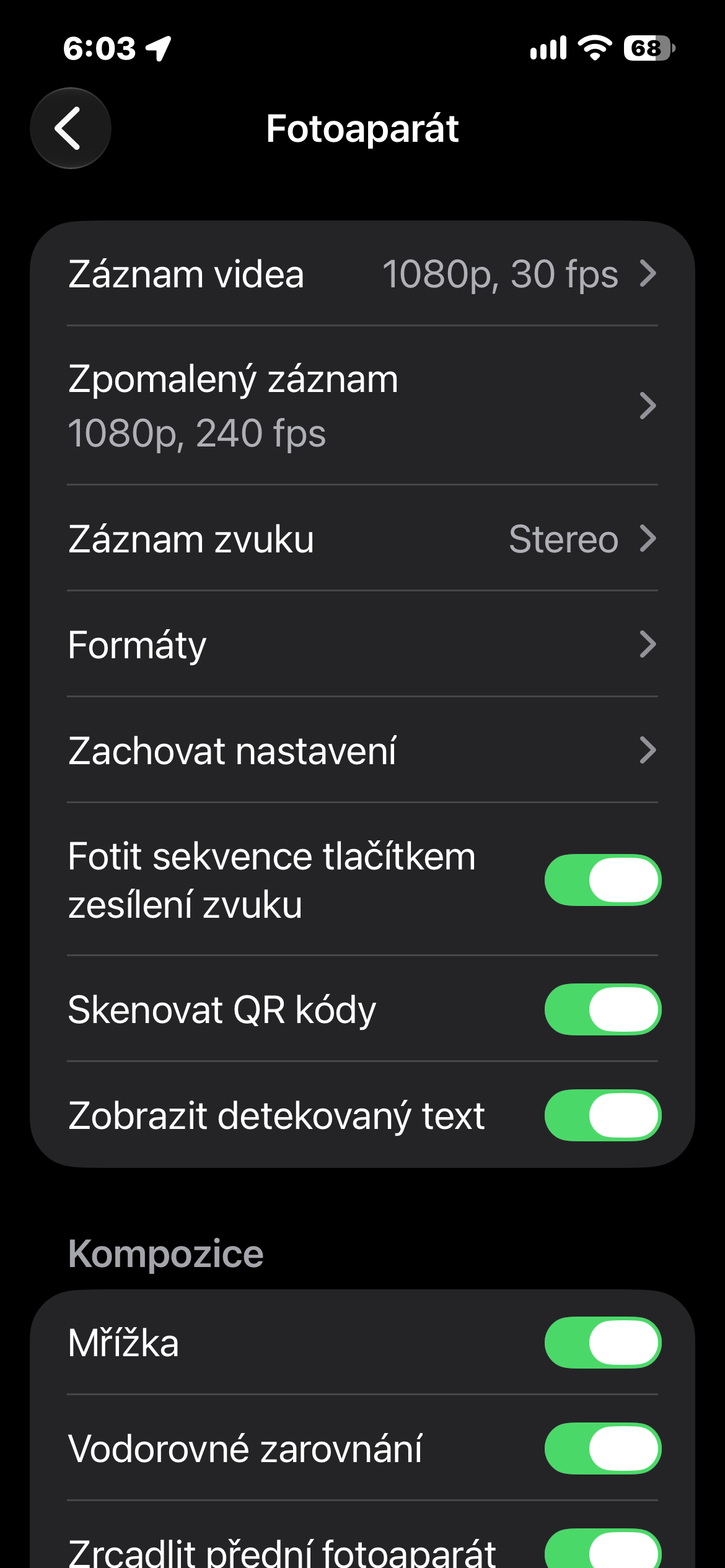
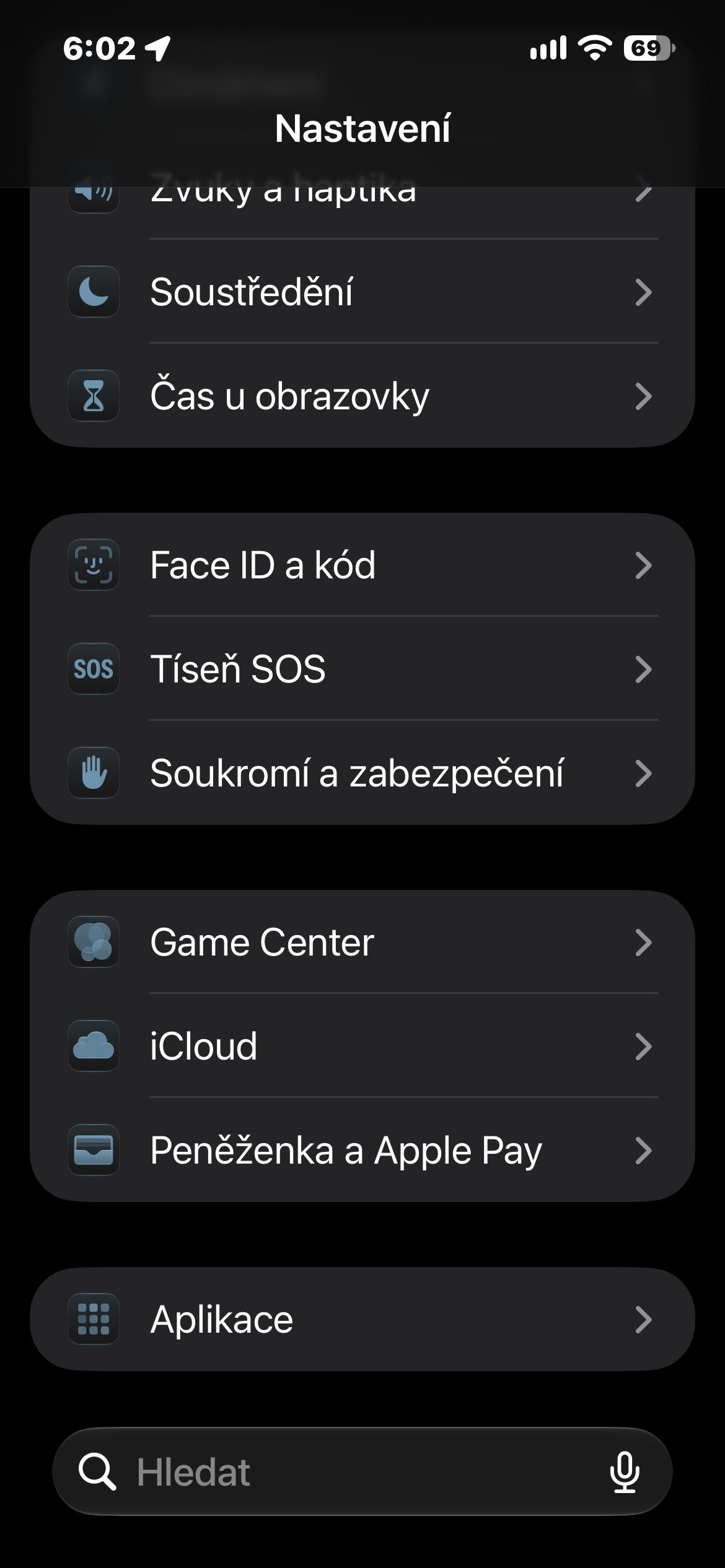
The entire setup process only takes a few seconds. On your iPhone, open Settings and tap Camera. There, find Swipe to open Camera on Lock Screen and turn off the toggle. From now on, swiping left on the Lock Screen will no longer launch the Camera app.
If you later realize you miss the quick gesture, you can re-enable it at any time using the same method. You can also continue to open the camera in other ways, such as through the lock screen control, Control Center, and, on supported newer iPhones, a separate Camera Control.
Gallery
This is a small setting, but it's worth trying, especially if you almost never launch the Camera from the lock screen with a gesture. This will get rid of unwanted opening of the app without losing other quick access options for taking photos.