Call history in the Phone app doesn't just have to be used to find out who called you a few hours ago. iOS It also offers a much more detailed overview for individual contacts, where you can find incoming, outgoing and missed calls with a specific person. And if you have been on the phone with them for a long time, the history can go back months or even years.
You might be interested in
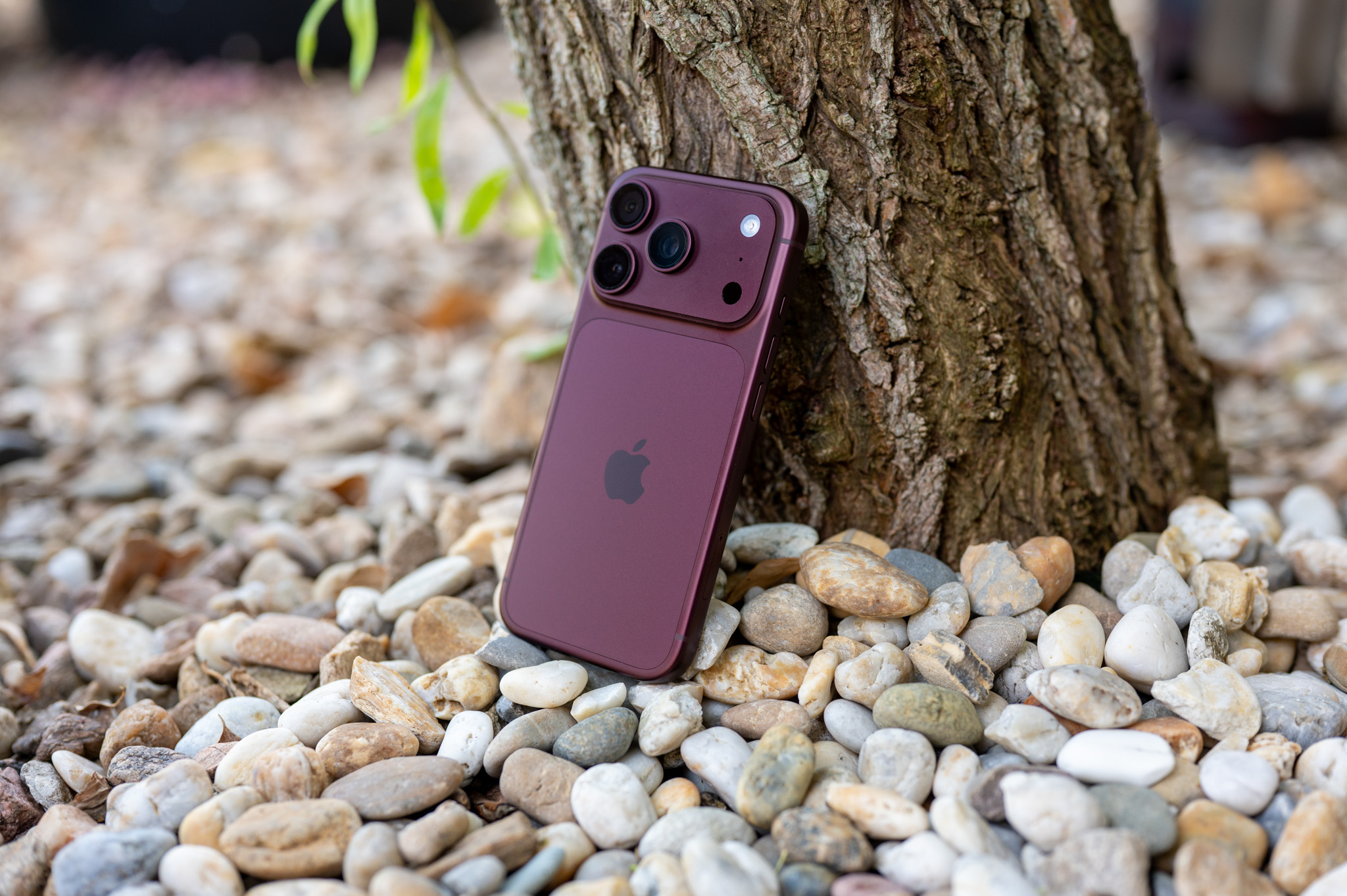
This can be useful in a variety of situations. For example, you can find out exactly when you last spoke to someone, find a specific call, or check how long it lasted without having to go through the entire list of recent calls one by one to find each entry.
How to view call history with a specific contact
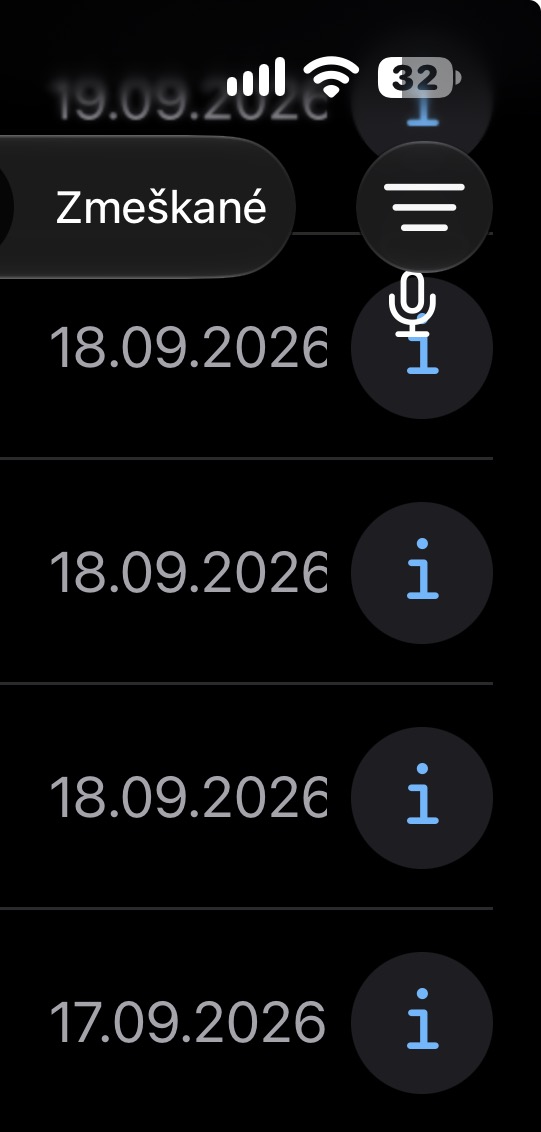
Open the Phone app on your iPhone and find the contact whose history you want to view in the recent calls section. If you're using the Unified Interface of the Phone app, tap their name directly. In Classic View, tap the circled "i" icon next to the contact. Then scroll down and select Call History.
Gallery
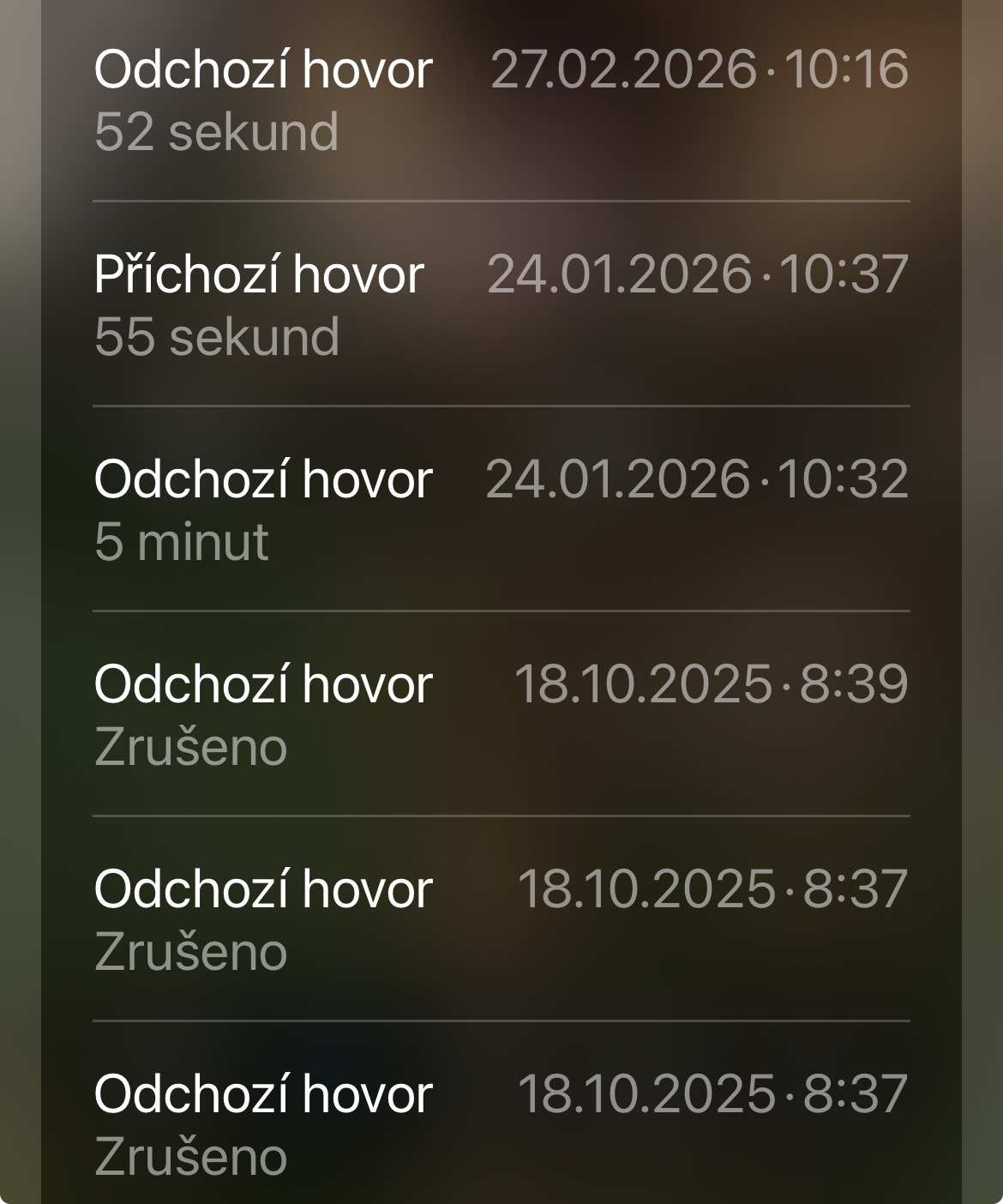
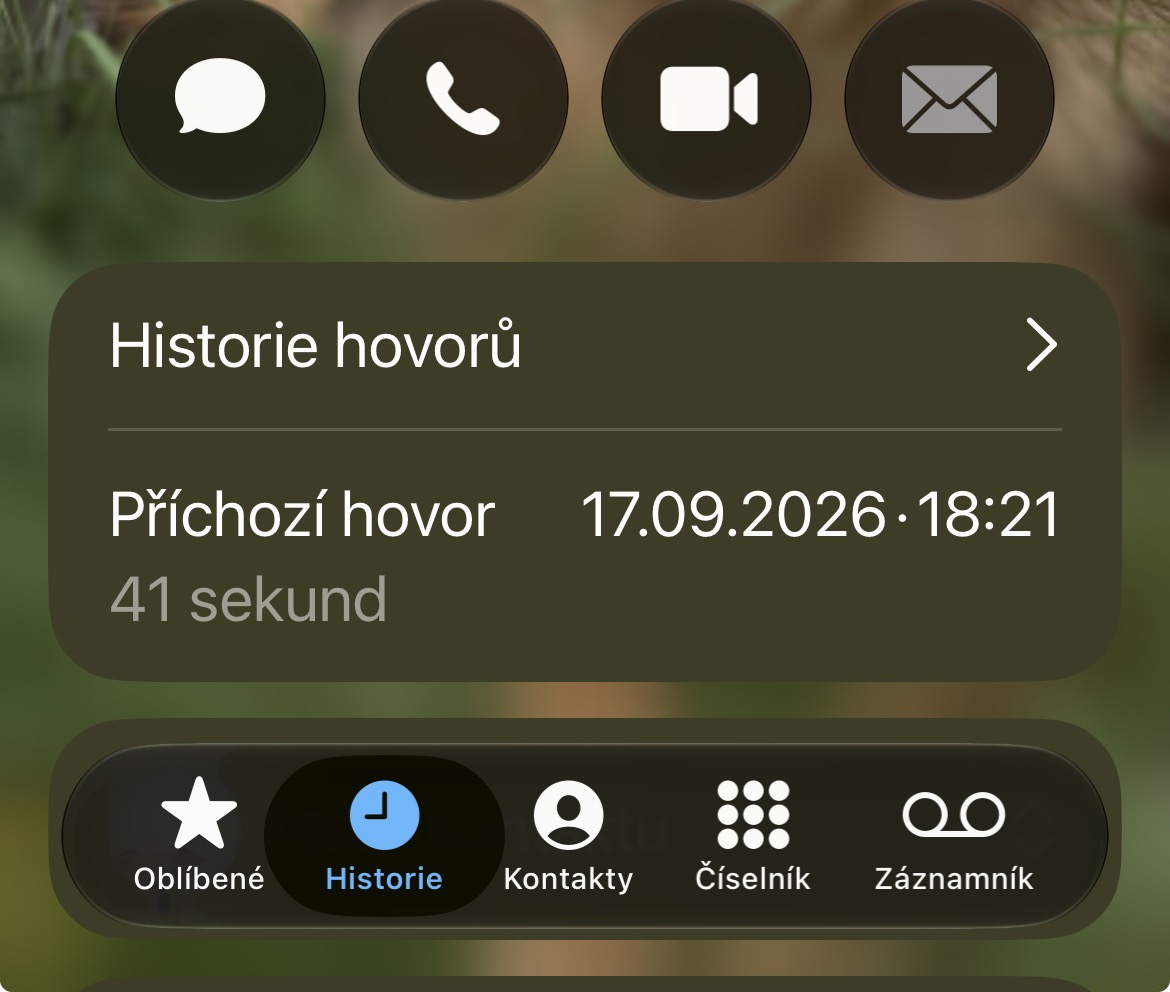
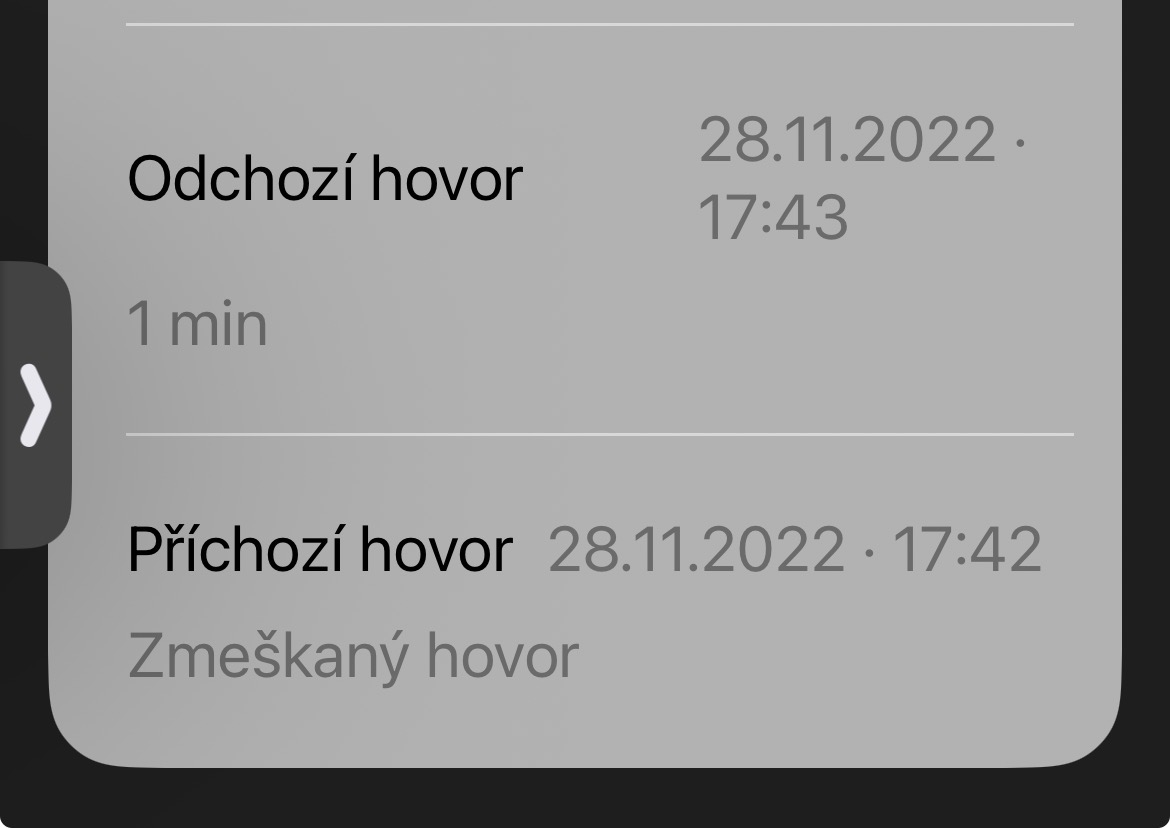
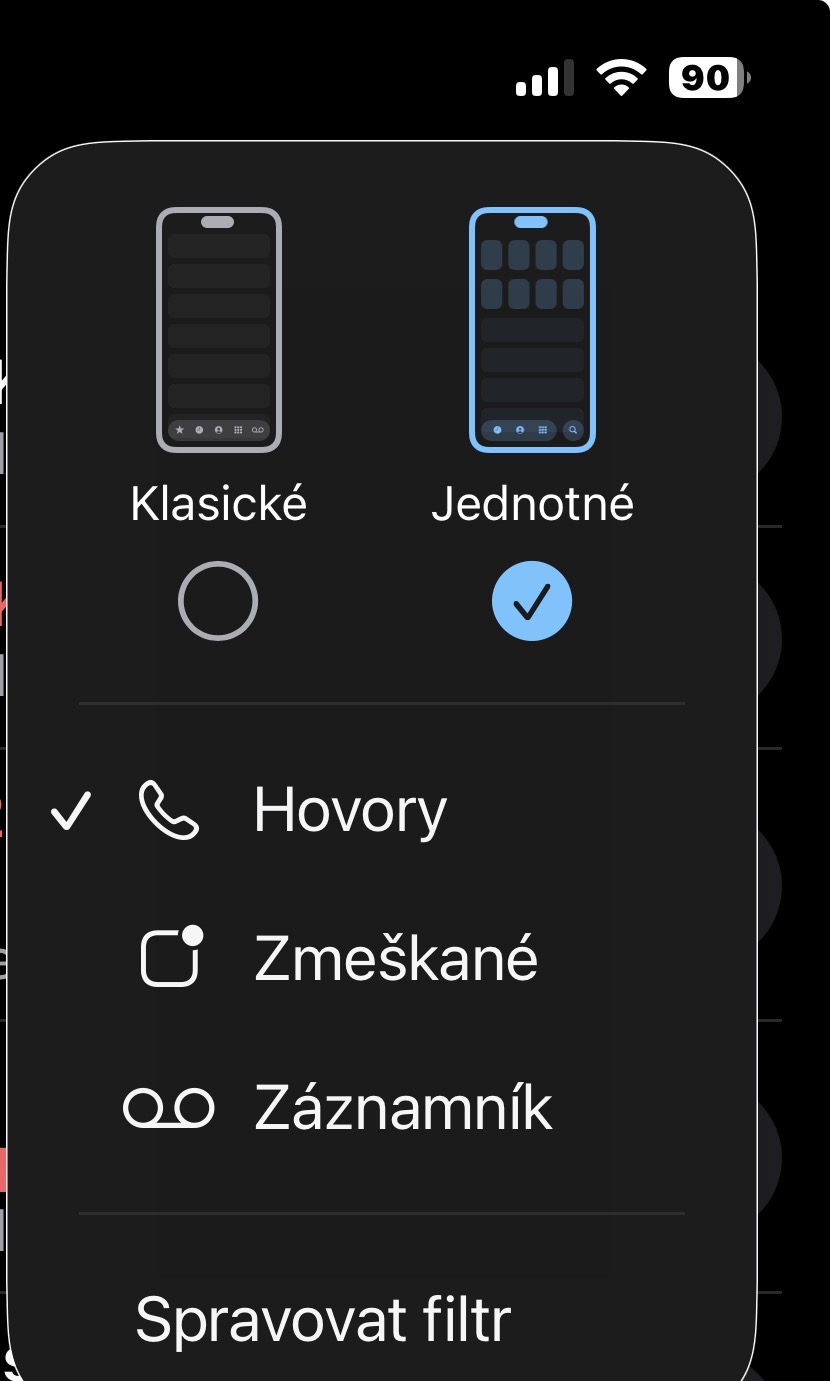
iPhone will then show you a chronological overview of communication with the contact. For each entry, you can see whether it was an incoming, outgoing or missed call, as well as its date, time and, in the case of a call, its duration.
How far back in time you can go depends on how long you've been communicating with the person and how much call history your phone has. iPhone saved. For long-term contacts, you may come across records that are several years old. This is a relatively inconspicuous part of the Phone application, but it can be very useful when you need to find a specific phone call and the regular list of recent calls is already nestachi.