If you need to get away from the hustle and bustle of work,ancelectricity, traffic or perhaps a loud environment, you don't have to install another application with ambient sounds right away. Right in iOS There is a Background Sounds feature that can continuously play various background sounds. Originally part of the Accessibility features, it will be very useful for almost anyone when working, studying, or relaxing.
You might be interested in
The selection is quite extensive. There are various varianoises, ocean, rain, stream, fire or night sounds, but also noise resembling human conversation, steam or the sounds of an airplane, ship, bus and train. There is also rain falling on a roof or a quiet night. The individual sounds iPhone It will download when you use it for the first time, then you can play it without an internet connection.
How to turn on Background Sounds
On your iPhone, go to Settings → Accessibility → Sound & Display → Background Sounds. Turn on the feature, then tap Sound to choose a background that suits you. You can also adjust its volume and how it behaves when playing other media content.
Gallery
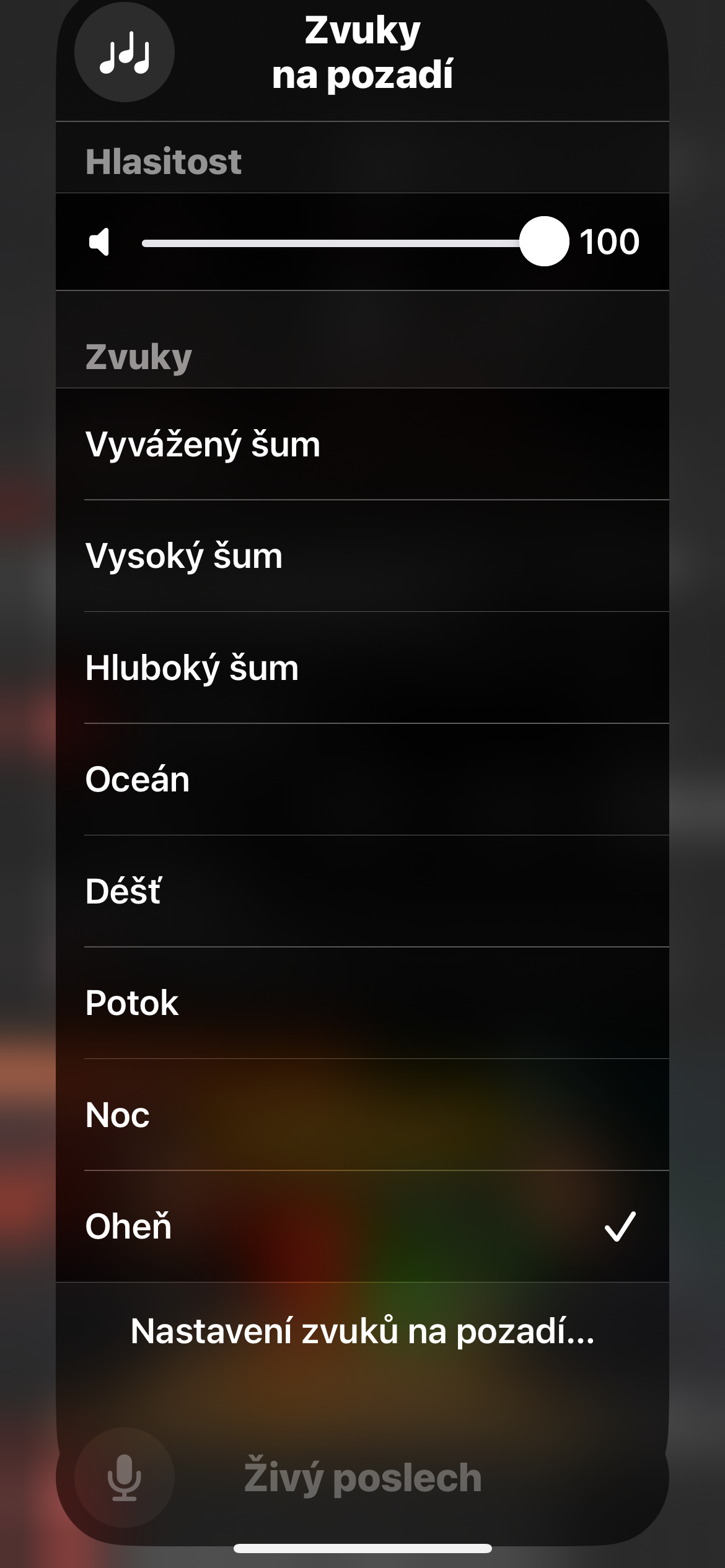
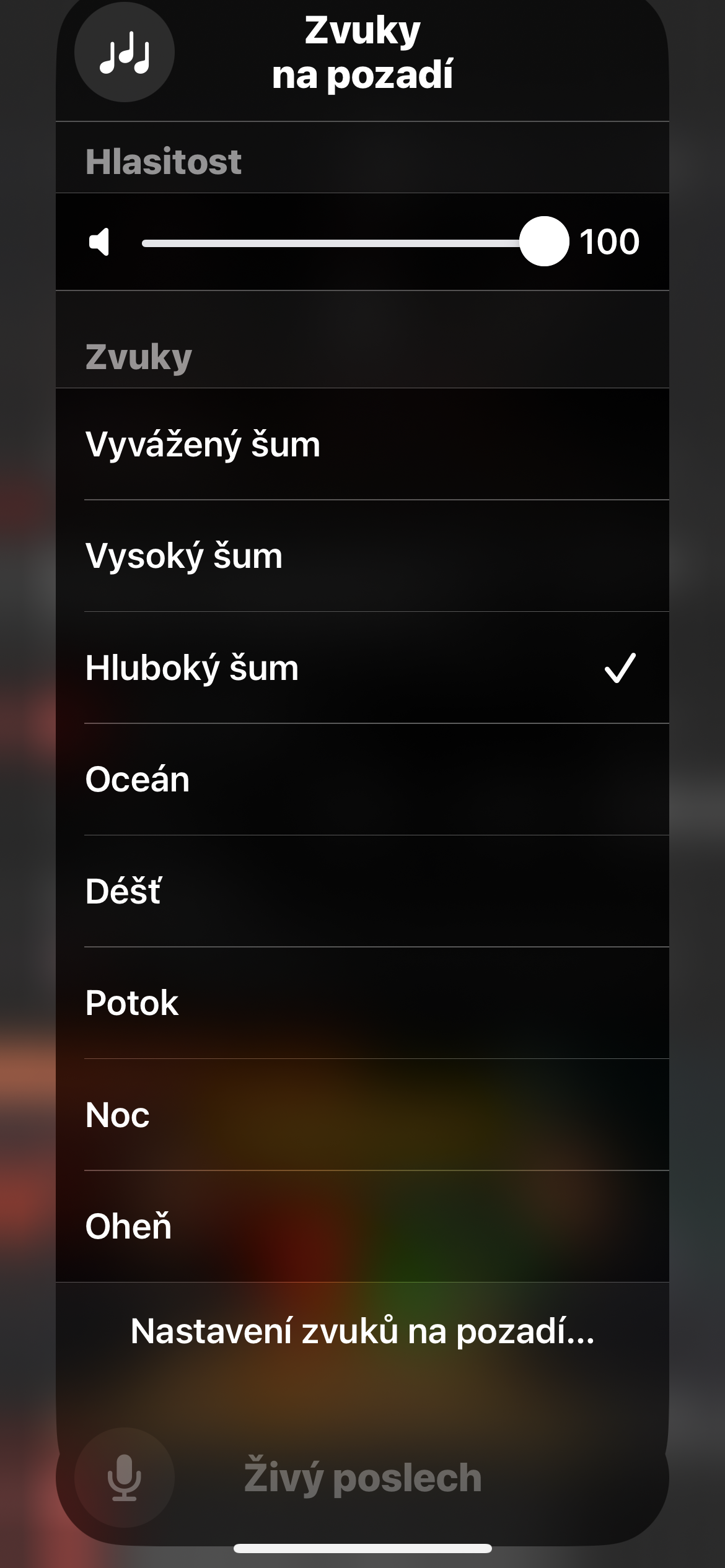
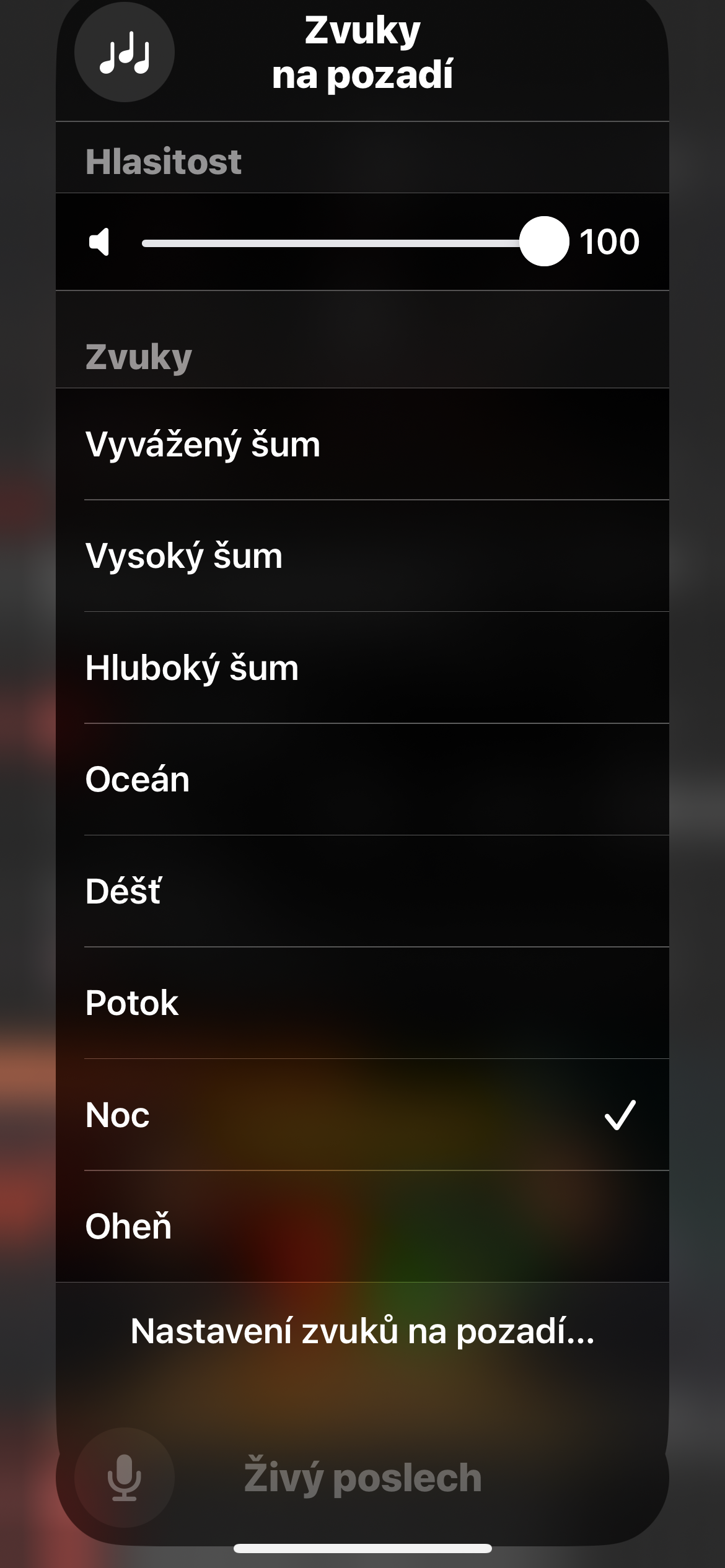
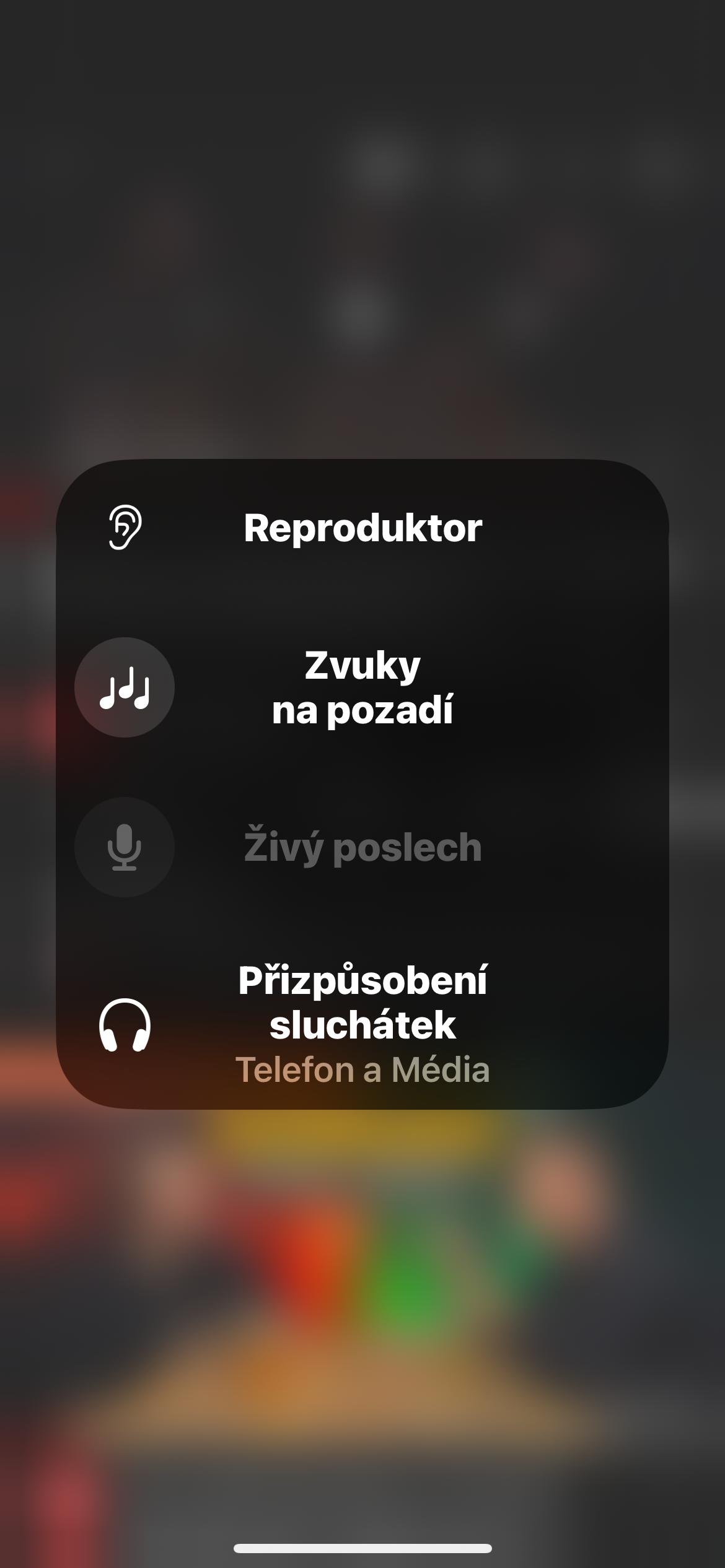
If you like Background Sounds, there's no need to go to Settings every time. Open Control Center, tap and hold on an empty spot, tap Add a Control, and then find Background Sounds. You can then turn it on, change the sound that plays, and adjust its volume right from there.
The advantage is primarily the simplicity of the whole solution. No subscription or separate application is required, and after downloading the sounds, no internet connection. So if you regularly play rain, noise or the sounds of a moving train while concentrating, this unobtrusive function is worth it. iOS miniat least for trying.