How and why to activate the feature called Sound Recognition on your iPhone? Do you want your iPhone alerted to important sounds around you? Sound Recognition turns your phone into a personal watchdog that alerts you to sounds likeonek, a baby crying or a siren. In this article you will learn how to activate and set up this useful feature.
You might be interested in
Audio recognition is an accessibility feature that was introduced years ago – in the operating system iOS 14. It is designed to help people with hearing impairments, but can be useful for anyone. It allows the iPhone tochat ambient sounds and alert you to them via notifications.
ProDo you want to activate Sound Recognition?
Enabling Audio Recognition can be useful in many situations:
- Warning of dangerous situations: Sound recognition can alert you to sounds like a fire alarm alarm, siren or car horn, to help you react in time.
- Important event notifications: You can set alerts for sounds such asonek, a baby crying or a dog barking, to ensure you don't miss anything.
- Improving well-being: If you have hearing problems, Sound Recognition can help you better perceive your surroundings and feel safer.
How to activate Sound Recognition?
Activating and setting up Audio Recognition is very simple:
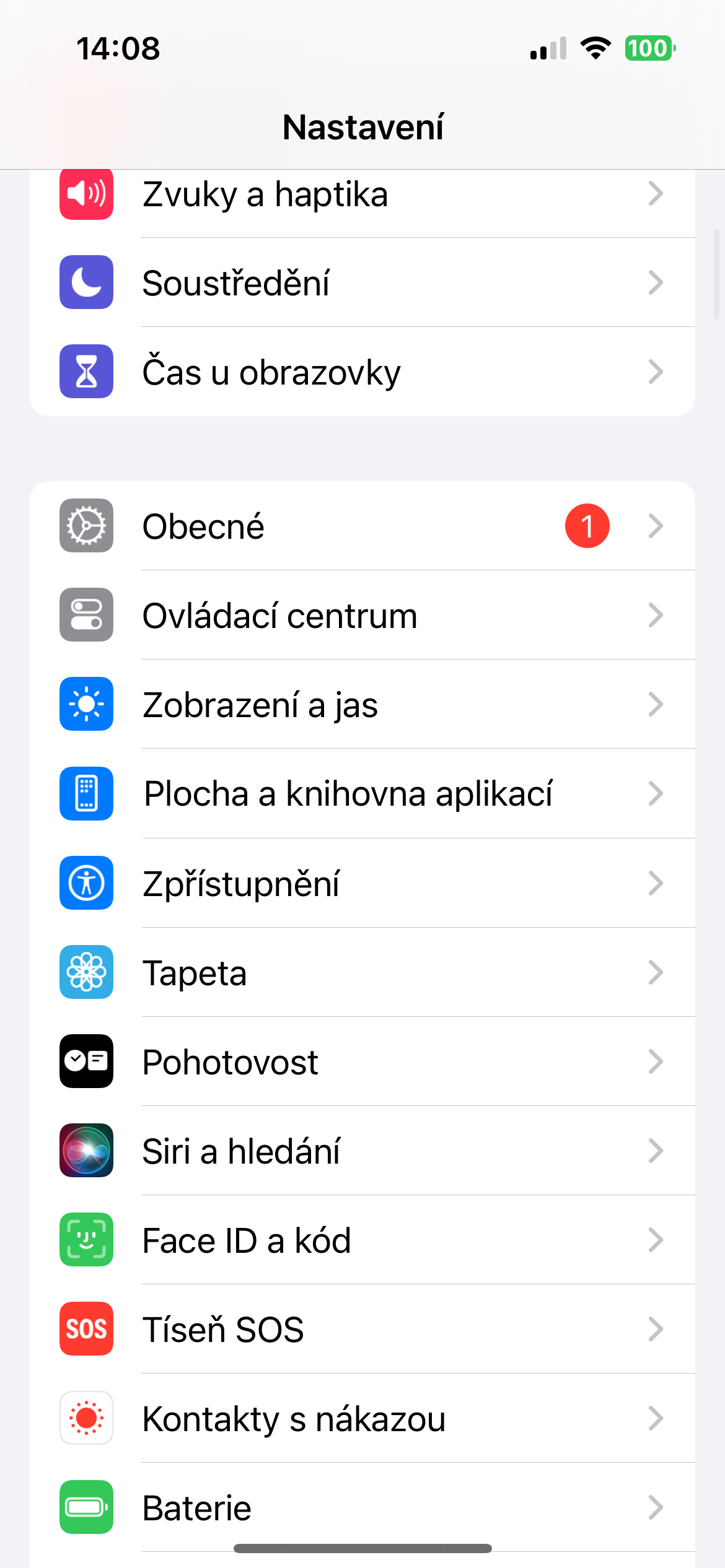
- Open Settings on your iPhone.
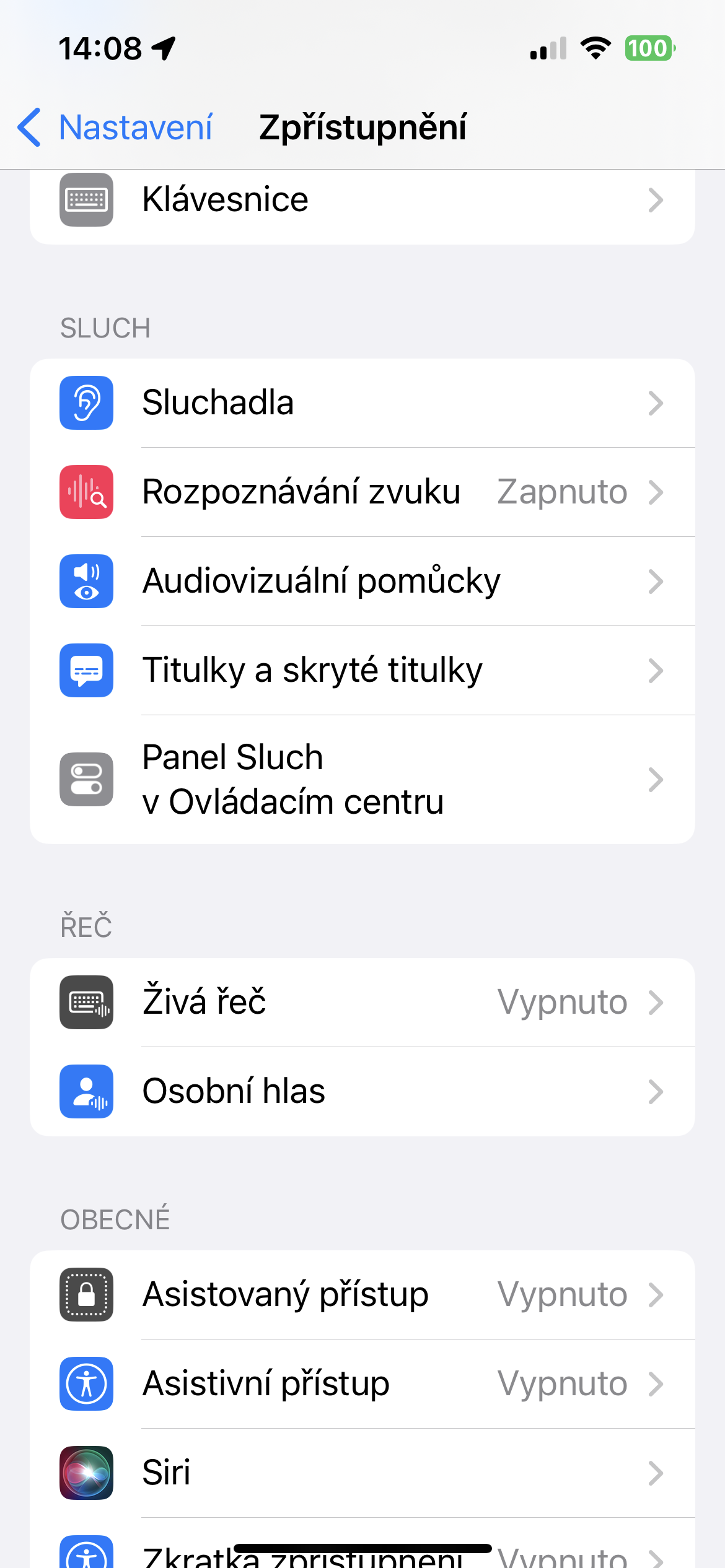
- Go to the Accessibility section.
- In the Hearing section, tap Audio Recognition.
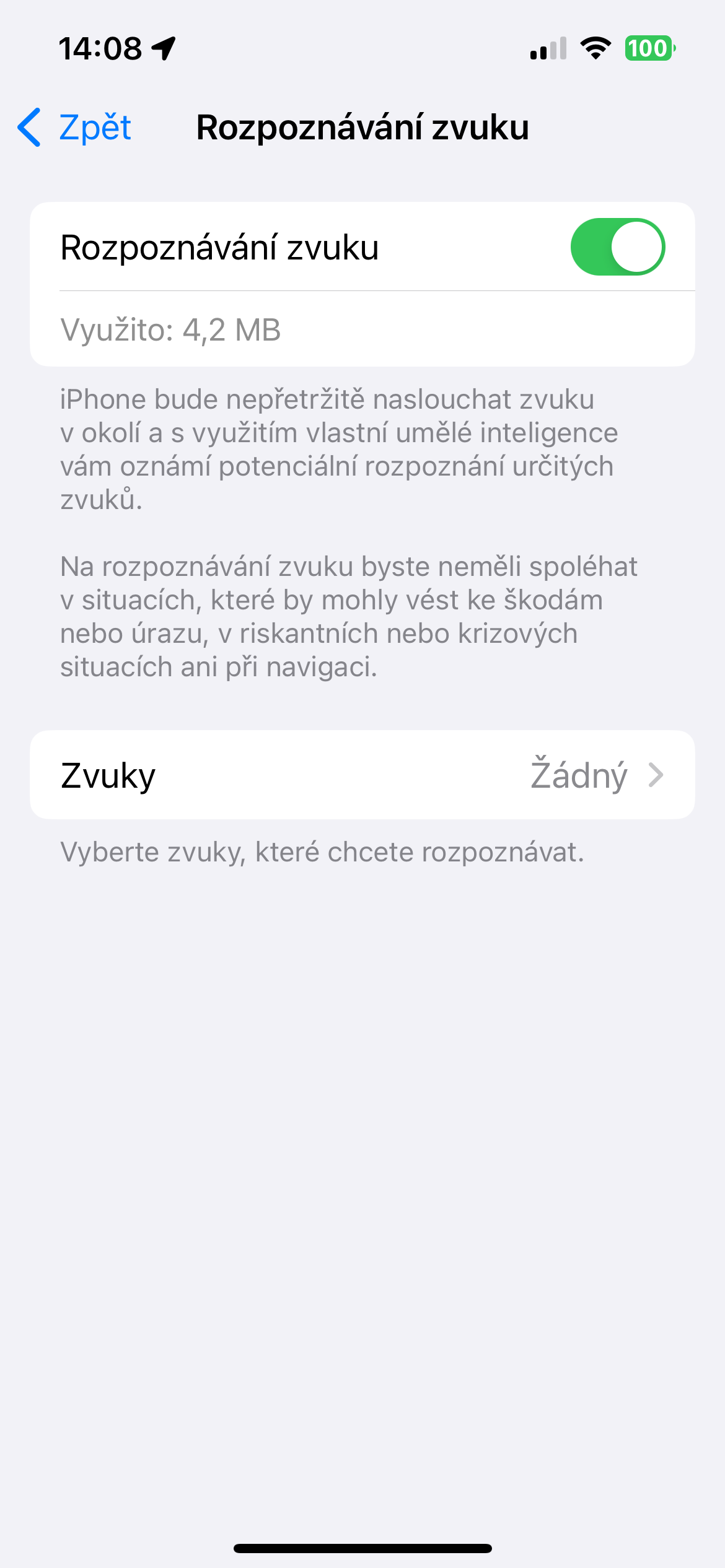
- Turn on the switch next to Audio Recognition.
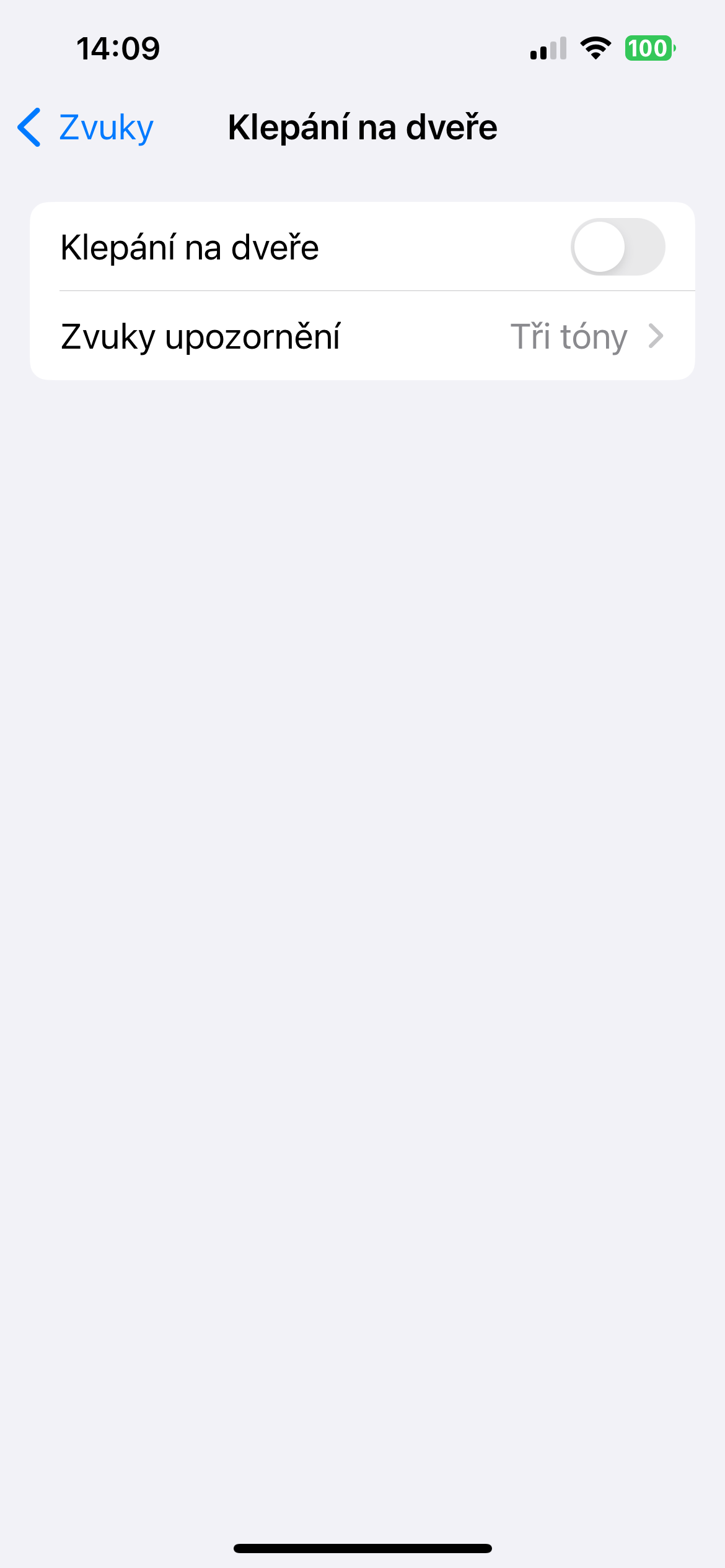
- Tap Sounds and select the sounds you want to be notified about. You can choose from a wide range of sounds, such as fire alarm, alarm, siren, soundonek, a baby crying, a dog barking and many others.
Gallery
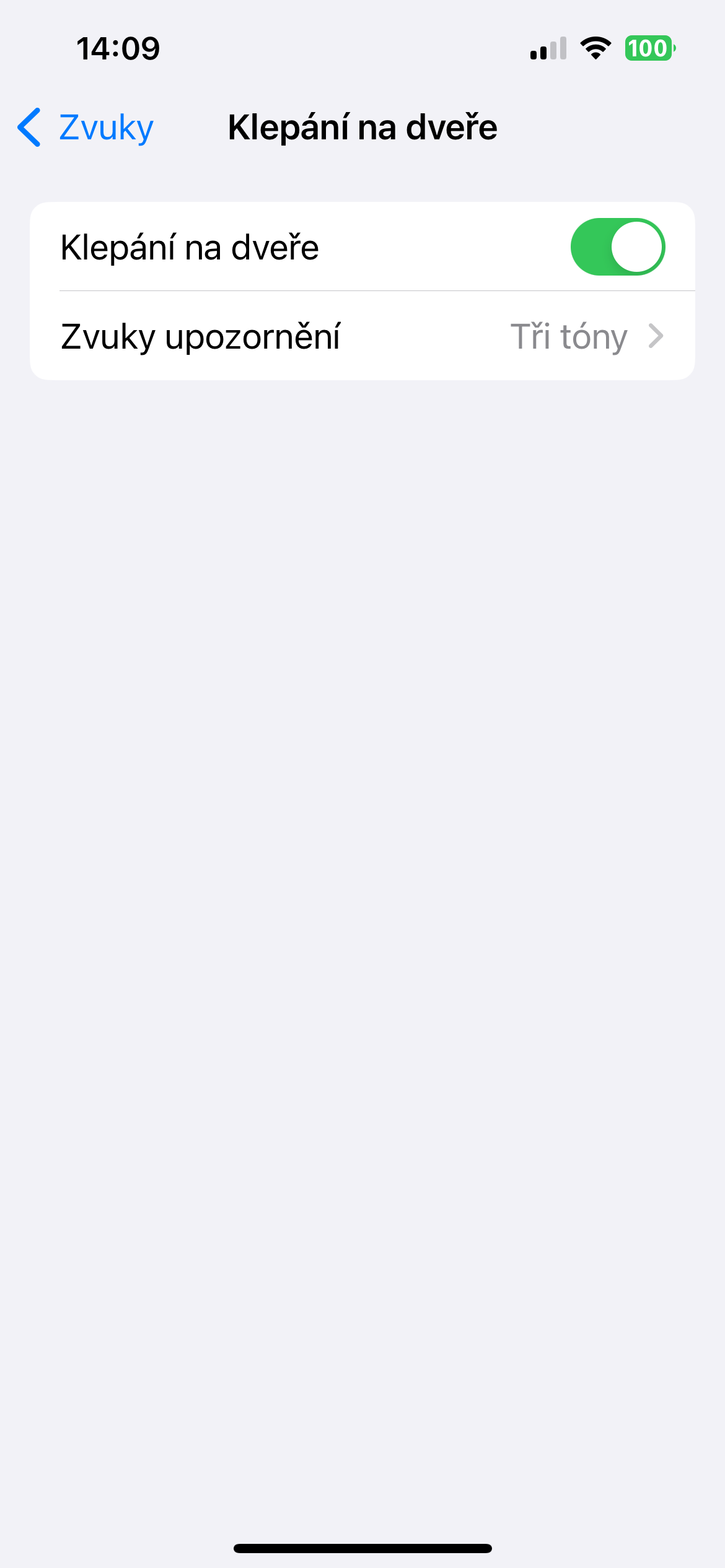
Sound recognition is a useful feature that can help you be more aware of your surroundings and keep you safer. It's very easy to activate and set up, and it can bring you many benefits.