
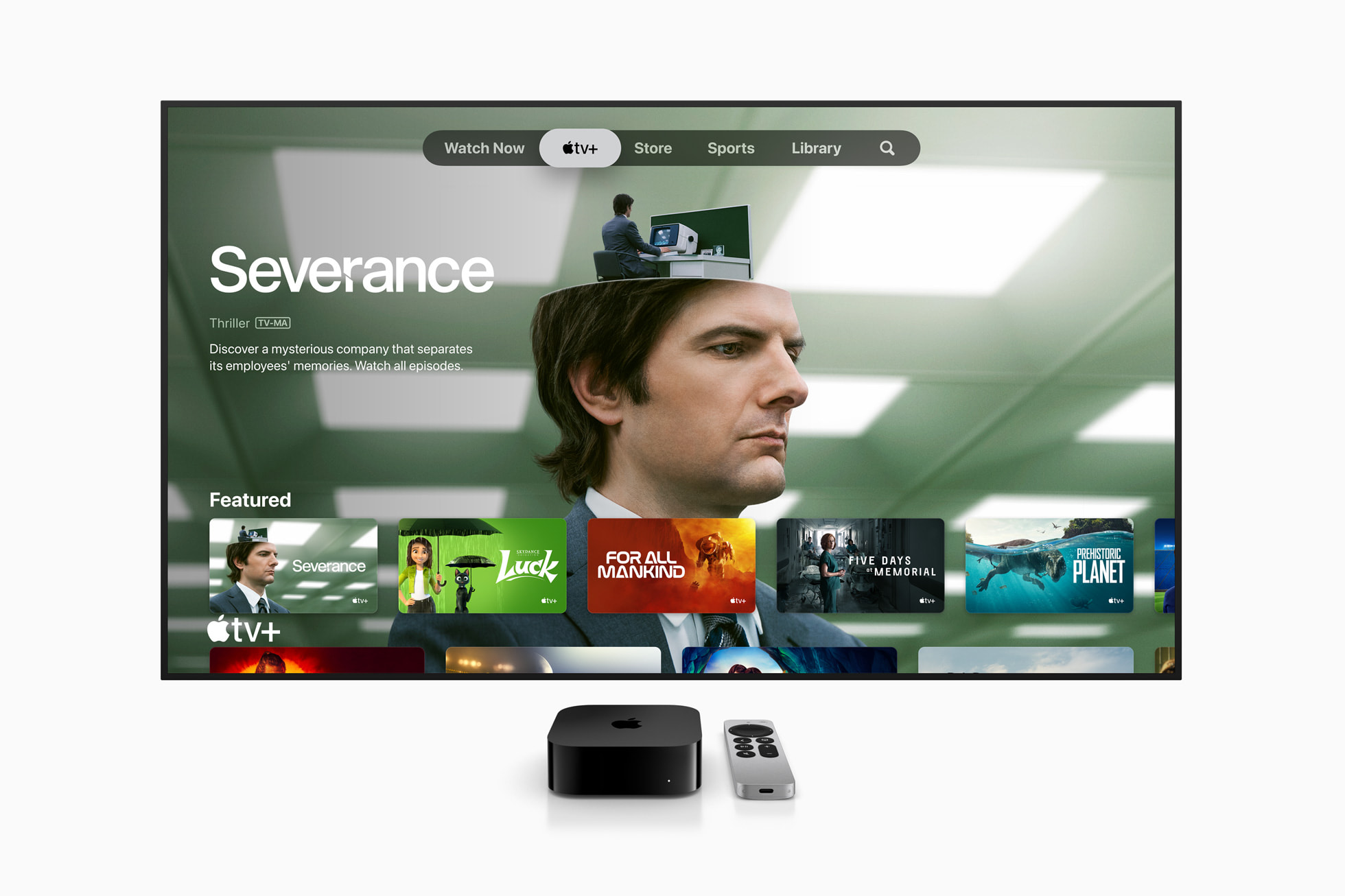
Apple continues to improve user profiles on Apple TV 4K. The latest update to the tvOS 27 operating system brings a major innovation in the area of parental controls, which for the first time allows system administrators to prevent specific users from running selected applications.
You might be interested in
Konec unlimited access to applications
User profiles are a common standard across all major streaming services, with their primary purpose being to ensure that viewers in a shared household can separate their viewing history and personalized recommendations. Apple has offered profile support in tvOS for a while now, but according to the official release notes for tvOS 27, a new level of security has now been added to the settings called Individual App Control.
Gallery
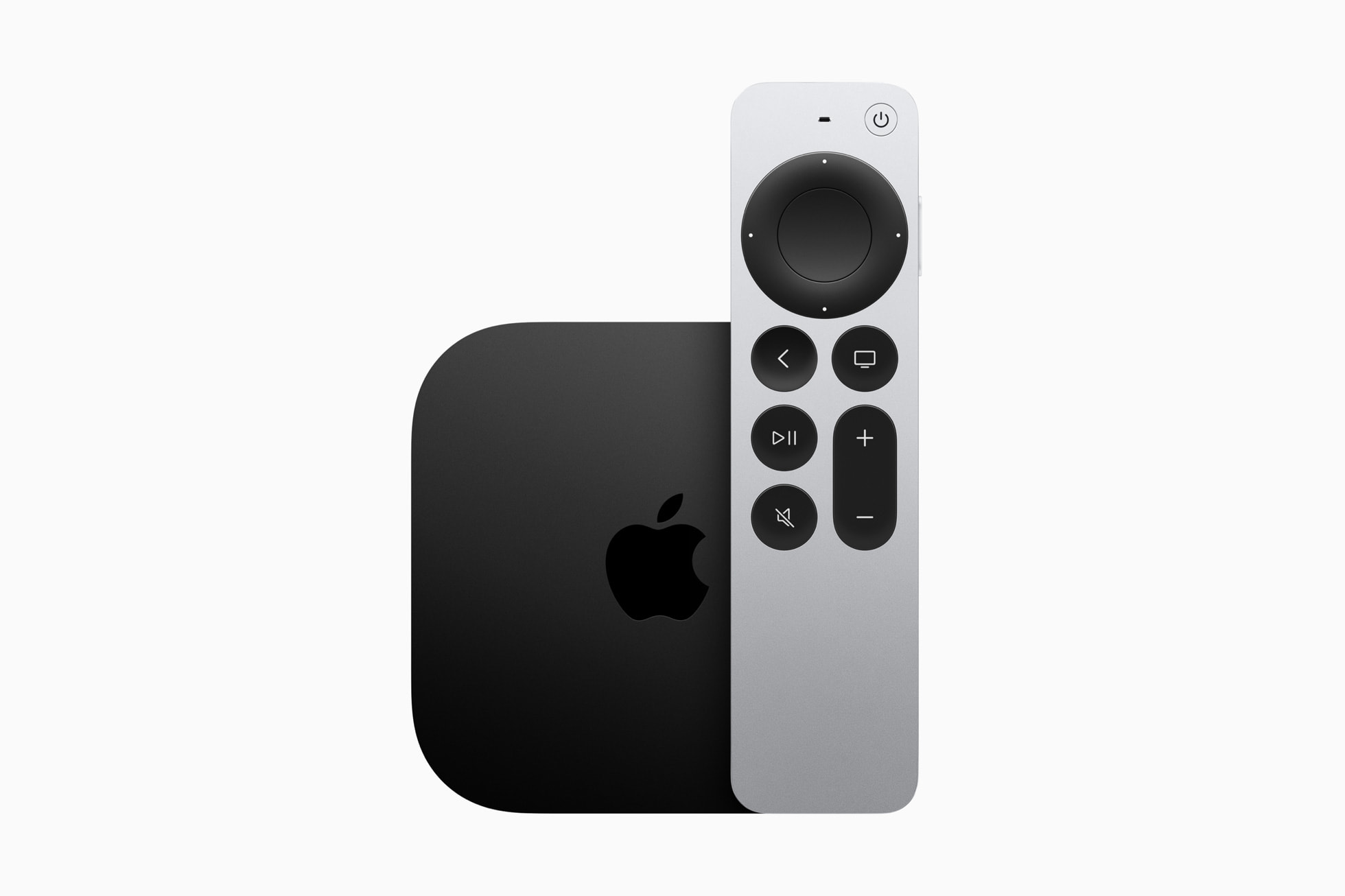
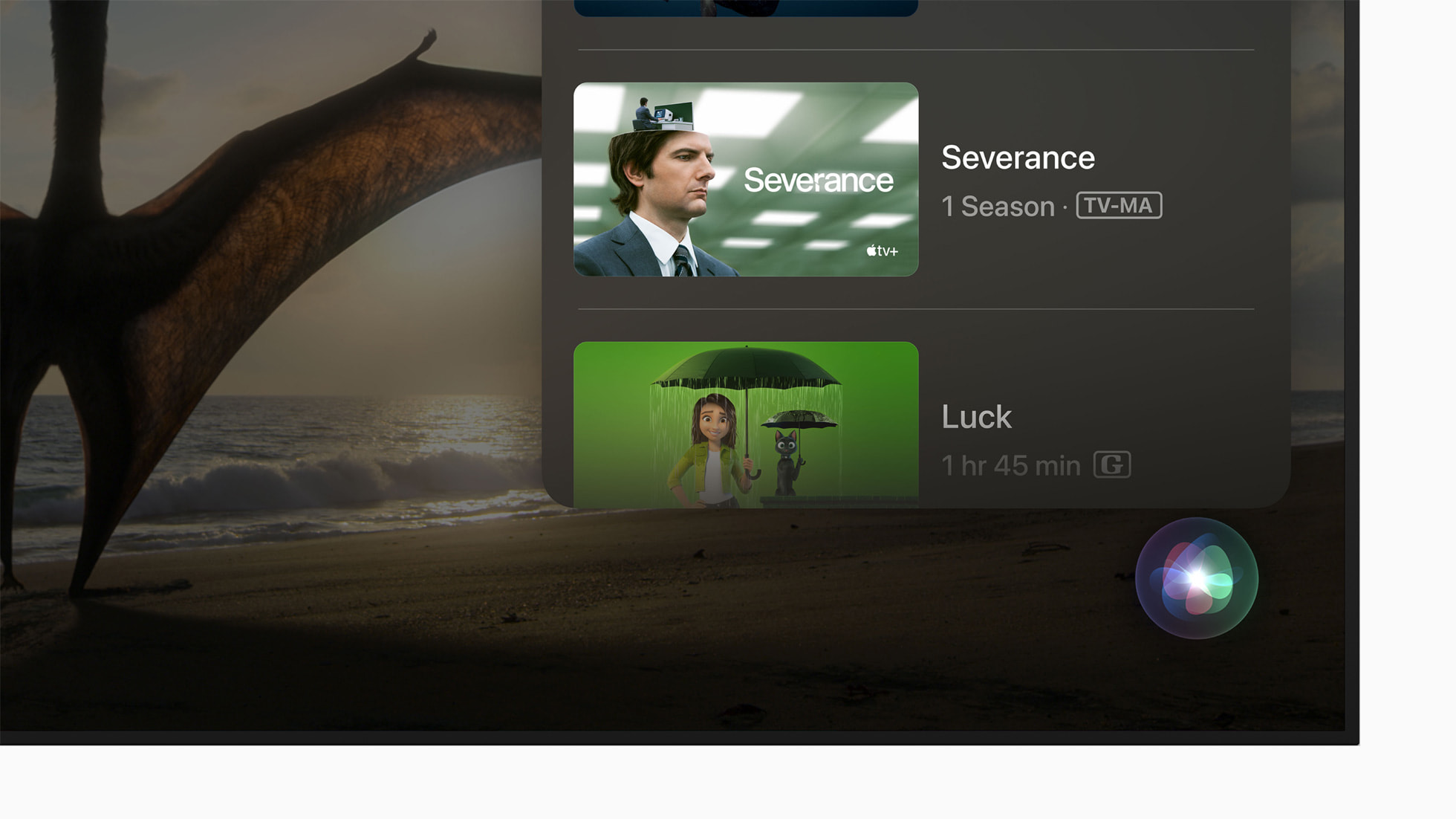
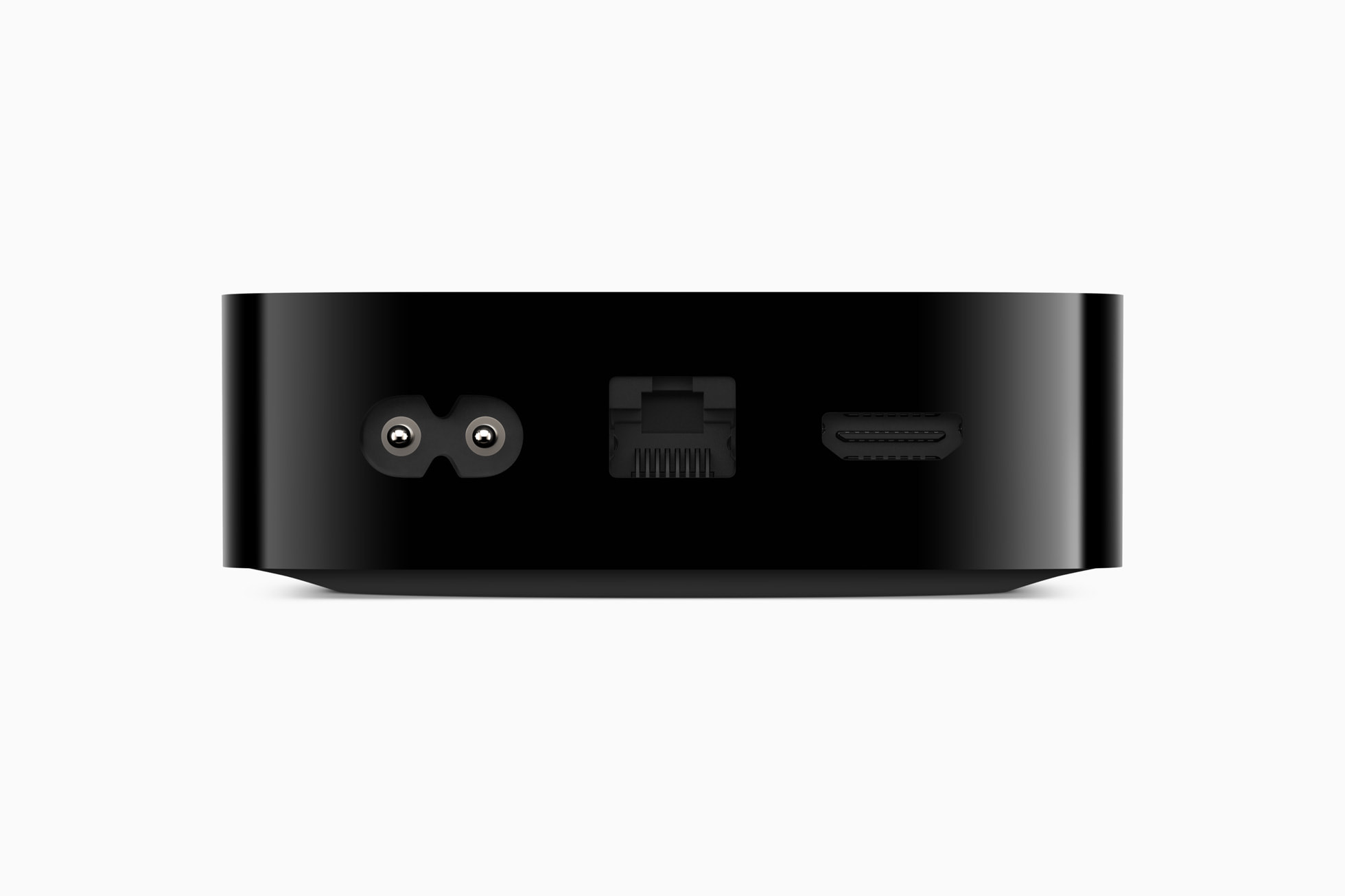
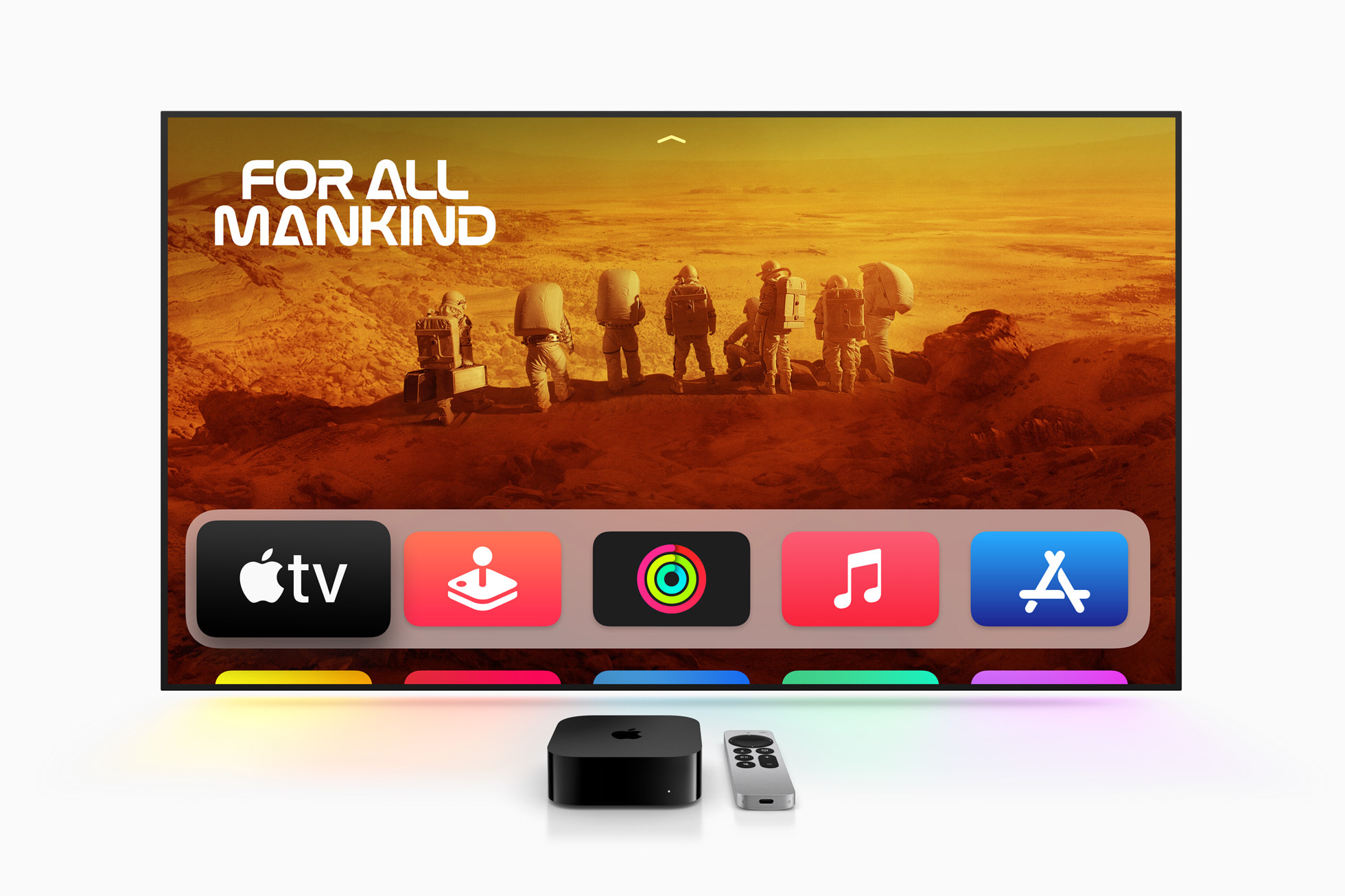
Tightening parental controls
This change is clearly aimed at parents and child safety. While child profiles have so far been able to reliably limit the types of content that were displayed directly in the native app, Apple TV, but this filter could not physically prevent the child from opening other third-party programs that did not respect the system age restrictions. Now, parents can completely block the launch of specific applications in the main device settings while the child profile is active on the screen.
You might be interested in
Profile system heads to other platforms
The introduction of individual application locks complements the overall focus Applu for comprehensive improvements to parental controls across the entire software ecosystem. In addition, the user profile feature will soon stop at the TV screen. Upcoming updates iOS According to available information, 27.2 and iPadOS 27.2 will bring the native user profile system directly to iPhones and iPads for the first time. It is clear that Apple intends to continuously improve its operating systems. However, since Apple TV I don't have one, this update leaves me completely cold.



Those TVOs profiles are great because you can turn them off in the settings so that they don't ask you every time you wake up.
It's annoying that, for example, YouTube still asks "Who's watching" after clicking on it, and it can't be disabled, which is a completely bad user experience, after all, under everyone apple userrom I will set up my netflix profile, my YouTube….
Above apple will push the big developers to unite it.
Unfortunately, the icons do not hide, they only ask for the password when trying to start. The only way around it is to include it AppleTV under MDM management and via apple configurator choose which application (photos, computers, Arcade) I don't want it on the surface at all.