
Private browsing in Safari is useful when you don't want to save visited pages to your history, autofill information, or other data related to web browsing. However, it doesn't solve one fairly common situation by itself - you lend someone an unlocked iPhone and the person concerned then opens SafariThis is where the option to protect anonymous browsing comes into play. Face ID.
You might be interested in
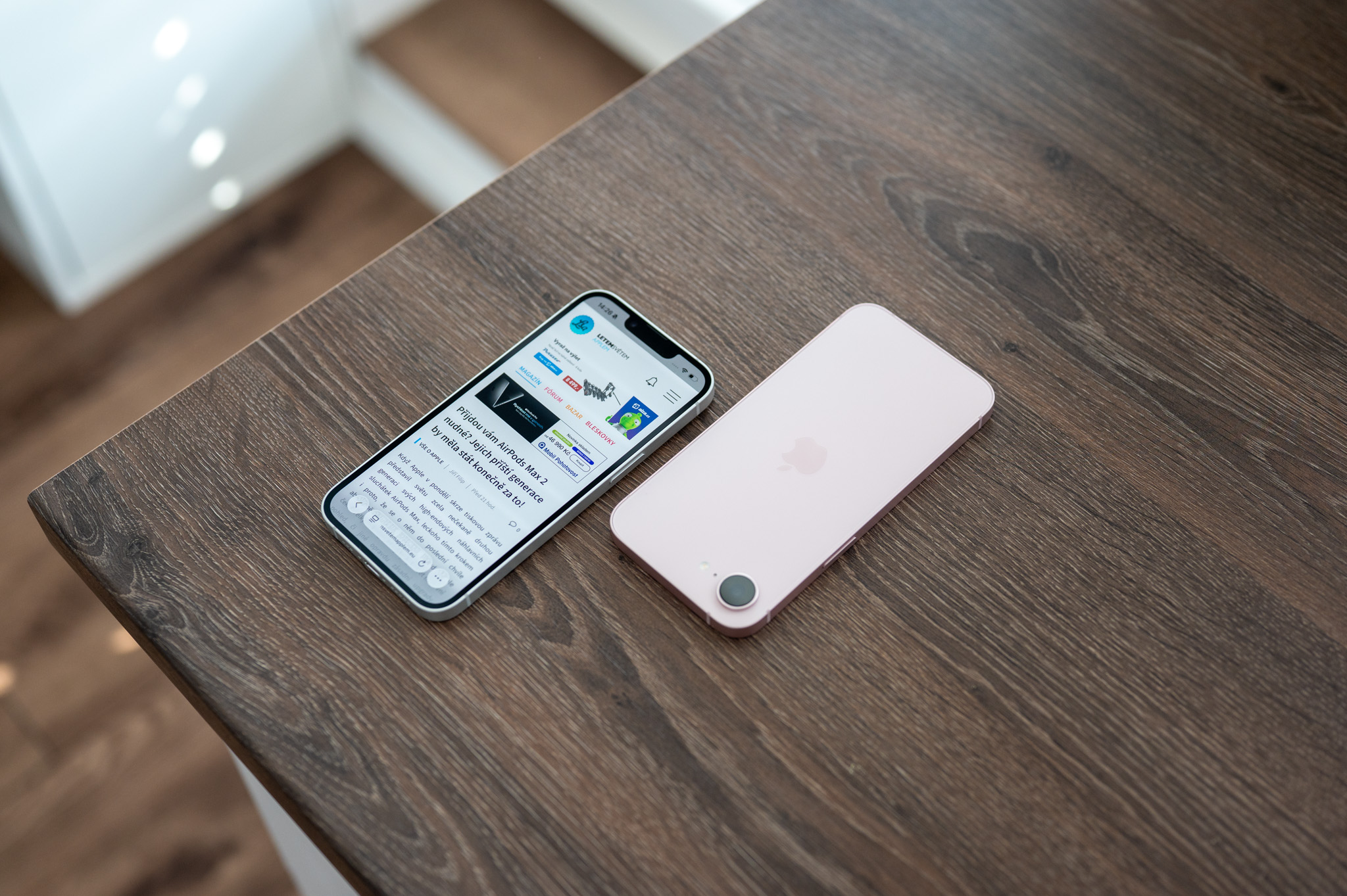
After its activation nestYou only need to have access to an unlocked iPhone. Safari will require additional identity verification when returning to anonymous tabs, so their contents remain hidden from other people who may be using the phone at that time.
How to lock incognito browsing using Face ID
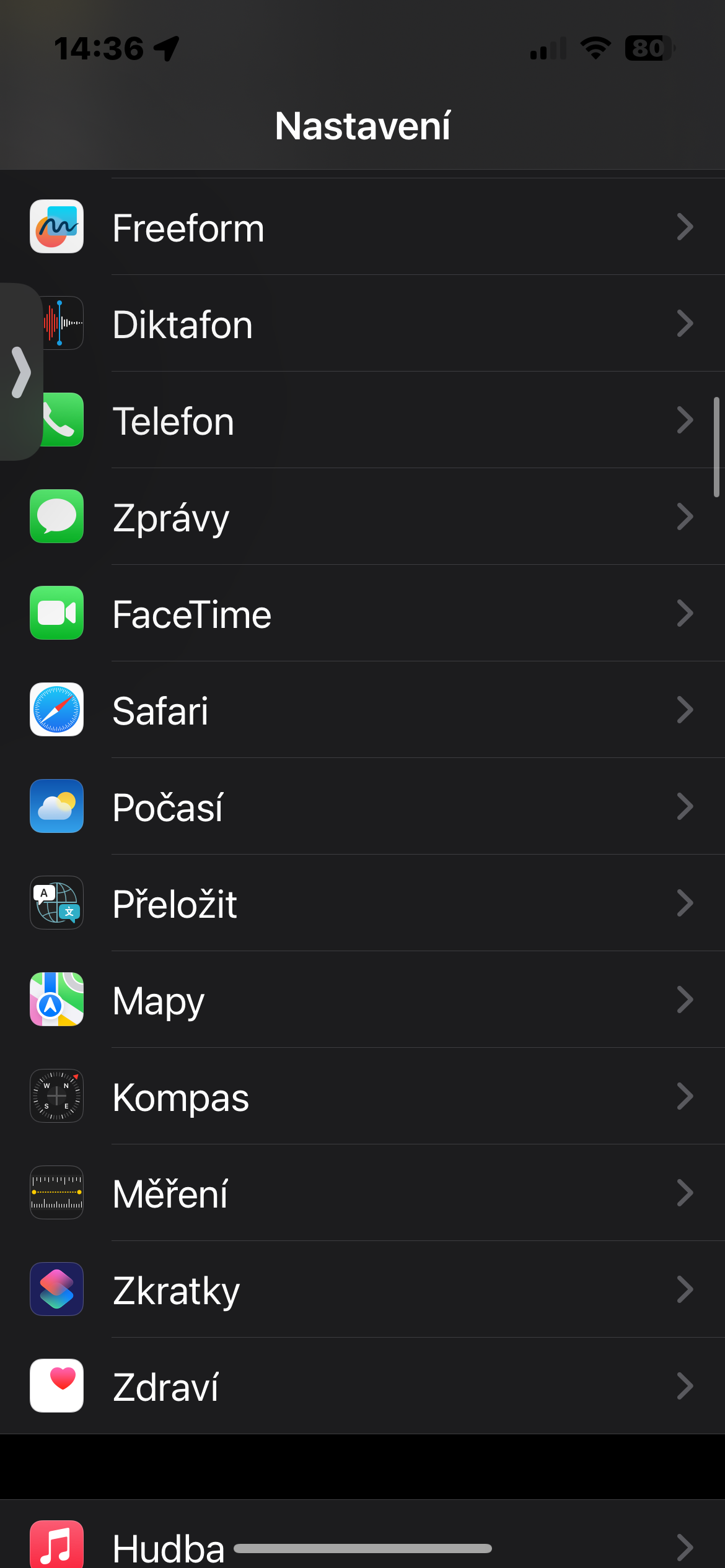
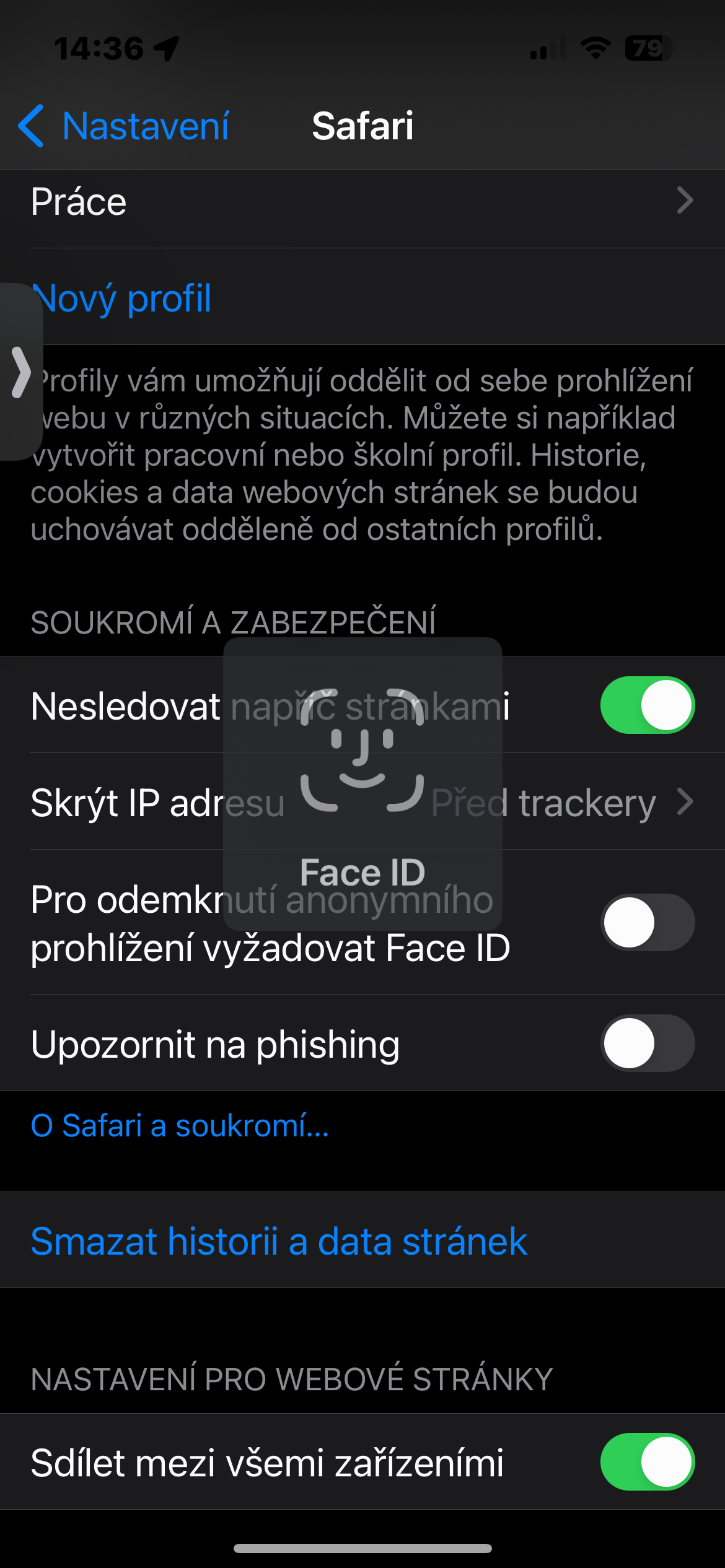
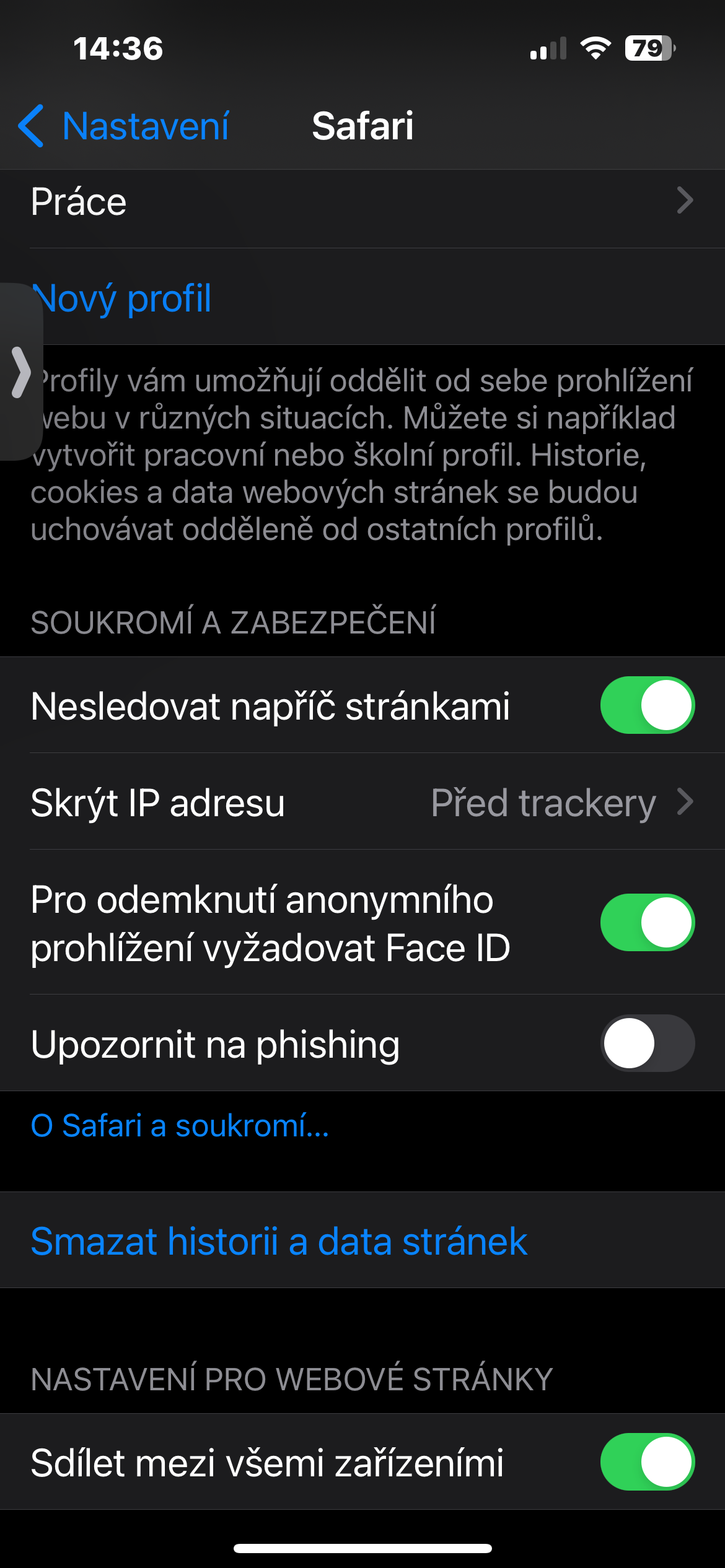
It only takes a few seconds to set up the entire feature. On your iPhone, open Settings -> Apps -> Safari. Search for the option here Pro require incognito browsing unlock Face ID and activate it. That's it, you're done, no need to set any other code or change the way you use it. Safari.
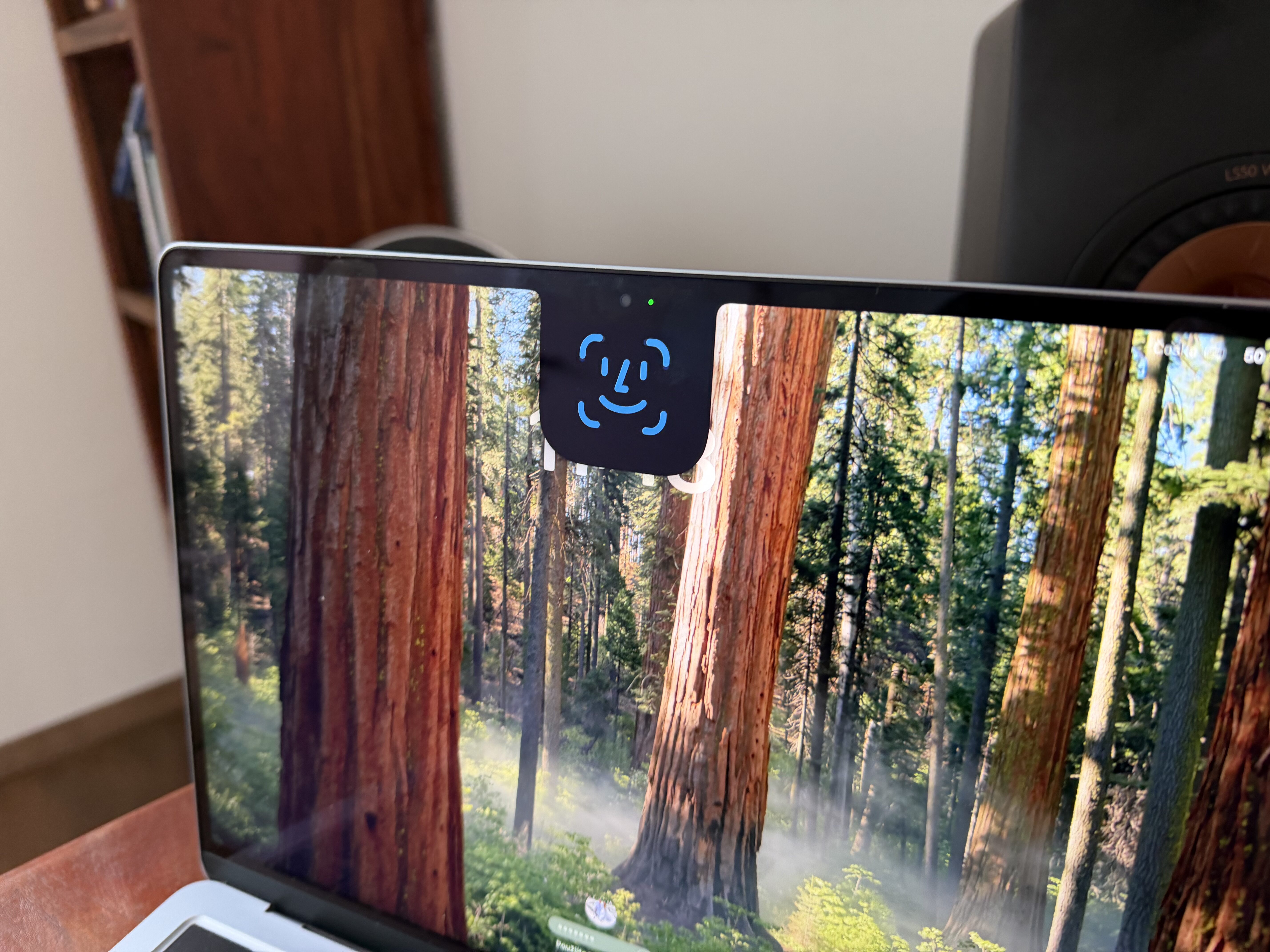
From now on, anonymous cards will be automatically locked every time they are Safari When you want to return to them later, the browser will ask for authentication using Face IDThe content of open pages is therefore not immediately available to anyone to whom you, for example, hand over an unlocked phone for a moment.
This isn't just about sites you'd want to hide from others. Incognito mode, you can have online banking, work systems, health information, gift searches, or simply anything you don't want to show to someone else when you lend your phone.
Gallery
A small change that makes a big difference
Anonymous card protection using Face ID fits well with the way in which Apple v iOS is gradually expanding the options for securing sensitive content. The phone's unlock code alone may not be the only layer of protection - especially when the device is already unlocked.
So if anonymous browsing in Safari If you use it regularly, it's worth checking out this option. It takes just a few moments to activate, is virtually unobtrusive during normal use, and above all, it addresses an easily forgotten weakness of private browsing: private tabs should remain truly private even when your unlocked iPhone will fall into foreign hands for a while.





So every application can be locked, except for system settings and such, I haven't tried everything. For me, it's a good feature and most importantly, it doesn't slow down anything.