Relying solely on your mobile connection when traveling may not always be the best idea. Heading into the mountains, driving through a place with poor coverage, or finding yourself abroad without data can suddenly become a problem. Apple Maps therefore, they allow you to download selected areas directly to your iPhone and then use them even without an internet connection.
You might be interested in

Offline maps are not only useful as insurance for your vacation. They are practical when hiking, traveling by plane, driving through areas with poor coverage, or simply when you don't want to use up mobile data with navigation. Downloading them only takes a few moments.
How to download offline maps to iPhone
First, open the Maps app on your iPhone. Tap your profile icon in the bottom right corner and select Offline Maps from the menu that appears. Then tap Download New Map.
Apple Maps will then allow you to search for a specific location. For example, enter the city or area you need, and then adjust the displayed map section to include the entire desired area. You can pan the map and adjust the size of the area to suit where you are going. Once you have your section ready, tap Download.
The selected area is saved directly to your iPhone and can be used even when there is no internet connection. This means you don't have to take screenshots of each part of your route before you set off or hope that the map you need will load before your signal drops.
Gallery
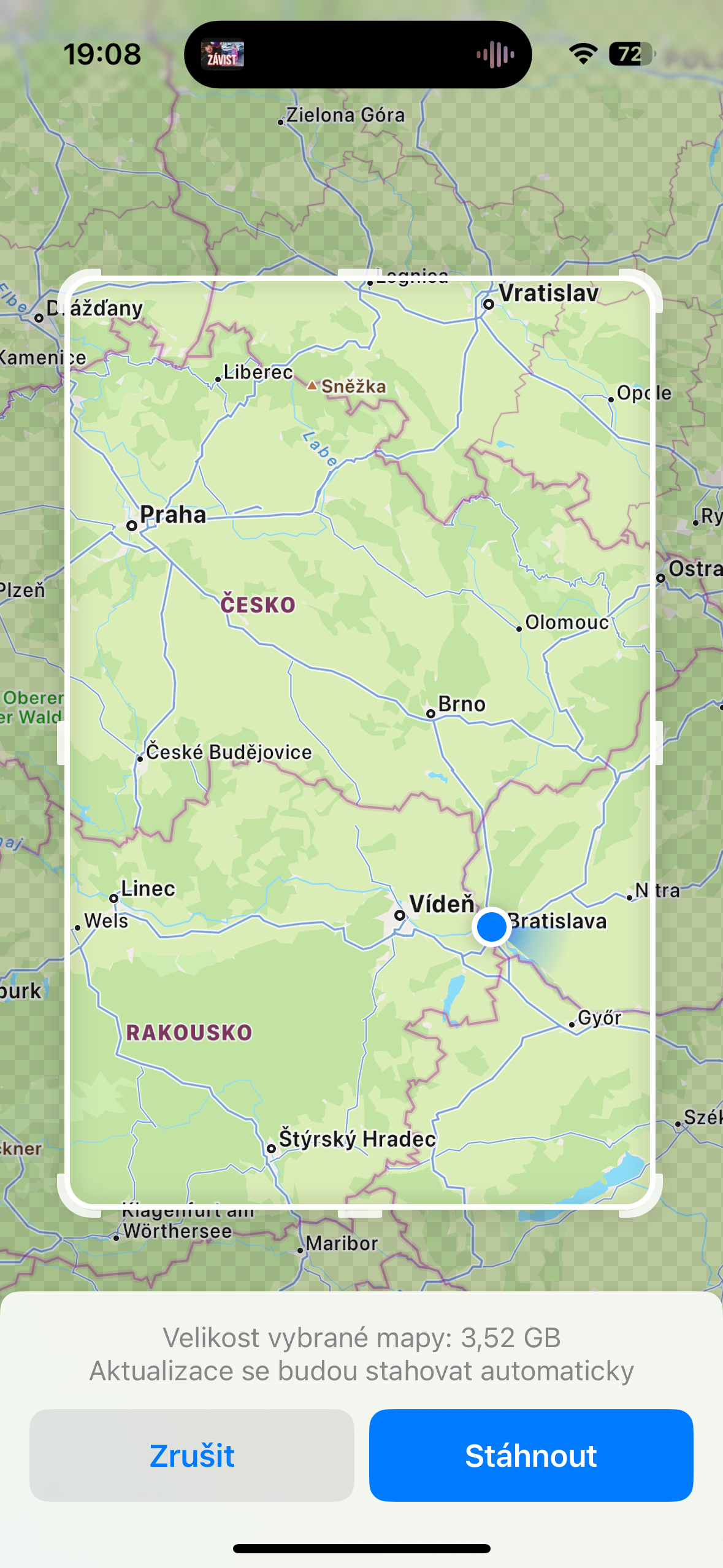




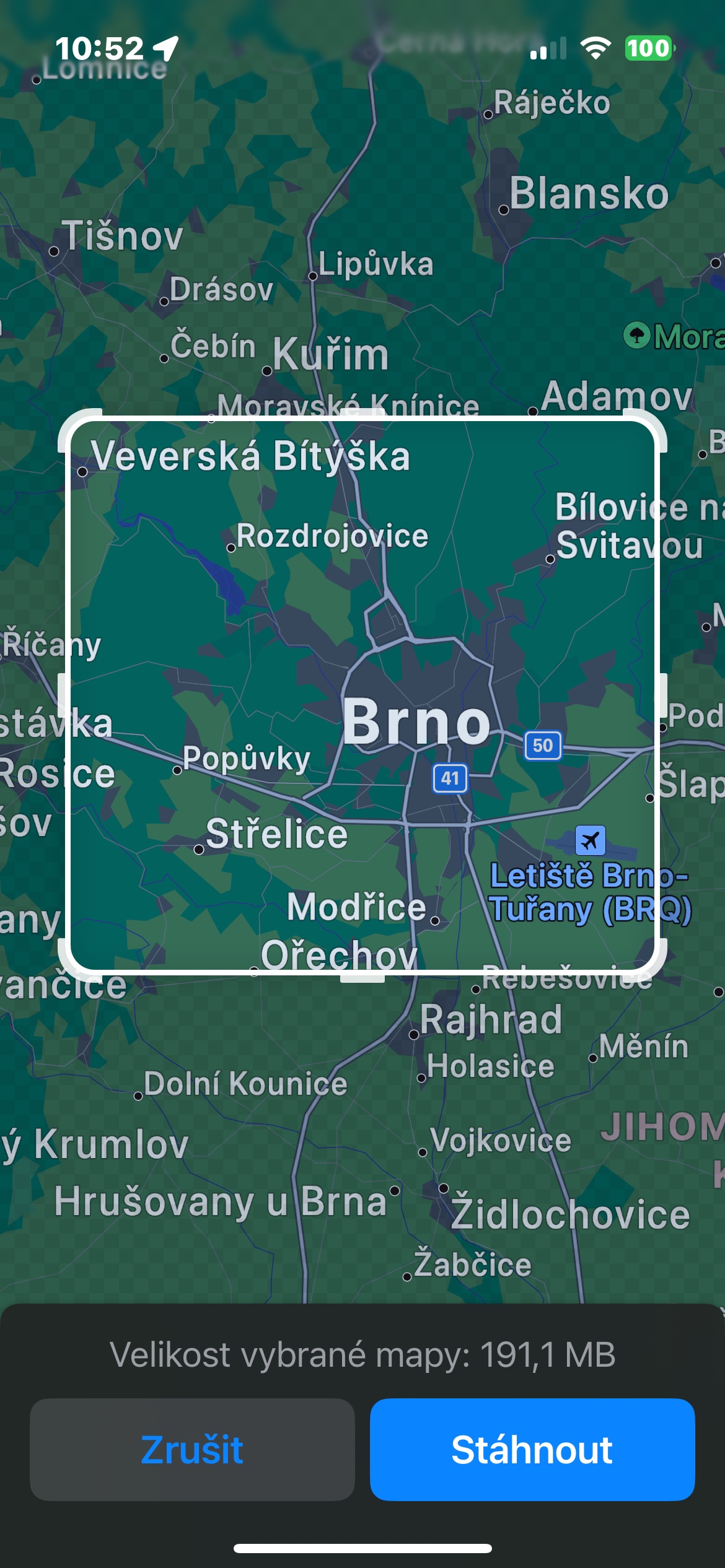
Be careful about the size of the download area
When choosing, it's worth considering how much of the map you actually need. A larger area will naturally take up more space on your iPhone's storage and will use more data to download. So if you're preparing maps for a longer trip or covering several areas at once, it's a good idea to download them over Wi-Fi in advance.
It's also a good idea to prepare offline maps at home, not when you notice that your mobile signal is starting to fade. So before you travel, just open Apple Maps, download the area around your destination and possibly other areas you will be driving through.
Offline maps are one of those iPhone features that are easy to forget about in everyday use, but they can save you a lot of hassle when you're on the road. A few minutes of preparation before you set off can mean the difference between navigating comfortably and finding your way somewhere your car is stuck. iPhone trying in vain to catch a mobile signal.