
You are running out of space on iCloudua don't you want to pay hundreds of crowns more every month for a higher tariff? If you use iPhone, there is a fairly simple trick that many users don't even know about. Apple For many years, it has offered the option to save photos and videos to Shared Albums, although under current rules their content is not counted in your iCloud storage. And while this storage method has some fairly significant limitations, when used correctly it can be a surprisingly interesting way to get extra space for practically free.
You might be interested in
Shared album as free storage
The principle is very simple: You create a Shared Album in the Photos app and start adding your photos and videos to it. Apple It then stores them on its servers and you can access them from your devices or share them with other people. The key point is that this content is not currently deducted from your iCloud storage. So if you have, for example, 200GB andCloud and you're already using 190 GB, photos stored in Shared Albums won't reduce your remaining 10 GB.
In theory, you can create a Shared Album, upload photos to it, create another album, and move on. While one album is limited to 5,000 photos and videos, you can have as many as you want. That's why this feature can be somewhat exaggeratedly described as free and virtually unlimited photo storage. Of course, it's not an official unlimited one.Cloud od Apple, but from the user's point of view the result is quite interesting.
You might be interested in
But there's one big catch.
If you are now wondering why even payCloud+, while I can simply dump all my photos into Shared Albums, there is a fairly significant compromise to be made. Shared Albums are not intended for archiving original photos in full quality. Apple compresses and reduces their content during upload. Photos are provided in Shared Albums maxminimum resolution of 2048 pixels on the long side, while panoramic photos can be up to 5400 pixels wide. The limit is even greater for videos, as they can have maxat least 15 minutes and are provided in up to 720p resolution.
For regular viewing in iPhone or sharing family photos, of course, it's usually perfectly fine. But if you have photos from a modern iPhone and you want to use them for large format printing in a few years, I definitely wouldn't rely on Shared Albums as a single copy. The original may have an order of magnitude higher resolution and size, and that's what you lose when you save it this way.
You might be interested in
iOS 27 practically cancels this trick
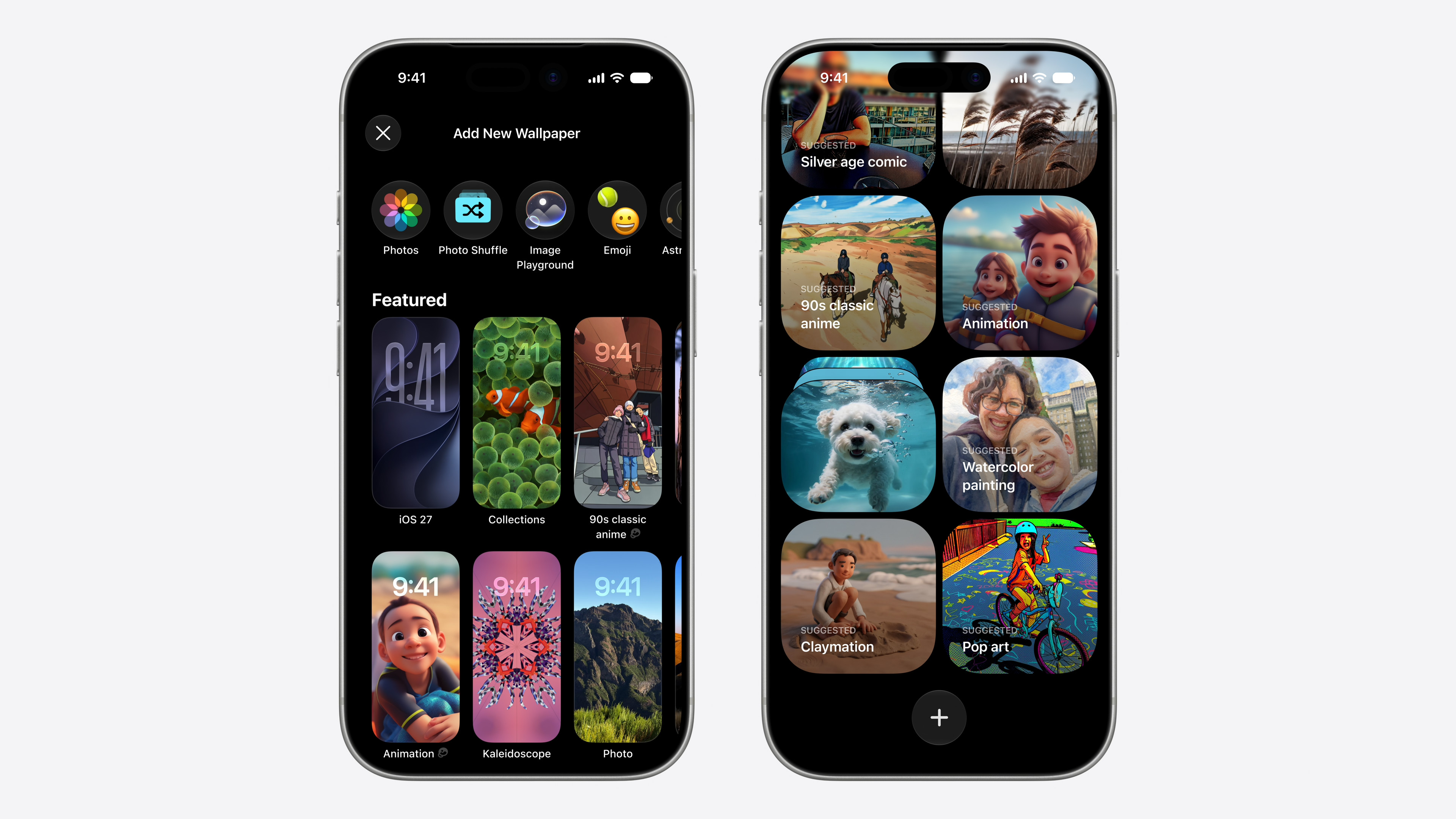
But if you thought you'd create dozens of Shared Albums and have enough for a few more years, I have bad news for you. Apple v iOS 27 significantly changes the rules around Shared Albums. The new version of the system brings the ability to work with Shared Albums in full resolution, which is definitely a welcome change from the perspective of photo quality. However Apple takes a rather unpleasant toll on it. Newly created or upgraded Shared Albums will start to count towards iCloud the album owner's repository. And according to information that has emerged in connection with iOS 27, content uploaded to the album by other participants may also be included.
In other words, Apple although tooneThis will allow you to save photos to Shared Albums in better quality, but it also ends one of their rather bizarre features. Shared Albums will no longer be a space outside of your ownCloud limit.
That's why it can be interesting to create Shared Albums before the arrival of iOS 27, since everything created before the transition to iOS 27 will still work for you after you switch to it (at least according to the current behavior of albums in betas iOS 27). So if you have a large photo library and don't mind compression, you can divide your photos by year, for example, and upload them to Shared Albums one by one. One album can contain up to 5,000 items, so with a larger number of albums, you can store a really large number of photos this way without them currently taking up space on yourCloud.
However, it is necessary to take into account that Apple may change the rules further in the future and that the old Shared Album is definitely not the same as the classic Photos on iCloudSo if you are using them precisely because their content does not count towards your limit, I would recommend updating to iOS 27 pay close attention to any potential upgrade or transfer of albums to the new system.
You might be interested in
It's definitely not a backup.
And one more important caveat. Although Shared Albums can be used quite creatively in this way, I wouldn't consider them a replacement for a classic photo backup, not only because of the compression, but also because their main purpose is to share content, not to securely archive the original files for a long time.
So if you have thousands of photos that you don't want to lose, it's ideal to have the originals somewhere else - for example, on your Mac, on an external drive, or in another location. cloudservice. You can then use the shared album as a kind of bonus space for copies of photos that you want to have convenient access to from iPhone.
Still, it's quite fascinating that you Apple currently allows you to store a huge number of photos in Shared Albums without taking up space on your paid plan.Cloud tariff. And it is this small loophole that has been iOS 27 is starting to close. So if you want to use this storage method, there's not much reason to wait. Just be aware that you're paying for "free storage" with lower photo quality and the limitations that classic Photos on iCloudthey don't have.


Photos in shared albums cannot be edited.