The lock screen belongs in newer versions iOS among the parts of the system where the Liquid Glass look can be enjoyed the most. Apple It allows you to change not only the font and color of the clock, but also its design. After selecting the Glass style, the numbers will take on a translucent appearance, thanks to which they will partially merge with the wallpaper and appear much more plastic than the classic single-color varianta.
You might be interested in
This is not an automatic change that would iPhone imposed on all users. If you prefer a distinctive and easily readable clock, you can ponechat their original appearance. The glass design must be selected manually when editing a specific lock screen.
How to set a Liquid Glass style clock
Probe iPhone and hold your finger on the lock screen. When you see a list of screens you've created, tap Customize for the one you've selected, then select Lock screen. Then tap directly on the time.
A menu will open at the bottom of the screen where you can adjust the font, color, and appearance of the clock. Select Glass and tap outside the panel to confirm the change. Nakonec Save your changes using the Done button in the upper right corner.
Gallery
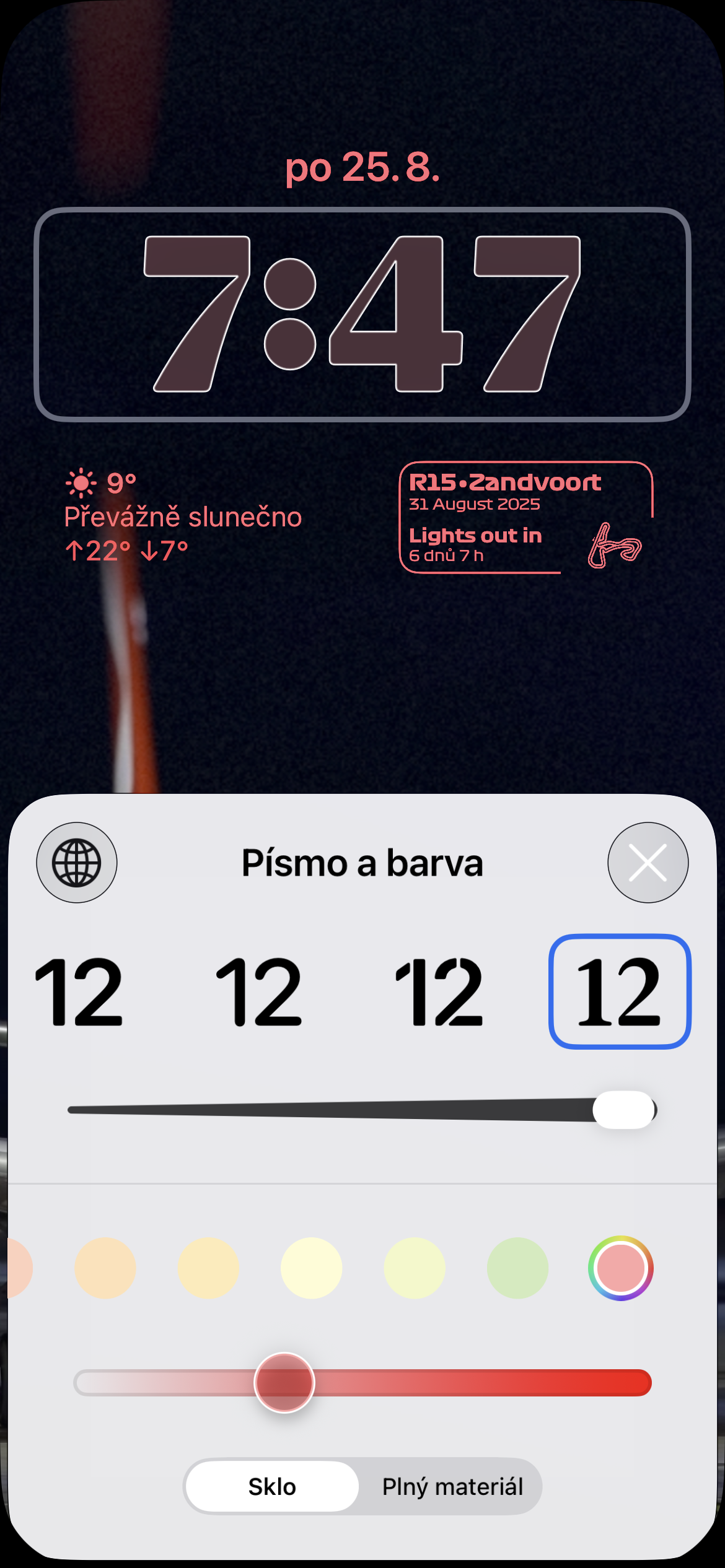
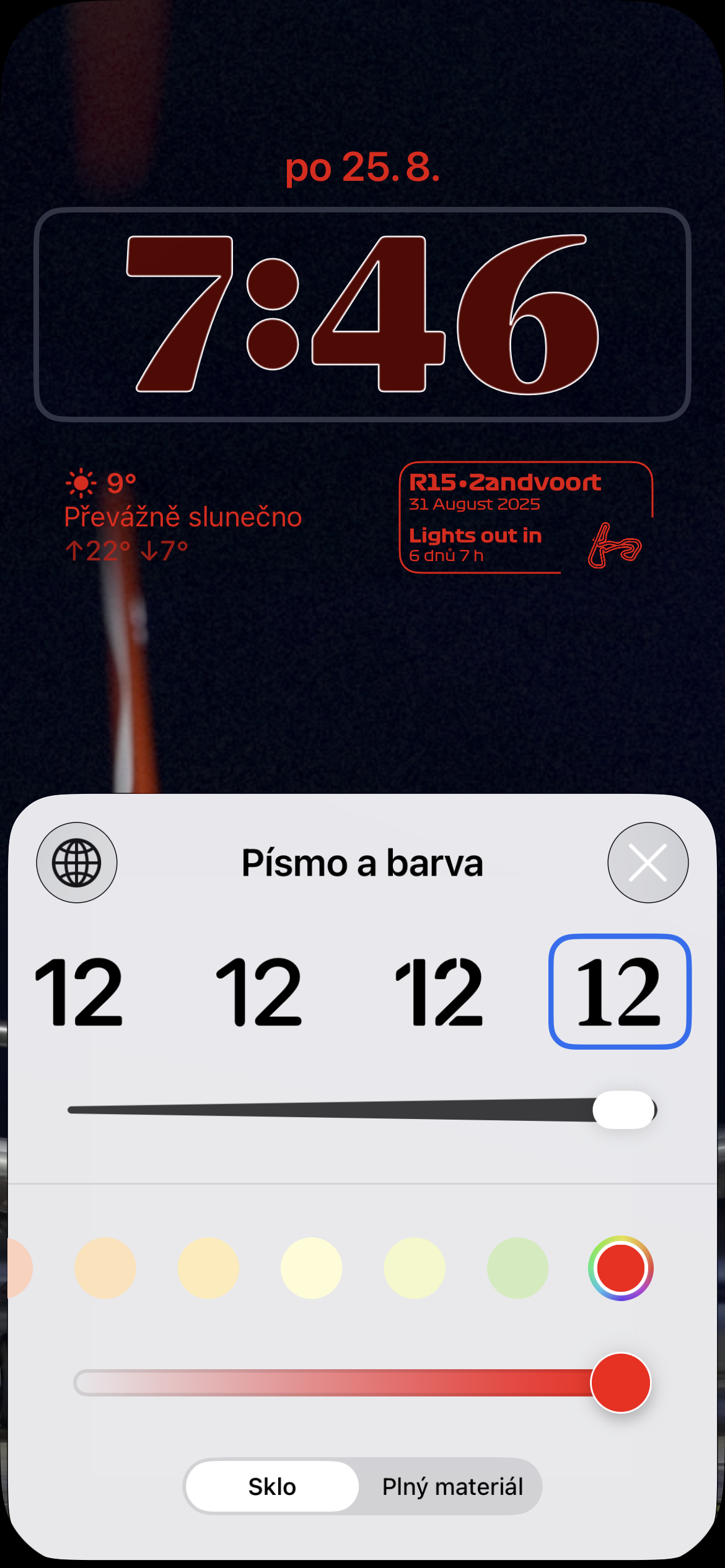
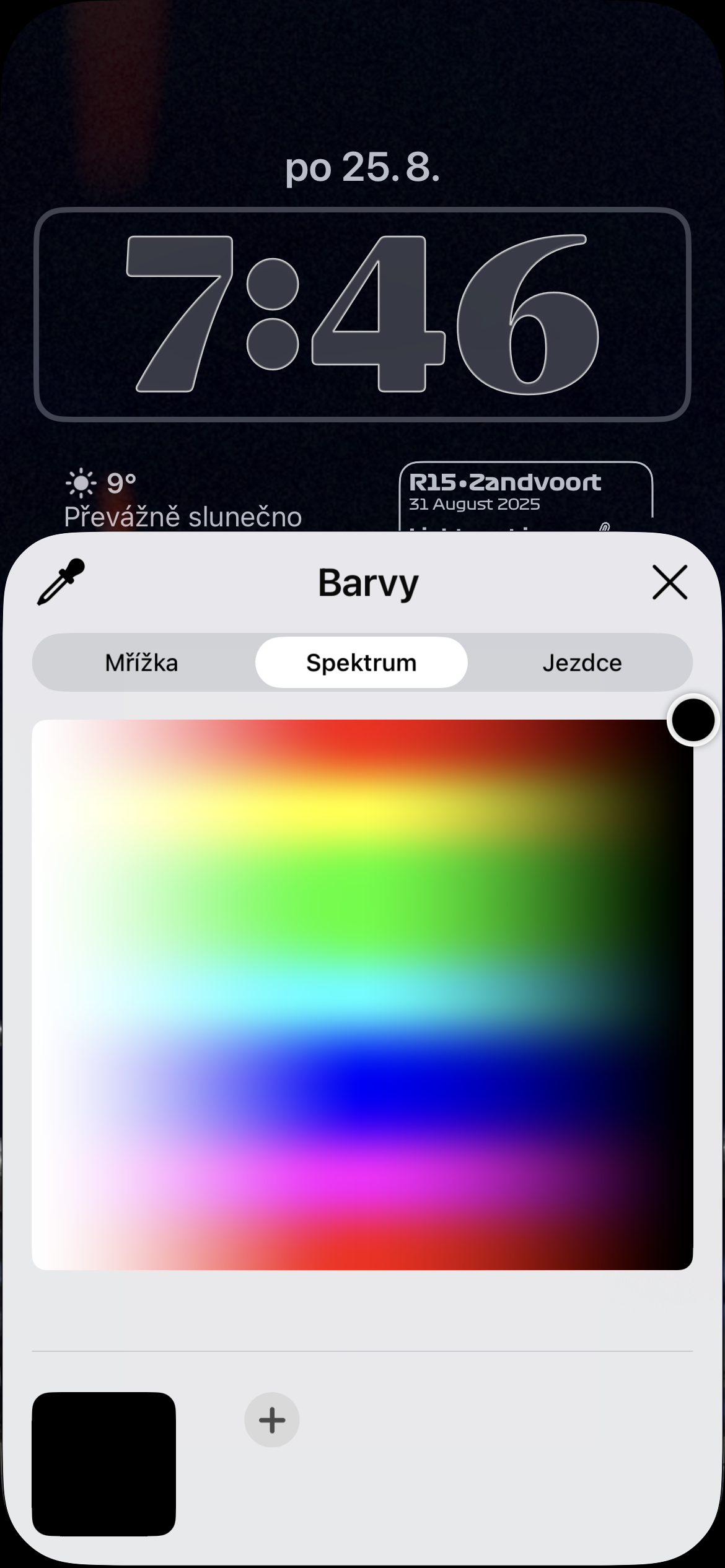
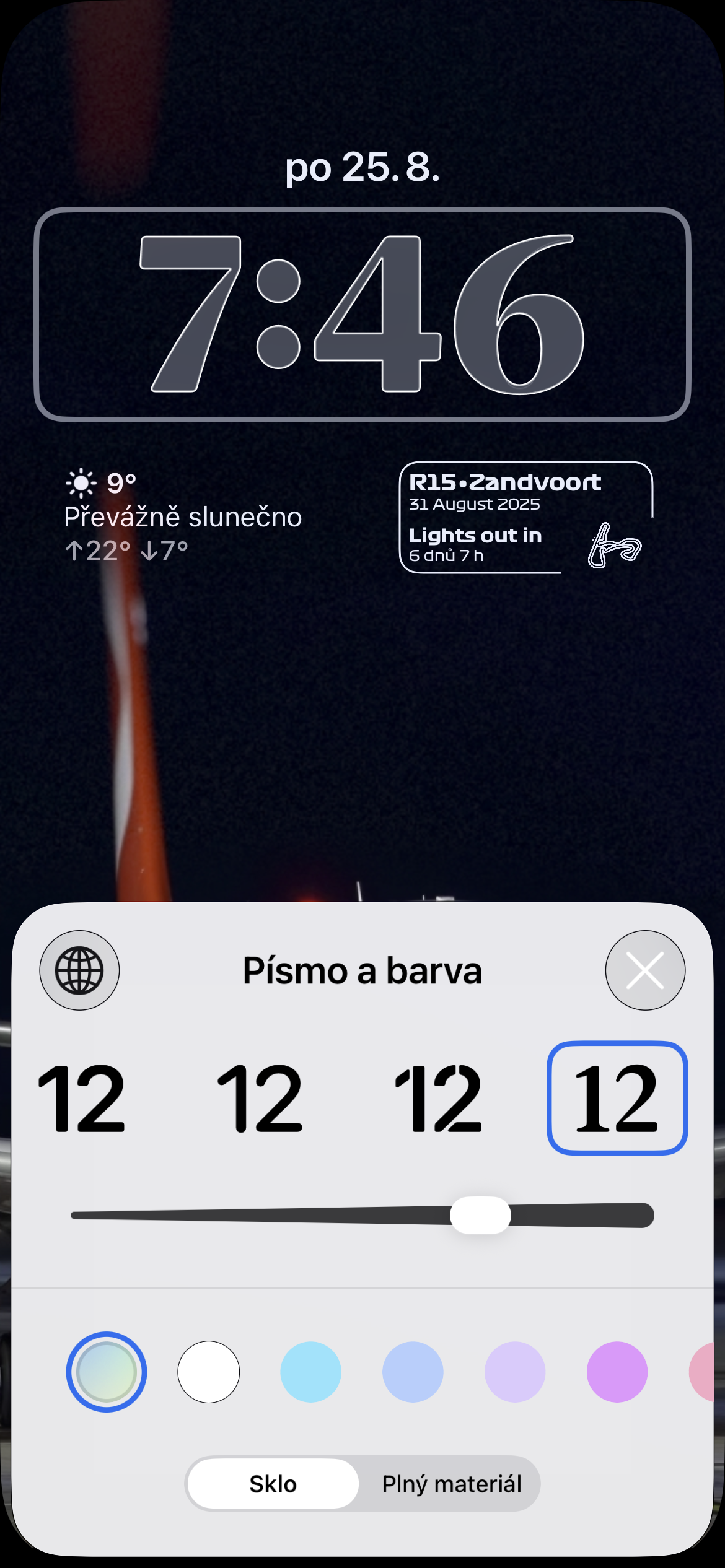
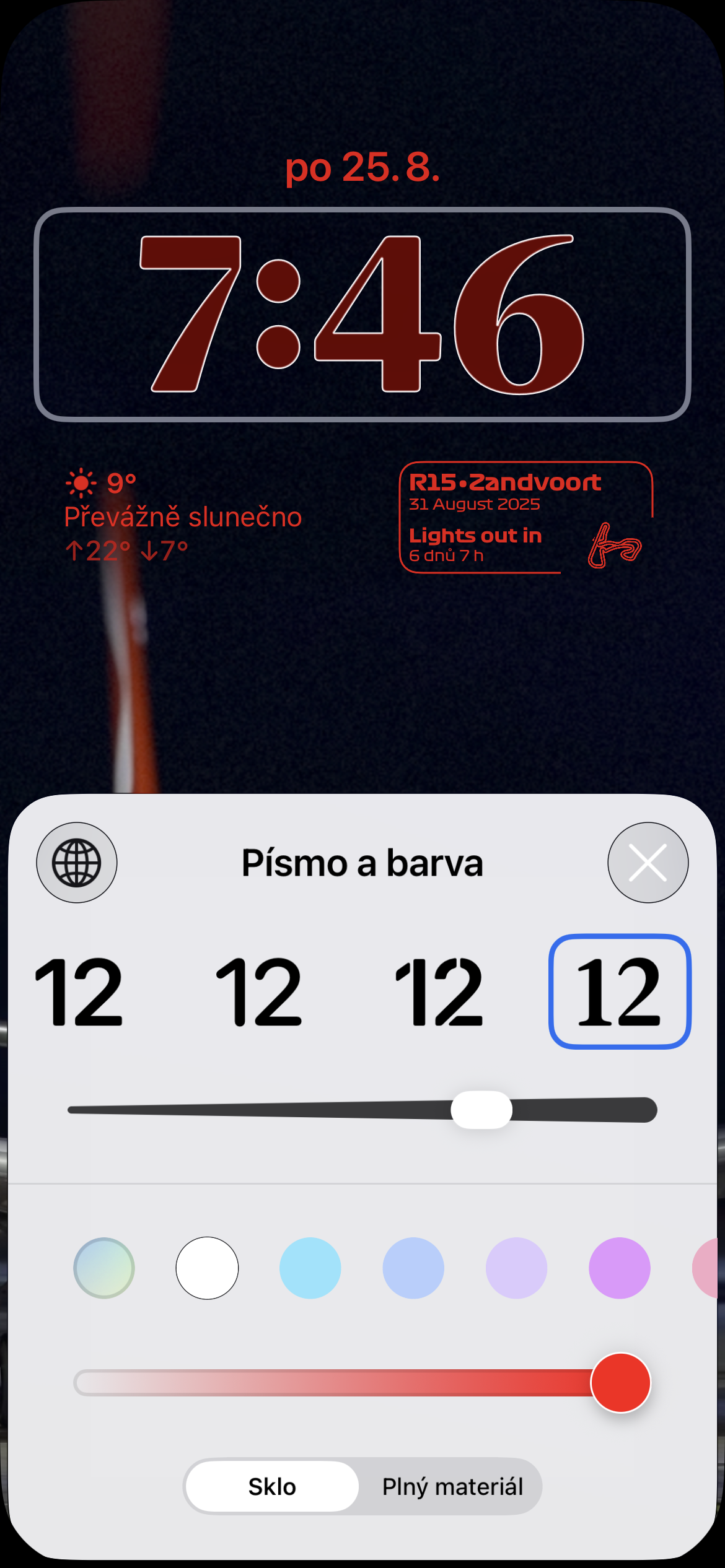
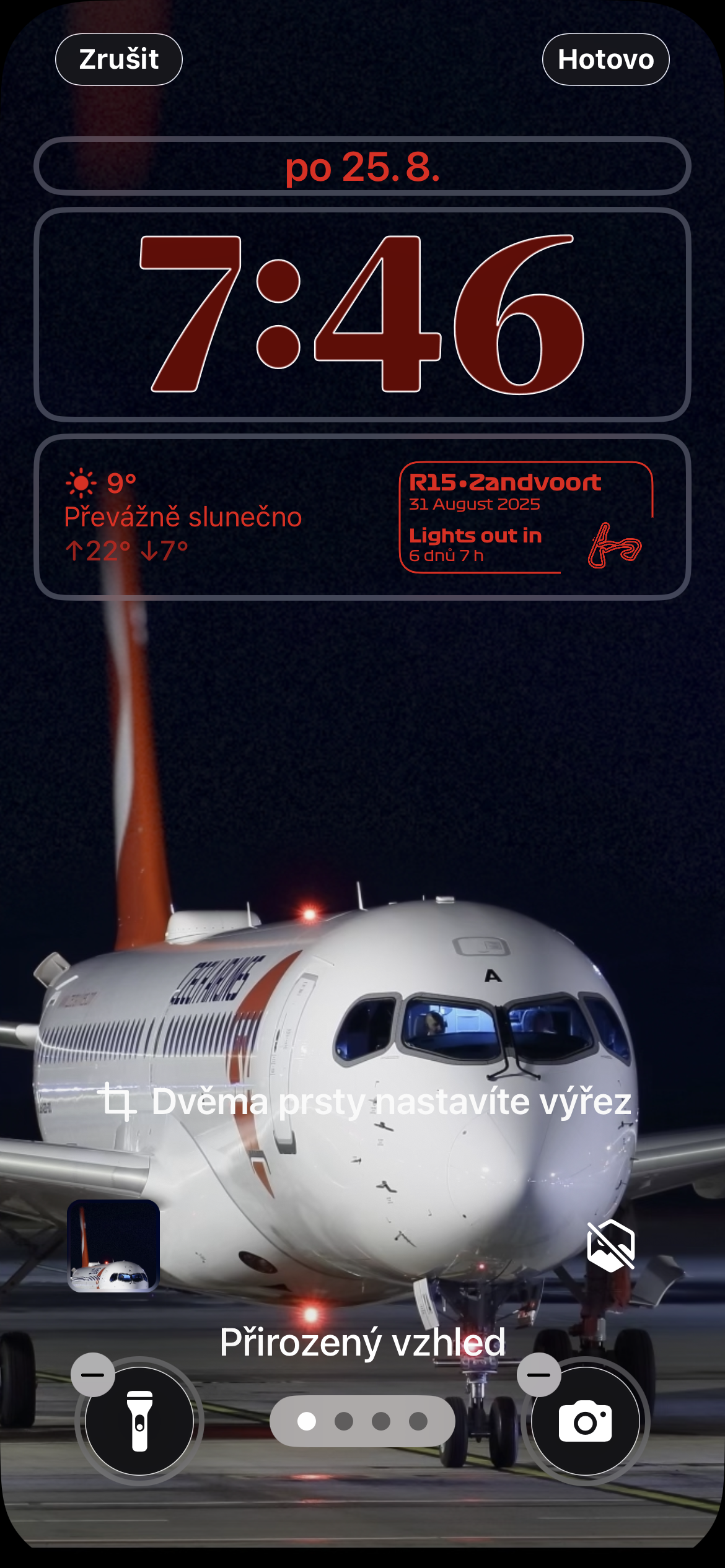
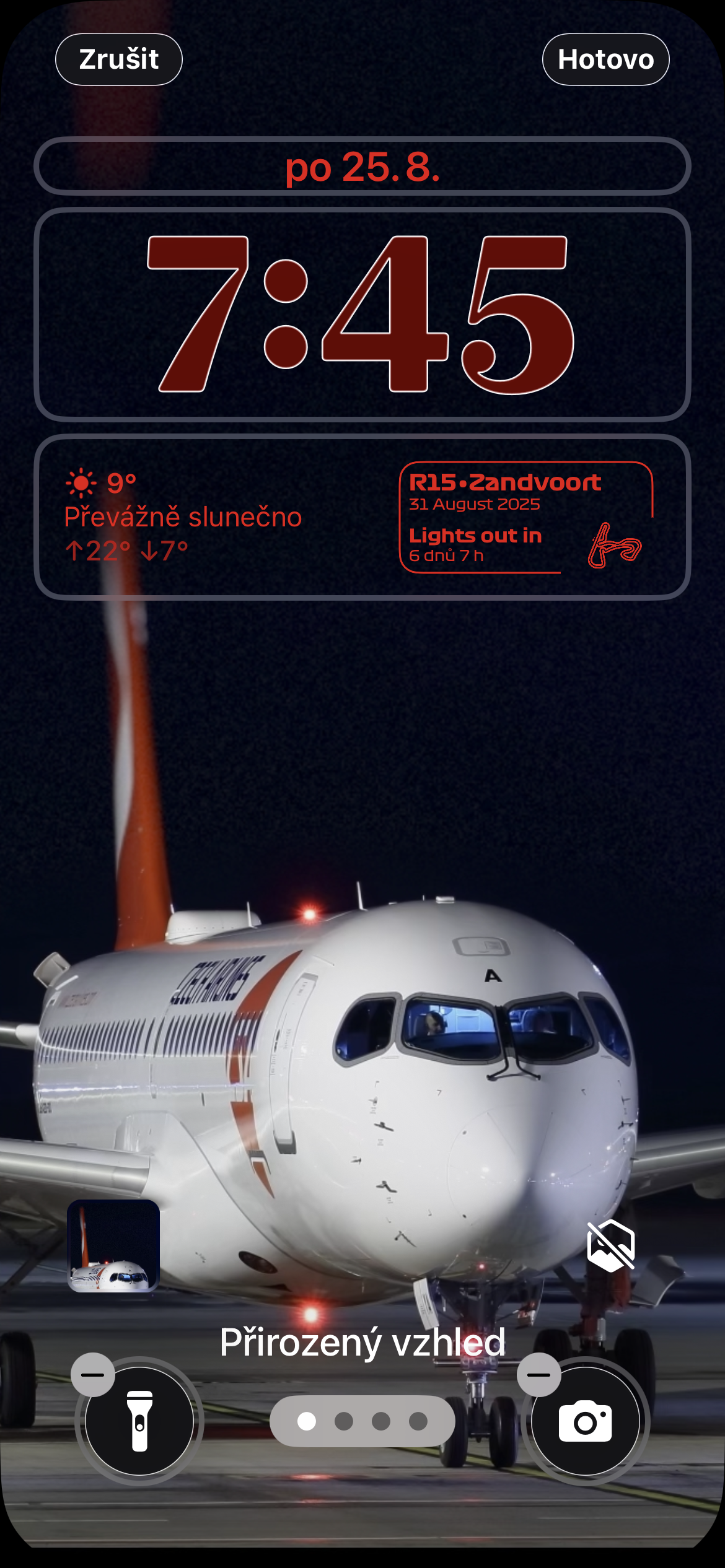
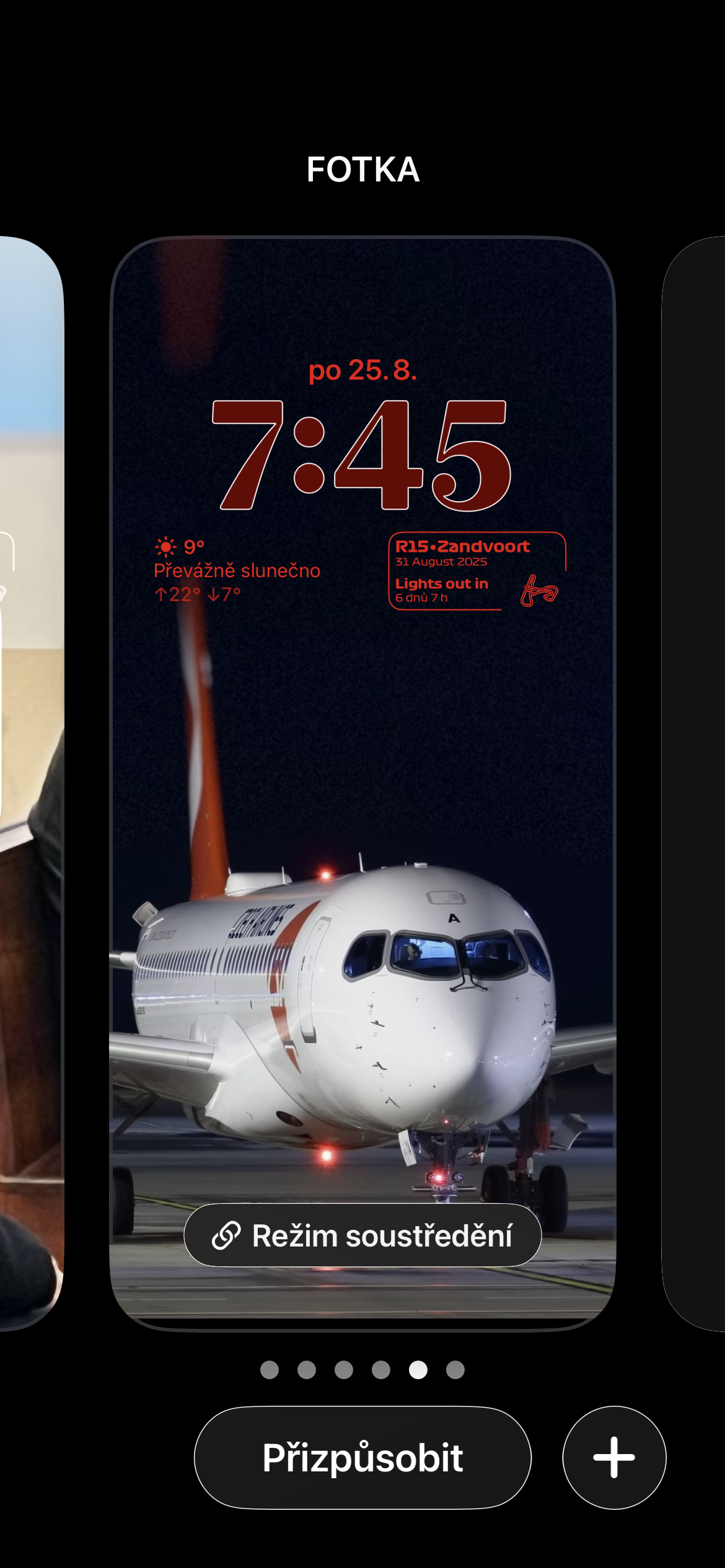
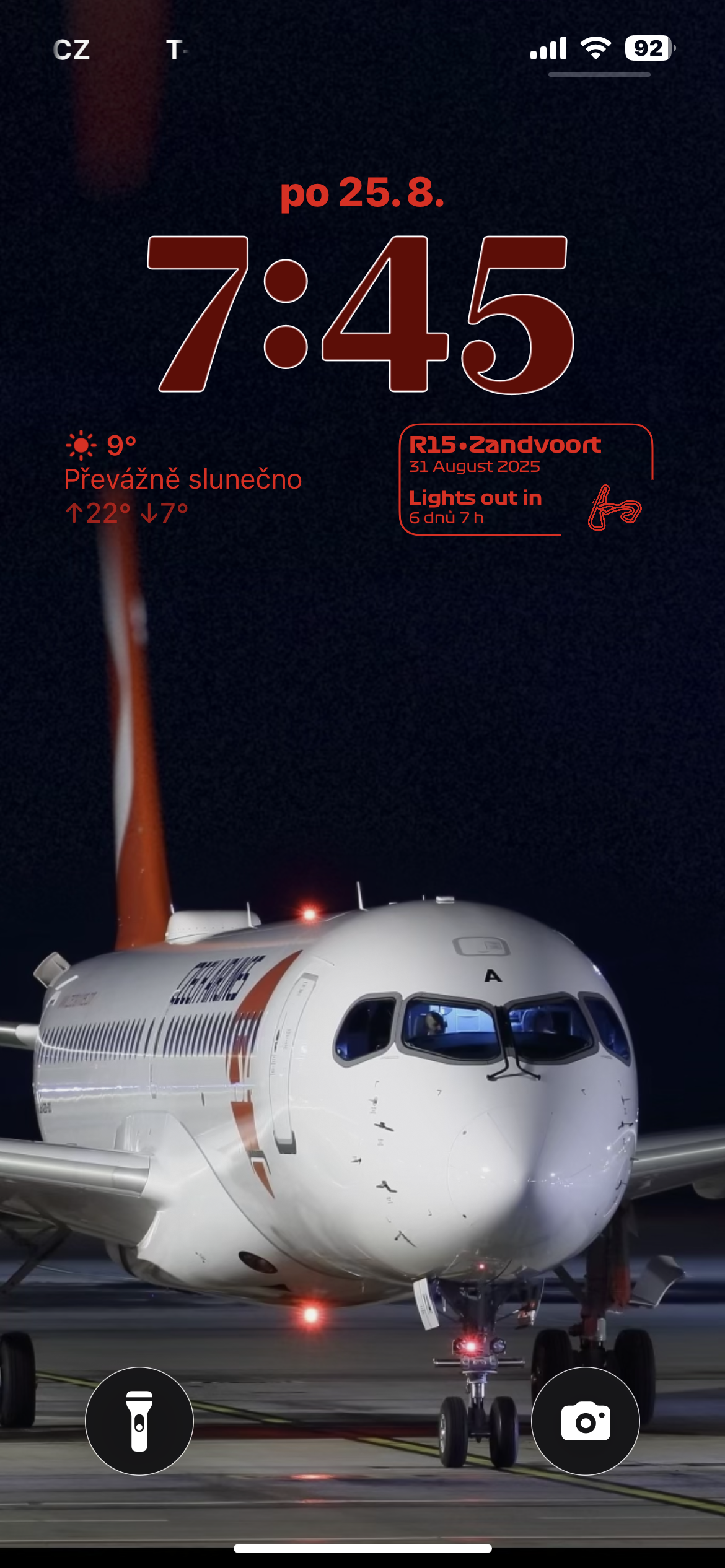
The result also depends on the wallpaper used
Glass clocks don't look the same on every wallpaper. Their translucency reacts to the image underneath, so the effect will stand out much more on photos with bold colors or light transitions. On the other hand, the numbers may be harder to read on a very light or textured background.
When trying different variaI found wallpapers with a calmer upper part to be the most effective, such as photographs of the sky, landscapes, or portraits whose main motif does not interfere directly with time. iOS tries to maintain sufficient contrast, but it cannot work miracles. If the clock in the selected photo is too inconspicuous, changing its color, changing the wallpaper cutout, or returning to a less translucent appearance will help.
In addition, on supported layouts, you can drag the lower right corner of the clock to increase its height. This allows the numbers to stretch downwards and fill more of the available space. This adjustment works especially well on screens without widgetwhere the clocks have enough space.
The Glass style can be set separately for each saved lock screen. You can use one of theseonechat simple and easy to read for work, while another will use a more striking wallpaper, a 3D effect and a translucent clock. If you get tired of the result, just go back to the same menu and select the original design within a few seconds.