
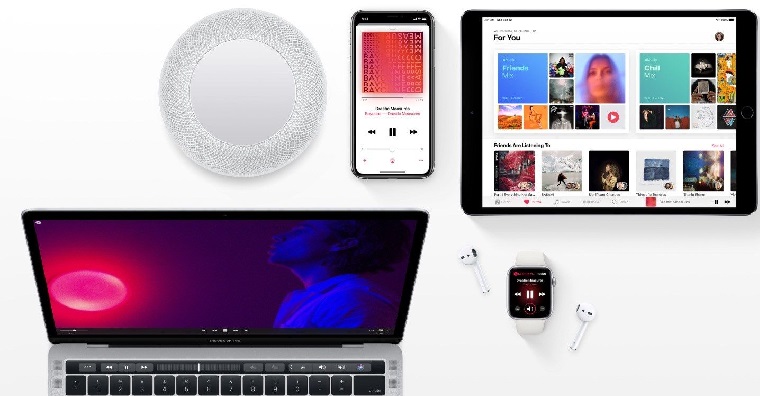
If in Apple Music If you regularly listen to the same playlists, albums, or artists, it's worth using the pinning feature. It lets you put your most favorite items at the top of your library so you can access them instantly without having to search for them or scroll through a long list of saved music.
You might be interested in

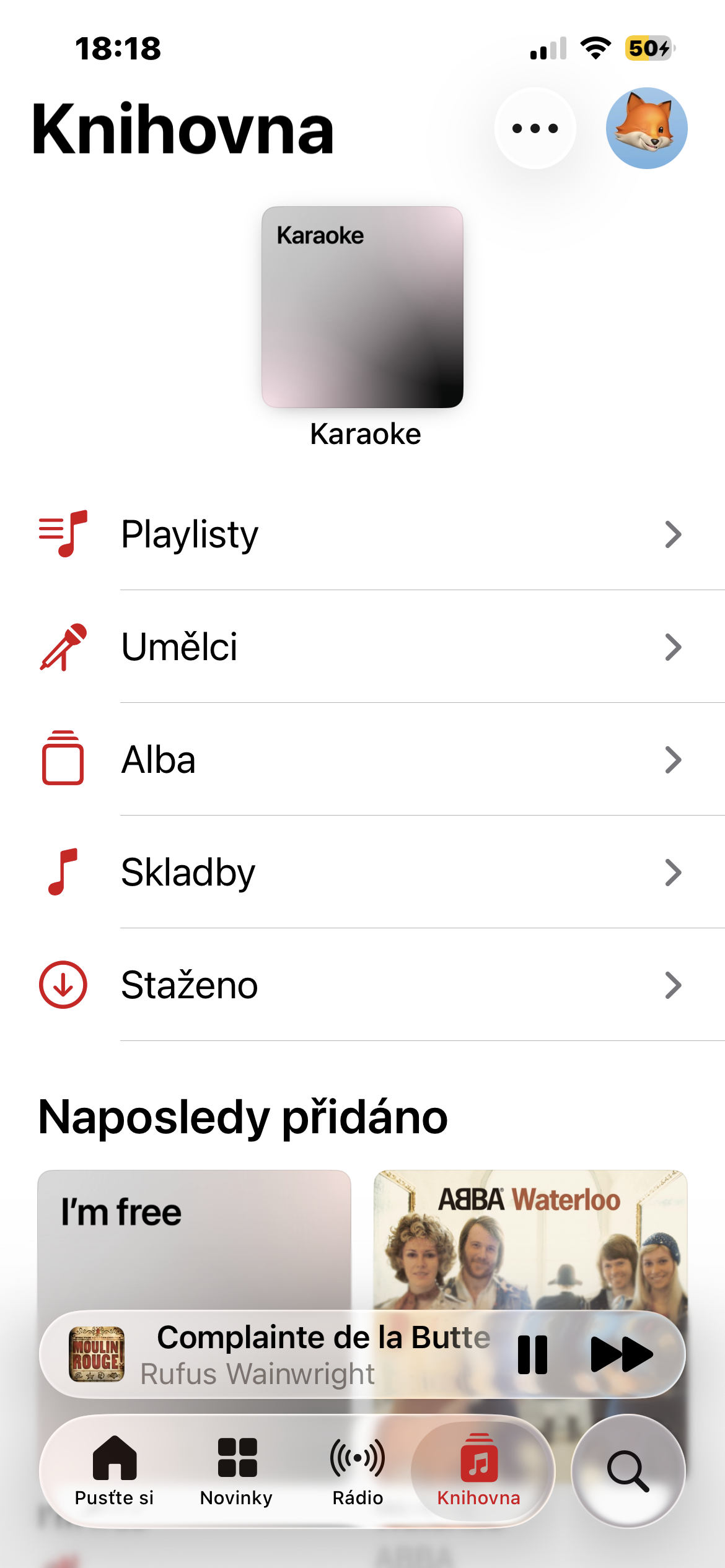
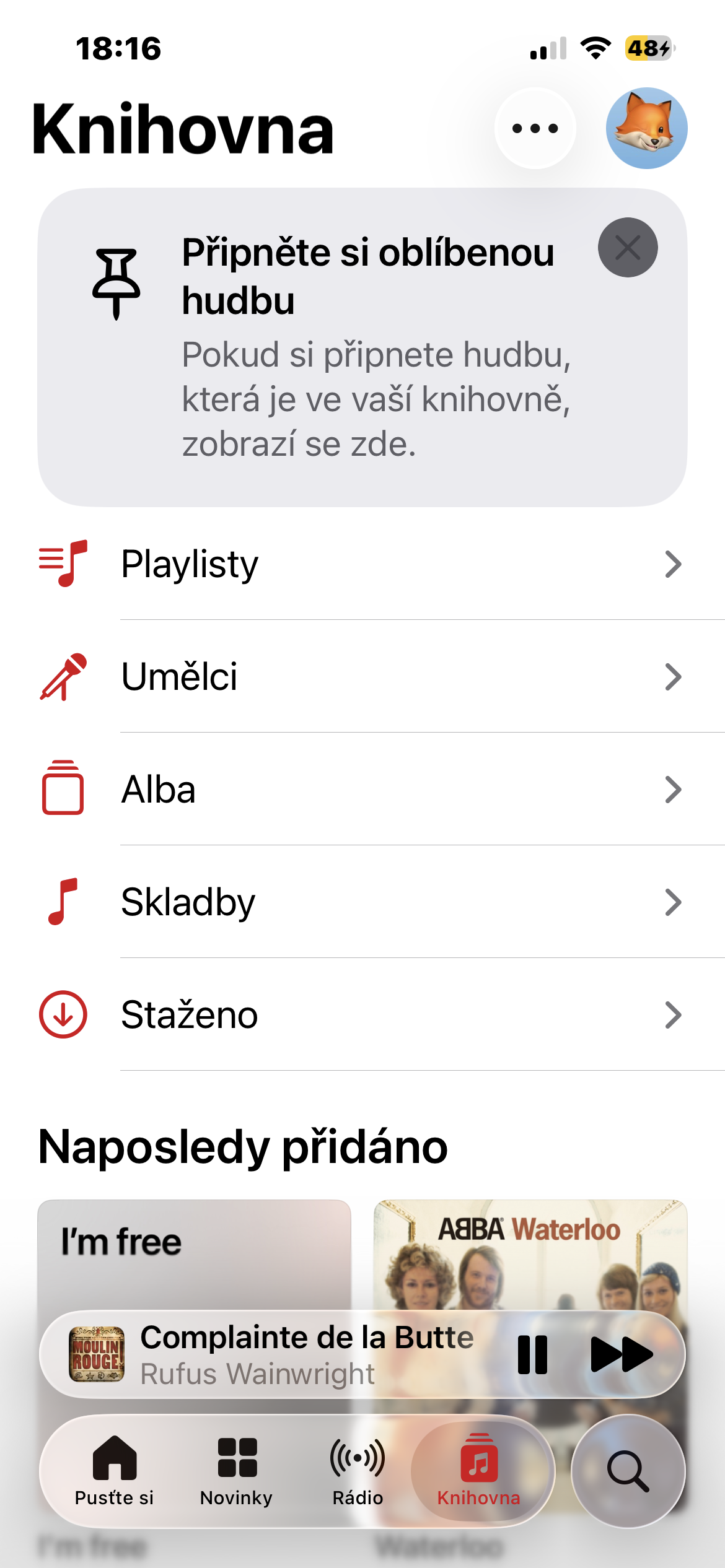
You can pin playlists, albums, individual songs, and artists. All pinned items then appear at the top of the Library tab, where you can launch them with a single tap.
How to pin your favorite content
Using this feature is very simple:
- Open the Music app.
- Find a song, album, artist, or playlist you want to always have at hand.
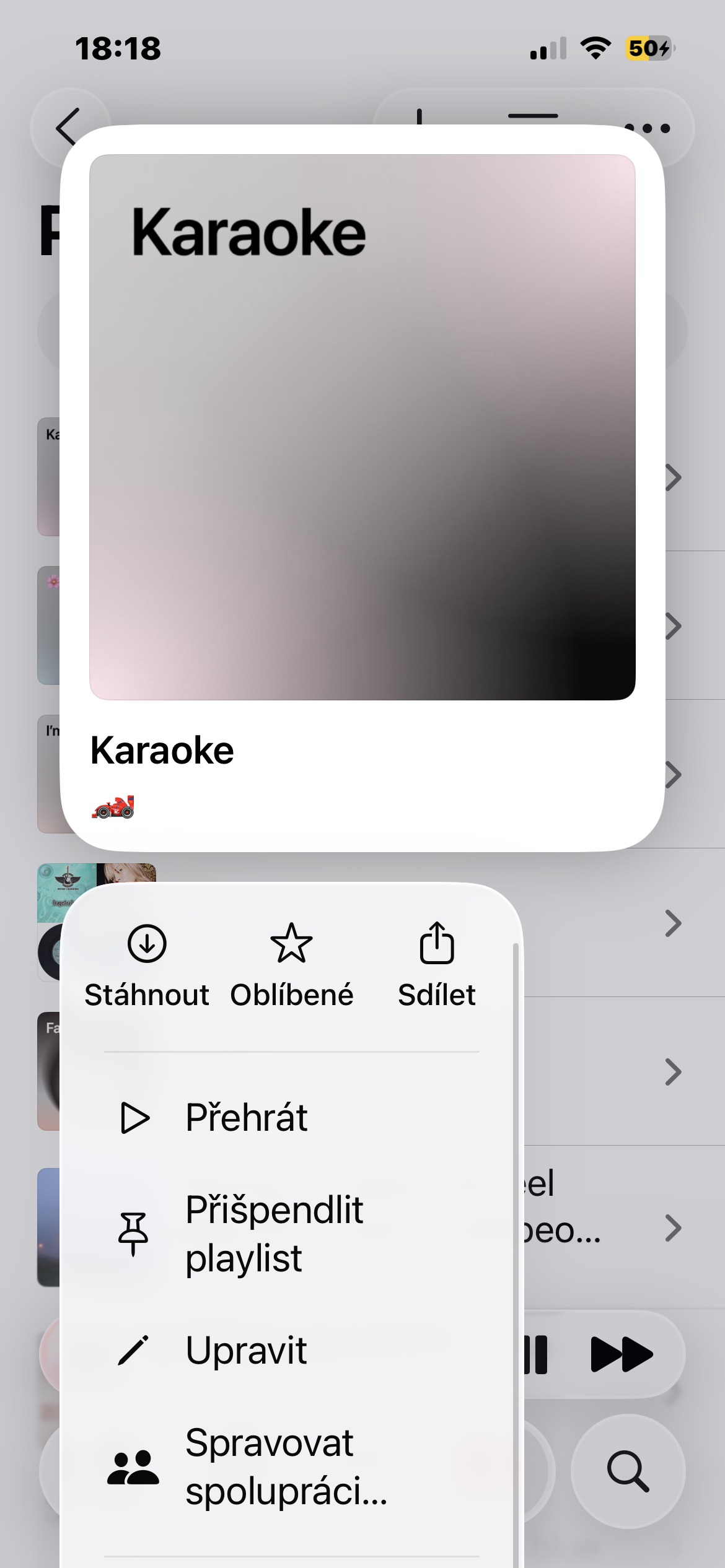
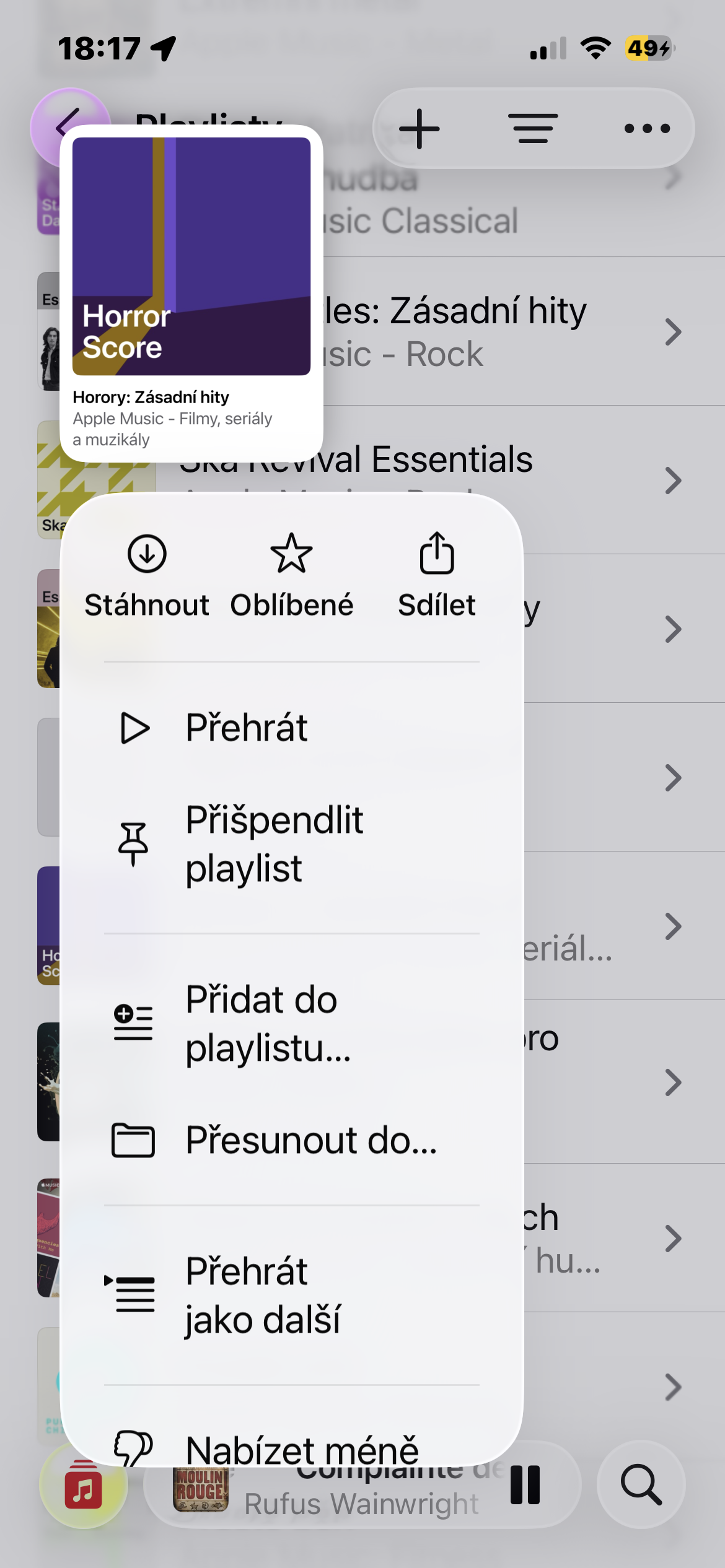
- Hold your finger on the item.
- In the menu that appears, select Pin.
If you later no longer want an item to be pinned, just long-tap on it again and select Unpin.
Gallery
Practical even on the go
Pinning also works well with offline listening. If you enable automatic download of pinned items, they'll be available even when you're not connected to the internet. This is useful when traveling, exercising, or in places with weak cellular signals.
At first glance, this is an inconspicuous feature, but in everyday use Apple Music but it can make navigating your library much more enjoyable. Instead of constantly searching, you have your favorite music always at your fingertips and the application adapts to your listening habits.







Strange, the dialog menu looks different for me and the pin function is not there at all (iP mini 13/26.5.2)
Isn't it in beta 27 by any chance?