
Apple continues to expand public beta testing their new systems. Just a day after the release first public betas iOS 27, iPadOS 27 or macOS 27 also released the first Public Beta of the firmware for tonight AirPods. This was previously only available to registered developers, but now regular users involved in the public domain can also try out the new features. beta program. So if you are interested in testing out the new features, you can easily do so now. However, keep in mind that, as with other public betas, the firmware for AirPods should be more stable than development versions. However, it is still test software and may contain bugs or cause problems. nestandard behavior of headphones.
You might be interested in

What's new beta brings?
Public beta contains all the news that Apple presented this year at WWDC together with iOS 27. The most interesting changes include, for example, the ability to adjust the sound using a custom equalizer, new settings AirPods directly in the Settings app, deeper integration with Siri AI (which unfortunately does not work in the EU) or further optimization of sound quality and connection stability. This is the same firmware that Apple so far it has only been offered to developers, so public testers are practically missing out on any features.
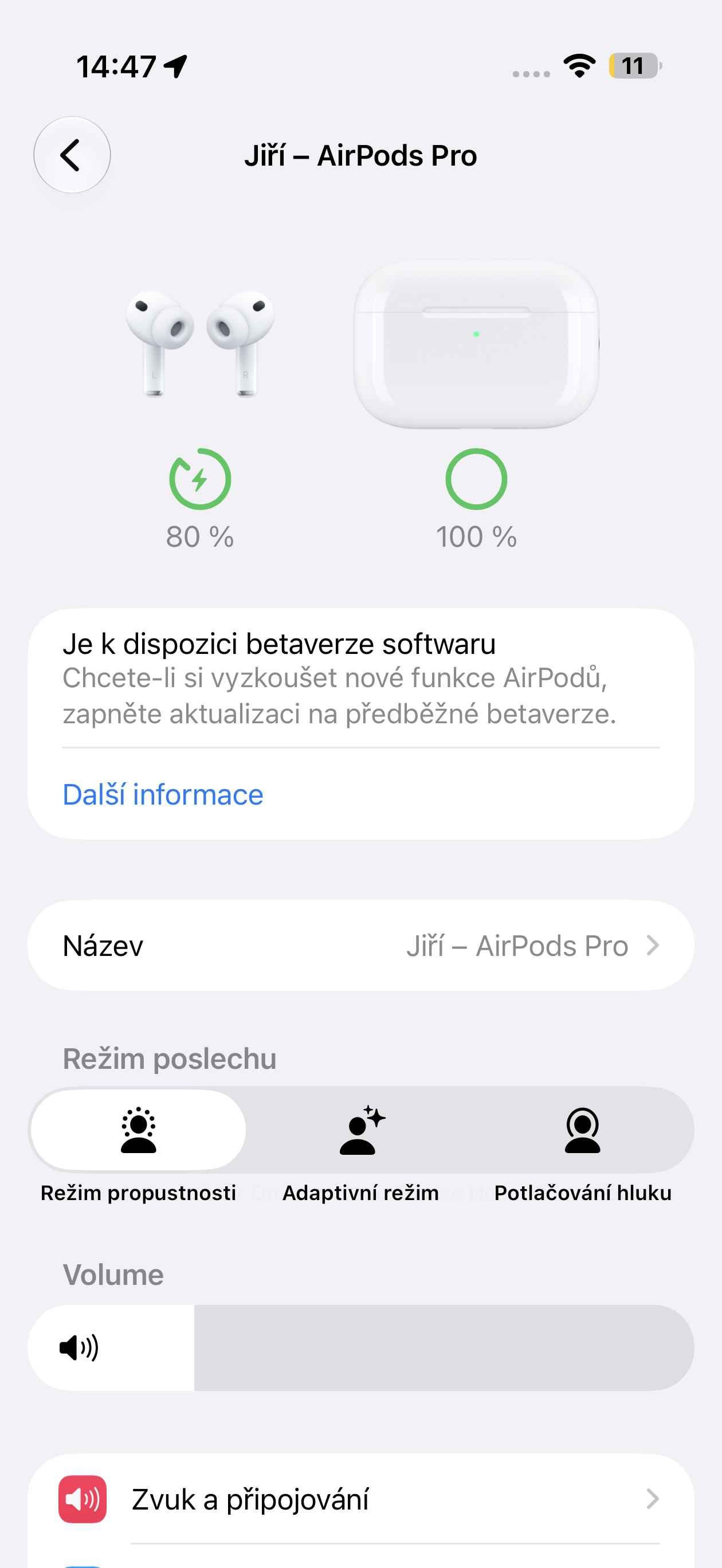
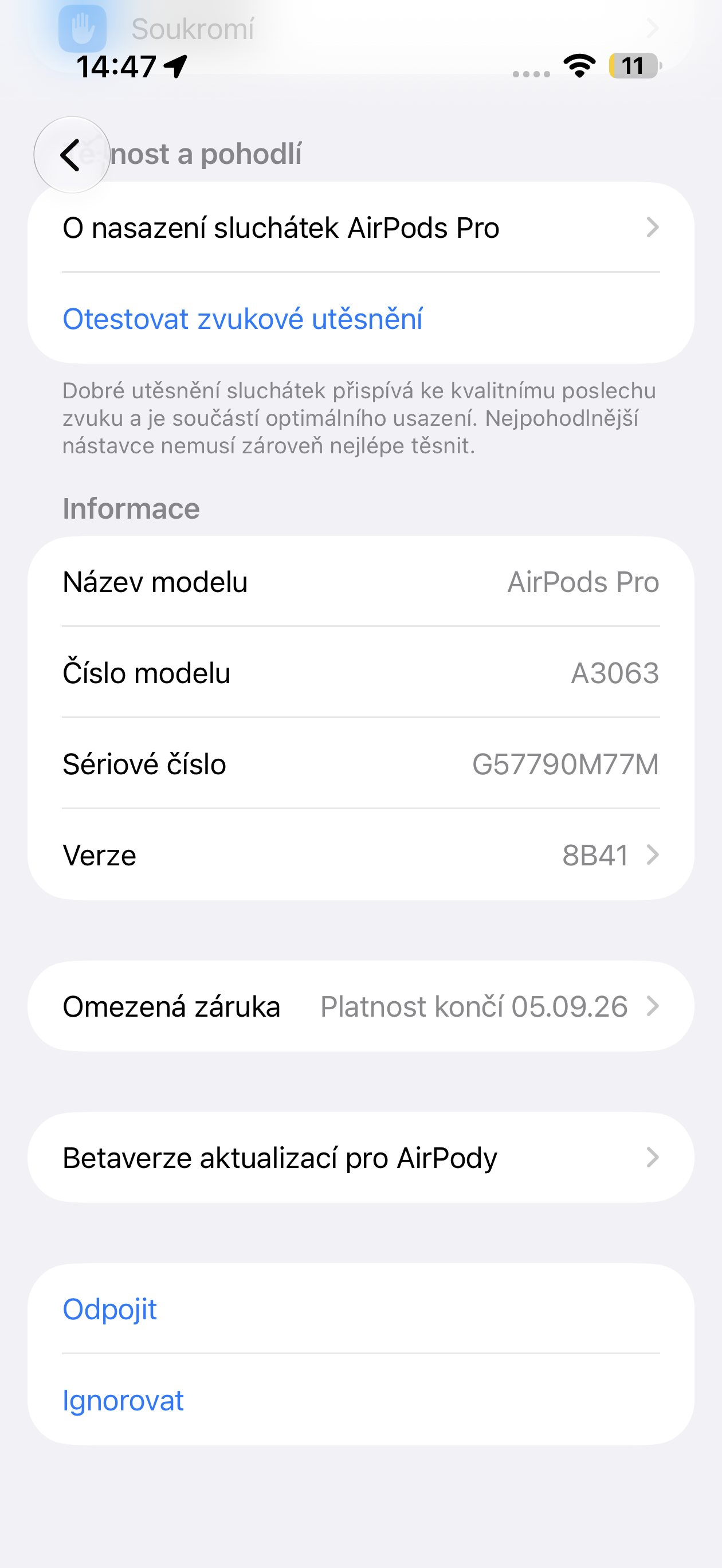
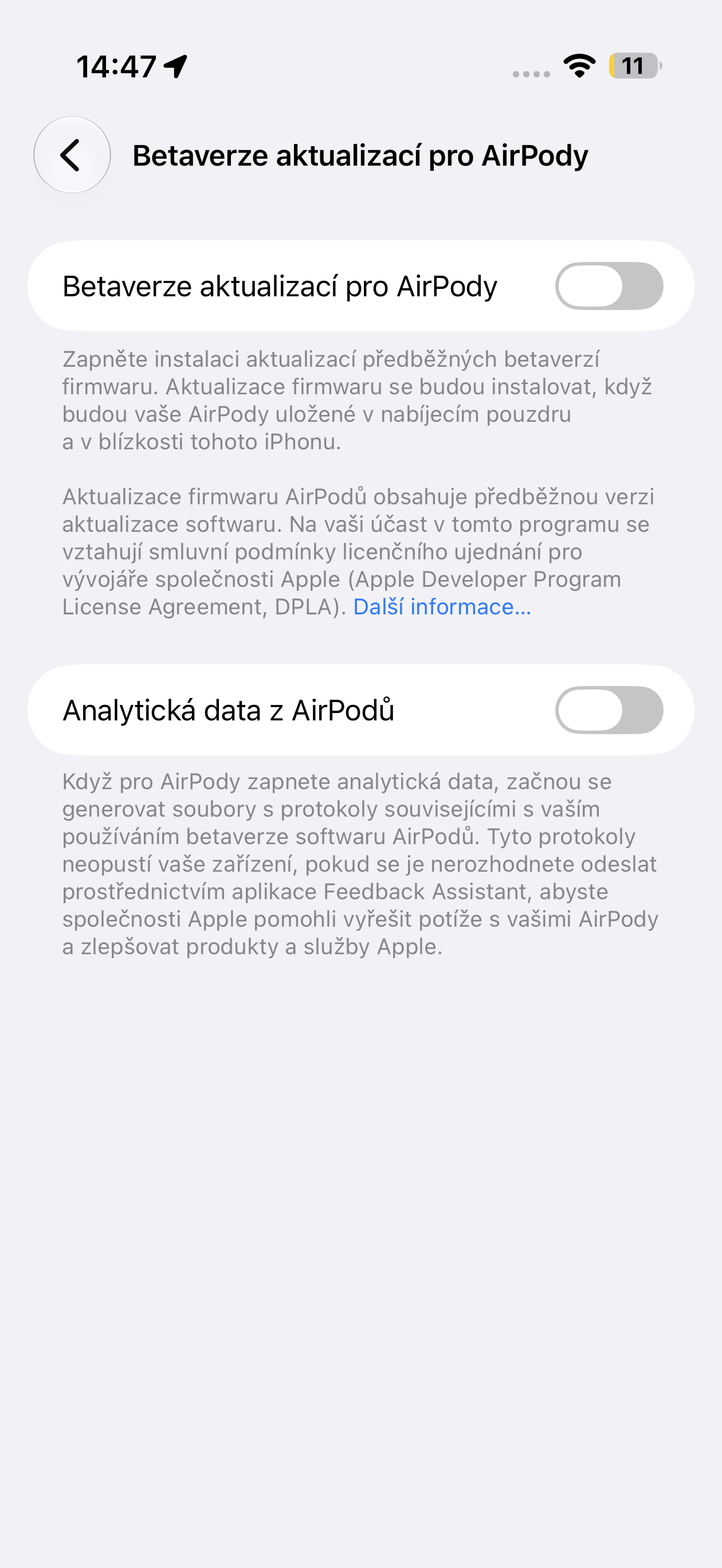
Which models are supported?
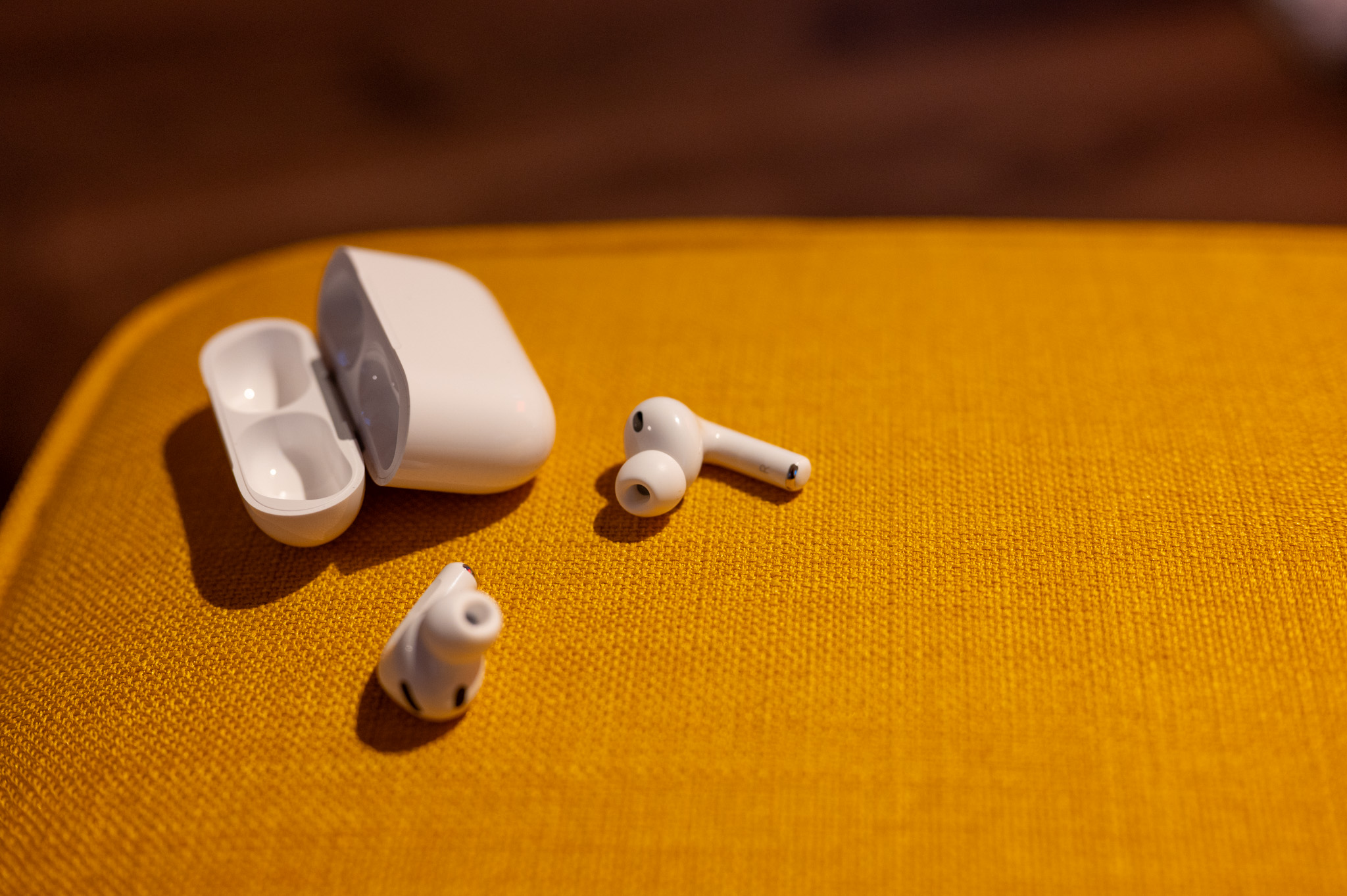
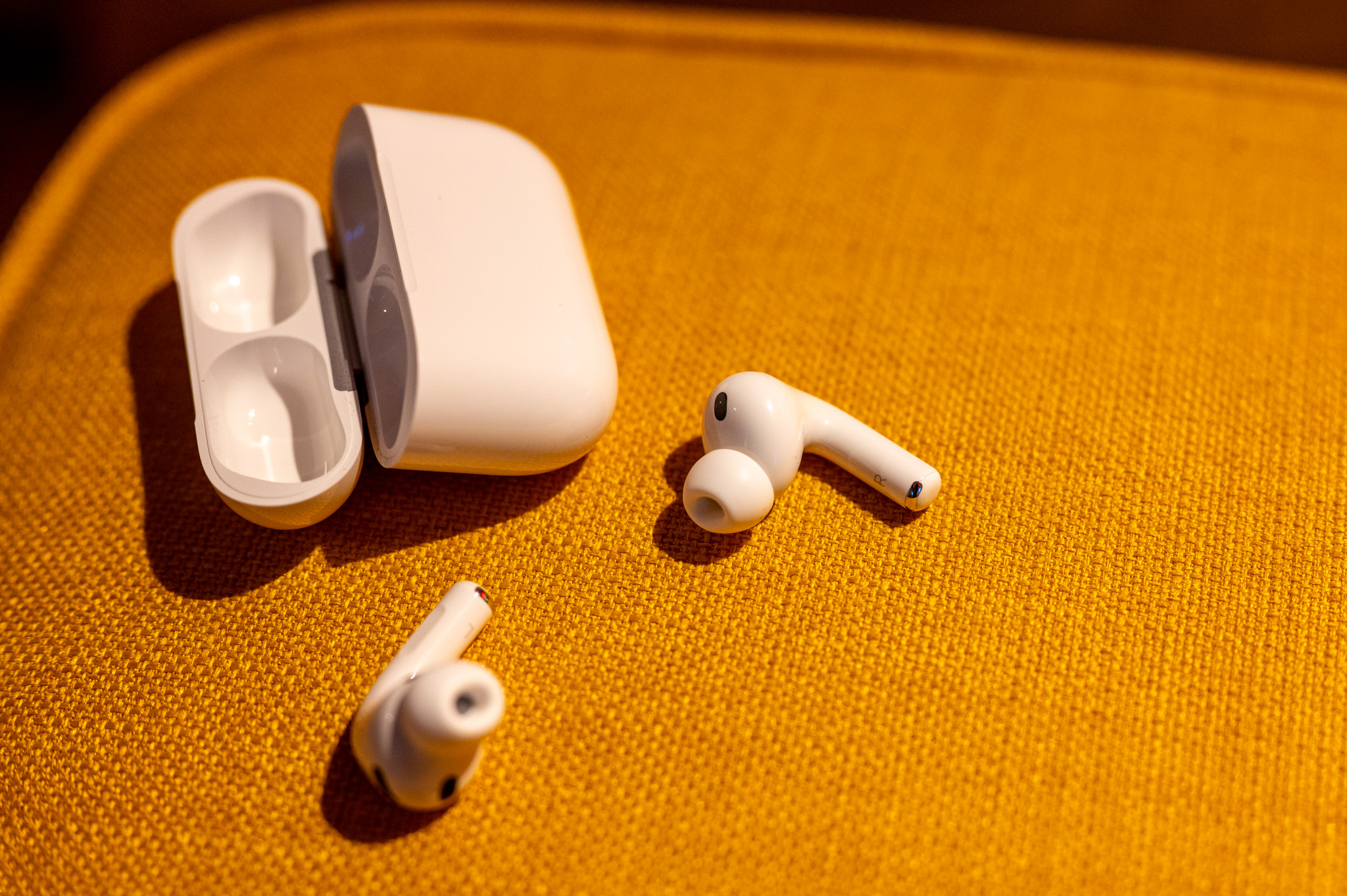
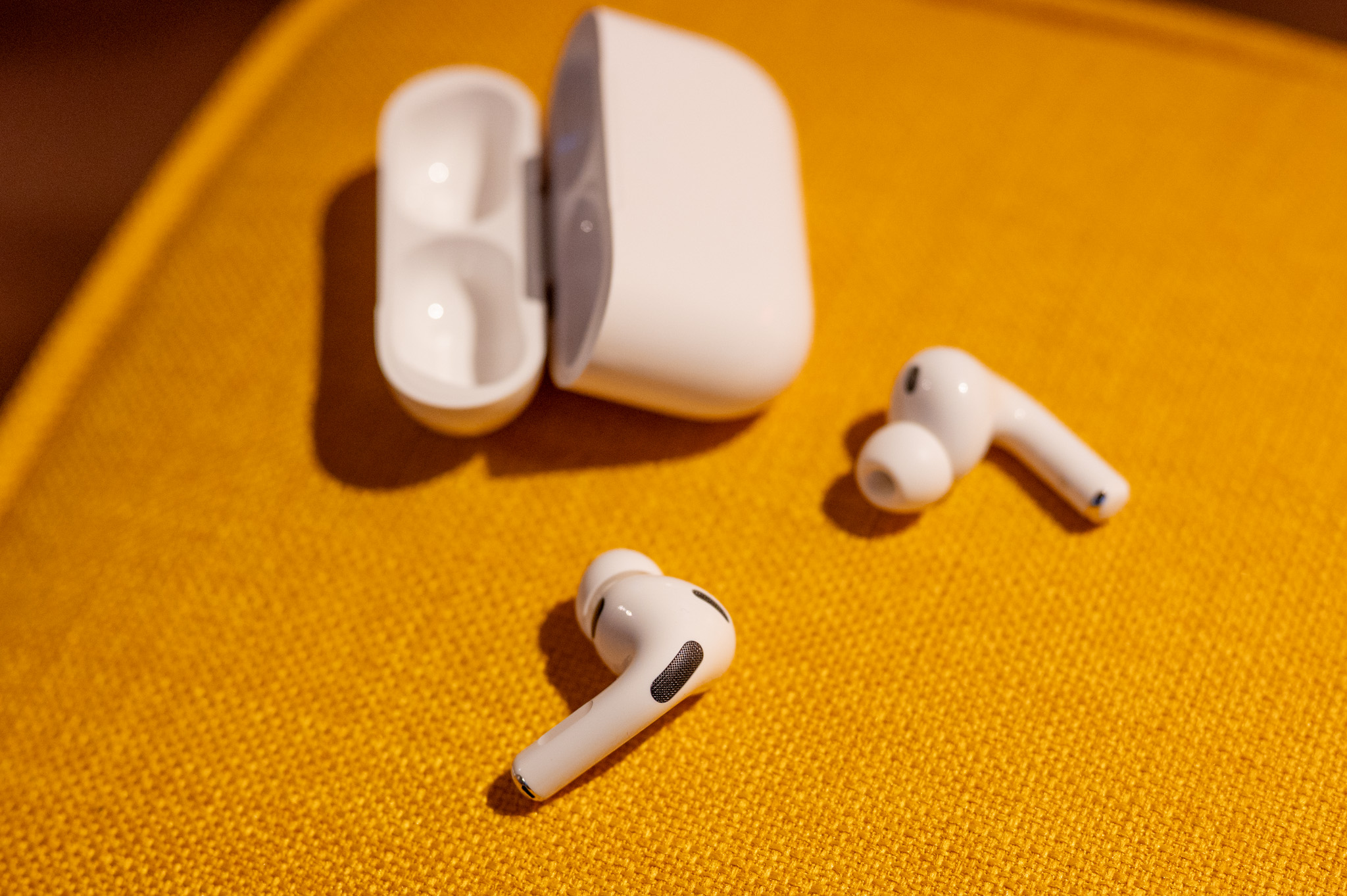
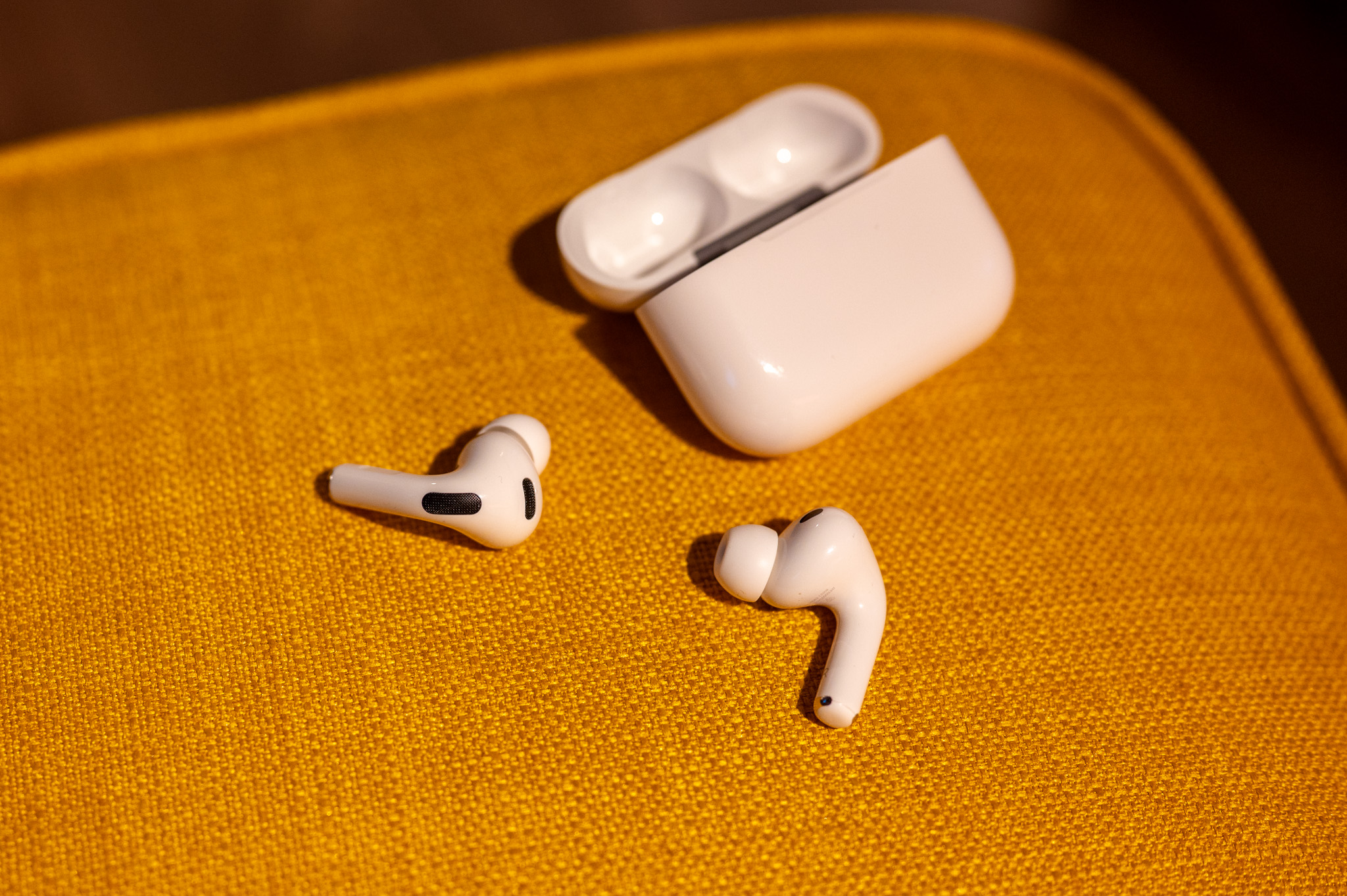
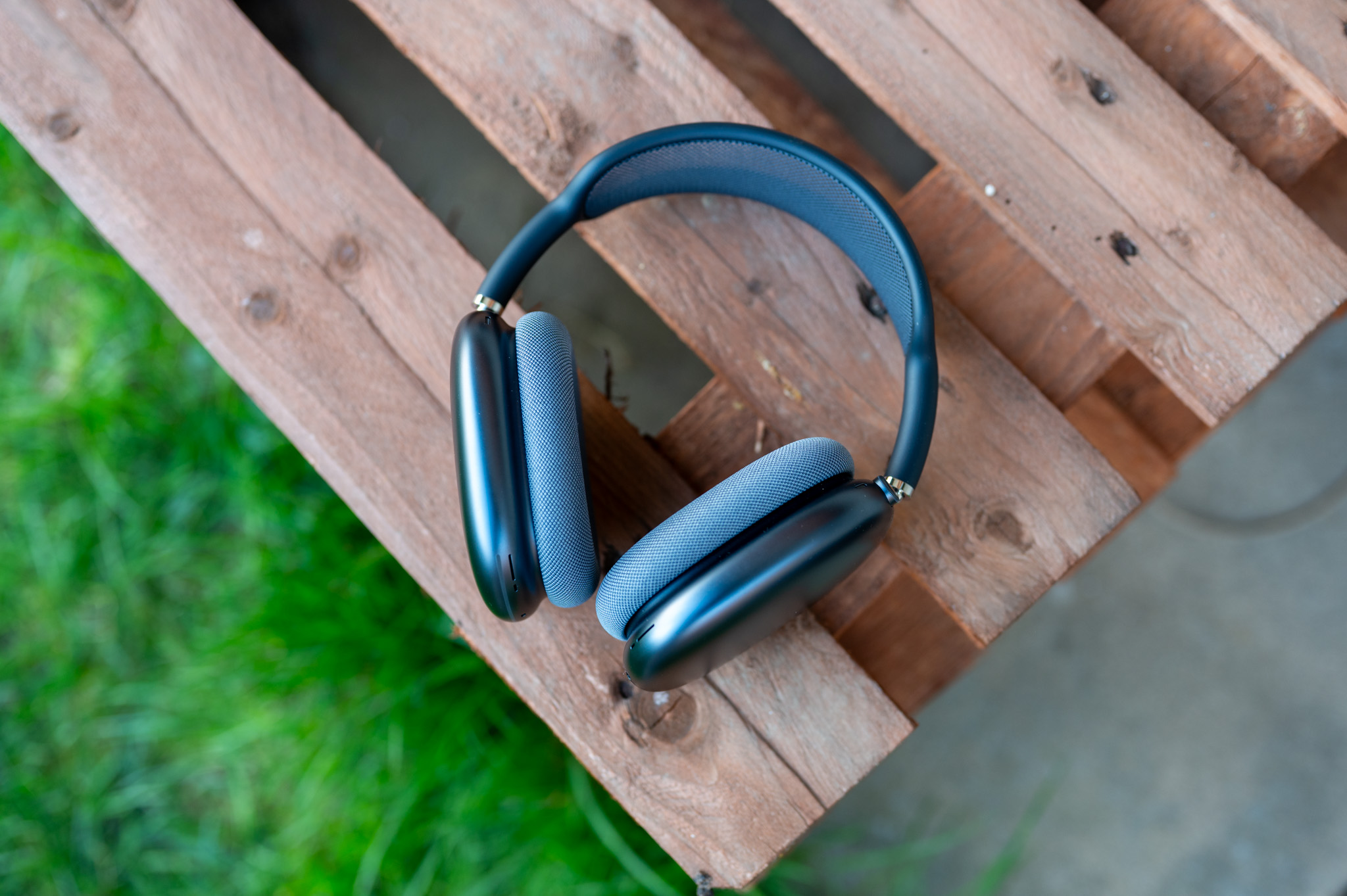
The public beta can only be installed on supported models. AirPods:
- AirPods Pro 3
- AirPods Pro 2
- AirPod 4
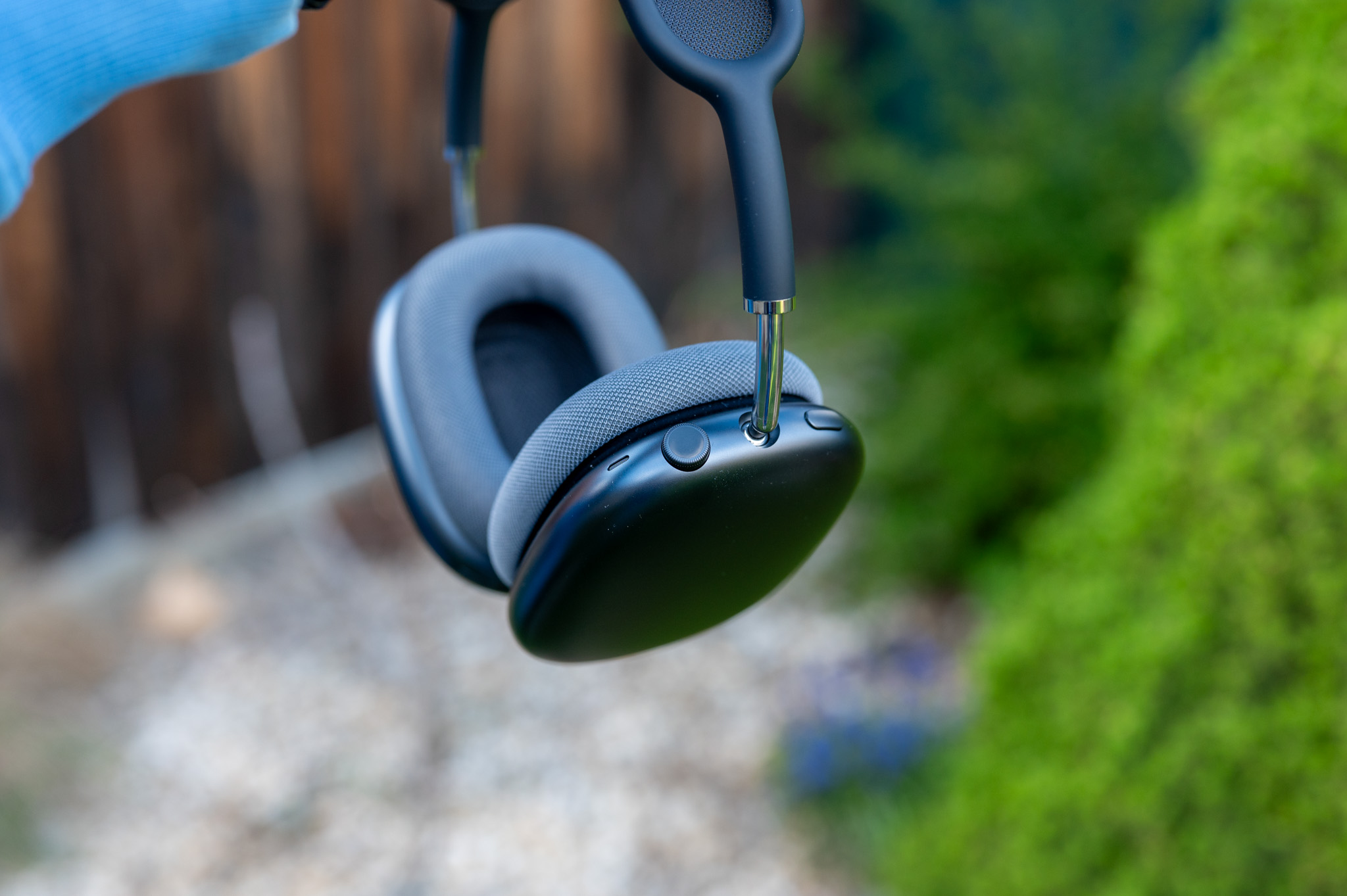
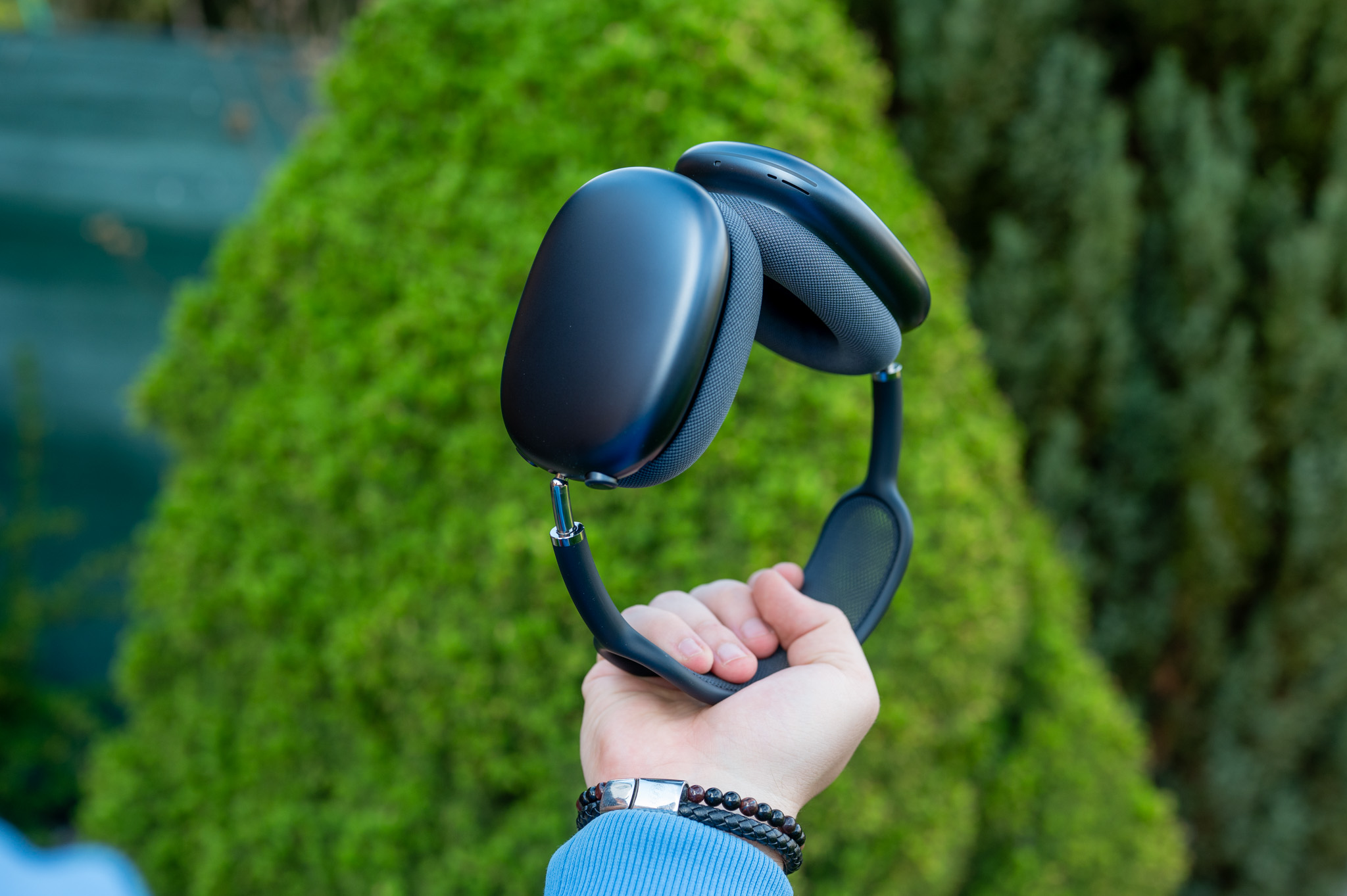
- AirPods Max 2
Older generation AirPods unfortunately public beta firmware does not support.
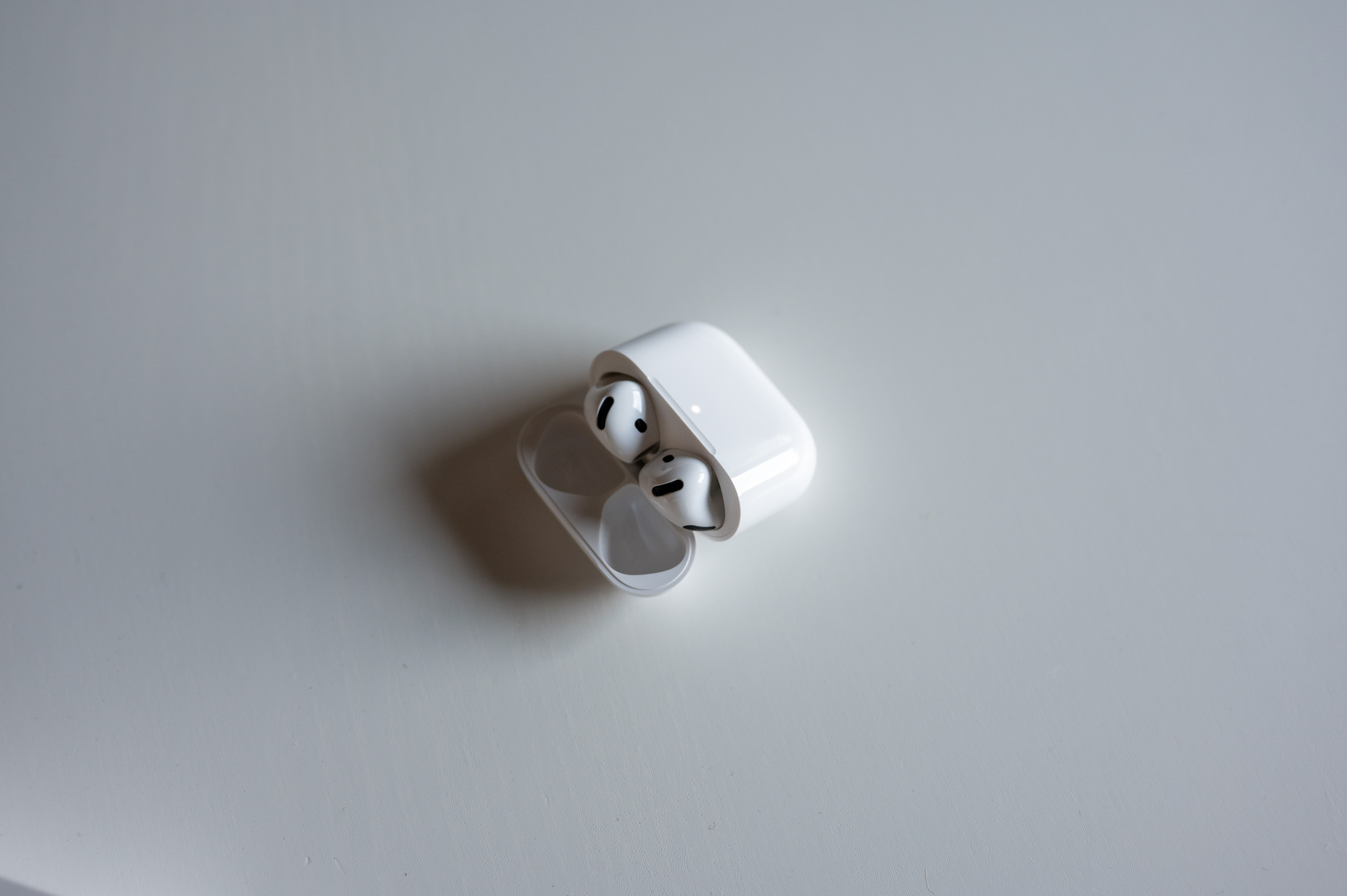
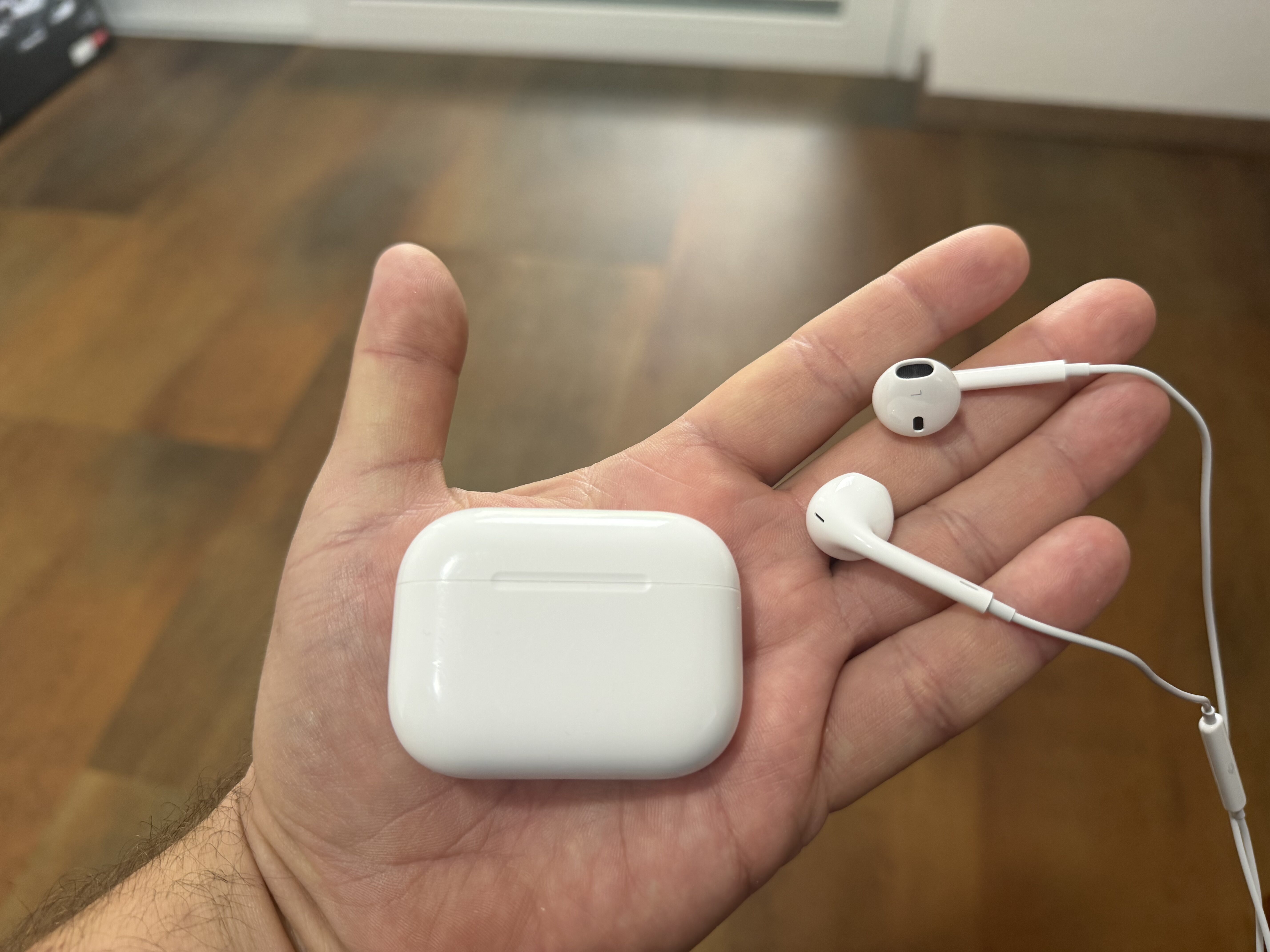
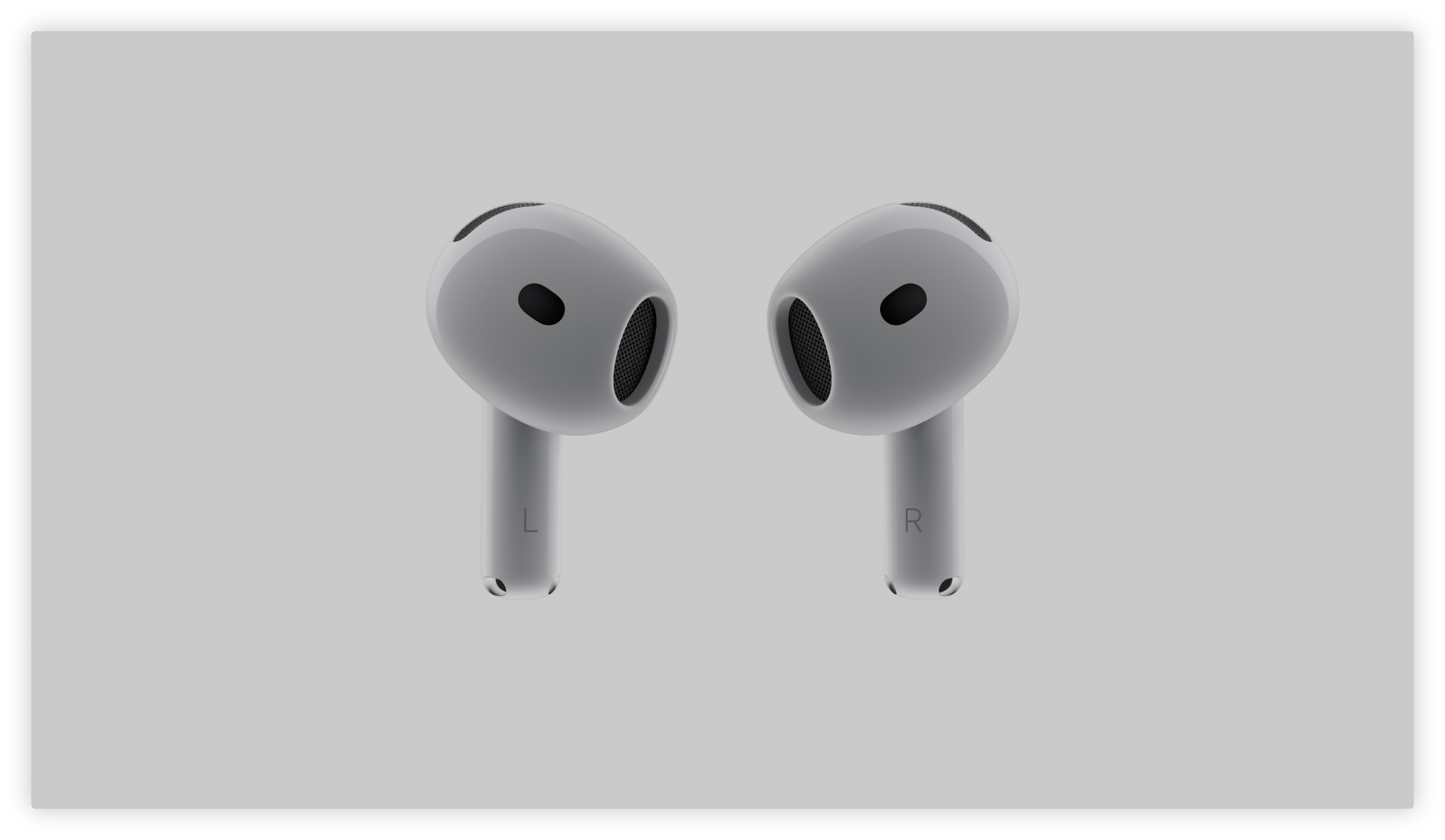
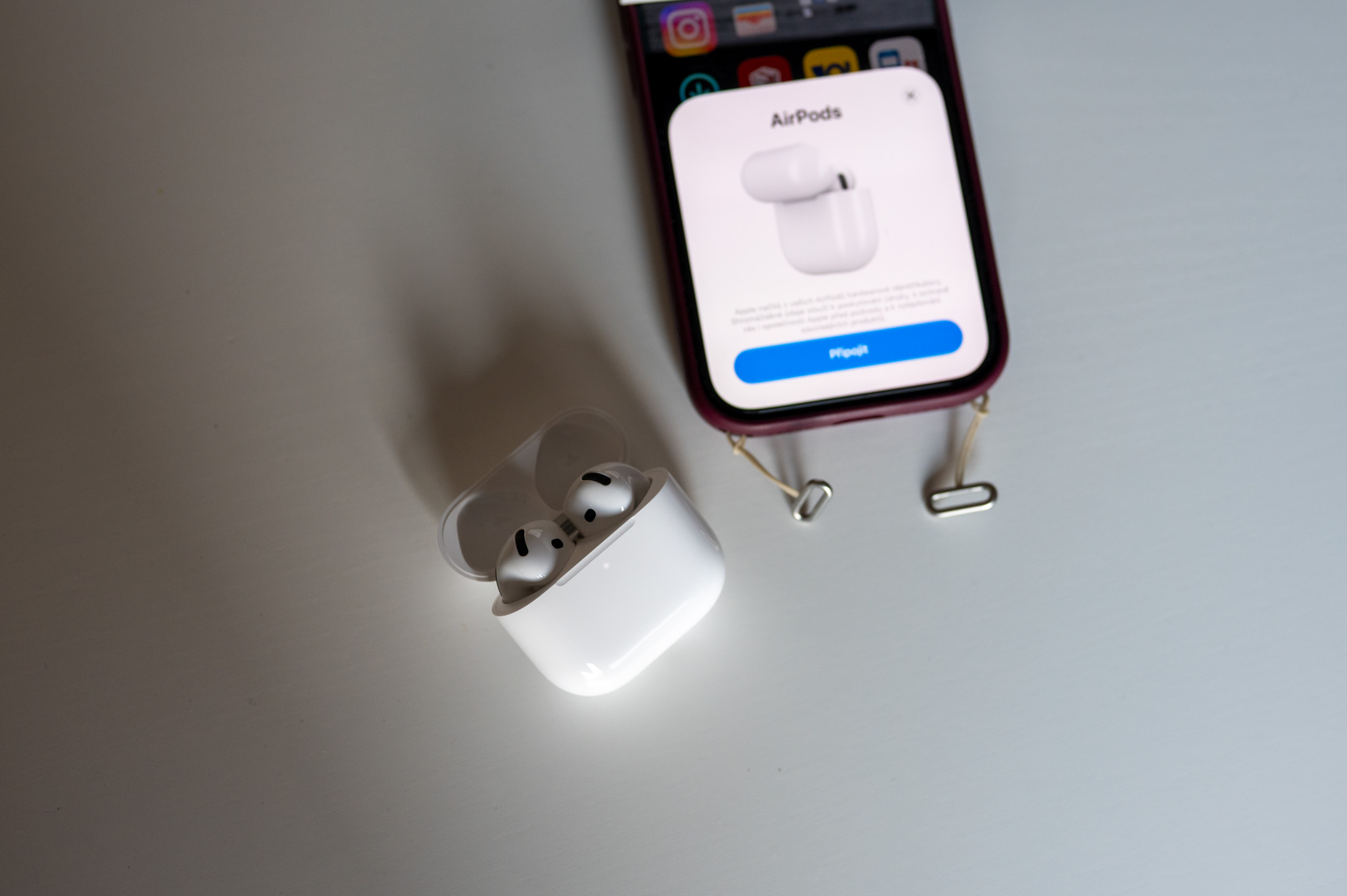
Gallery
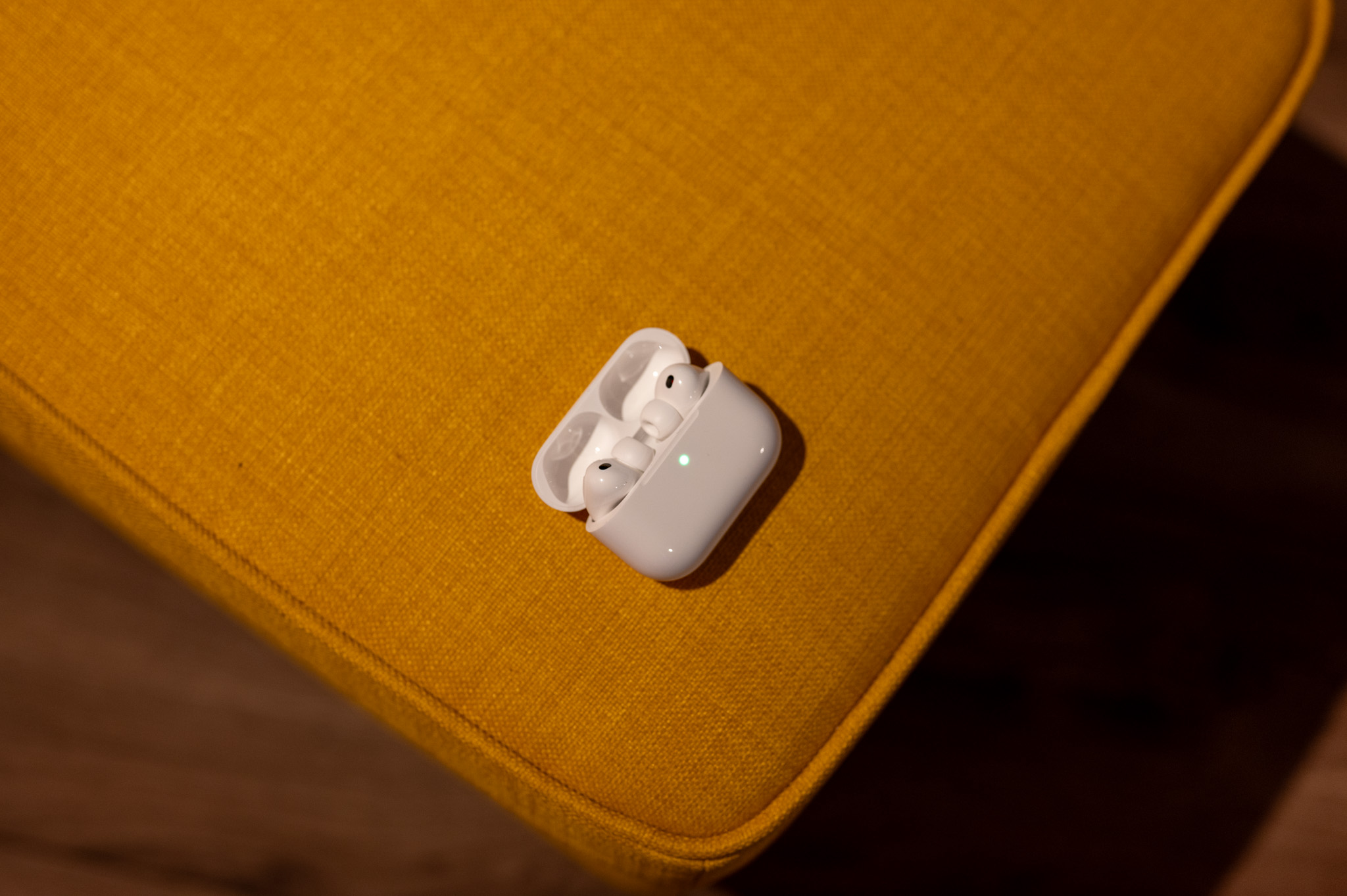
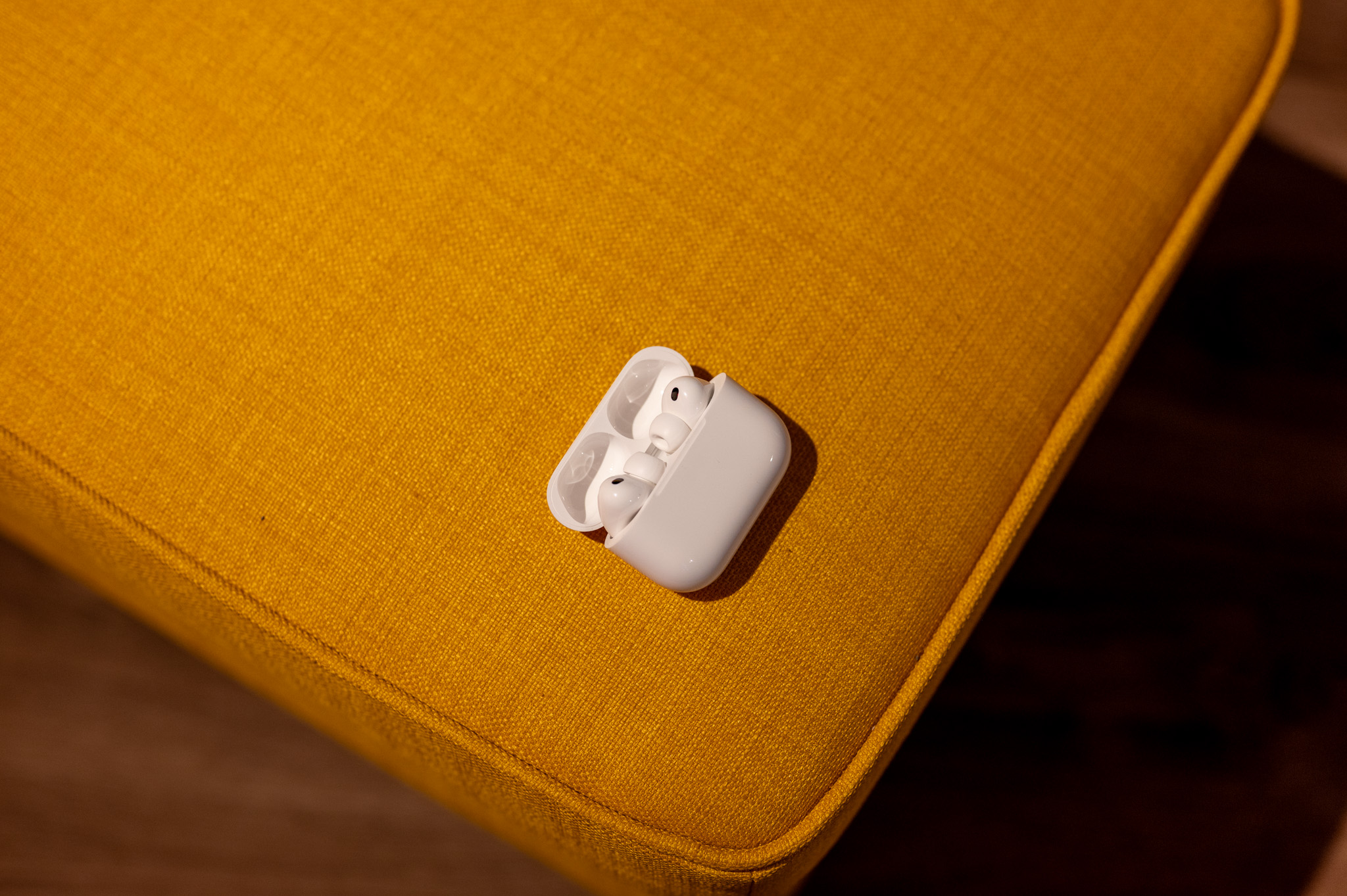

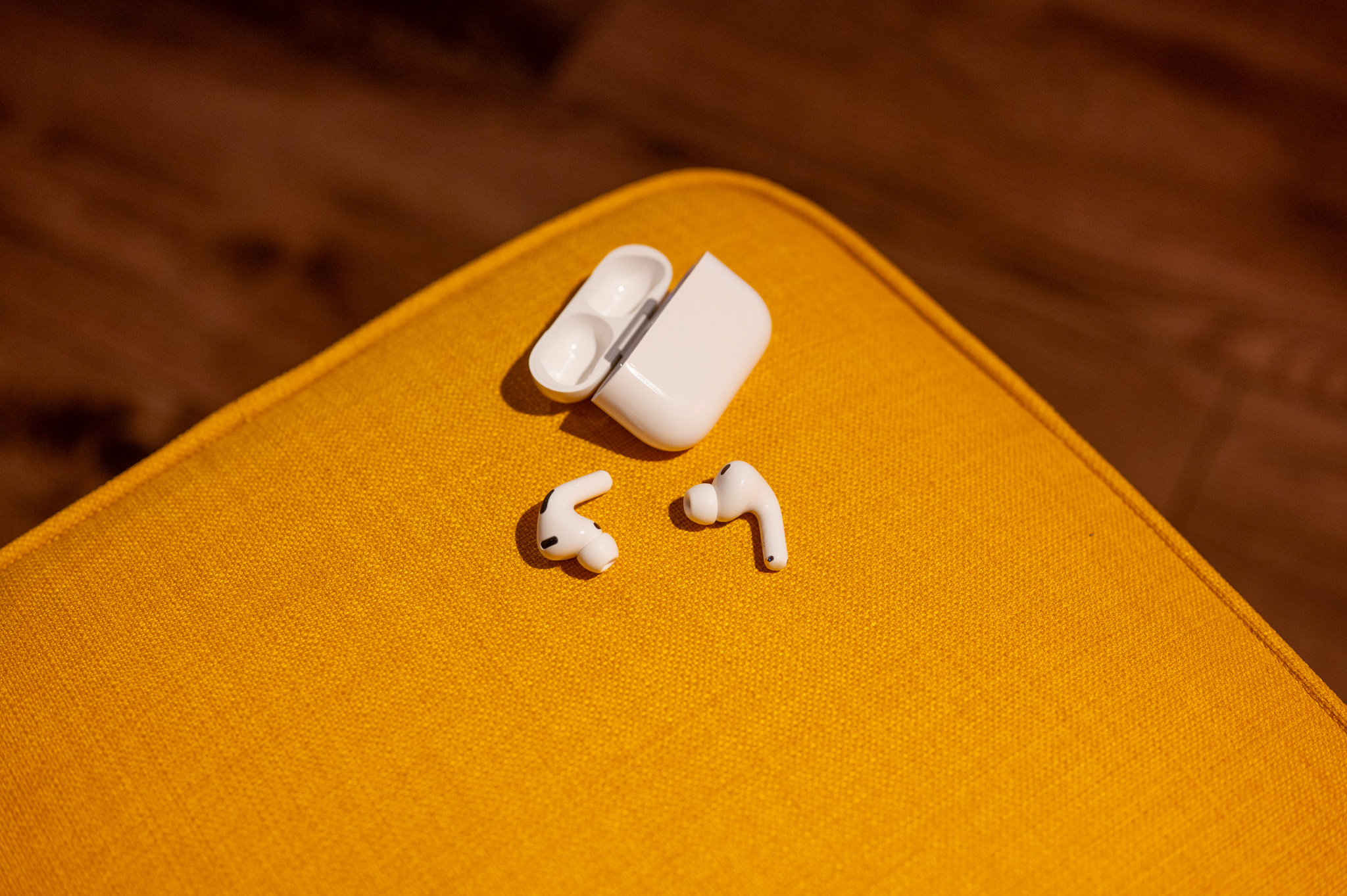
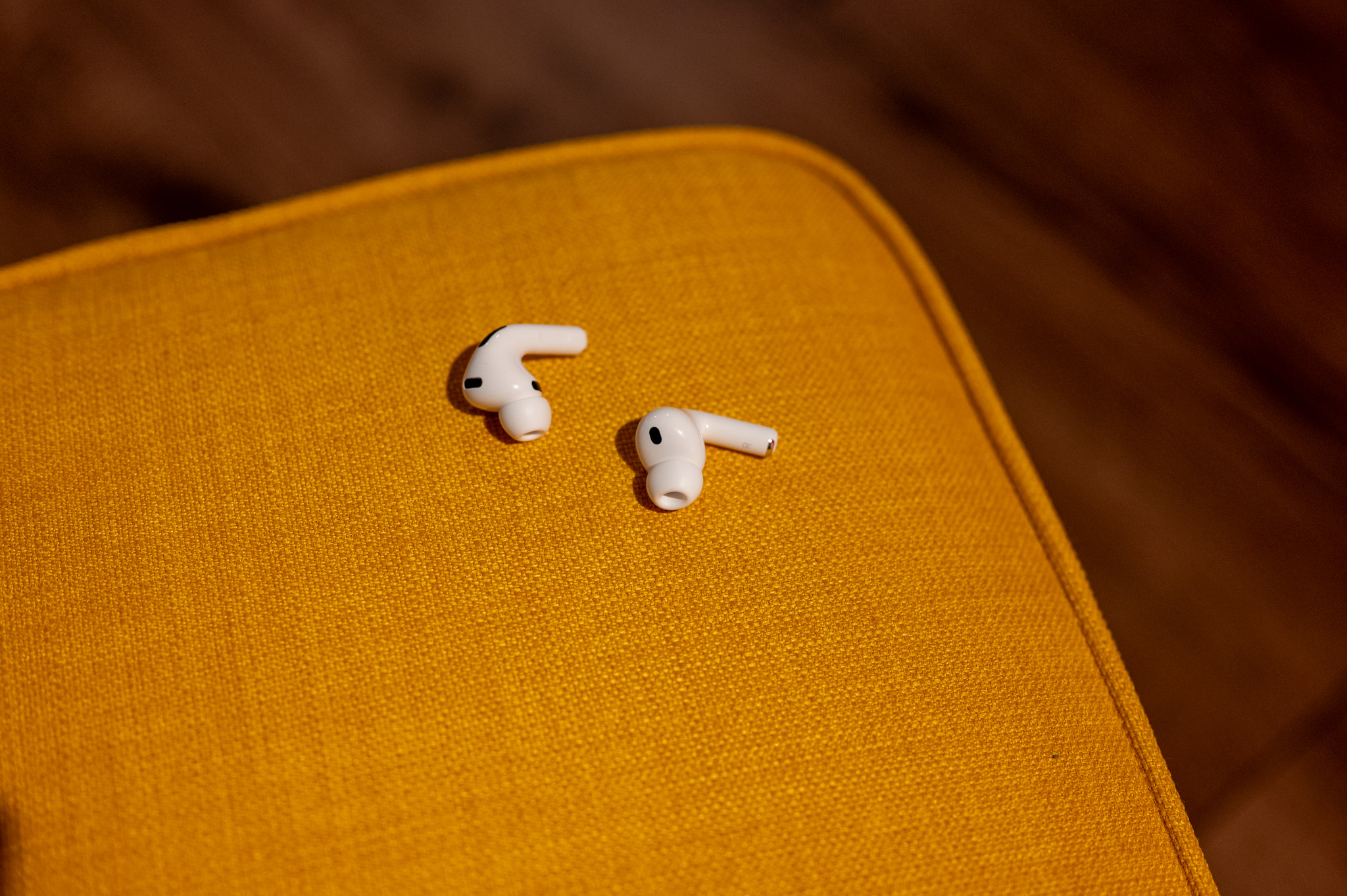
How to install the public beta
The installation itself is surprisingly simple. You just need to meet a few conditions.
- Have it installed on your iPhone or iPad iOS 27 Public Beta (or macOS 27 Public) Beta on Mac).
- Make sure they are AirPods paired with this device.
- Open the app Settings.
- Go to menu Bluetooth.
- Click on the icon "and" next to yours AirSubs.
- Scroll down and open the item AirPods Beta Updates.
- Turn on the receiving switch beta updates.
- Insert AirPods into the charging case.
- Connect the case to the charger.
- Don't leave AirPods near an iPhone or iPad connected to Wi-Fi.
- After a few minutes to tens of minutes, the new firmware will be downloaded and installed automatically.
Gallery
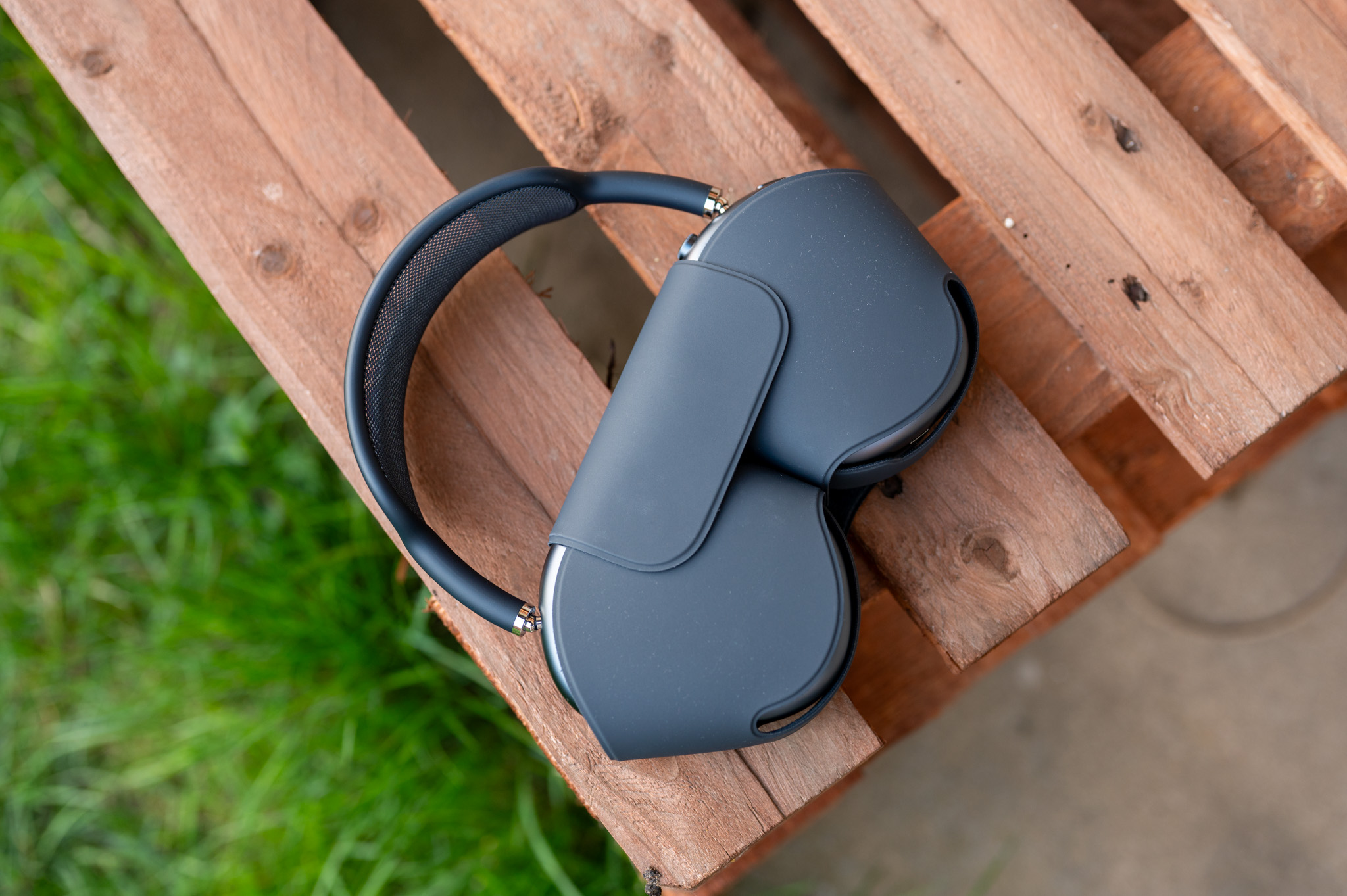
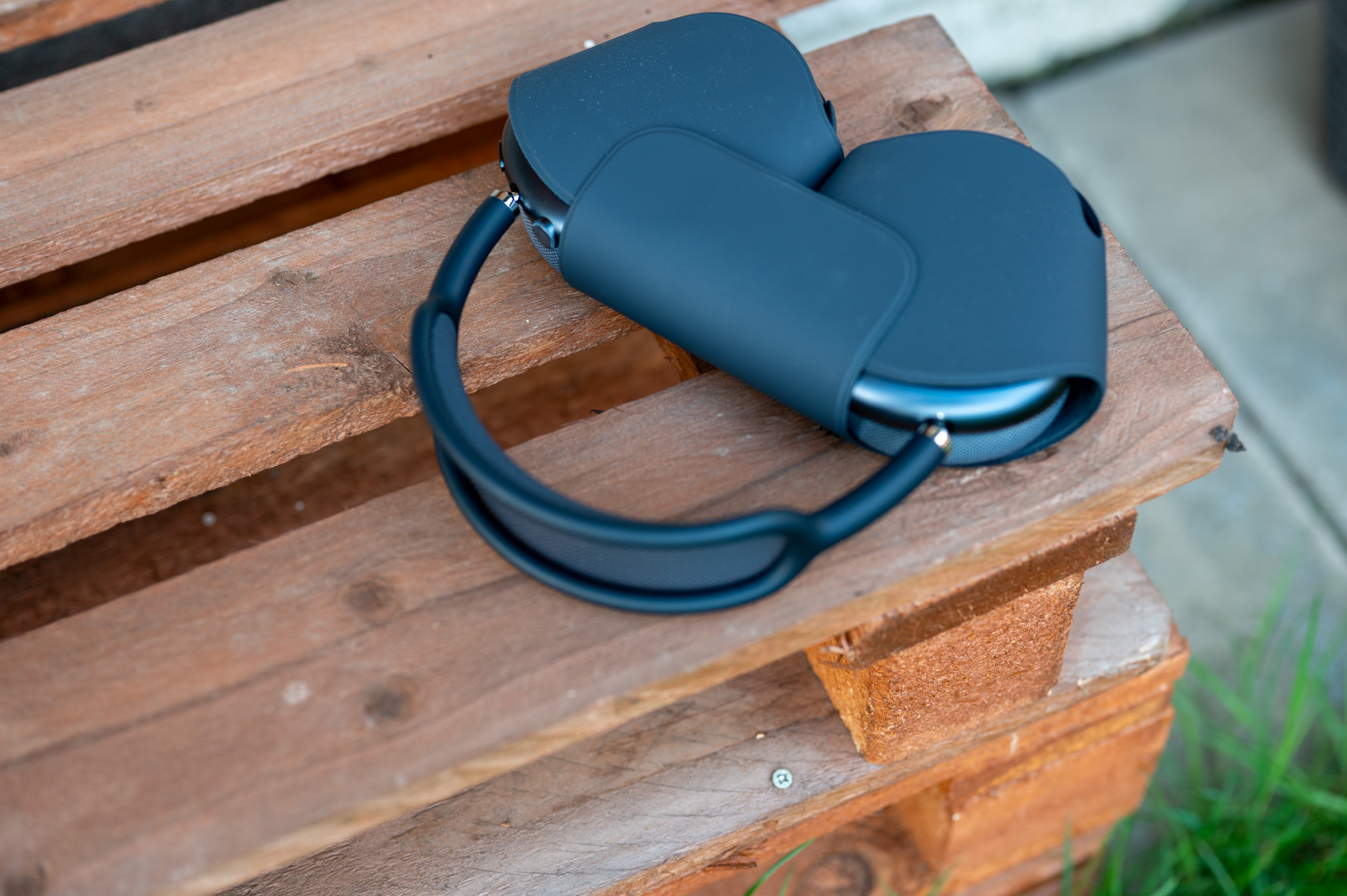
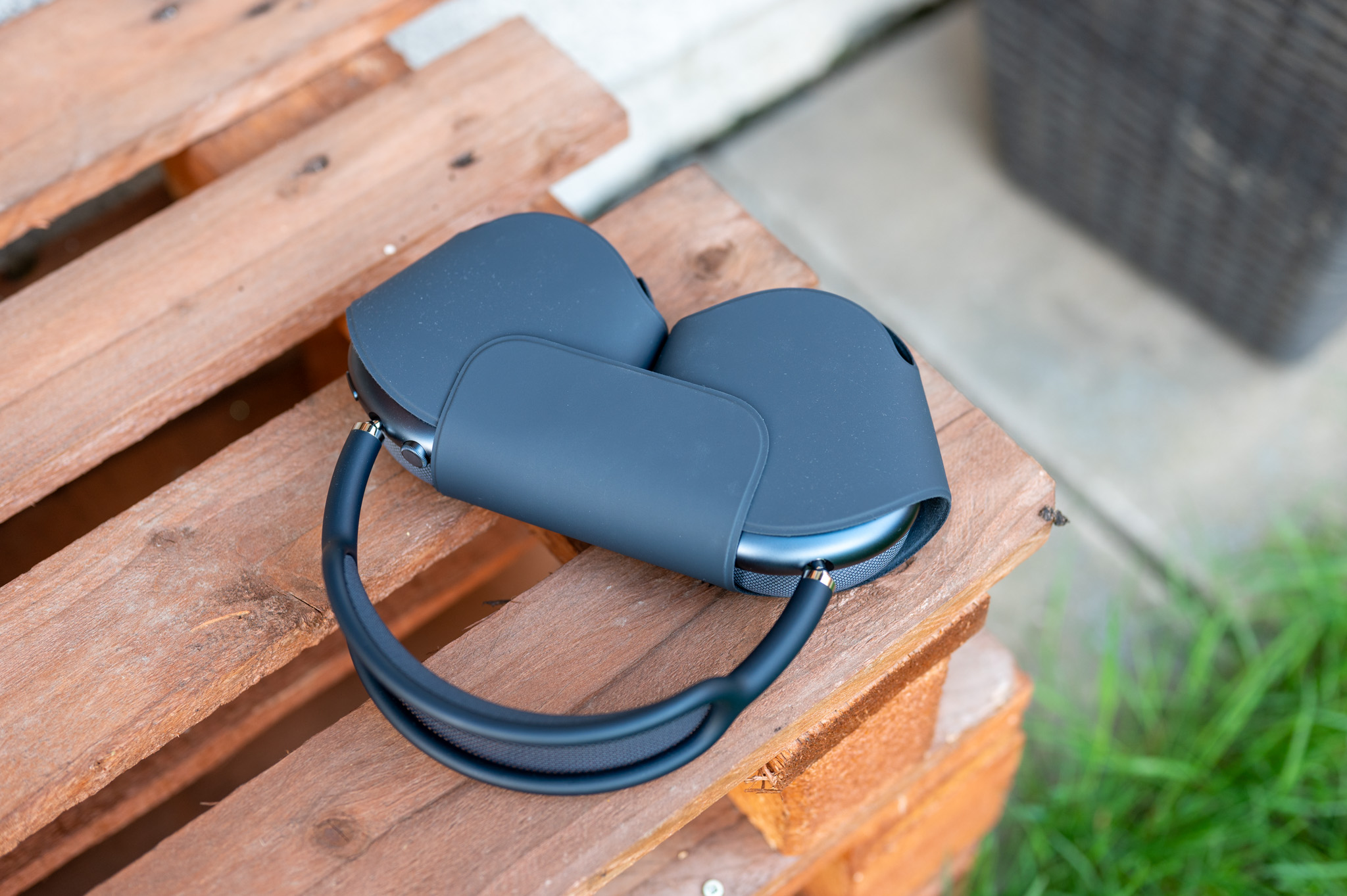
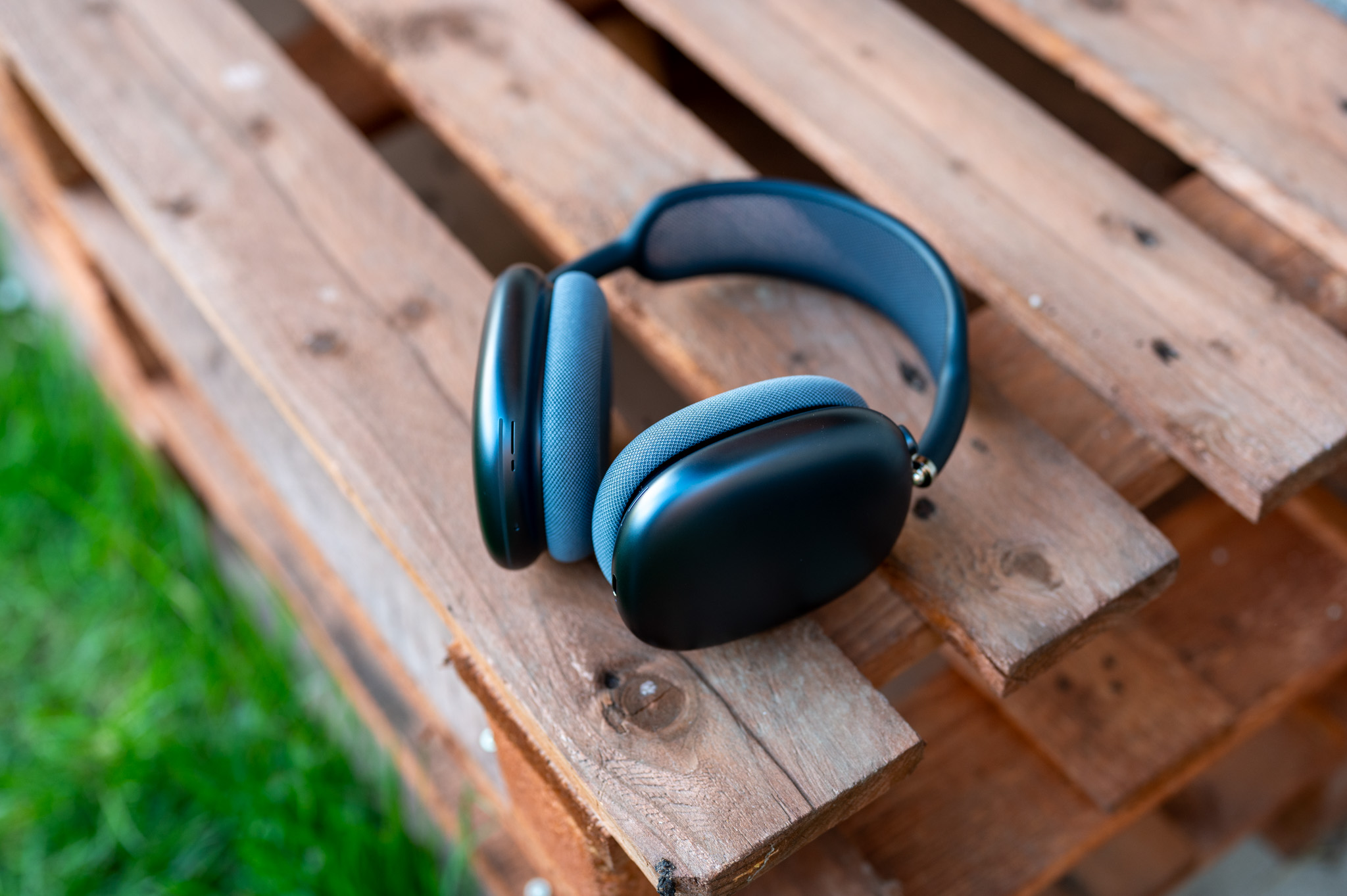
How to find out that beta installed?
After the installation is complete, you can check the firmware version directly in the settings:
- Open it Settings > Bluetooth.
- Click on the icon "and" u AirSubs.
- Scroll down to the item Version.
If the latest is displayed here beta firmware, installation was successful.
You might be interested in
Is it worth installing the beta?
If you like testing new features and don't mind the occasional bug, then yes. Apple It only releases public betas when they are significantly more stable than the first developer versions, so the risk of problems is significantly lower. However, it is important to note that this is still not final software. You may experience poorer battery life, occasional connection drops, or other minor flaws. So if AirIf you use your Pods every day, for example at work or on the phone, and you don't want to risk anything, it would be wiser to wait for the final firmware, which Apple will be released this fall along with the live version iOS 27.



Hello,
In bluetooth settings AirI don't have the option to switch to Pods. Beta updates
Mam AirPods Pro 3 and I have iPhone last DEV beta version iOS 27
Where could the problem be?
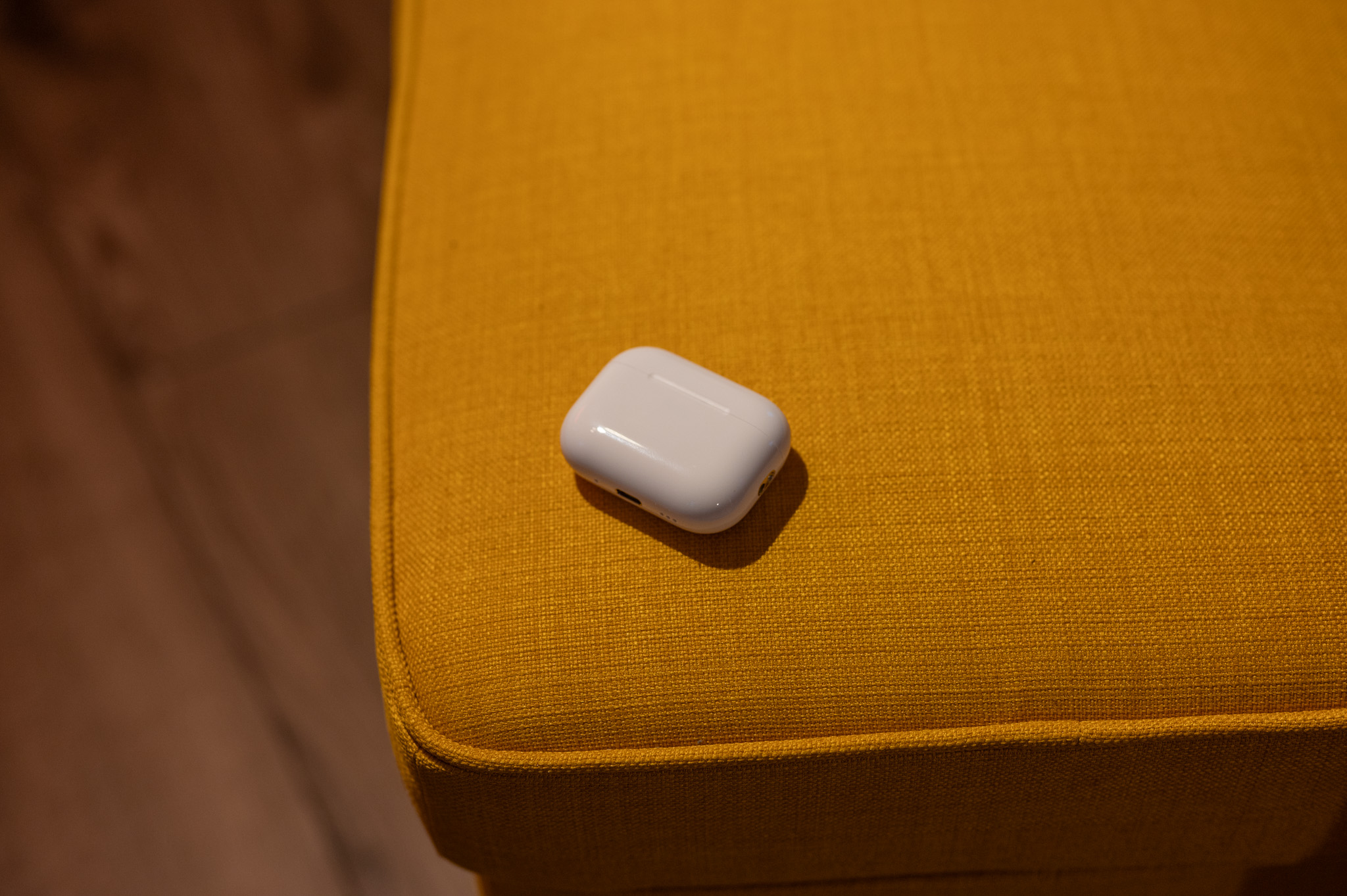
Hi, I honestly have no idea where the problem could be. :( I added mine to the article screenshoty, which in the settings iPhone with beta iOS 27 I see. I also attach AirPods Pro 3. I can only think of the headphones not being charged enough or something?