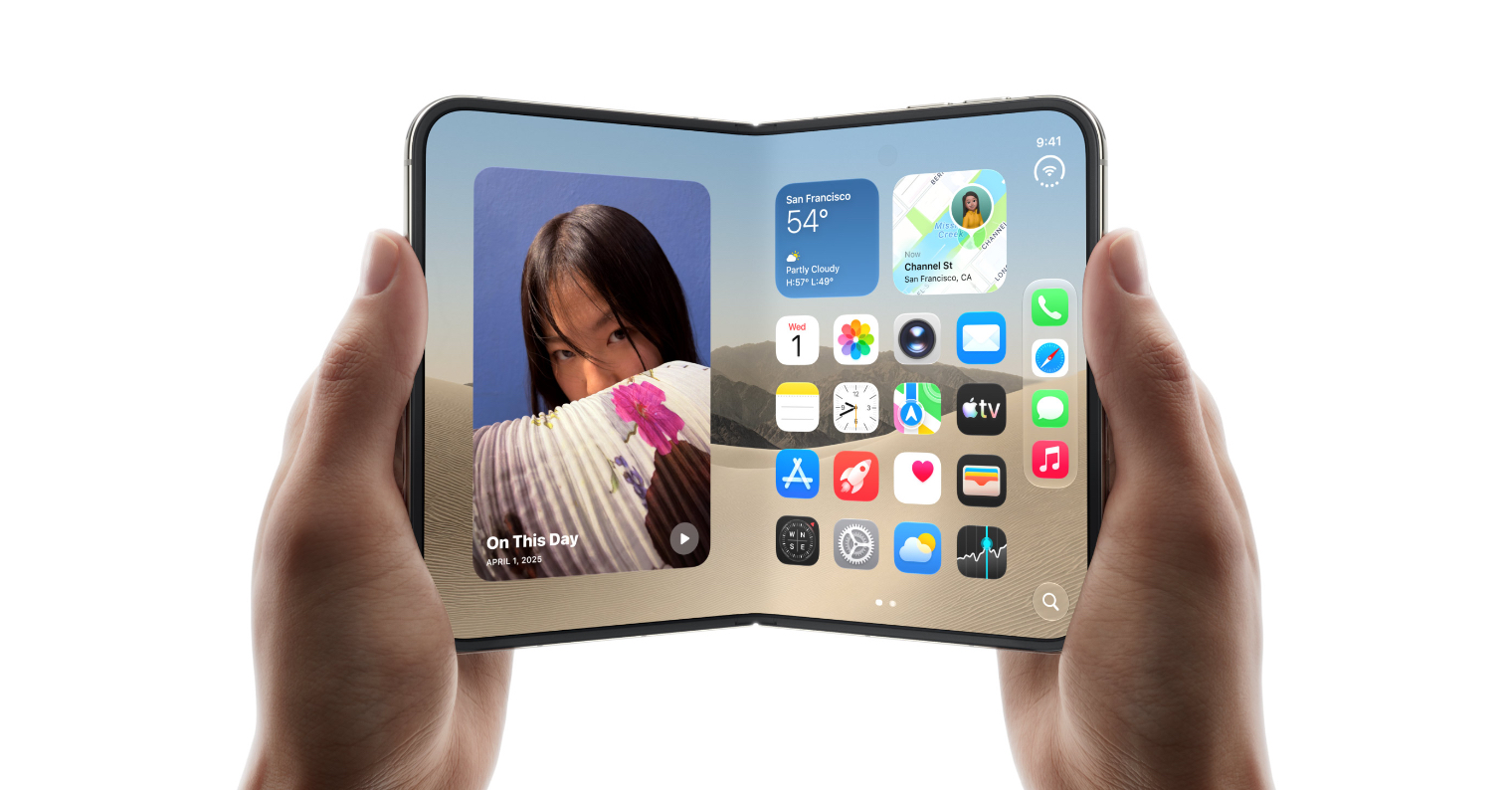
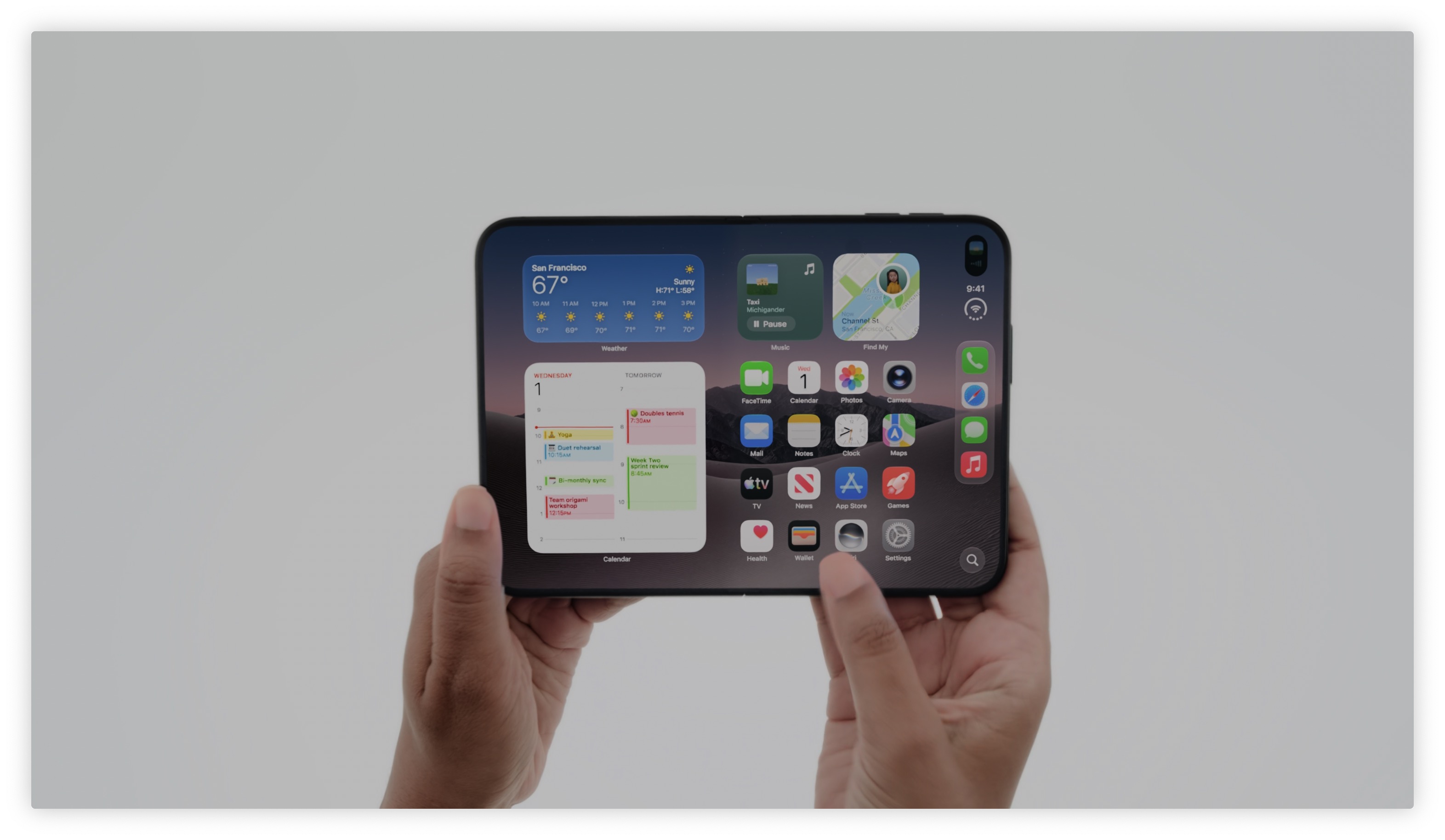
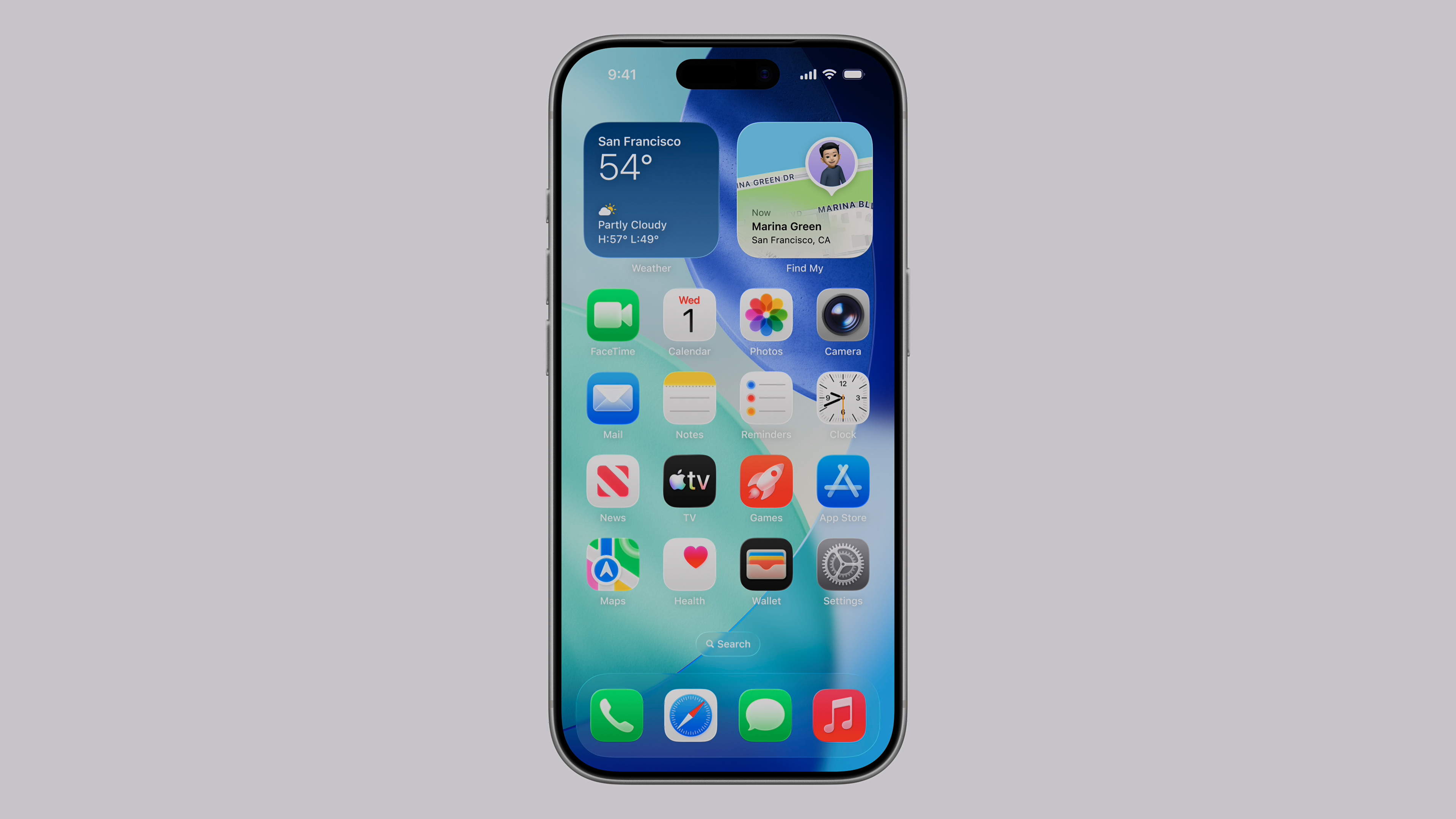
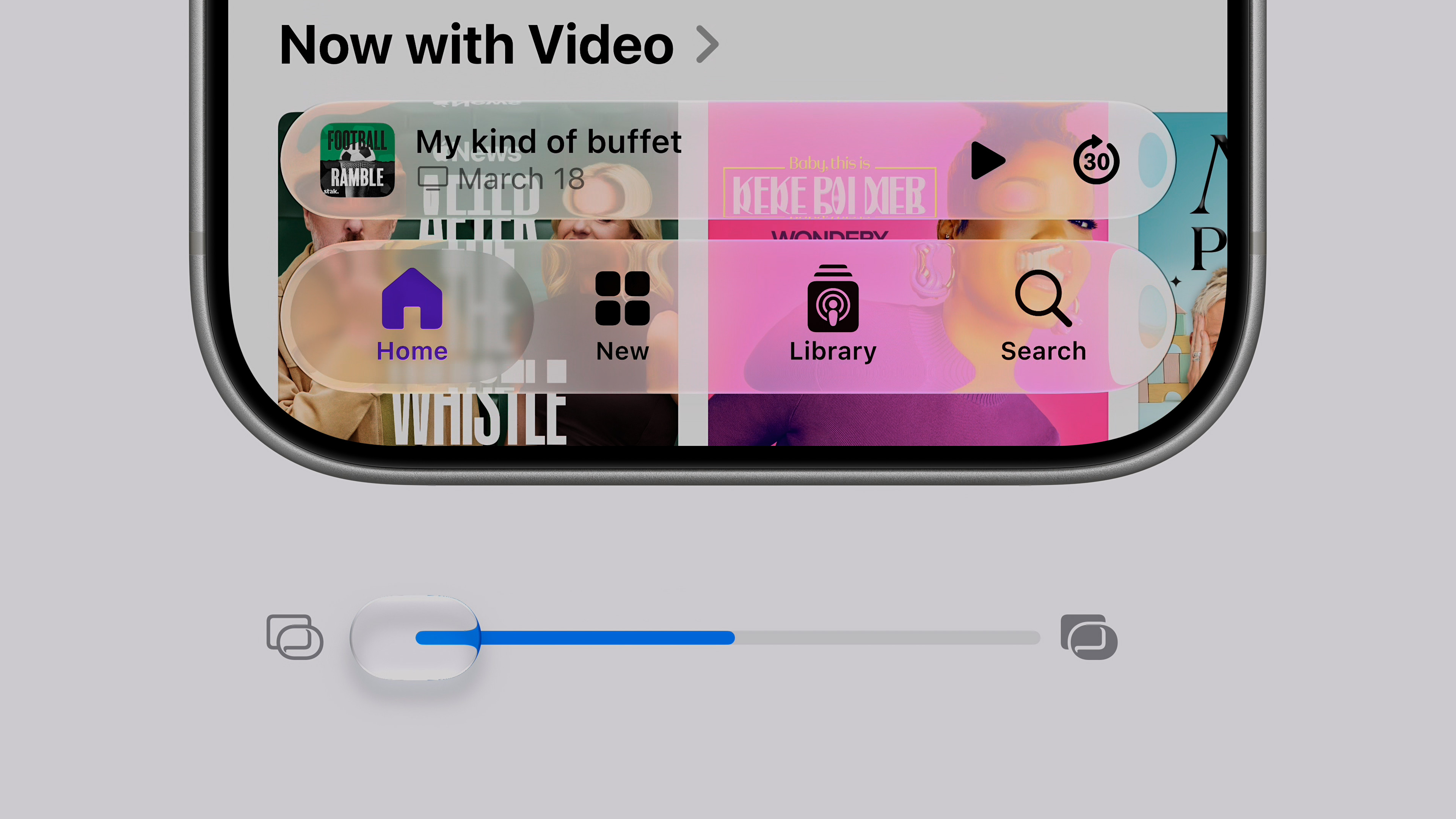
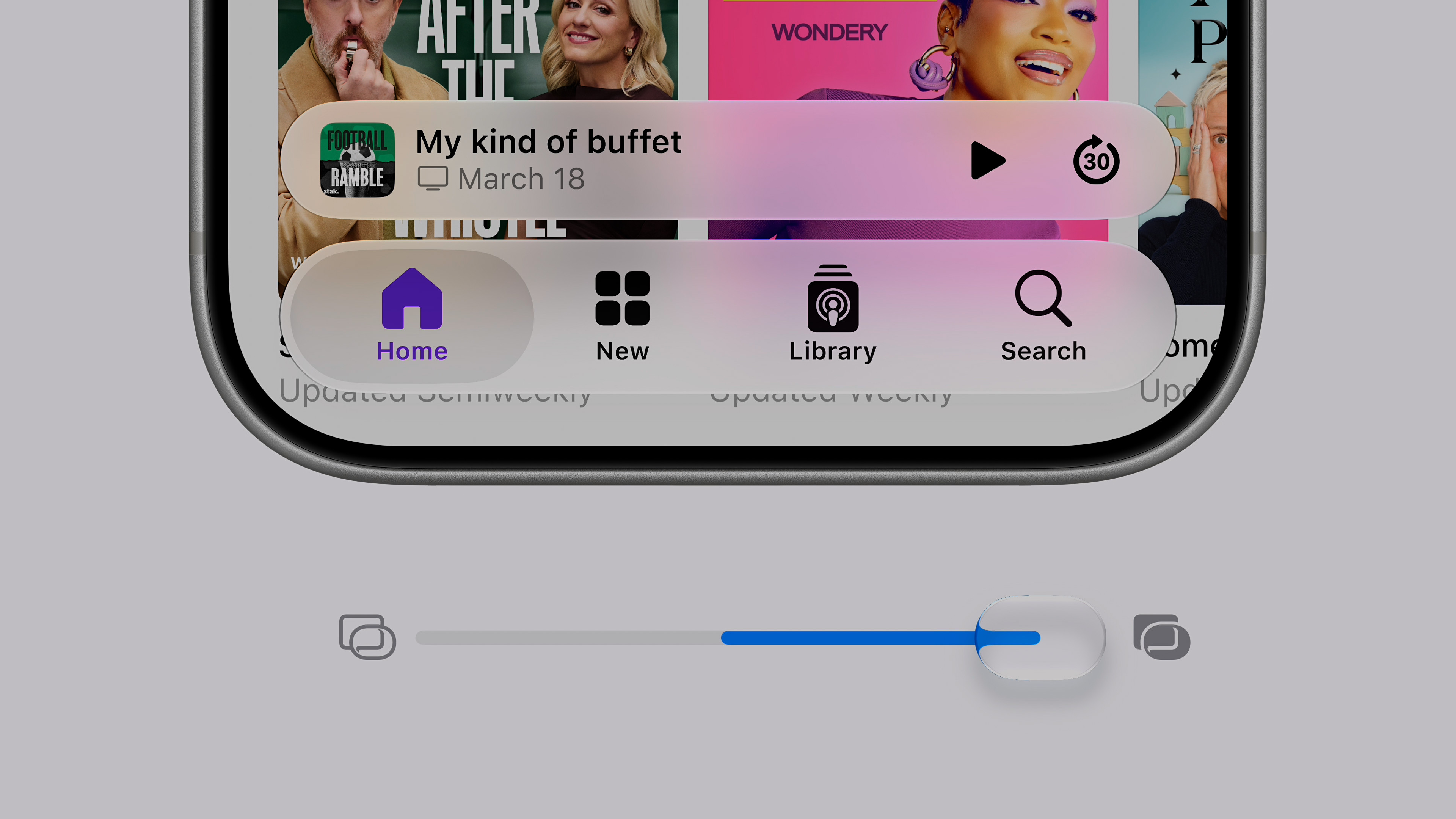
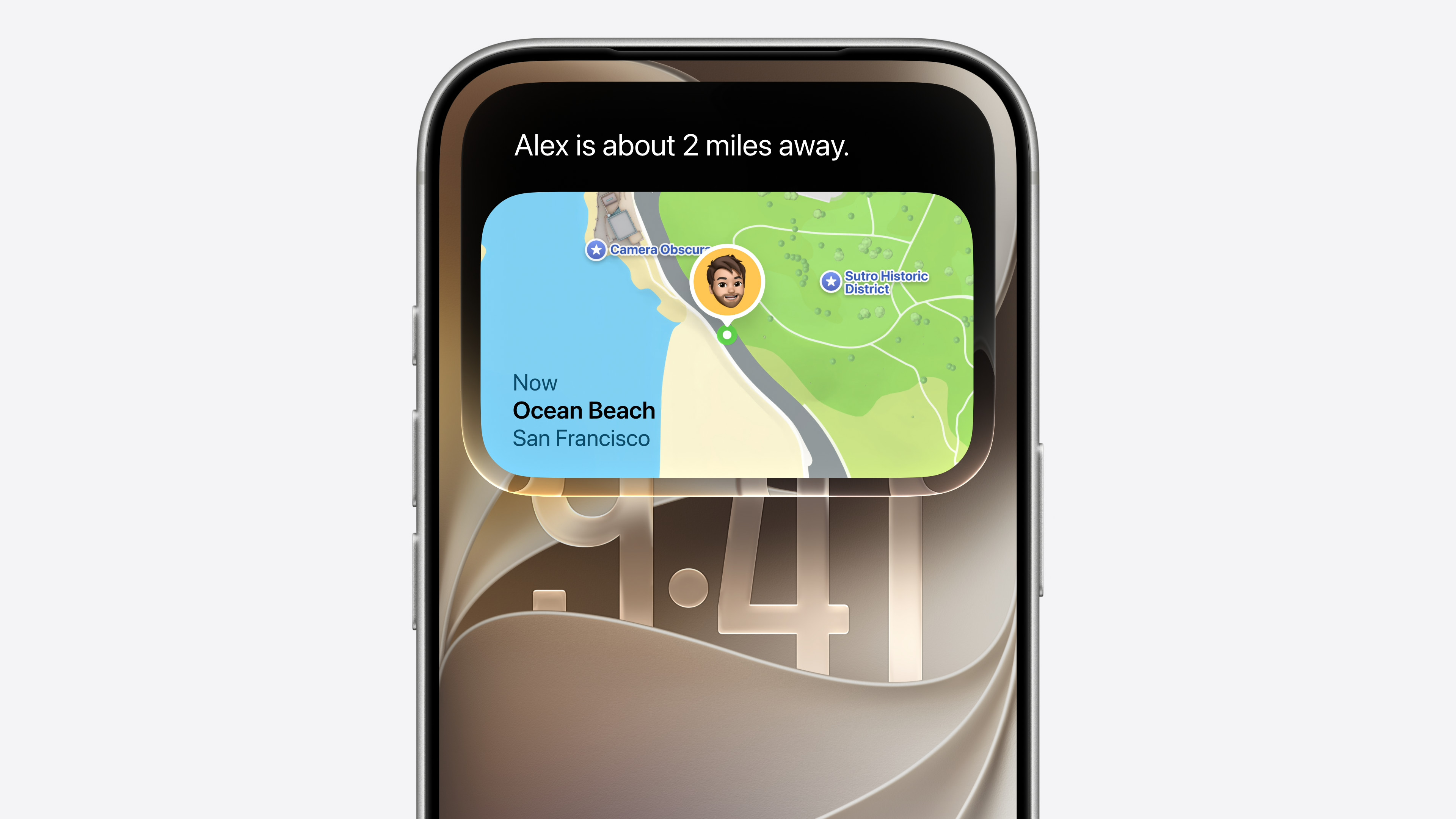
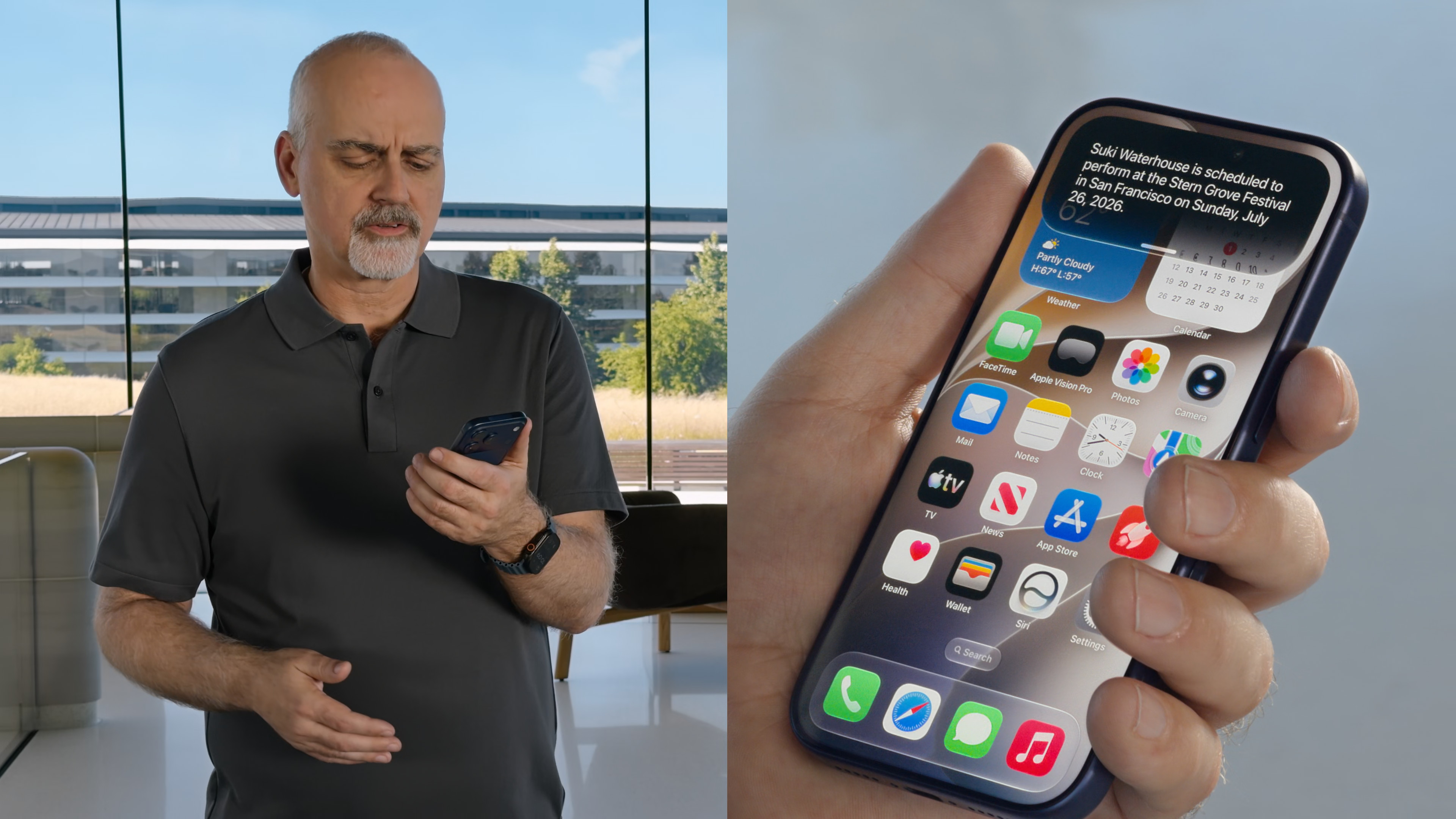
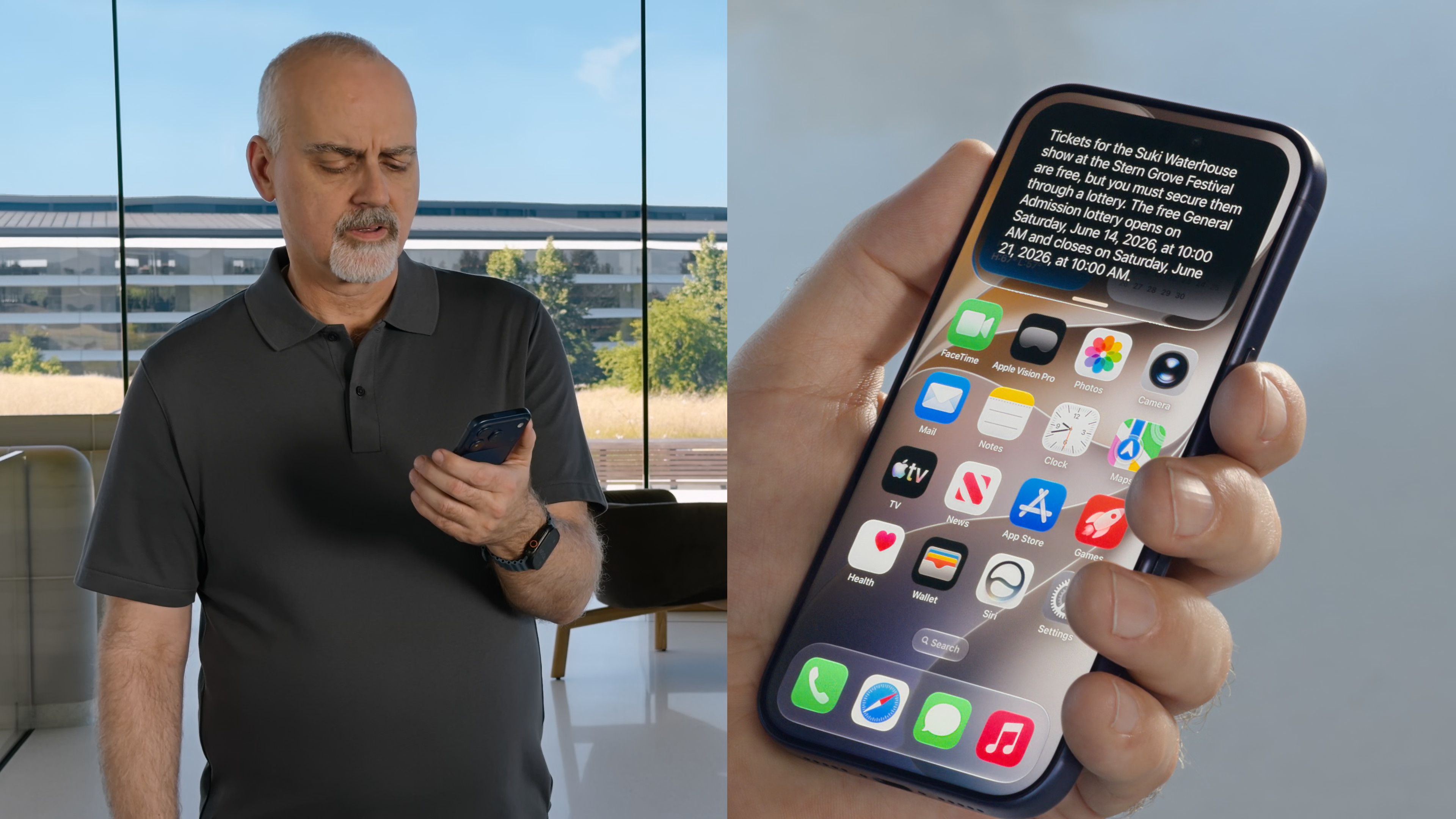
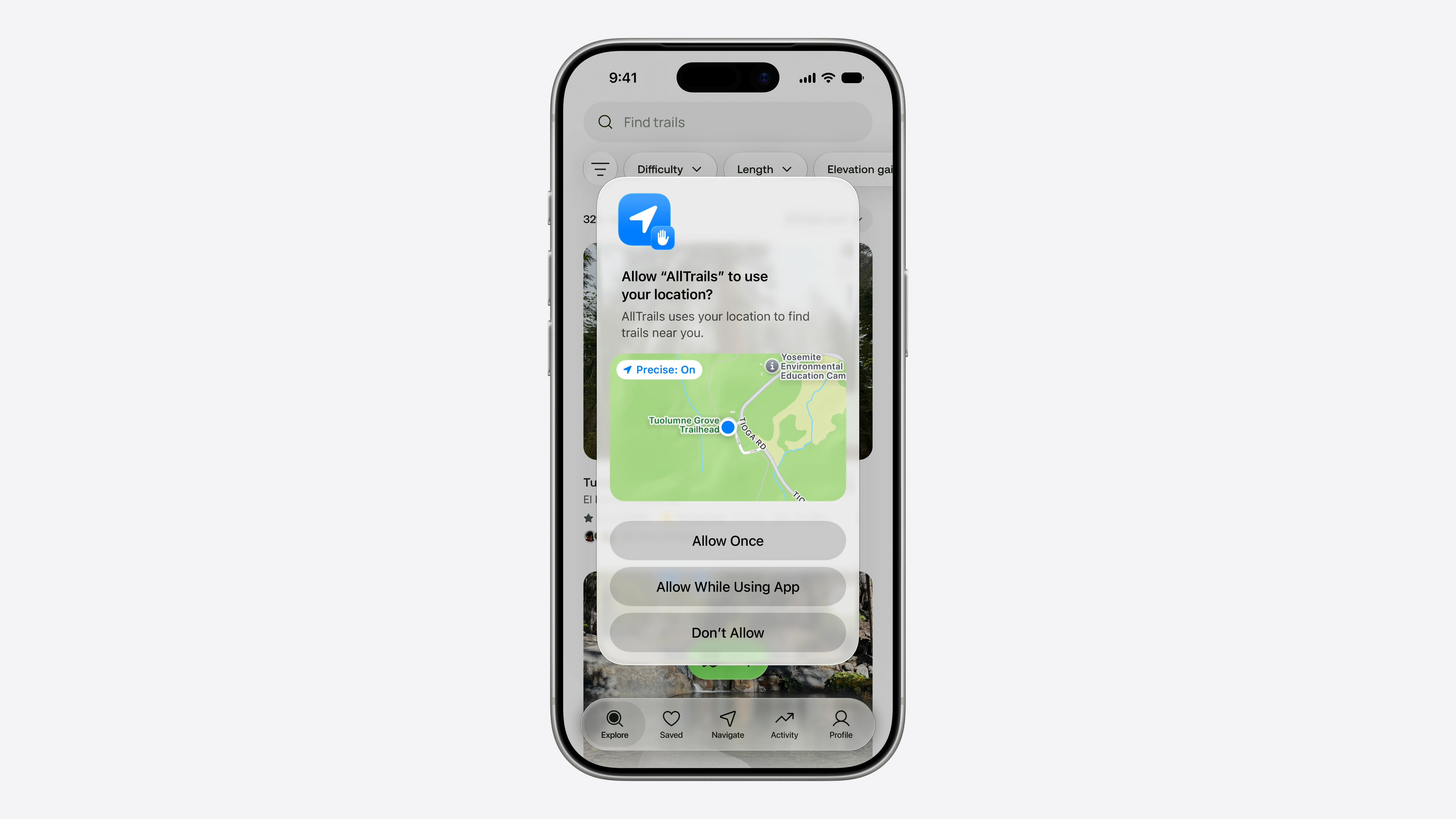
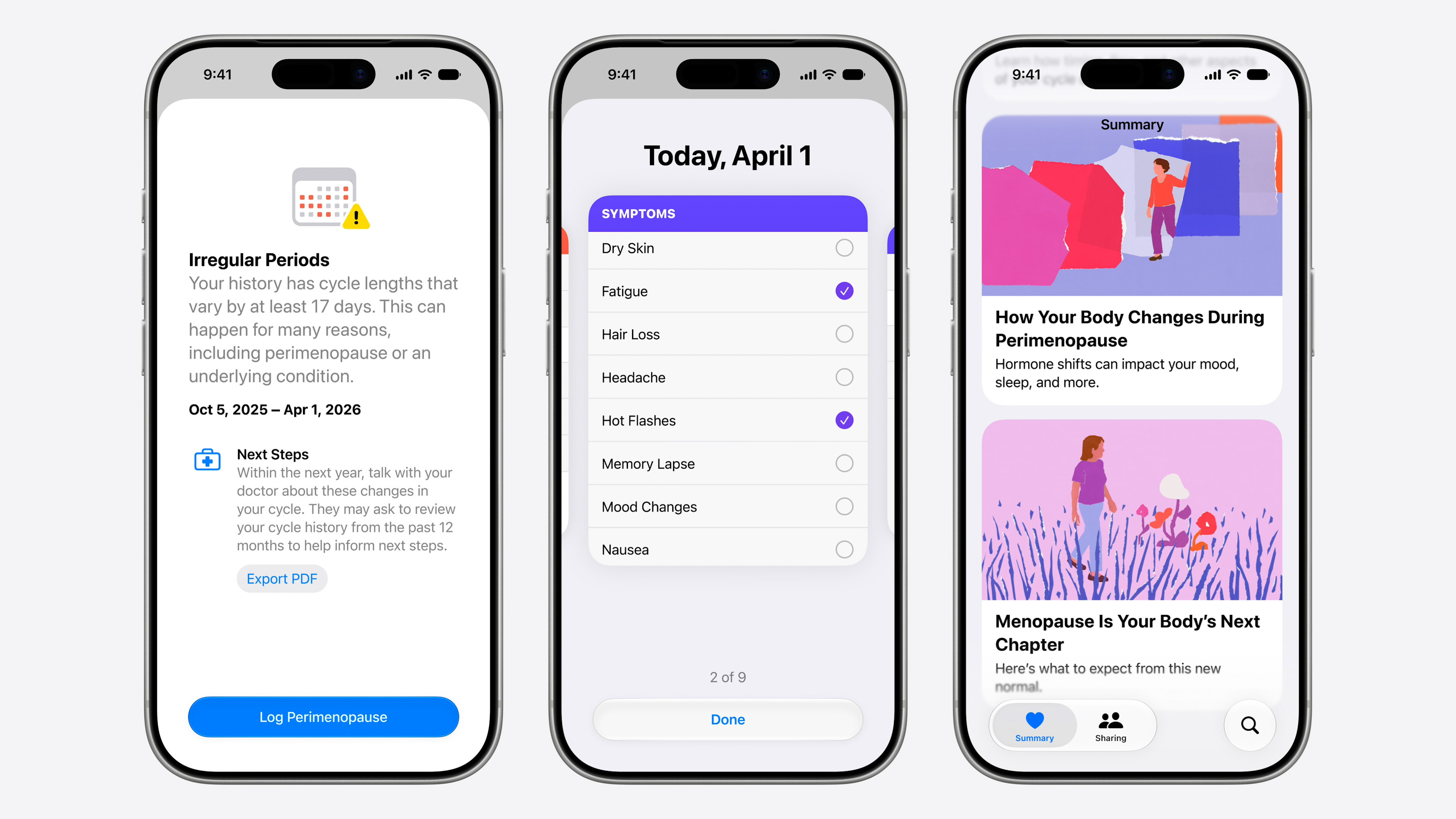
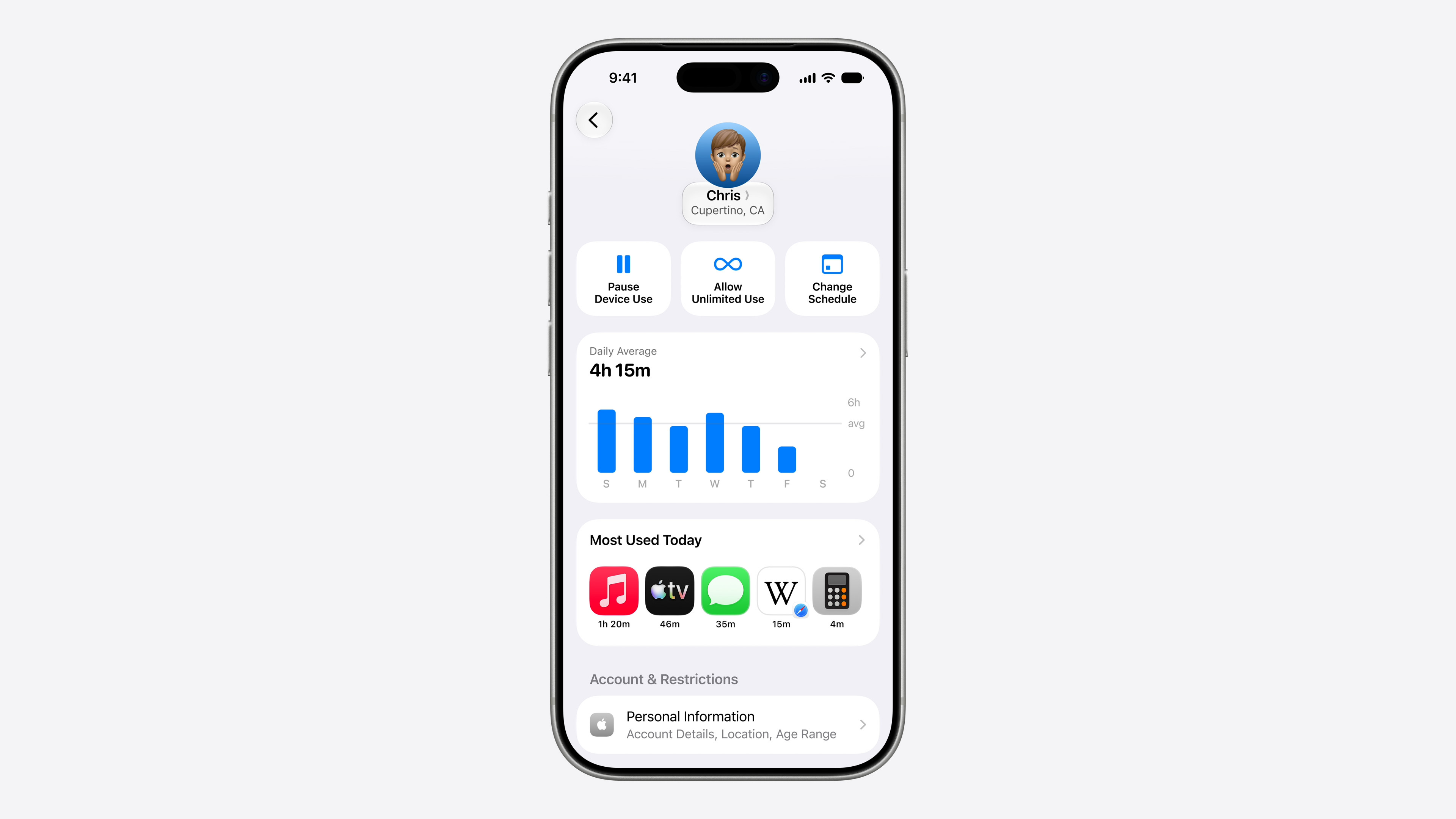
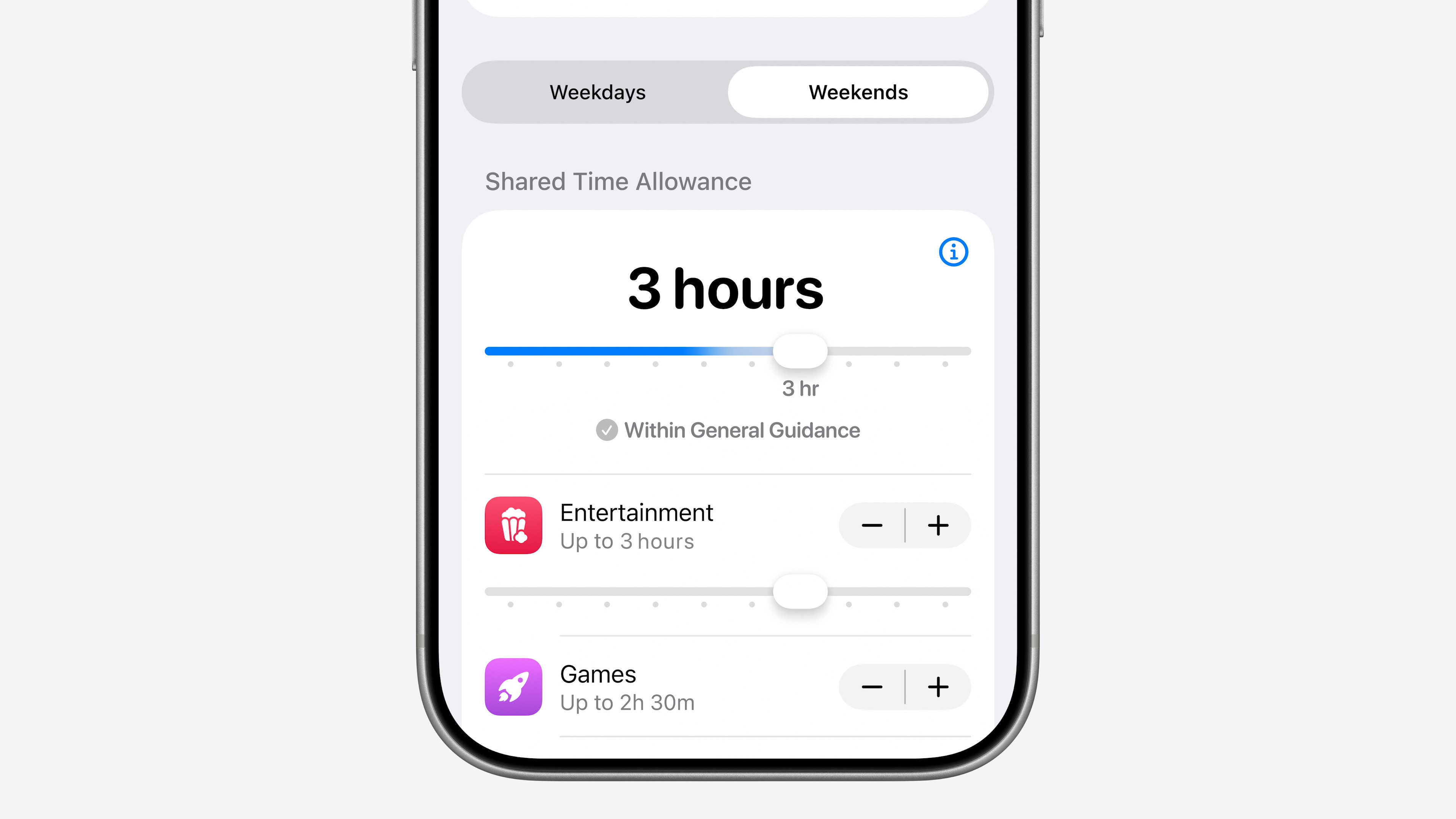
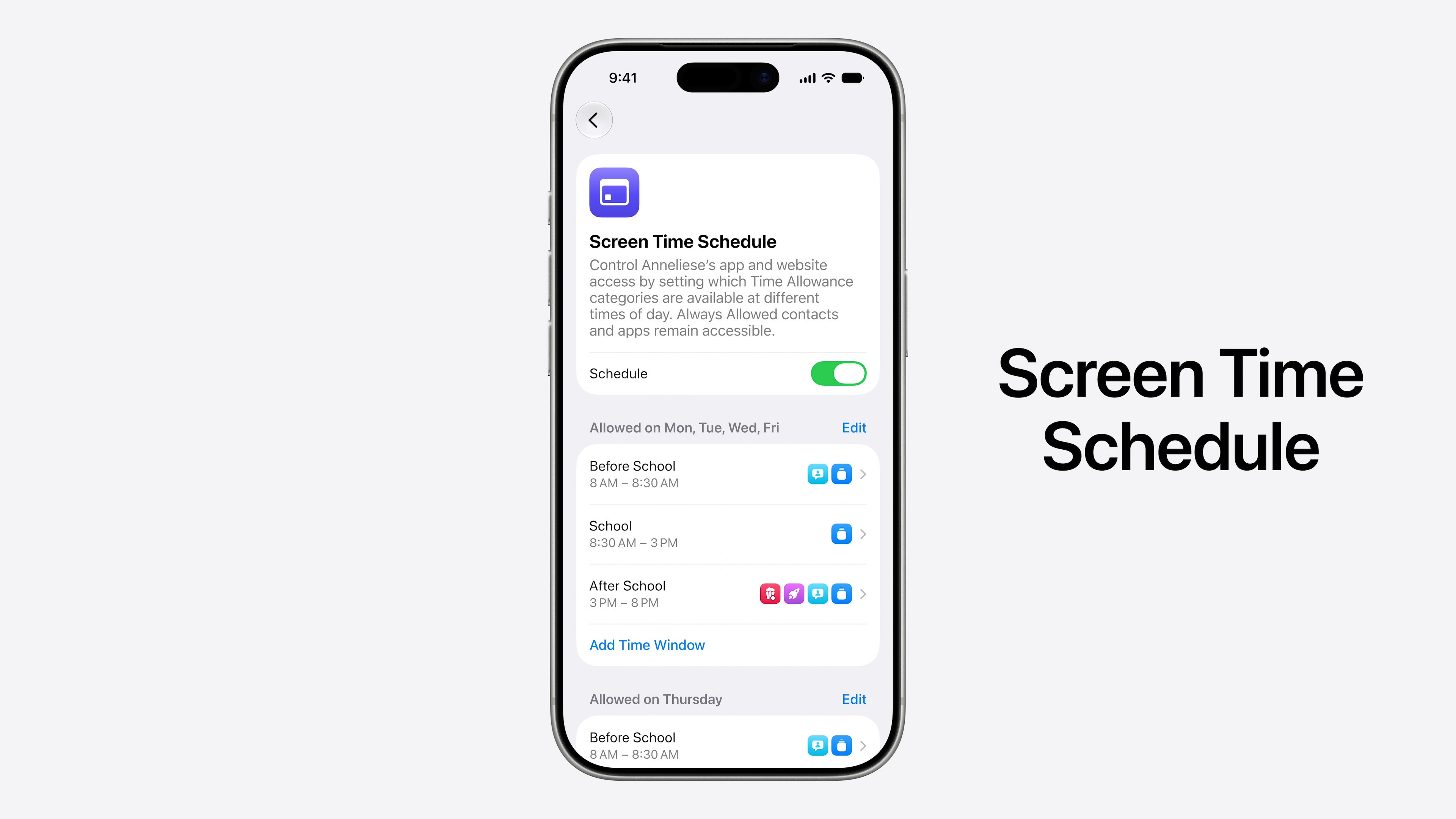
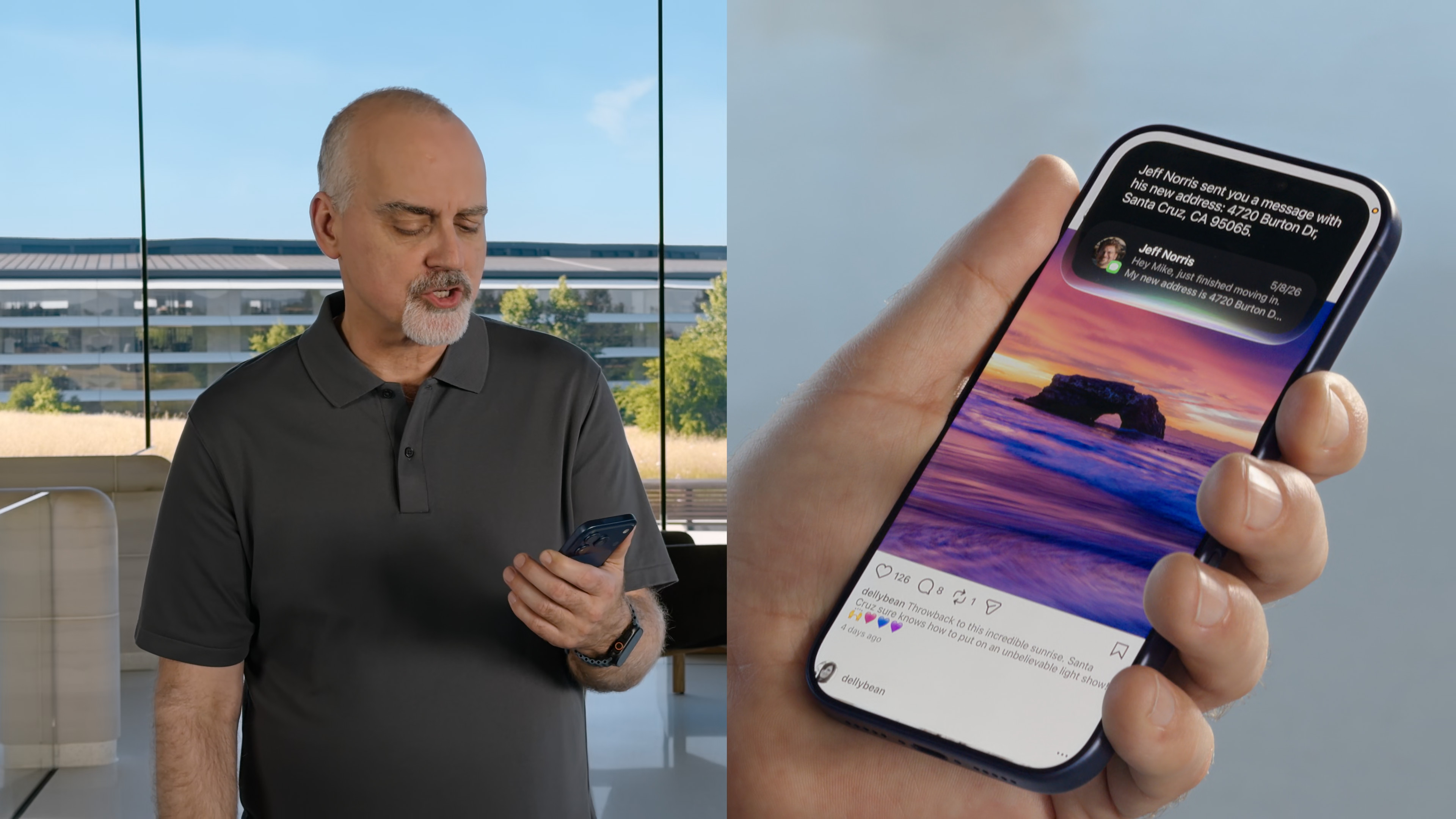
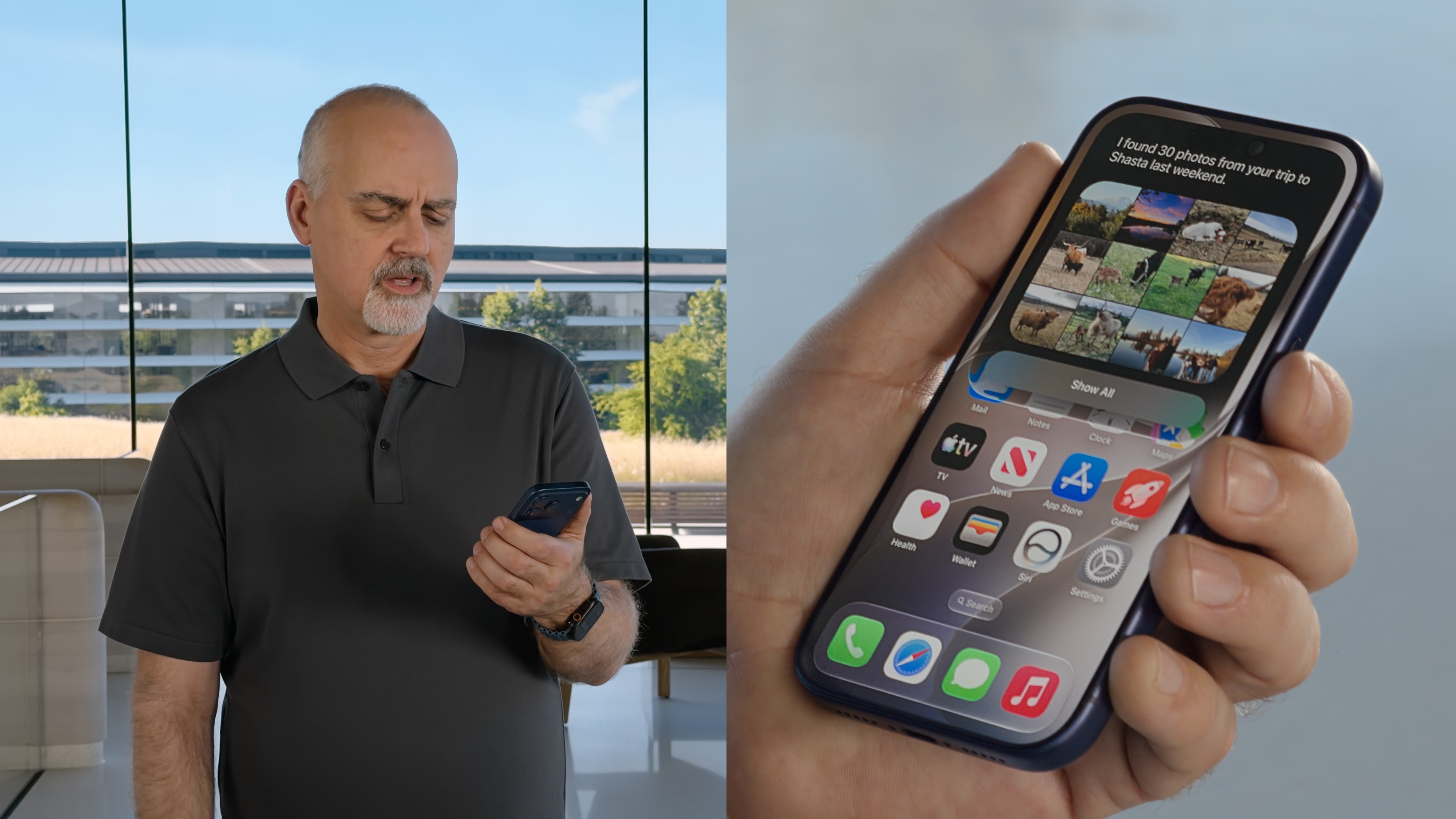
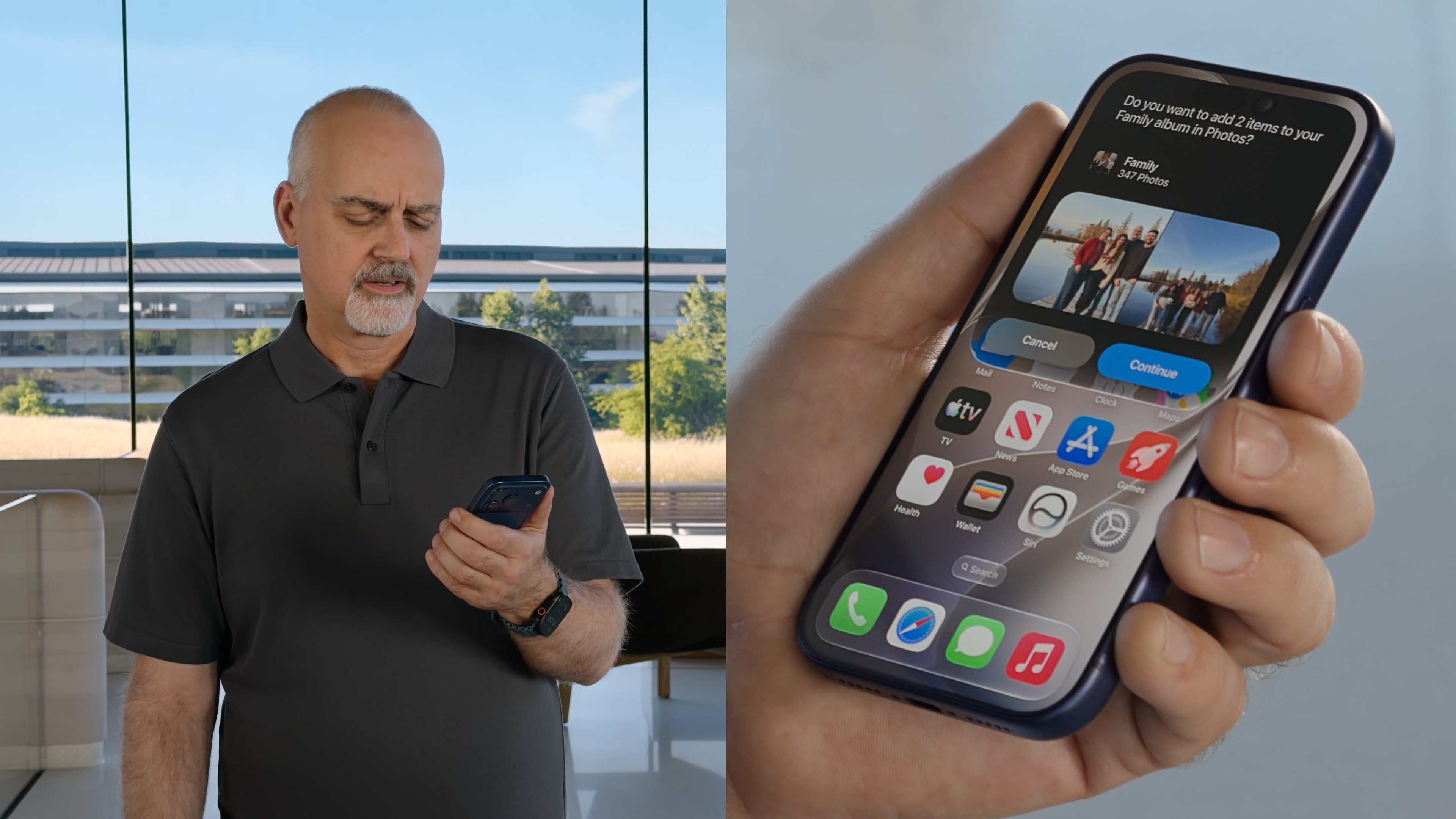
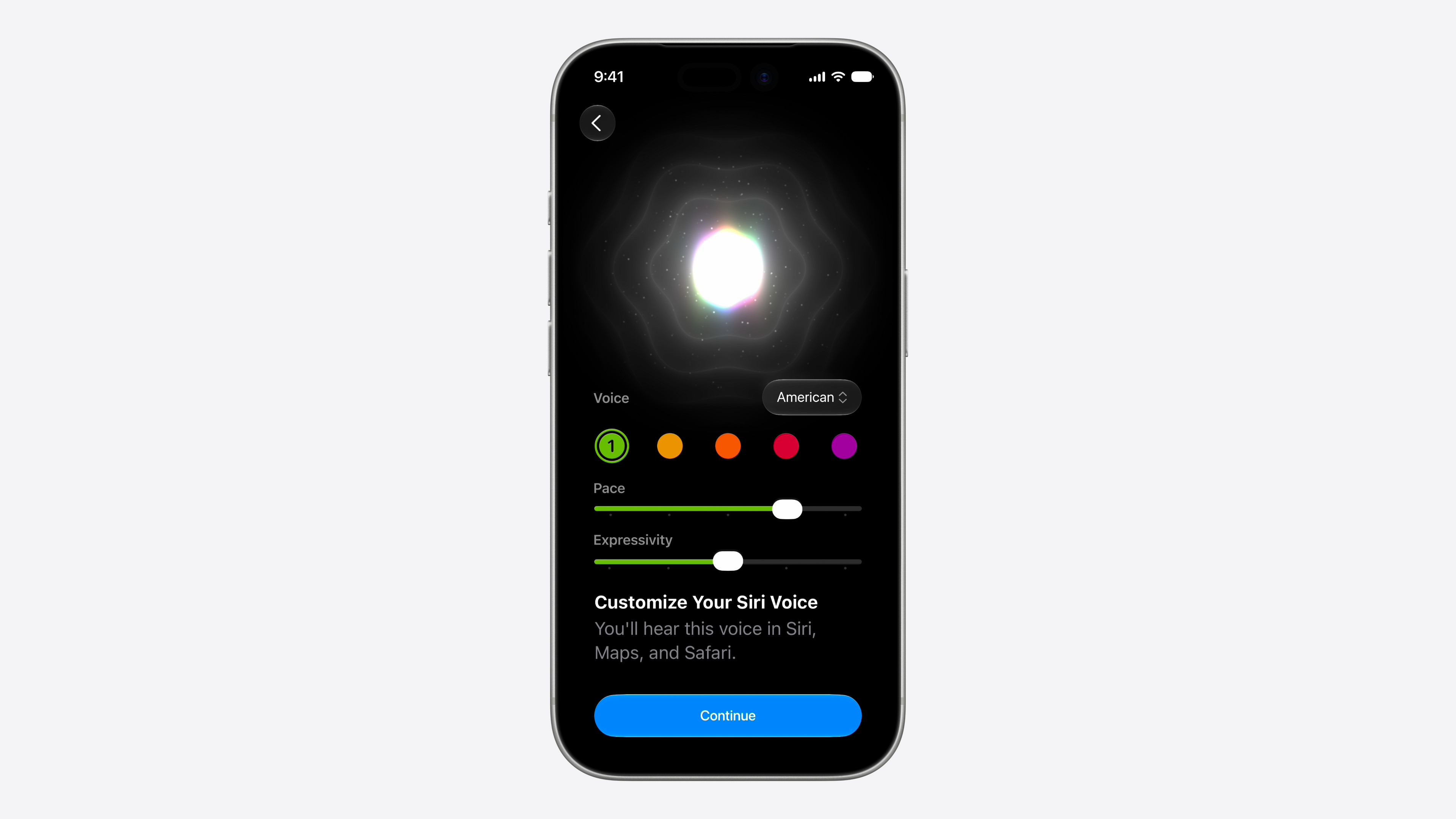
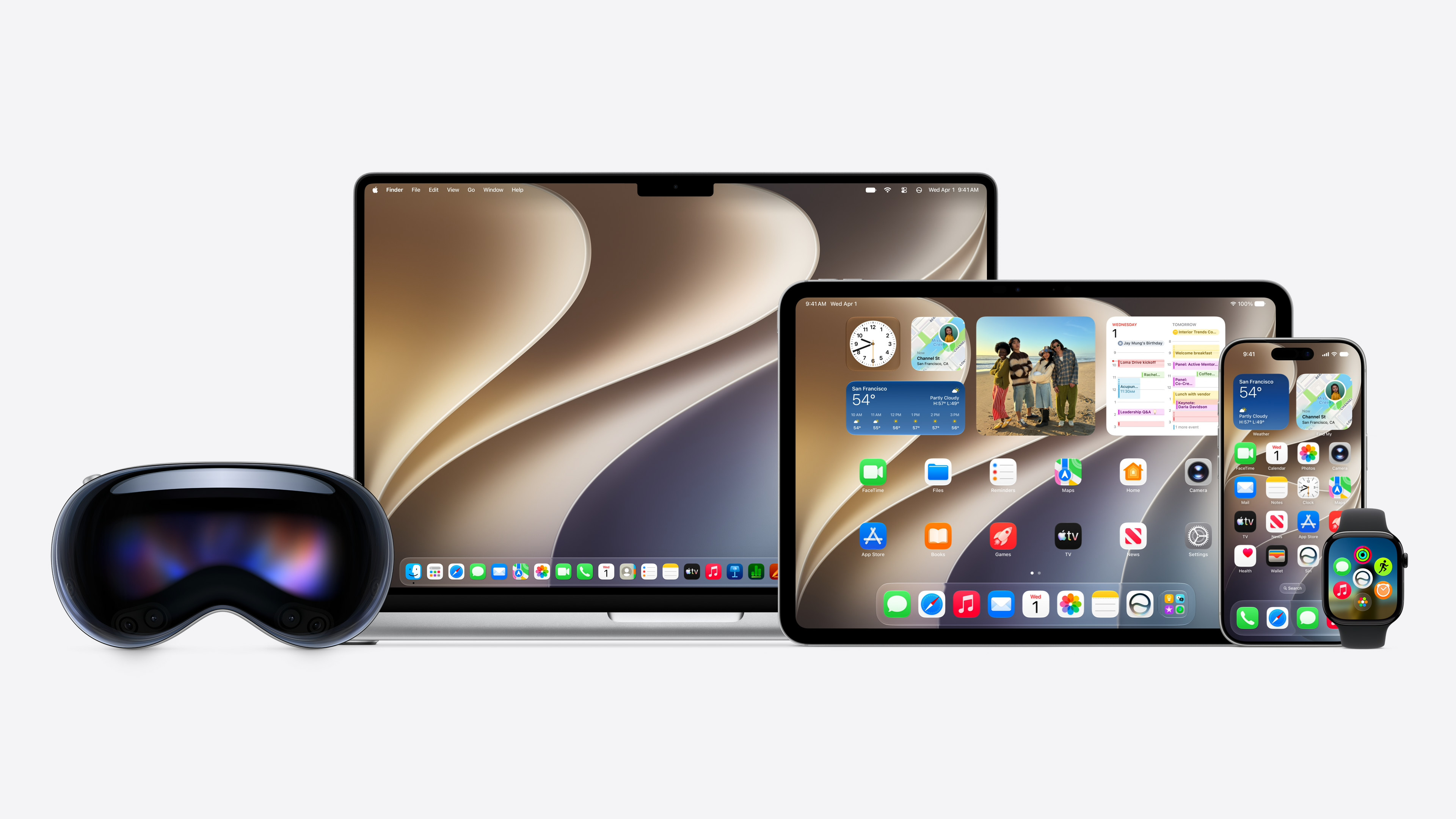
Apple just released the first public beta iOS 27, thanks to which they can download the new version of the systemoneordinary users can also try it out. While it was previously intended only for developers, it is now available to anyone who wants to participate in the public beta testing. Public Beta It is usually better tuned and more stable than the developer version, which is why it is much more suitable for regular users. If you want to try out the new features before the official release, here is the installation procedure.
Gallery
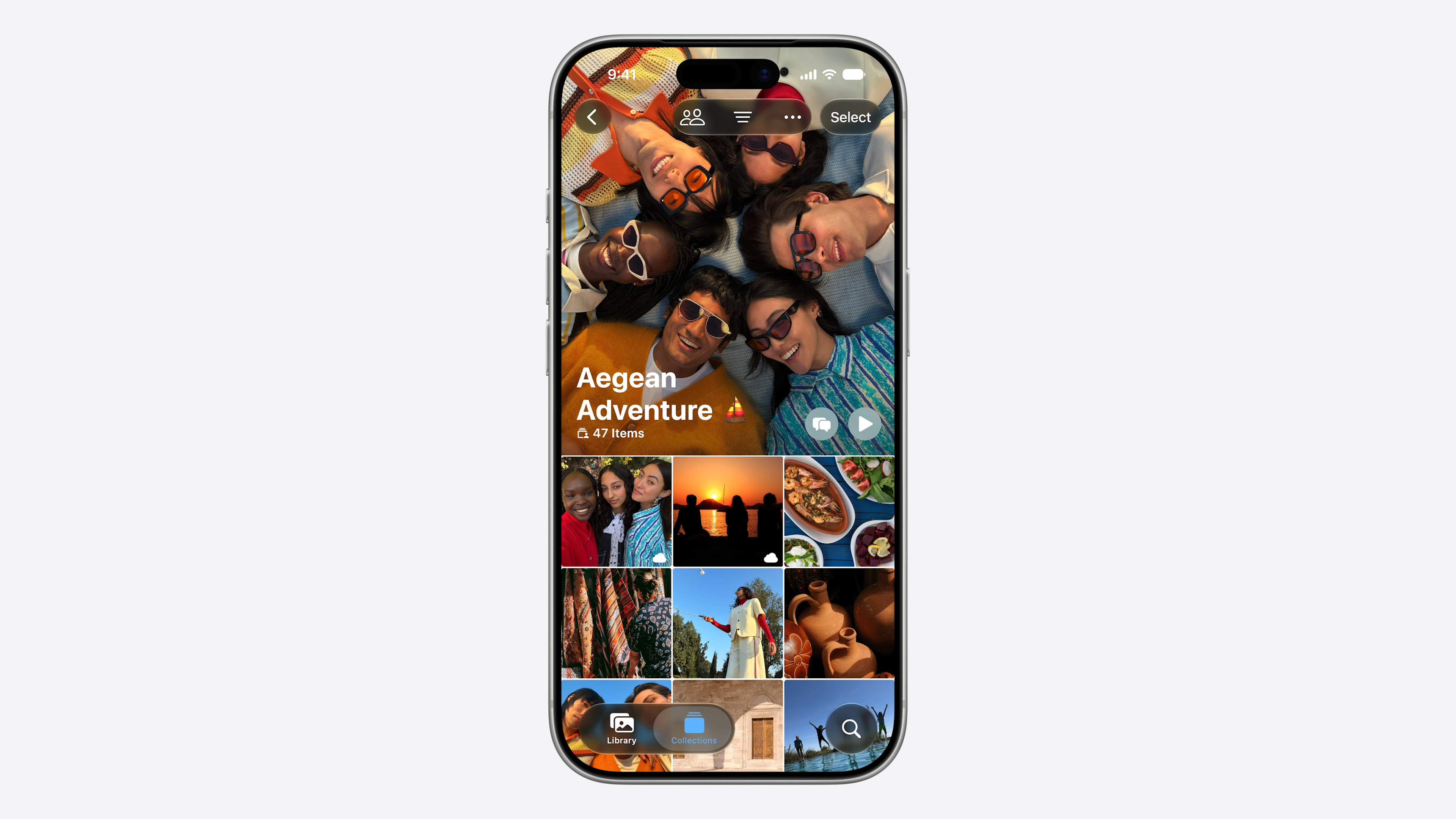
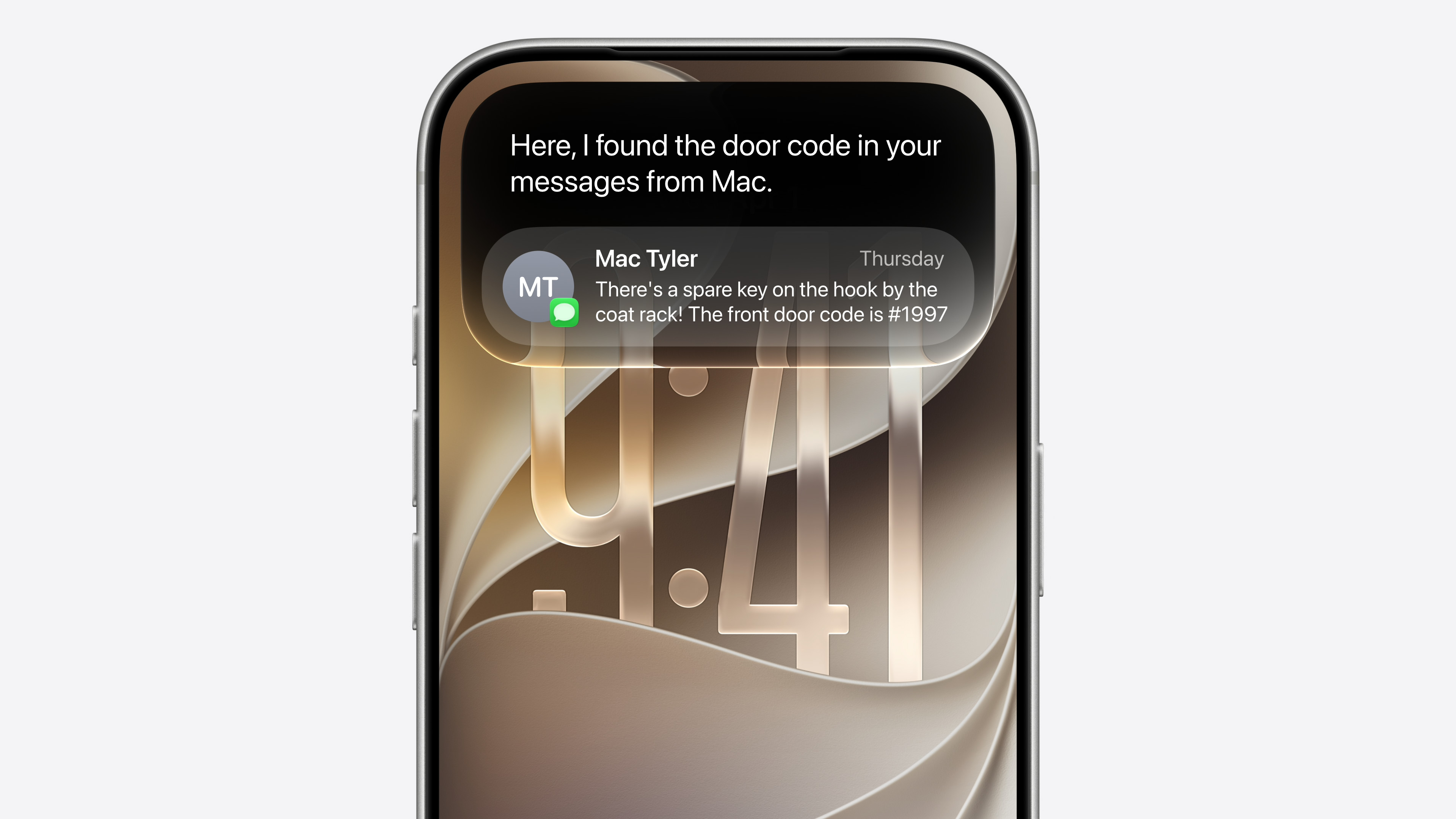
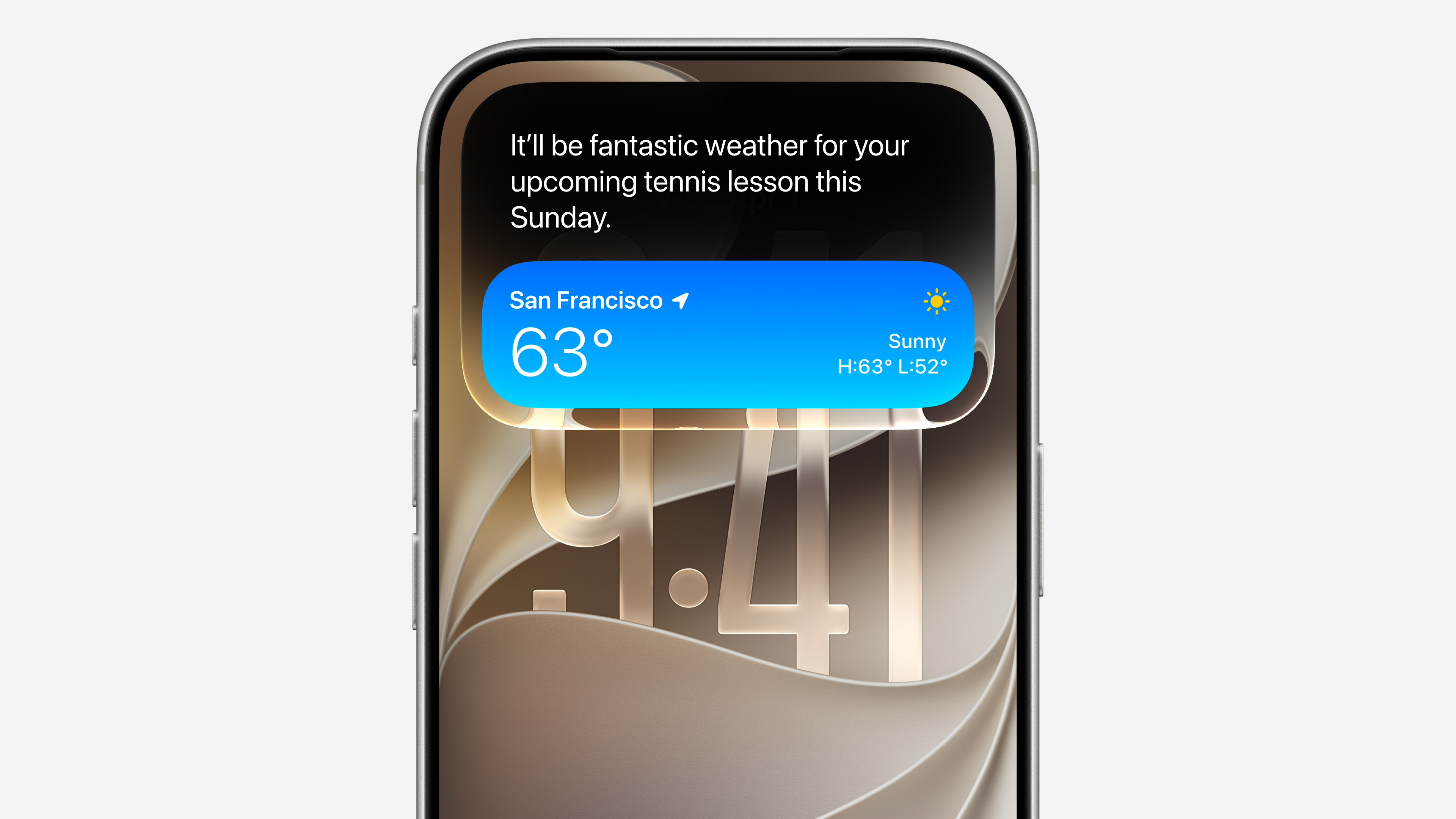


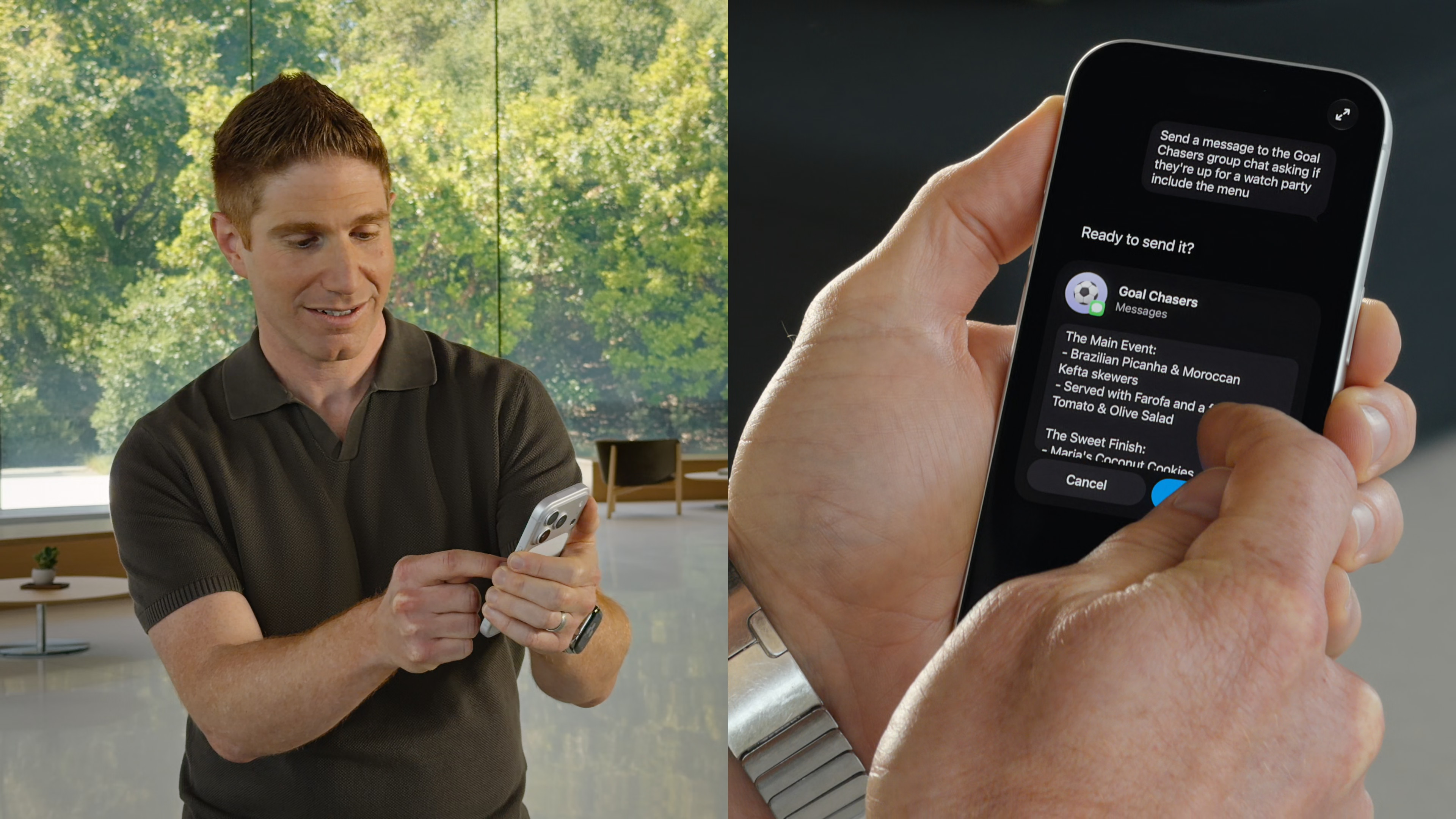
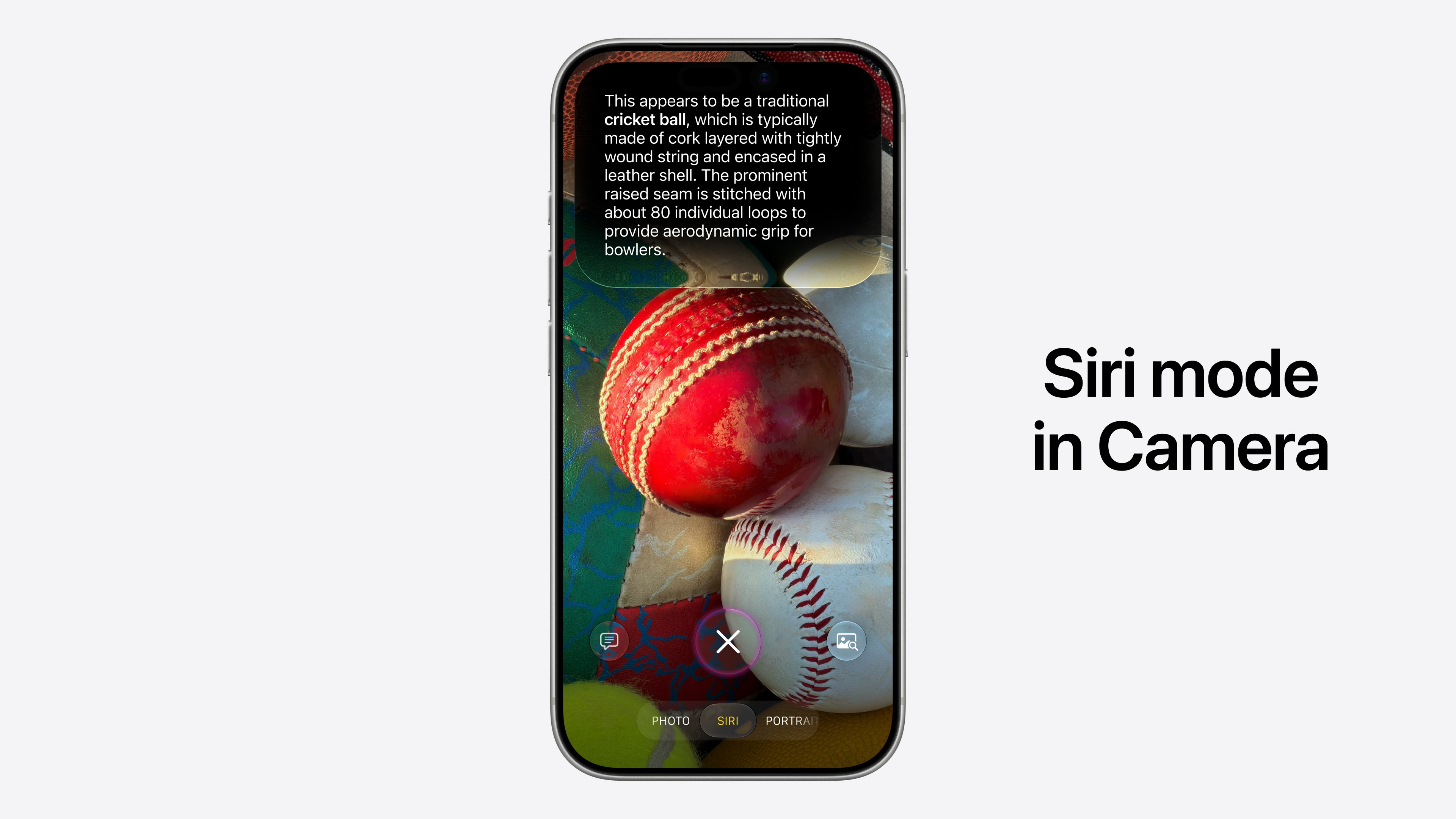
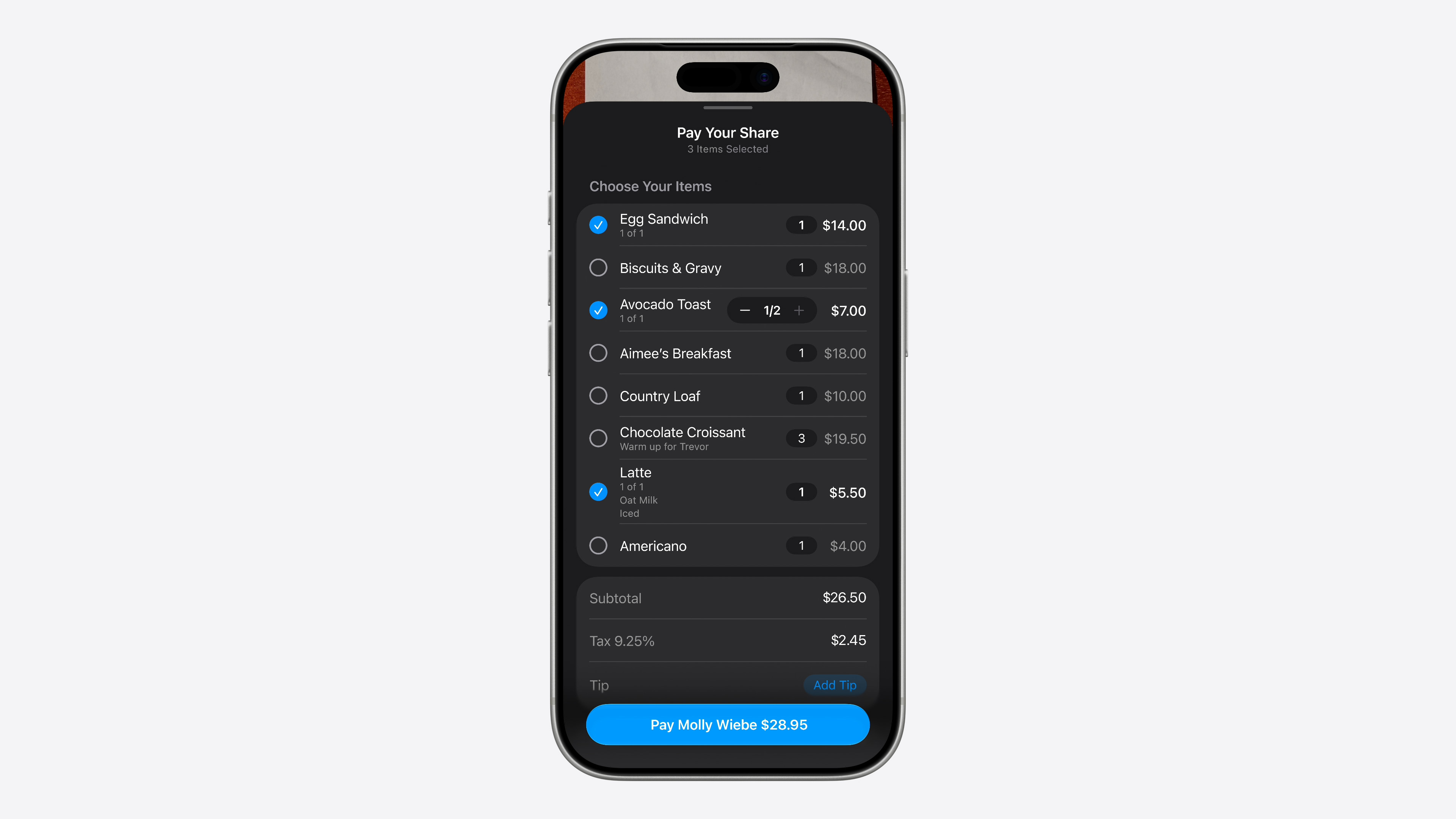
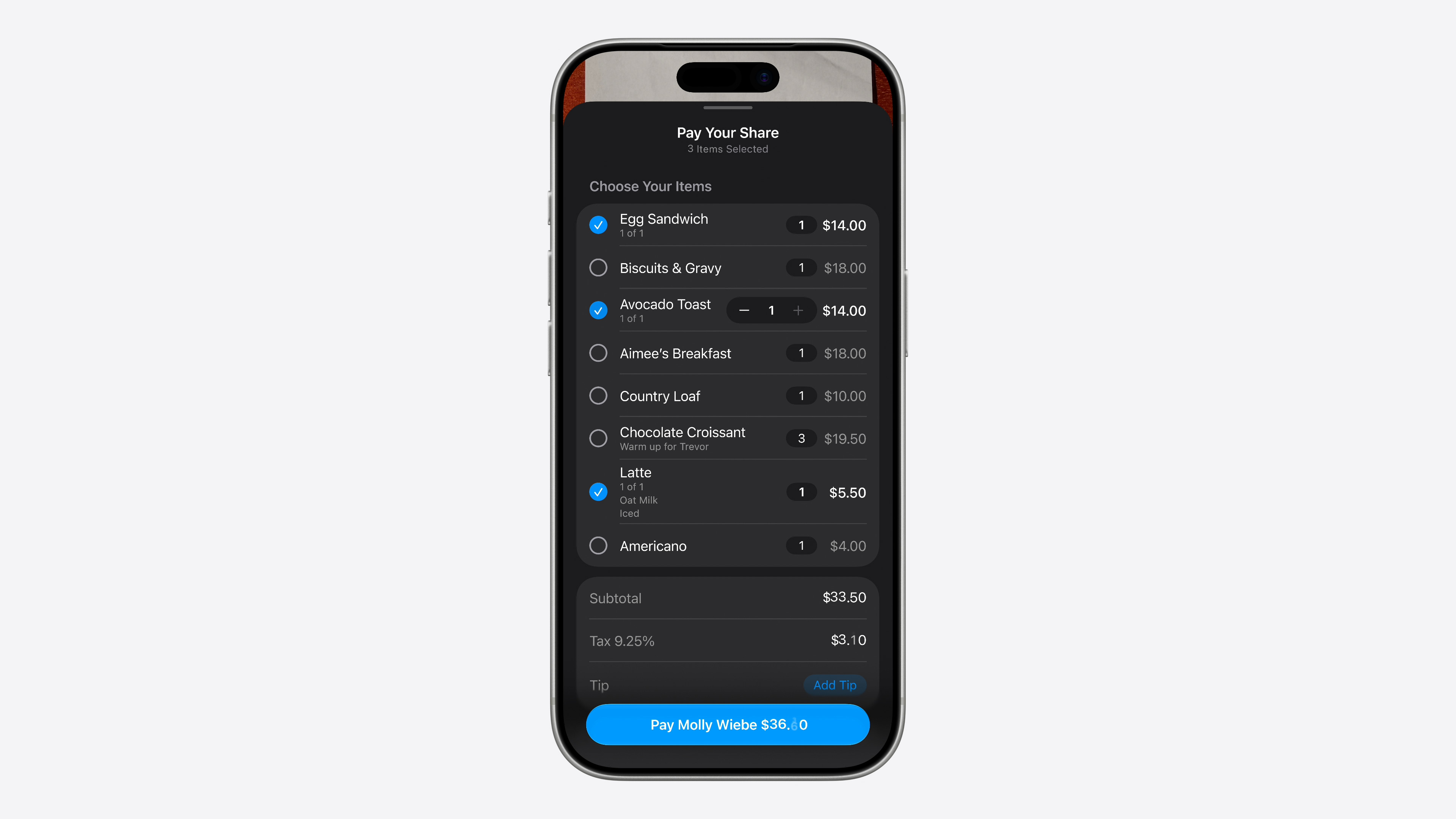
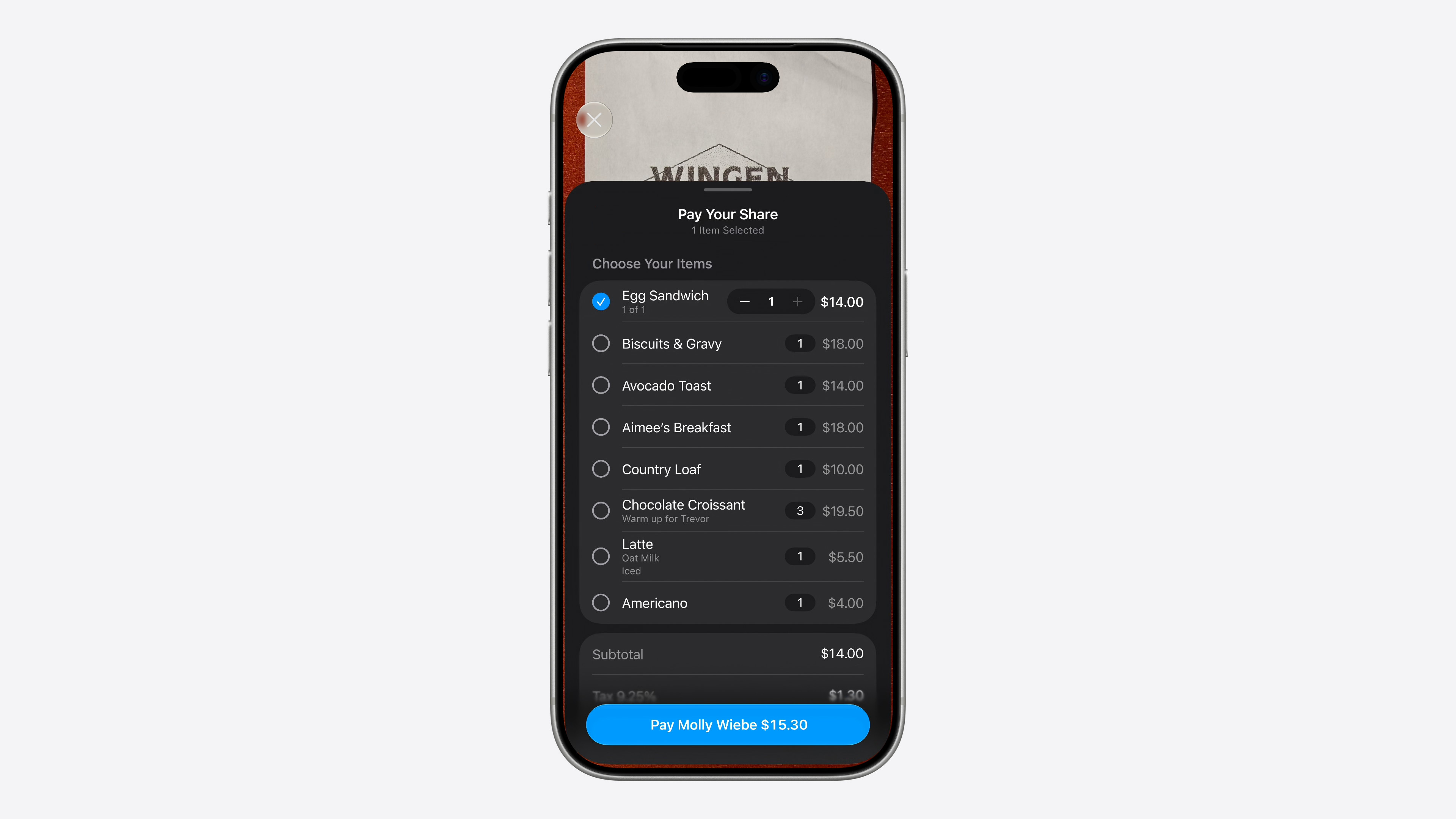
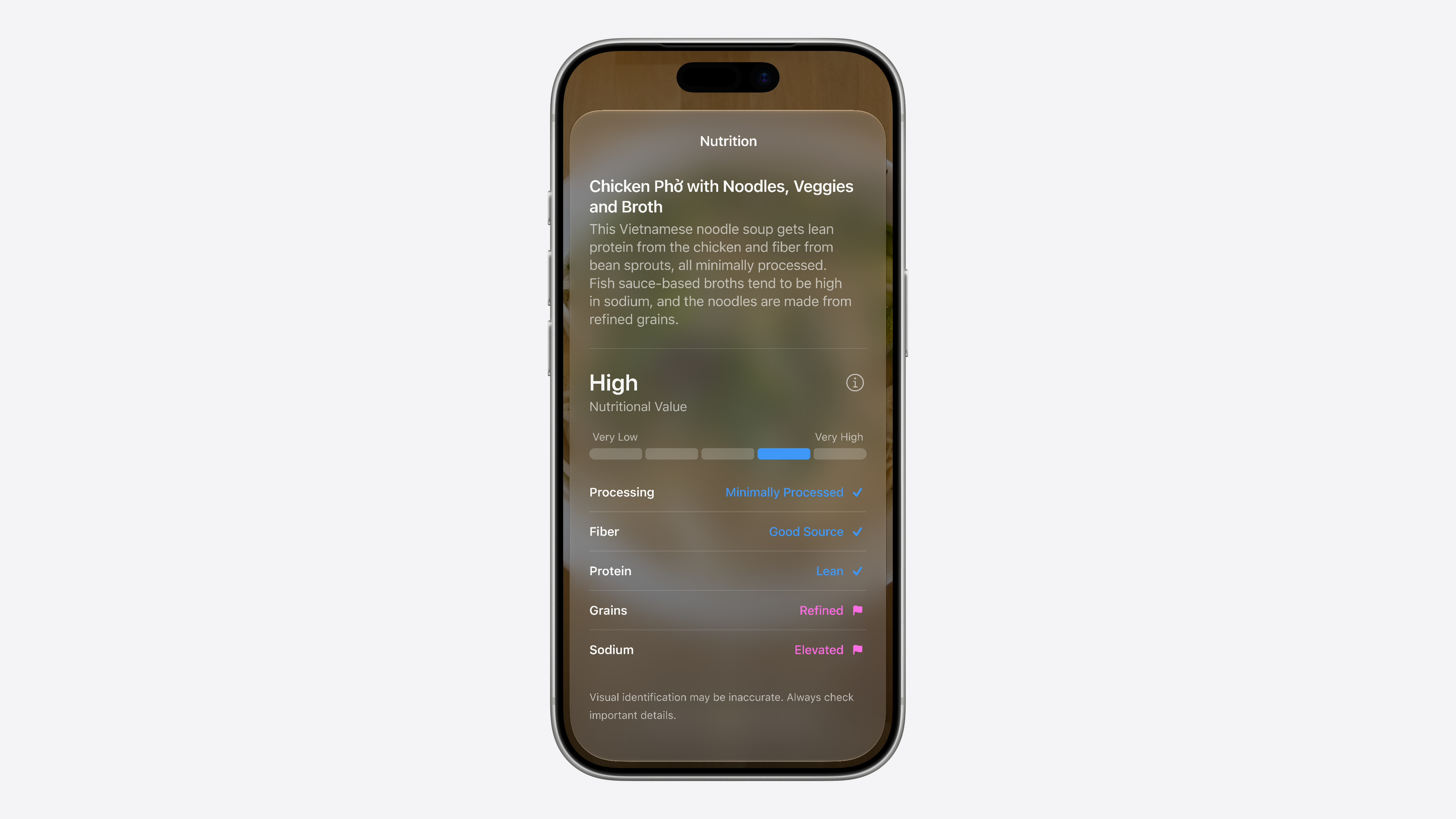
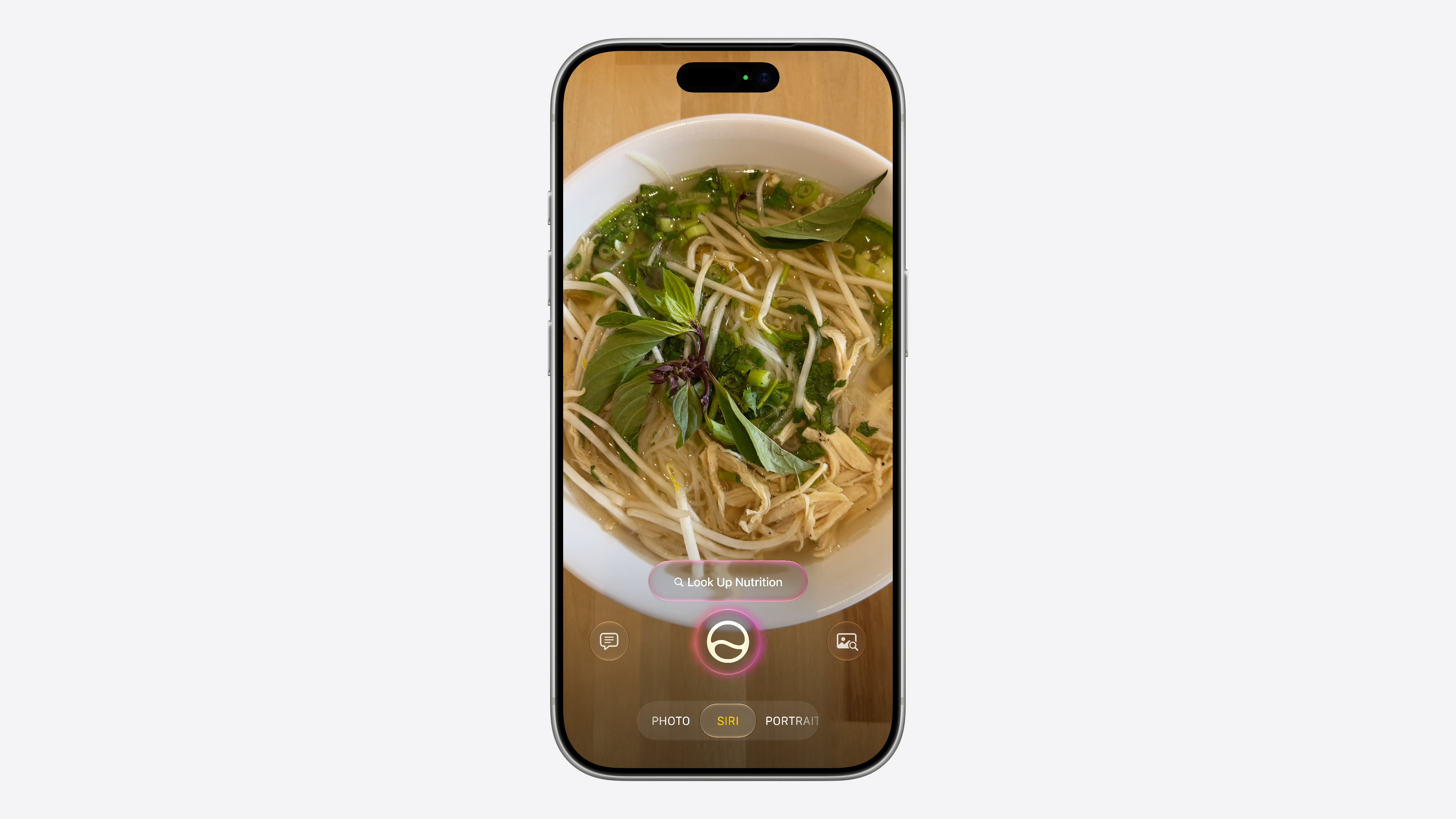
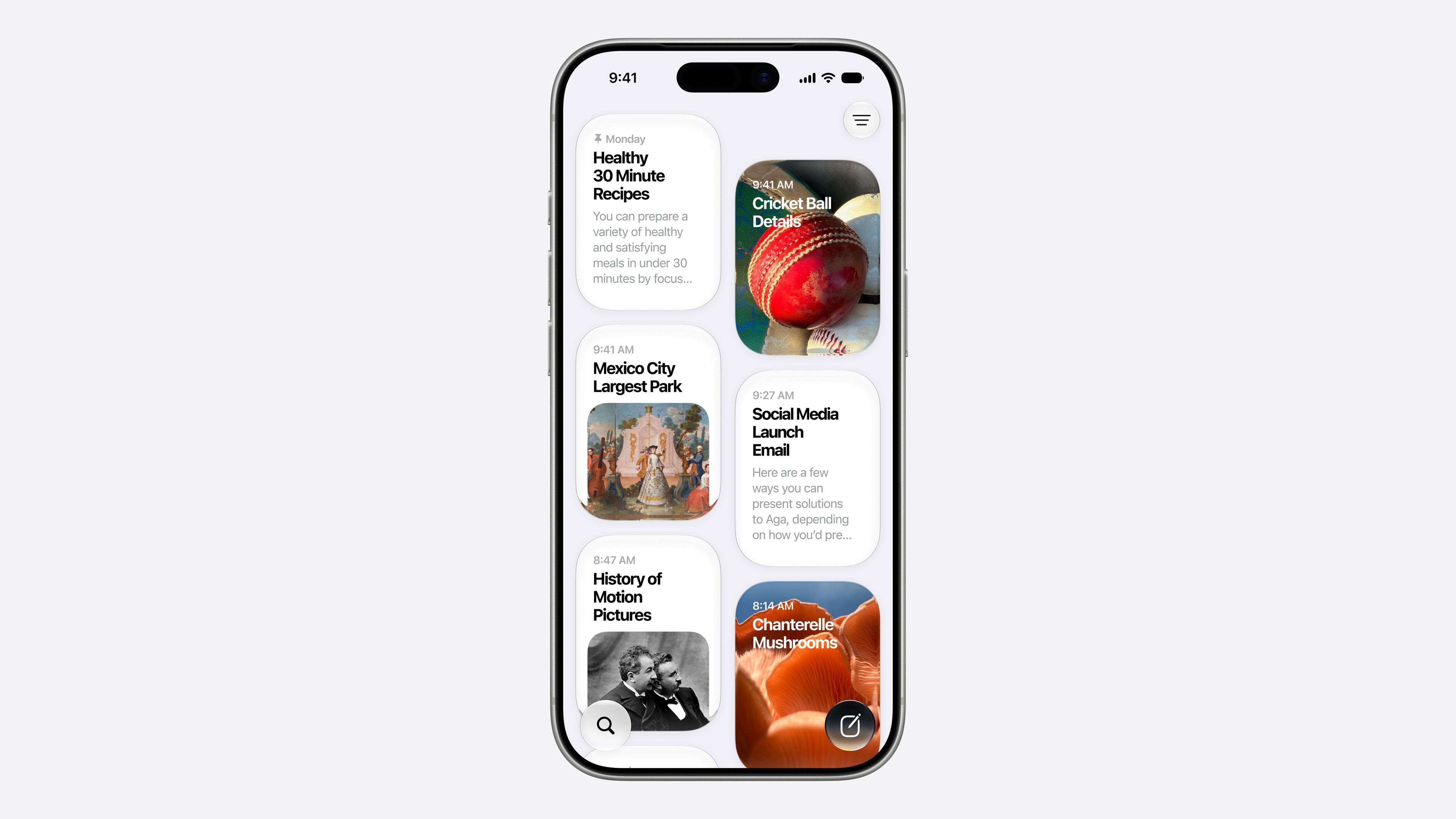
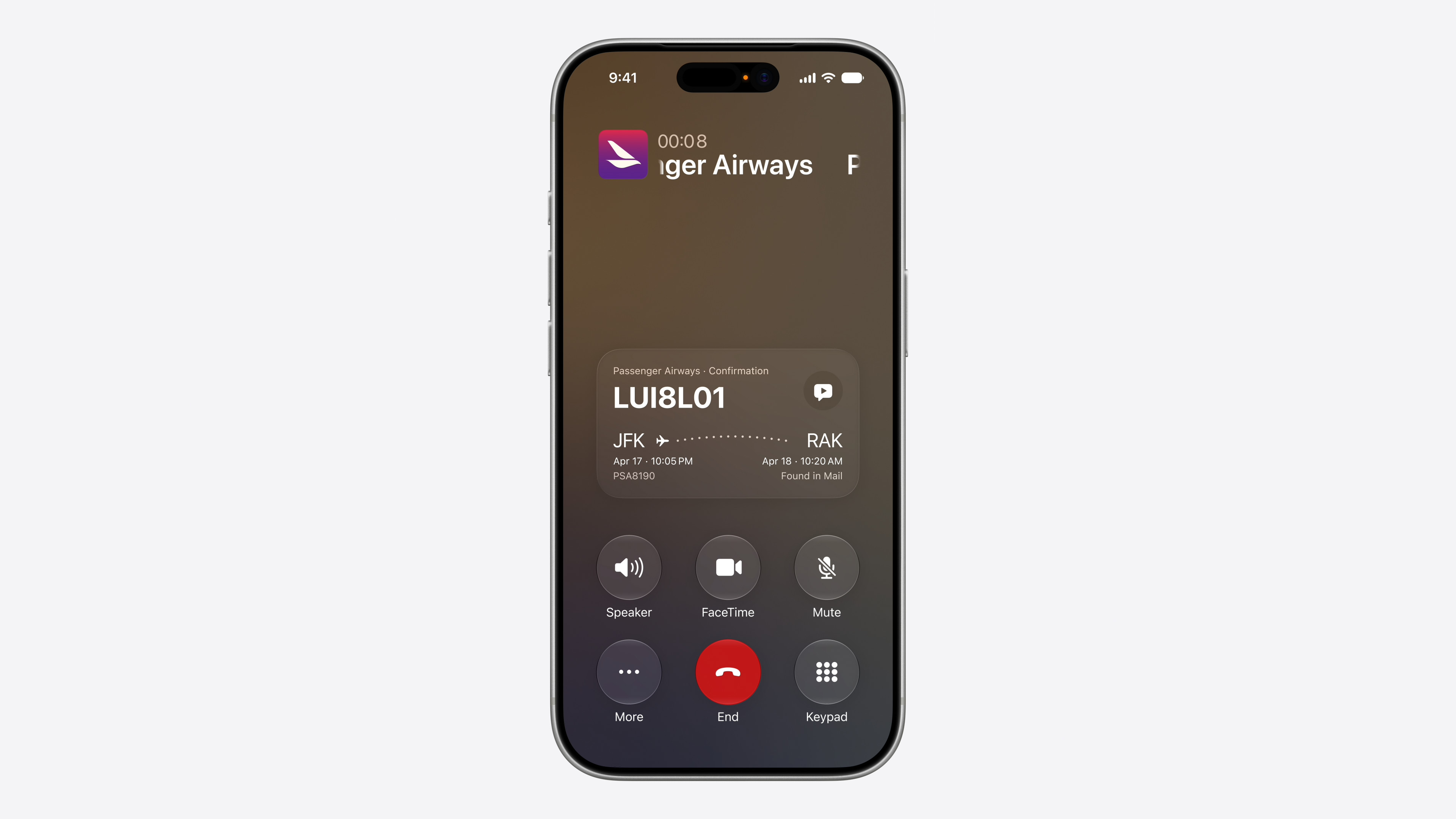
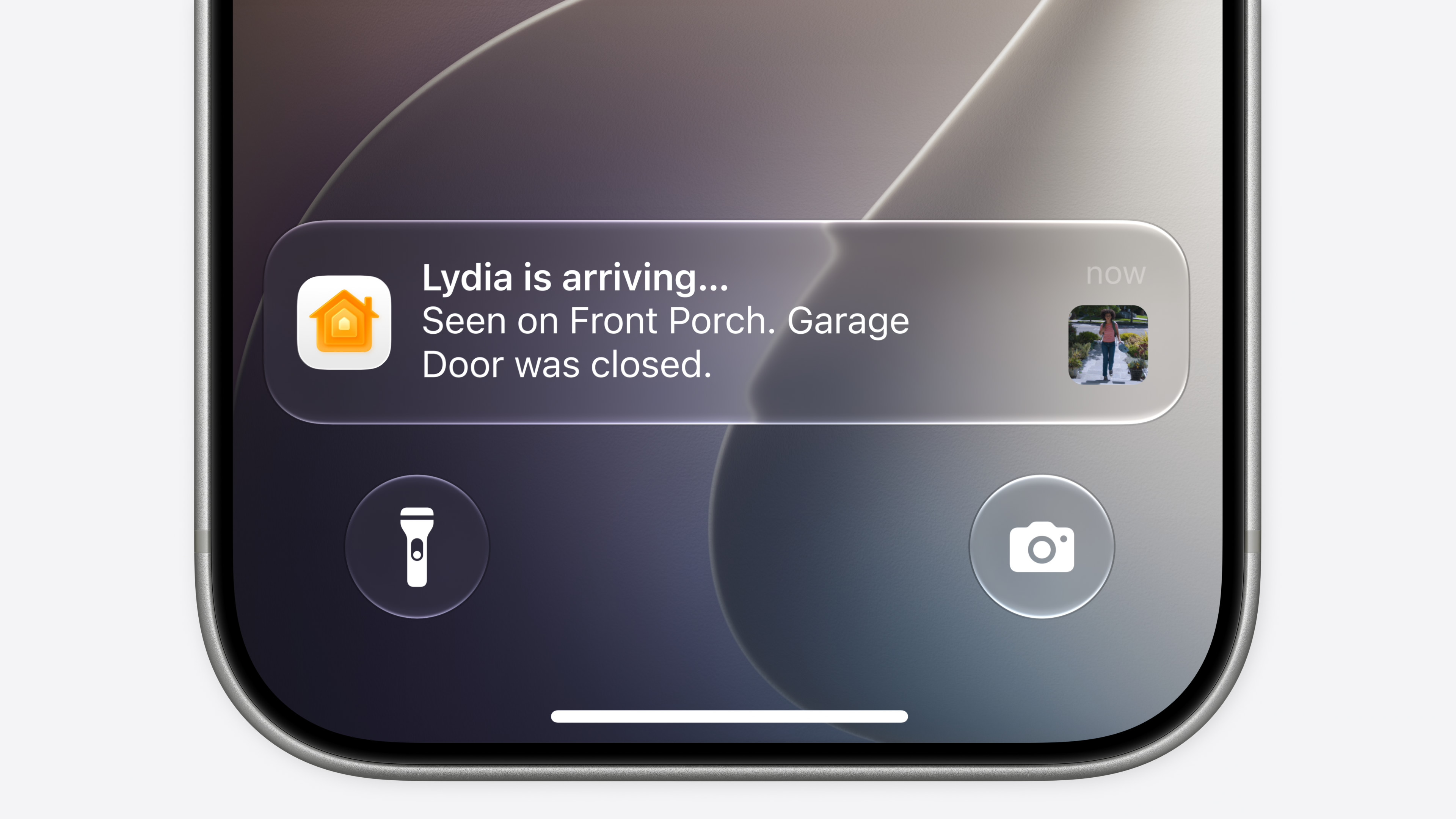
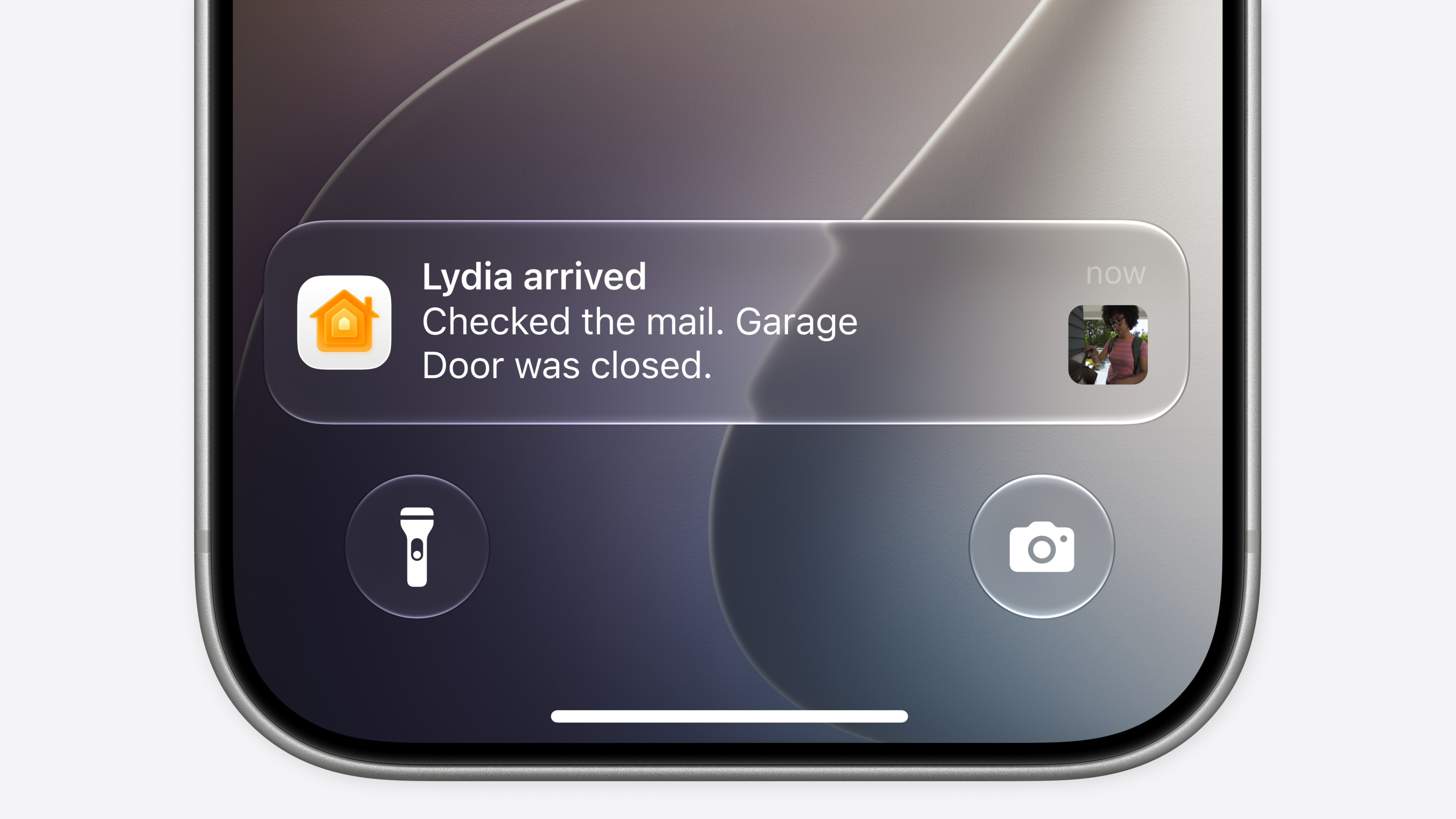
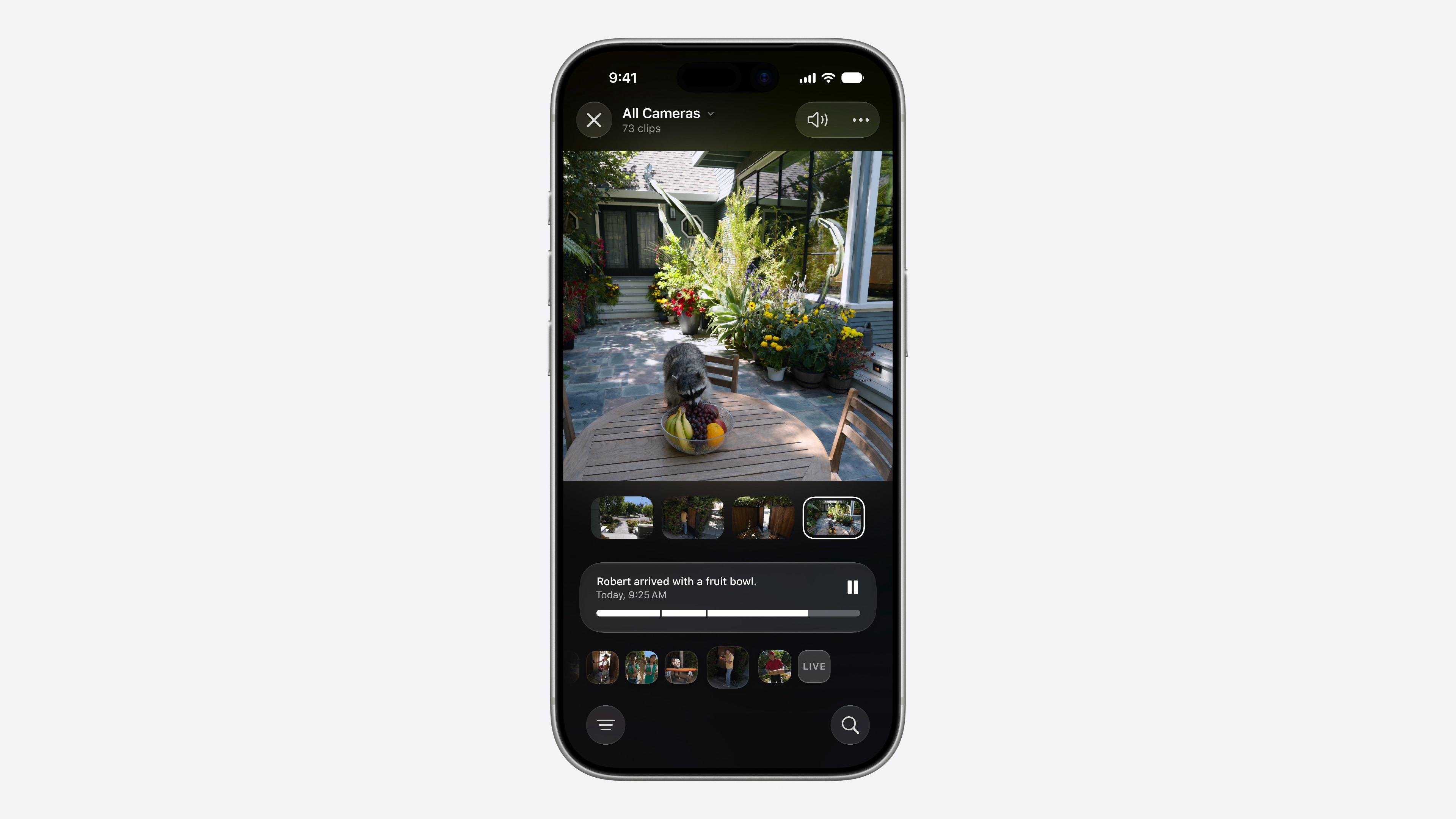

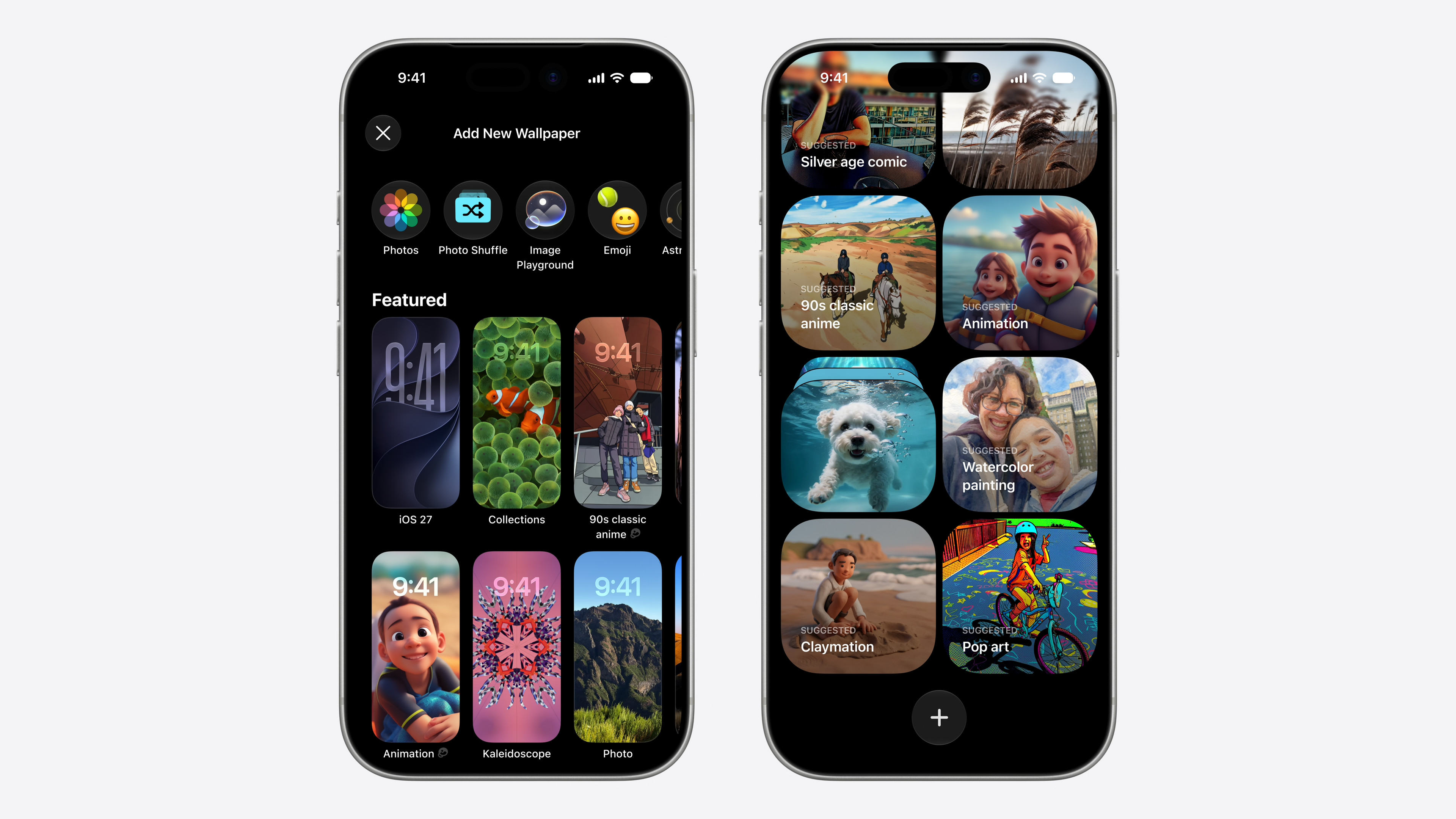








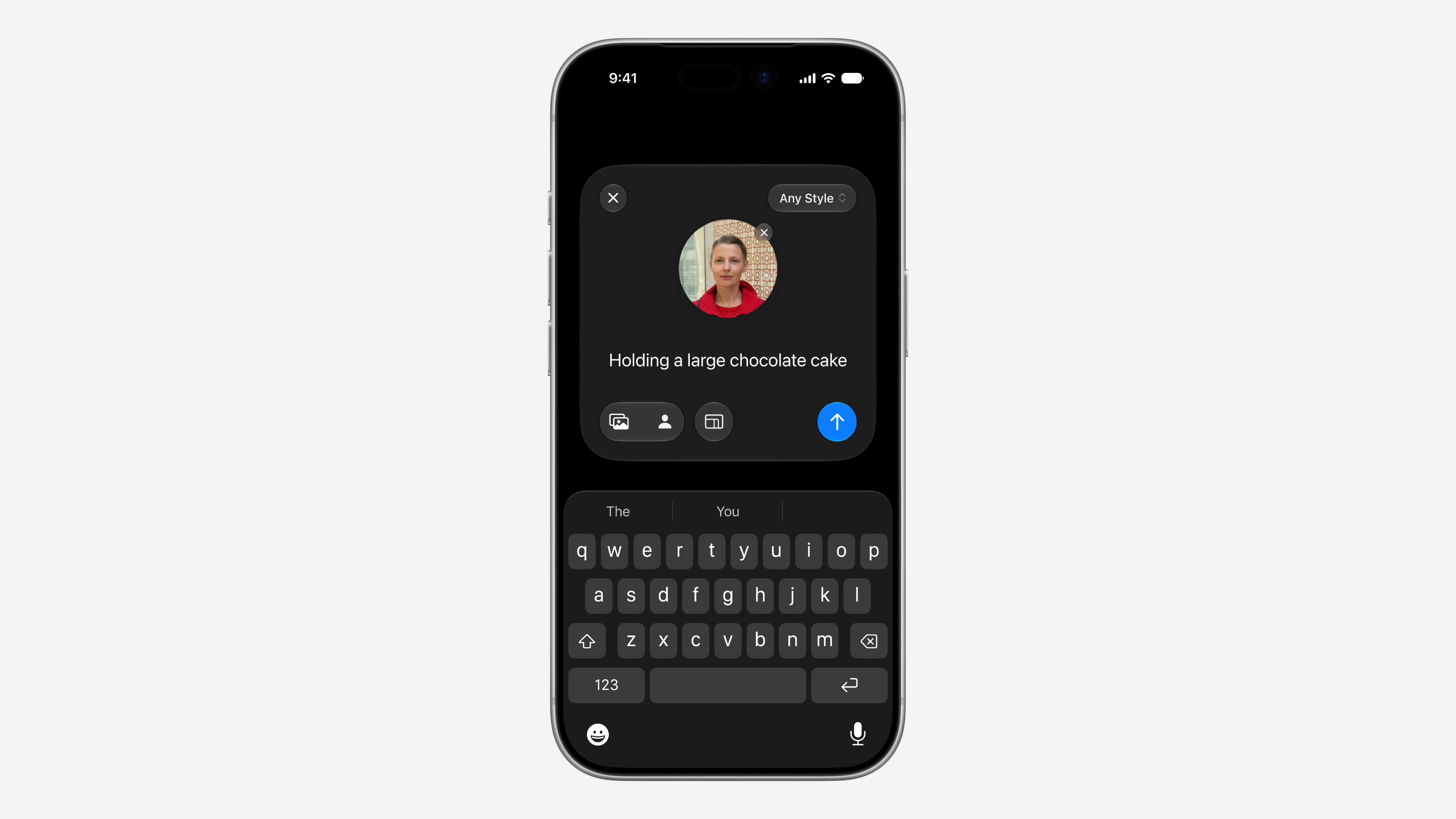

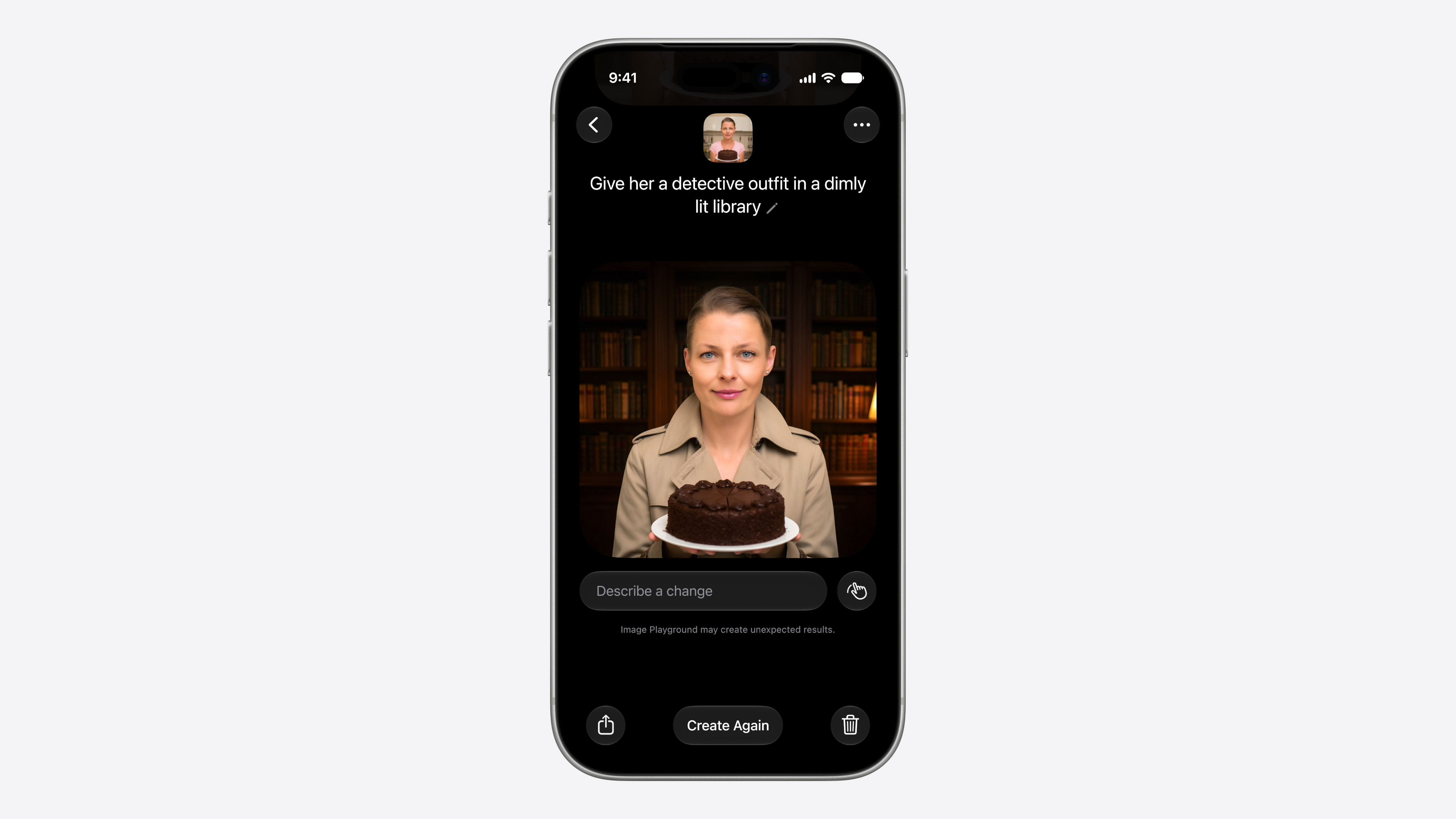
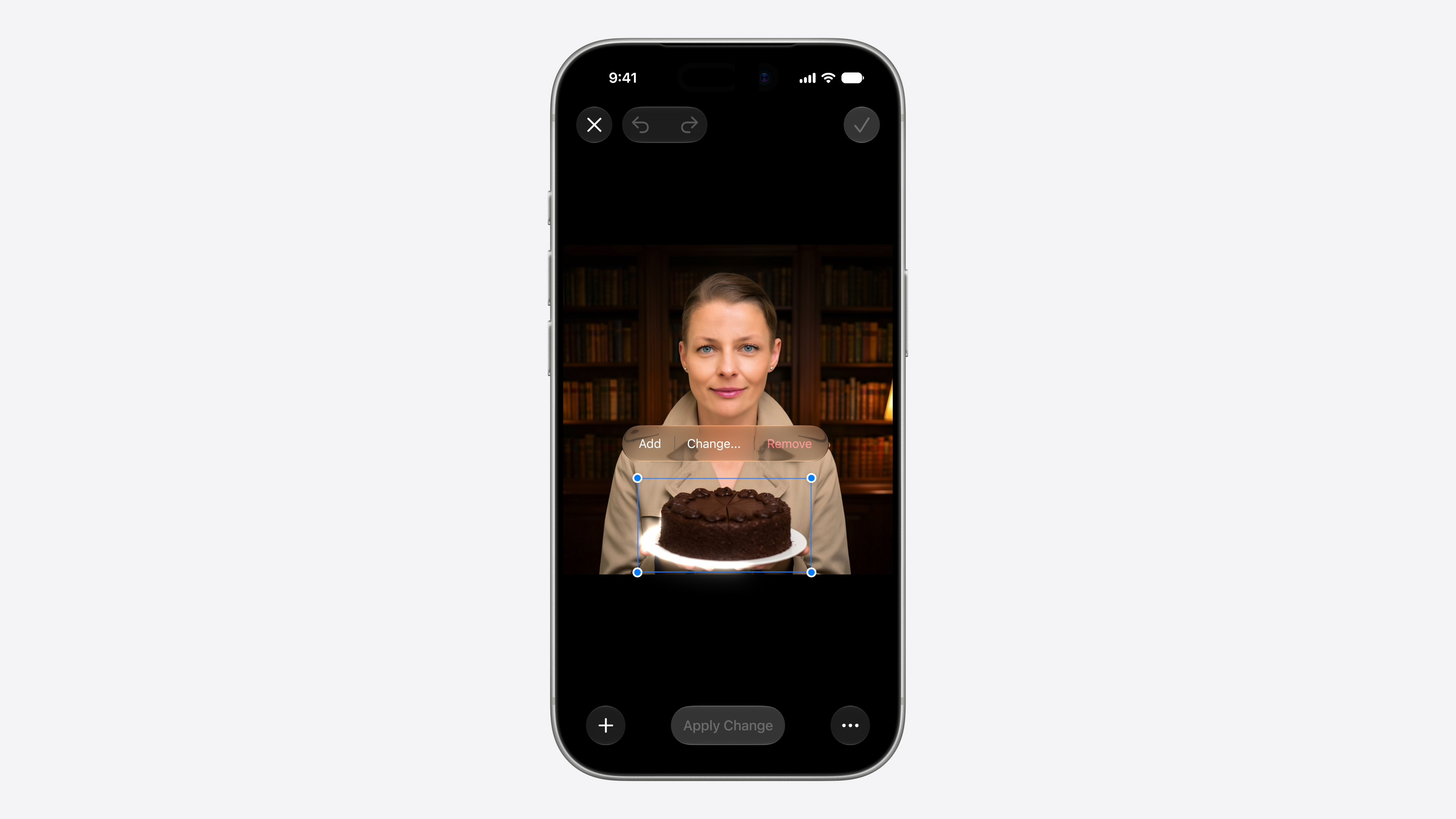






How to install iOS 27 Public Beta
- First, back up your iPhone or iPad – ideally via iCloud or to the computer.
- Log in to the page beta.apple.com help Apple IDthat you want for beta testing. If you have registered in the past, you can skip this step.
- Open the app Settings.
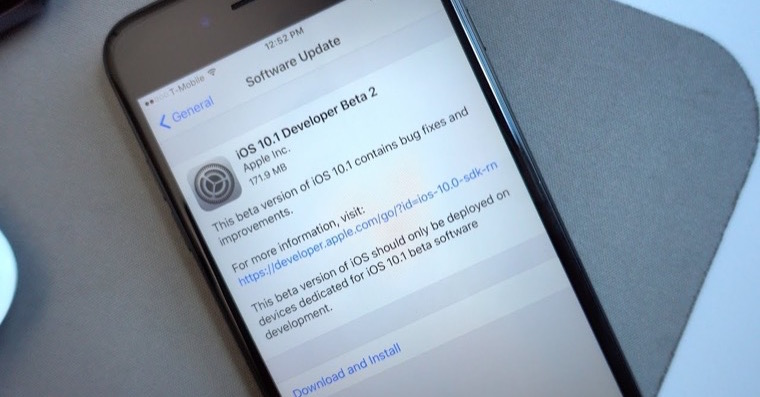
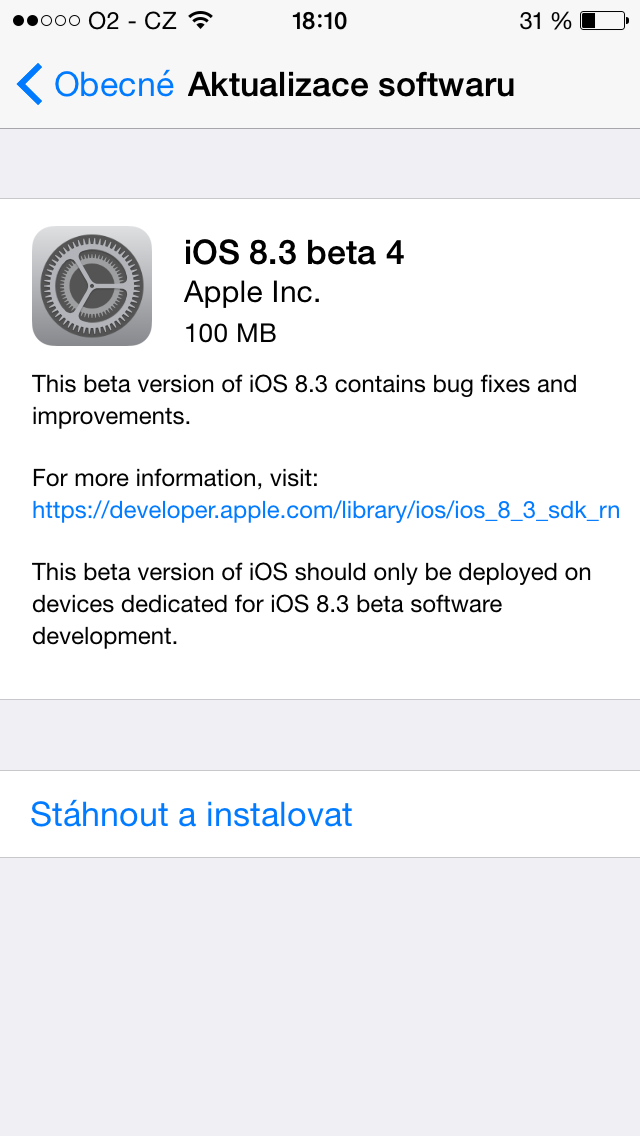
- Go to menu General > Software Update.
- Click on the option updates betaversions.
- Select iOS 27 Public Beta.
- If you want to beta test under a different Apple ID, you can change it directly in this menu.
- Go back one screen and wait until iPhone will search for an available update.
- As soon as iOS 27 Public Beta displays, just download and install it like any other system update.
If you have the opportunity iOS 27 Public Beta does not appear or the phone cannot find it, try the following:
- Quit and reopen the Settings app.
- Log in again to beta.apple.com and repeat the steps above.
- Restart your iPhone or iPad.
If not even then beta will not be available, you just have to wait a while. Apple It releases it gradually, so sooner or later it will appear on your device.