WhatsApp is constantly tweaking the user interface of its app, and in the latest test version for iPhones, it focused on the visual side of conversations. As the WA portal noticedBetaInfo, the animation for newly received and sent messages returns to the application after a certain pause. Developers have used this feature in the past from iOS version completely removed, causing text bubbles to appear on the display without any effect, which looked somewhat austere.
The novelty was discovered in the latest beta pro version iOS with the designation 26.24.10.70, which is available through the testing program TestFlightIt comes just a week after the same feature appeared in beta operating system version AndroidThis time, however, the creators have chosen a completely different visual style. Instead of the text bubble just jumping into the conversation, it now appears smoothly with a subtle blending effect, while also settling into the conversation as it settles in. chatslightly enlarged.
You might be interested in
Full control over visual effects
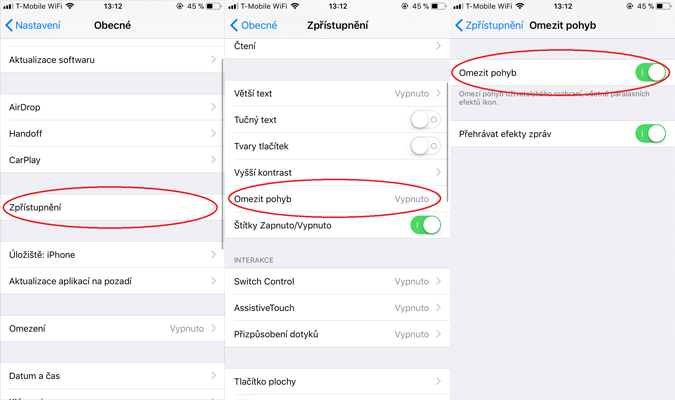
The biggest change compared to the past, however, is the addition of a dedicated control element, which will please all opponents of unnecessary graphical frills. WhatsApp has implemented the option to completely disable these animations in the settings. You can find the on/off switch for messages in the Settings > Chaty > Animations, where the new option will be placed alongside the existing toggles for animated emojis, stickers, and GIFs.
As with most functions that appear within TestFlight program, message animations are currently only available to a limited number of selected beta testers. The official date when this aesthetic novelty will reach the general public as part of a stable update in App Store, we don't know yet, but given that testing is already underway intensively on both major mobile platforms simultaneously, we probably won't have to wait long for the live launch. Are you using WhatsApp?