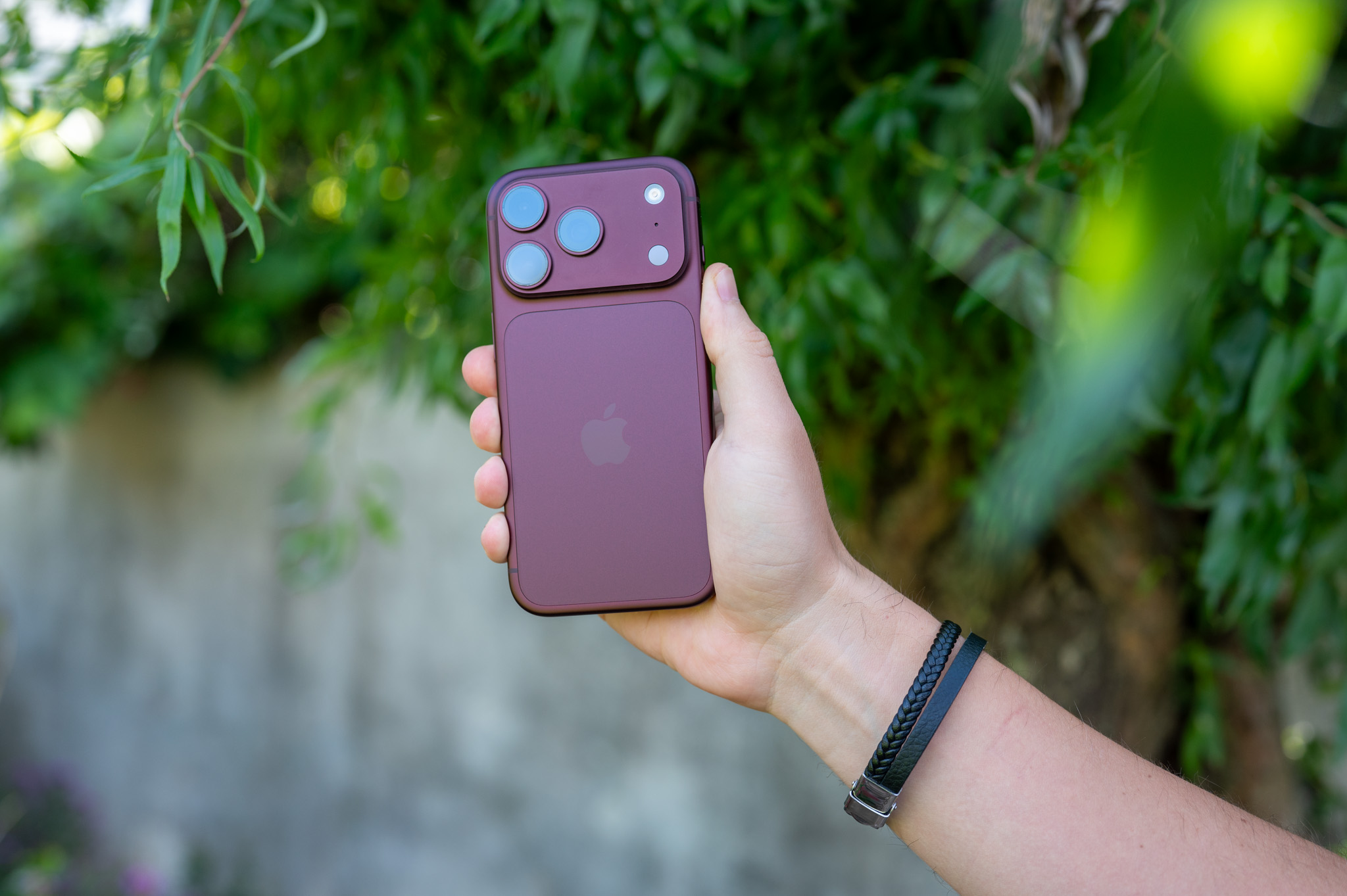
Operating system iOS 27which Apple was officially introduced last week, brings a number of useful new features and minor improvements. The popular native application was also not left out. Find (Find My) to track the location of devices and friends. The system is currently available as part of the first developer beta version, with the public beta will follow in July, and the live release for all users will arrive in September, as usual. Let's take a closer look at the three main features that will be added to the Find app in the fall.
Discreet location hiding
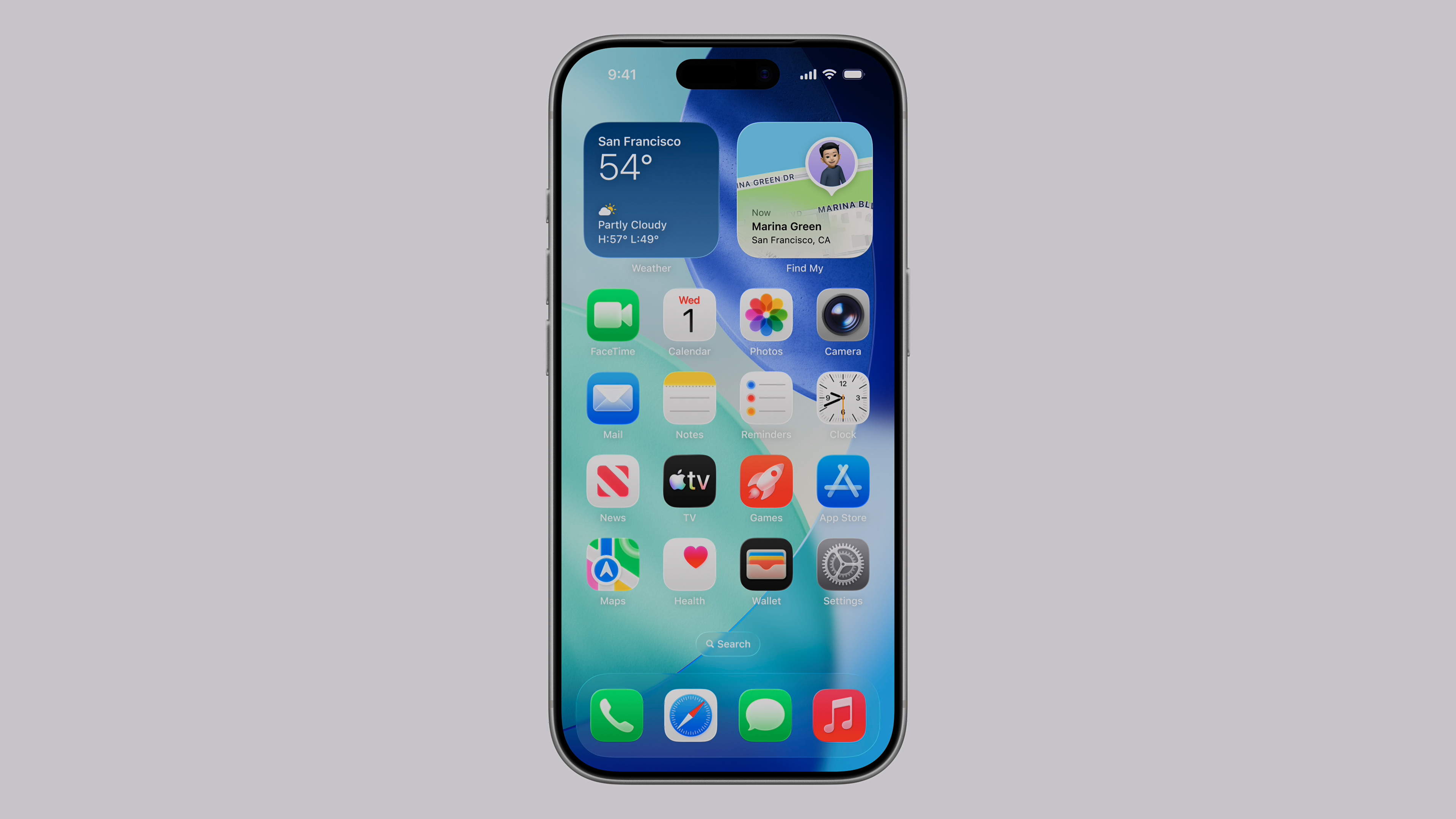
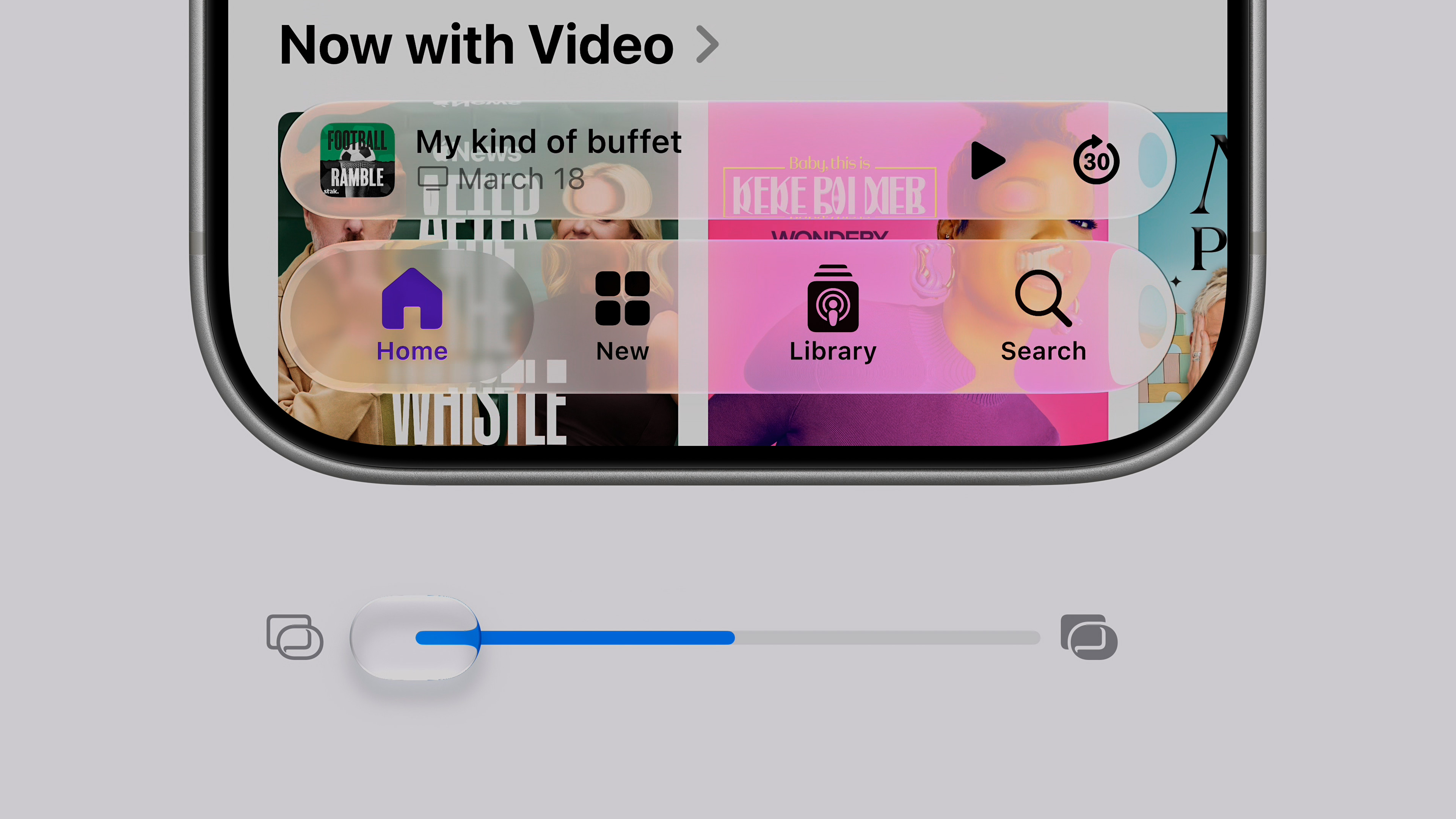
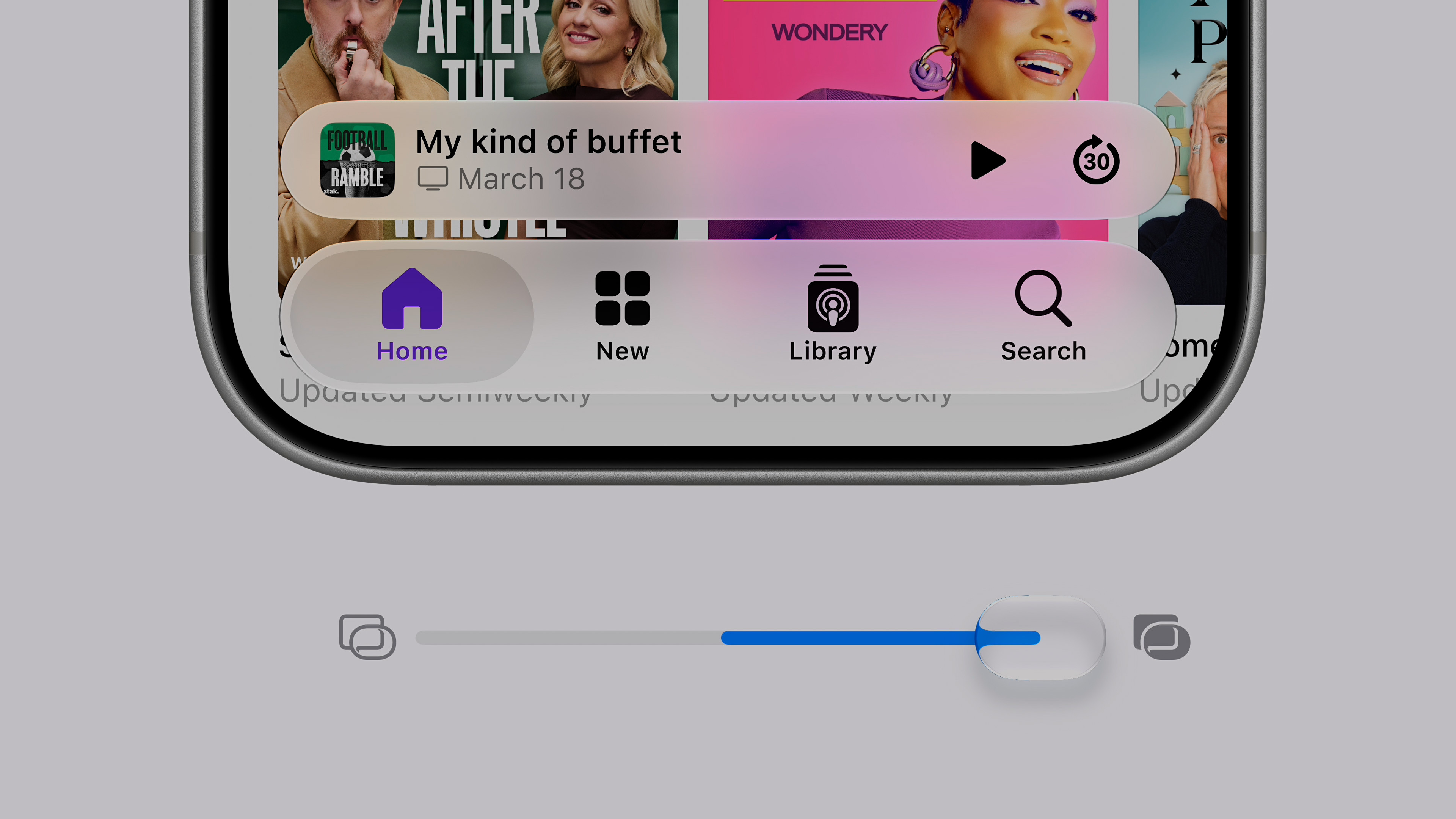
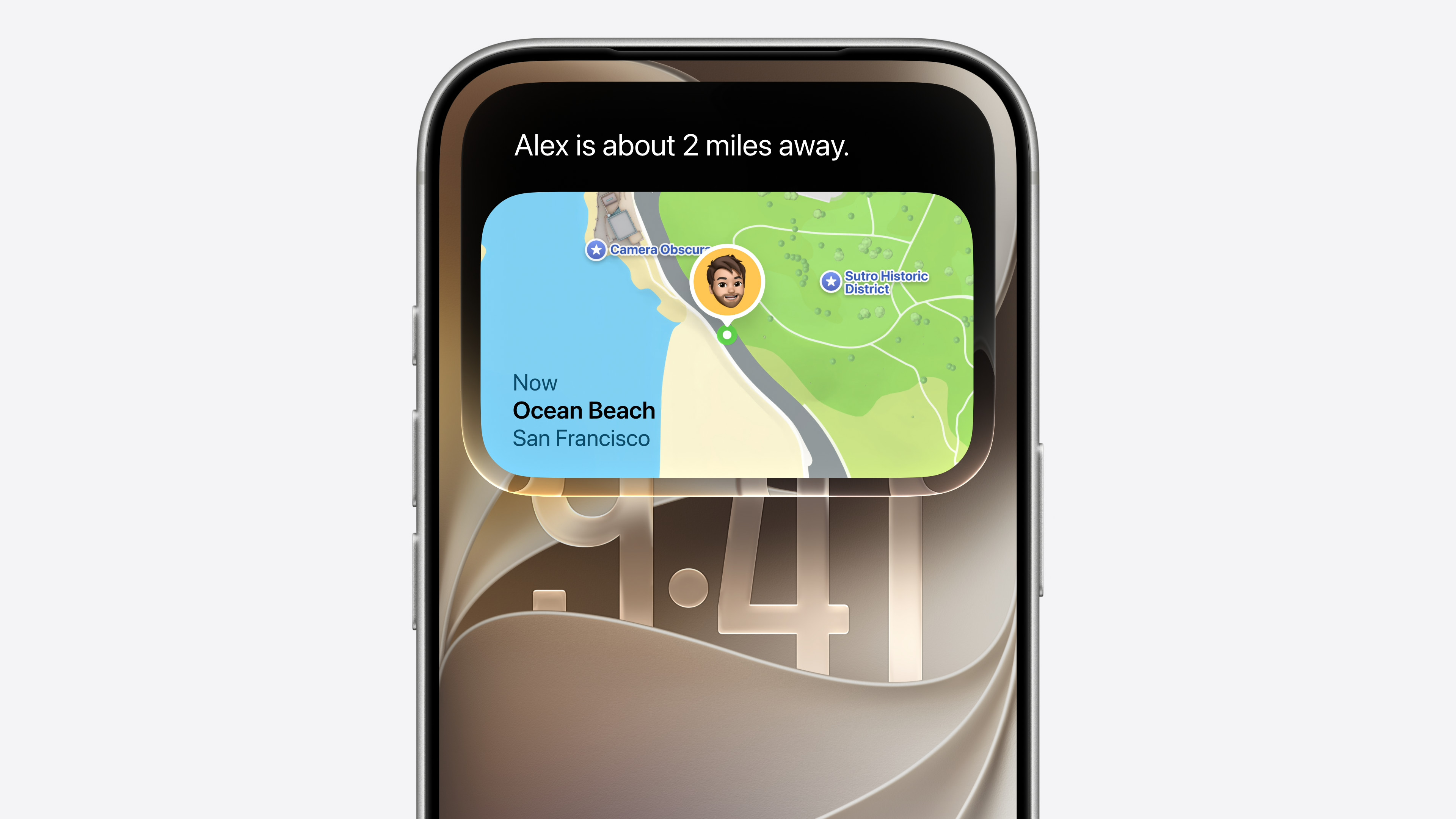
A brand new option to hide your location allows you toonewill allow you to discreetly pause sharing your current location with specific people until the end of the day. The biggest and most important advantage of this news is the fact that the person in question will receive absolutely no warning or notification that you have temporarily hidden your location from them. According to the AppThis feature was added to the system primarily for situations such as planning secret birthday surprises, buying gifts, or simply moments when you need a little privacy without unnecessary explanations.
Gallery






















Custom location sharing time
Find in app iOS 27 will now allow you to share your location with other users for an absolutely arbitrary period of time specified by you. You can set the time window from 15 minutes to a long 30 days. The system will allow you to enter the exact number of days, hours and minutes, or you can choose a specific date and time on the calendar when sharing should automatically and safely expire. This is a huge leap forward, because in the current iOS 26, there are only three hard-coded time frames available: share permanently, until the end of the day, or for just one hour.
Full-fledged landscape mode
updates iOS 27 enables the much-requested Landscape Mode in a much larger number of built-in apps from Applu, including the aforementioned Find application. While in iOS In versions 26 and earlier, this horizontal mode was available primarily in Maps, Calendar, Files, Notes, and the Mail app; the latest update significantly expands its support across the entire ecosystem.
You might be interested in
Many analysts speculate that this move could be a very subtle software preparation for the long-awaited foldable phone, often referred to as the "iPhone Ultra. Pro For such a device, apps that are fully optimized for landscape display would be absolutely essential. To take advantage of the new mode in a supported app, simply iPhone simply turn it sideways. Of course, the condition is that the screen orientation lock in the Control Center is turned off.