
How to install iOS 27 is one of the most frequent questions that we have received in emails and messages in the last few minutes. Facebookua Instagram. Fortunately, we know the answer to this question very well and we will answer it for you in the following lines.
How to install iOS 27
- Open the app on your iPhone Settings
- Continue to the section In general
- Choose an option here Software Update
- In the section updates betaversions choose iOS 27 Developer Beta
- Take a step back and swipe down to check for updates
- You should see an update iOS 27 Developer Beta 1, which you can just install as a standard update and you're done. However, we recommend making a backup before installation for easier rollback. iOS 26.
This year marks only the tenth time in history that Apple decided to make developer tools available beta version is de facto completely free to all users, provided they log in to its developer portal. Until last year, downloading developer betas required paying the aforementioned $99 annual fee, which many Apple fans circumvented by downloading various developer profiles on the Internet. At first, it seemed that they would try to Apple prevent by establishing beta testing directly on Apple ID, but after updating the menu Apple Developer Program and logging into the Developer portal, it can be seen that he did the exact opposite.
Developer version iOS 27 you install it entirely at your own risk and the magazine Letem světem APplem bears no responsibility for data loss or device destruction.




I already have it, I haven't found anything new yet. Maybe I'll notice it in time.
There won't be much new for Europe. ProIt's just that some European Union rules are blocking it again and again and who knows if we'll ever see anything here
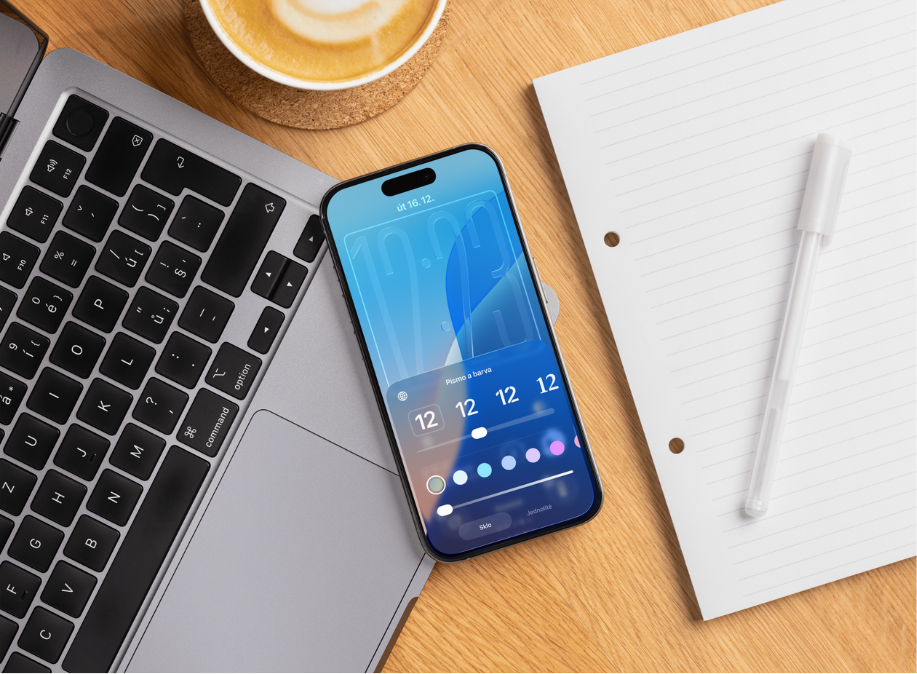
Thanks to this, it has been working beautifully since the first developer beta. The only new feature was the ability to customize Liquid Glass at the beginning after installation. I didn't notice anything else.
So first it blocks it Apple, no other manufacturer has a problem with this. Apple it's the sameonec glad he can blame the EU rather than struggle with supporting other languages. All the AI features could be here if Apple he wanted.
Exactly, Apple uses the EU as one big excuse (along with the "endangerment" of privacy). And his regret is fake.
What exactly does the EU prohibit? Appto be released to European customers?
ProHow would I do that???
Prothat I can
it stopped working airtag, shared, location not updating
Vain. It is beta.
Location update not working on shared airtagu
Jako betatester you need to report this AppHey, not here.
I am 13 years old. max shows only beta 26
How to get to 27
There is only ios 26 … If I put it on, it will jump on 26.6 ….🤣🤣🤣